
3DT Fence Generator – Blender Geometry Node Procedural
3DT Fence Generator – Blender Geometry Node Procedural
🎥 Demo Video
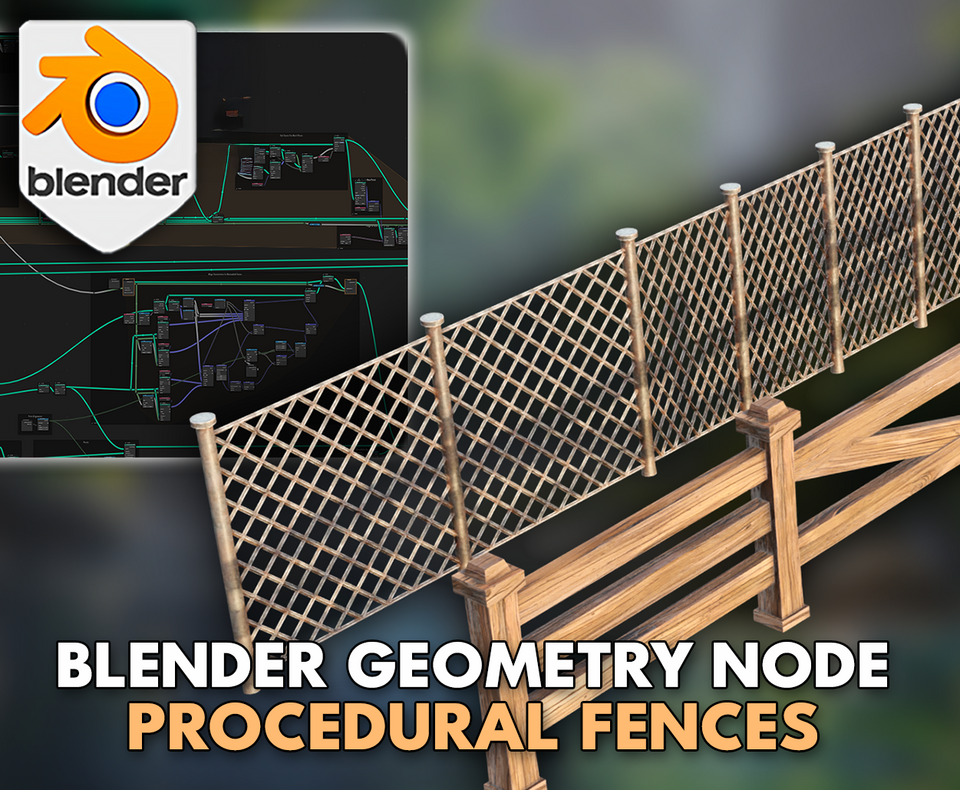
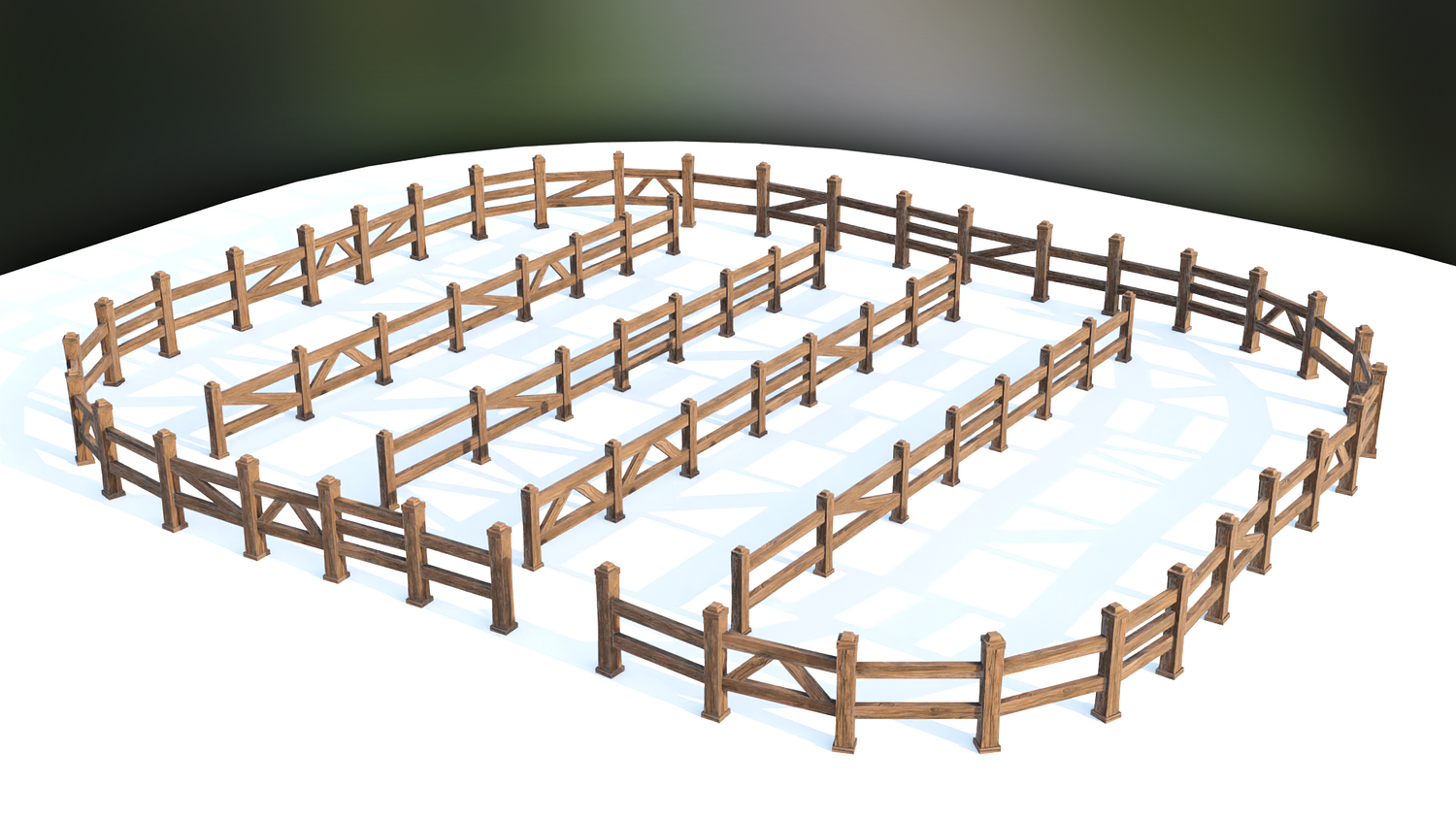
Effortlessly design complex fences for bridges, cities, prisons, and stylized worlds with the 3DT Fence Generator!
Built for Blender 4.0+, this versatile geometry node tool allows you to create straight, curved, or terrain-following fences using modular objects or full collections — with real-time randomization, alignment, and material blending support.
🎯 Key Features

Custom Fence Generation from Curves
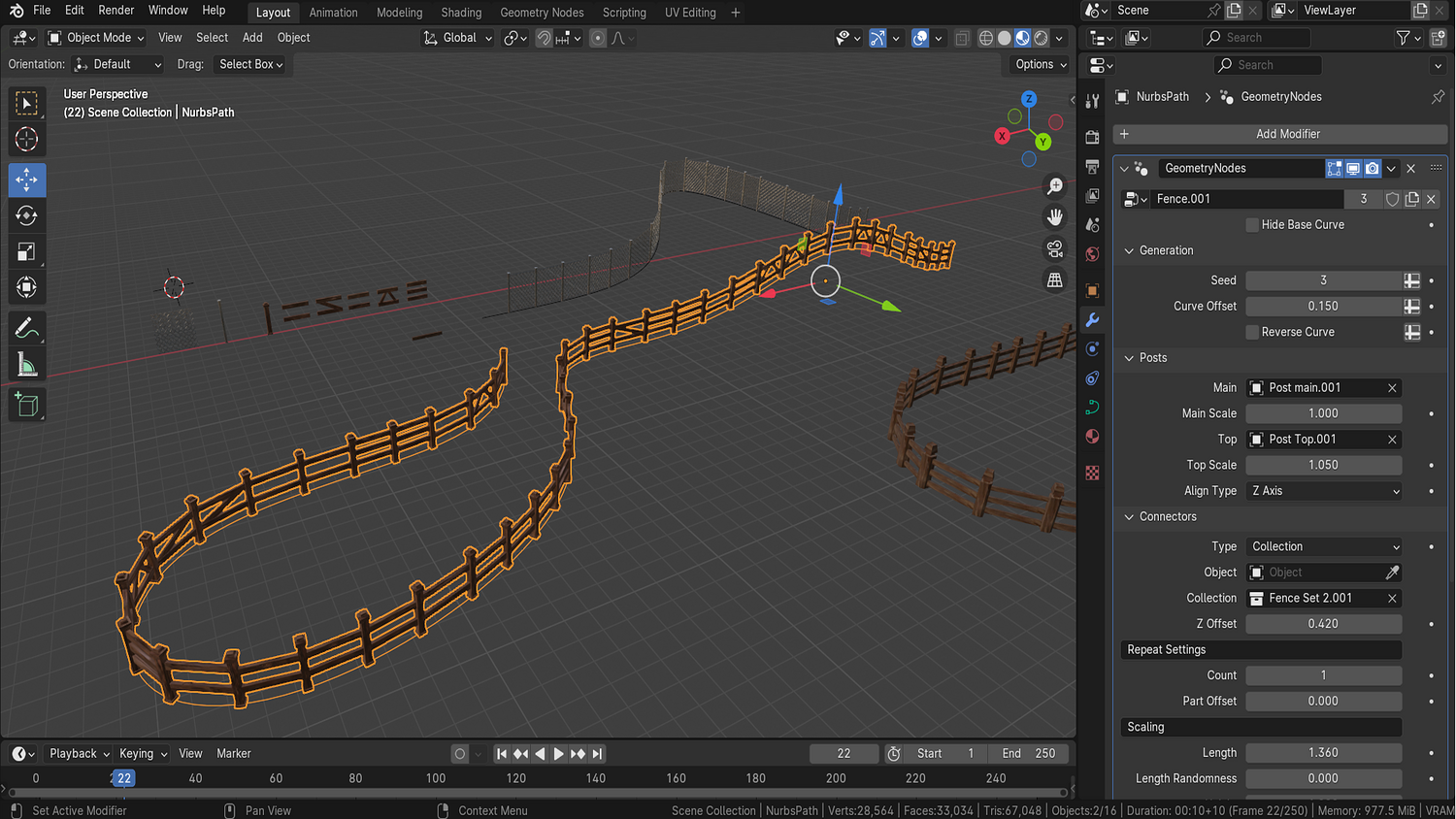
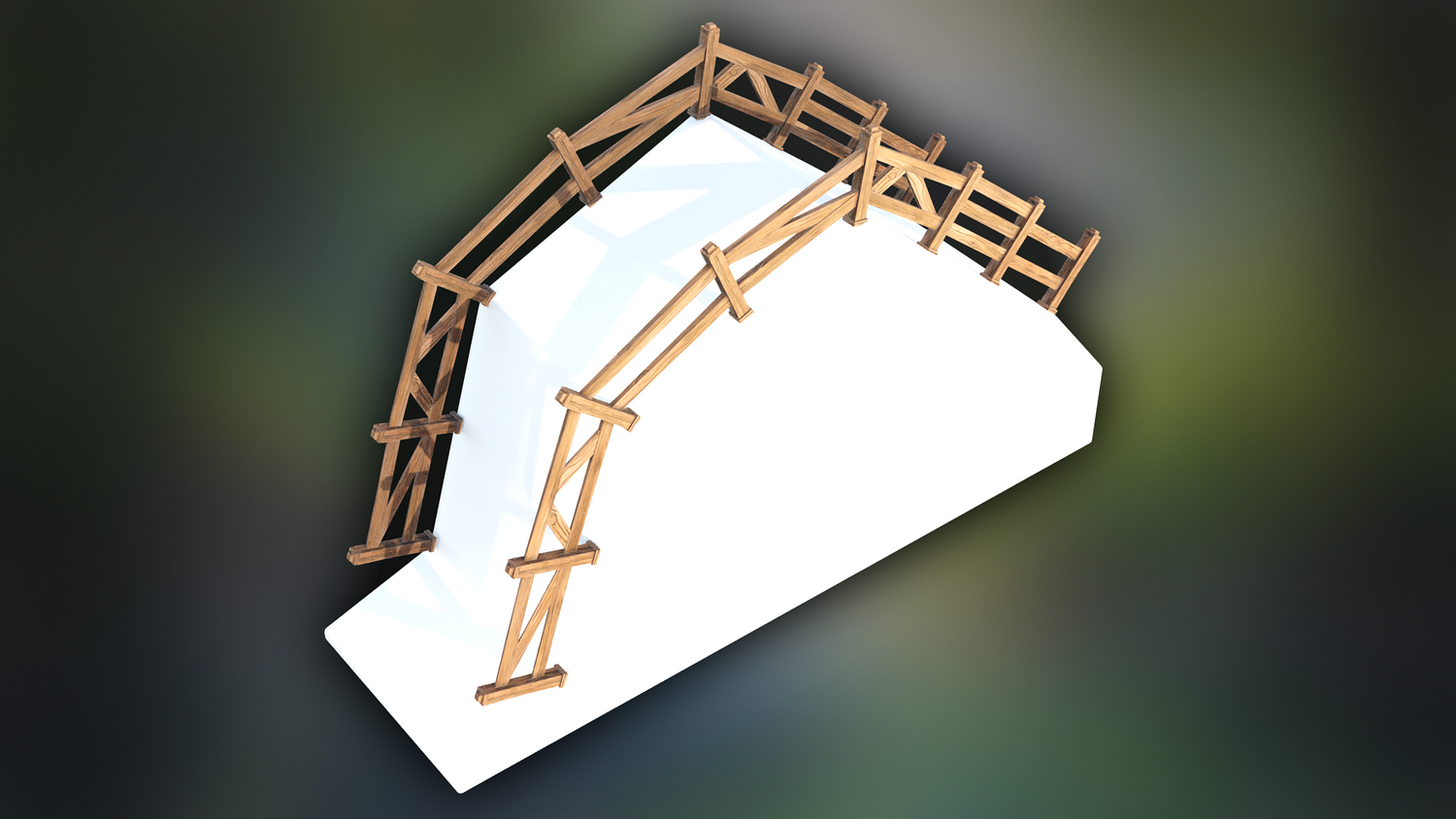
Draw any curve path and automatically generate fences that conform — perfect for hills, bridges, and terrain features.
Flexible Post and Top Design
Add individual posts and crossbars or use full mesh collections to build highly detailed fences.
Built-In Randomization Controls
Adjust pitch, roll, yaw randomness, and seed variation to create rugged, stylized, or worn fences instantly.
Real-Time Material Application
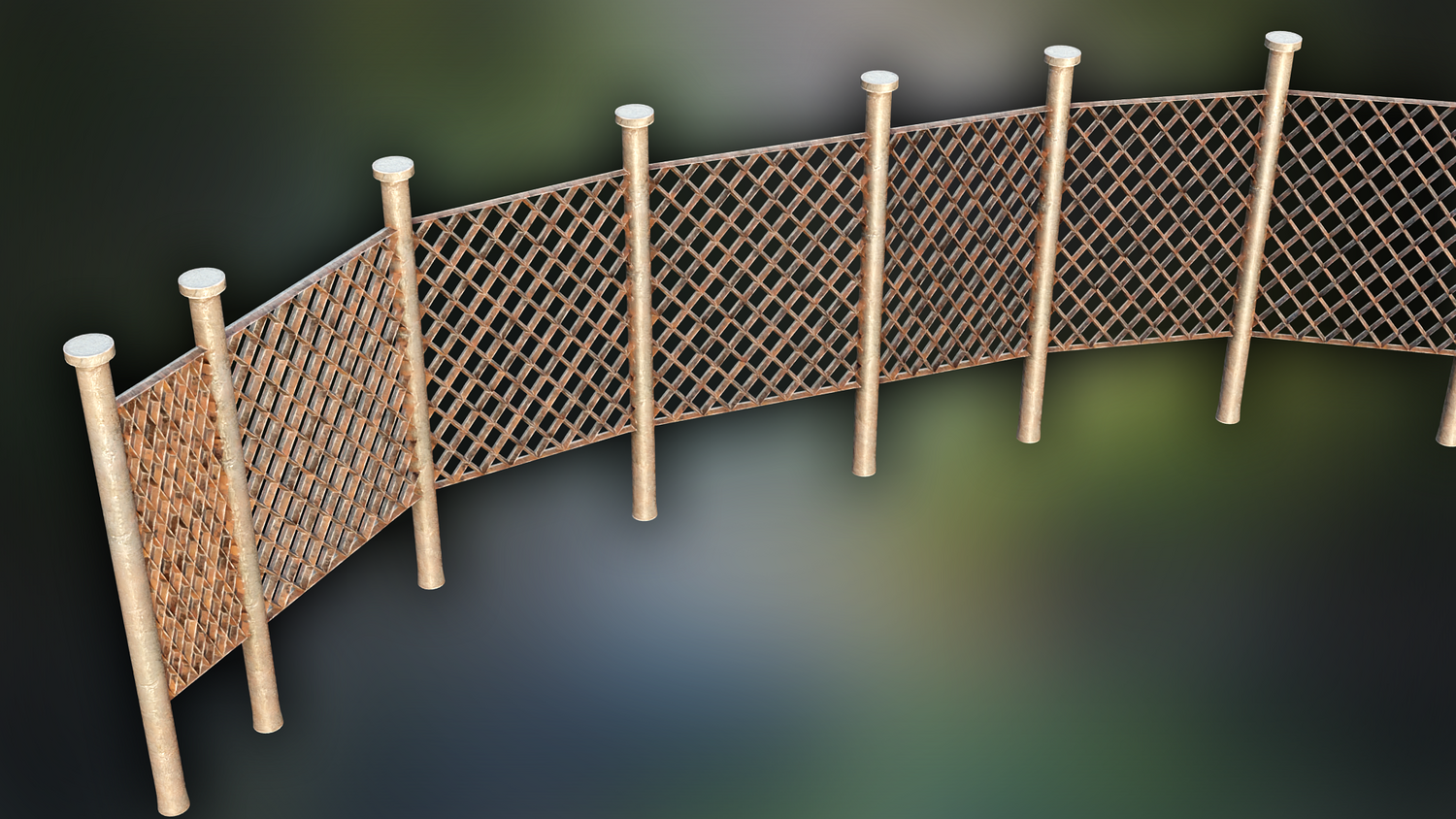
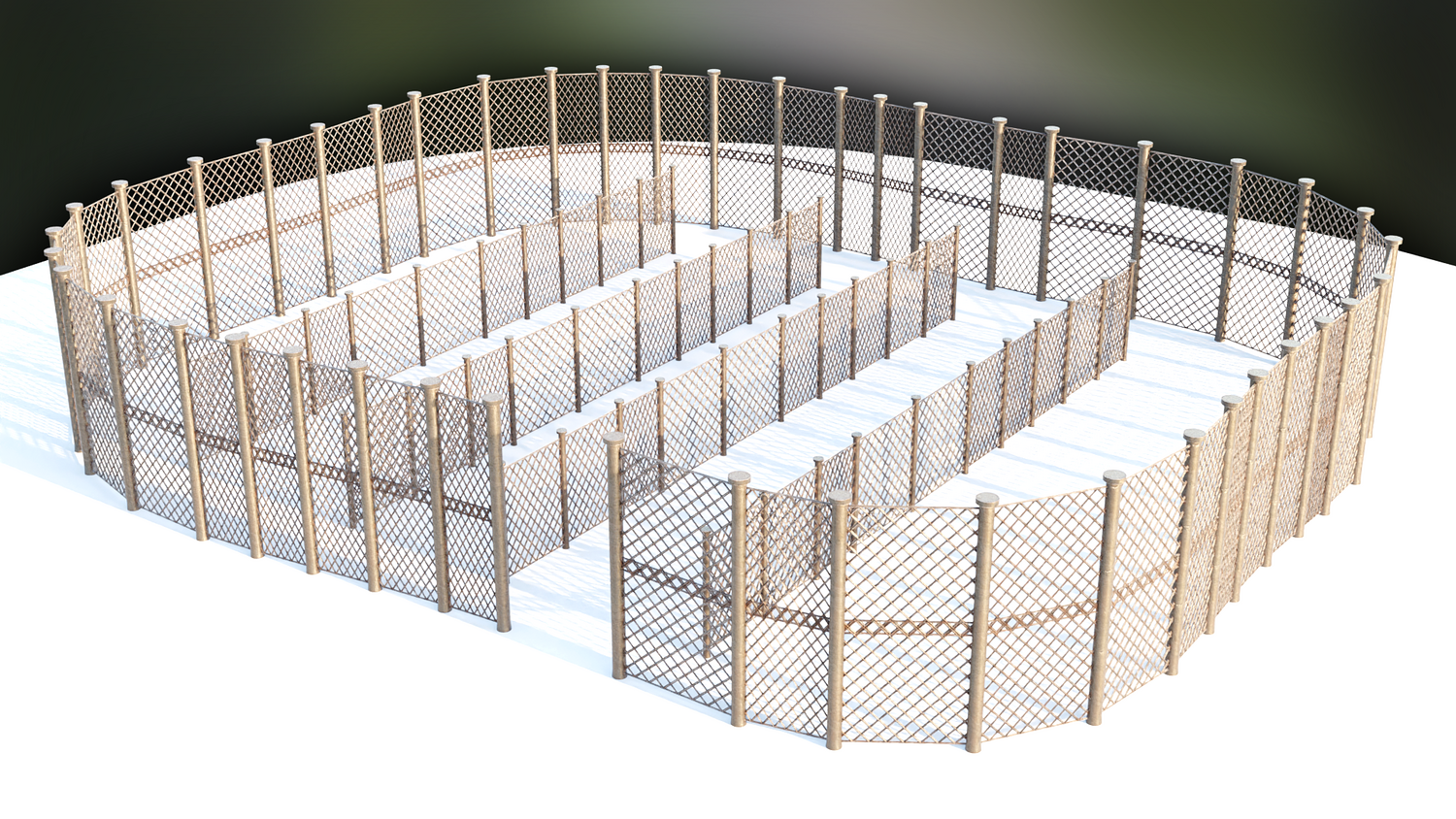
Comes with stylized wood and metal shaders with edge wear and color control built directly into the system.
Optimized Terrain Following
Switch alignment modes to easily create fences that hug terrain contours, climb slopes, or remain horizontal.
🔥 Why You'll Love It

Fast and Intuitive Scene Building
Quickly create realistic and stylized fences for towns, prisons, ranches, fantasy cities, or historical scenes.
Fully Artist Controlled
Decide post height, plank thickness, spacing, offset, random bending — total control for ultimate realism.
Ideal for Games, Animation, and Concept Art
Generate hundreds of meters of believable fencing without needing manual duplication or array setups.
Easy Mesh Conversion for Finalization
Quickly convert procedural fences into static mesh for UV unwrapping, exporting, and optimization.
📦 What's Included
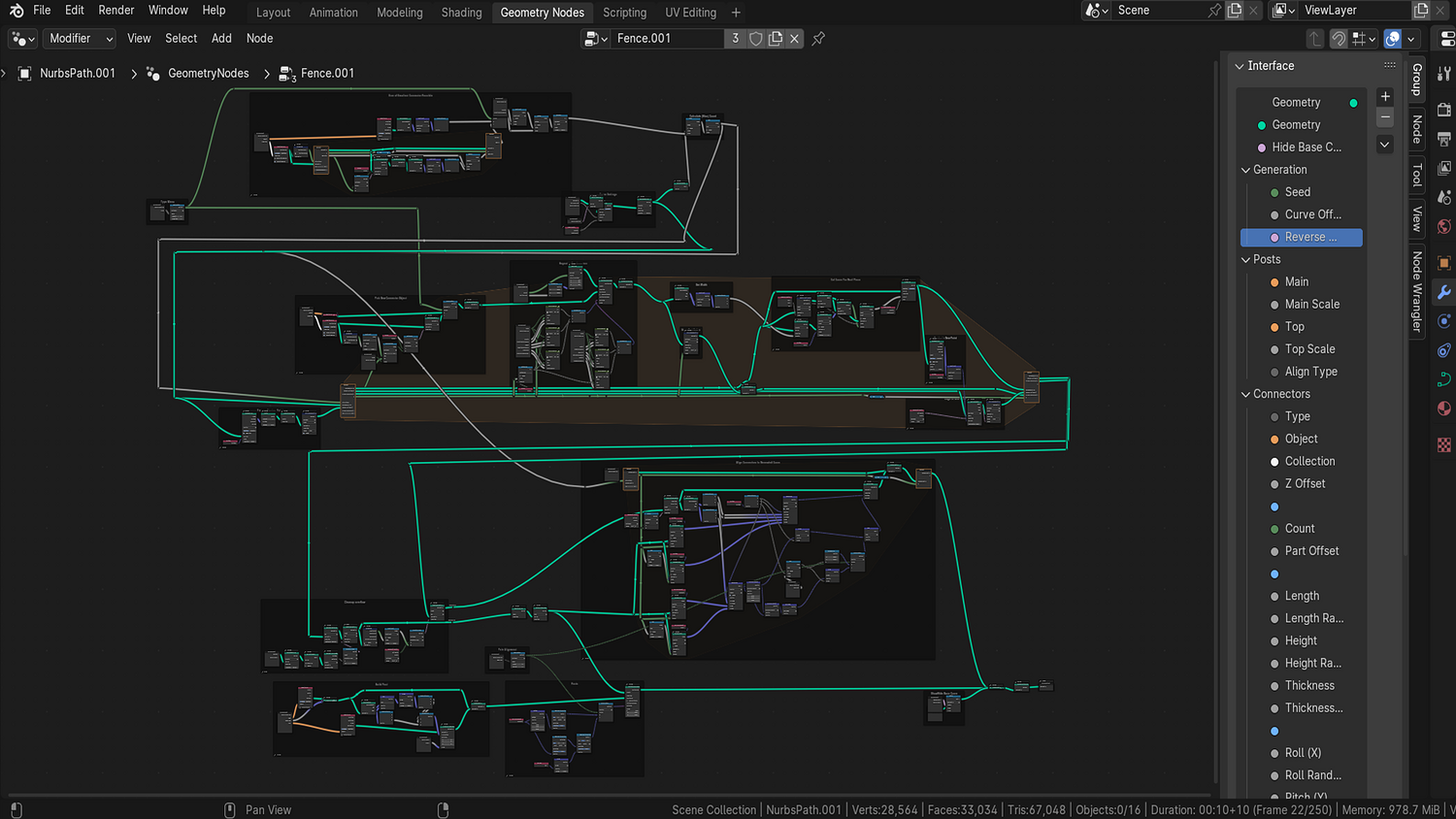
- 1x Blender .blend file with complete Fence Generator Geometry Node setup
- Fence builder node supporting both single objects and collections
- Wood and metal stylized shaders
- Z-axis alignment and randomization options
- Mesh conversion and UV unwrap ready system
⚙️ Requirements
- Blender 4.0 or newer with lifetime updates
- From noob to pro — watch the 10 minute video to have everything up and running in no time
🚀 Installation Instructions
Method 1 – Add to Asset Library
- Download and unzip the product folder.
- Open Blender → Edit → Preferences → File Paths → Asset Libraries → click the "+" button.
- Navigate to the extracted folder and add it.
- Open the Asset Browser and drag the Fence Generator into your scenes.
Method 2 – Manual Append
- Open your Blender project.
- Go to File → Append → Locate the .blend file → Import the Geometry Node group.
Method 3 – Copy and Paste Between Projects
- Open the project containing the Fence setup.
- Select the Geometry Node group.
- Press Ctrl+C to copy.
- Open another Blender project and press Ctrl+V to paste it directly into your scene.
💬 Support
Need help? Join our growing 3D Tudor Discord community to connect with our support team and hundreds of fellow artists!
👉 Join the 3D Tudor Discord here
Model Details
- FormatsBLEND
- Polygons0
- Vertices0
- animatedno
- materialsno
- texturesno
- riggedno
- uvsno
- 3d print readyno
You will get 1 file
All files previously purchased will always be available for download in your Library