3DT Stairs Generator – Blender Geometry Node Procedural
3DT Stairs Generator – Blender Geometry Node Procedural
🎥 Demo Video
🛠 Update Geometry Node
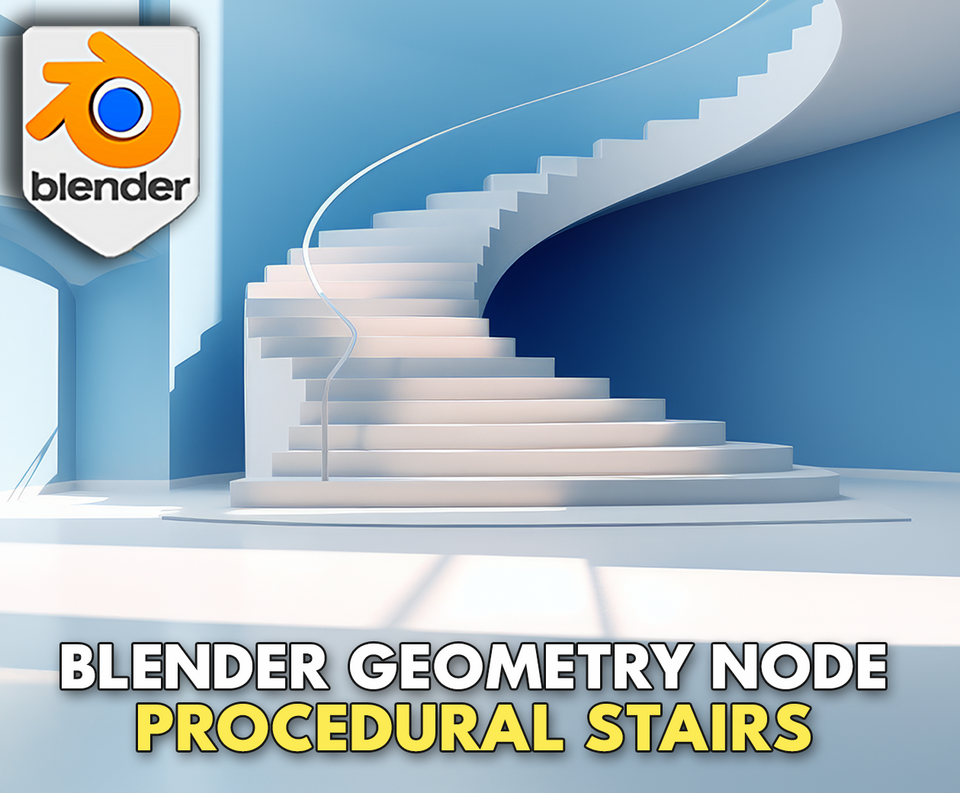
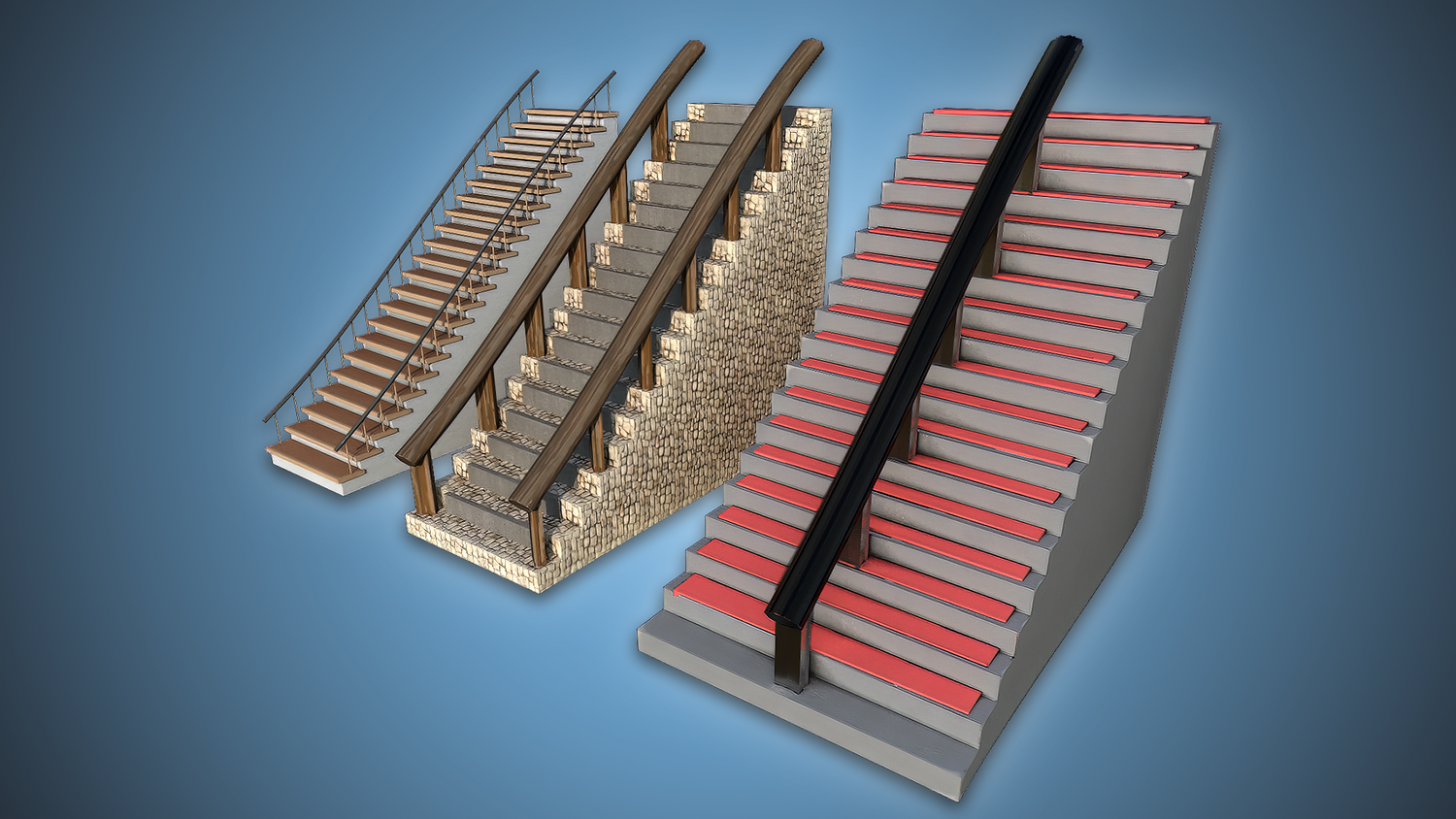
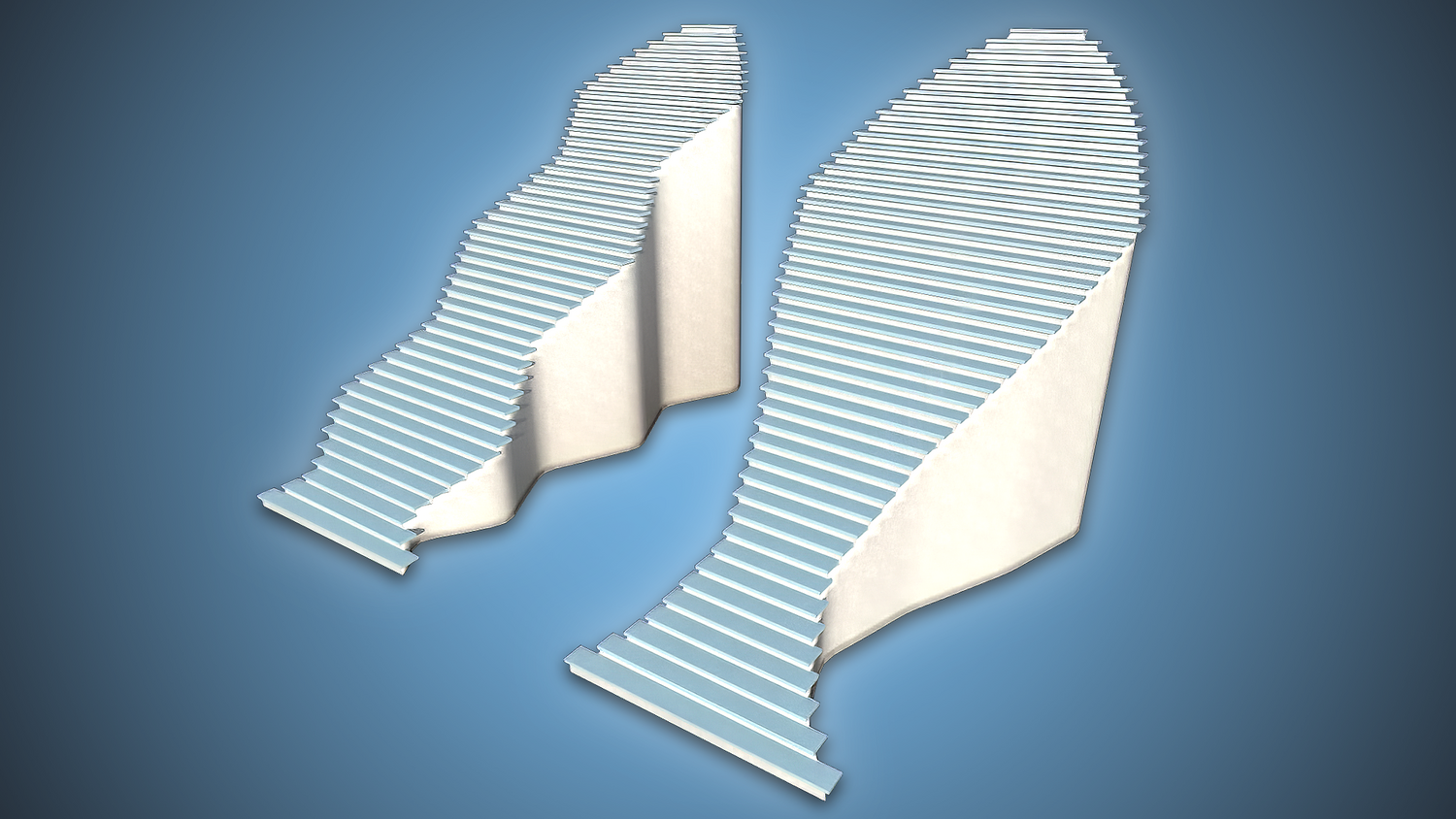
Design functional or stylized stairs of any shape using the 3DT Stairs Generator — a flexible, curve-based system for Blender 4.0+.
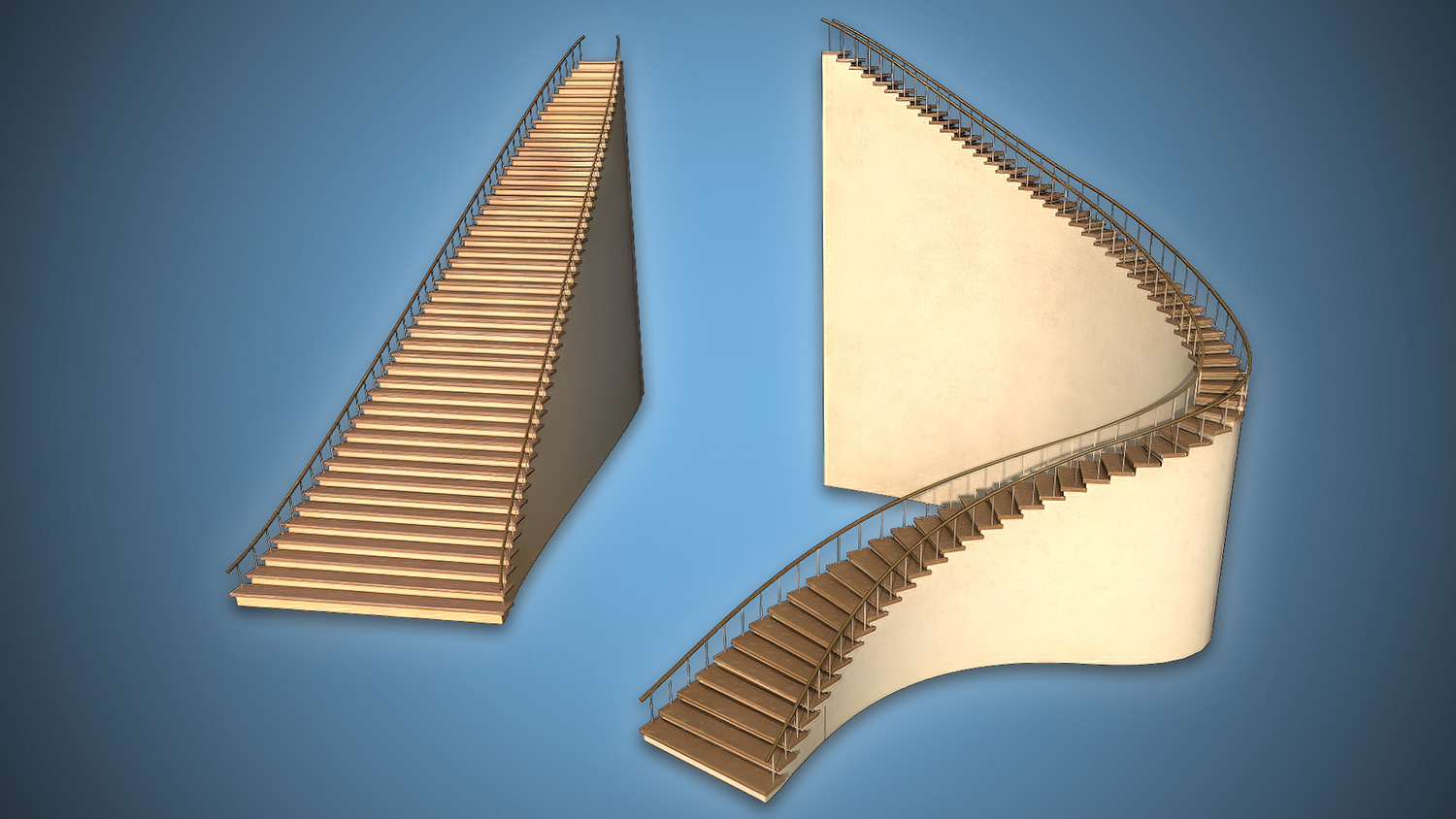
Use paths or bezier curves to create straight, circular, or spiraling staircases with adjustable width, height, materials, base, handrails, and pole frequency. One of the most beginner-friendly yet powerful stair generators available.
🎯 Key Features

Draw Straight or Curved Stairs with Ease
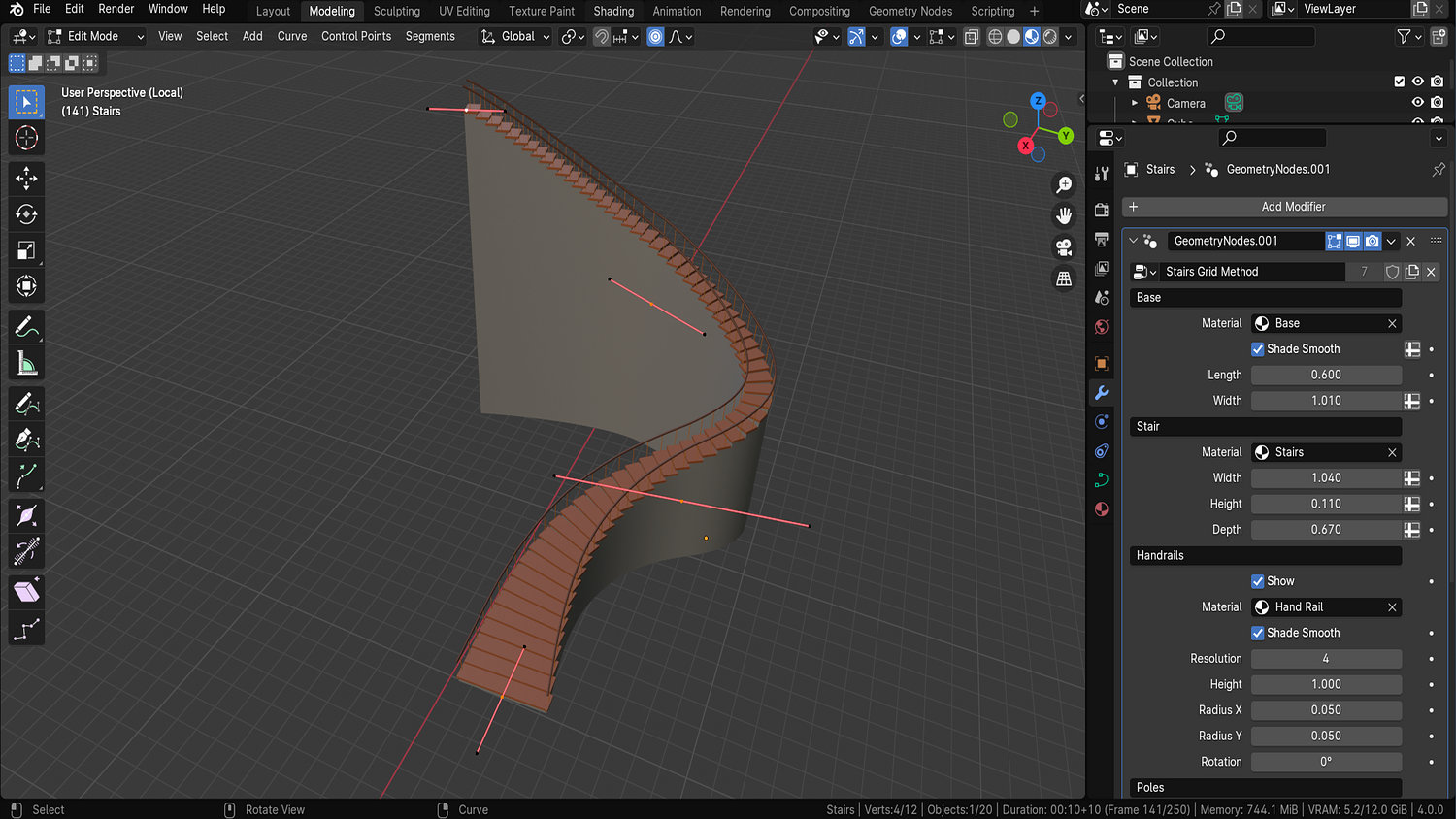
Use paths for linear stairs or bezier curves for fully curved setups — handles allow precise control.
Material Override and Quick Switching
Change materials for stairs, base, handrails, and poles independently — ideal for rapid iteration.
Modular Base and Stair Width Controls
Customize stair depth, overhang, riser height, and base width separately for maximum flexibility.
Handrail Radius, Resolution, and Tilt
Control curvature, smoothness, and sloping of handrails on either side — mirrored or unique.
Pole Frequency and Offset Logic
Set poles per step, per few steps, or at offset heights — perfect for realism or stylized decoration.
🔥 Why You'll Love It
Perfect for Architecture, Interiors, and Games
Create elegant stairways for homes, castles, ruins, or modern environments with curve-guided precision.
Highly Versatile and Beginner Friendly
Zero modeling needed — just draw a curve, adjust some sliders, and your stairway is ready to go.
Designed with Realism in Mind
Stair height, handrail spacing, and base control mimic real-world dimensions and build logic.
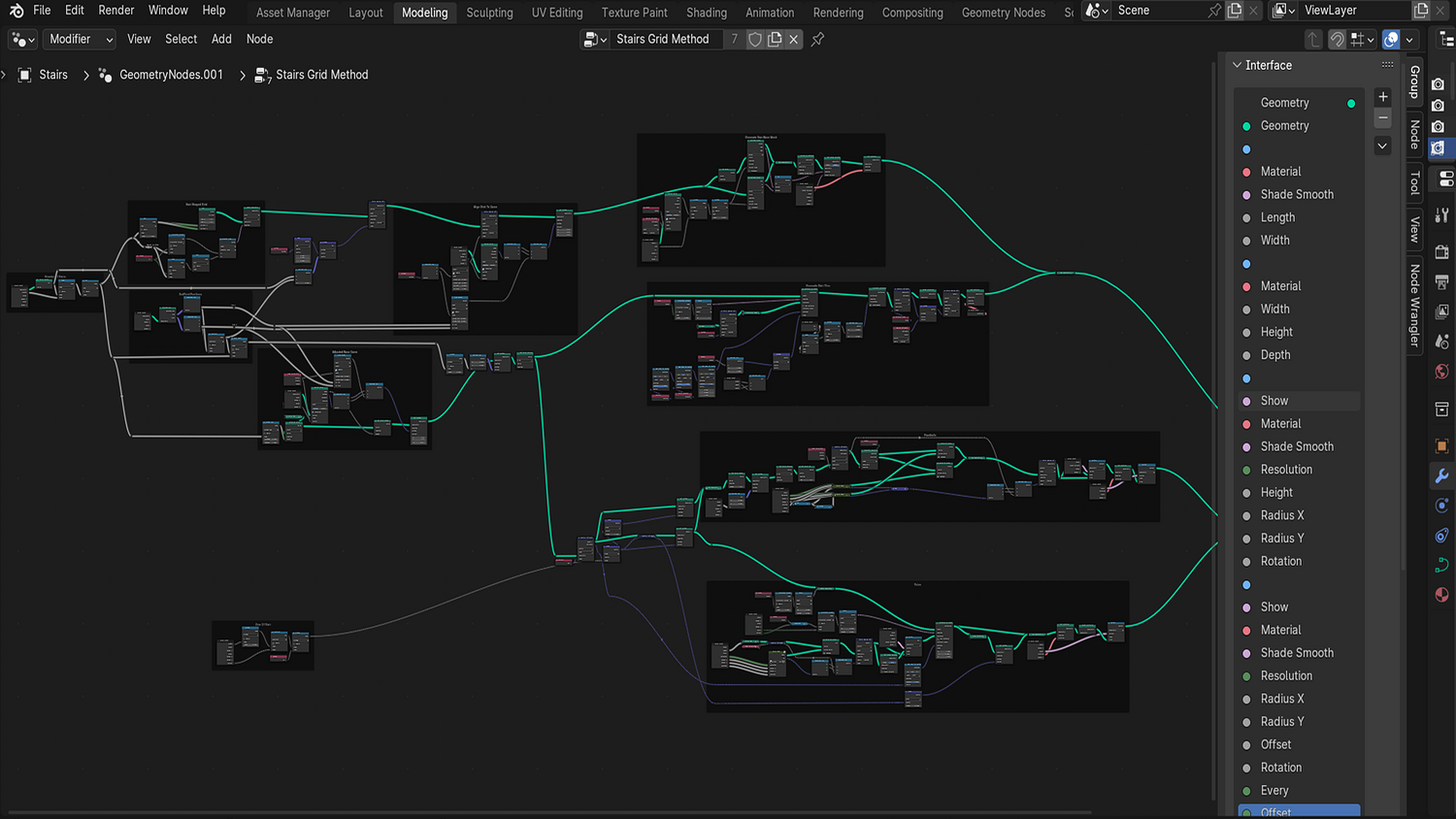
Coming with a Full Geometry Node Course
Learn how to build this exact node setup from scratch with the included course series — great for learners!
📦 What's Included
- 1x Blender .blend file with Stairs Generator Geometry Node setup
- Bezier and path support for curved or straight flights
- Base, stair, handrail, and pole control systems
- Full material override for each section
- Auto-smoothing and resolution settings for perfect curves
⚙️ Requirements
- Blender 4.0 or newer with lifetime updates
- From noob to pro — watch the 10 minute video to have everything up and running in no time
🚀 Installation Instructions
Method 1 – Add to Asset Library
- Download and unzip the product folder.
- Open Blender → Edit → Preferences → File Paths → Asset Libraries → click the "+" button.
- Navigate to the extracted folder and add it.
- Open the Asset Browser and drag the Stairs Generator into your scenes.
Method 2 – Manual Append
- Open your Blender project.
- Go to File → Append → Locate the .blend file → Import the Geometry Node group.
Method 3 – Copy and Paste Between Projects
- Open the project containing the Stairs setup.
- Select the Geometry Node group.
- Press Ctrl+C to copy.
- Open another Blender project and press Ctrl+V to paste it directly into your scene.
💬 Support
Need help? Join our growing 3D Tudor Discord community to connect with our support team and hundreds of fellow artists!
👉 Join the 3D Tudor Discord here
Model Details
- FormatsBLEND
- Polygons0
- Vertices0
- animatedno
- materialsno
- texturesno
- riggedno
- uvsno
- 3d print readyno
You will get 2 files
All files previously purchased will always be available for download in your Library