3DT Cobblestone Path Generator – Blender Geometry Node Procedural
3DT Cobblestone Path Generator – Blender Geometry Node Procedural
🎥 Demo Video
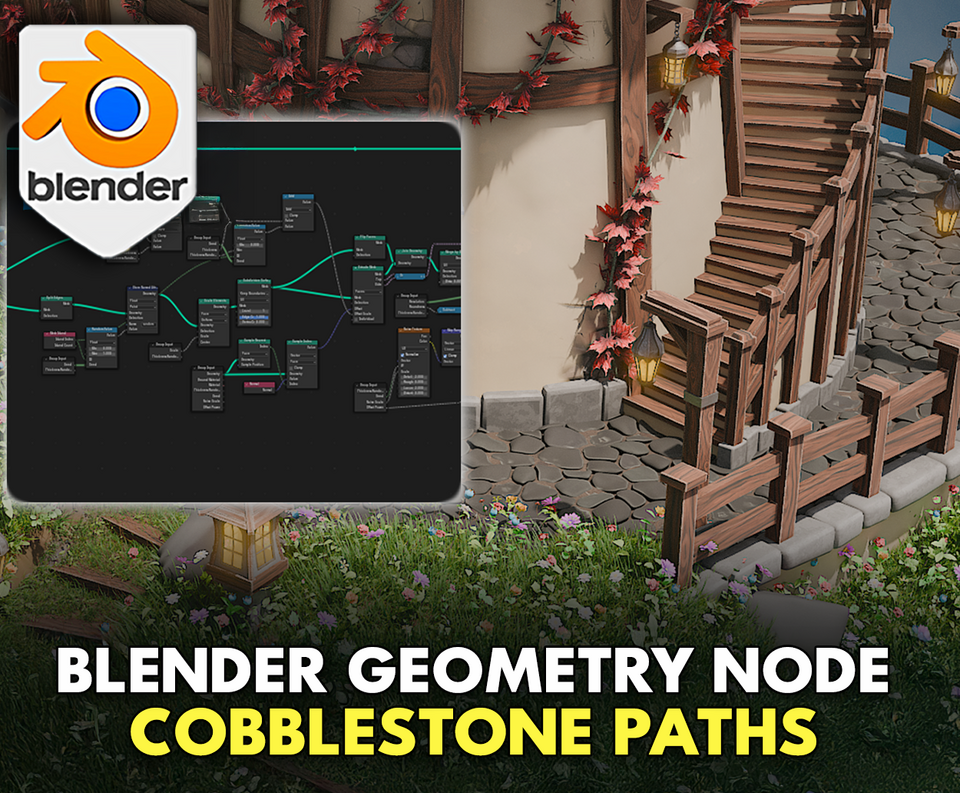
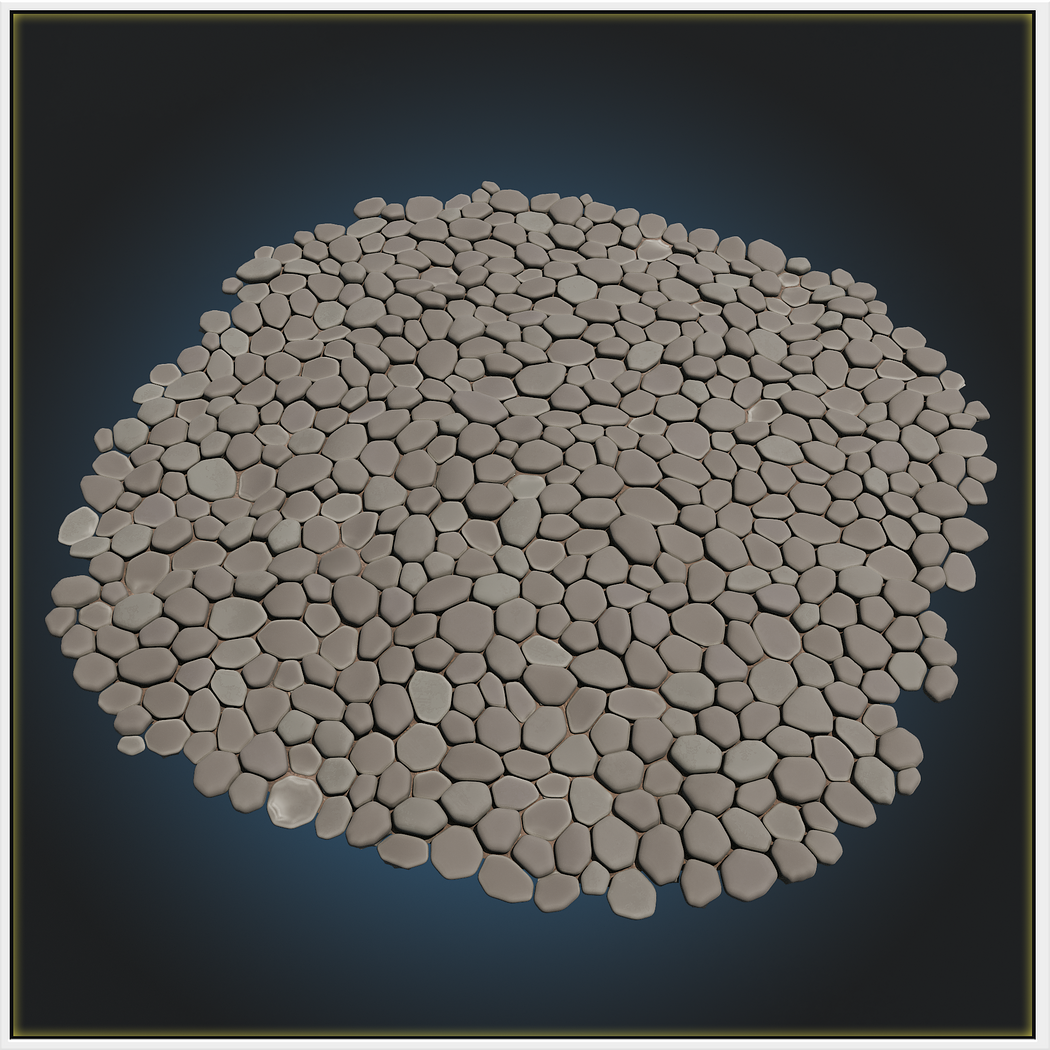
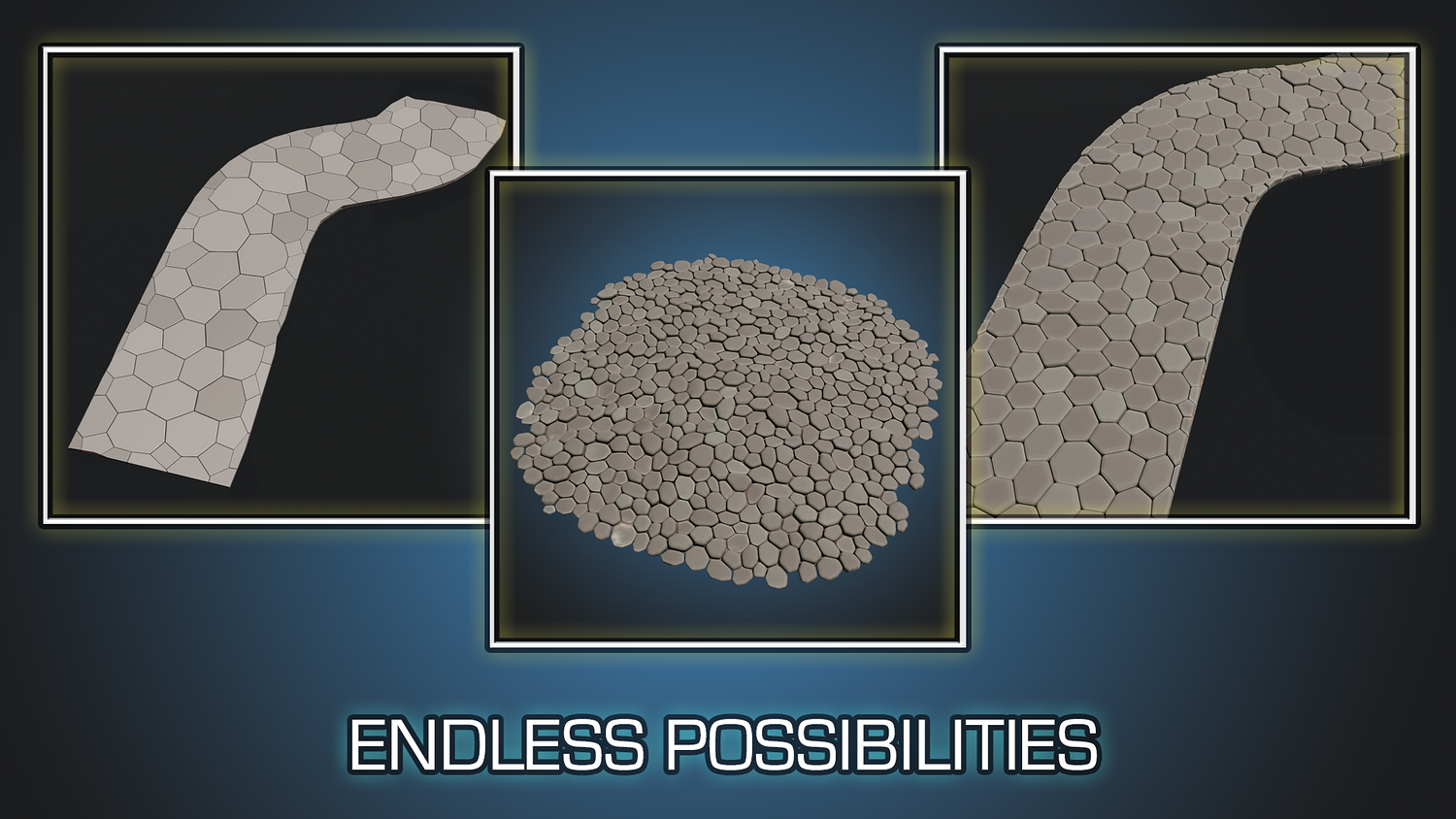
Design beautiful, uneven, and customizable cobblestone surfaces in seconds with the 3DT Cobblestone Path Generator!
Built for Blender 4.0+, this intuitive geometry node setup lets you create dynamic stone walkways, courtyards, and roads with roundness, noise, edge detailing, and live material switching — no modeling needed.
🎯 Key Features

One-Click Setup
Simply apply the geometry node modifier to any object and select the cobblestone preset — instant results.
Advanced Geometry Controls
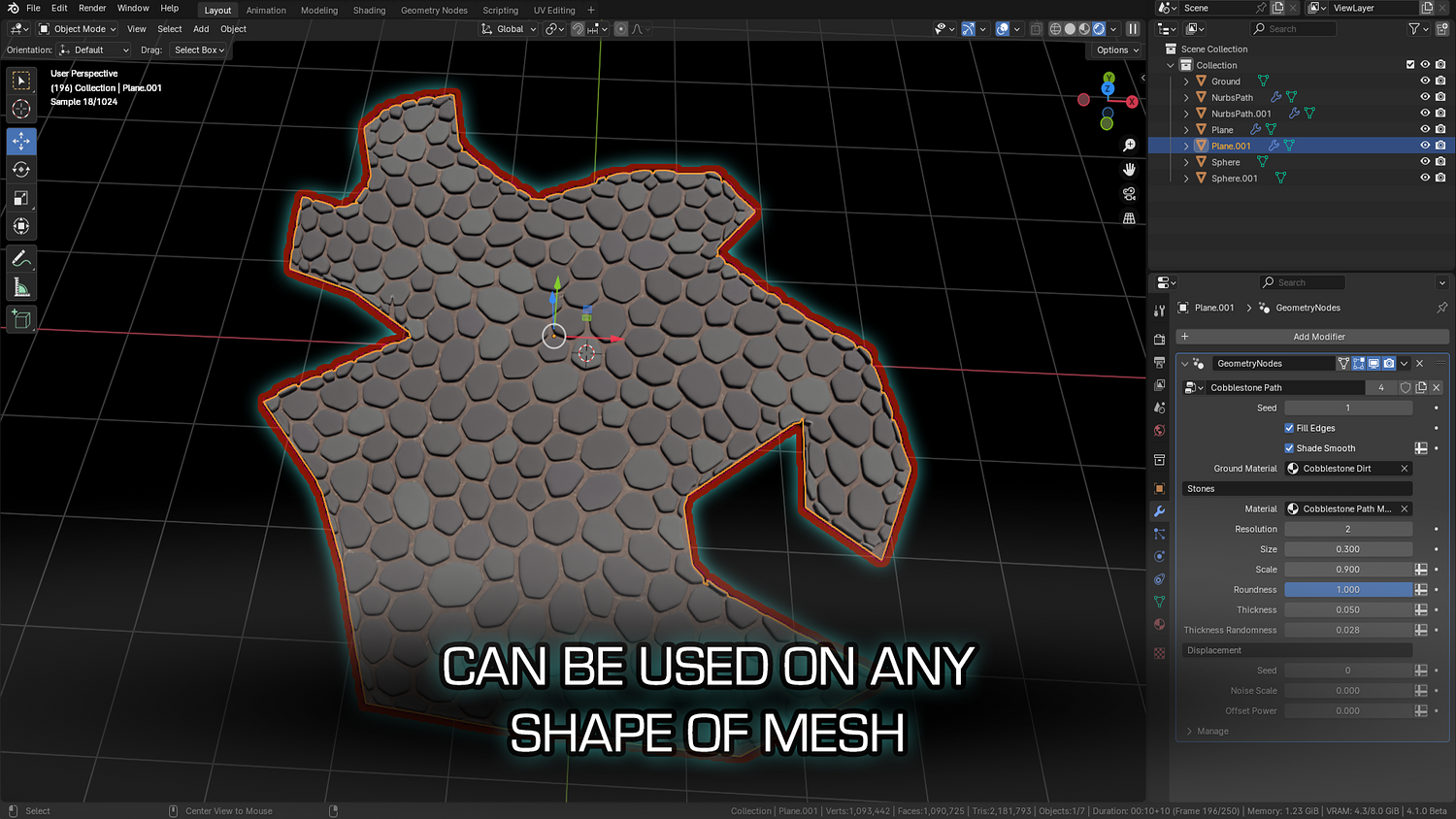
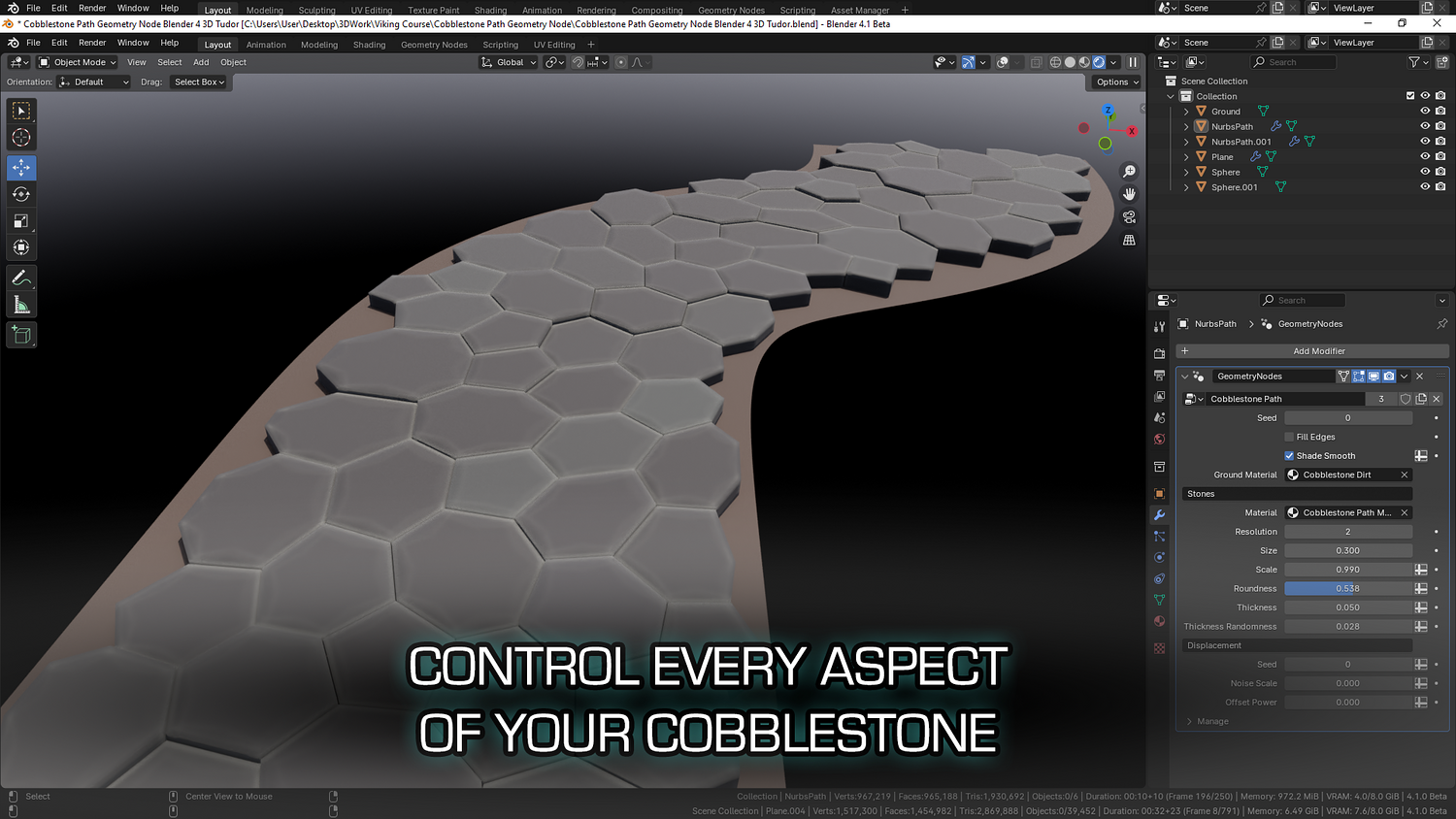
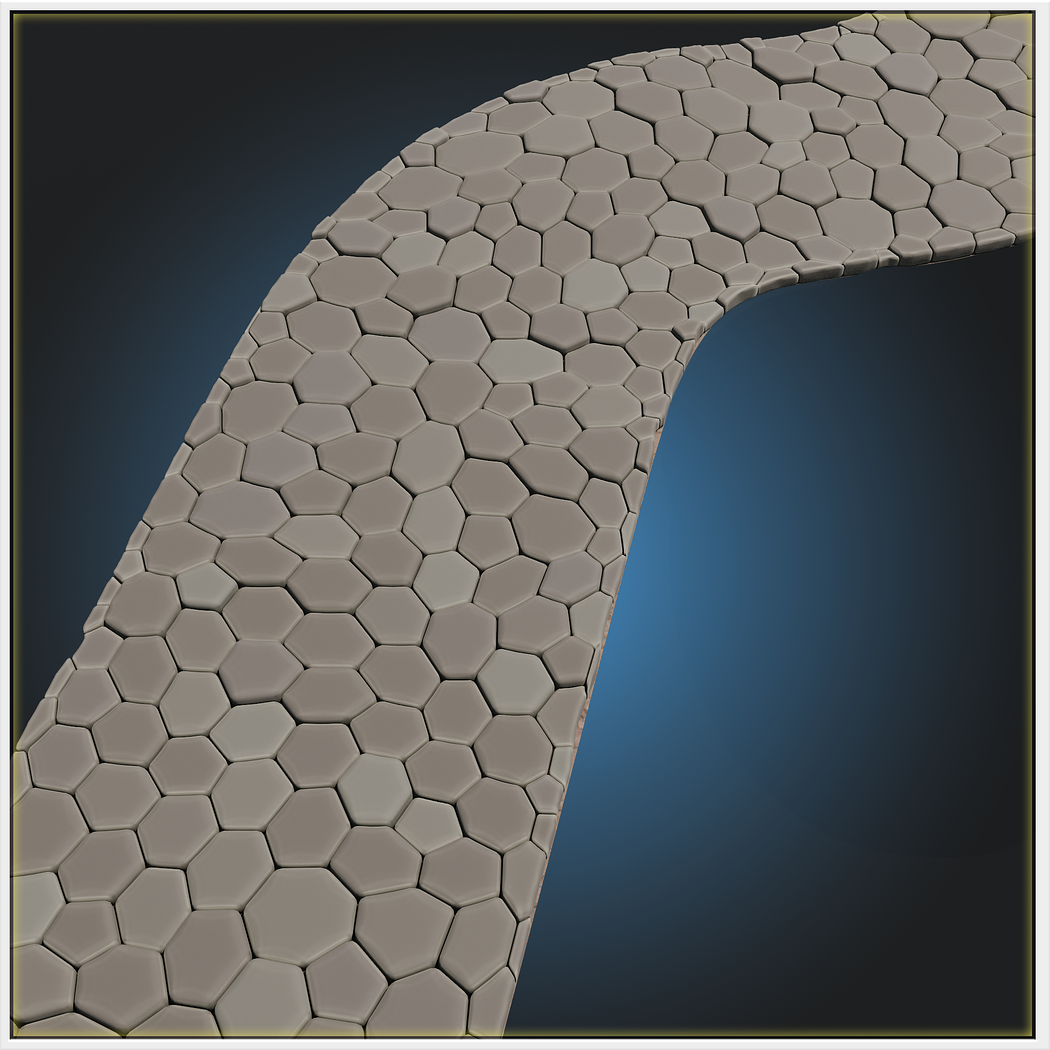
Control cobble size, scale, roundness, thickness, and randomize geometry for highly natural patterns.
Edge Filling Support
Enable automatic edge-cobble placement for perfect coverage on walkways, courtyards, or border trims.
Material Blending and Shading
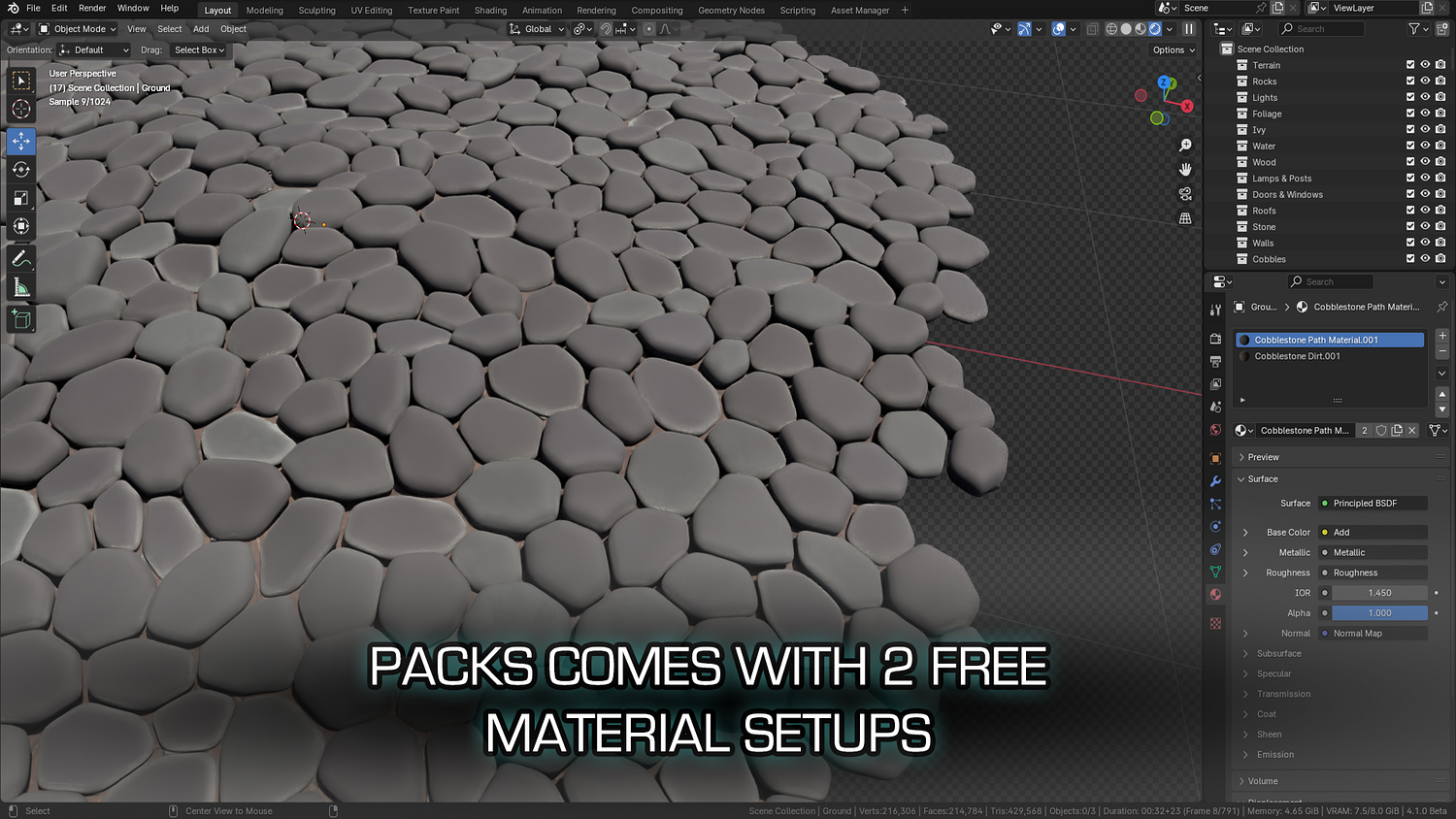
Two materials included with real-time switching. Use shade smooth or flat modes for baked-in edge wear effects.
Noise & Offset Sliders
Create realistic elevation changes, uneven layouts, and organic deformation using simple sliders for noise and offset.
🔥 Why You'll Love It

Instantly Create Stylized or Realistic Paths
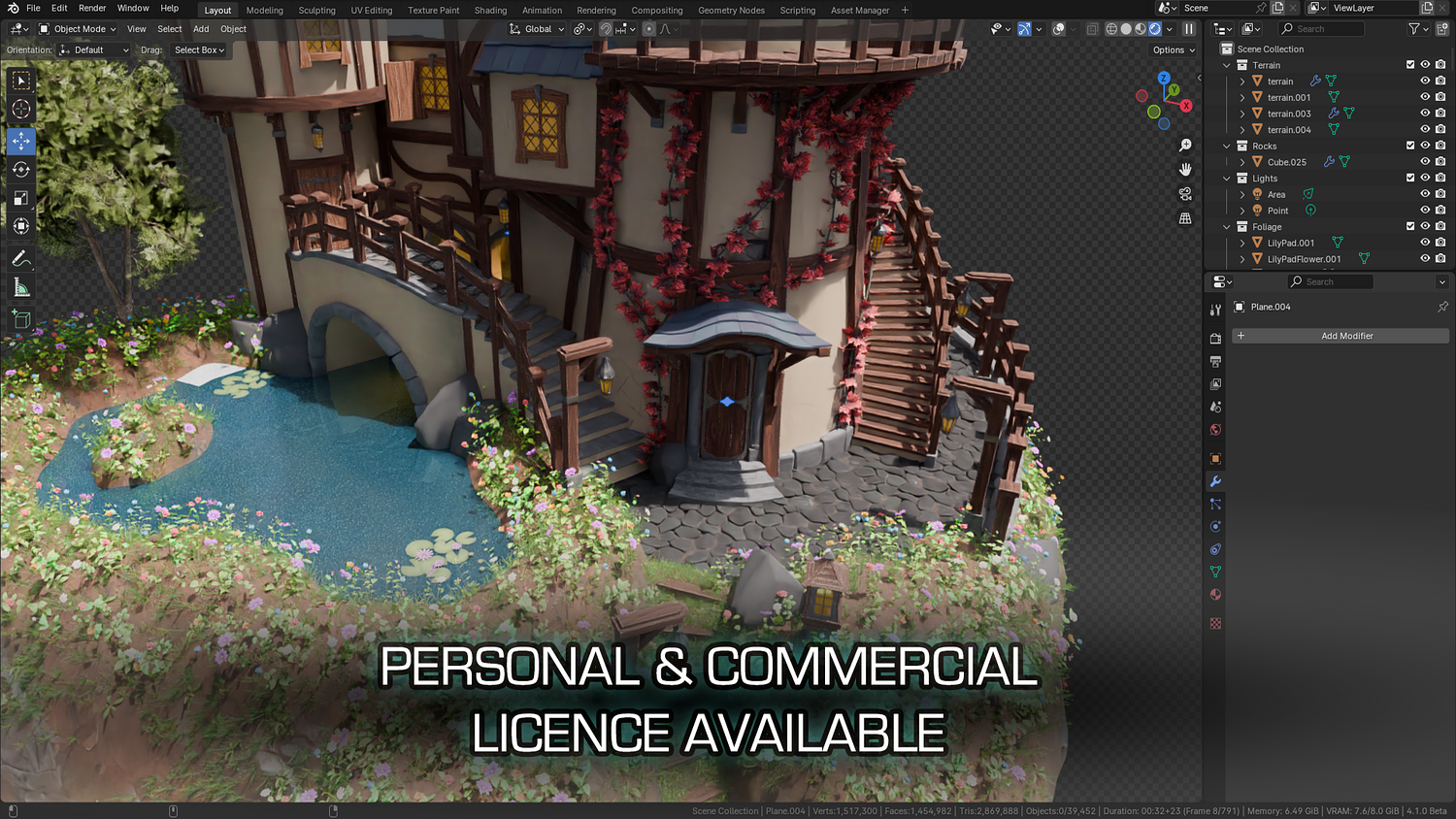
Whether for fantasy castles, medieval towns, or ancient ruins, this node adapts instantly to your scene.
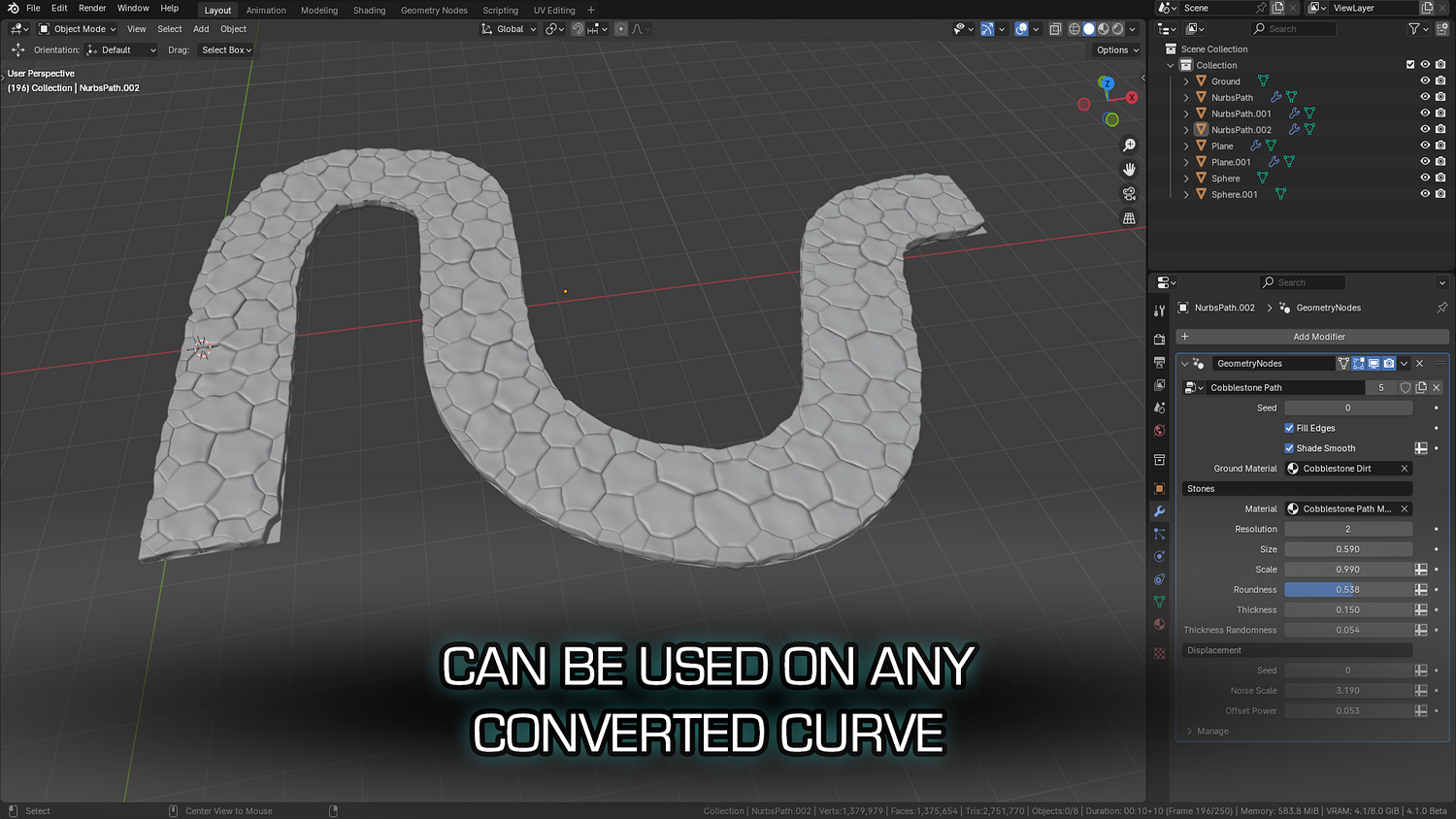
Supports NGons and Custom Paths
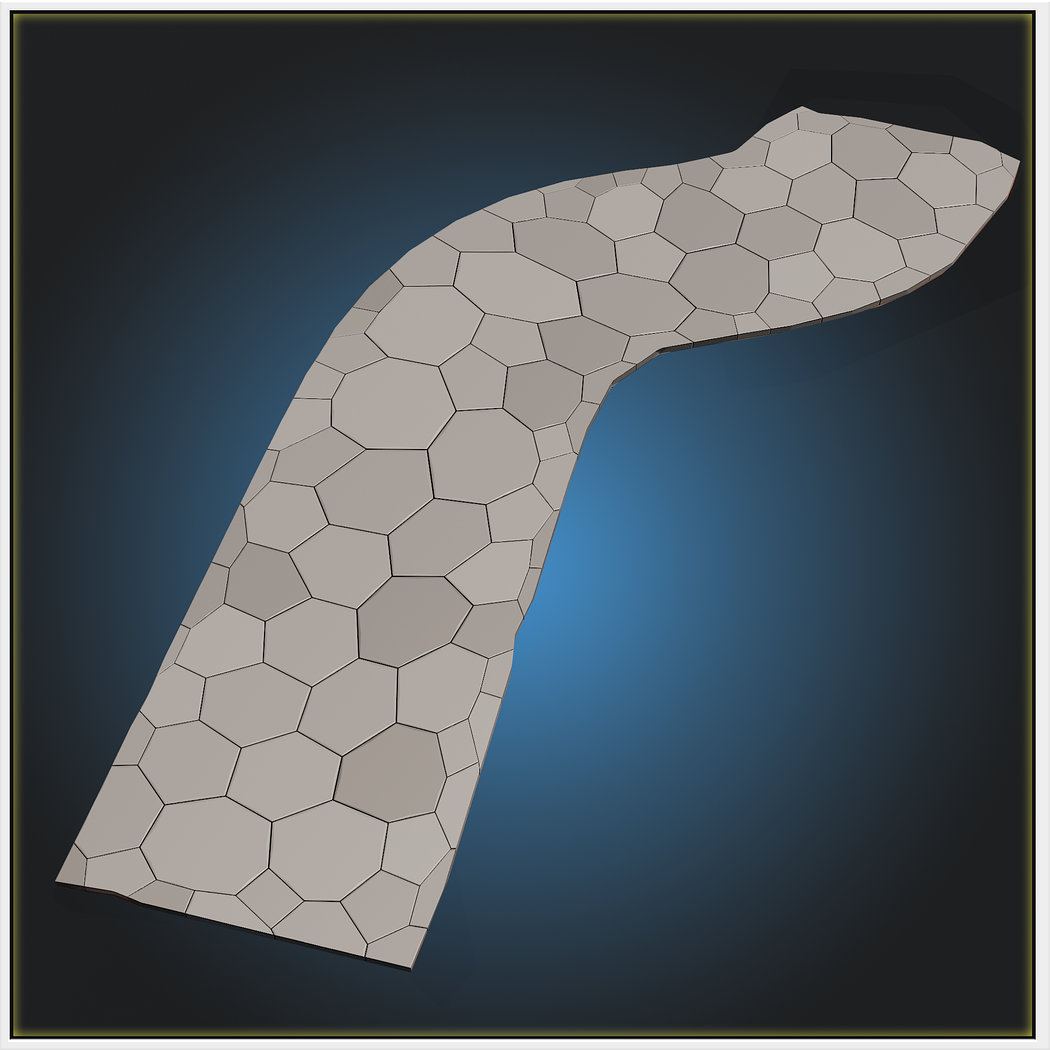
Draw your own shapes, convert paths, or use mesh cutouts — the node automatically fills with cobblestones.
Ideal for Games, Animation, or Print
No baking, no high poly — generate optimized geometry instantly for interactive scenes or detailed renders.
Plug-and-Play Simplicity
Designed for all skill levels — just add, tweak, and go. Zero sculpting or shader complexity.
📦 What's Included
- 1x Blender .blend file with Cobblestone Path Generator Geometry Node setup
- Edge filler option toggle
- Size, roundness, thickness, and scale sliders
- Procedural offset noise and mesh randomization controls
- Two included cobble materials with edge wear shading presets
⚙️ Requirements
- Blender 4.0 or newer with lifetime updates
- From noob to pro — watch the 10 minute video to have everything up and running in no time
🚀 Installation Instructions
Method 1 – Add to Asset Library
- Download and unzip the product folder.
- Open Blender → Edit → Preferences → File Paths → Asset Libraries → click the "+" button.
- Navigate to the extracted folder and add it.
- Open the Asset Browser and drag the Cobblestone Generator into your scenes.
Method 2 – Manual Append
- Open your Blender project.
- Go to File → Append → Locate the .blend file → Import the Geometry Node group.
Method 3 – Copy and Paste Between Projects
- Open the project containing the Cobblestone setup.
- Select the Geometry Node group.
- Press Ctrl+C to copy.
- Open another Blender project and press Ctrl+V to paste it directly into your scene.
💬 Support
Need help? Join our growing 3D Tudor Discord community to connect with our support team and hundreds of fellow artists!
👉 Join the 3D Tudor Discord here
Model Details
- FormatsBLEND
- Polygons0
- Vertices0
- animatedno
- materialsyes
- texturesno
- riggedno
- uvsno
- 3d print readyno
You will get 2 files
All files previously purchased will always be available for download in your Library