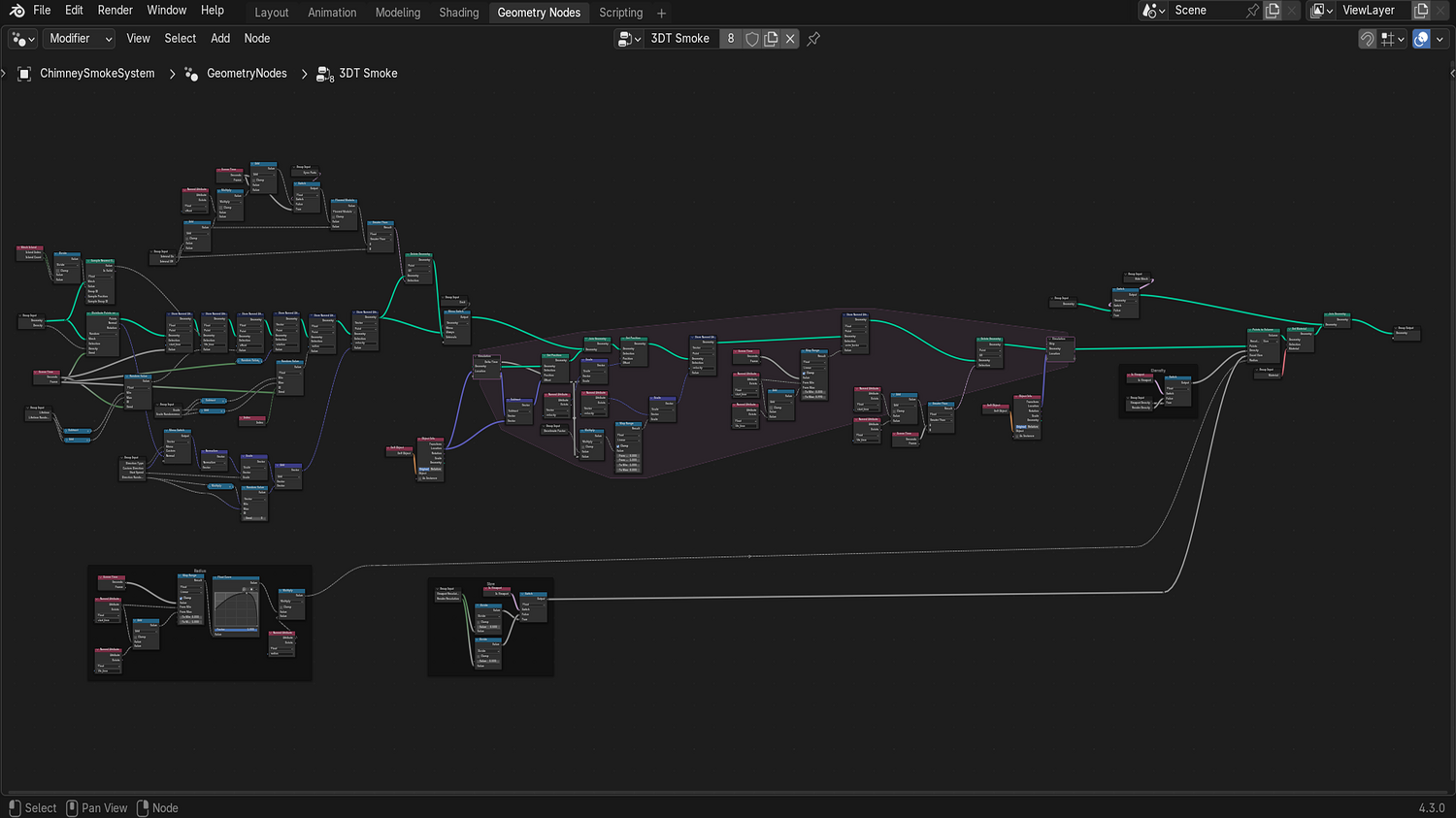
3DT Smoke Generator – Blender Geometry Nodes Procedural
3DT Smoke Generator – Blender Geometry Nodes
🎥 Demo Video
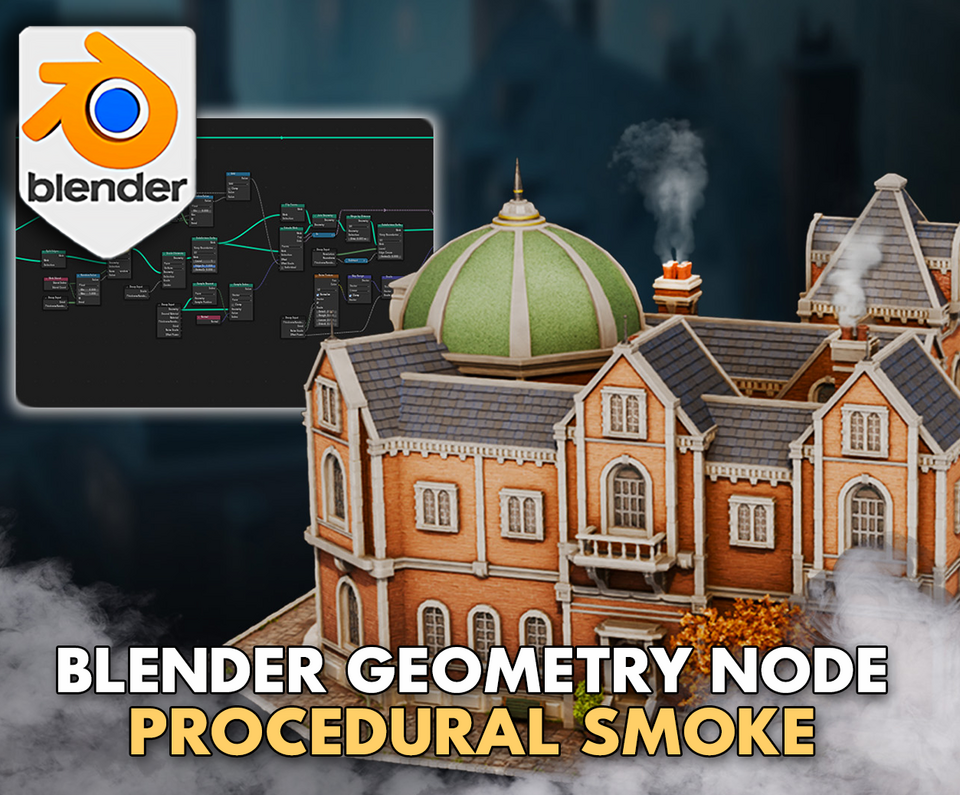
Create realistic or stylized smoke effects instantly with the 3DT Smoke Generator!
Fully optimized for Blender 4.0+, this procedural node setup offers lightweight, real-time volumetric smoke perfect for animations, games, VFX, and more — no simulation or particle systems required.
🎯 Key Features

Lightweight Procedural Smoke
Generate fully customizable smoke directly from any object without simulations — perfect for real-time projects.
Dynamic Control Parameters
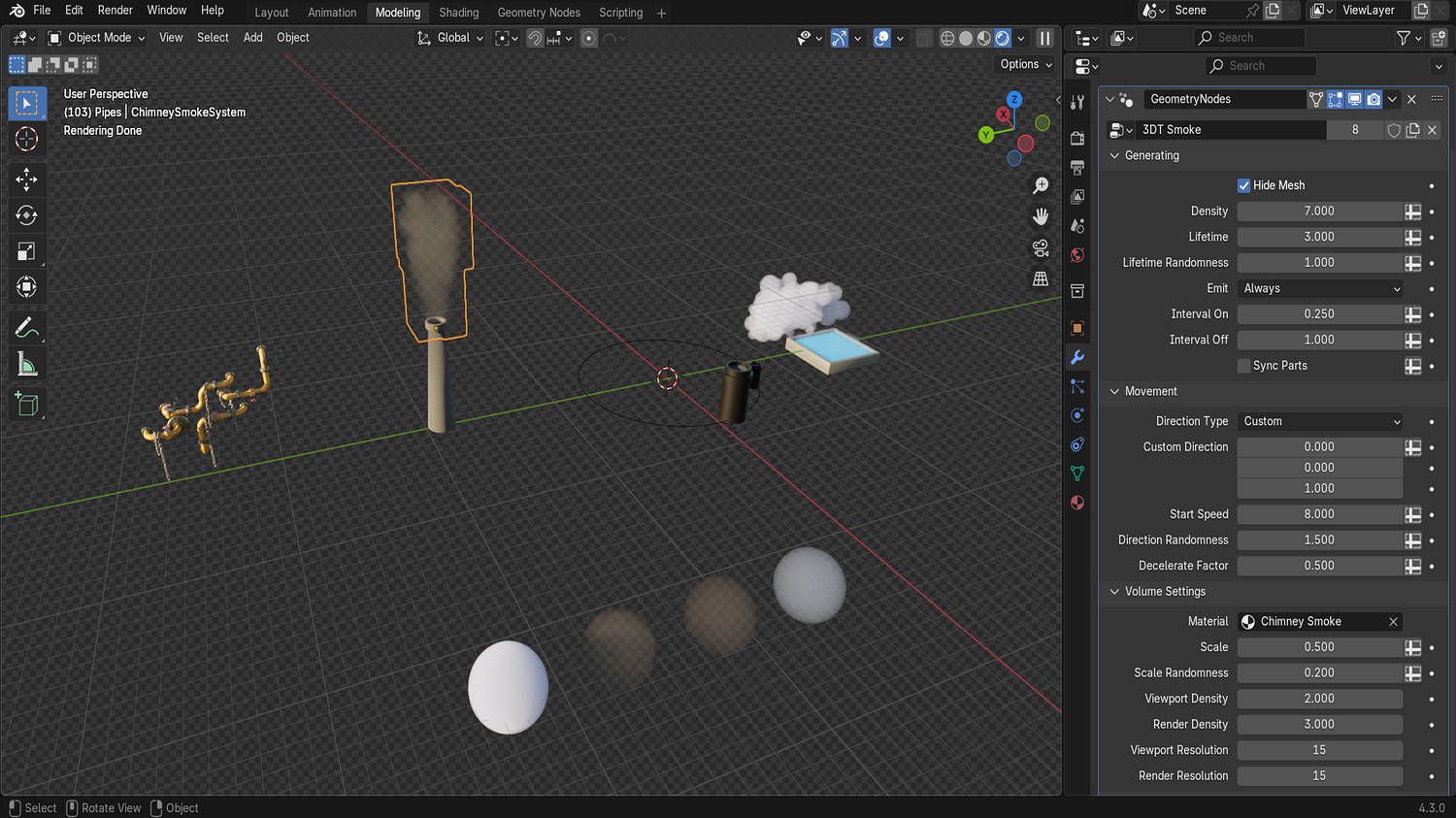
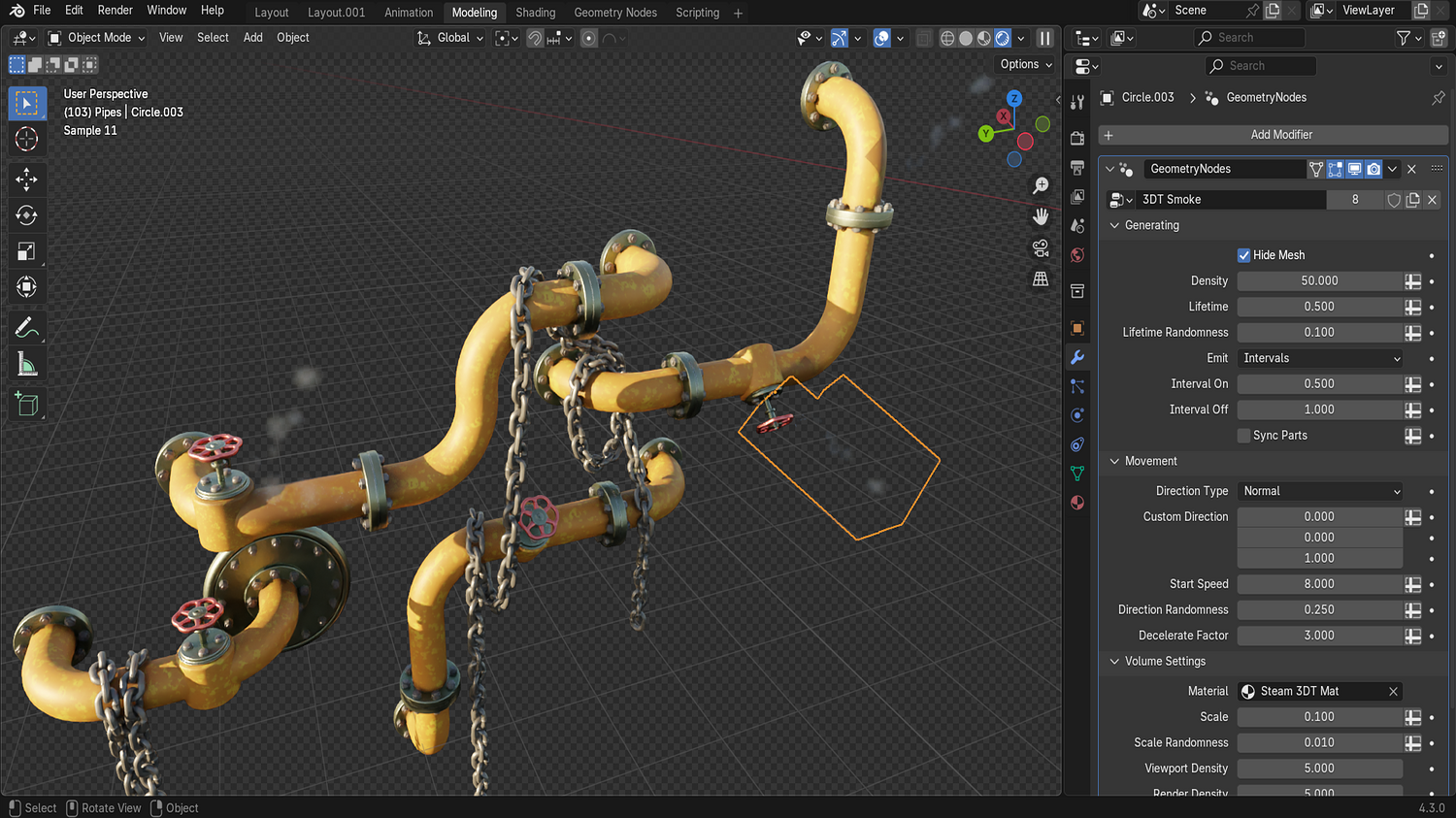
Adjust density, lifetime, emission intervals, speed, direction, randomness, deceleration, and scaling with intuitive sliders.
Multiple Smoke Materials Included
Choose between stylized, chimney, steam, and traditional volumetric smoke shaders for diverse looks.
Viewport and Render Optimization
Separate controls for viewport resolution and density vs. final render settings ensure a smooth workflow.
One-Click Setup
Apply smoke to any mesh instantly with a simple geometry node modifier — from floor fog to chimney smoke to rolling clouds.
🔥 Why You'll Love It

Instant Atmospheric Effects
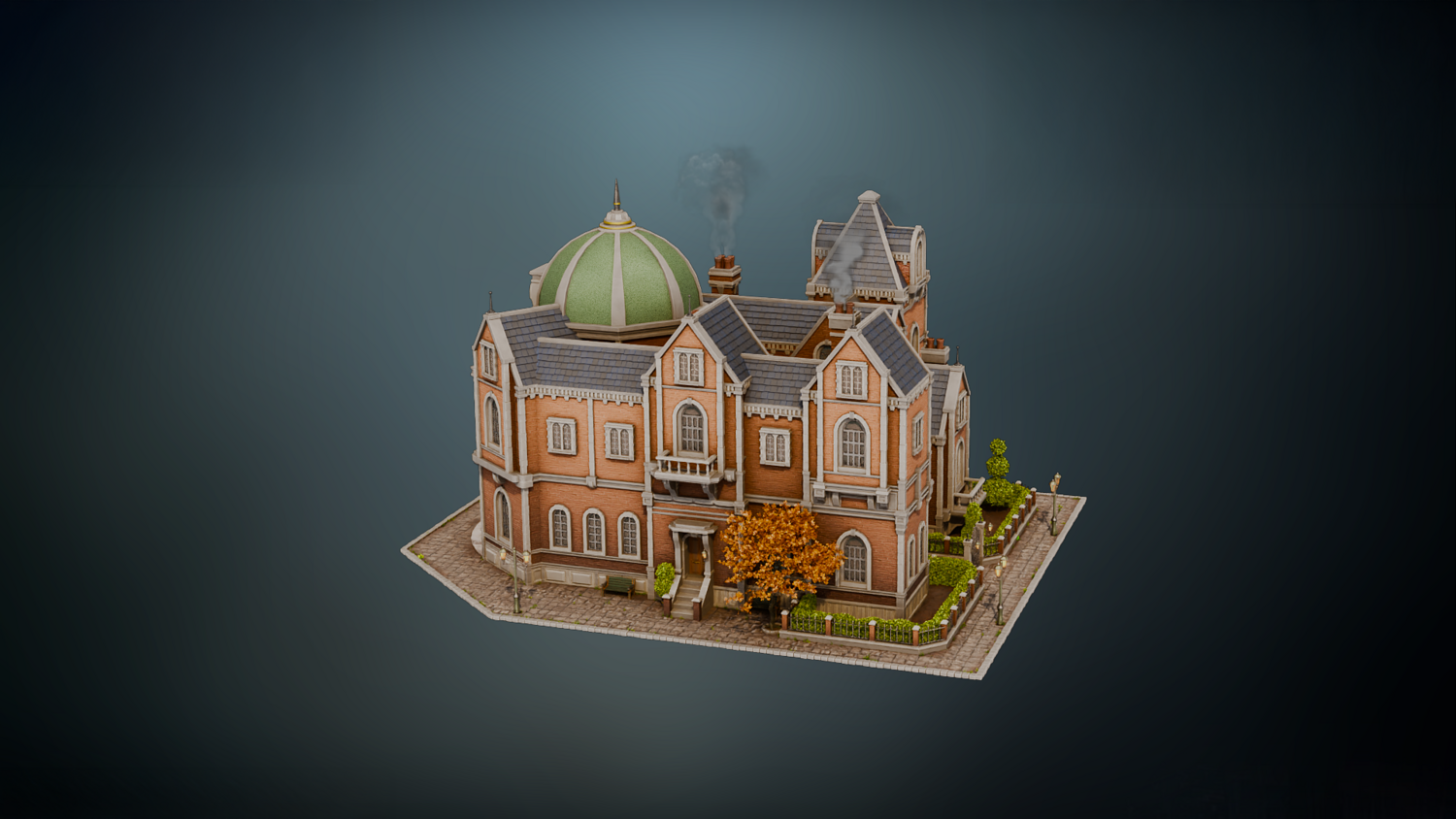
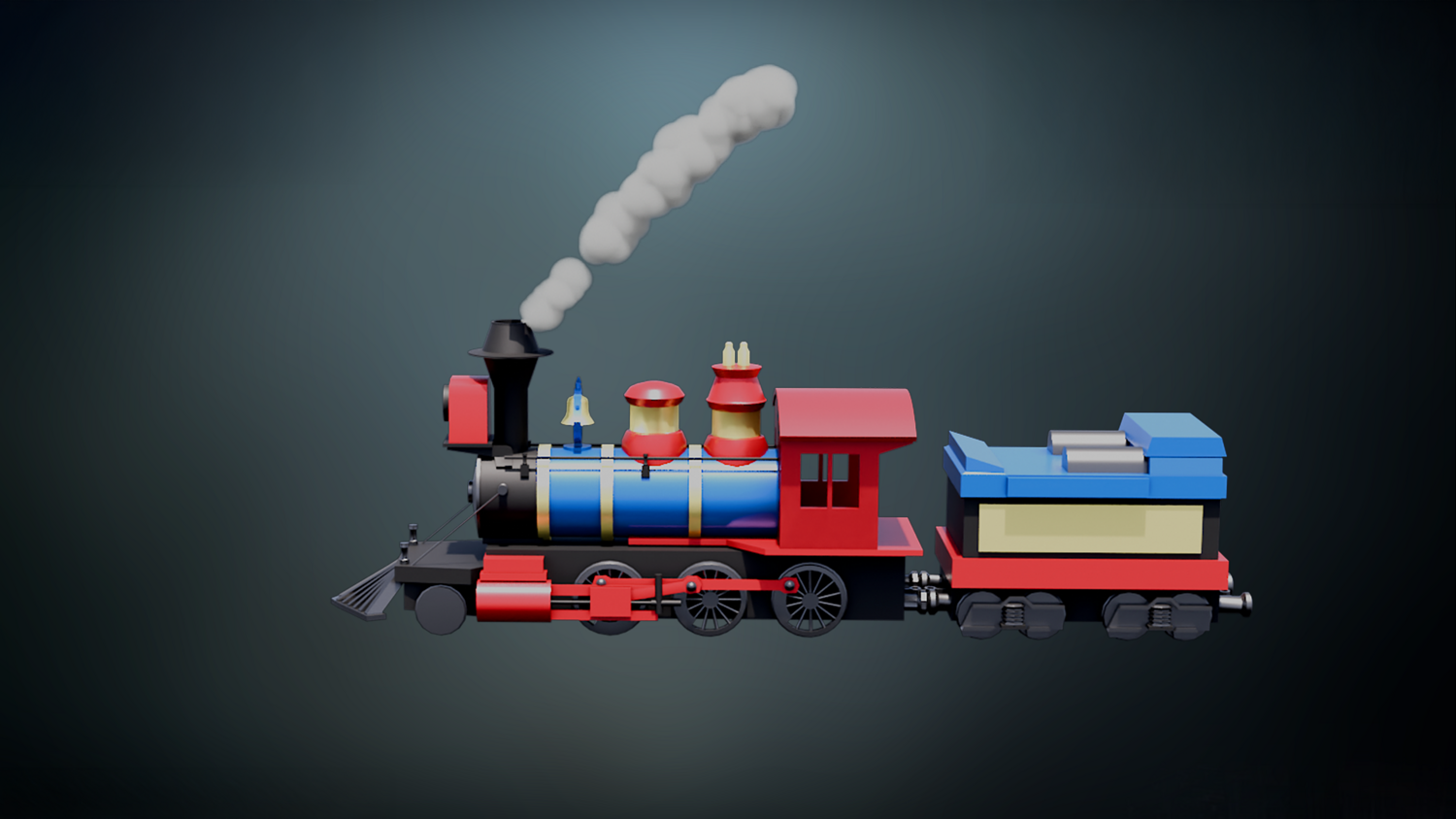
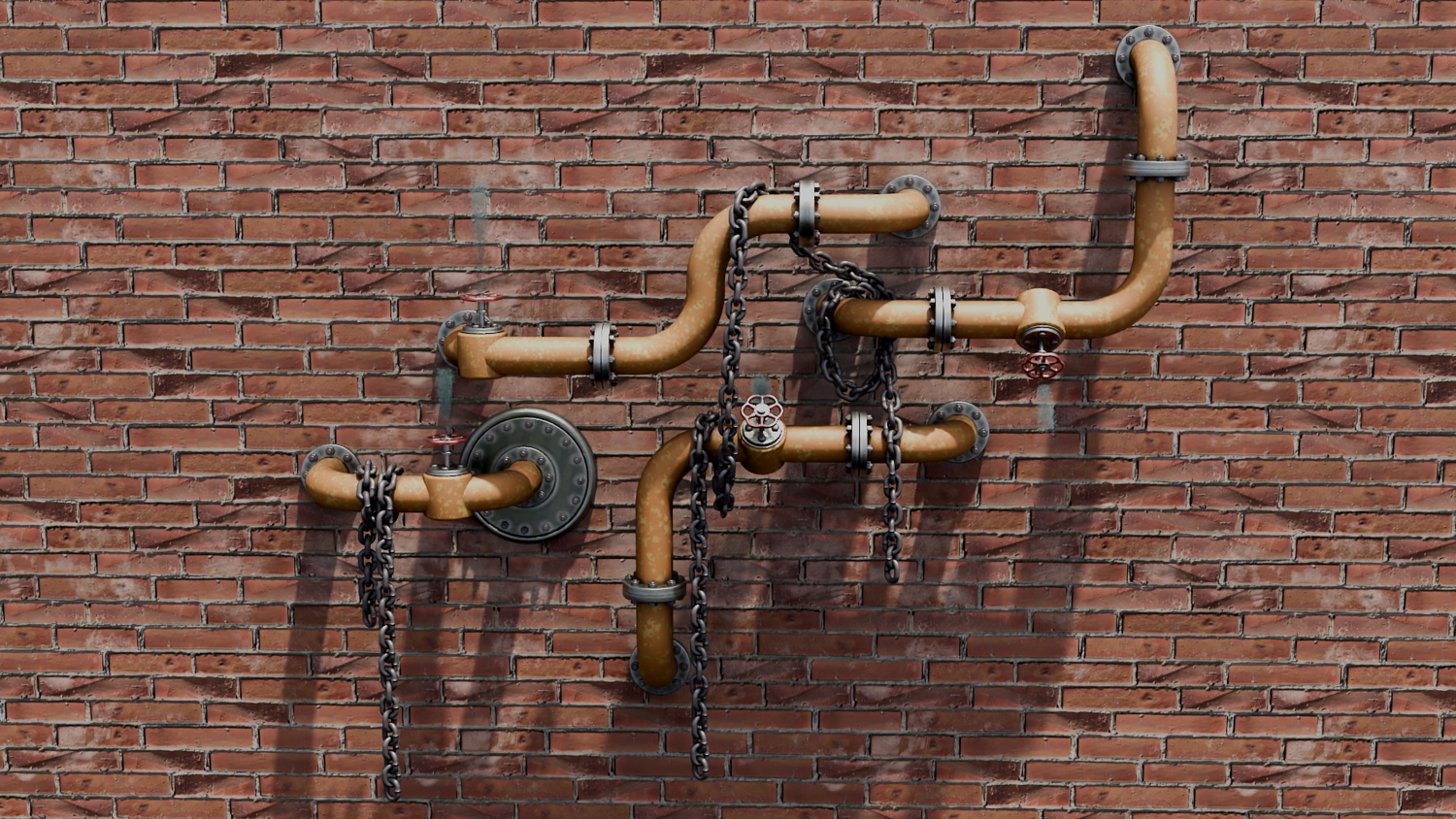
Add smoke to chimneys, trains, sewer pipes, pools, cauldrons, and fantasy scenes in minutes.
Full Animation Support
Animate all smoke properties like density, emission speed, direction change, and scale for cinematic results.
Perfect for Games, Animation, and Concept Art
Create optimized real-time fogs, vapors, steams, and mystical mists without heavy simulation overhead.
Stylized or Realistic Ready
Switch between art styles easily thanks to included material presets.
📦 What's Included
- 1x Blender .blend file with complete Smoke Generator Geometry Node setup
- Stylized smoke, steam, chimney smoke, and traditional volumetric shaders
- Dynamic emission controls (lifetime, intervals, randomness)
- Full direction and movement behavior settings
- Deceleration and scale randomization options
⚙️ Requirements
- Blender 4.0 or newer with lifetime updates
- From noob to pro — watch the 10 minute video to have everything up and running in no time
🚀 Installation Instructions
Method 1 – Add to Asset Library
- Download and unzip the product folder.
- Open Blender → Edit → Preferences → File Paths → Asset Libraries → click the "+" button.
- Navigate to the extracted folder and add it.
- Open the Asset Browser and drag the Smoke Generator into your scenes.
Method 2 – Manual Append
- Open your Blender project.
- Go to File → Append → Locate the .blend file → Import the Geometry Node group.
Method 3 – Copy and Paste Between Projects
- Open the project containing the Smoke setup.
- Select the Geometry Node group.
- Press Ctrl+C to copy.
- Open another Blender project and press Ctrl+V to paste it directly into your scene.
💬 Support
Need help? Join our growing 3D Tudor Discord community to connect with our support team and hundreds of fellow artists!
👉 Join the 3D Tudor Discord here
You will get 2 files
All files previously purchased will always be available for download in your Library