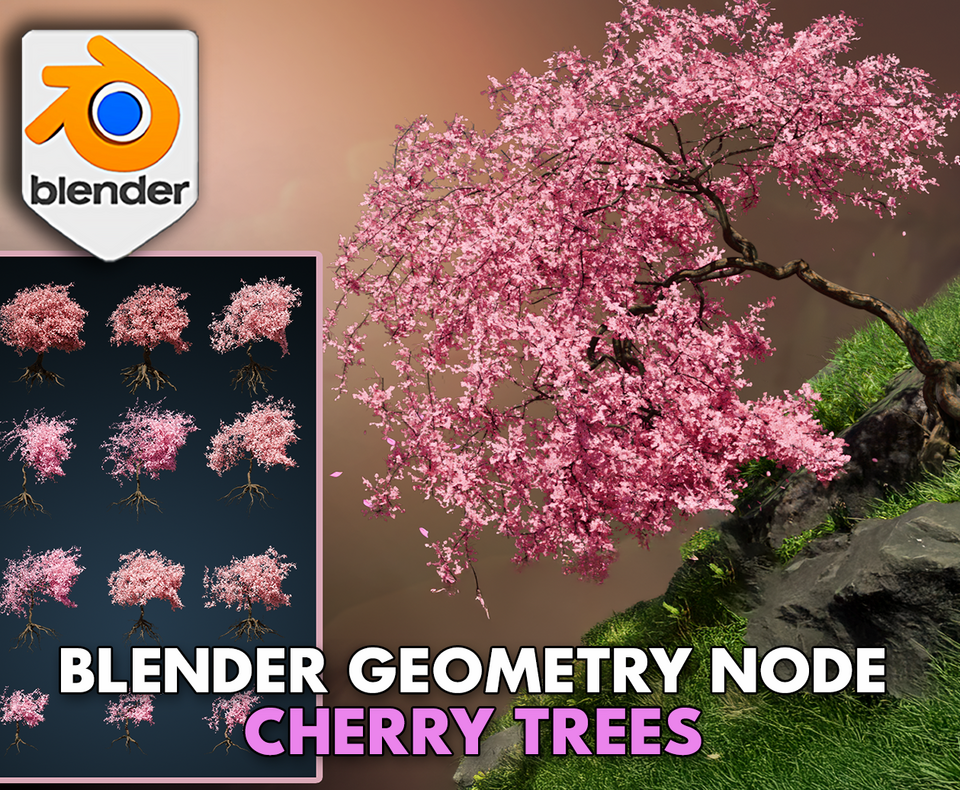
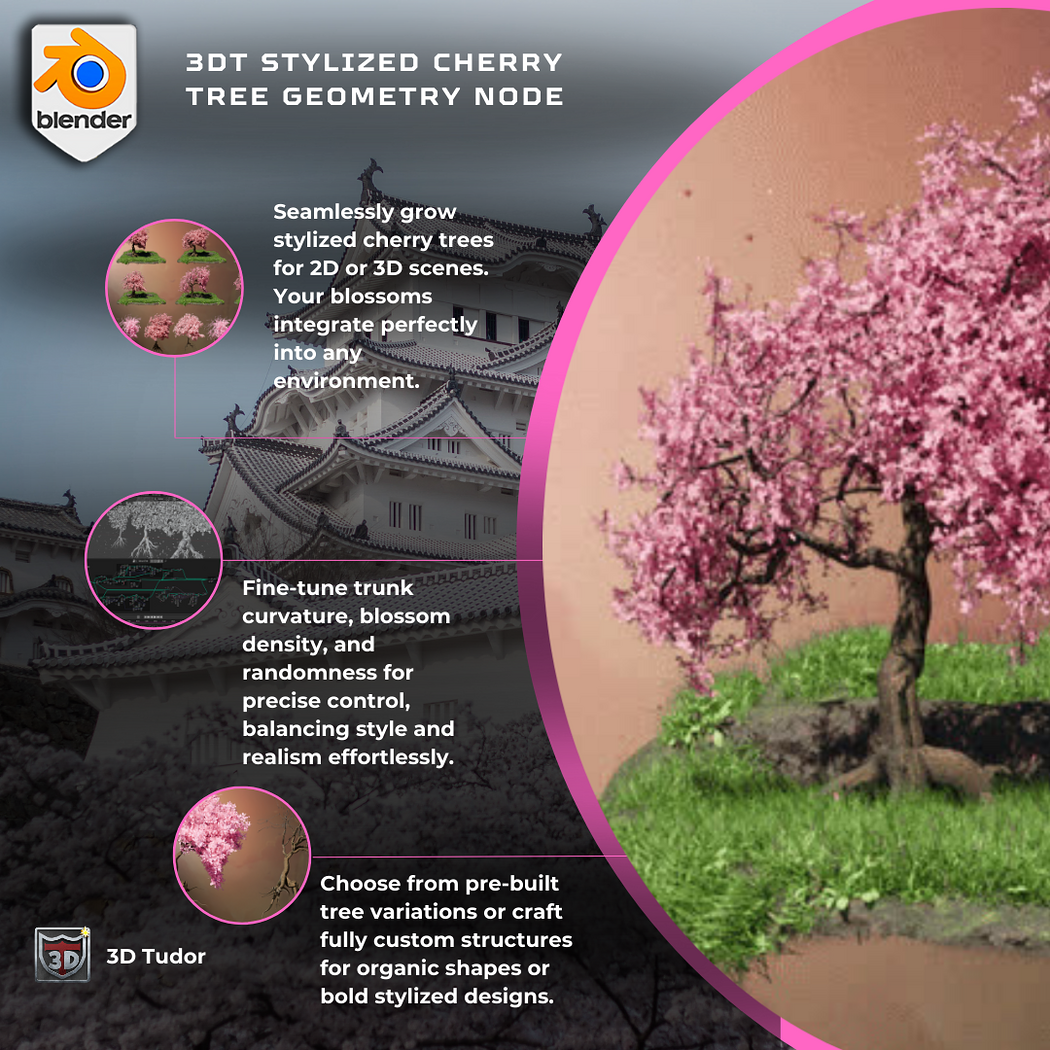
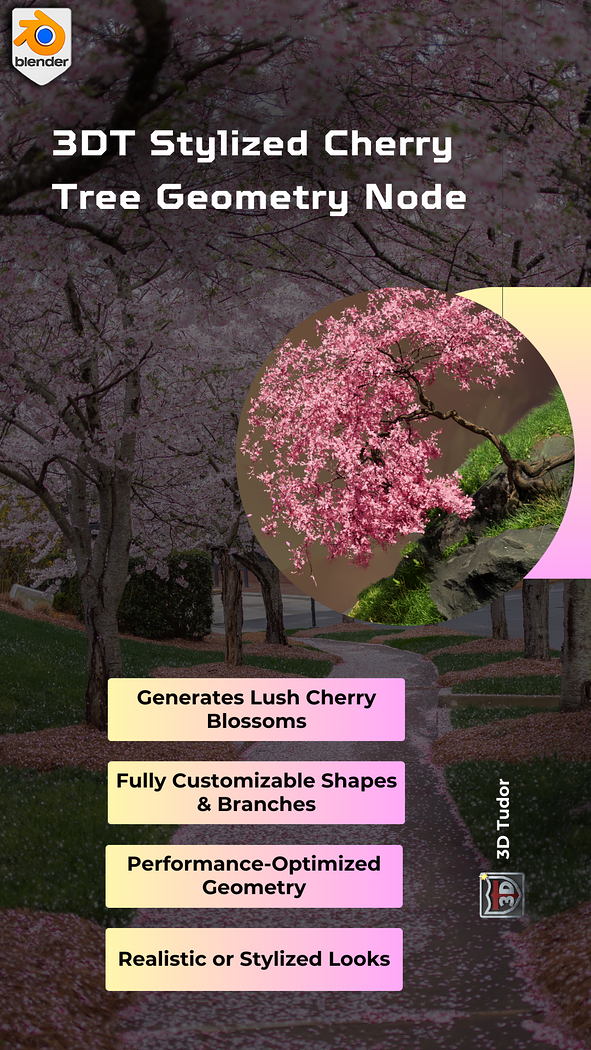
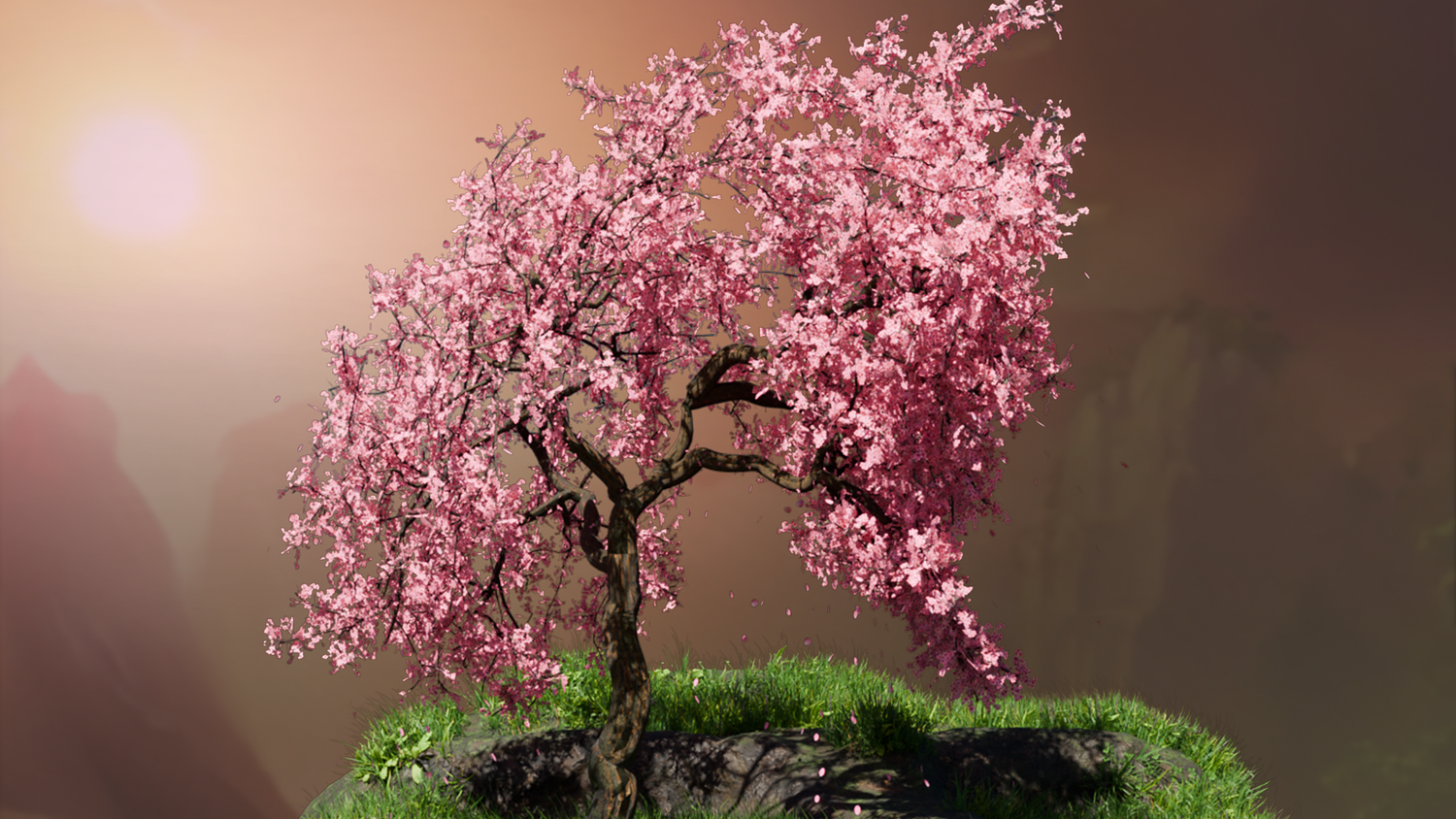
3DT Stylized Cherry Tree – Blender Geometry Nodes Procedural
3DT Stylized Cherry Tree – Blender Geometry Nodes
🎥 Demo Video
Create breathtaking sakura trees instantly with the 3DT Stylized Cherry Tree Generator!
Built for Blender 4.0+, this versatile geometry node tool lets you control every detail — from branch dynamics to falling petals — while offering customizable bark shaders and animated scenes perfect for stylized landscapes, animations, or fantasy environments.
🎯 Key Features

Complete Tree Customization
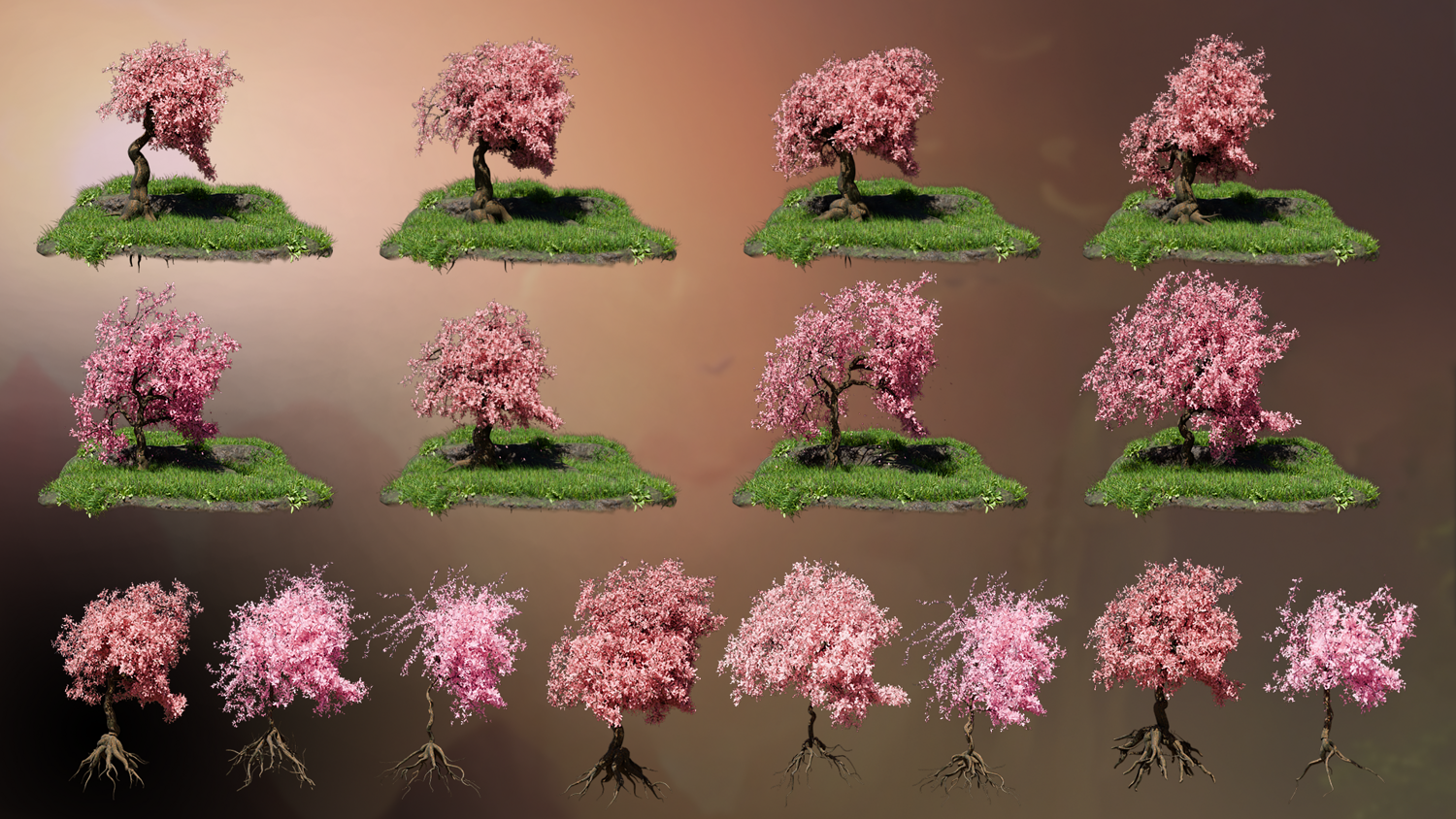
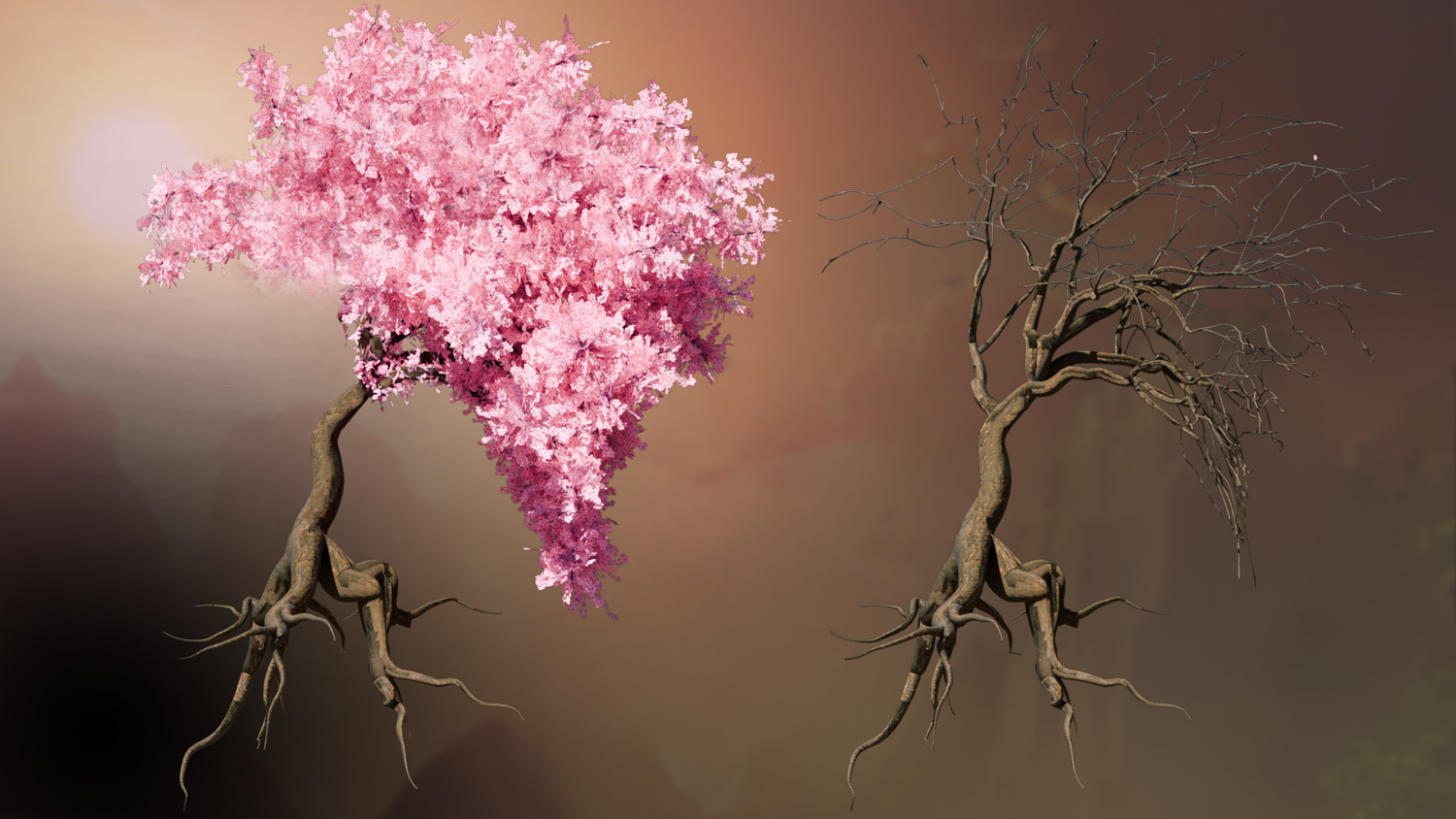
Control seed variation, blossom factor, trunk thickness, bend, length, and branch behavior for endless unique tree designs.
Dynamic Petal Animation
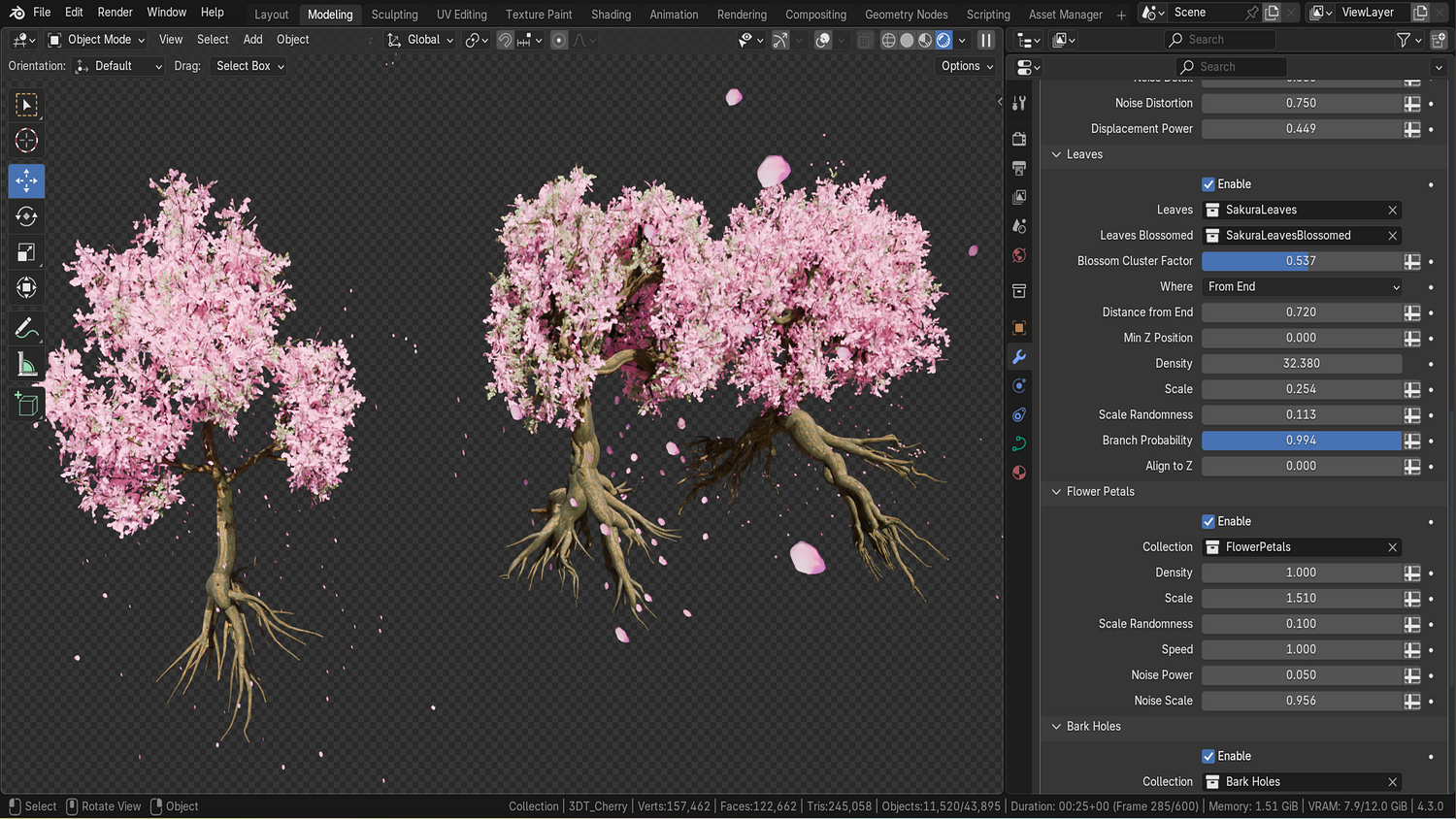
Built-in animation system for falling sakura petals with full control over density, speed, randomness, and scale.
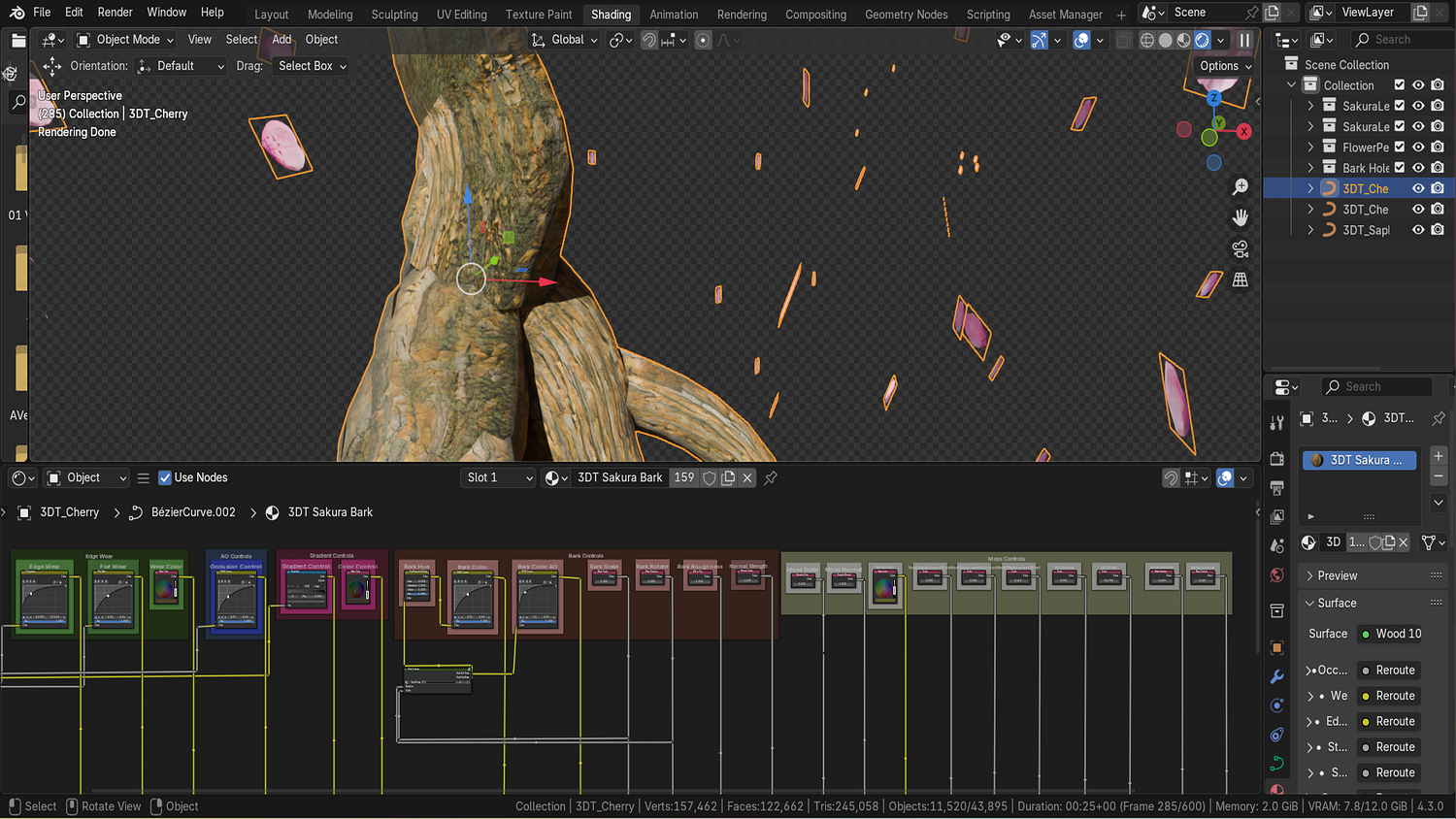
Procedural Bark Shader
Adjust color, moss coverage, edge wear, ambient occlusion effects, and bark scale for detailed stylized materials.
Roots, Branches, Leaves, Petals
Independently control every part of your tree with detailed spawning, gravity, scaling, and shape controls.
Optimized for Scene Placement
Lightweight setup with viewport and render resolution controls ensures smooth performance in large environments.
🔥 Why You'll Love It

Instantly Populate Scenes
Create lively parks, serene temples, or fantasy realms filled with blooming sakura trees in minutes.
Massive Artistic Control
Customize every parameter from petal density to root distribution, making each tree perfectly fit your vision.
Perfect for Games, Animation, and Concept Art
Add emotional impact and beauty to stylized worlds with stunning animated cherry blossoms.
Built for Blender 4.0+ Procedural Workflows
Seamless integration with Blender’s latest features and real-time viewport optimization.
📦 What's Included
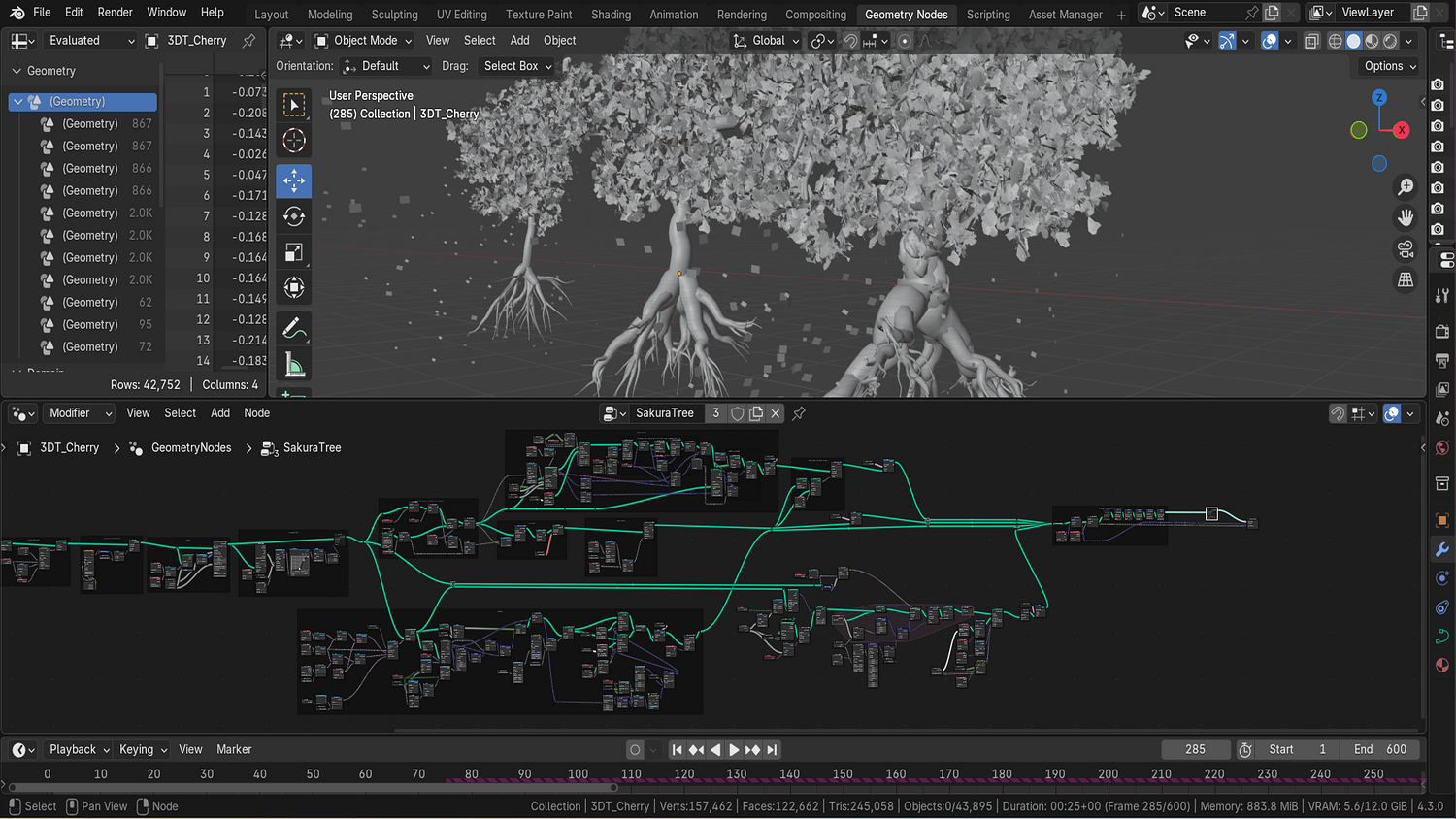
- 1x Blender .blend file with full Stylized Cherry Tree Geometry Node setup
- Dynamic falling petal animation system
- Procedural bark material with moss and wear controls
- Multiple tree presets (sapling, mature, ancient)
- Modular settings for branches, leaves, roots, bark, and blossoms
⚙️ Requirements
- Blender 4.0 or newer with lifetime updates
- From noob to pro — watch the 10 minute video to have everything up and running in no time
🚀 Installation Instructions
Method 1 – Add to Asset Library
- Download and unzip the product folder.
- Open Blender → Edit → Preferences → File Paths → Asset Libraries → click the "+" button.
- Navigate to the extracted folder and add it.
- Open the Asset Browser and drag the Cherry Tree Generator into your scenes.
Method 2 – Manual Append
- Open your Blender project.
- Go to File → Append → Locate the .blend file → Import the Geometry Node group.
Method 3 – Copy and Paste Between Projects
- Open the project containing the Cherry Tree setup.
- Select the Geometry Node group.
- Press Ctrl+C to copy.
- Open another Blender project and press Ctrl+V to paste it directly into your scene.
💬 Support
Need help? Join our growing 3D Tudor Discord community to connect with our support team and hundreds of fellow artists!
👉 Join the 3D Tudor Discord here
Model Details
- FormatsBLEND
- Polygons0
- Vertices0
- animatedyes
- materialsyes
- texturesyes
- riggedno
- uvsyes
- 3d print readyno
You will get 3 files
All files previously purchased will always be available for download in your Library