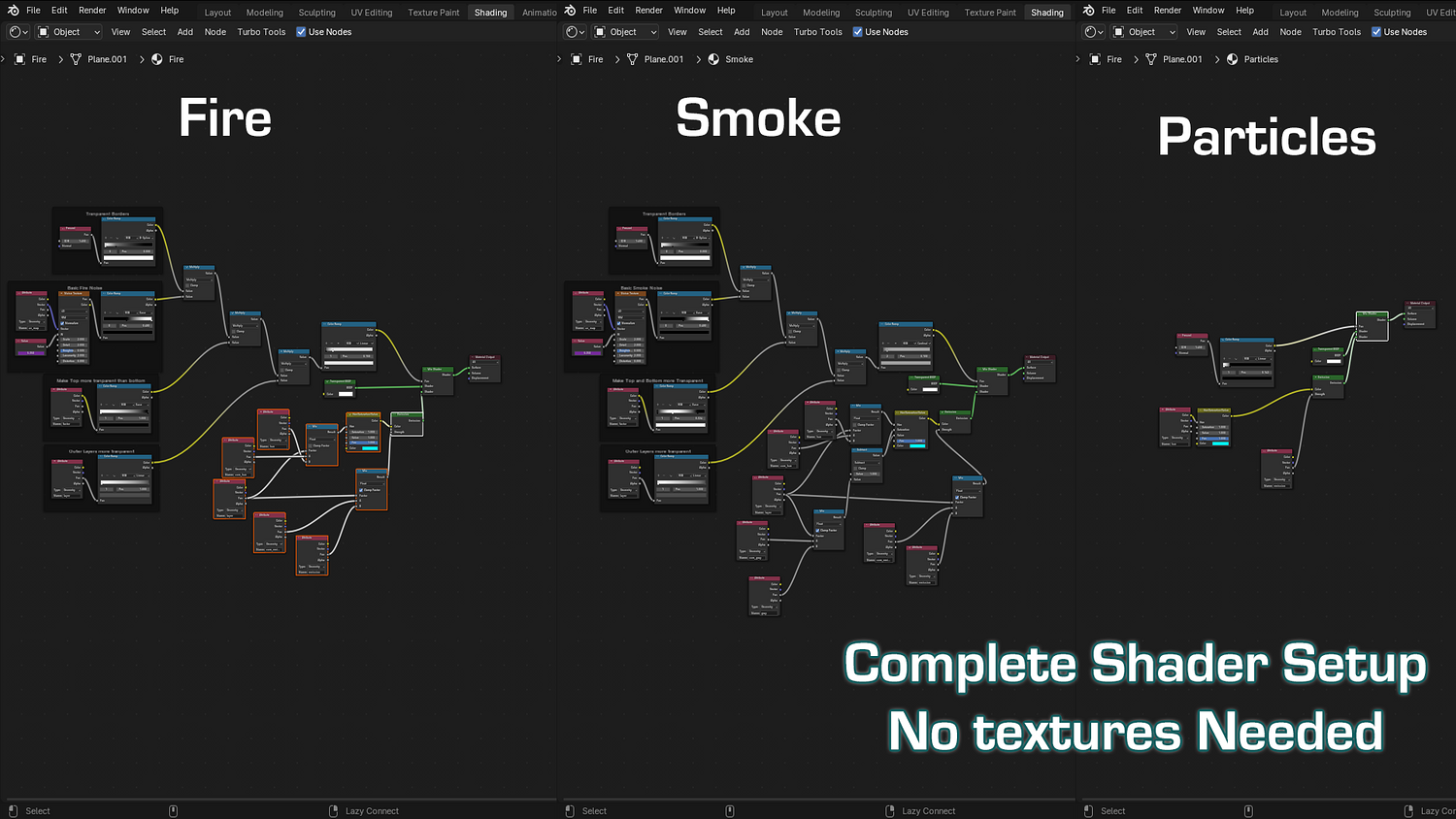
3DT Fire Generator – Blender Geometry Node Procedural
3DT Fire Generator – Blender Geometry Node Procedural
🎥 Demo Video
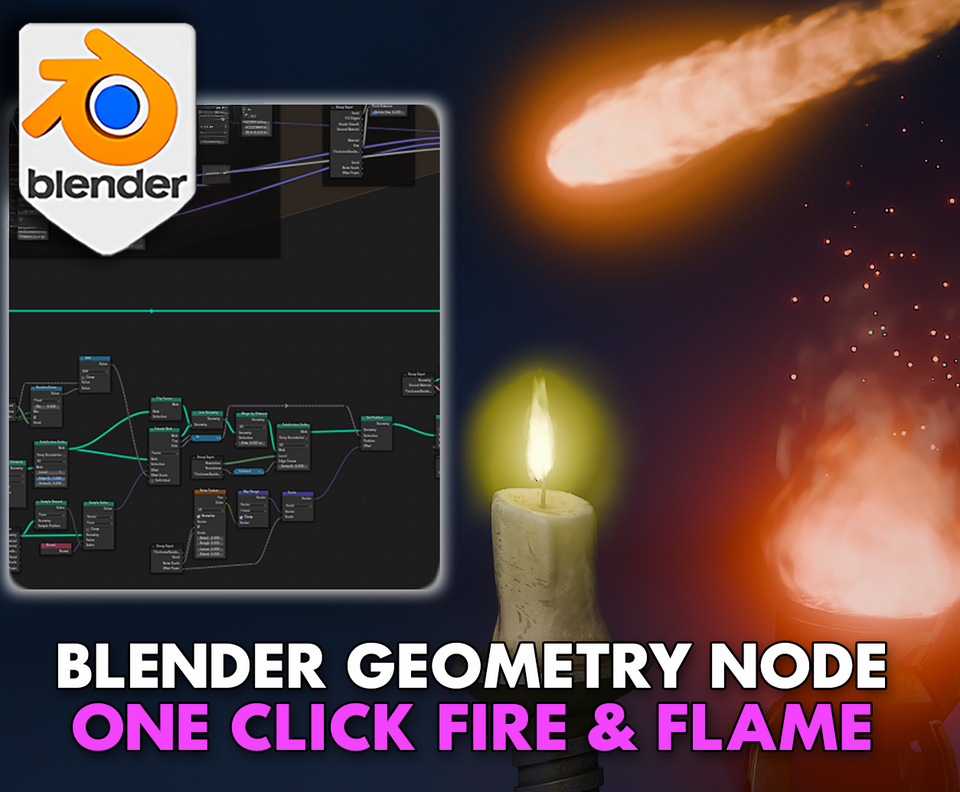
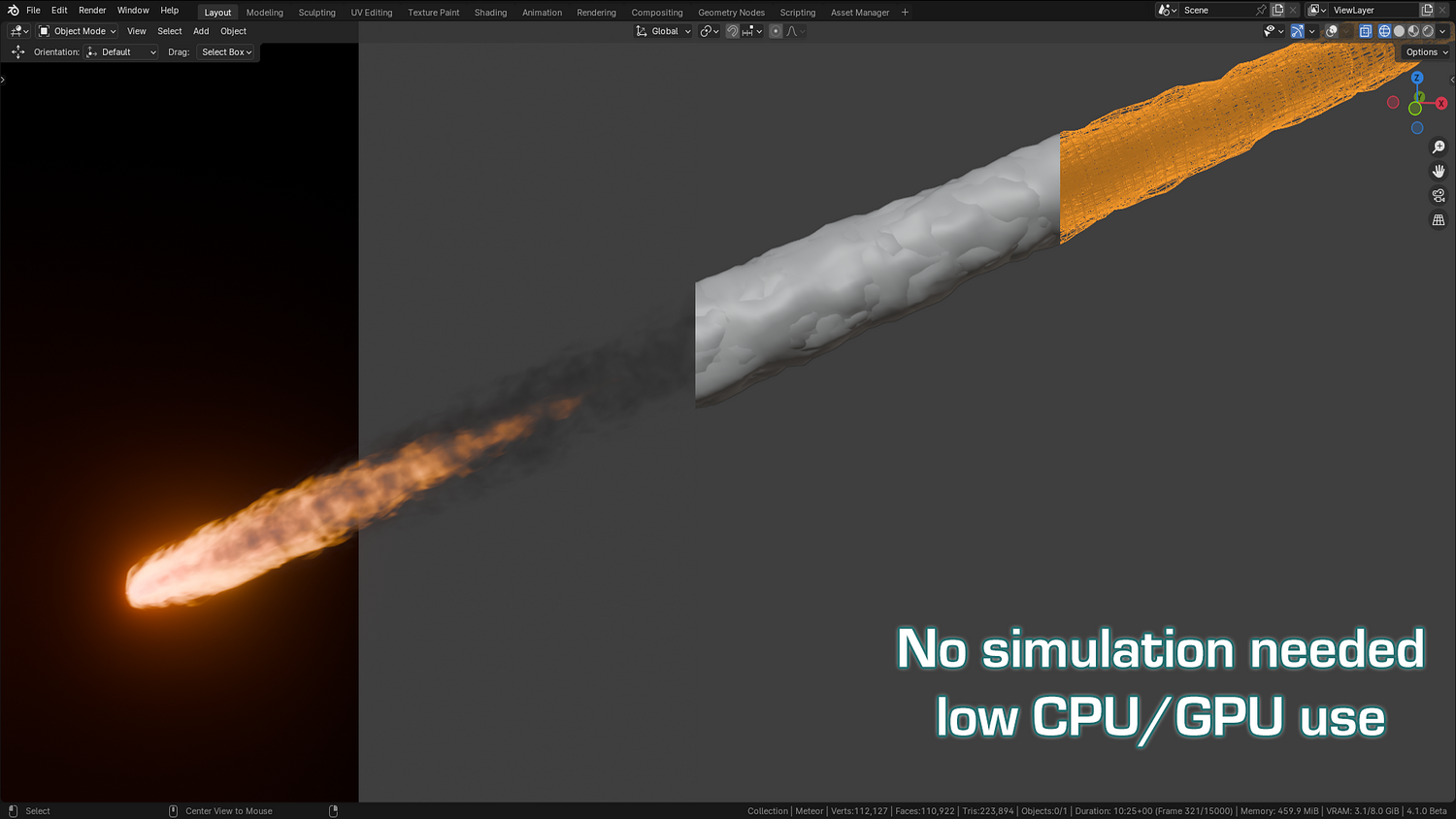
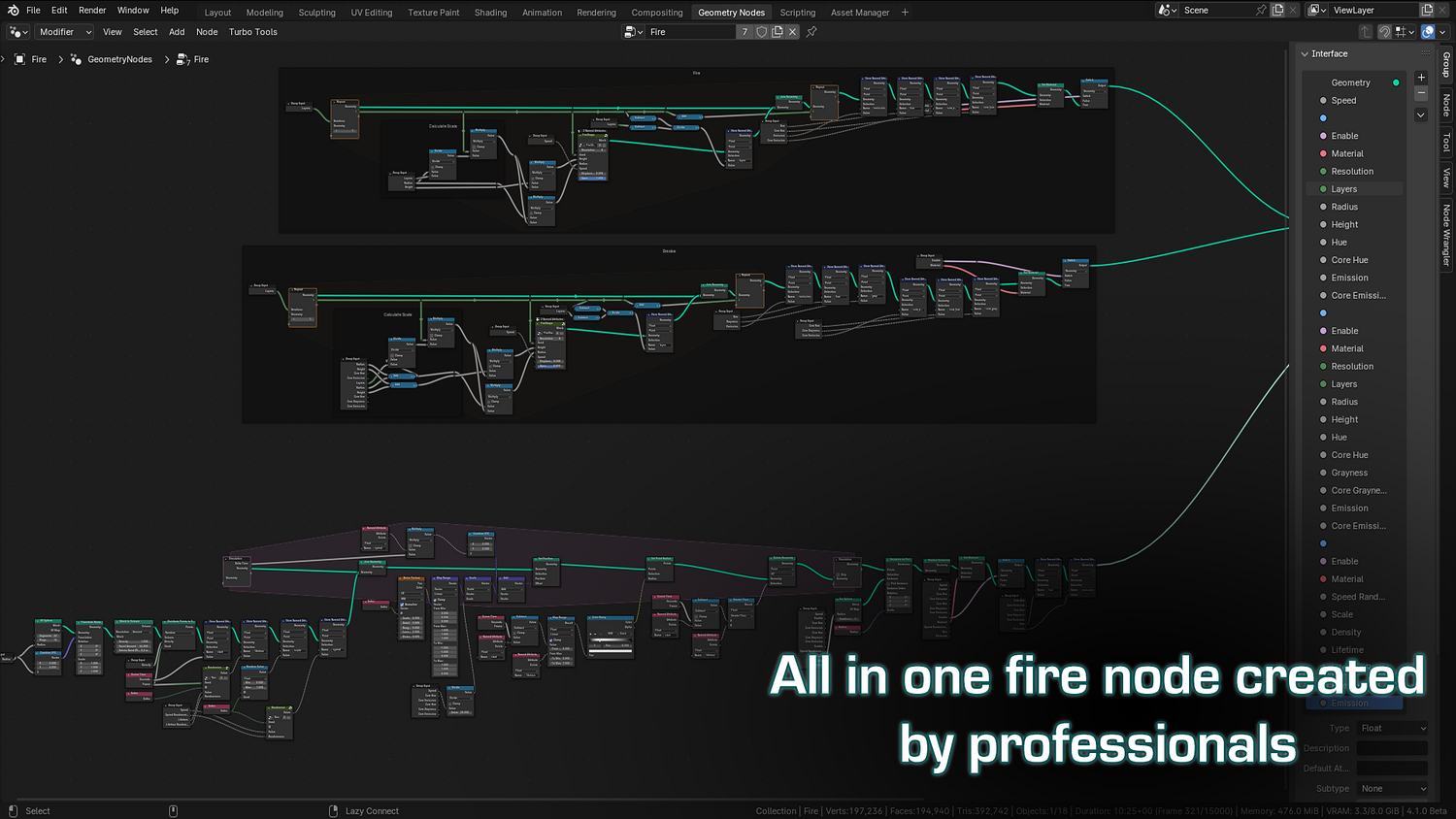
Light up your scenes instantly with the 3DT Fire Generator — a real-time fire, smoke, and sparks system fully optimized for Blender 4.0+!
This versatile geometry node setup lets you drop fire onto any object with just one click. Add smoke trails, stylized flames, ember sparks, and fine-tune intensity, hue, speed, and more. Works flawlessly in Eevee and Cycles without slow simulations!
🎯 Key Features

One-Click Fire Setup
Add fire instantly to any object by applying the geometry node modifier — no manual setup, no simulation baking.
Real-Time Fire Customization
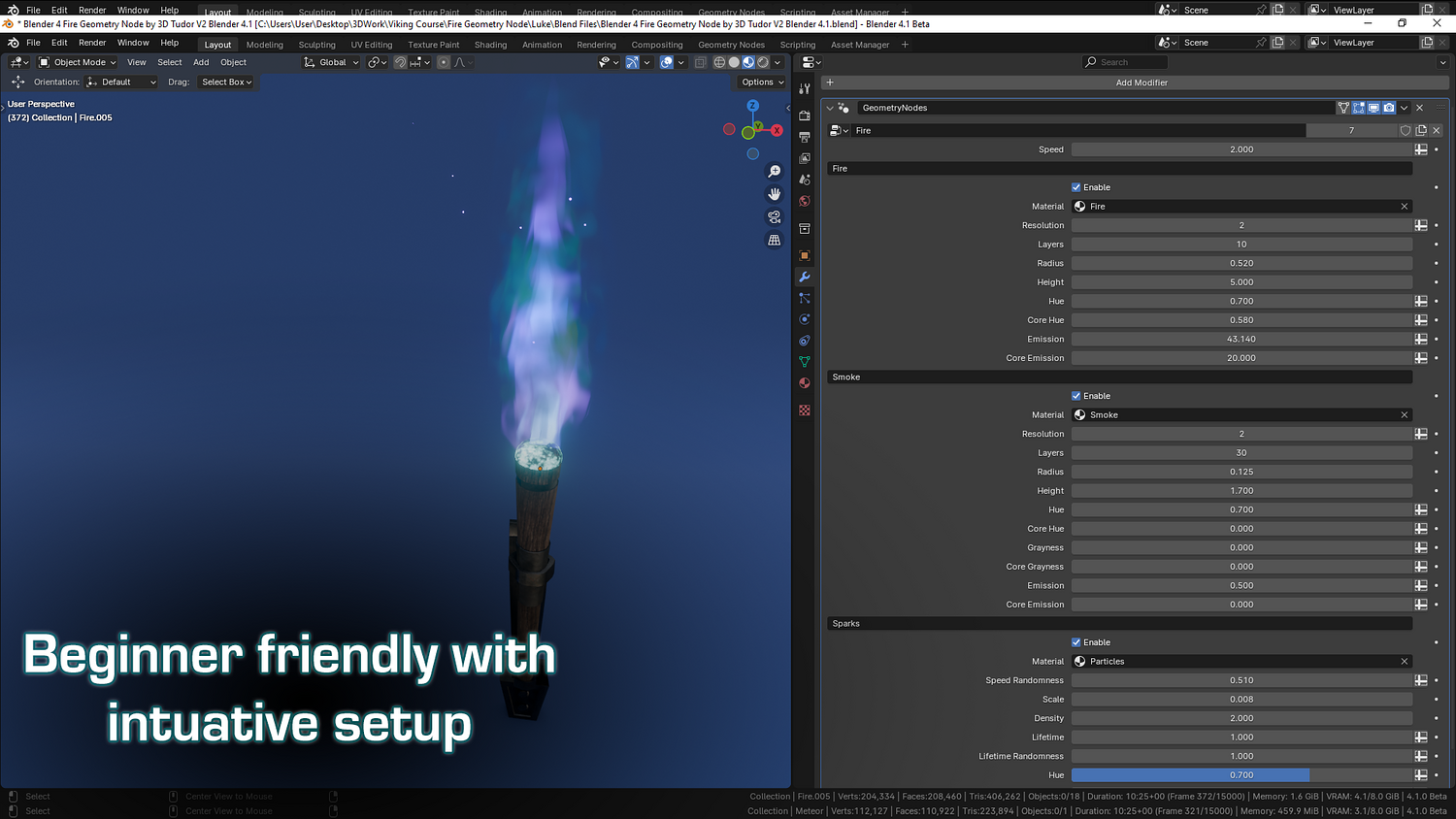
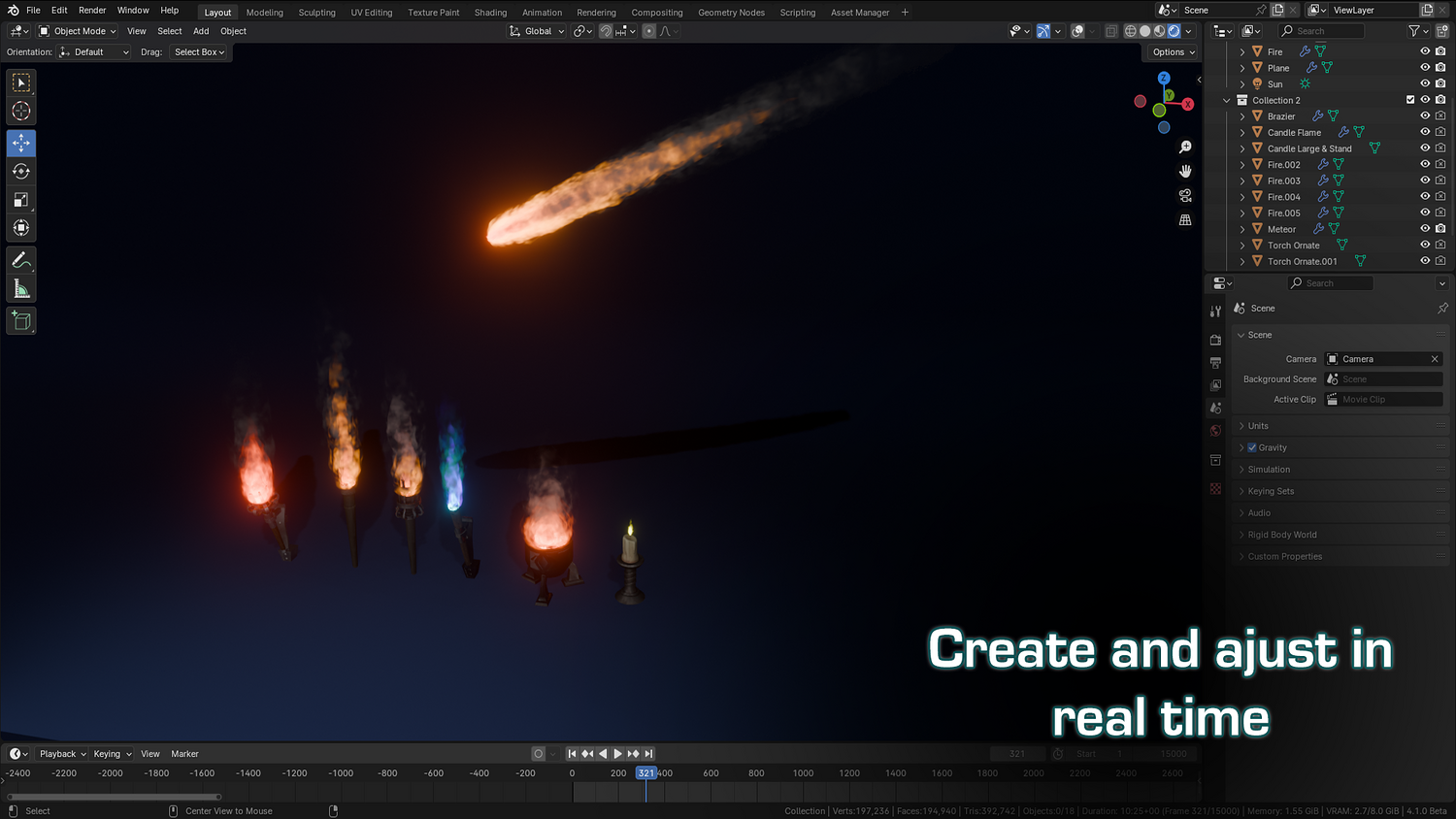
Adjust speed, flame radius, height, hue, emission strength, and core glow dynamically in the viewport.
Optional Smoke Generator
Enable/disable layered smoke with full height control, density, hue variation, and core-darkening settings.
Built-In Sparks System
Add glowing ember sparks with full control over lifetime, speed randomness, hue, density, and scale.
Supports Eevee and Cycles
Render directly in real-time with Eevee, or push realism in Cycles with optimized Light Path settings and core emission tweaks.
🔥 Why You'll Love It

Instant Stylized or Realistic Fire
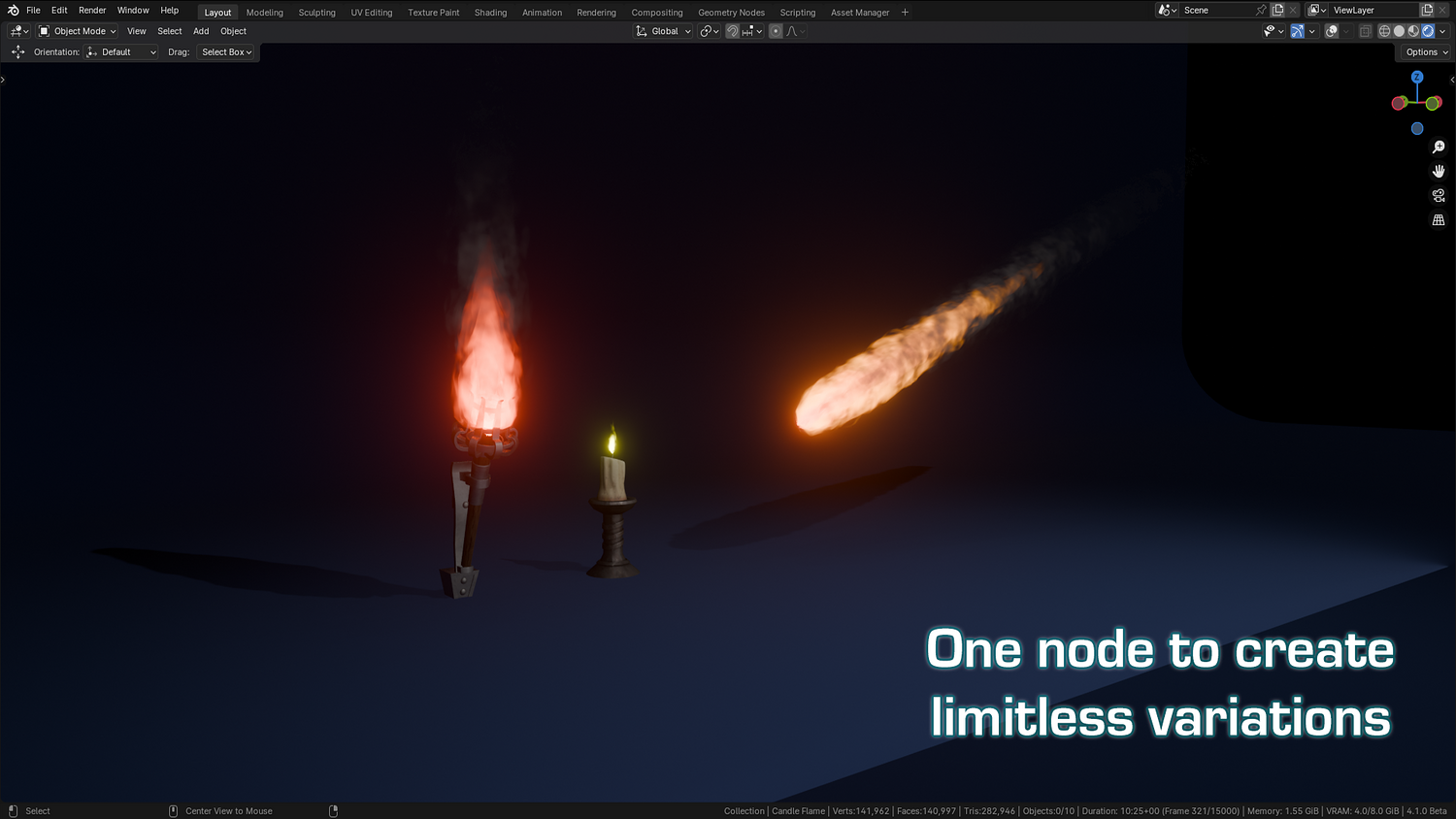
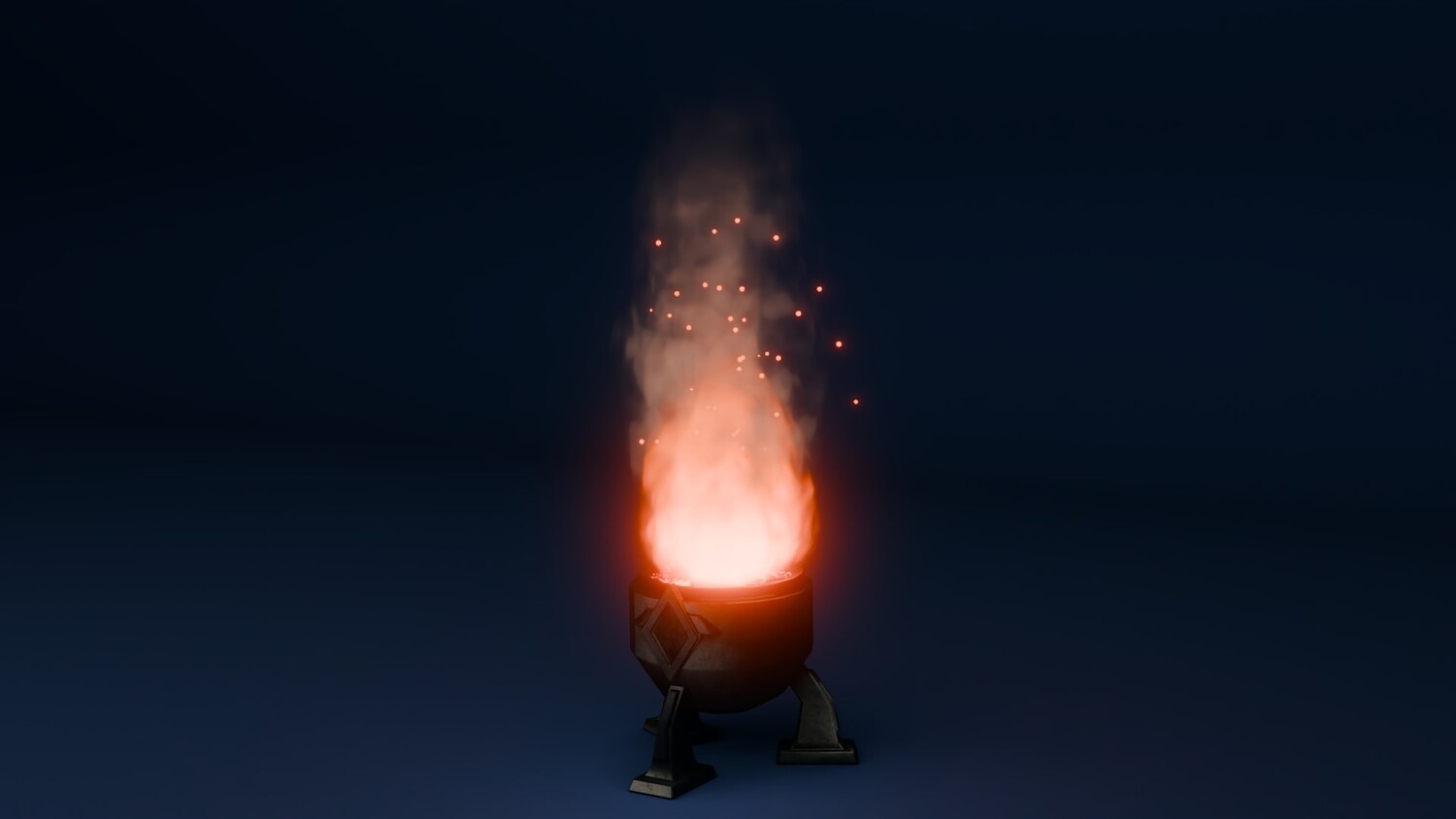
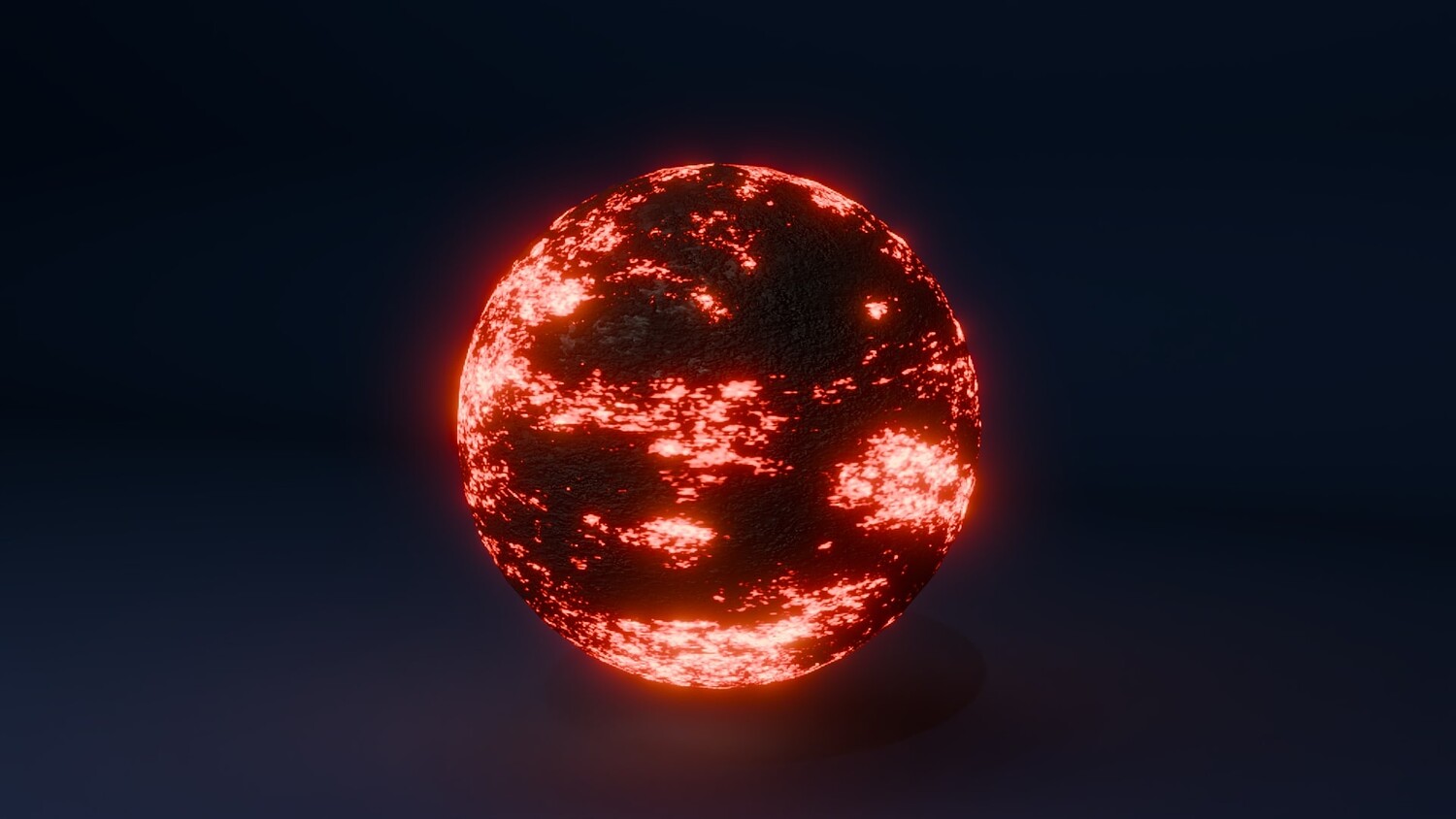
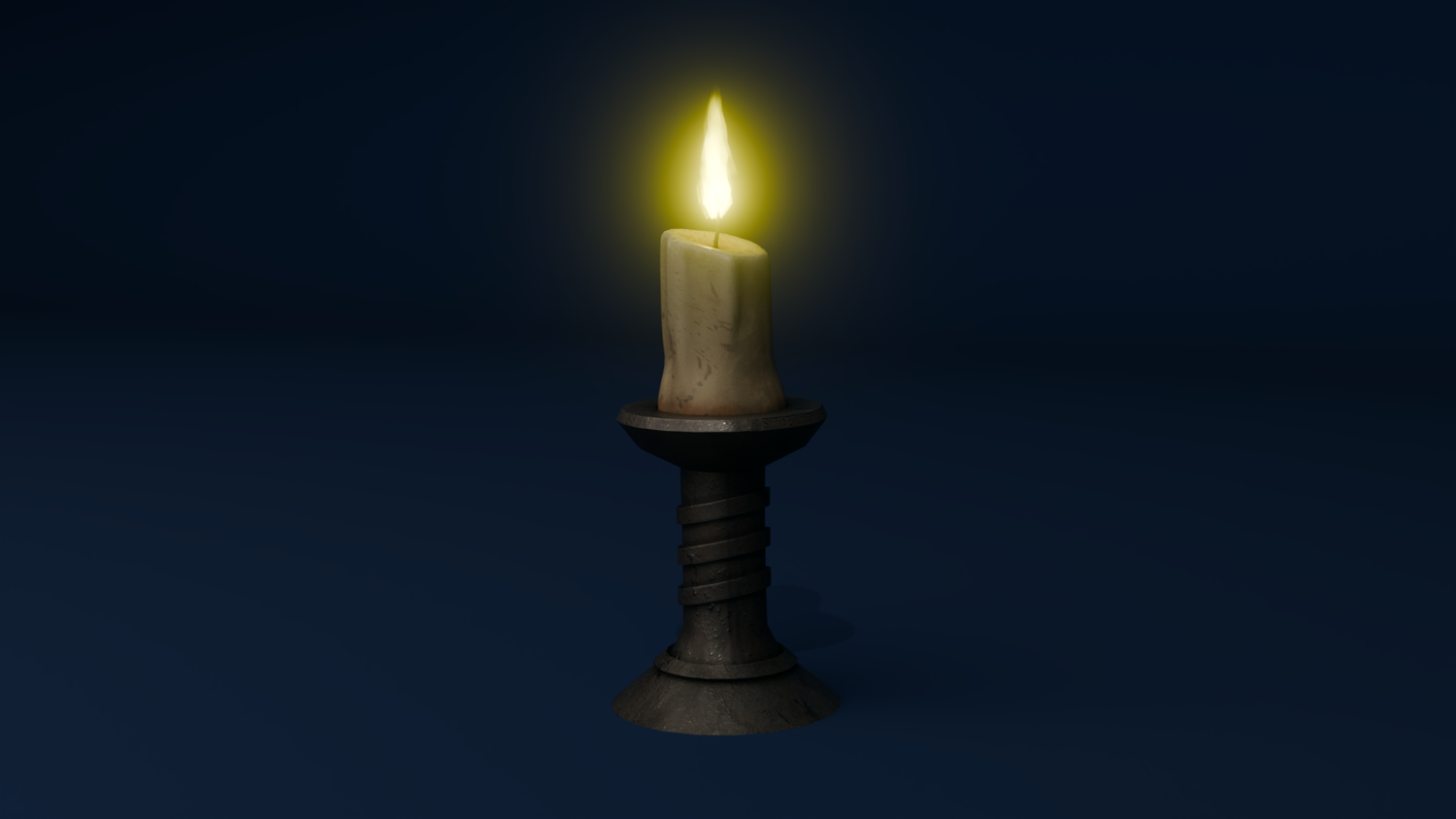
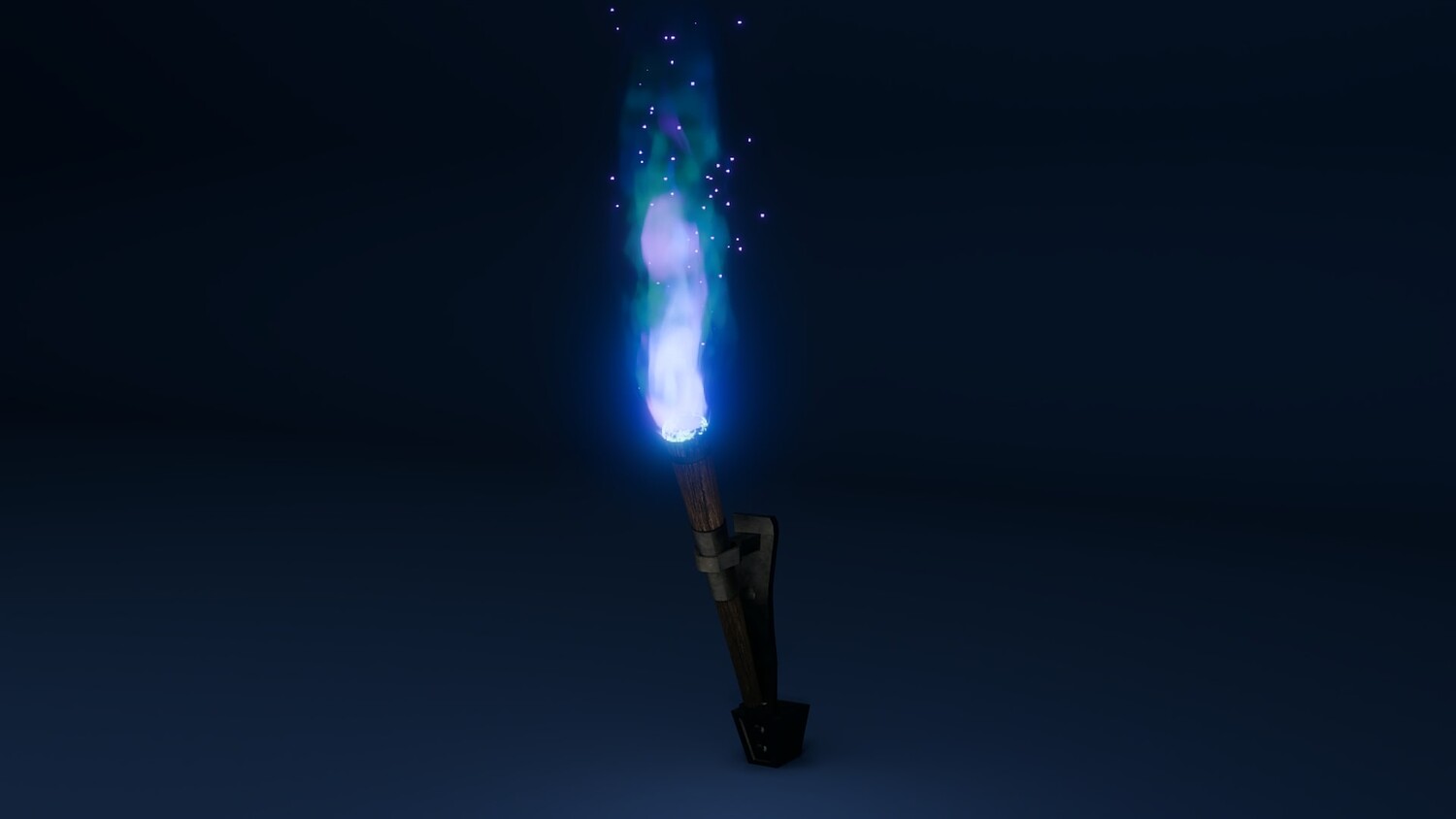
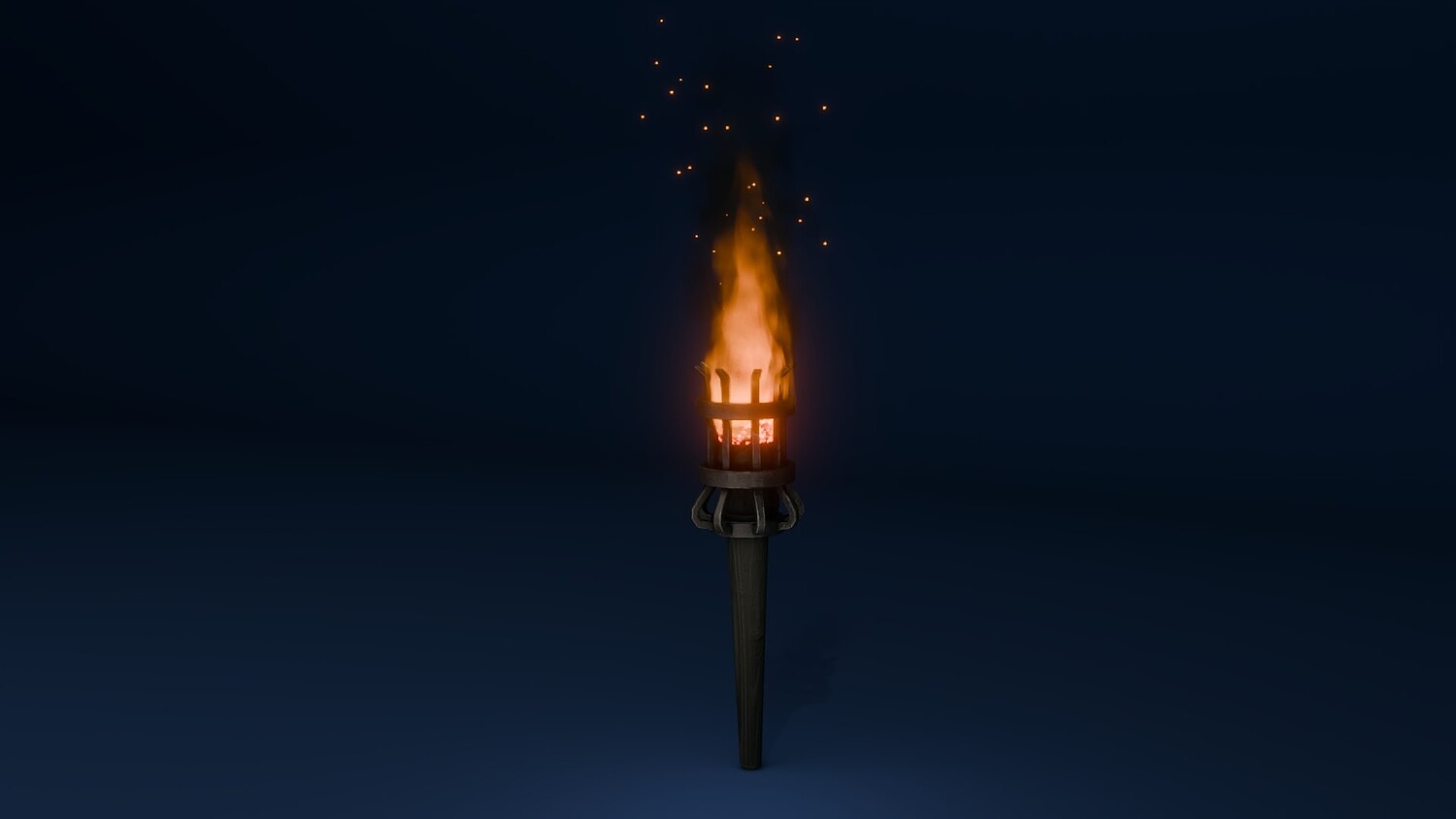
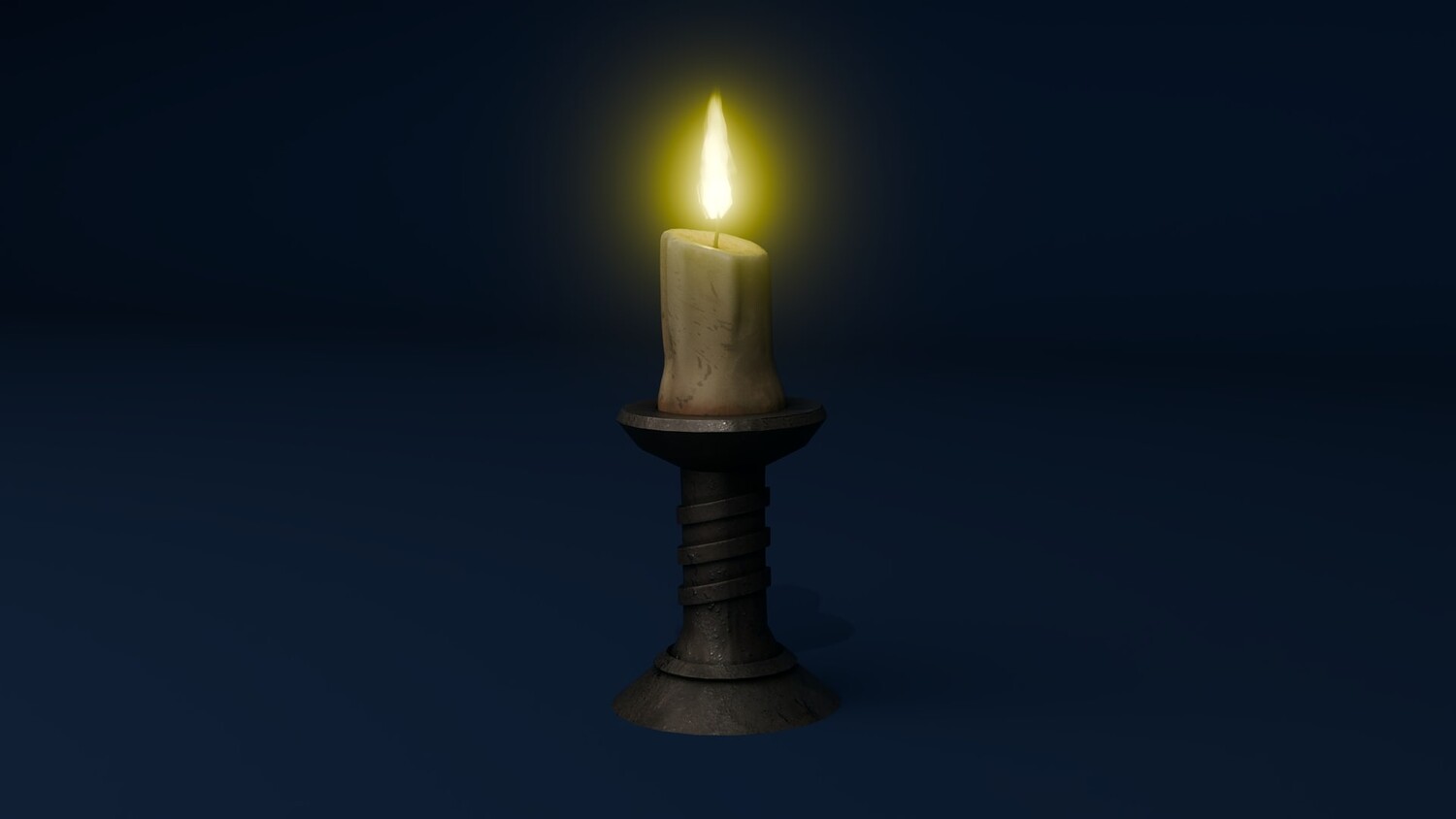
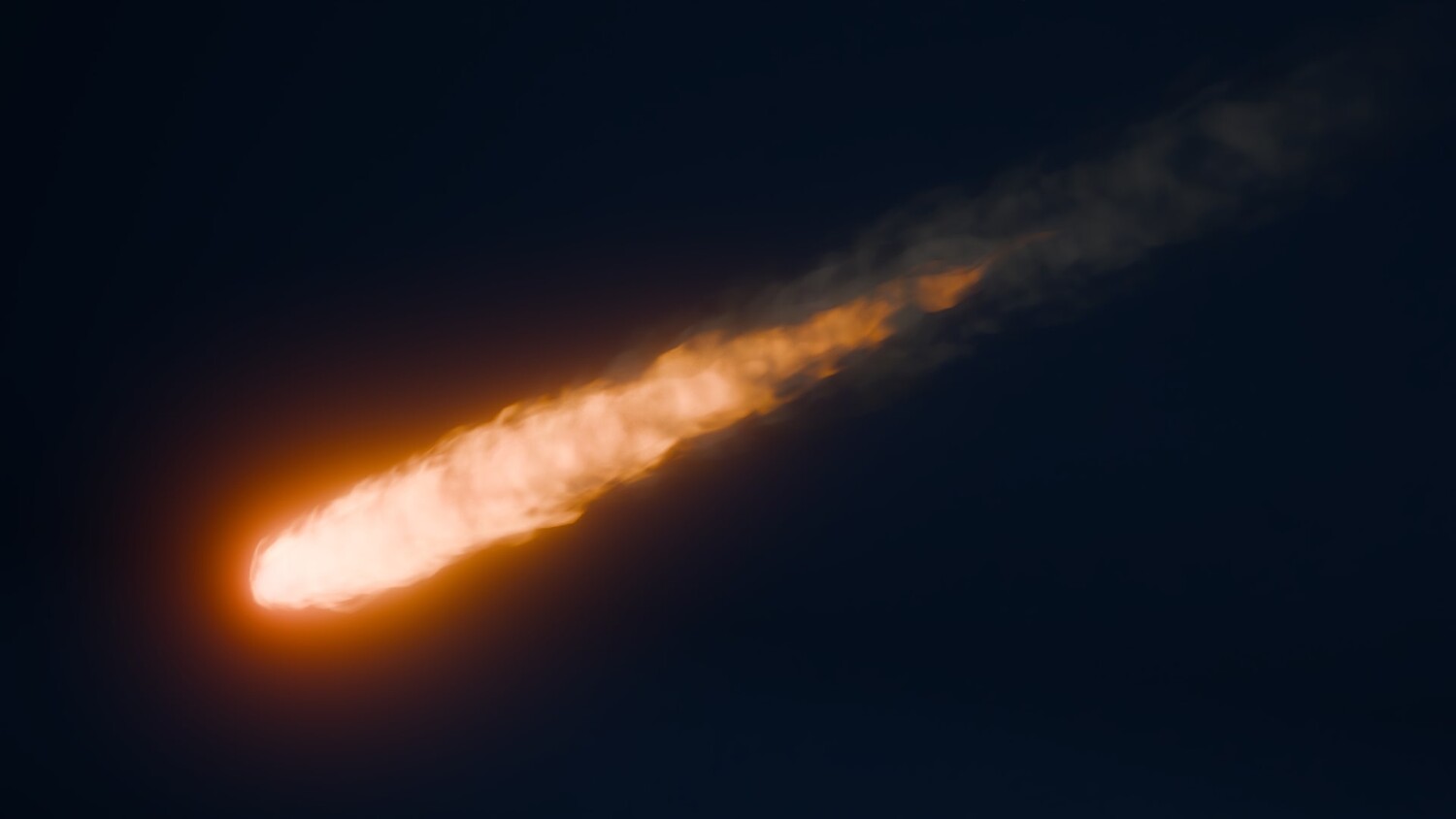
Switch between candle flames, magical braziers, campfires, or meteor trails in seconds using the node sliders.
Perfect for Animation, Games, and VFX
Create real-time effects for fantasy shots, explosions, or slow-burning scenes — no simulation required.
Highly Adjustable for Any Scene
Modify color schemes, core brightness, layering density, and motion intensity to fit any artistic vision.
Lightweight and Beginner-Friendly
Zero baking, full viewport preview, and node group presets make it ideal for all Blender users.
📦 What's Included
- 1x Blender .blend file with Fire Generator Geometry Node setup
- Fire, smoke, and spark node systems with full controls
- Support for both Eevee and Cycles
- Preconfigured demo scenes for candles, torches, fireballs, and braziers
- Color, speed, and emission customization panels built-in
⚙️ Requirements
- Blender 4.0 or newer with lifetime updates
- From noob to pro — watch the 10 minute video to have everything up and running in no time
🚀 Installation Instructions
Method 1 – Add to Asset Library
- Download and unzip the product folder.
- Open Blender → Edit → Preferences → File Paths → Asset Libraries → click the "+" button.
- Navigate to the extracted folder and add it.
- Open the Asset Browser and drag the Fire Generator into your scenes.
Method 2 – Manual Append
- Open your Blender project.
- Go to File → Append → Locate the .blend file → Import the Geometry Node group.
Method 3 – Copy and Paste Between Projects
- Open the project containing the Fire Generator setup.
- Select the Geometry Node group.
- Press Ctrl+C to copy.
- Open another Blender project and press Ctrl+V to paste it directly into your scene.
💬 Support
Need help? Join our growing 3D Tudor Discord community to connect with our support team and hundreds of fellow artists!
👉 Join the 3D Tudor Discord here
You will get 2 files
All files previously purchased will always be available for download in your Library