3DT Roof Tile – Blender Geometry Nodes Procedural
3DT Roof Tile – Blender Geometry Nodes
🎥 Demo Video
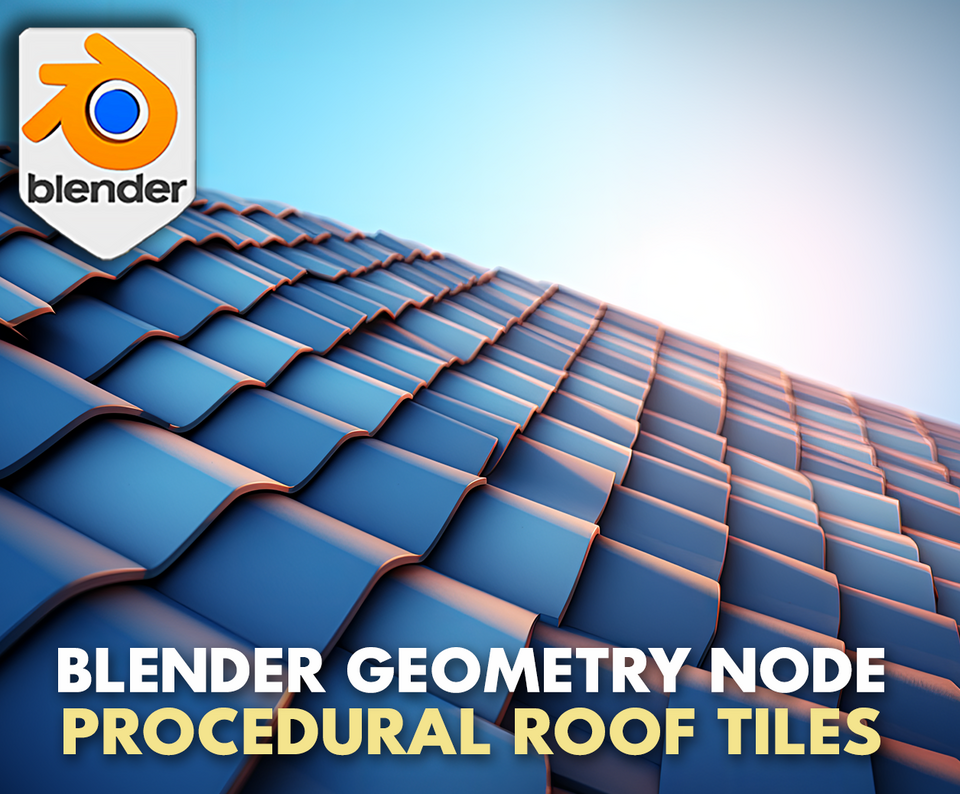
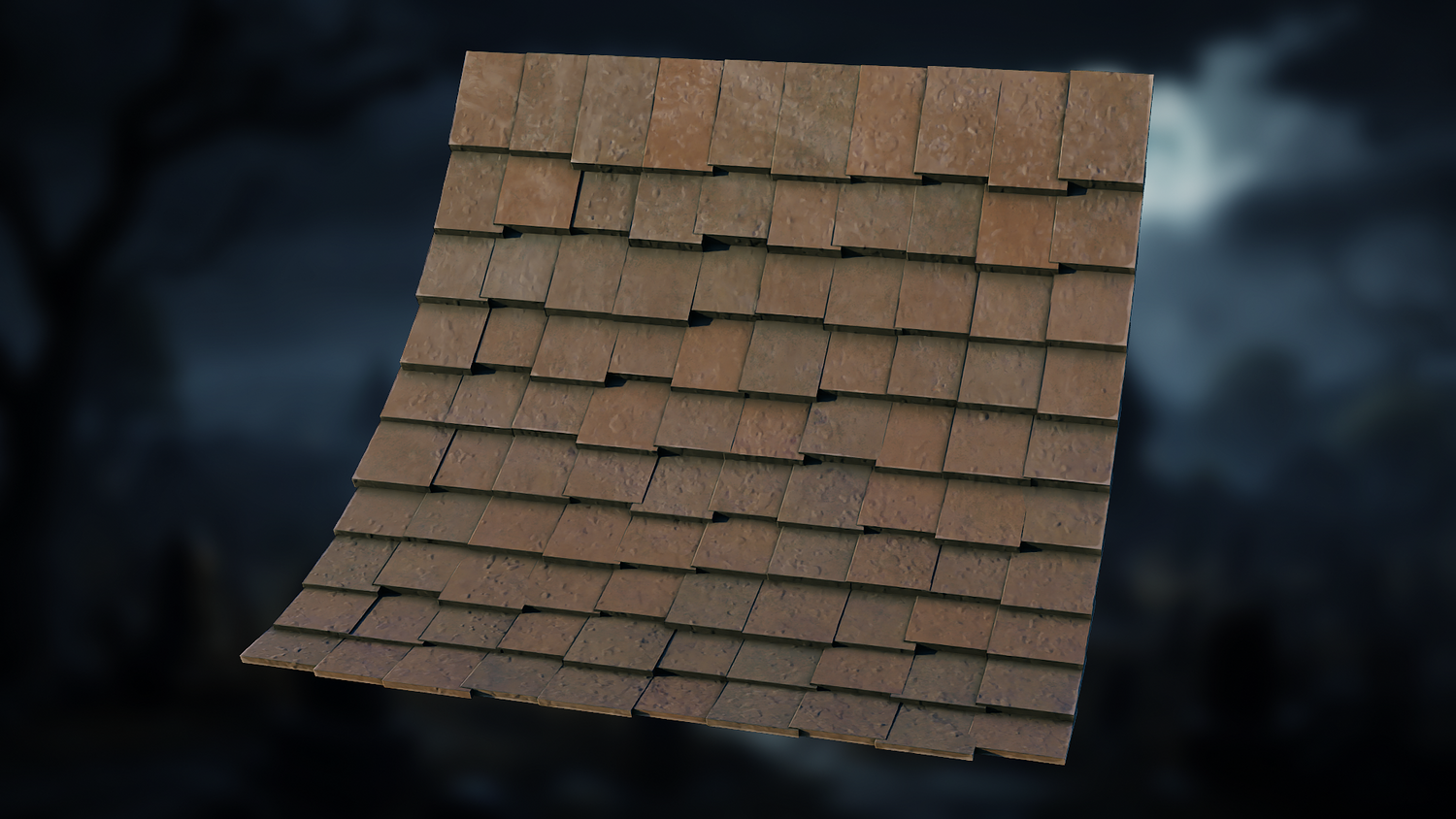
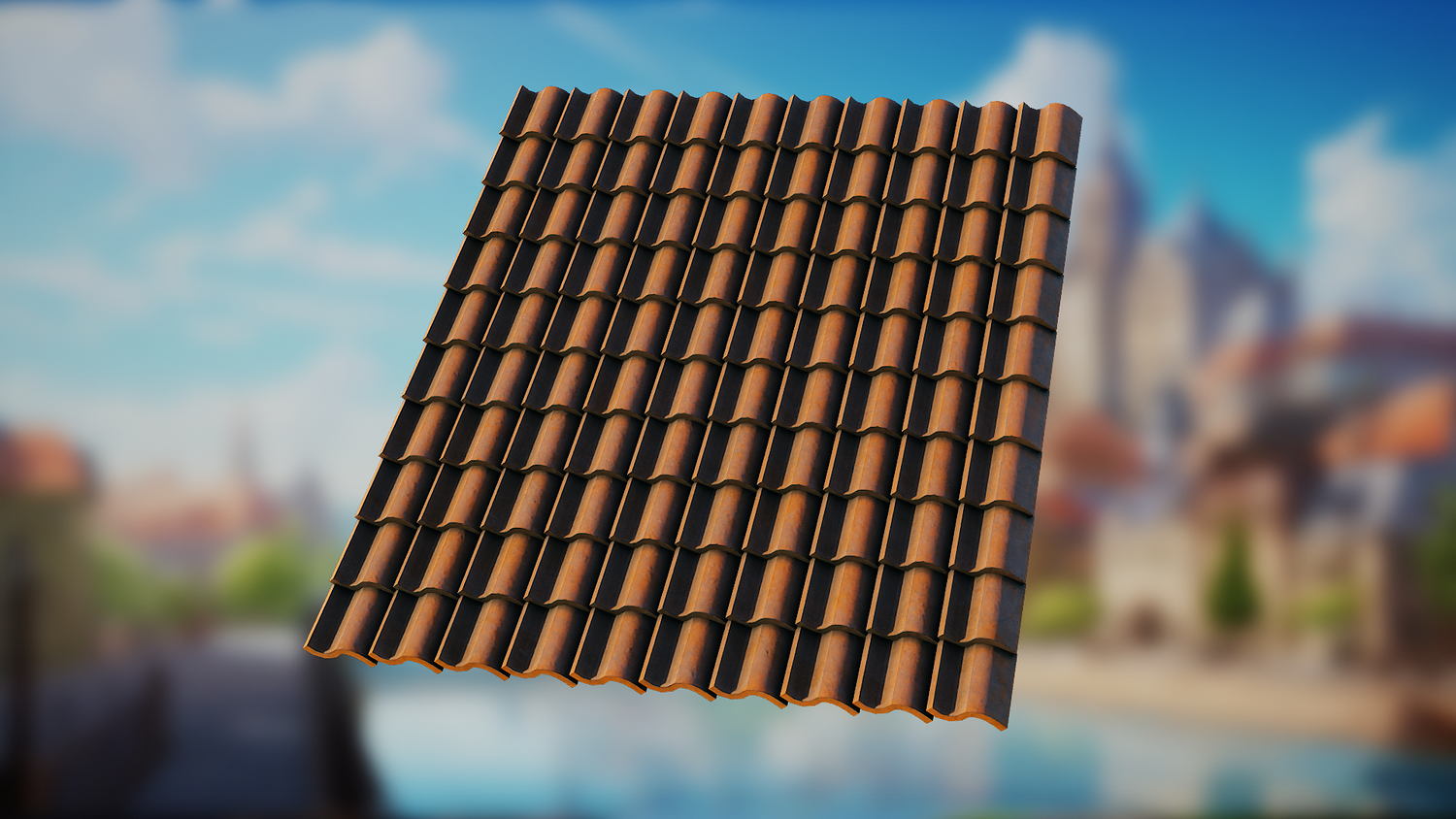
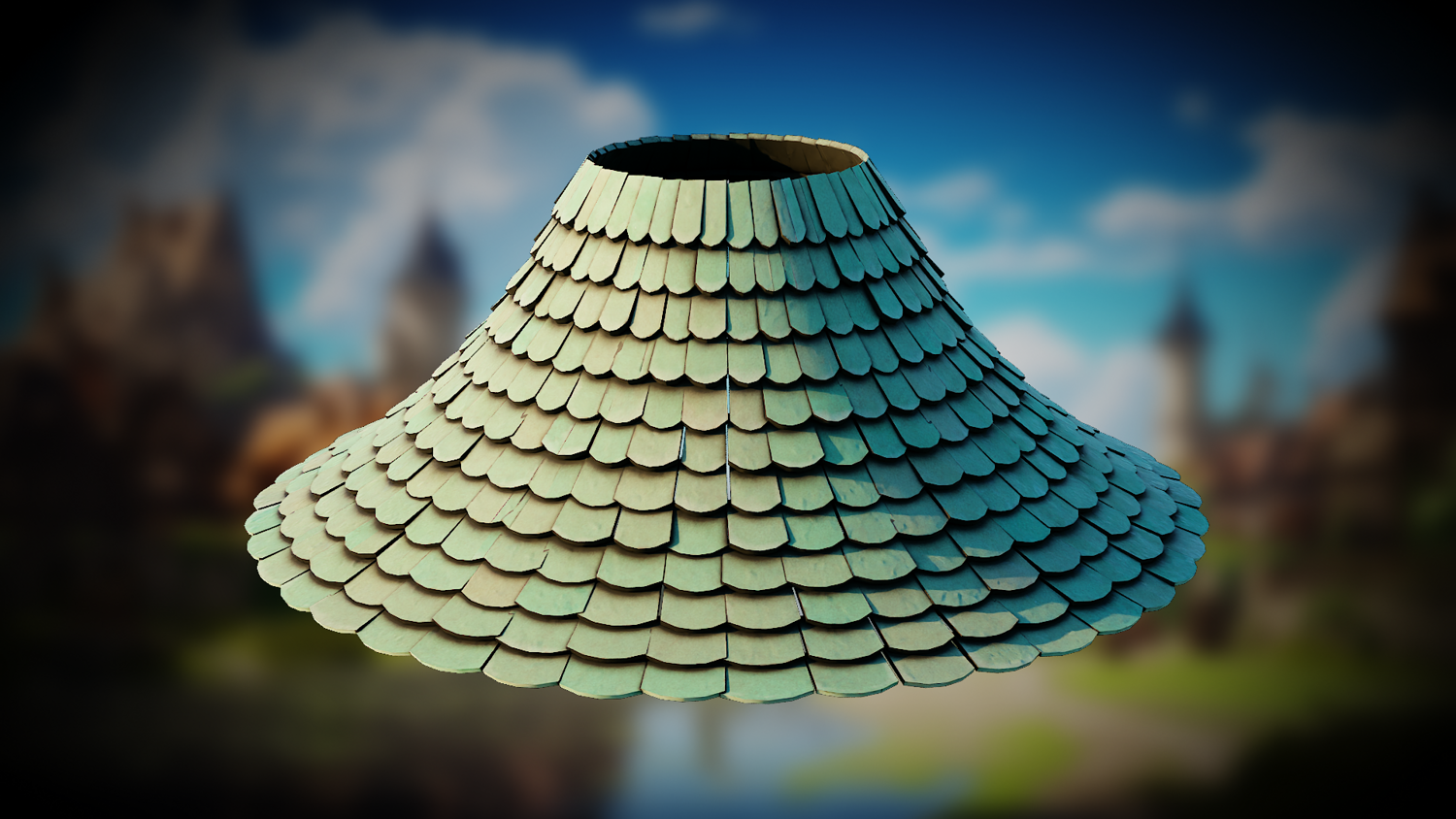
Design stylized roofs in seconds with the 3DT Roof Tile Generator, a fully procedural geometry node setup in Blender 4!
Create complex, customizable tiled roofs with perfect control over tile offsets, material alternation, randomization, and shape bending — all with real-time performance in the viewport. Whether for fantasy towns, historical scenes, or game-ready assets, this tool gives you a pro-level workflow in just a few clicks.
🎯 Key Features

Tile Offset and Material Alternation
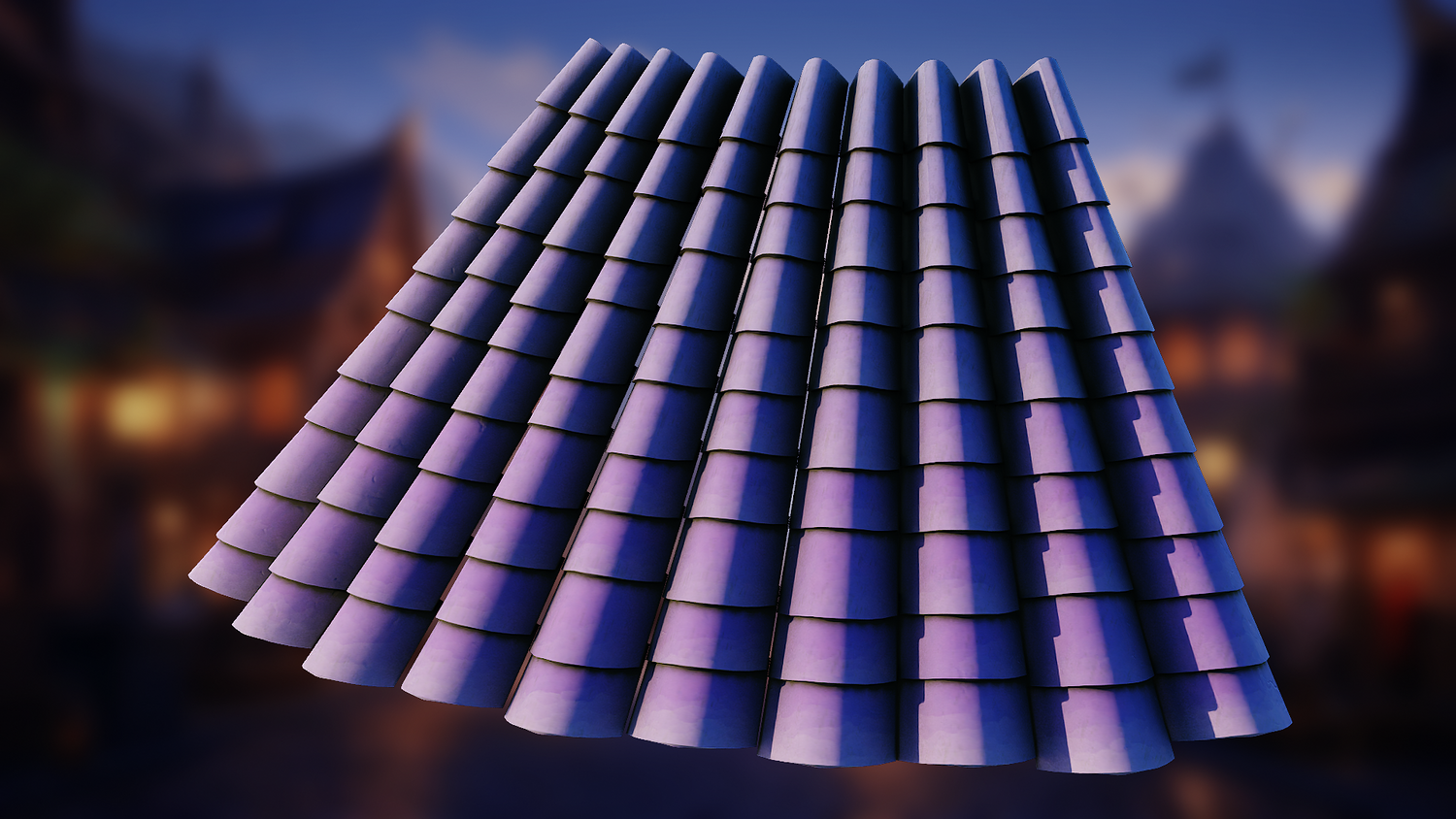
Customize rows with horizontal and vertical offsets. Switch between odd/even materials for variation with minimal effort.
Advanced Randomization Controls
Control tile length, width, thickness, and placement randomness to add realism to any structure.
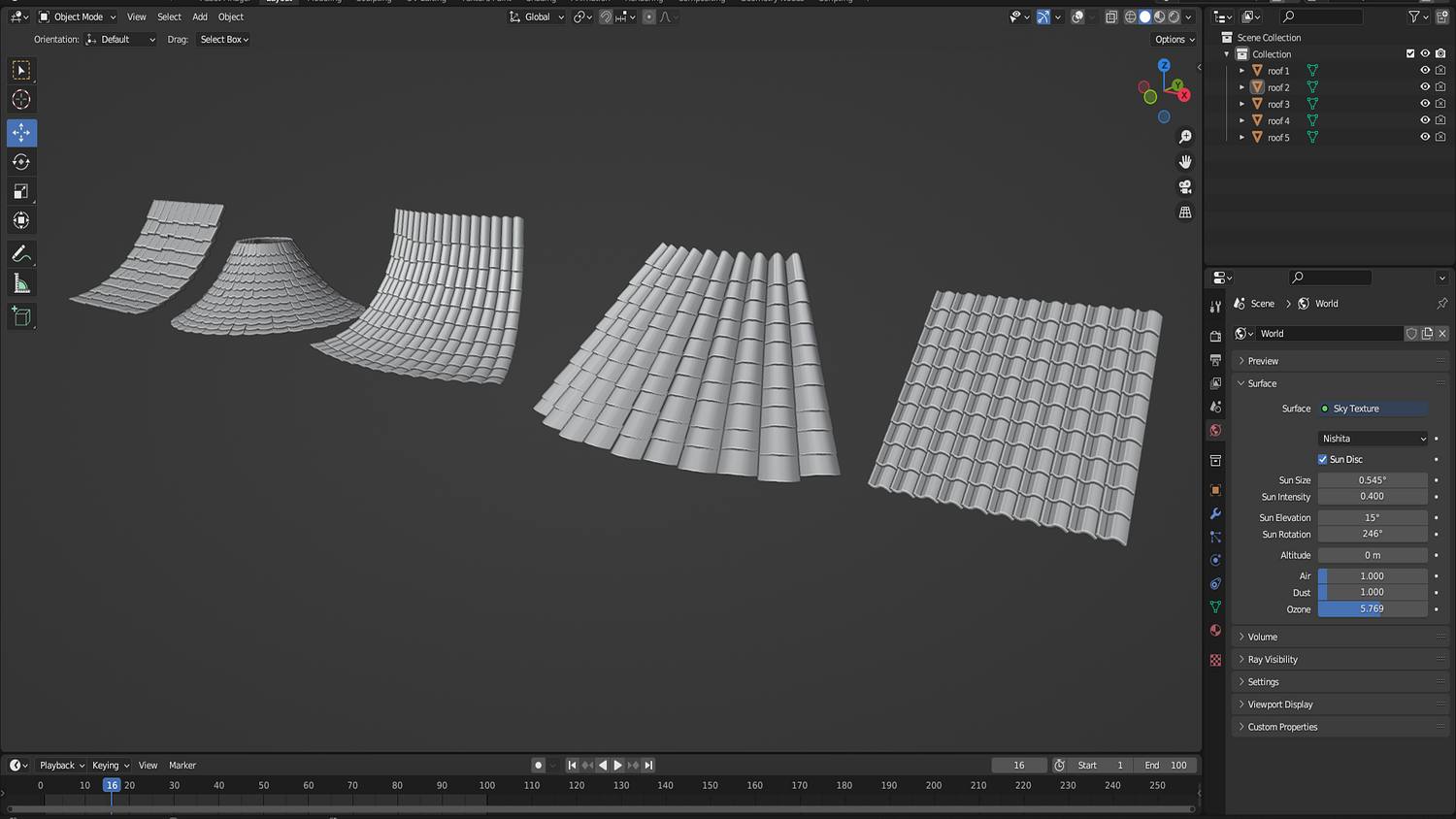
Shape Bending and Compression
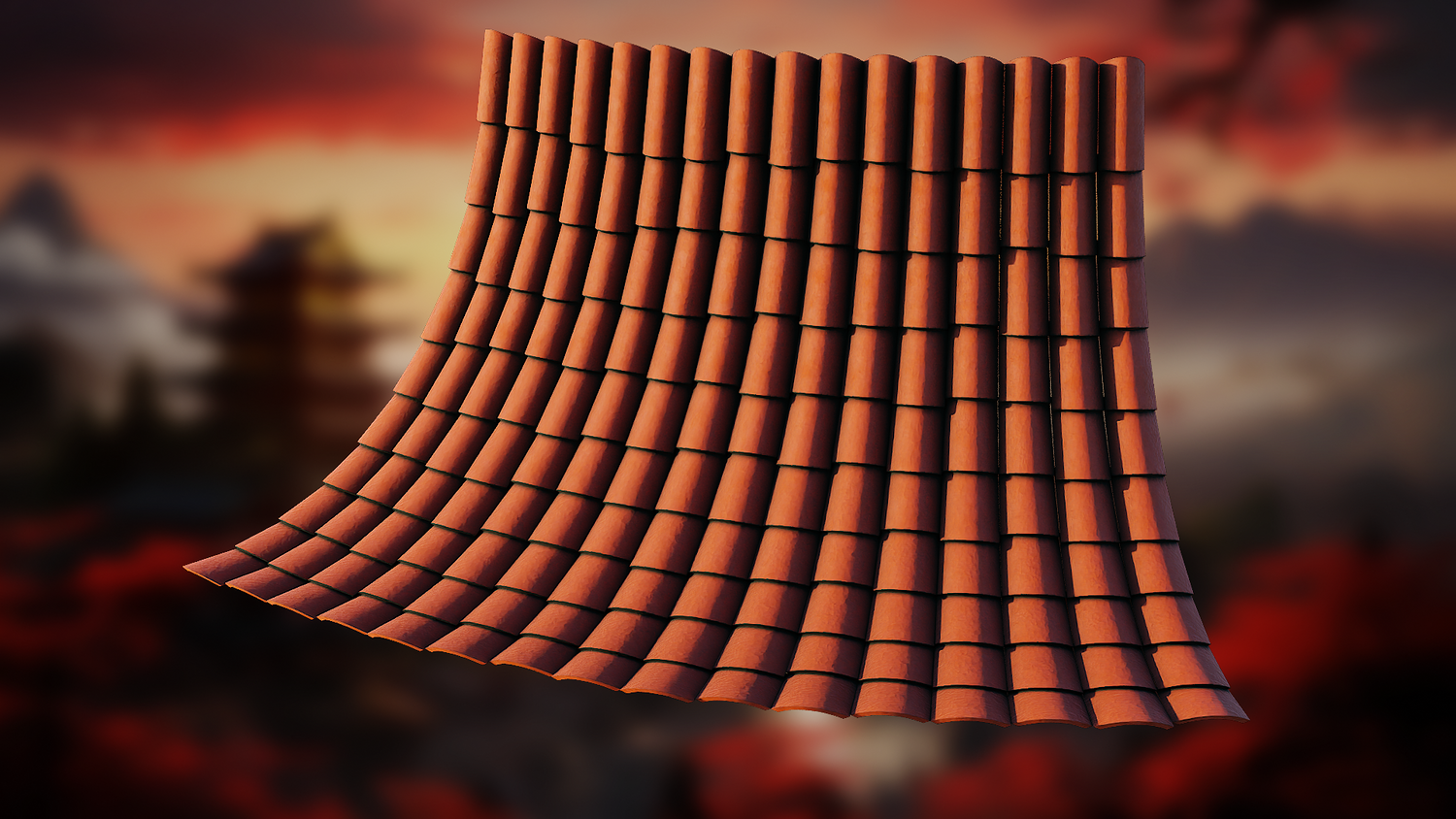
Bend your roof tiles along multiple axes or compress them for warped stylized roofs — no manual mesh edits needed.
Low to High Poly Ready
Adjust subdivision levels dynamically to move between stylized and highly detailed looks depending on your needs.
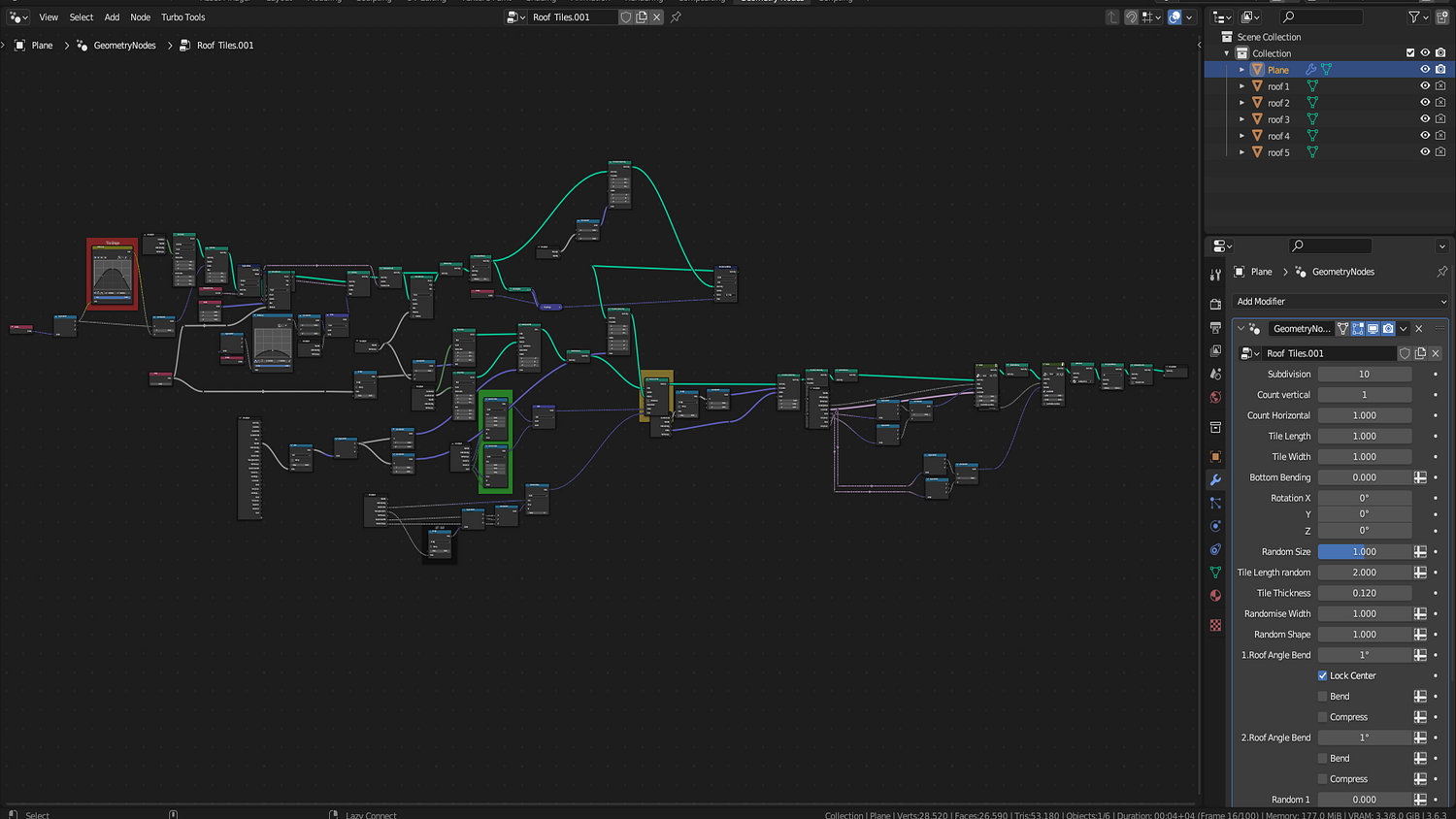
Organized and Intuitive UI
All key parameters are clearly laid out and labeled for fast iteration and testing.
🔥 Why You'll Love It

Speed + Flexibility
Create rooftops for towers, cottages, castles, and more in just minutes — no sculpting or modeling required.
Perfect for Stylized and Realistic Projects
Dial in the precise aesthetic your scene needs with total control over randomness, shape, and tile behavior.
Ideal for Games and Animation
Optimized for Blender’s real-time engine while producing high-quality renders for cinematic environments.
Built on the Latest Blender 4.0+ Tools
Leverage modern geometry nodes and modifiers for a seamless creative experience.
📦 What's Included
- 1x Blender .blend file with complete Roof Tile Geometry Node setup
- Offset, material switch, shape, bend, and compression controls
- Fully randomizable tile sizing and layout
- Default values for quick resets
- Organized modifier panel with labeled parameters
⚙️ Requirements
- Blender 4.0 or newer with lifetime updates
- From noob to pro — watch the 10 minute video to have everything up and running in no time
🚀 Installation Instructions
Method 1 – Add to Asset Library
- Download and unzip the product folder.
- Open Blender → Edit → Preferences → File Paths → Asset Libraries → click the "+" button.
- Navigate to the extracted folder and add it.
- Open the Asset Browser and drag the Roof Tile Generator into your scenes.
Method 2 – Manual Append
- Open your Blender project.
- Go to File → Append → Locate the .blend file → Import the Geometry Node group.
Method 3 – Copy and Paste Between Projects
- Open the project containing the Roof Tile setup.
- Select the Geometry Node group.
- Press Ctrl+C to copy.
- Open another Blender project and press Ctrl+V to paste it directly into your scene.
💬 Support
Need help? Join our growing 3D Tudor Discord community to connect with our support team and hundreds of fellow artists!
👉 Join the 3D Tudor Discord here
Model Details
- FormatsNo
- Polygons0
- Vertices0
- animatedno
- materialsyes
- texturesno
- riggedno
- uvsno
- 3d print readyno
You will get 2 files
All files previously purchased will always be available for download in your Library