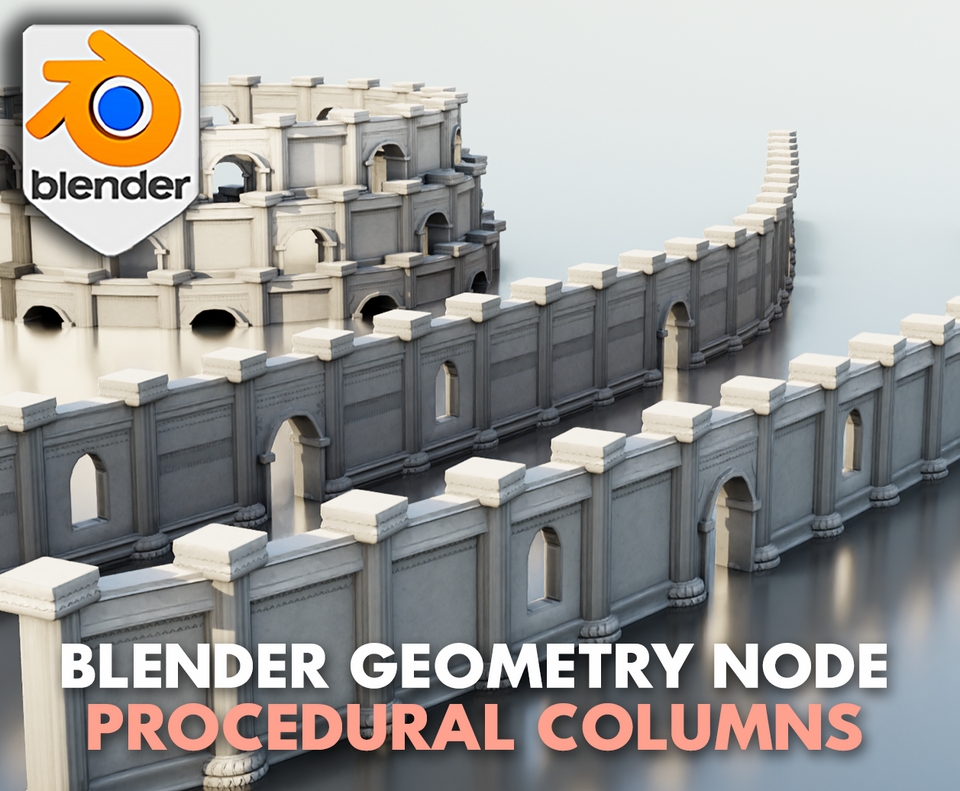
3DT Walls & Columns – Blender Geometry Nodes Procedural
3DT Walls & Columns – Blender Geometry Nodes
🎥 Demo Video
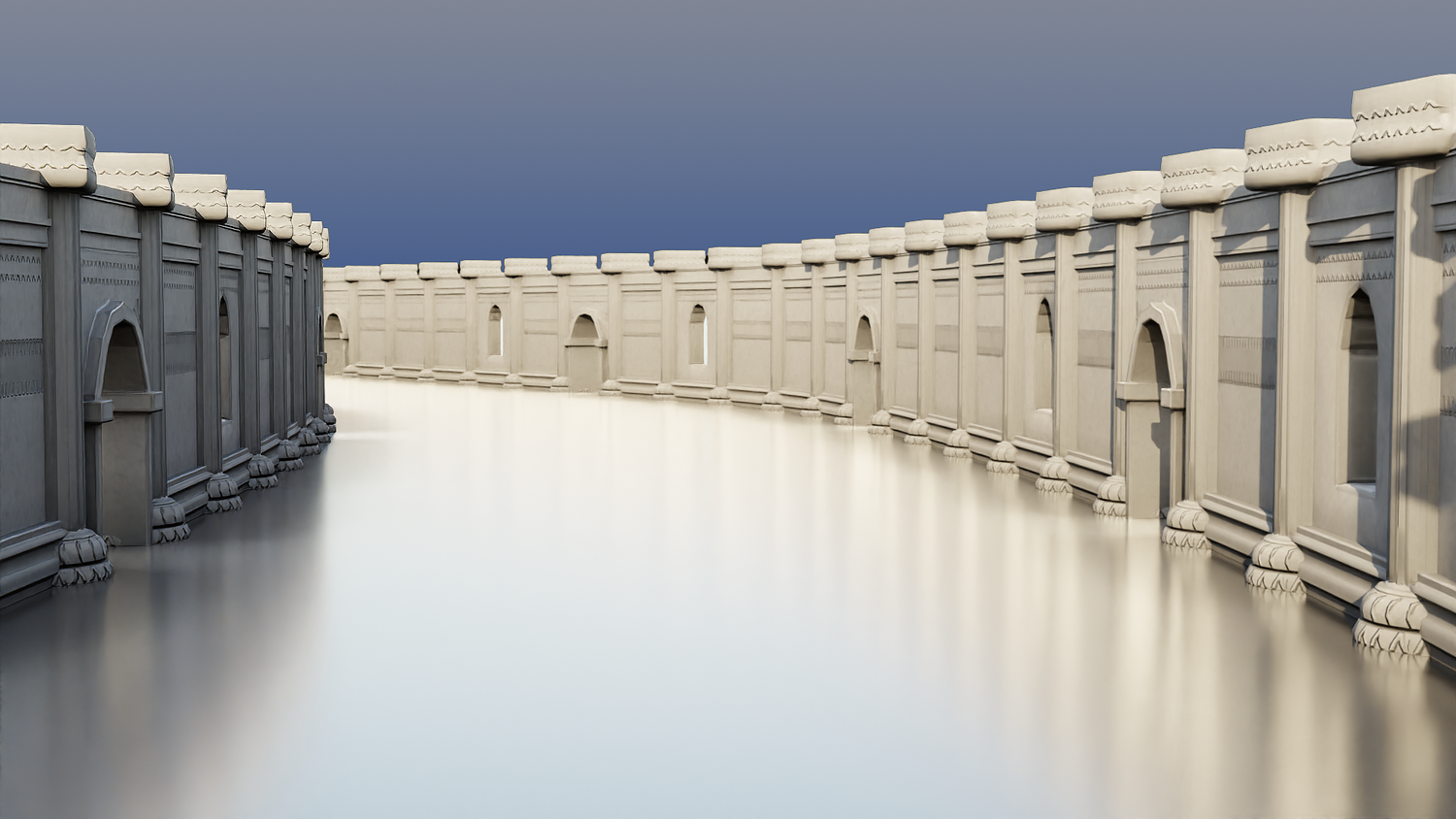
Create sprawling cities, detailed ruins, and intricate alleyways effortlessly with the 3DT Walls & Columns Generator!
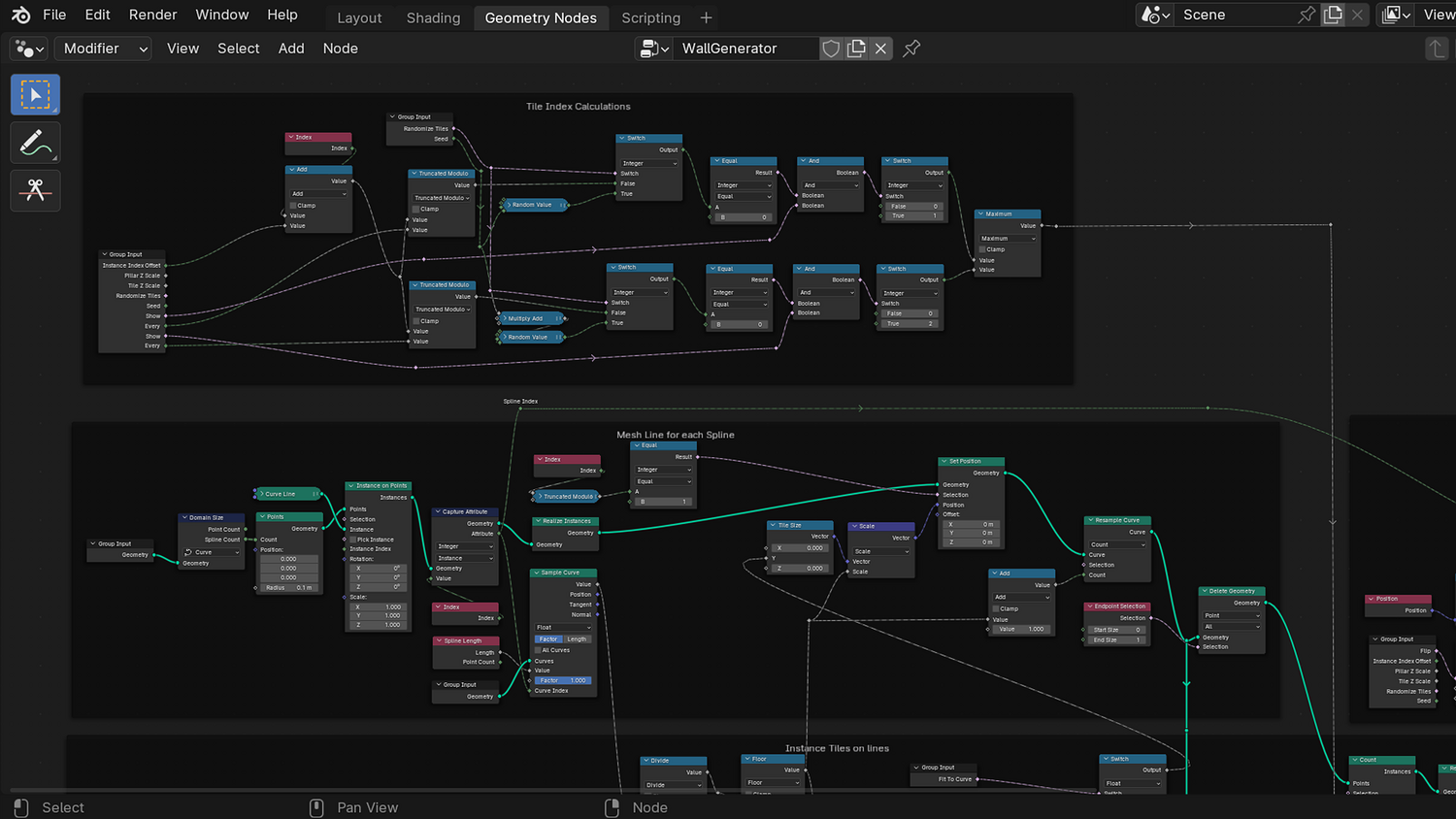
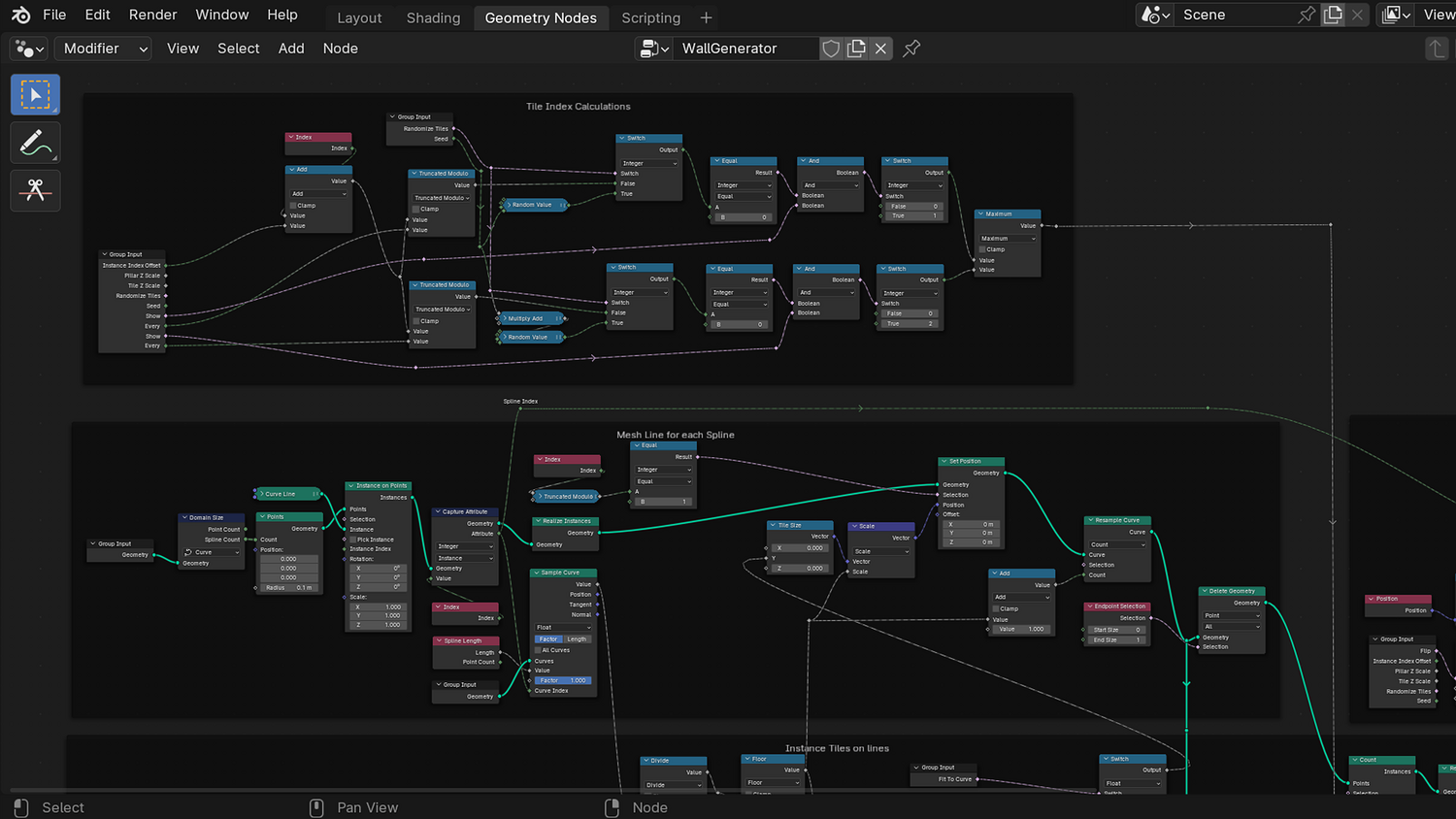
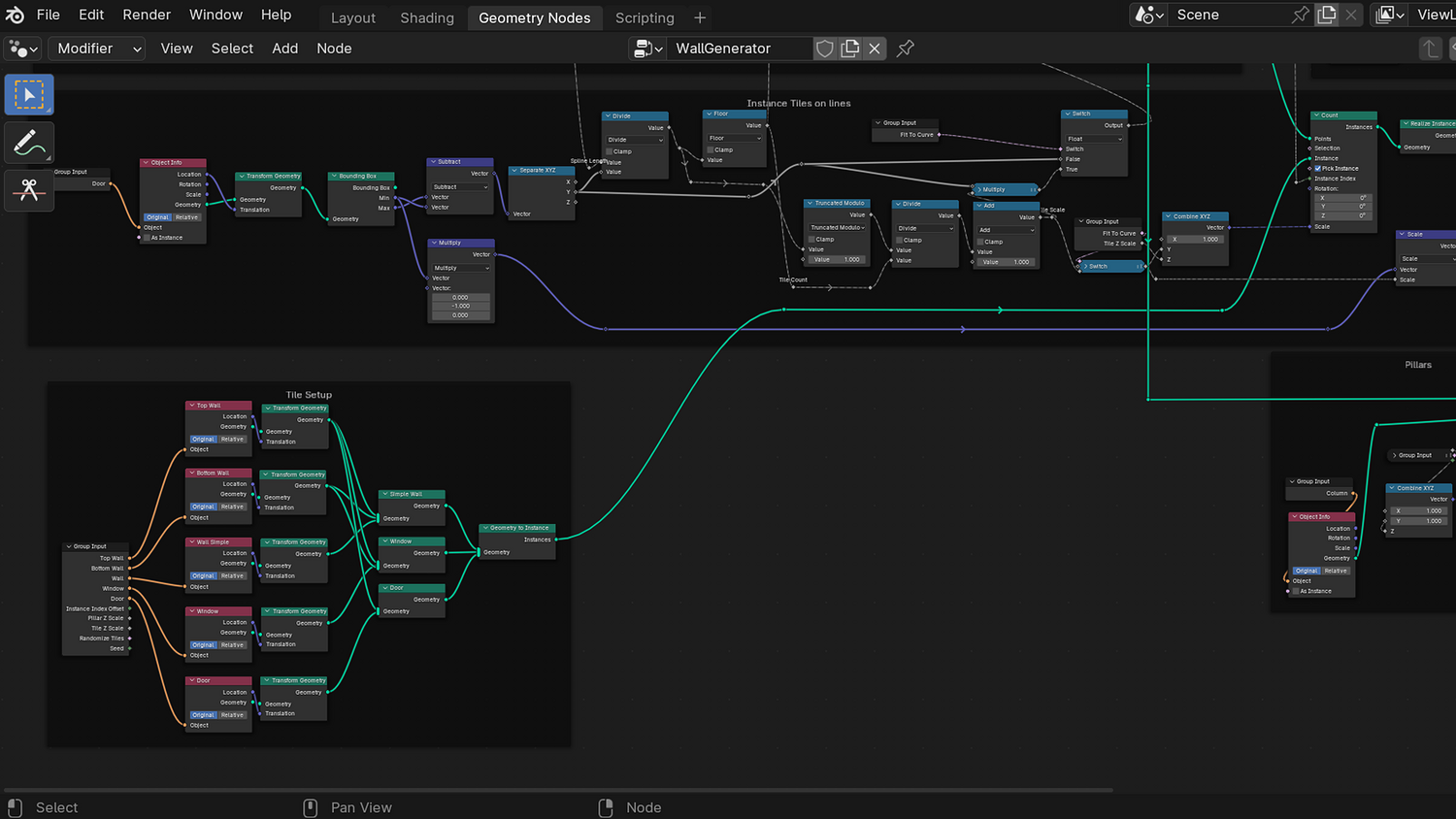
Designed for Blender 4.0+, this versatile geometry node setup gives you full control over wall shapes, windows, doors, patterns, and curvature. Build fantasy towns, sci-fi cities, medieval strongholds, or any architectural structure in minutes — fully optimized for speed and flexibility.
🎯 Key Features

Customizable Wall Layouts
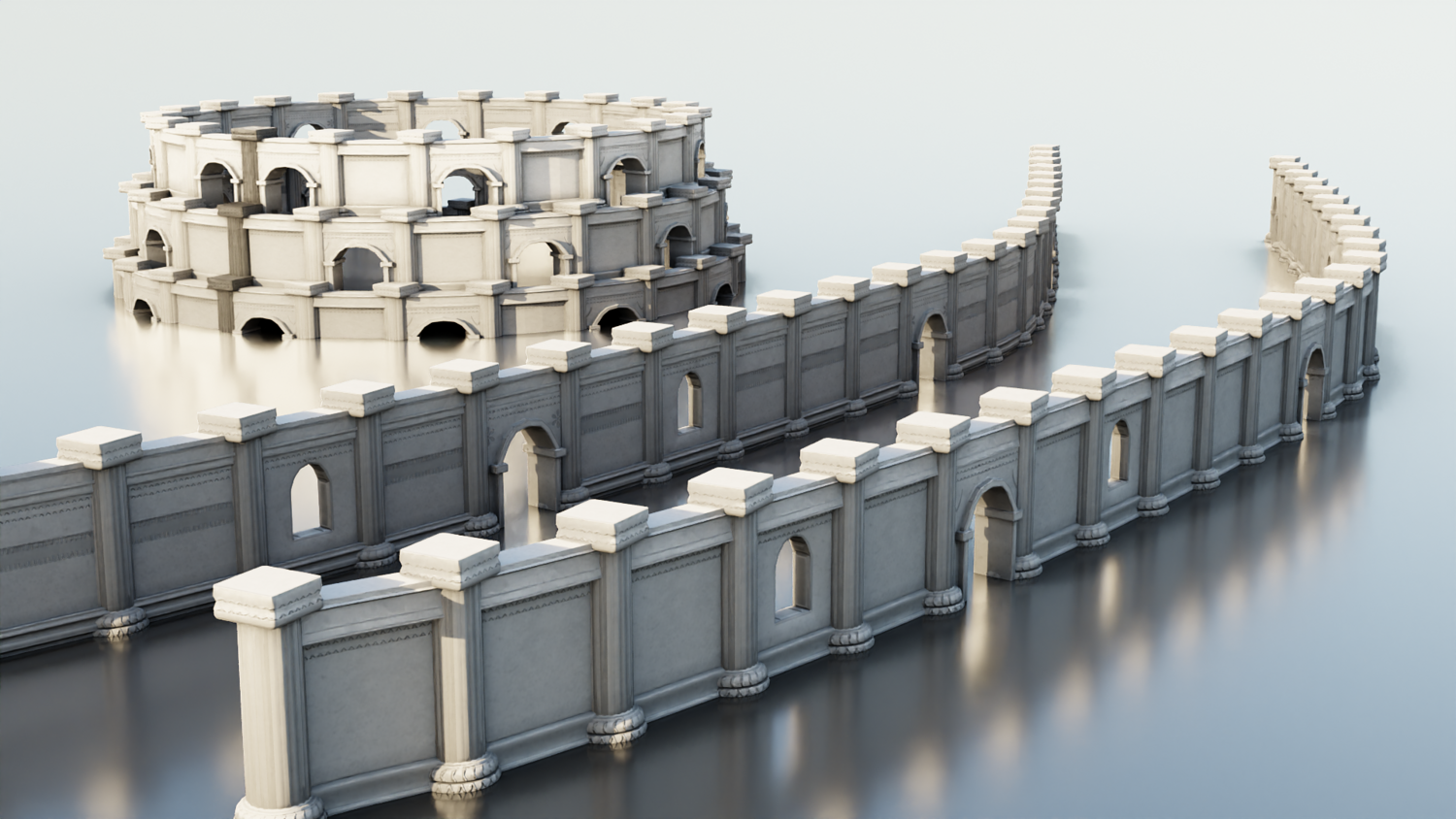
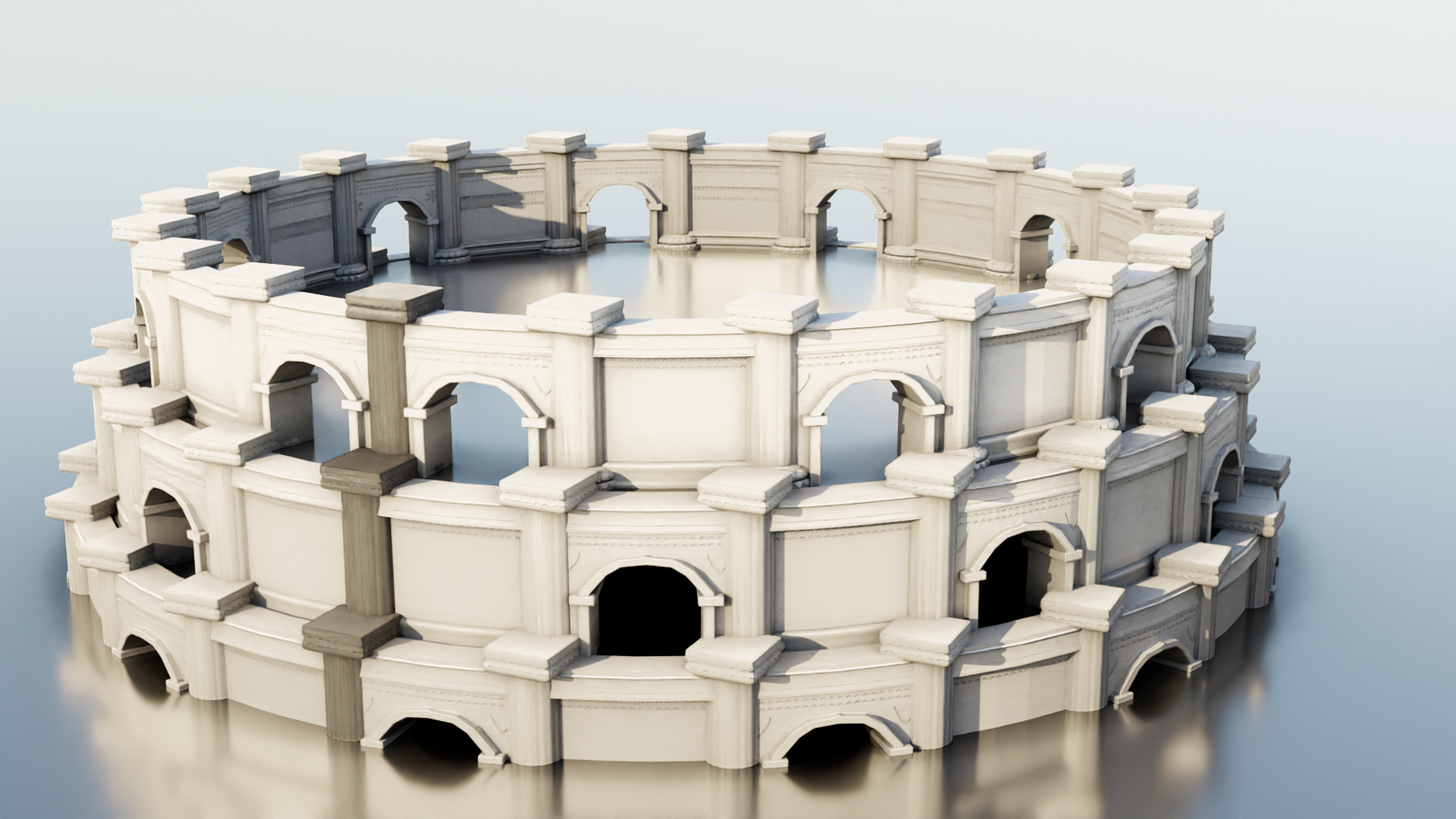
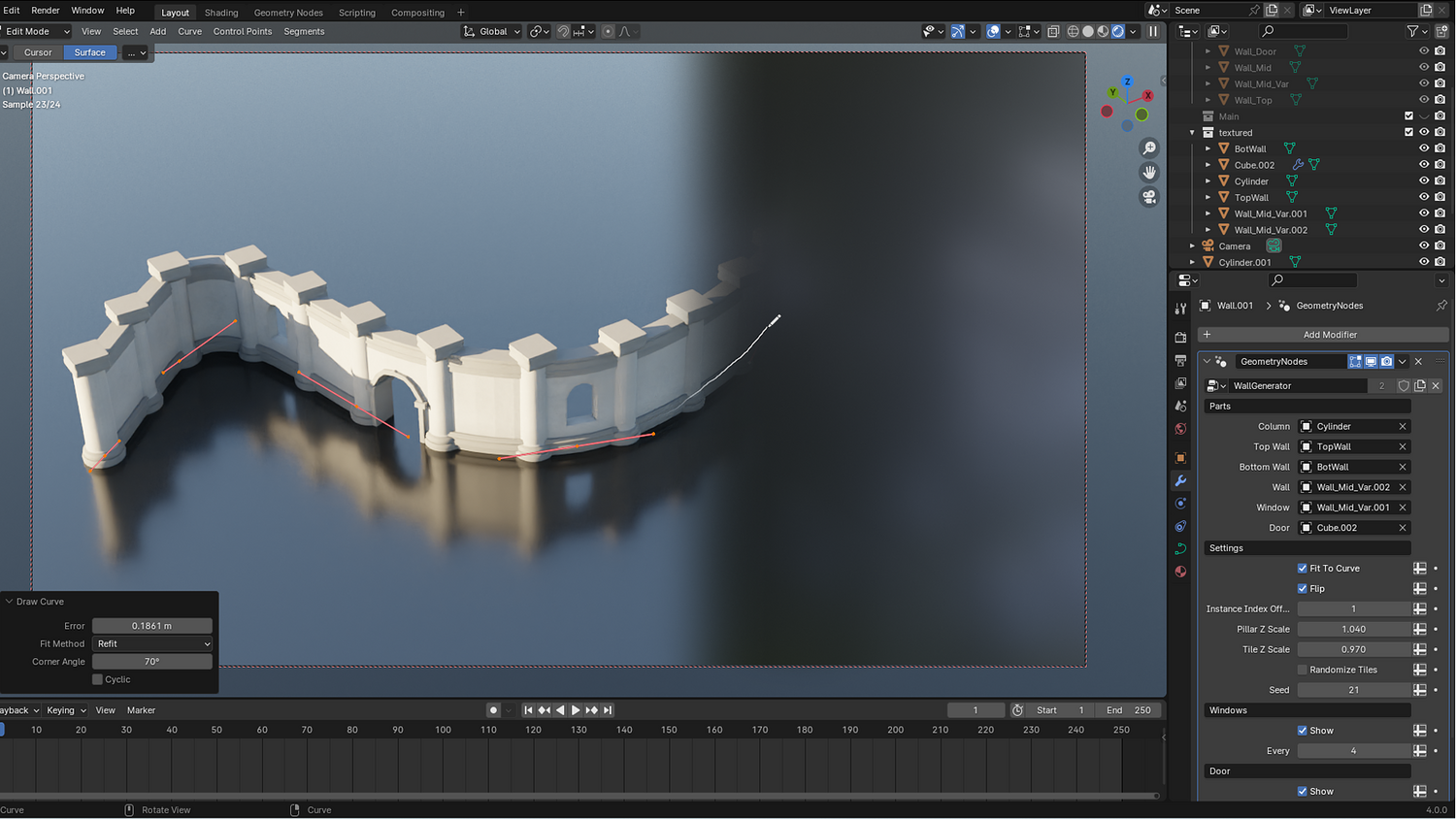
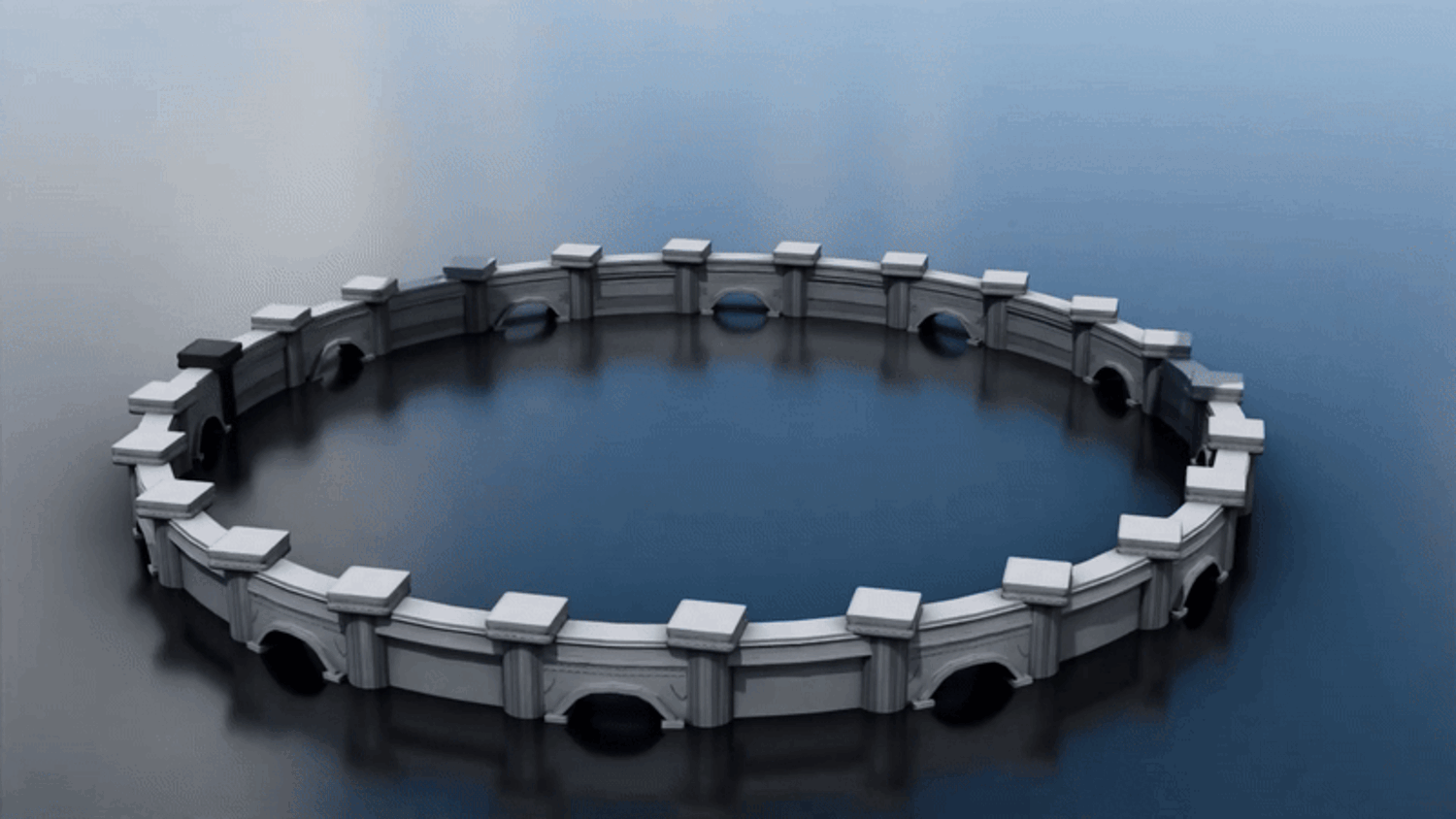
Draw freeform curves to generate walls, alleys, courtyards, towers, and coliseums with precision.
Procedural Windows and Doors
Easily control window and door placement frequency — perfect for varied architectural designs.
Modular Mesh Replacement
Swap wall, window, and column meshes with your own custom models while preserving deformation and alignment.
Randomization and Pattern Controls
Use random seeds to vary wall styles instantly or fine-tune each element manually.
Support for Curved Walls and Structures
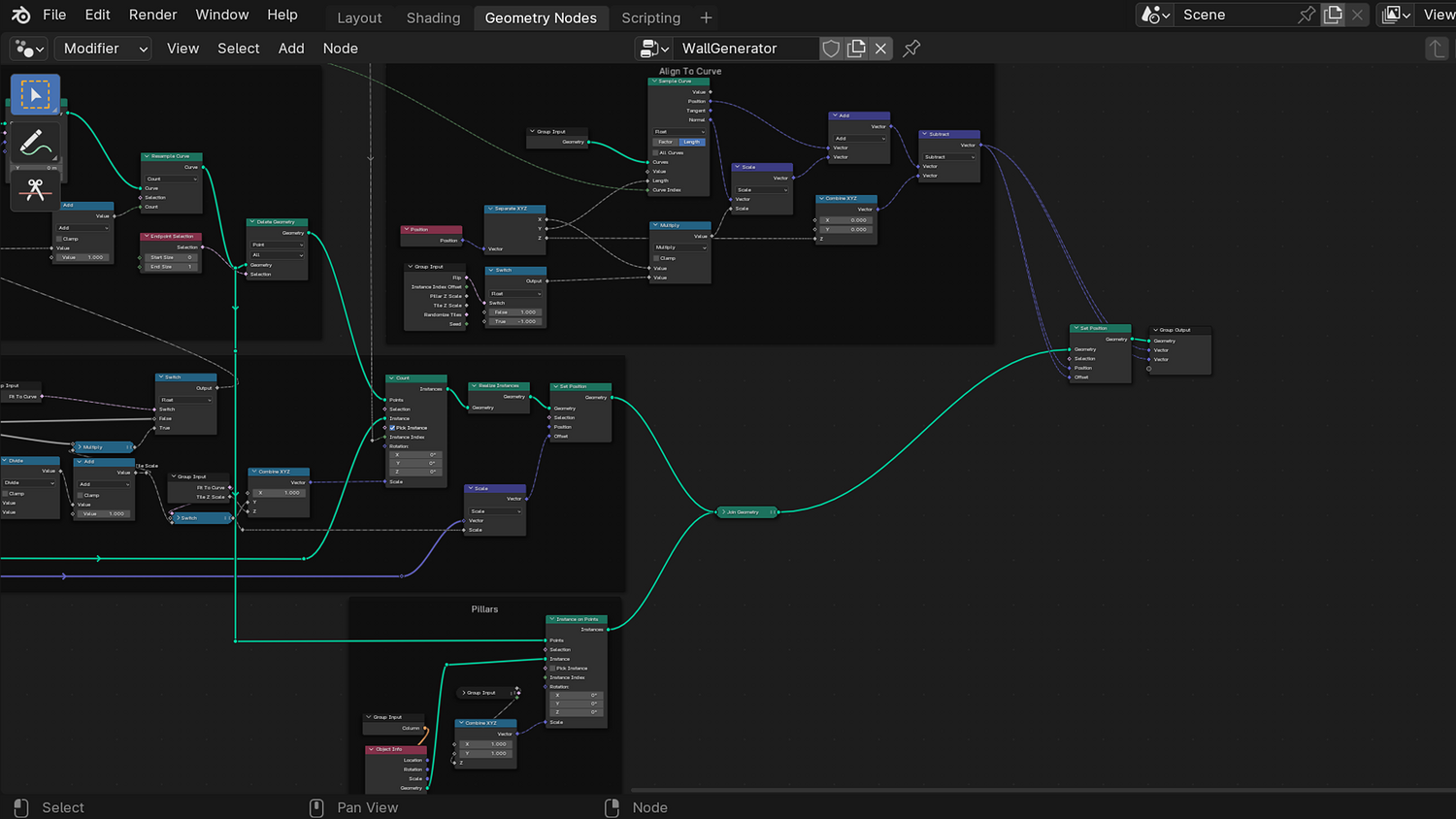
Walls and doors auto-deform smoothly along drawn paths with built-in curvature support.
🔥 Why You'll Love It

Instant City Building
From simple walls to complex city grids, you can create complete environments in just a few minutes.
Artist-Friendly and Game-Ready
Procedural, low-overhead setup is ideal for real-time projects, concept art, and animated films.
Fully Modular and Expandable
Easily add new wall, window, or column designs by dropping in new meshes.
Ultimate Creative Freedom
Whether you're building medieval castles, futuristic cities, or fantasy ruins, this system adapts to your vision.
📦 What's Included
- 1x Blender .blend file with complete Walls and Columns Geometry Node setup
- Freeform curve-based wall drawing system
- Fully controllable window, door, and column placement
- Preset and customizable mesh slots
- UV-ready workflow for external texturing
⚙️ Requirements
- Blender 4.0 or newer with lifetime updates
- From noob to pro — watch the 10 minute video to have everything up and running in no time
🚀 Installation Instructions
Method 1 – Add to Asset Library
- Download and unzip the product folder.
- Open Blender → Edit → Preferences → File Paths → Asset Libraries → click the "+" button.
- Navigate to the extracted folder and add it.
- Open the Asset Browser and drag the Walls & Columns Generator into your scenes.
Method 2 – Manual Append
- Open your Blender project.
- Go to File → Append → Locate the .blend file → Import the Geometry Node group.
Method 3 – Copy and Paste Between Projects
- Open the project containing the Walls & Columns setup.
- Select the Geometry Node group.
- Press Ctrl+C to copy.
- Open another Blender project and press Ctrl+V to paste it directly into your scene.
💬 Support
Need help? Join our growing 3D Tudor Discord community to connect with our support team and hundreds of fellow artists!
👉 Join the 3D Tudor Discord here
You will get 2 files
All files previously purchased will always be available for download in your Library