3DT Birds & Bees Generator – Blender Geometry Node Procedural
3DT Birds & Bees Generator – Blender Geometry Nodes
🎥 Demo Video
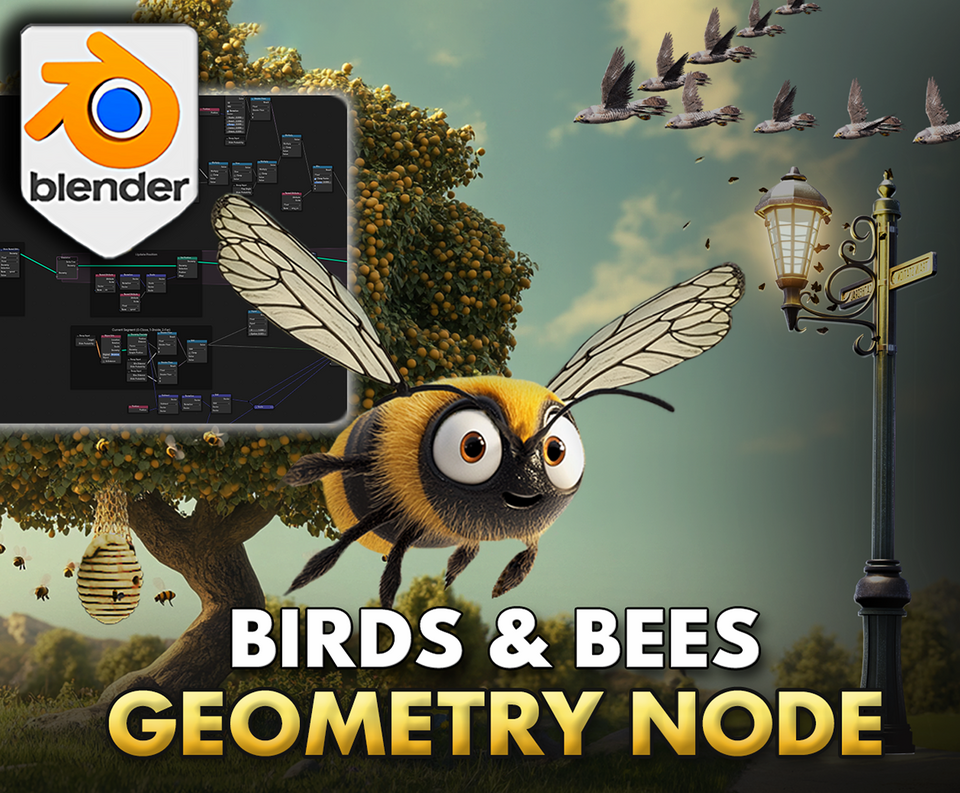
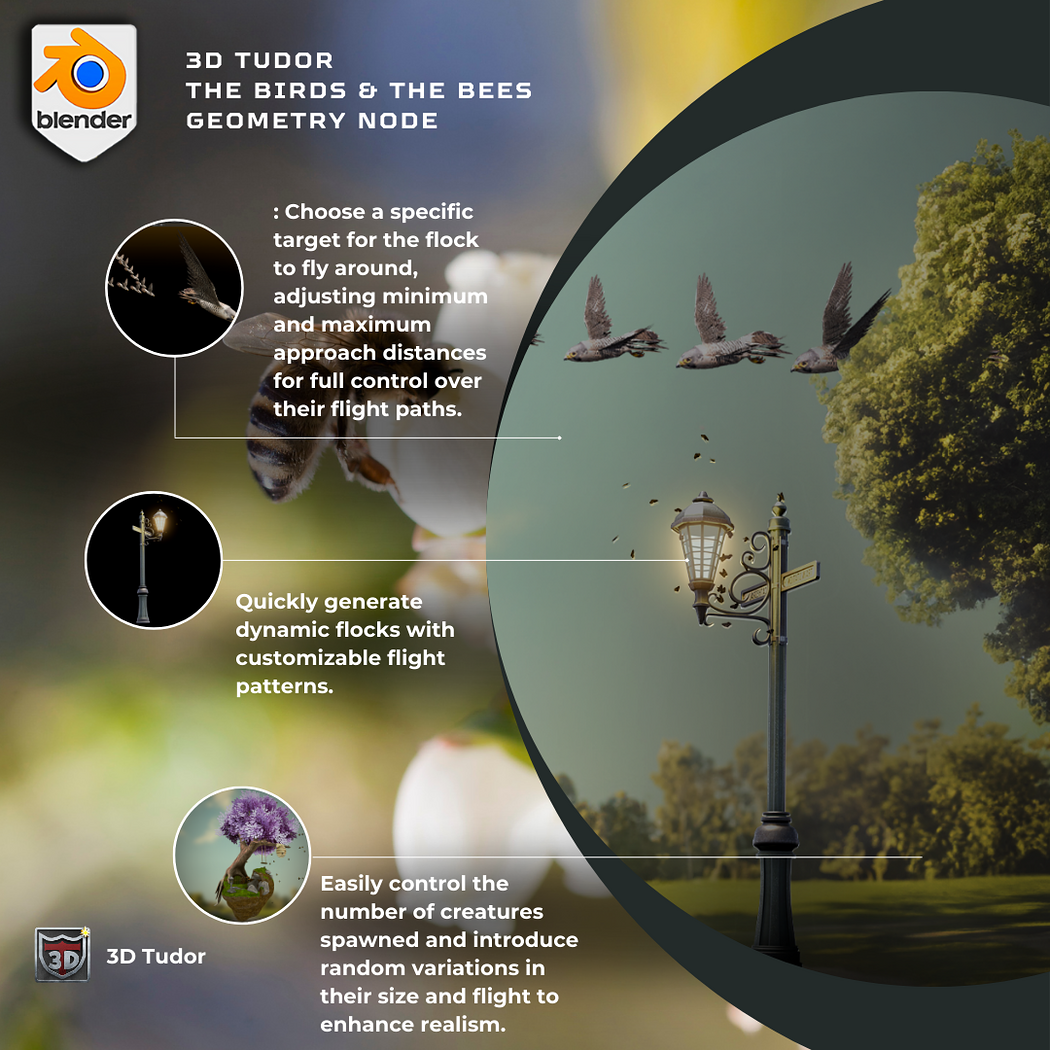
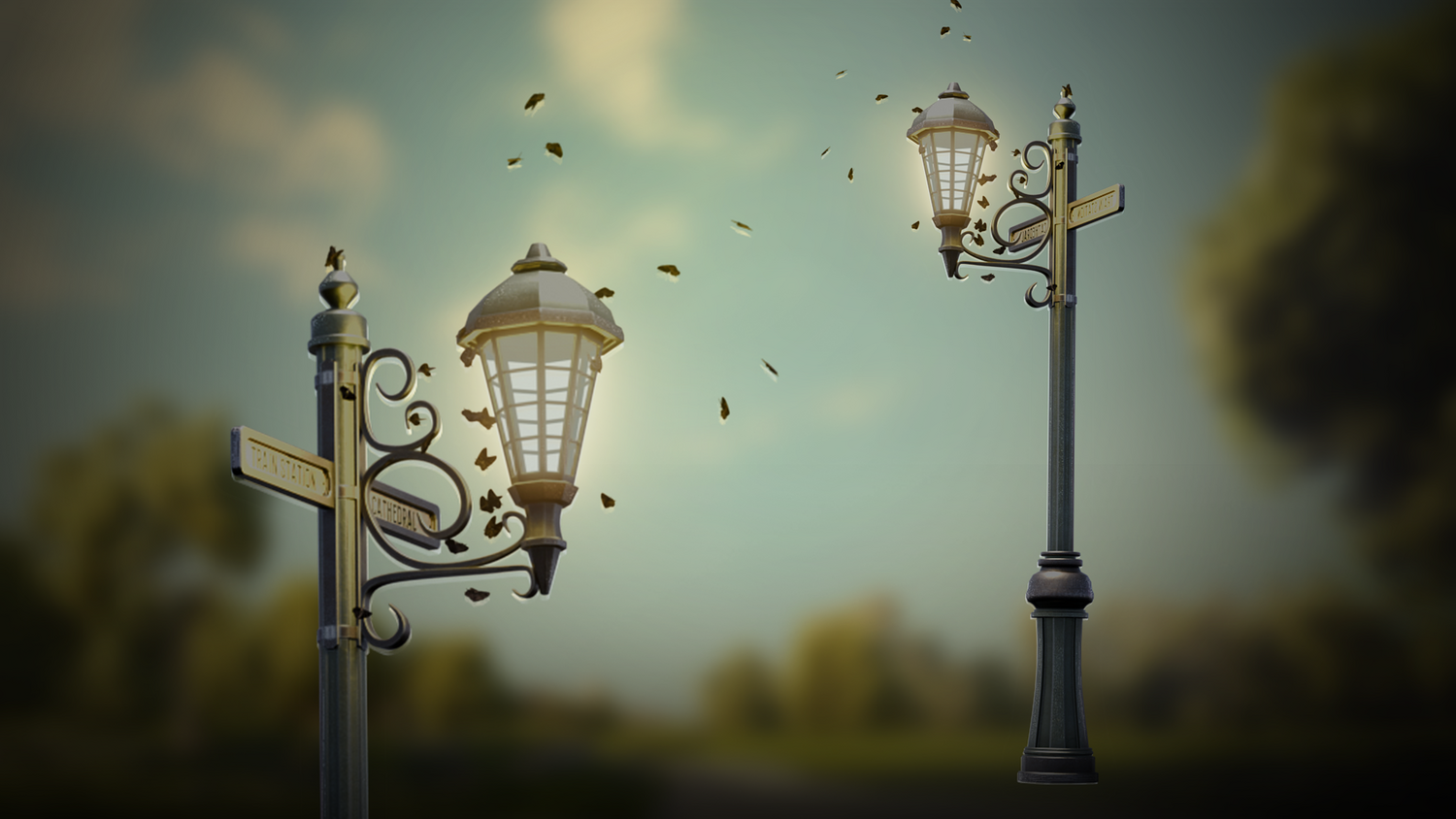
Bring your environments to life with swarming insects and flocks of birds using the 3DT Birds & Bees Generator!
Fully optimized for Blender 4.0+, this dual geometry node pack lets you generate buzzing swarms (bees, moths) that orbit around targets, and flocks of birds that follow animated paths — perfect for stylized worlds, nature scenes, and animations.
🎯 Key Features

Swarming Insects System
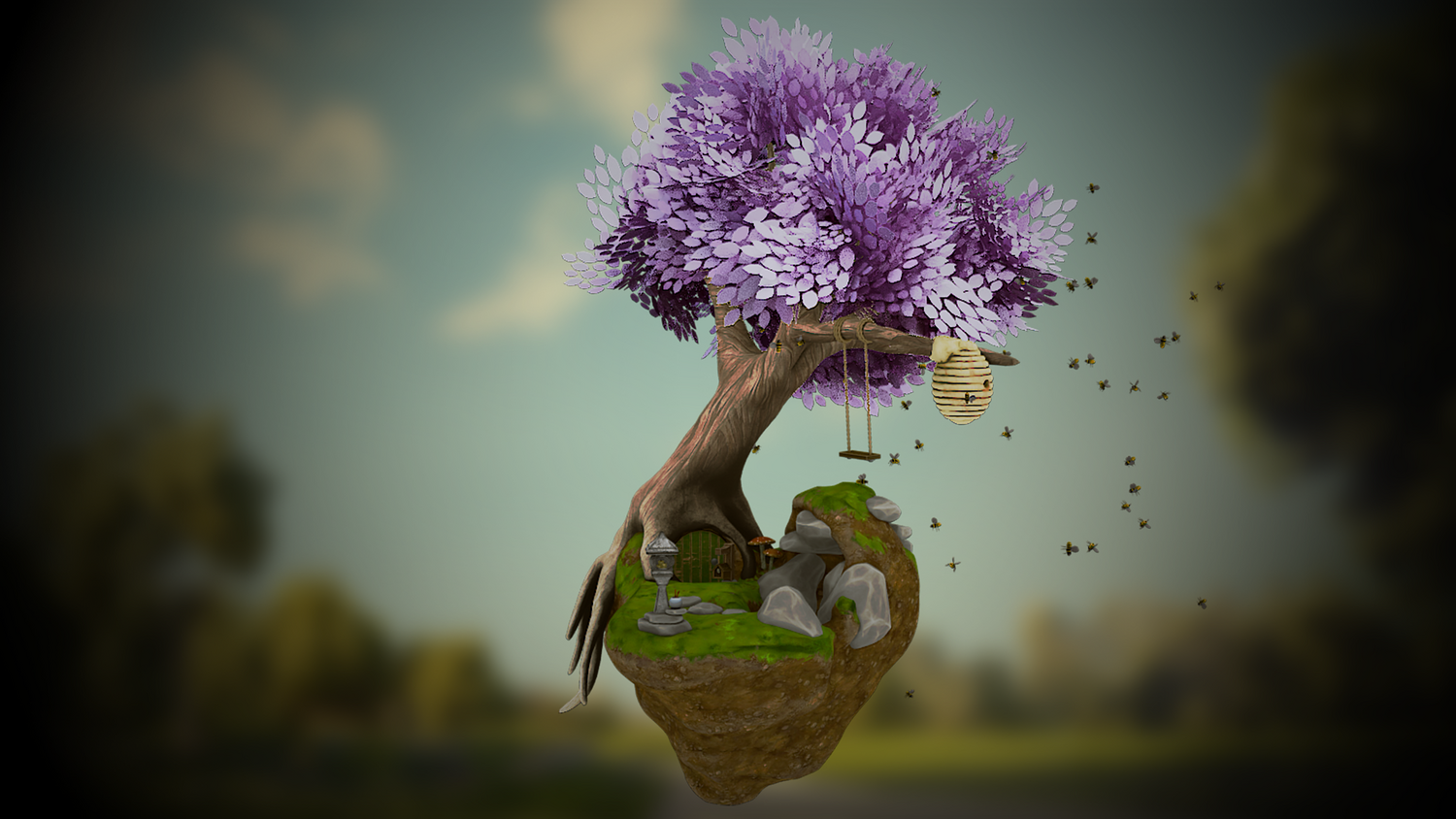
Spawn bees or moths around any target mesh, controlling distance, turn speed, flap speed, randomness, scale, density, and collision avoidance.
Flock Flight System
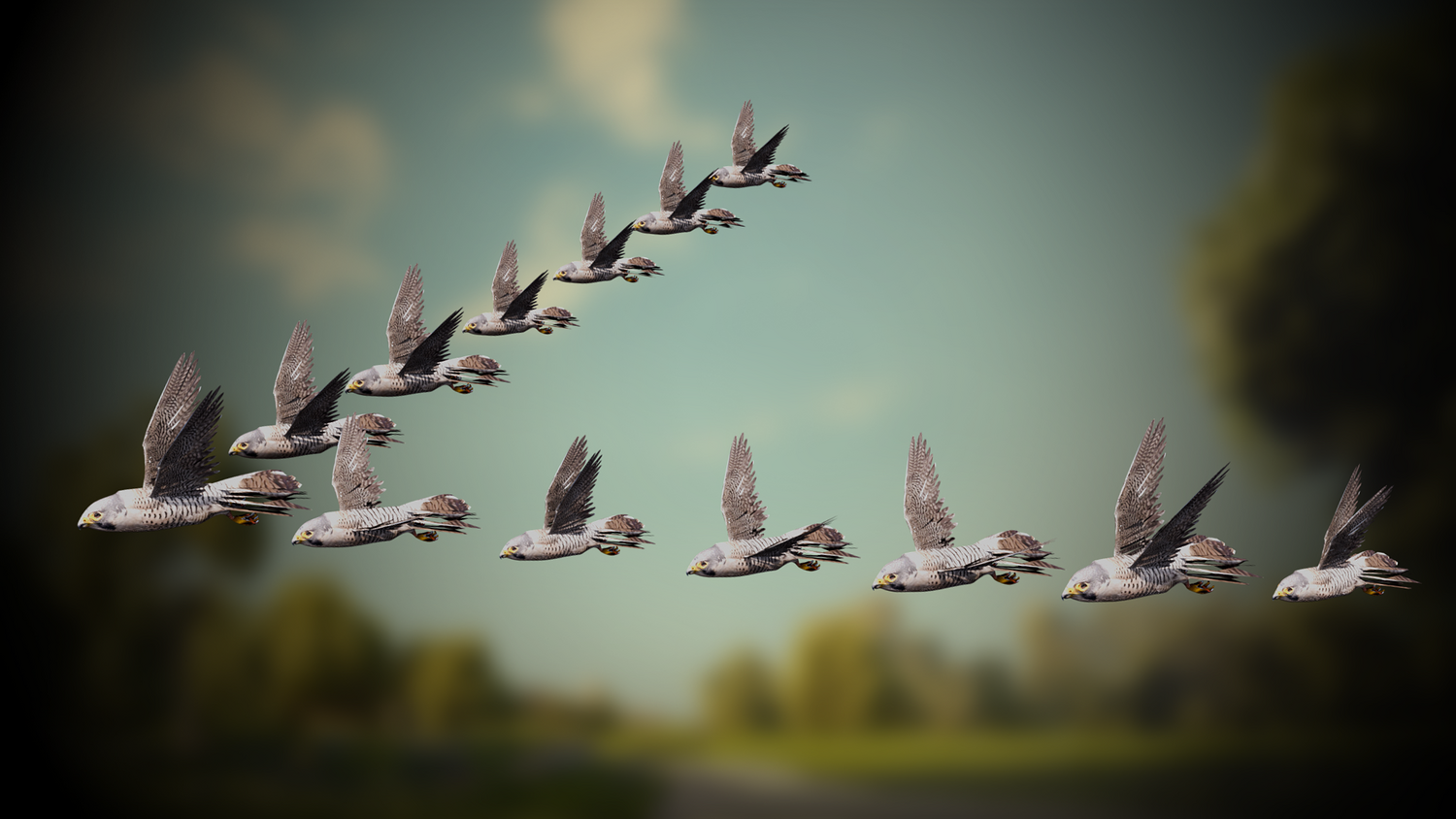
Animate bird flocks along curves with complete control over bird count, speed, scale, randomness, shape (arrow or blob formation), and animation looping.
Real-Time Ready
All systems work smoothly in Blender's viewport — real-time playback in Cycles and Eevee.
Glide and Flap Animation Settings
Adjust flap speed, flap angle, glide probability, and individual speed randomness for natural swarm and flight behaviors.
Light-Tracking Moths
Have swarms dynamically follow moving light sources for immersive animated environments.
🔥 Why You'll Love It

Instant Life for Scenes
From forests to fantasy cities, add buzzing insects and soaring birds to make worlds feel alive.
Fully Customizable Swarms
Easily tweak number of bugs, swarm size, random motion, and noise effects for each scene.
Perfect for Games, Animation, and Film
Create atmospheric background activity or direct attention naturally with moving flocks and swarms.
Flexible, Expandable Setup
Replace models with custom bugs, moths, or birds easily without modifying node logic.
📦 What's Included
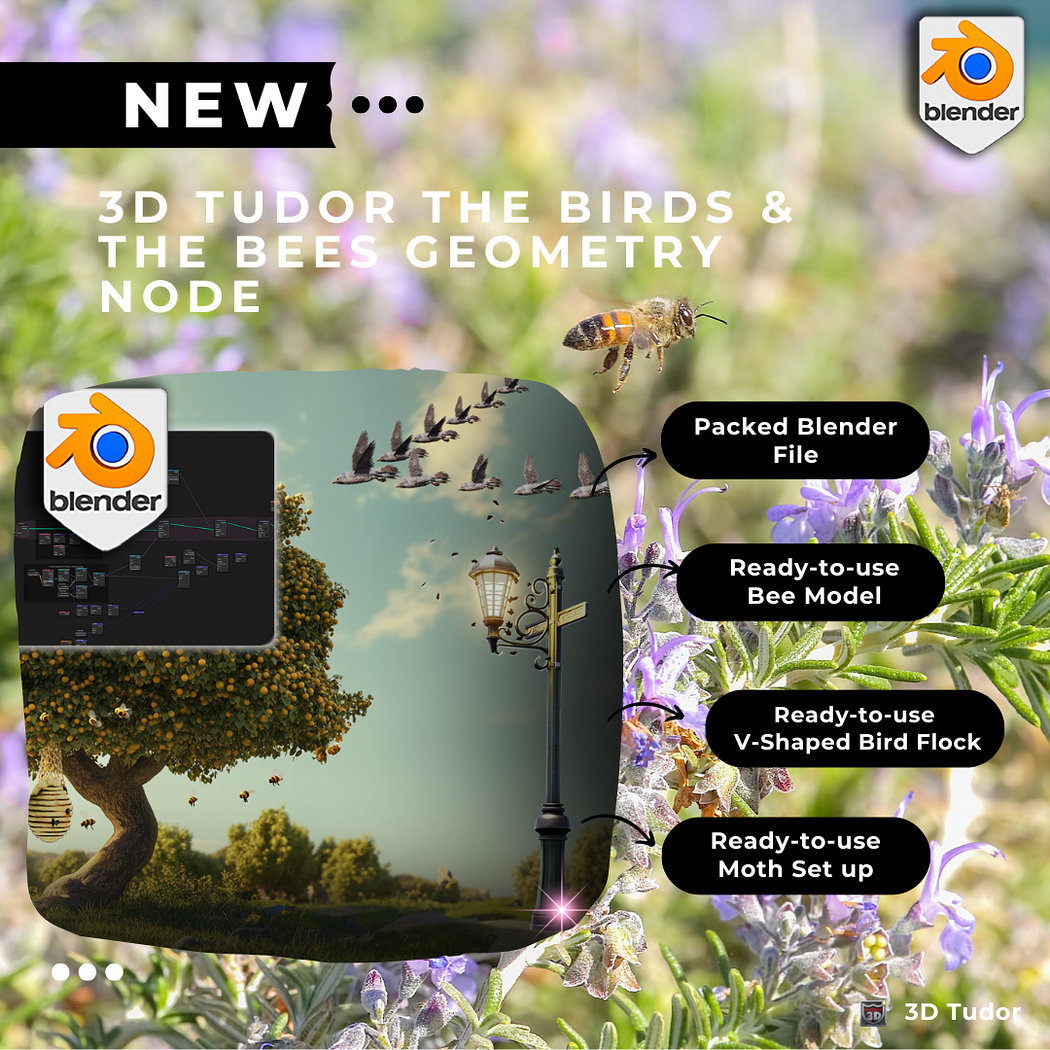
- 1x Blender .blend file with full Birds & Bees Generator Geometry Node setups
- Swarming insects node (bees, moths)
- Flocking birds node with curve path controls
- Target-based bug following and curve-based bird flight
- Animated flapping and gliding controls for realism
⚙️ Requirements
- Blender 4.0 or newer with lifetime updates
- From noob to pro — watch the 10 minute video to have everything up and running in no time
🚀 Installation Instructions
Method 1 – Add to Asset Library
- Download and unzip the product folder.
- Open Blender → Edit → Preferences → File Paths → Asset Libraries → click the "+" button.
- Navigate to the extracted folder and add it.
- Open the Asset Browser and drag the Birds & Bees Generator into your scenes.
Method 2 – Manual Append
- Open your Blender project.
- Go to File → Append → Locate the .blend file → Import the Geometry Node group.
Method 3 – Copy and Paste Between Projects
- Open the project containing the Birds & Bees setup.
- Select the Geometry Node group.
- Press Ctrl+C to copy.
- Open another Blender project and press Ctrl+V to paste it directly into your scene.
💬 Support
Need help? Join our growing 3D Tudor Discord community to connect with our support team and hundreds of fellow artists!
👉 Join the 3D Tudor Discord here
You will get 2 files
All files previously purchased will always be available for download in your Library