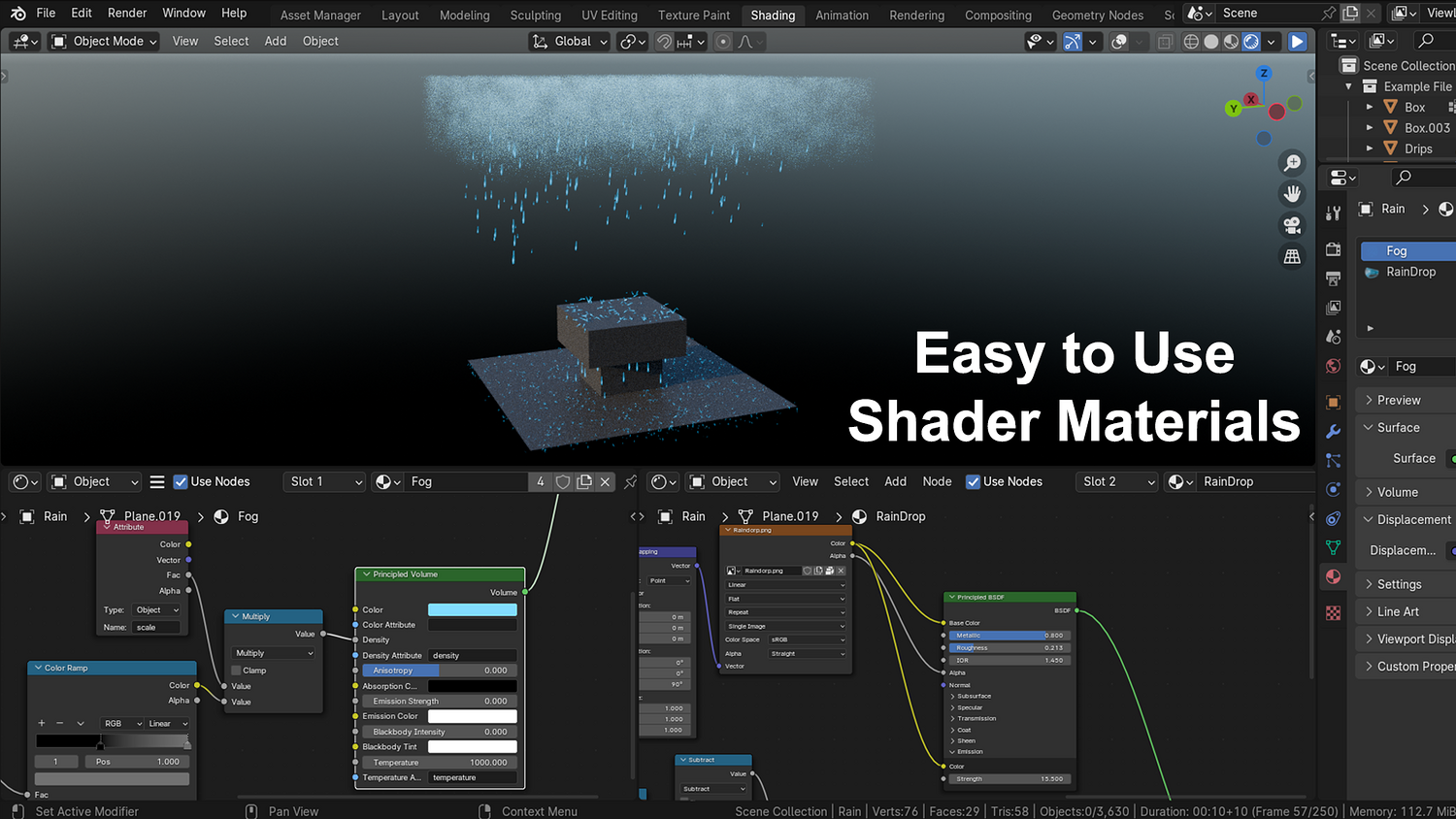
3DT Procedural Rain Generator – Blender Geometry Node Procedural
3DT Procedural Rain Generator – Blender Geometry Node Procedural
🎥 Demo Video
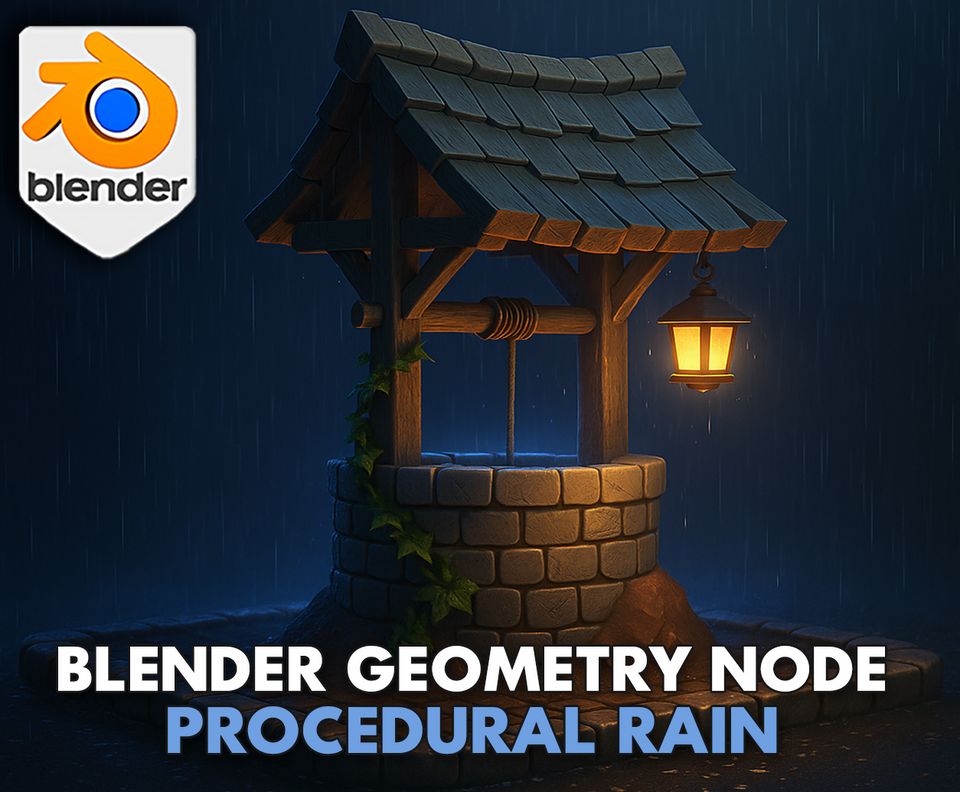
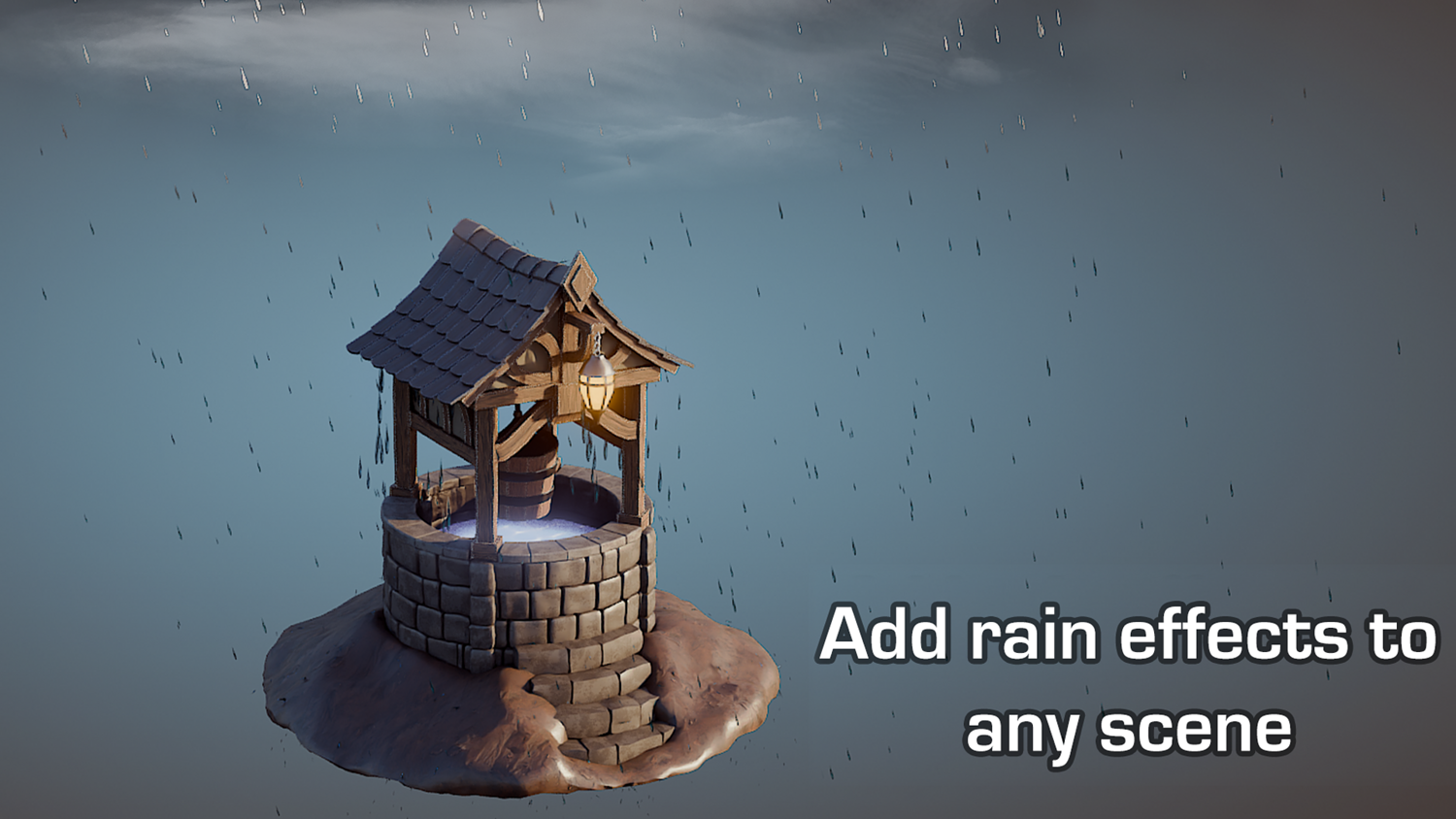
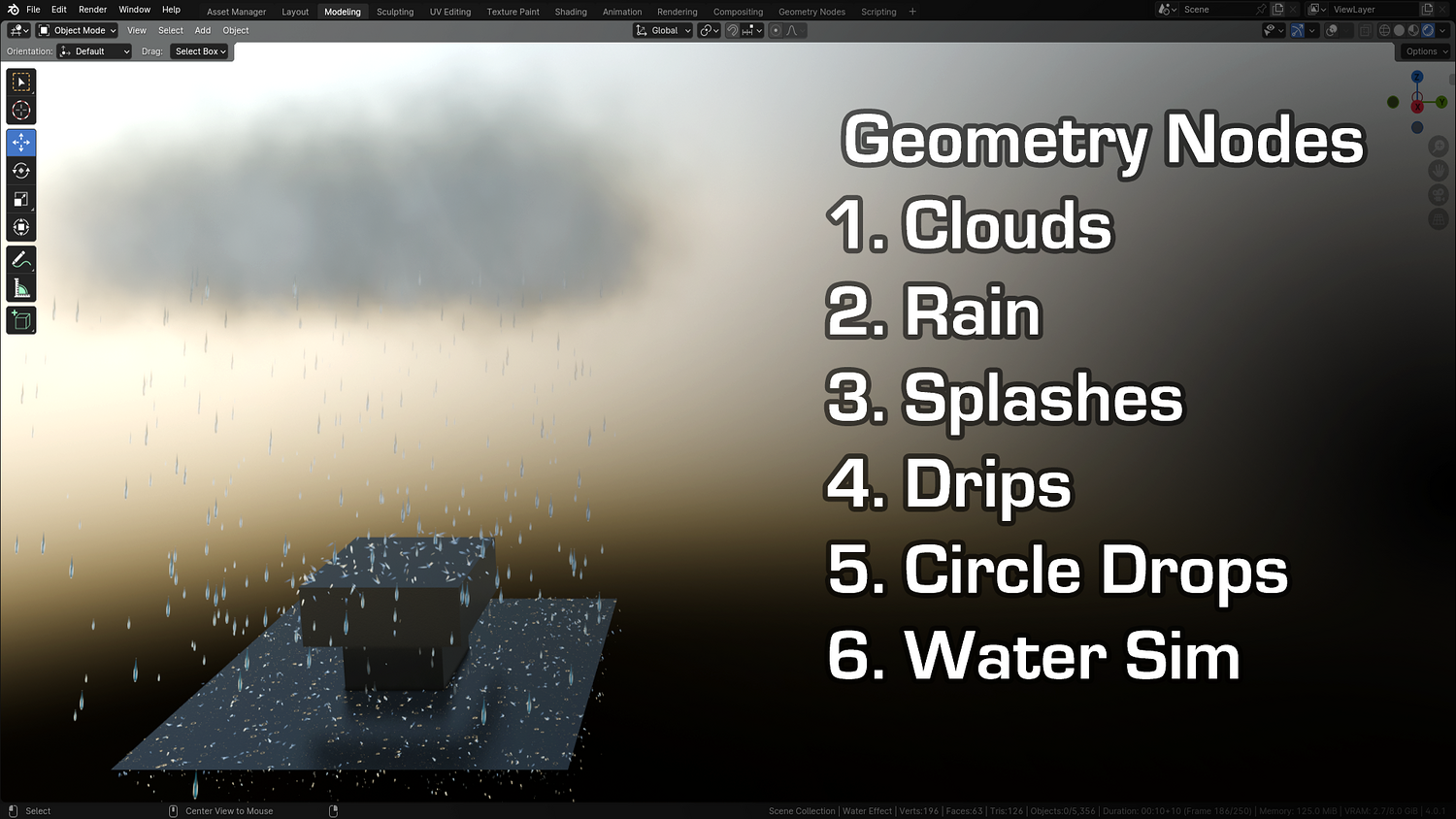
Add cinematic, animated rain and environmental effects to your Blender scenes with the 3DT Procedural Rain Generator!
This complete Blender 4.0+ weather pack features procedural rain, drips, splashes, puddles, fog, and wetness materials — all driven through geometry nodes. Perfect for animation, games, or stylized cinematics.
🎯 Key Features

Rain, Drip, and Splash Emitters
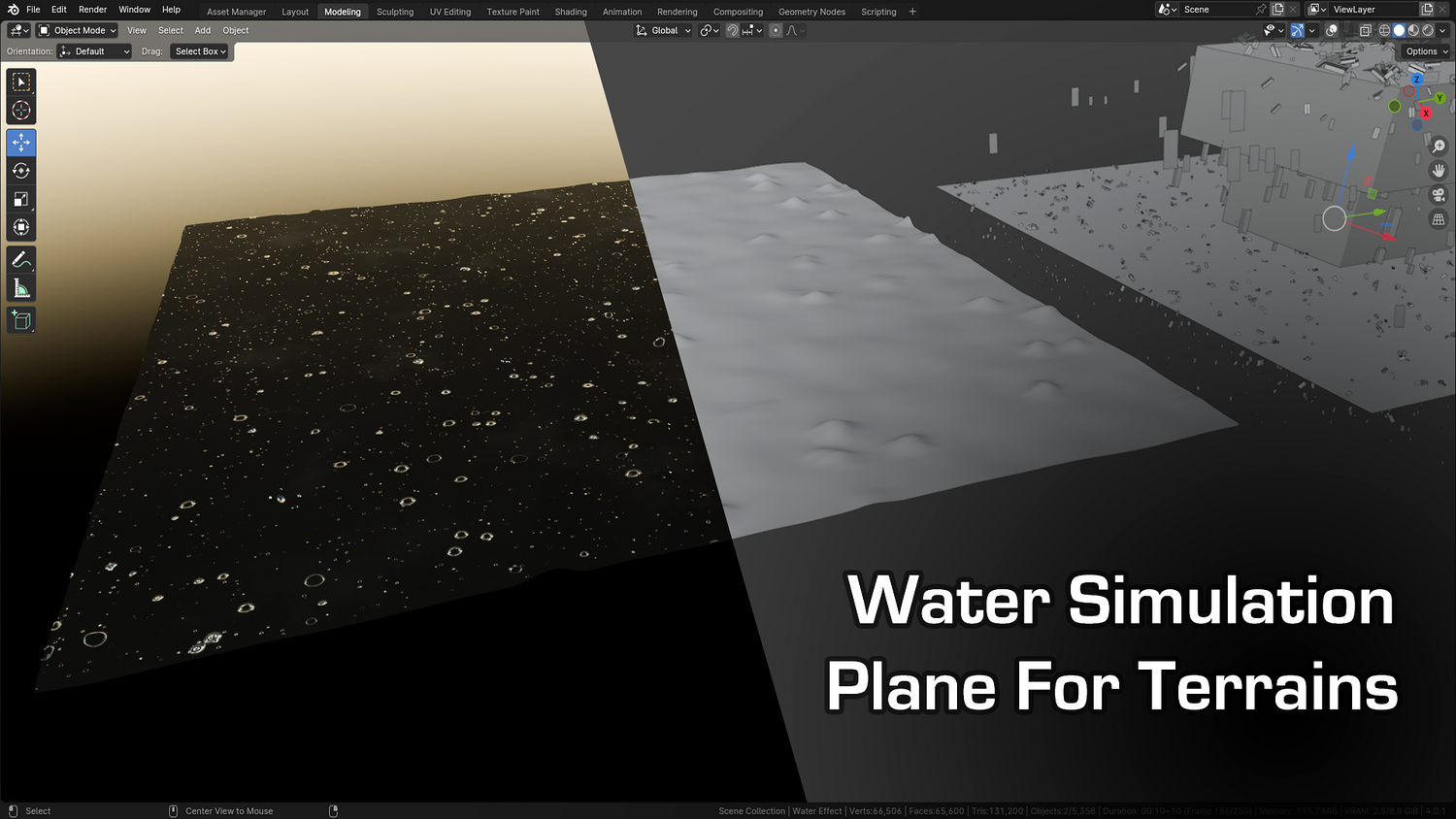
Toggle between particle-driven rain, animated drips on surfaces, and circular floor splashes — all loopable and parameter-driven.
Animated Fog Geometry Node
Generate rolling fog with customizable density, height, falloff, and real-time viewport feedback in Eevee and Cycles.
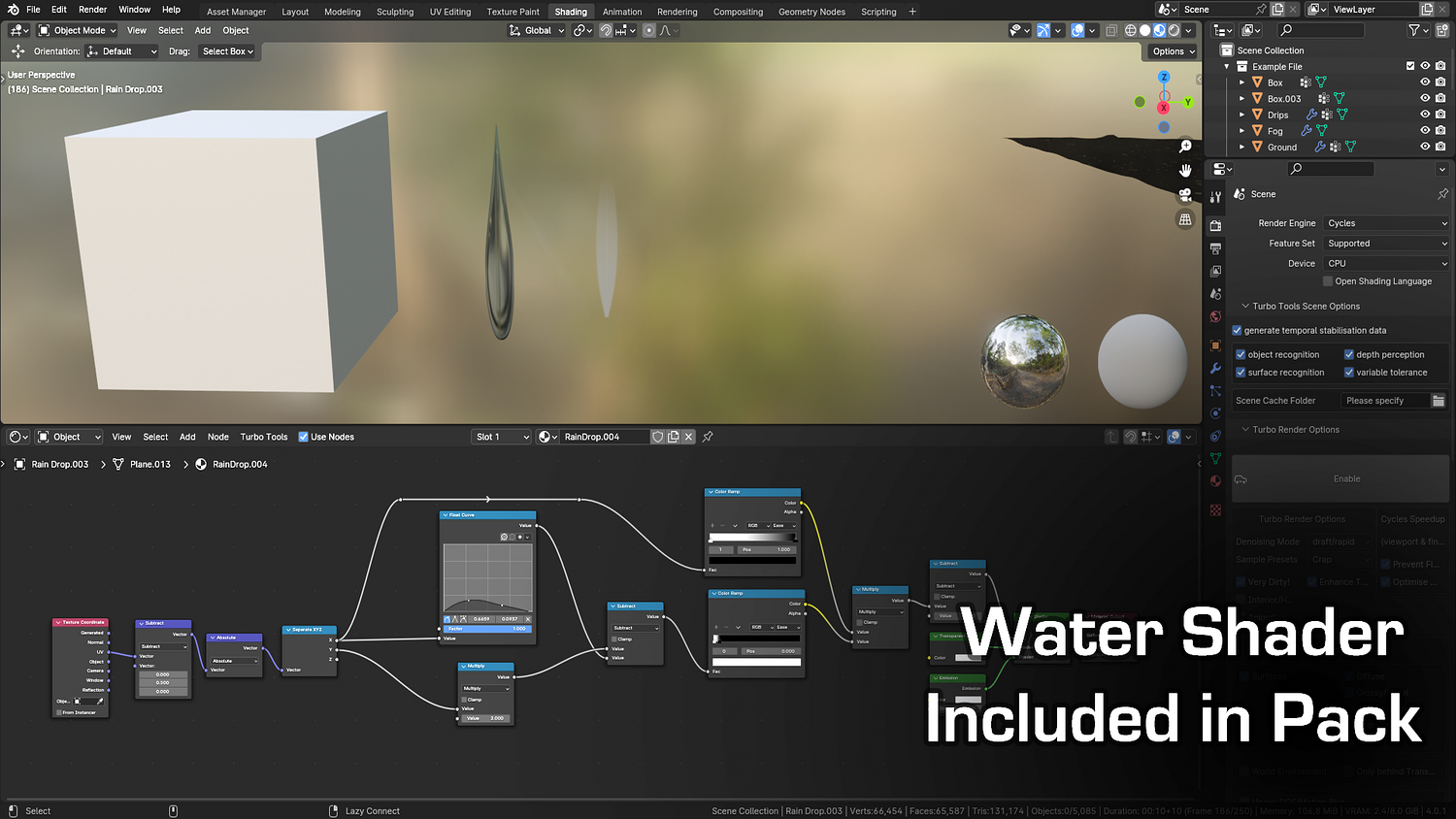
Dynamic Wetness Shader
Apply the included rain material to make objects visually appear wet over time — includes full shader control and keyframe support.
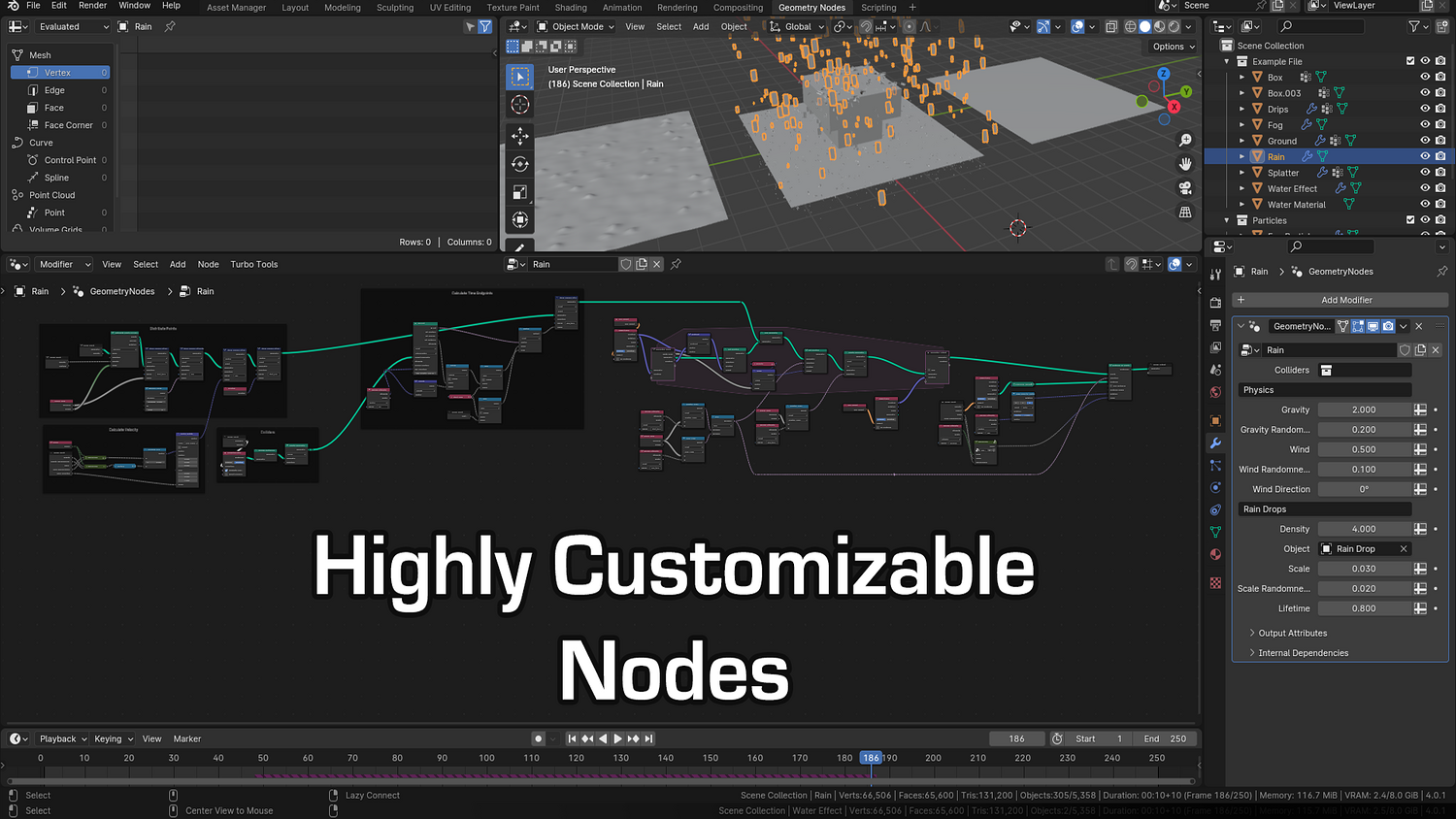
Full Control Over Density, Scale, Lifetime
Adjust density, particle size, randomness, drop speed, fade length, and wind direction — animate everything with keyframes.
Modular & Layered Effects
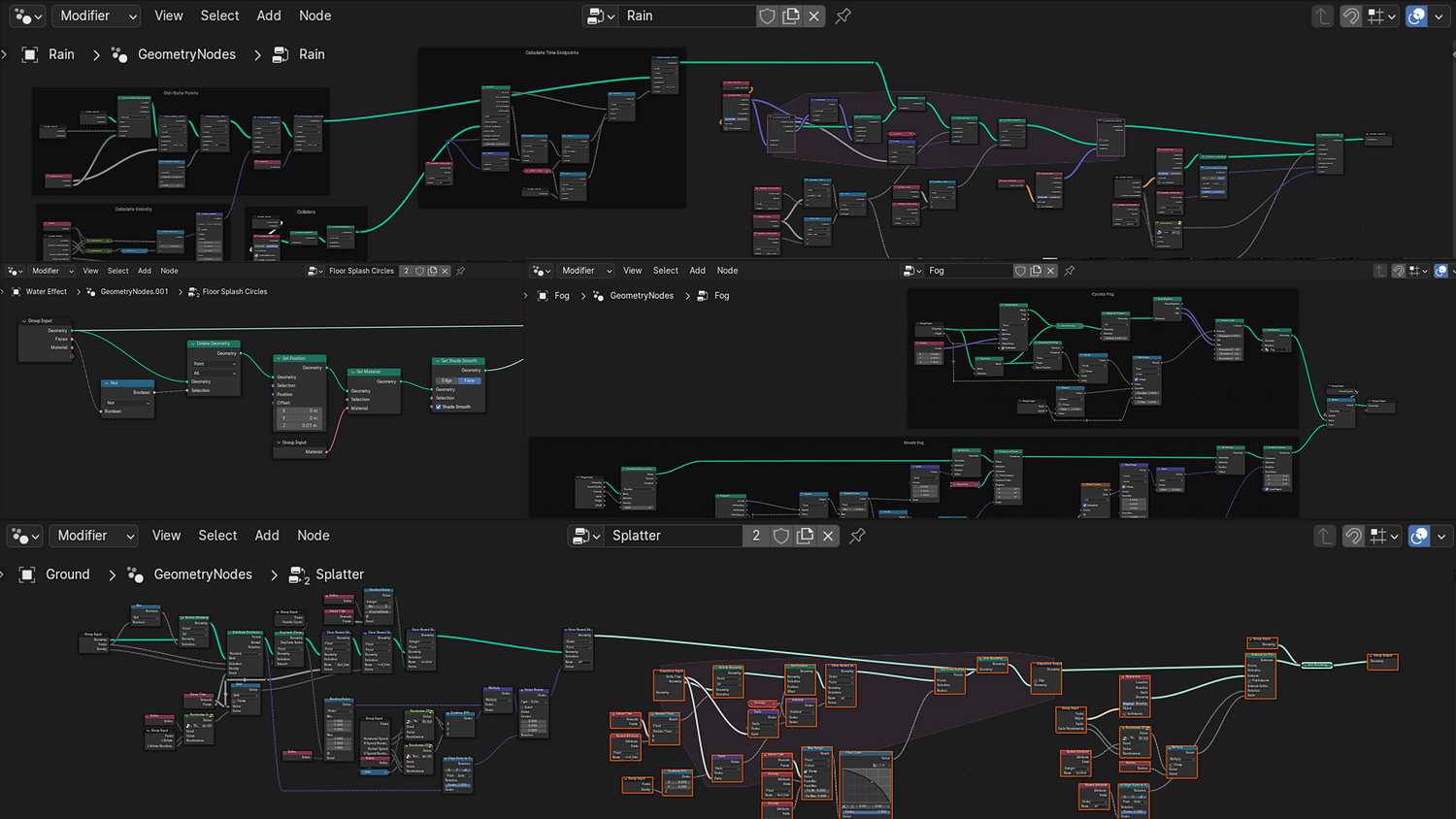
Use each node group (rain, fog, splash, drips, water shader) independently or together for maximum creative flexibility.
🔥 Why You'll Love It

Create Stormy Scenes in Seconds
Add dramatic rain and fog with minimal setup — ideal for cinematic shots, fantasy environments, and moody landscapes.
Highly Customizable & Animatable
Keyframe weather conditions, fade-in rain, or simulate motion with dynamic start/end values and wind influence.
Perfect for Games, Animation, and Cutscenes
Apply across terrain, rooftops, or interiors with prebuilt dripping effects and fog layers that adjust to the scene.
Procedural and Efficient
All effects use procedural nodes with no simulation or baking — lightweight and viewport-friendly.
📦 What's Included
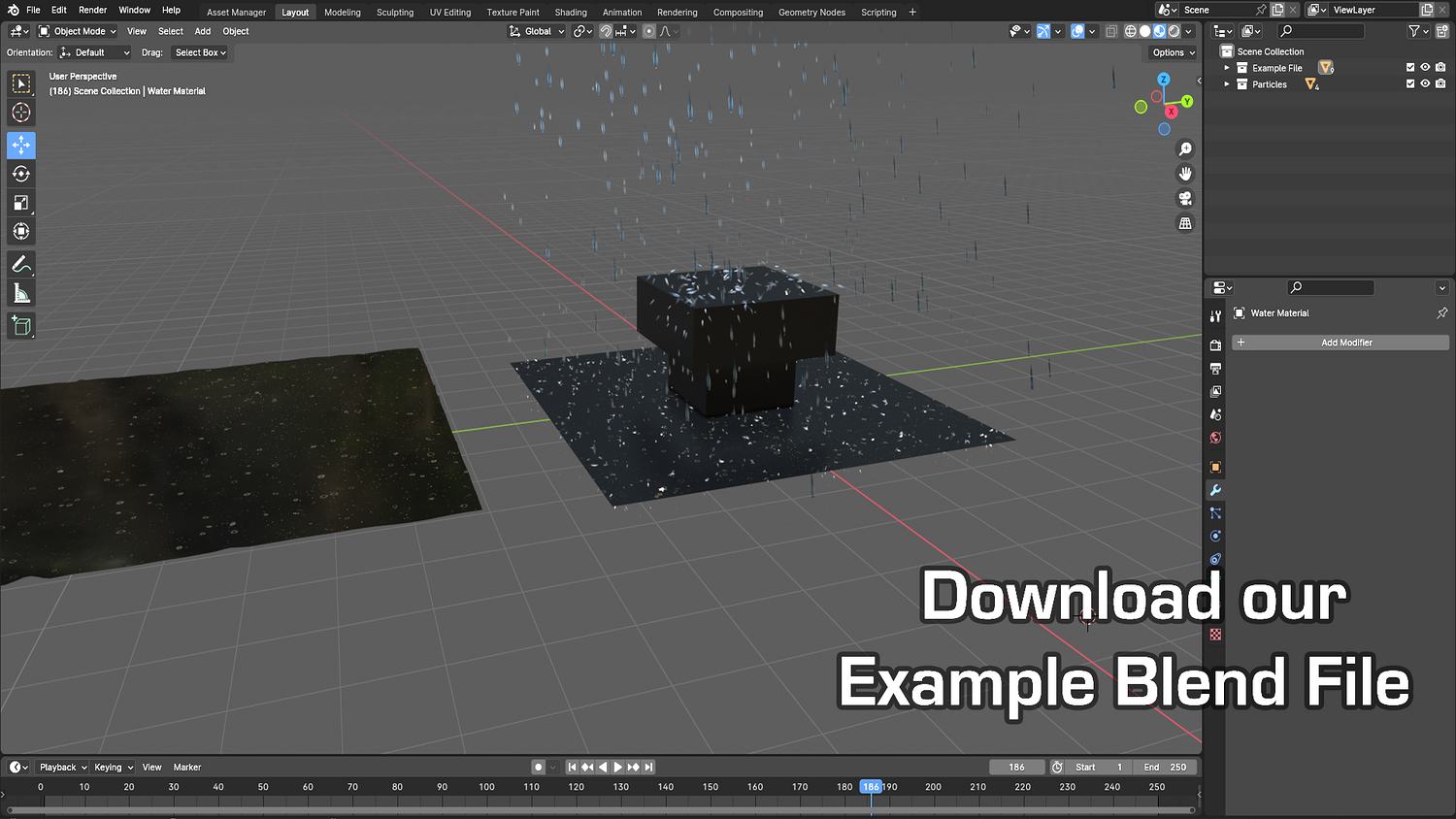
- 1x Blender .blend file with Procedural Rain Generator Geometry Node pack
- Rain, drip, splash, and fog systems with individual controls
- Wetness material with time-based control
- Wind, scale, density, fade, and directional sliders
- Cycles & Eevee support with included materials and particle meshes

⚙️ Requirements
- Blender 4.0 or newer with lifetime updates
- From noob to pro — watch the 10 minute video to have everything up and running in no time
🚀 Installation Instructions
Method 1 – Add to Asset Library
- Download and unzip the product folder.
- Open Blender → Edit → Preferences → File Paths → Asset Libraries → click the "+" button.
- Navigate to the extracted folder and add it.
- Open the Asset Browser and drag the Rain Generator into your scenes.
Method 2 – Manual Append
- Open your Blender project.
- Go to File → Append → Locate the .blend file → Import the Geometry Node group.
Method 3 – Copy and Paste Between Projects
- Open the project containing the Rain setup.
- Select the Geometry Node group.
- Press Ctrl+C to copy.
- Open another Blender project and press Ctrl+V to paste it directly into your scene.
💬 Support
Need help? Join our growing 3D Tudor Discord community to connect with our support team and hundreds of fellow artists!
👉 Join the 3D Tudor Discord here
You will get 1 file
All files previously purchased will always be available for download in your Library