
3DT Aztec Jungle Temple – Stylized Modular Mega Pack
3DT Stylized Aztec Jungle Temple Pack – Stylized Game-Ready 3D Asset Pack (Blender Only)
🎥 Demo Video
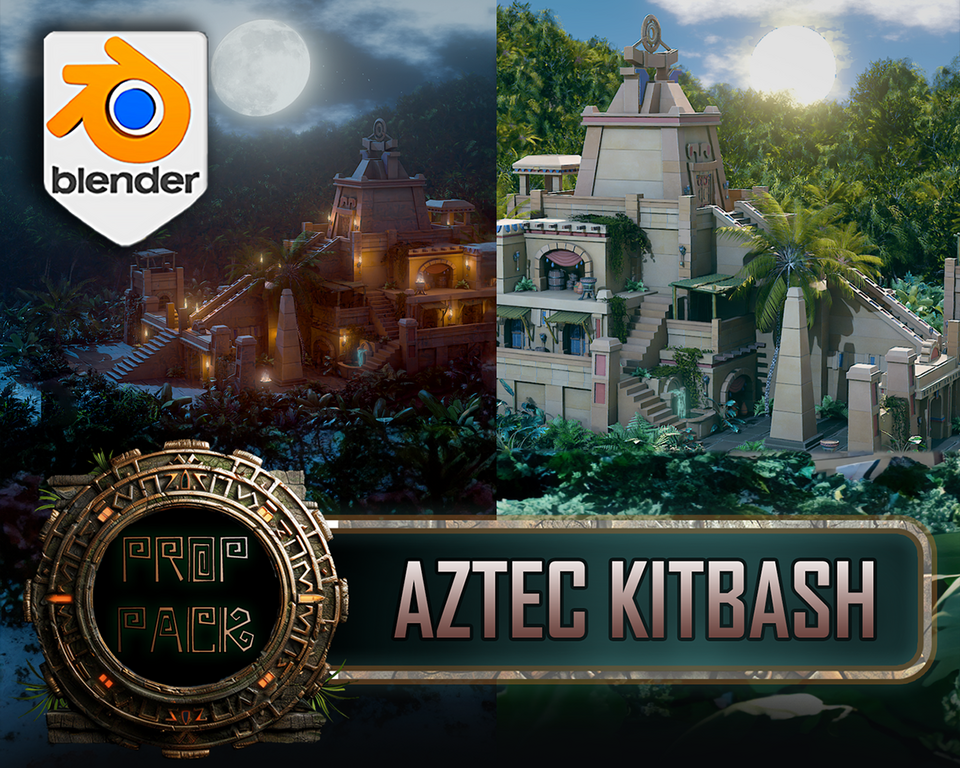
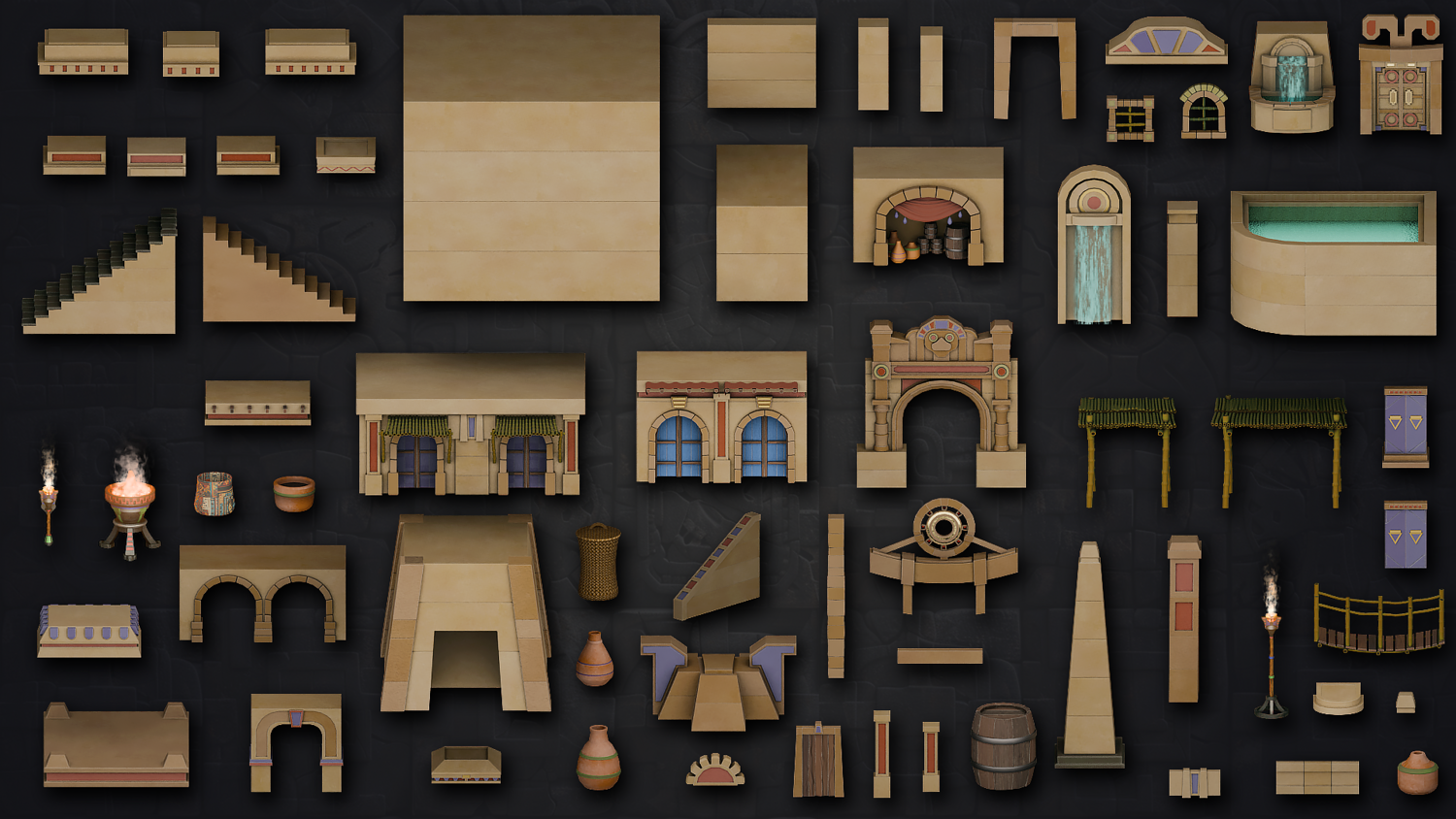
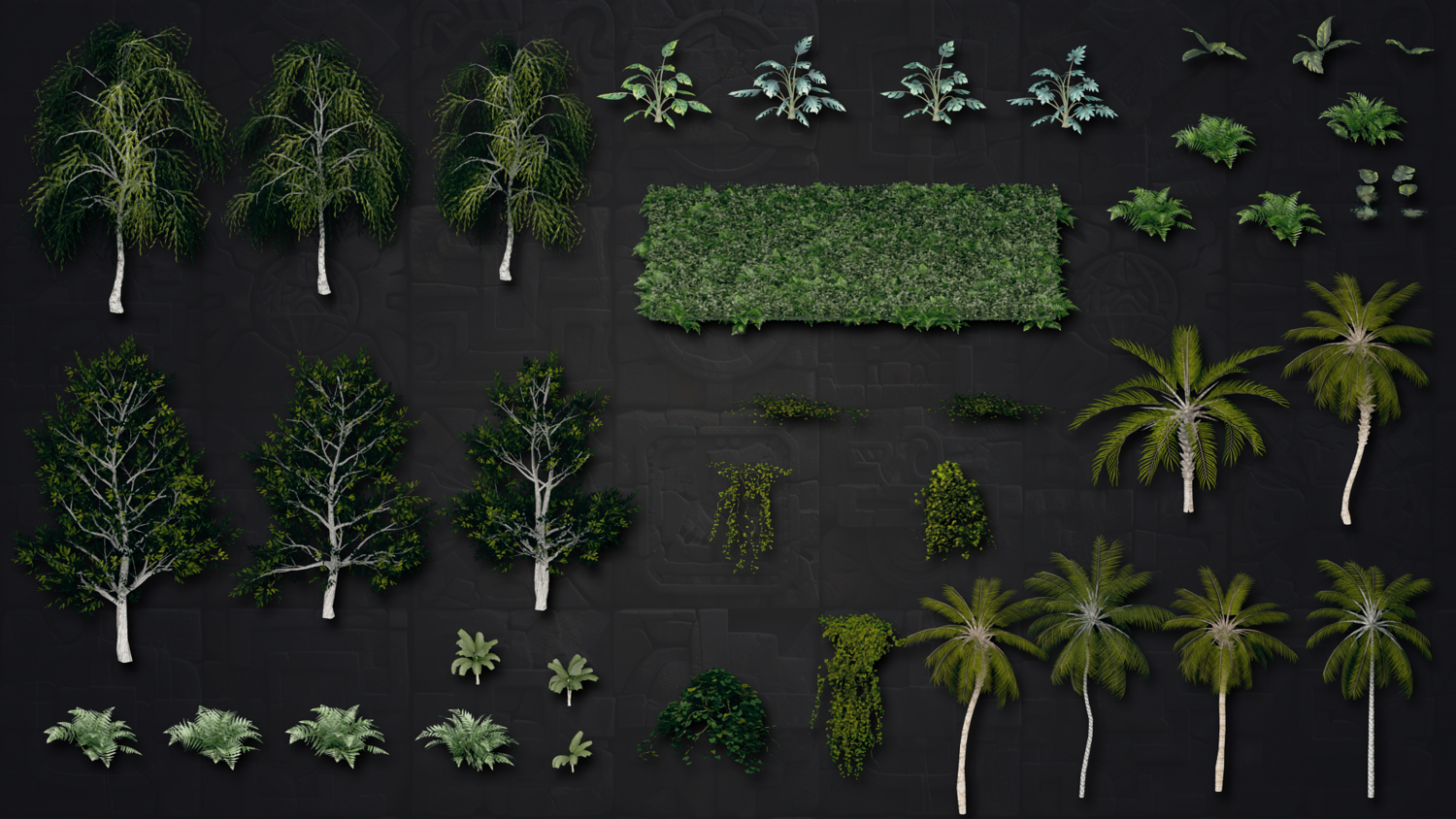
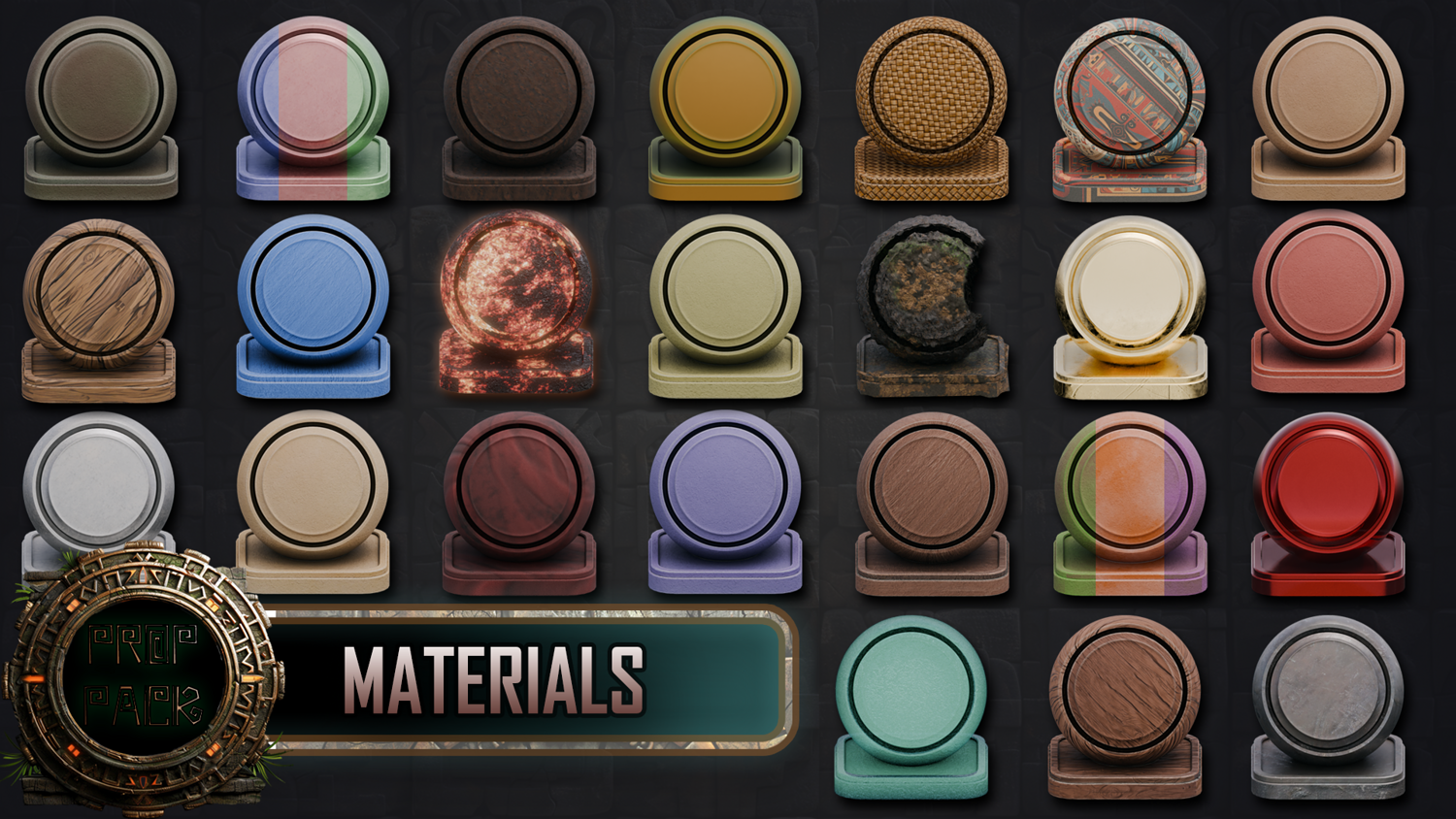
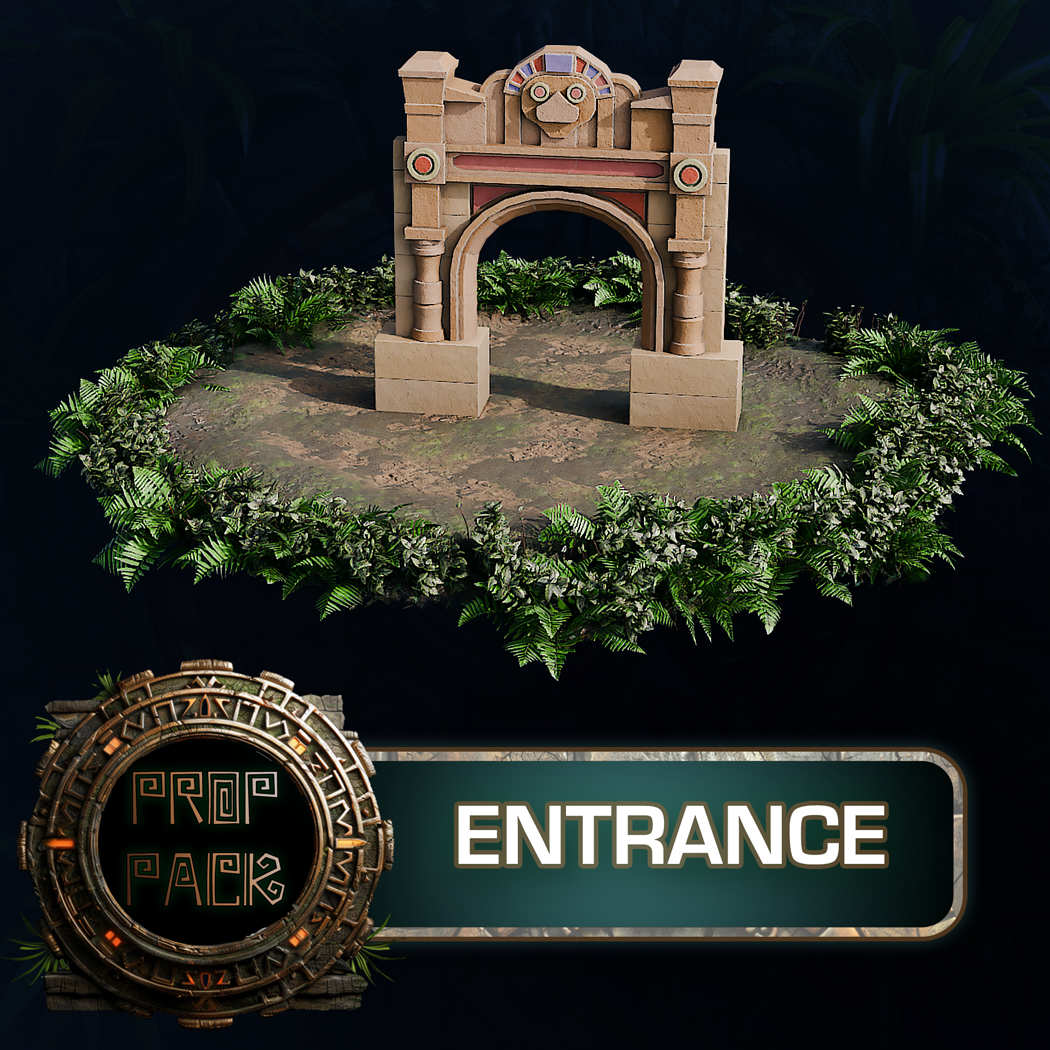
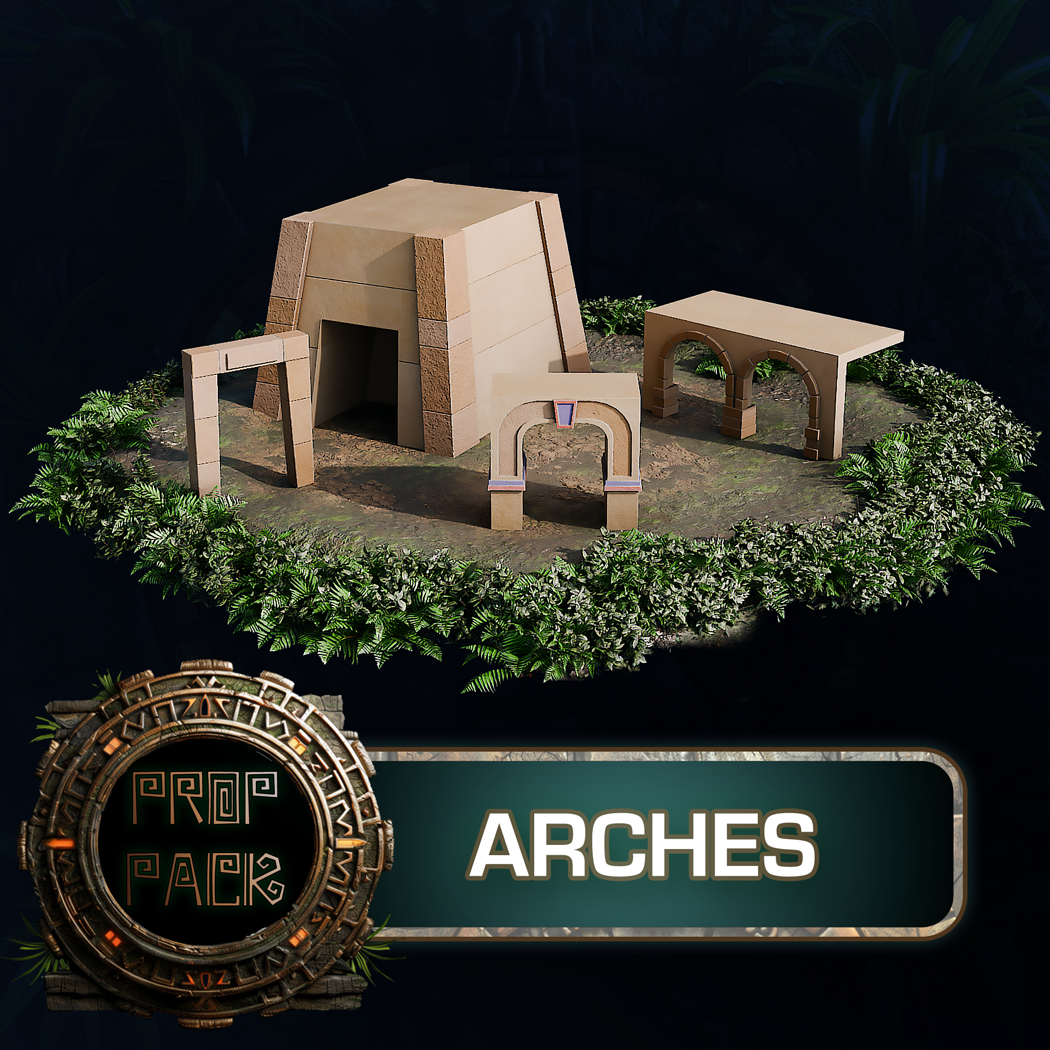
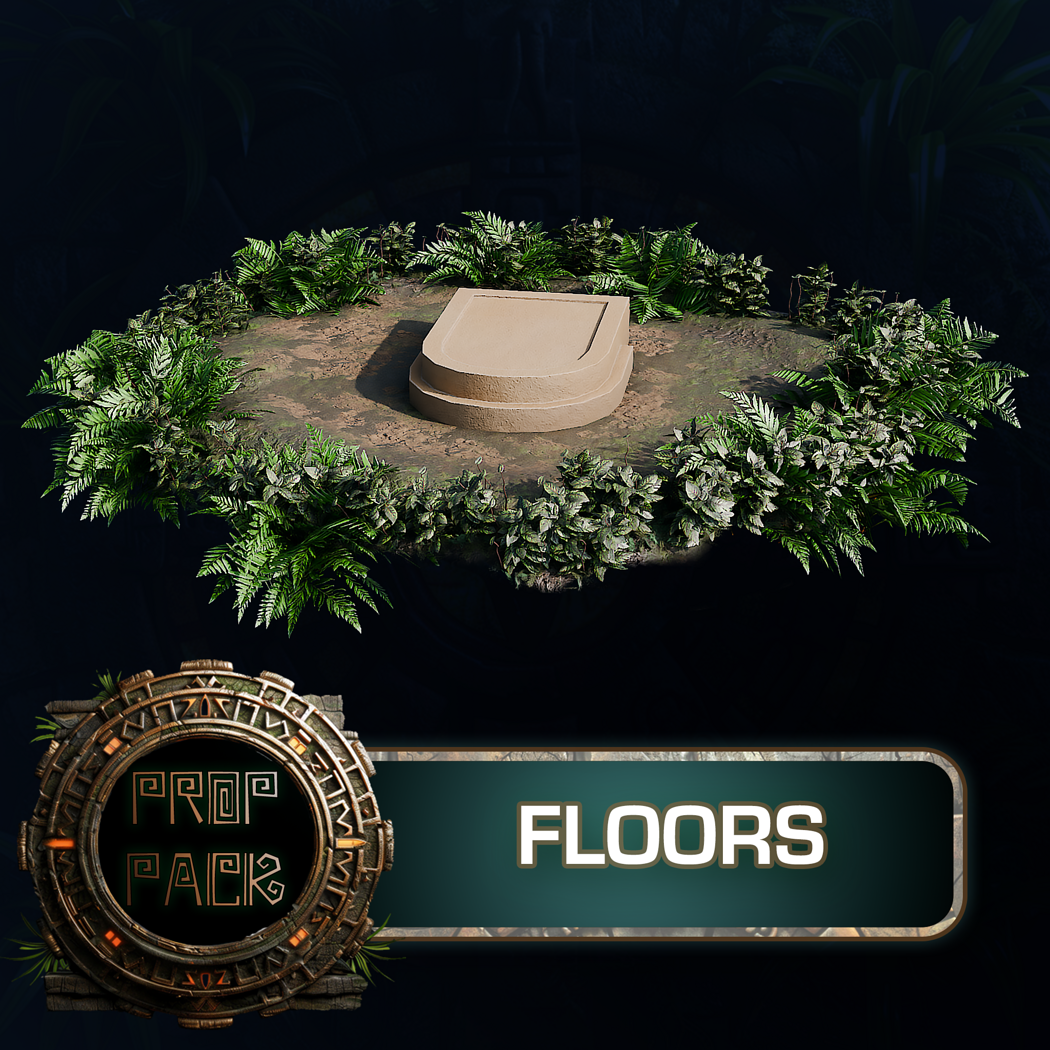
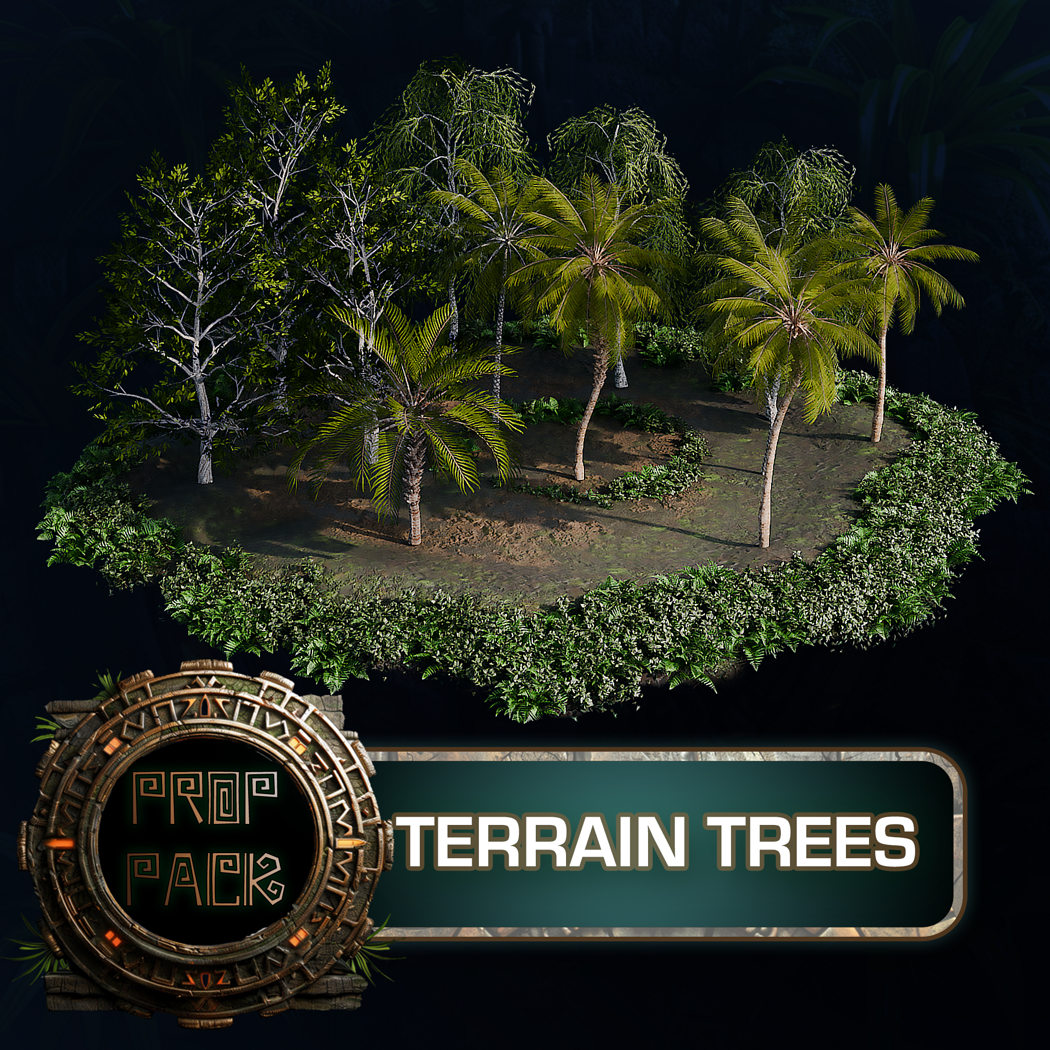
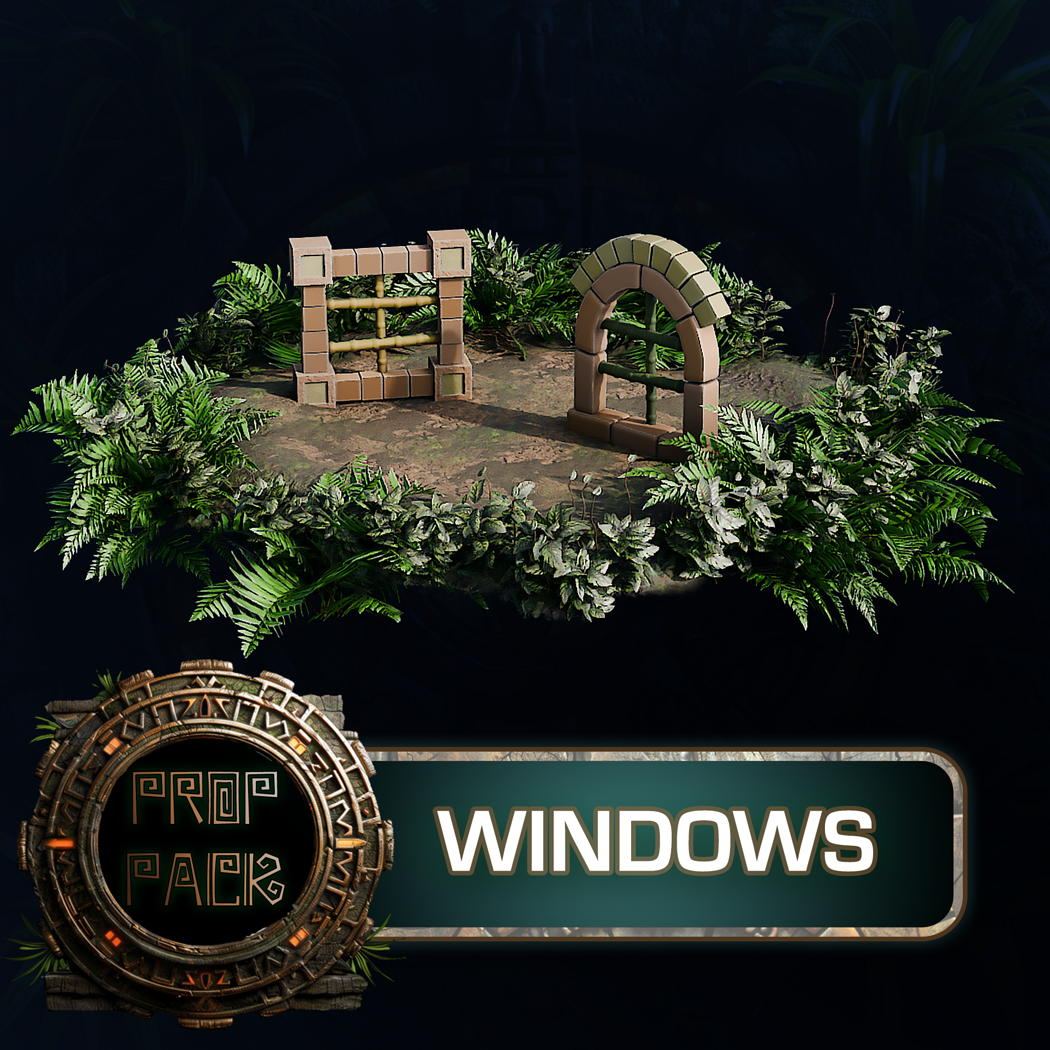
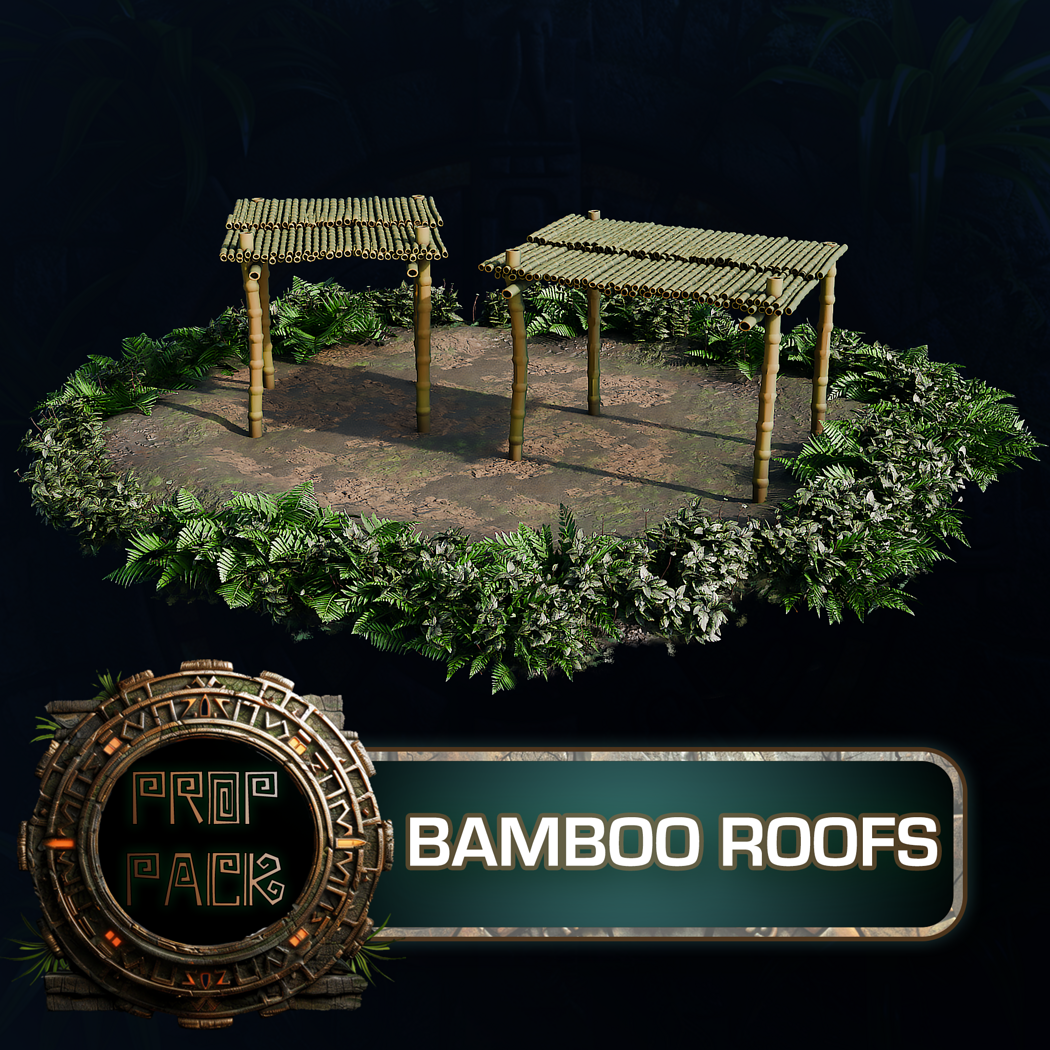
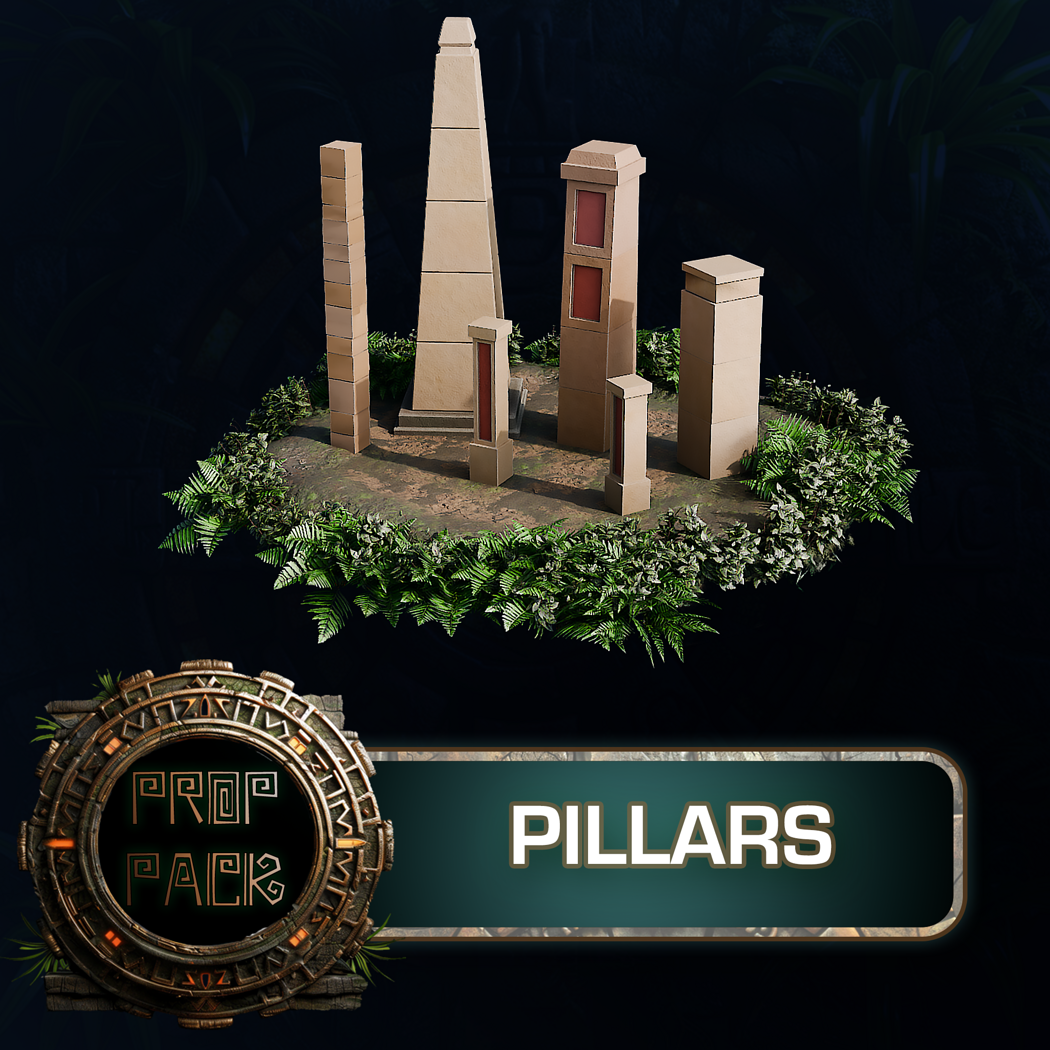
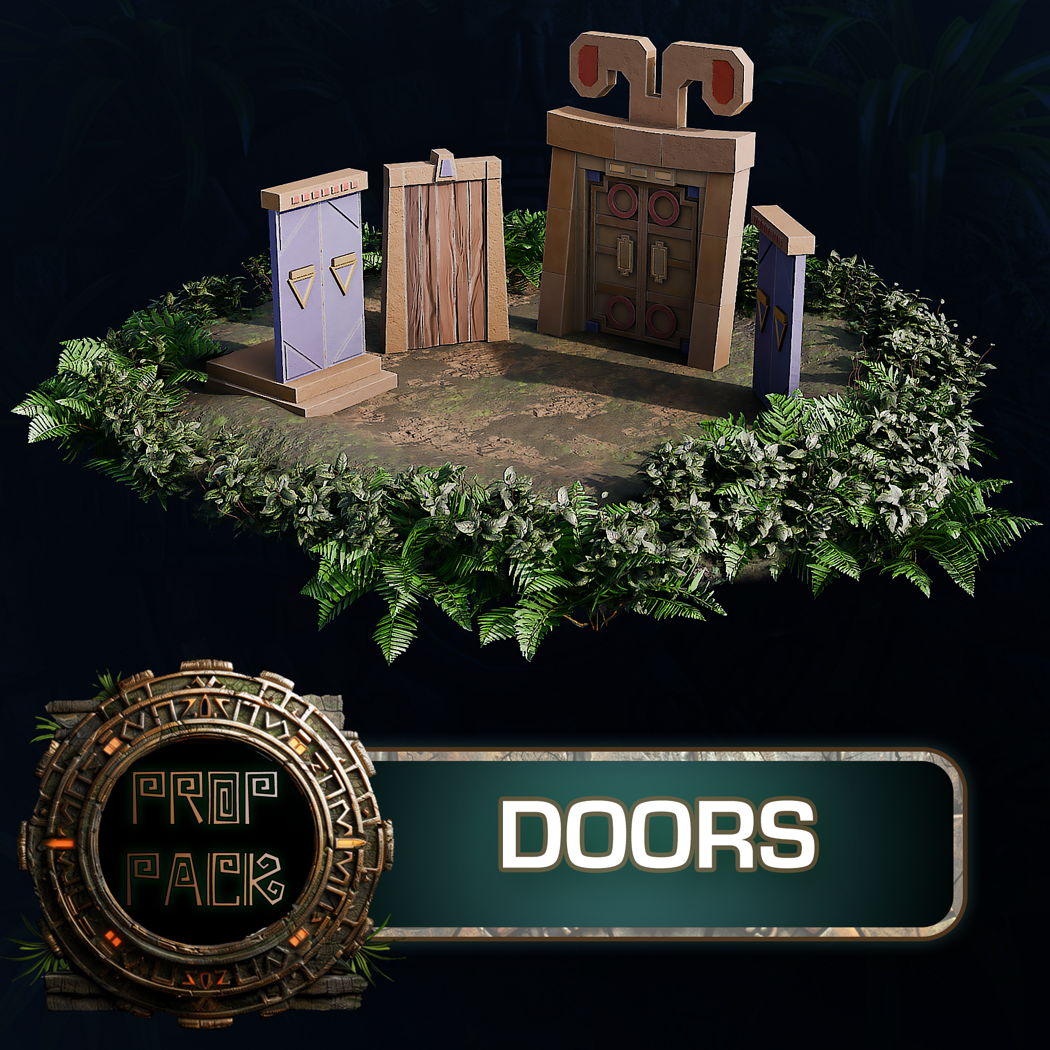
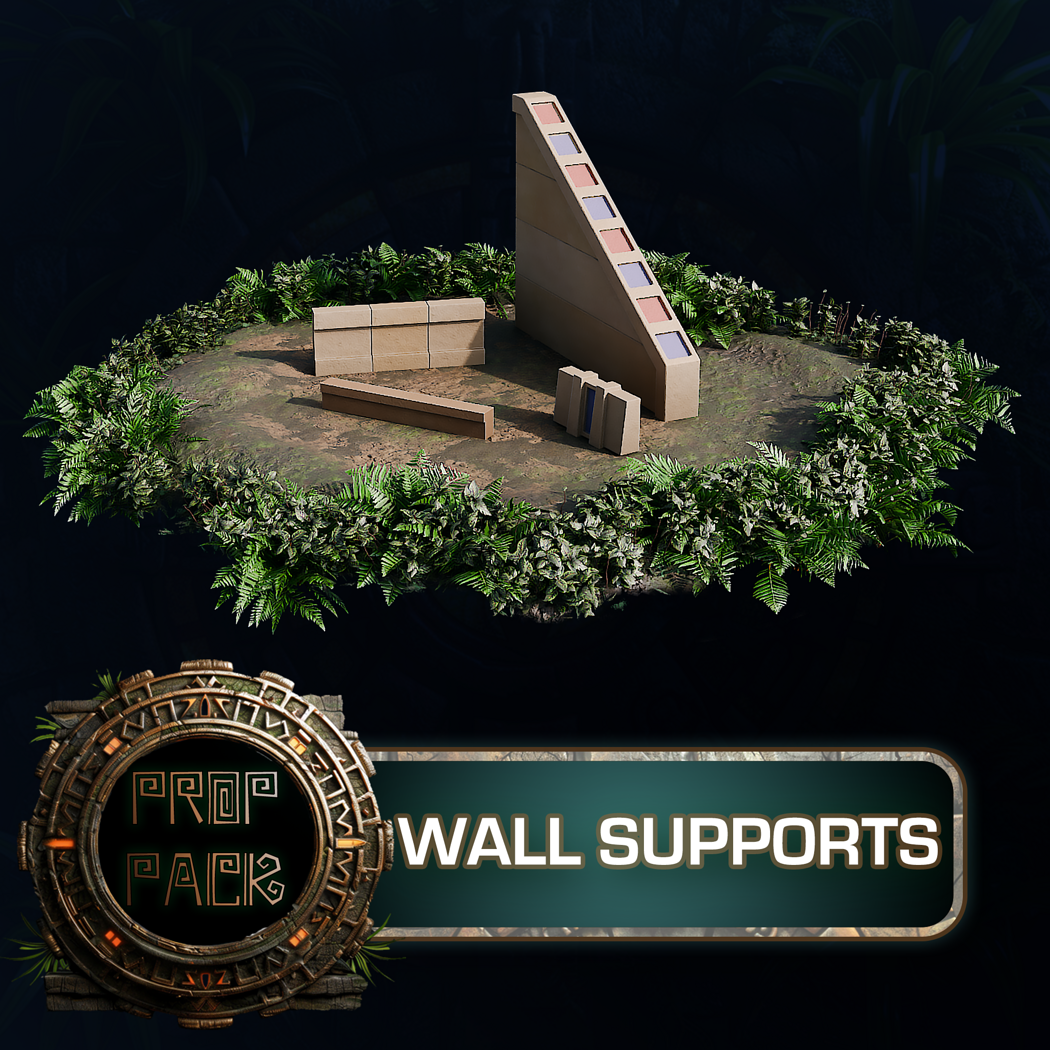
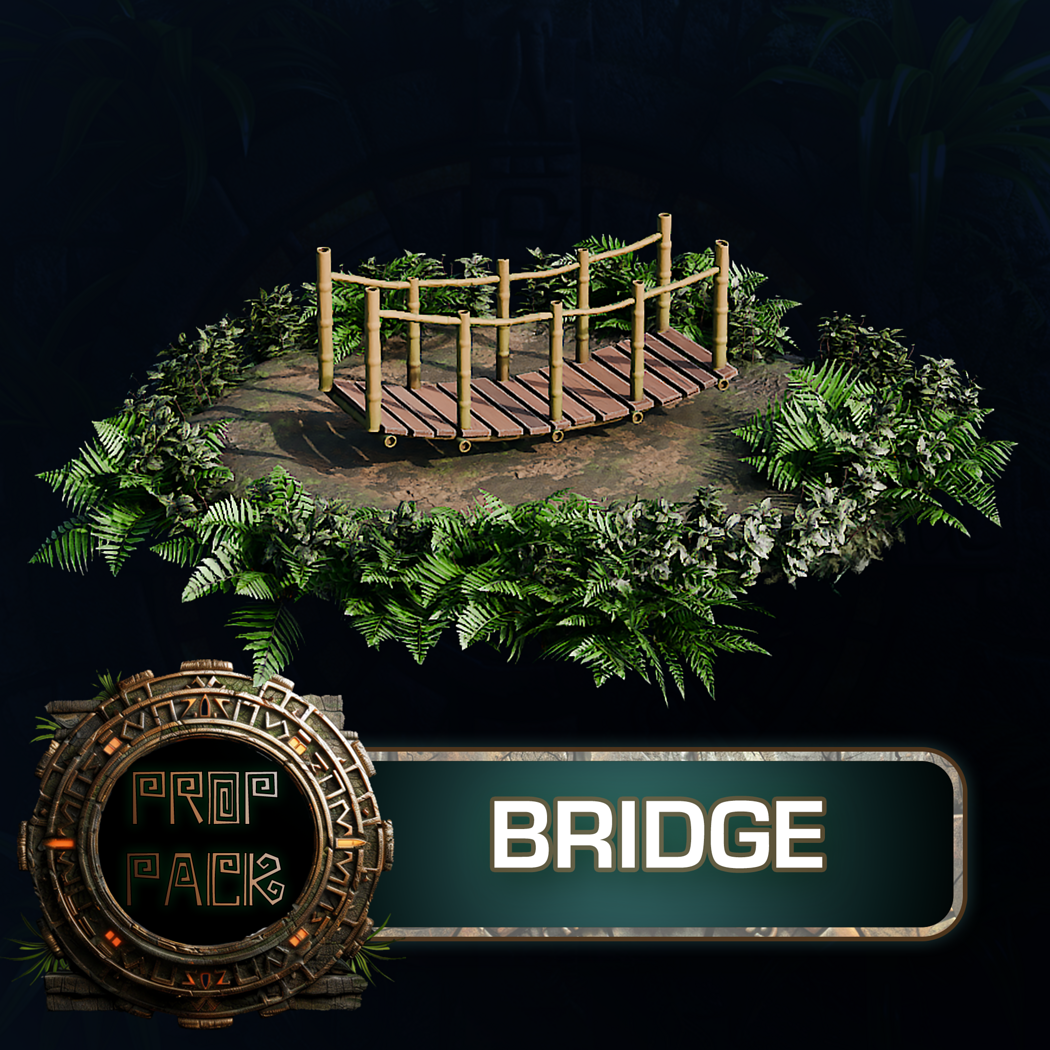
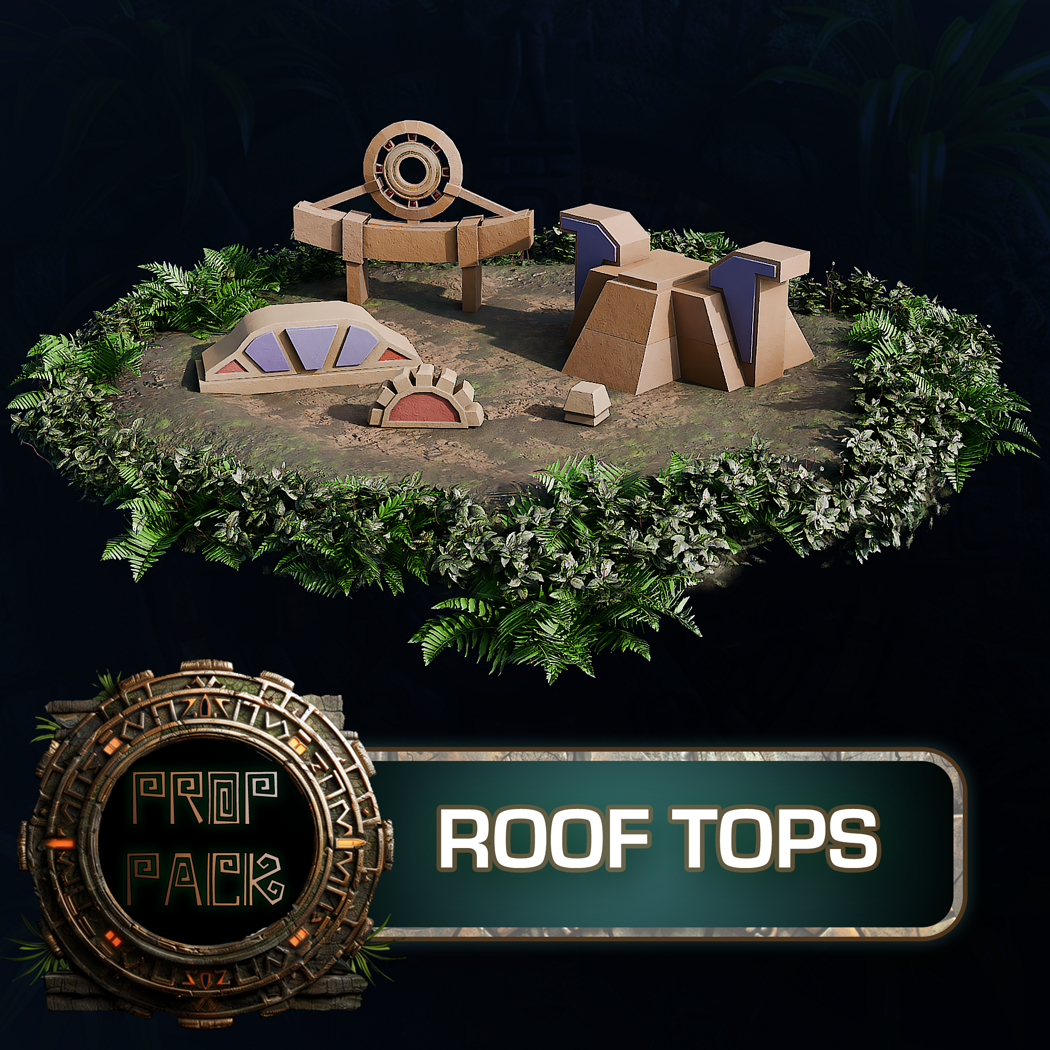
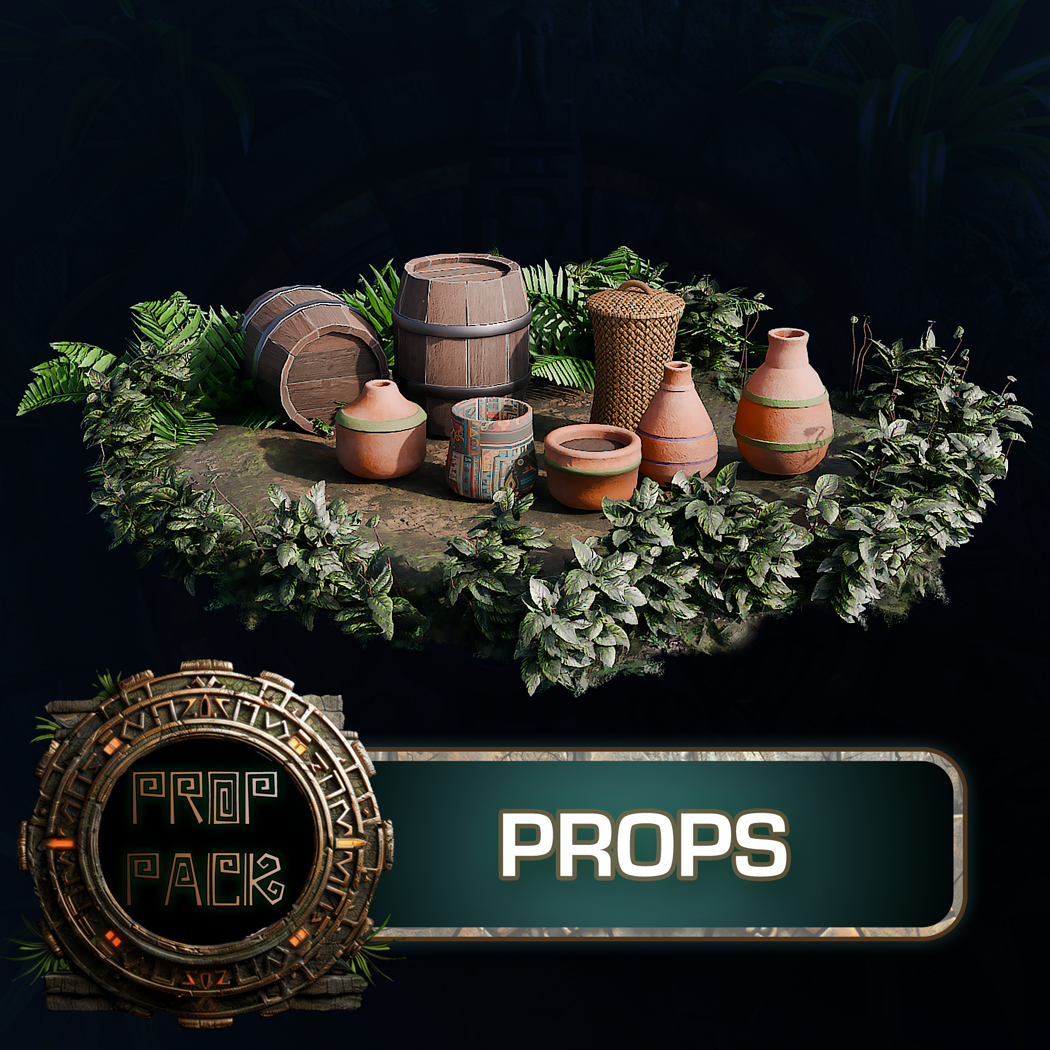
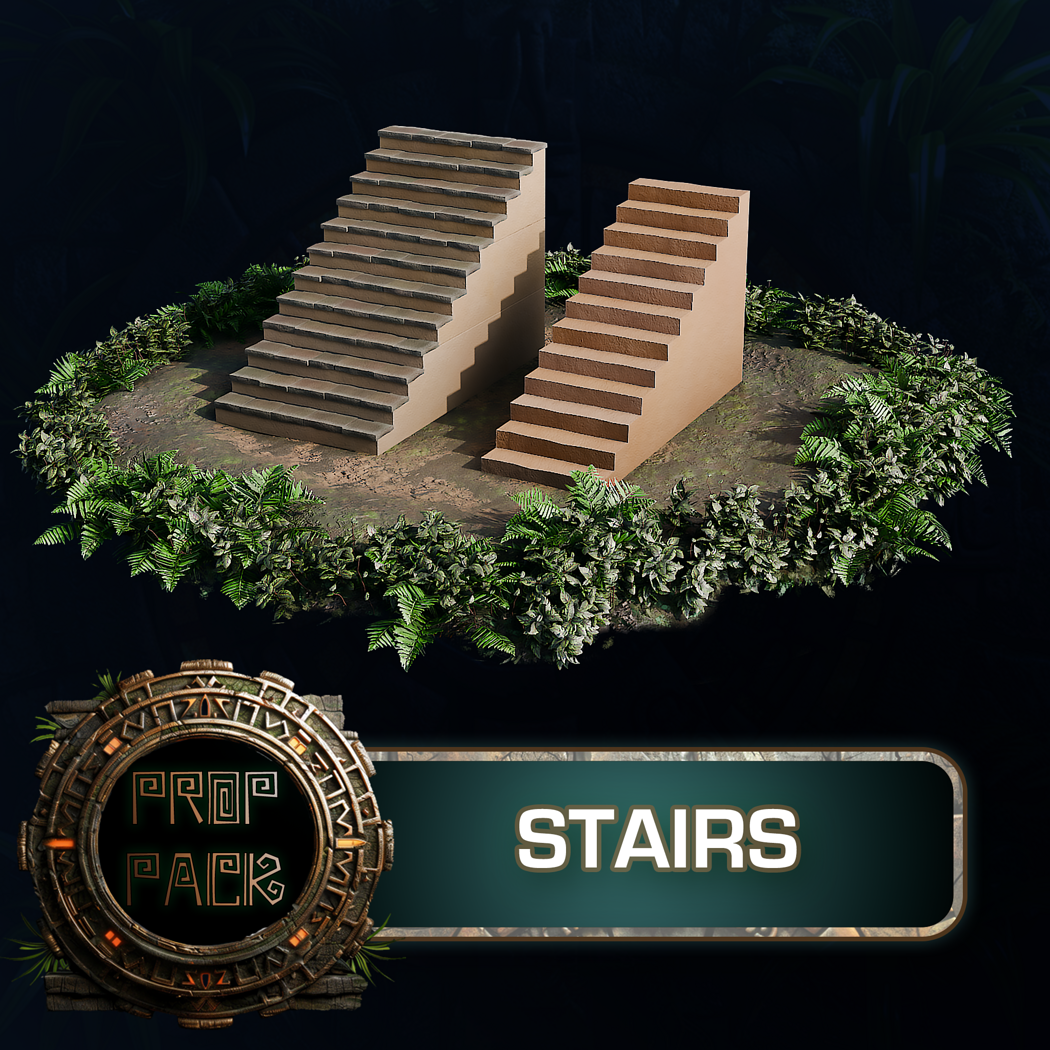
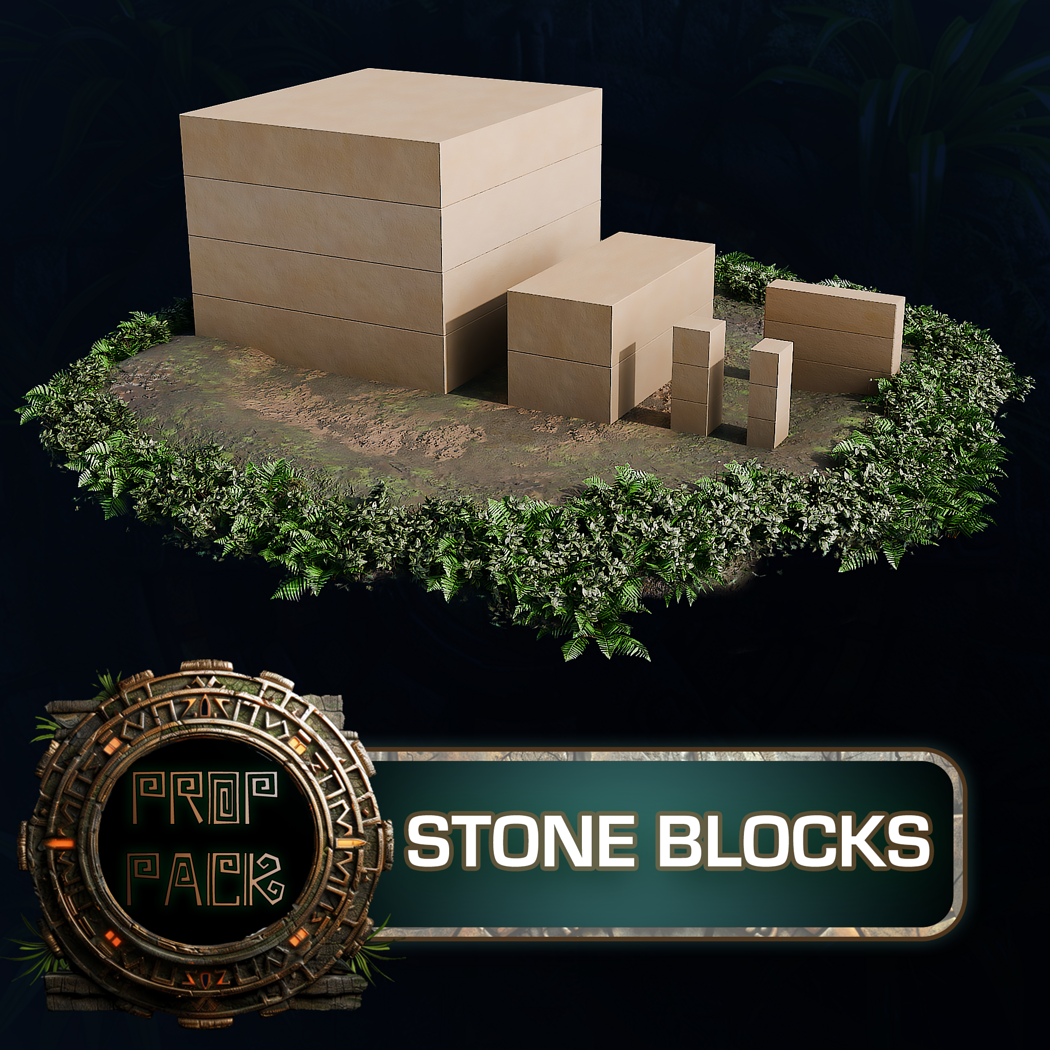
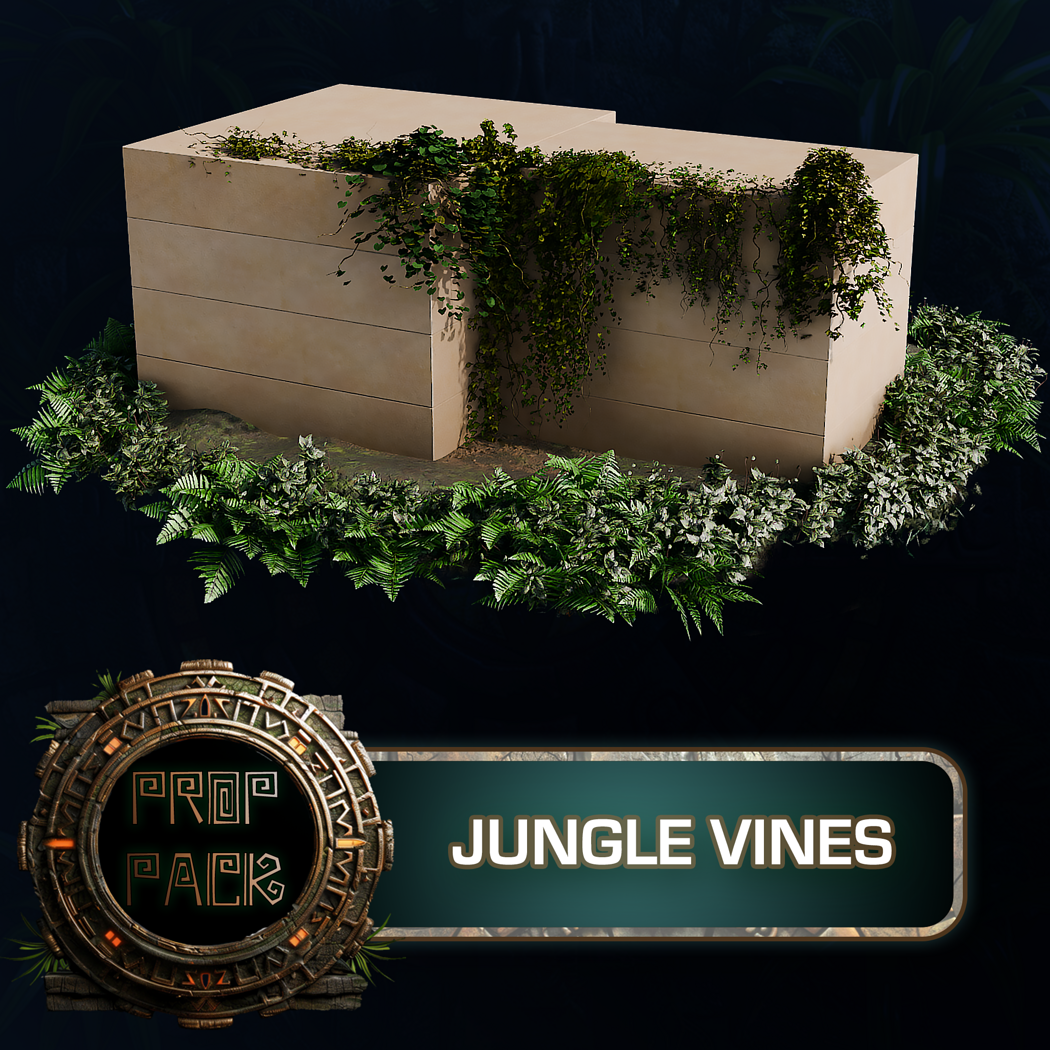
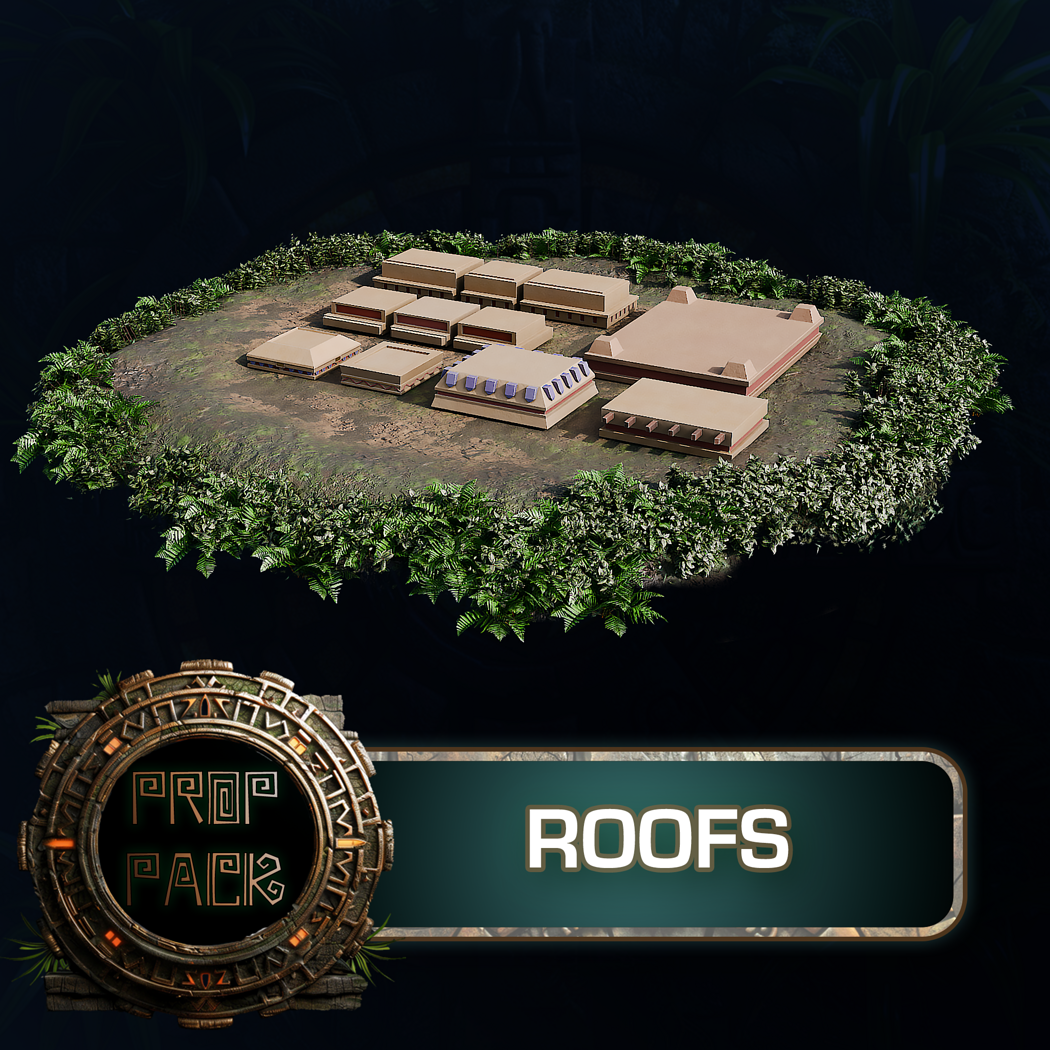
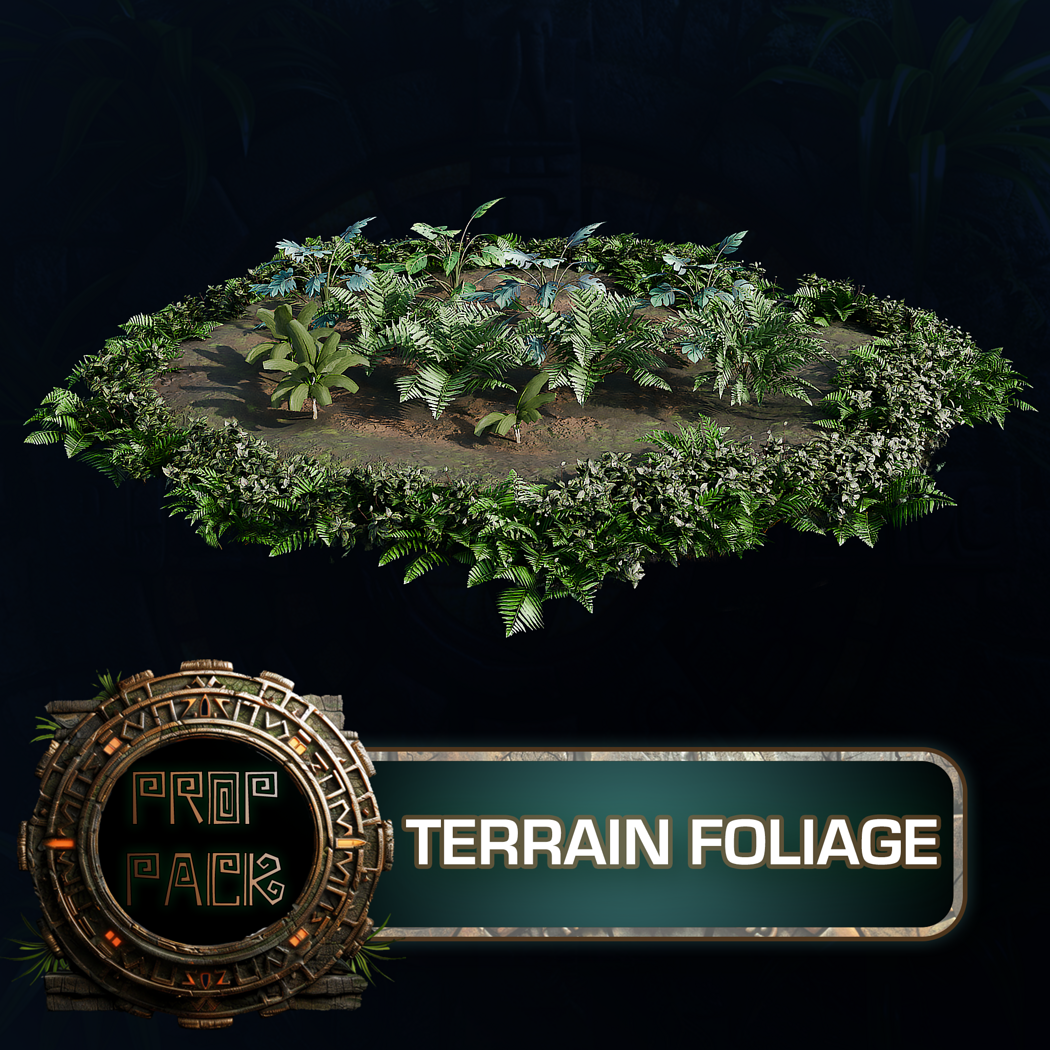
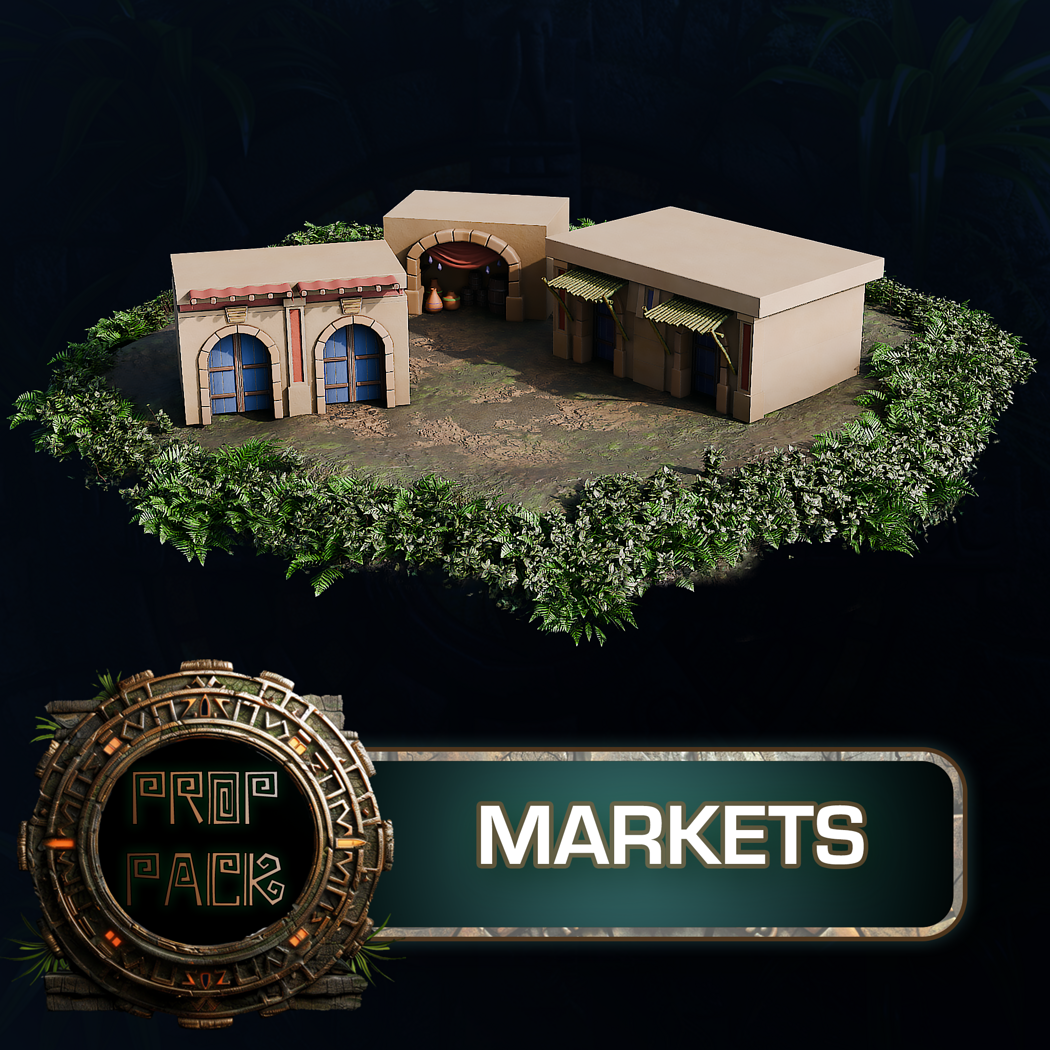
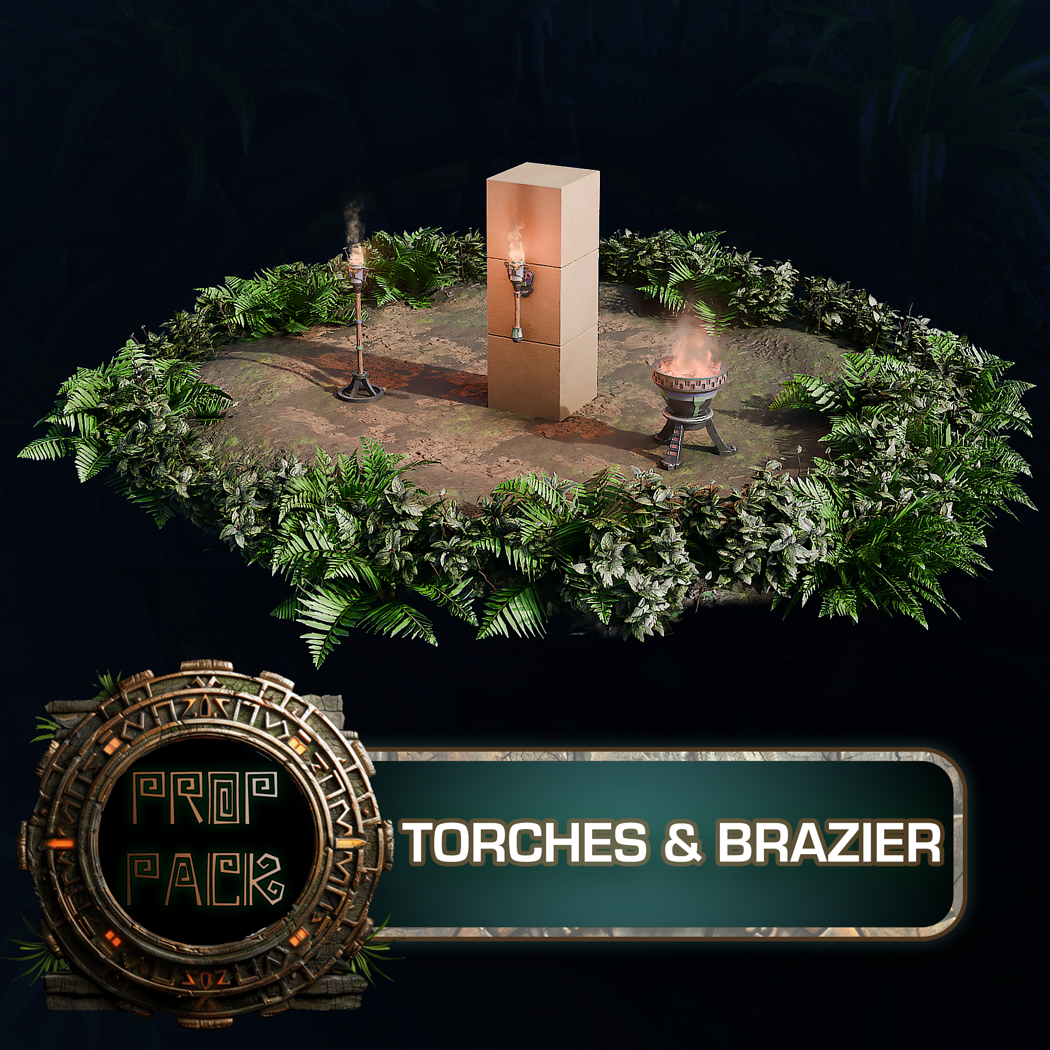
Create immersive jungle scenes and ancient temples with the 3DT Stylized Aztec Jungle Temple Pack — a massive Blender-exclusive kit packed with 153 modular assets, 24 stylized materials, and 2 versatile Geometry Nodes. With MP4 previews showcasing both day and night environments, you can dive right into scene-building with optimized, ready-to-go setups.
📦 What’s Included

🎮 Use Cases
🎨 Stylization & Performance

🔧 Modularity & Workflow
⚙️ Requirements
🚀 Installation Instructions
Using the Blender File
1. Download and unzip the product folder
2. Open the included .blend file in Blender 4.0+
3. Navigate the organized collections: Kitbash, Geometry Nodes, Materials, Previews
Scene Navigation Tips
- Use the Asset Browser or Outliner to drag objects into new scenes
- Preview lighting setups using the included day and night MP4s
- Tweak terrain blending and path shape via Geometry Node inputs
💬 Community & Support
Join the 3DTutor Discord to share your Aztec builds, get help with node workflows, and connect with other Blender artists.
👉 Join the 3D Tudor Discord here
Model Details
- FormatsBLEND
- Polygons570659
- Vertices628812
- animatedno
- materialsyes
- texturesyes
- riggedno
- uvsyes
- 3d print readyno
You will get 4 files
All files previously purchased will always be available for download in your Library