3DT Jungle Vines Generator – Blender Geometry Node Procedural
3DT Jungle Vines Generator – Blender Geometry Node Procedural
🎥 Demo Video
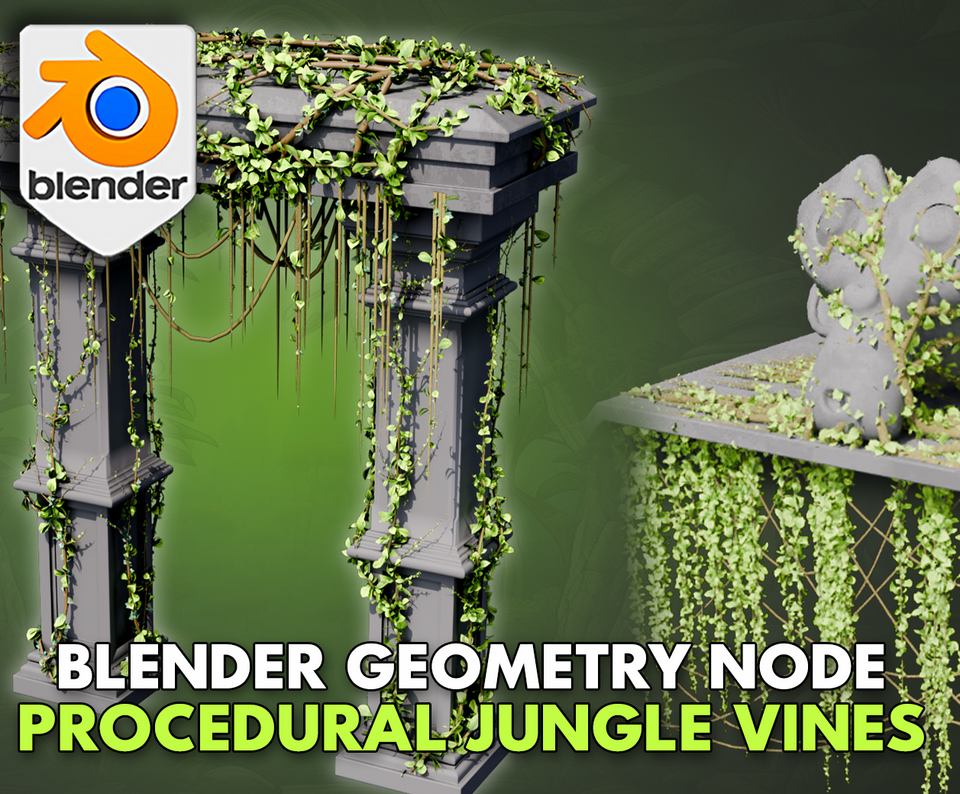
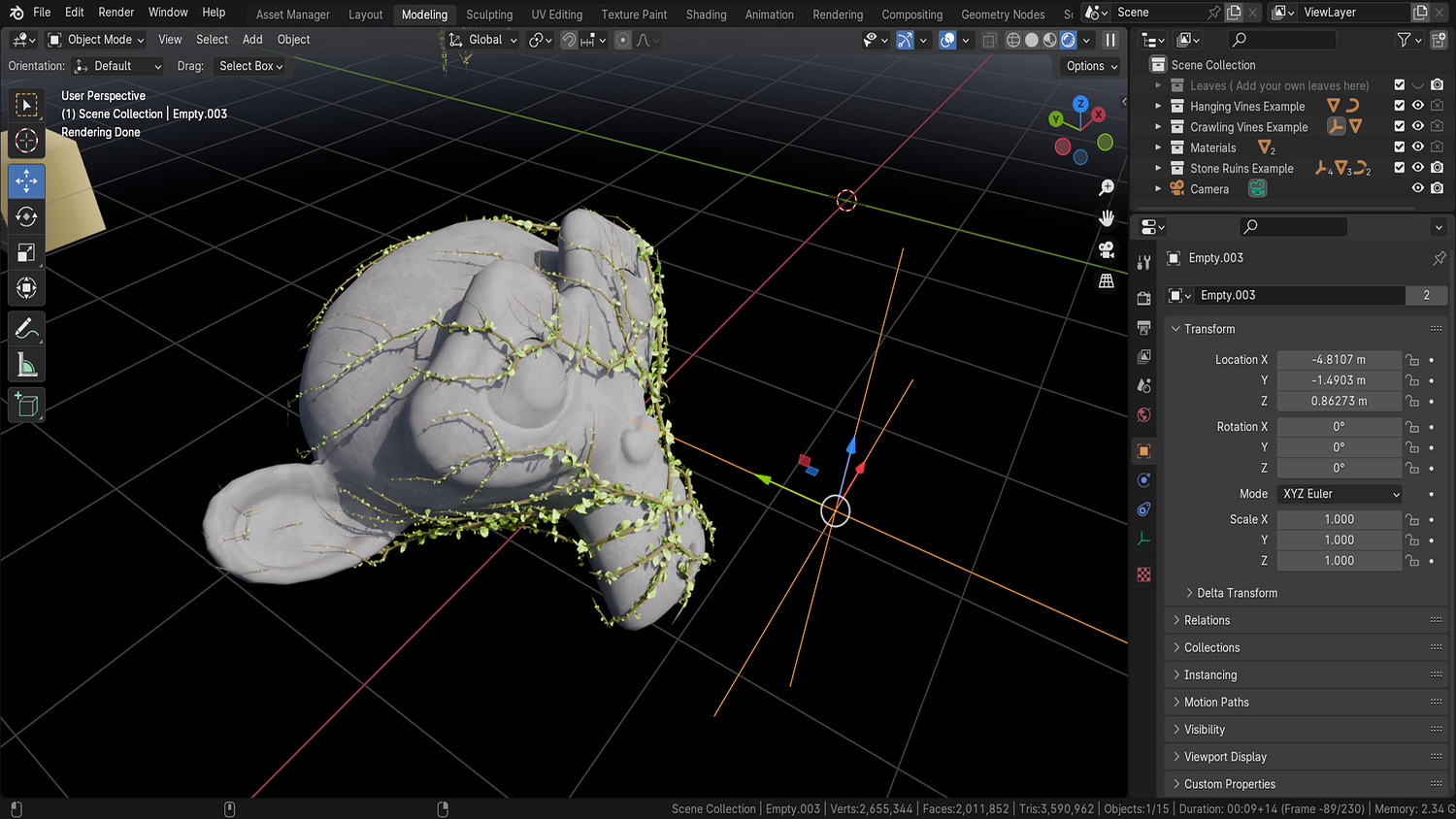
Quickly drape realistic vines over any surface with the 3DT Jungle Vines Generator!
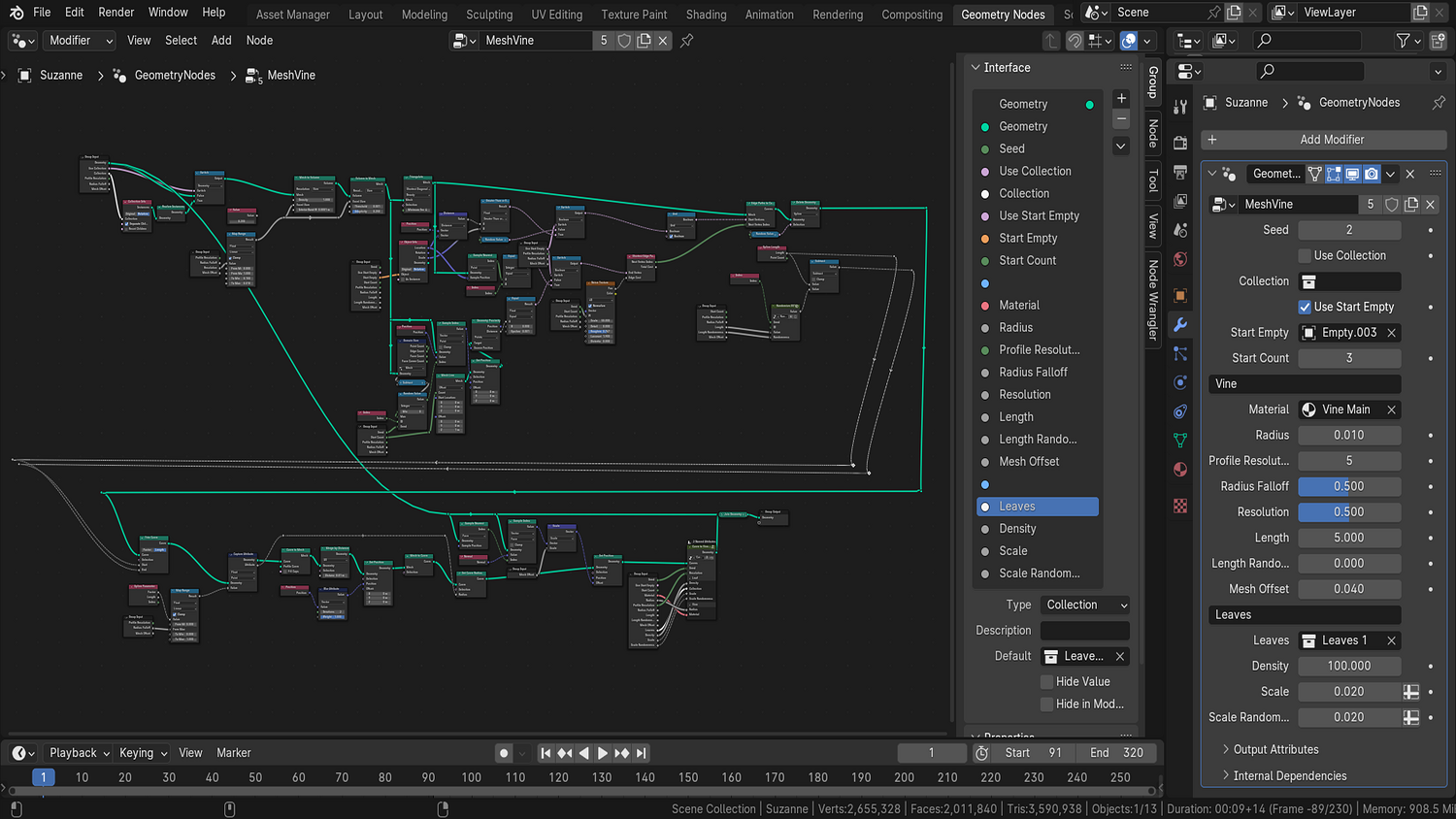
Built for Blender 4.0+, this dual-node setup features hanging vines and creeper vines that grow across geometry or drop from curves — with full control over leaf types, density, material, length, thickness, and randomness. Ideal for overgrown ruins, jungle temples, or stylized fantasy environments.
🎯 Key Features

Two Vines Systems Included
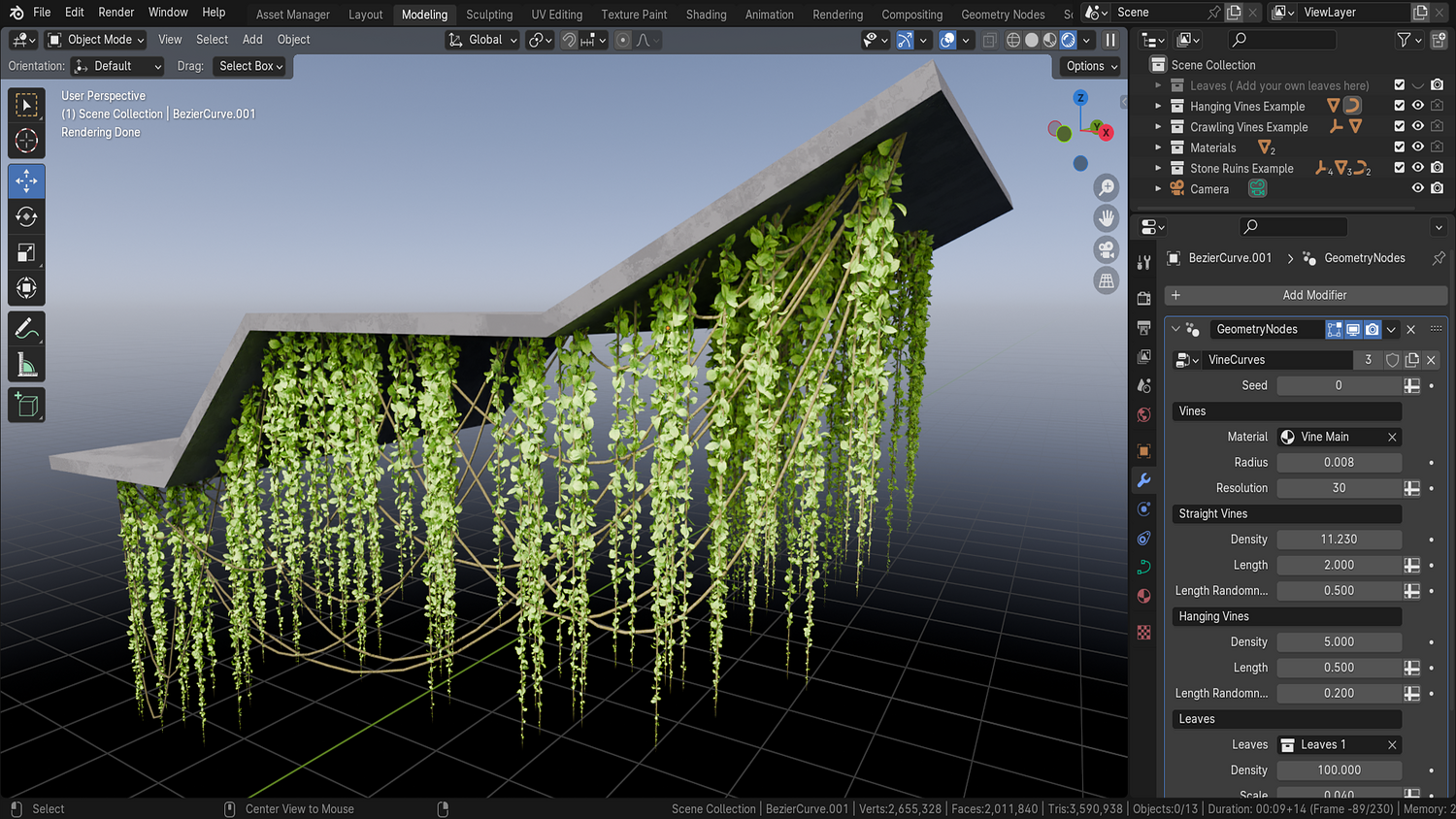
- Hanging Vines: Draw directly onto surfaces using curves.
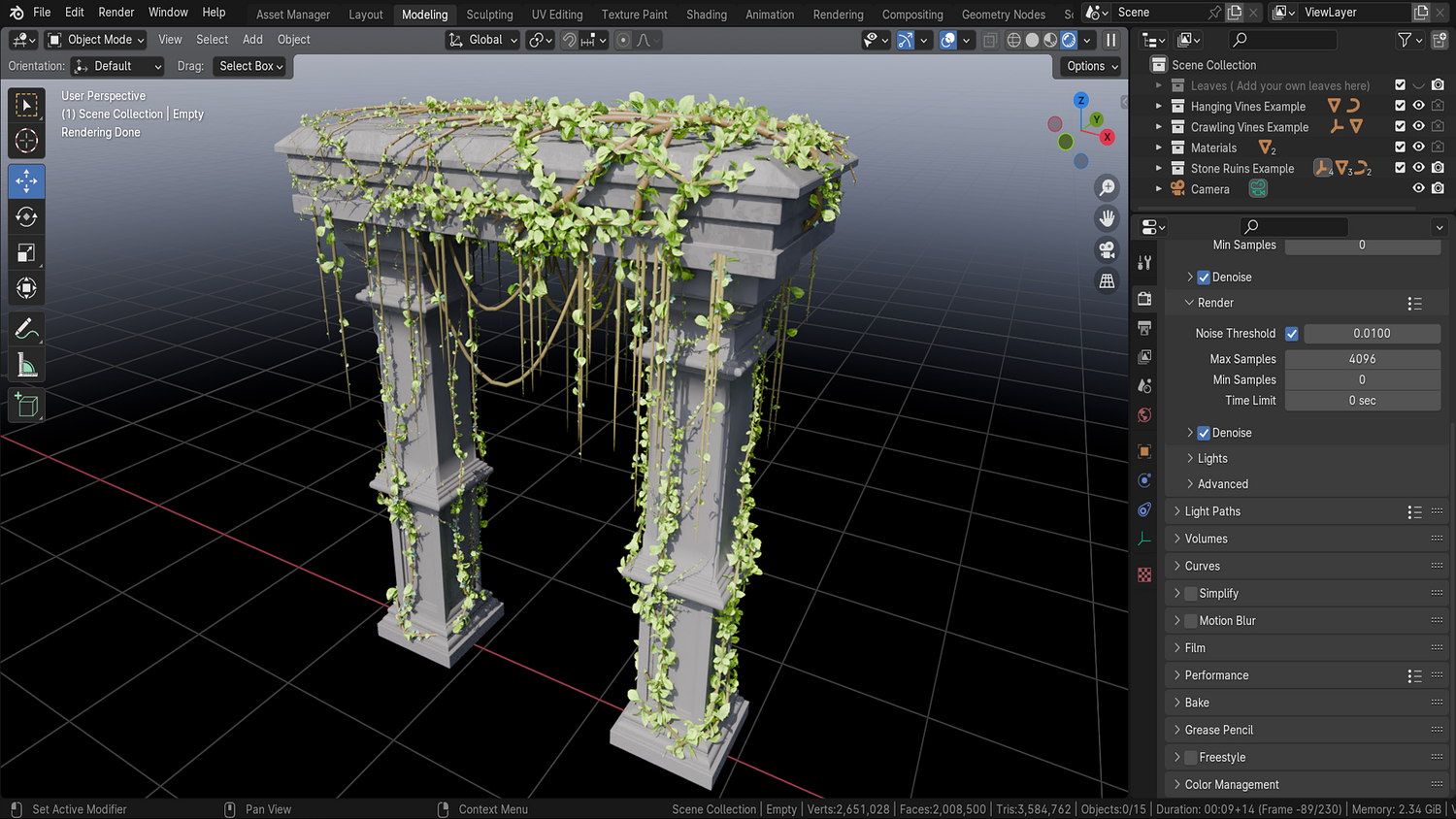
- Creeper Vines: Grow procedurally from empties across any surface.
Live Curve Drawing for Hanging Vines
Use Blender’s built-in draw tool to sketch exactly where you want your vines — including corners, ledges, and walls.
Material & Leaf Library Integration
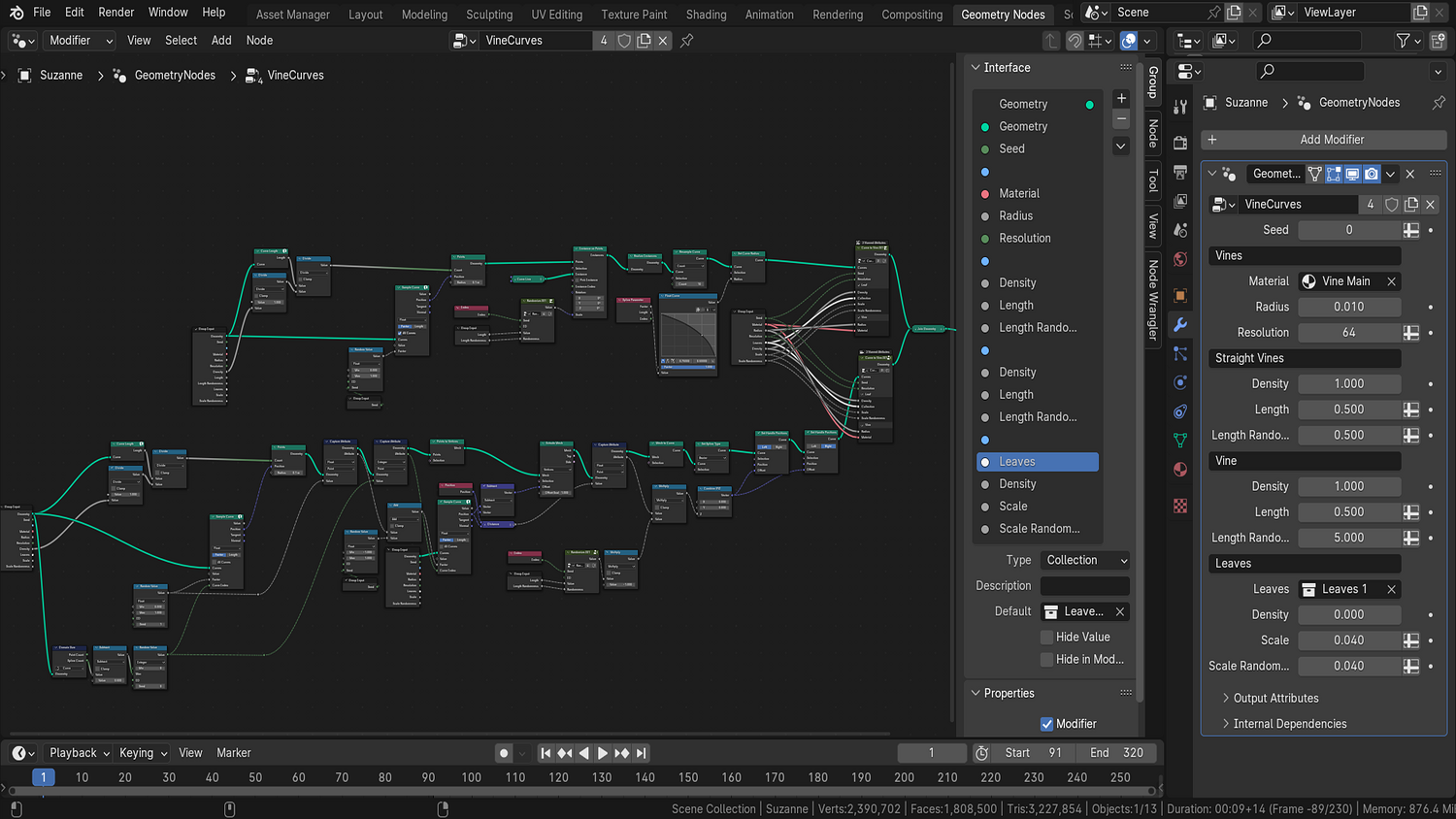
Switch between included leaf types and apply prebuilt materials instantly with size, density, and randomness sliders.
Real-Time Length, Radius, and Resolution Control
Adjust vine thickness, length variation, and curve resolution directly from the node panel.
Empty-Controlled Growth Direction
For creeper vines, simply move the empty to change the grow point — full directional control without weight painting.
🔥 Why You'll Love It

Stylize or Realize Your Jungle
Customize thickness, length, leaf distribution, and falloff to match any visual style — from lush realism to low-poly stylized worlds.
Perfect for Architecture and Environments
Easily add overgrown effects to temples, ruins, rocks, or foliage bases without simulation or rigging.
Fully Procedural Workflow
Change materials, leaf scale, or randomness in real time without slowing down your scene.
Beginner-Friendly & Fast
One-click growth setups, preloaded collections, and full parameter control make it easy for anyone to build jungles.
📦 What's Included
- 1x Blender .blend file with Jungle Vines Generator Geometry Node setup
- Hanging vines curve system
- Creeper vines empty-based mesh growth system
- Full leaf collection with 8+ stylized variations
- Resolution, randomness, thickness, material, and length controls

⚙️ Requirements
- Blender 4.0 or newer with lifetime updates
- From noob to pro — watch the 10 minute video to have everything up and running in no time
🚀 Installation Instructions
Method 1 – Add to Asset Library
- Download and unzip the product folder.
- Open Blender → Edit → Preferences → File Paths → Asset Libraries → click the "+" button.
- Navigate to the extracted folder and add it.
- Open the Asset Browser and drag the Jungle Vines Generator into your scenes.
Method 2 – Manual Append
- Open your Blender project.
- Go to File → Append → Locate the .blend file → Import the Geometry Node group.
Method 3 – Copy and Paste Between Projects
- Open the project containing the Vines setup.
- Select the Geometry Node group.
- Press Ctrl+C to copy.
- Open another Blender project and press Ctrl+V to paste it directly into your scene.
💬 Support
Need help? Join our growing 3D Tudor Discord community to connect with our support team and hundreds of fellow artists!
👉 Join the 3D Tudor Discord here
Model Details
- FormatsBLEND
- Polygons0
- Vertices0
- animatedno
- materialsyes
- texturesno
- riggedno
- uvsno
- 3d print readyno
You will get 2 files
All files previously purchased will always be available for download in your Library