3DT Boat Generator – Blender Geometry Node Procedural
3DT Boat Generator – Blender Geometry Node Procedural
🎥 Demo Video
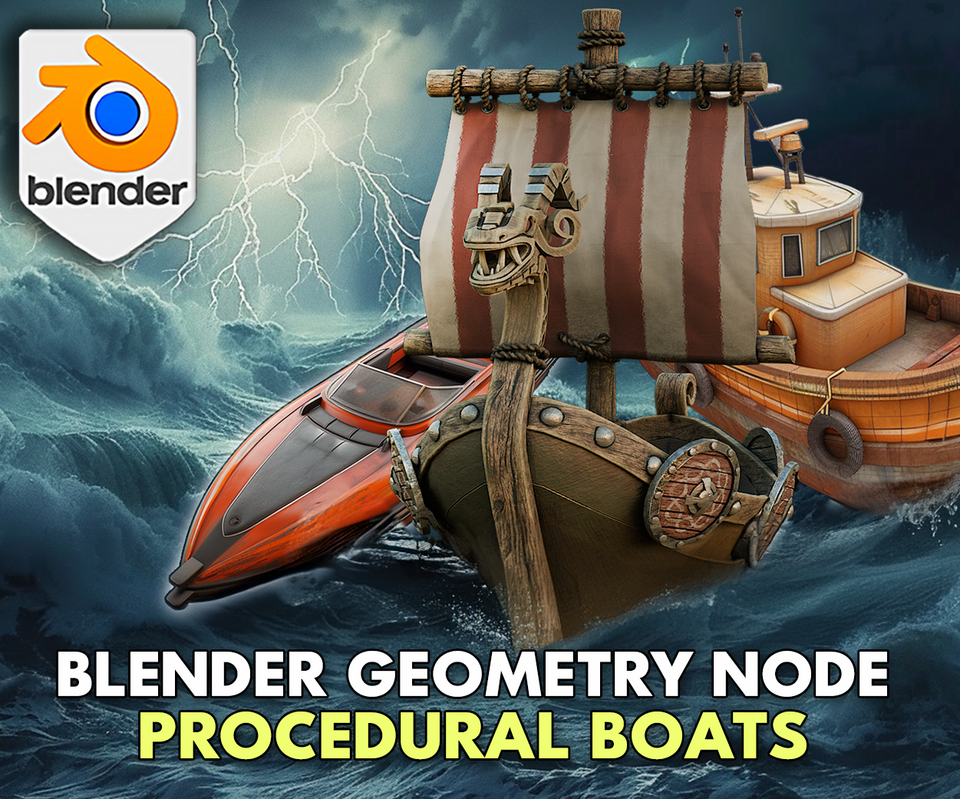
Craft professional ships, canoes, fantasy boats, and more in seconds with the 3DT Boat Generator!
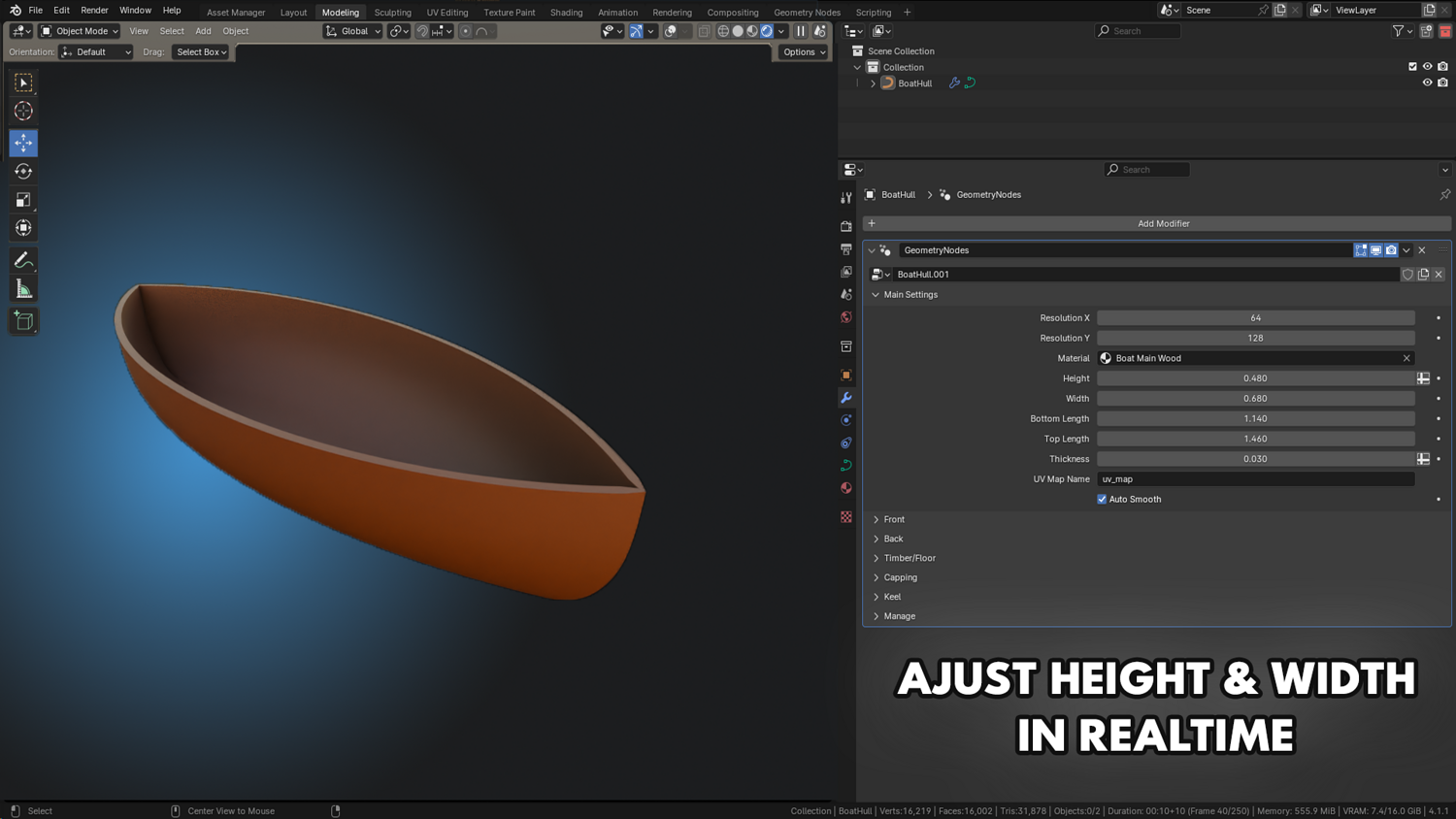
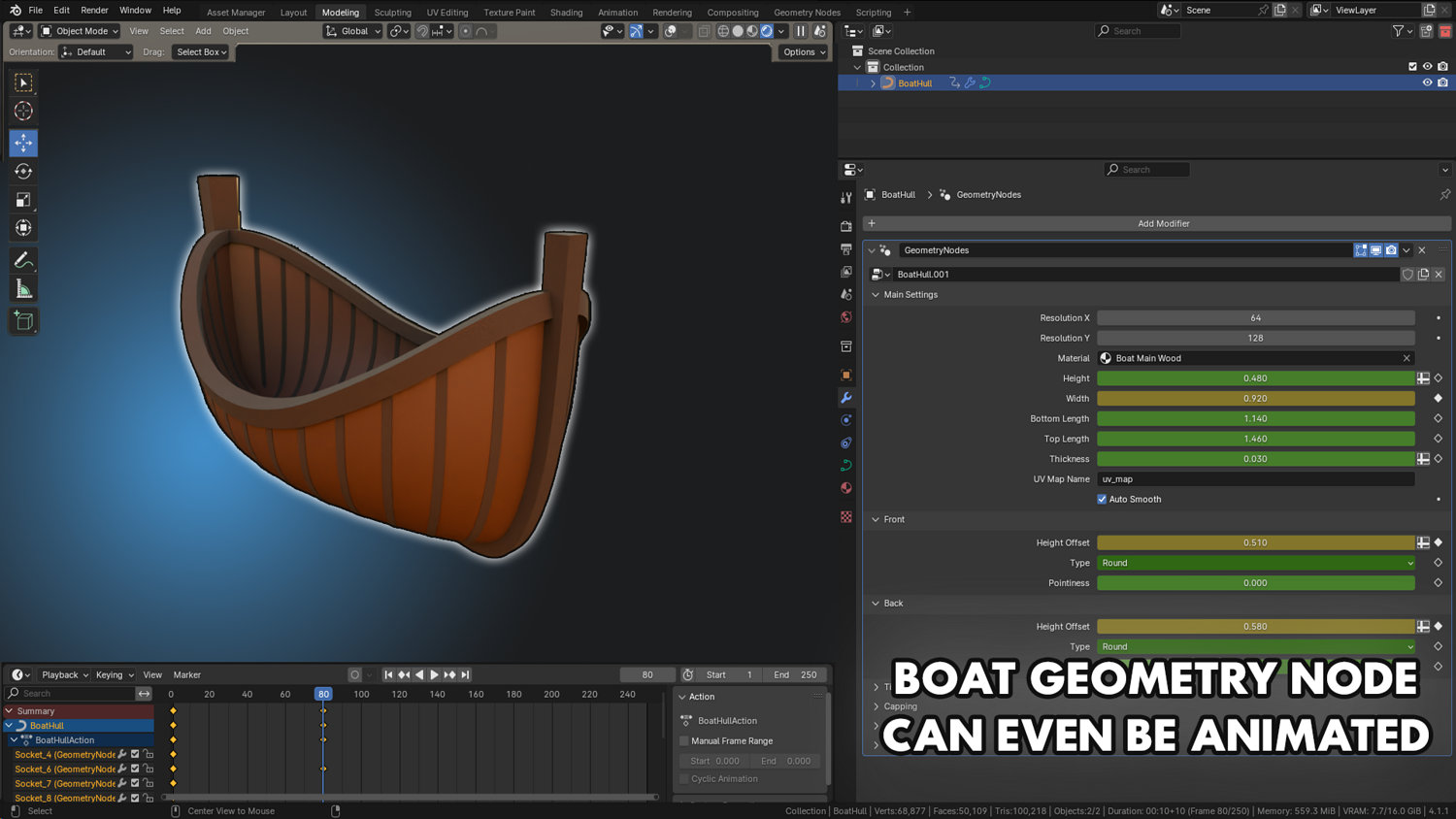
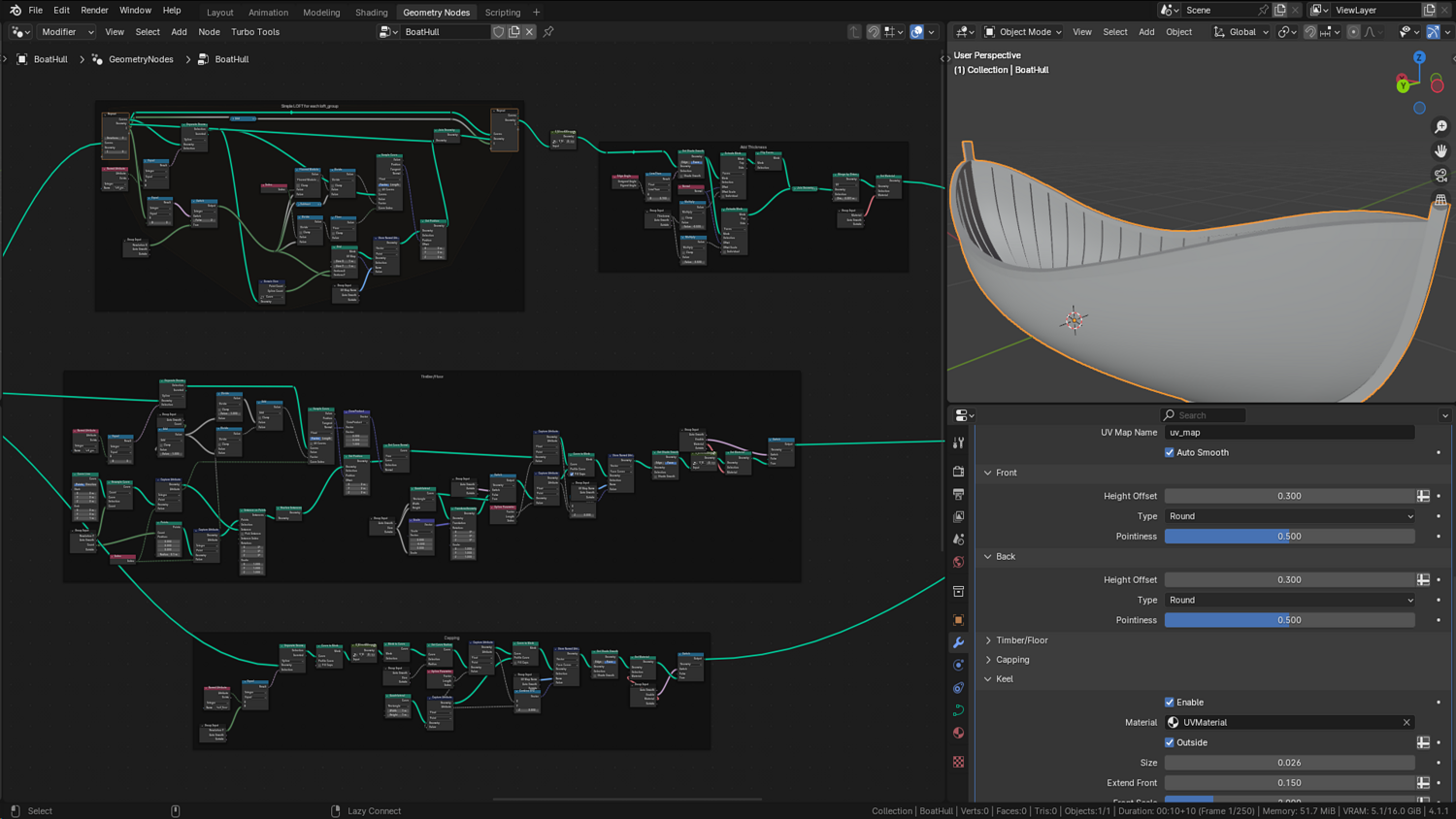
Fully optimized for Blender 4.0+, this flexible procedural setup lets you build customizable boats using intuitive sliders — change hull shape, size, width, keel, timber structure, and material assignments in real-time without any sculpting needed.
🎯 Key Features

Complete Hull Shaping System
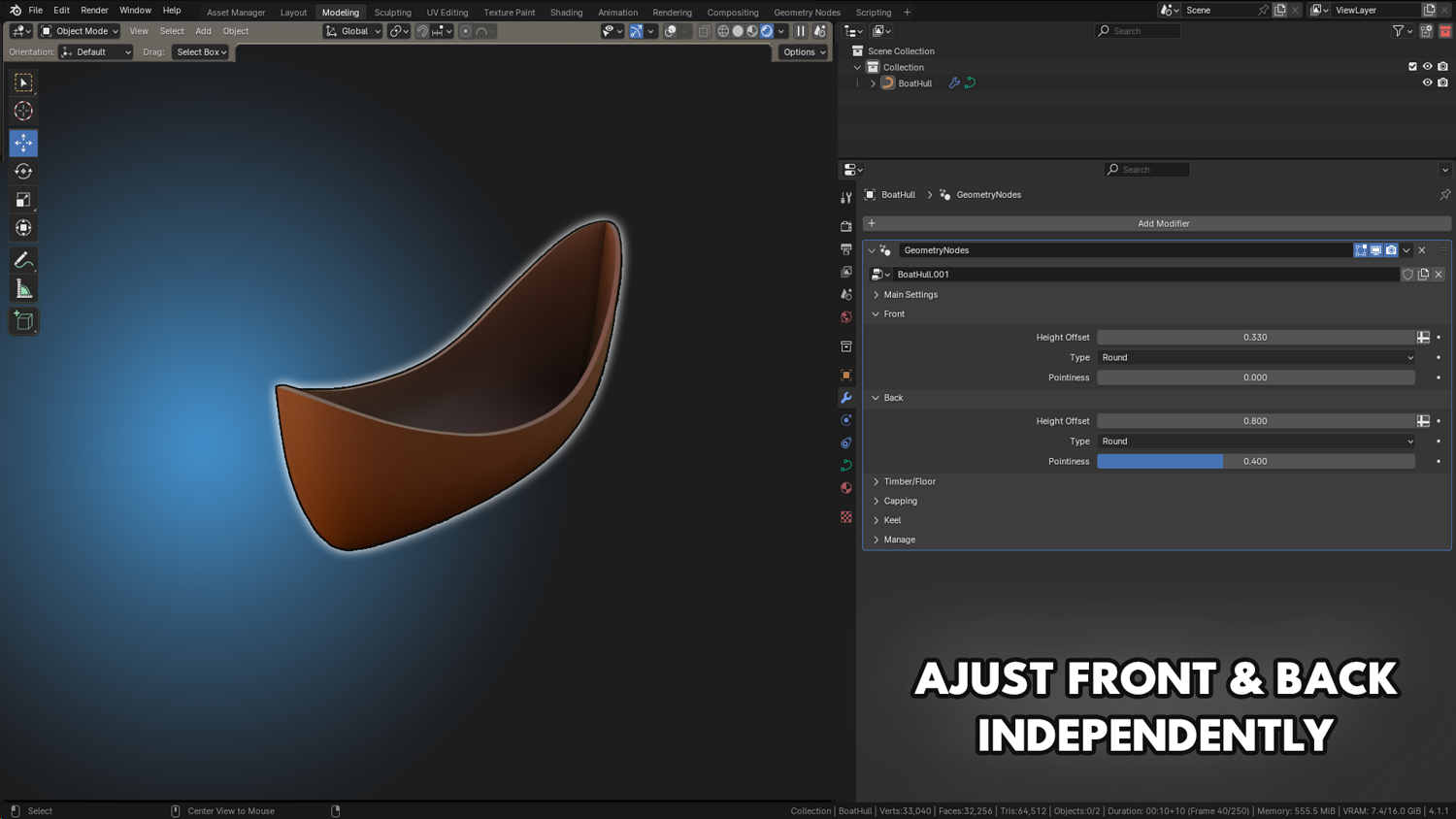
Control boat length, width, bottom length, and top taper individually — swap between rounded or square hulls anytime.
Timber and Plank Structure Options
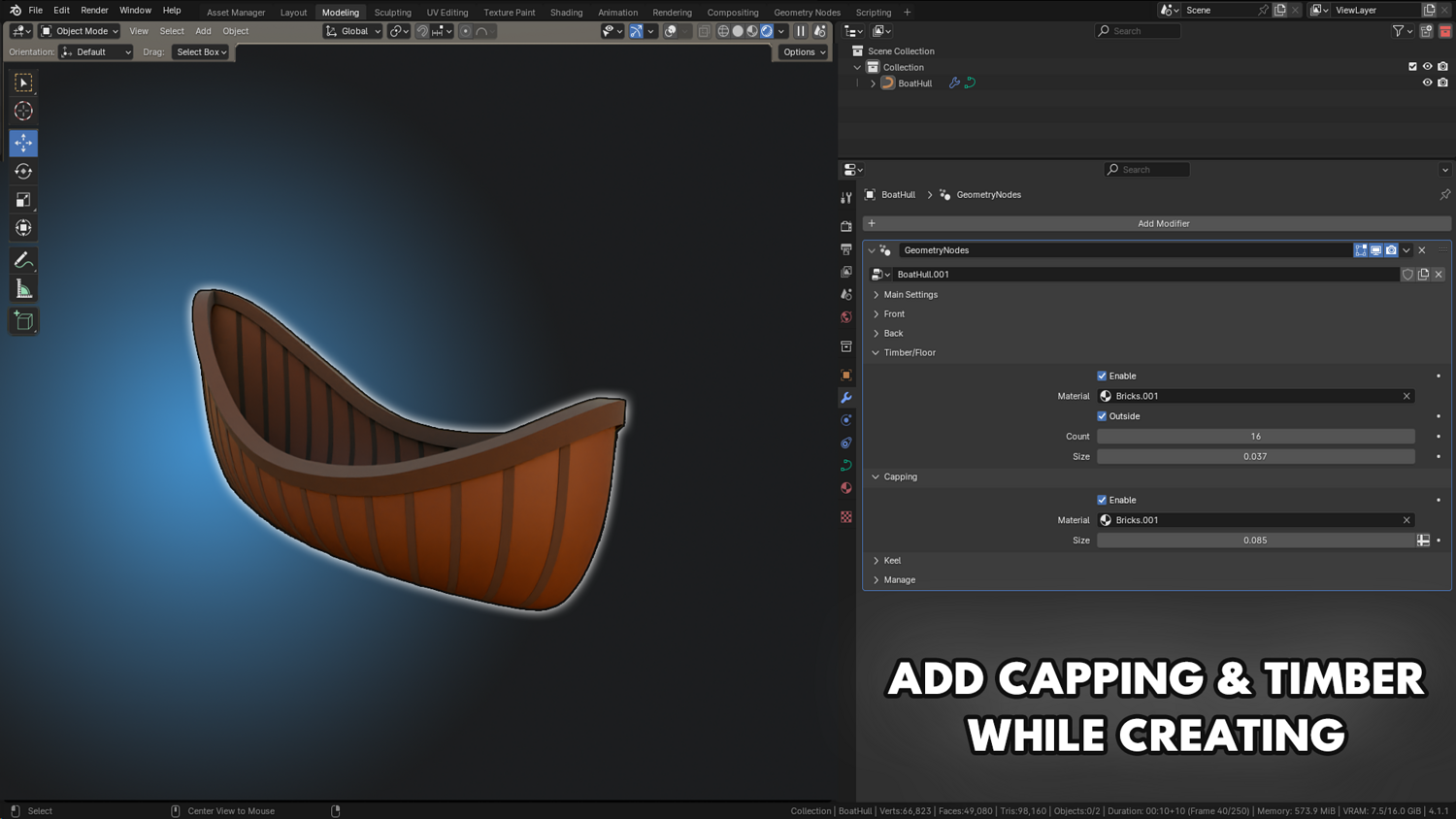
Add procedural timber details across the sides and inside the boat — control number, thickness, and side-only or full coverage modes.
Dynamic Keel Generation
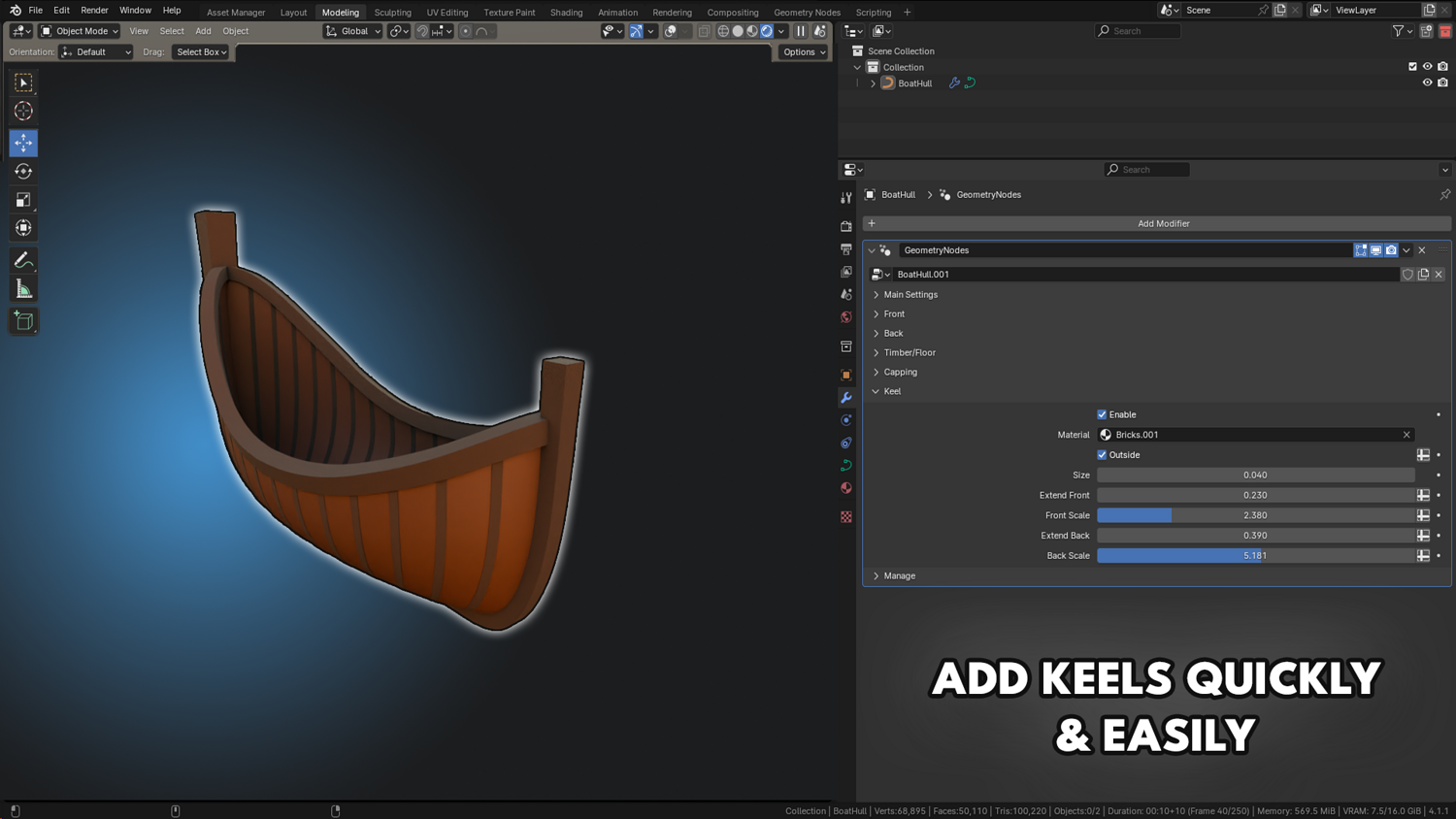
Enable a full keel structure with real-time adjustments for front/back scaling, size, and offset along the hull.
Resolution and Detail Control
Adjust subdivision and smoothness based on needs — from low-poly mobile game styles to high-detail cinematic boats.
Lightweight for Animation and Morphing
Animate boat width, thickness, taper, and material settings without performance drops — perfect for cutscenes and real-time applications.
🔥 Why You'll Love It

Instantly Create Ships of Any Style
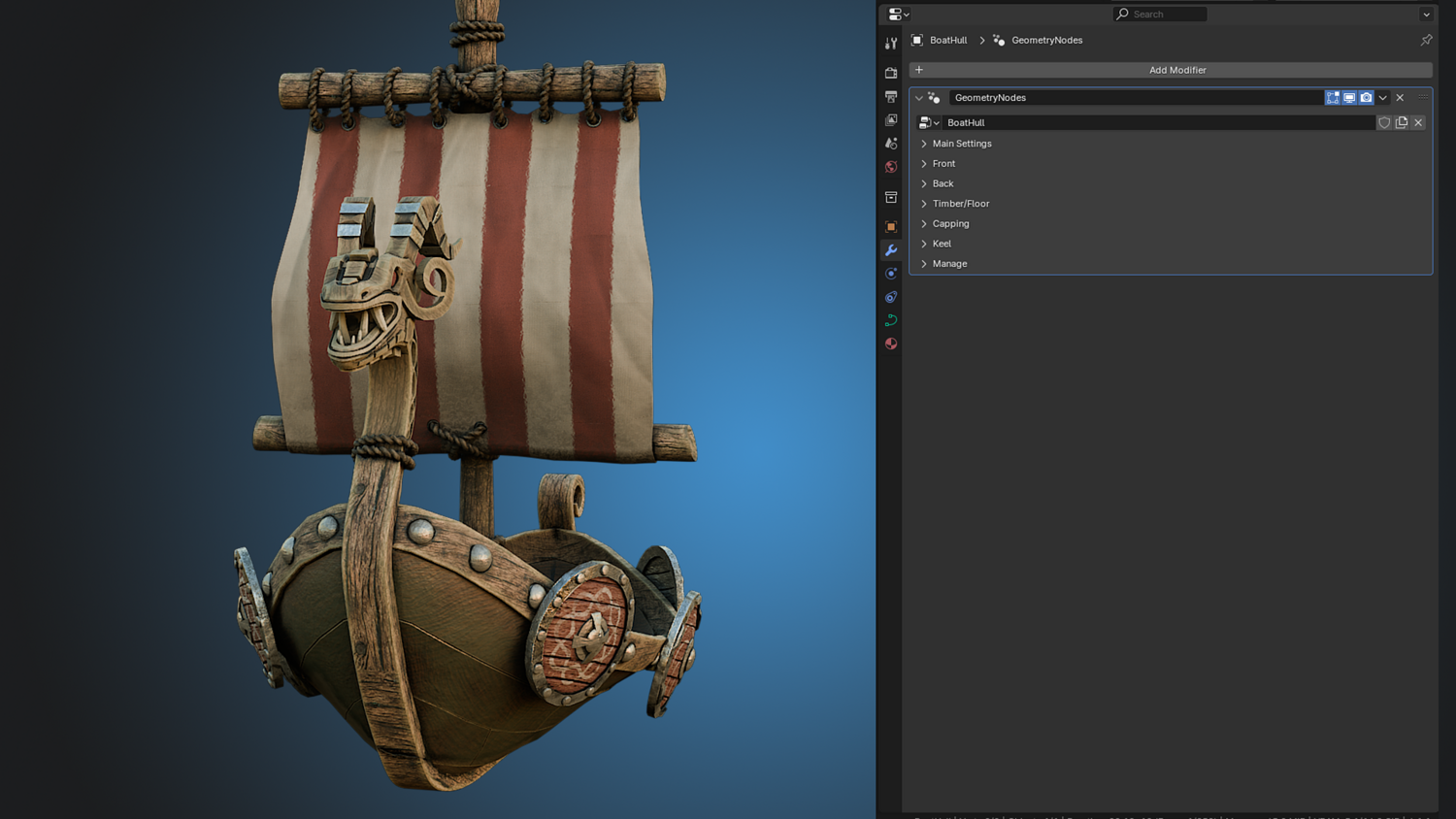
From medieval Viking ships to fantasy riverboats — build fully procedural boats tailored to your scene.
Full Artistic Freedom
Blend low-poly and realistic styles with ease — modify hull curvature, timber layout, and capping in seconds.
Perfect for Games, Animation, and Prototyping
Ship-ready, highly optimized models for fast worldbuilding, concept art, or real-time environments.
Built for Real-Time Editing
All transformations update in the viewport — no sculpting, no baking, no heavy simulation.
📦 What's Included
- 1x Blender .blend file with complete Boat Generator Geometry Node setup
- Hull shaping, keel, timber paneling, and capping controls
- Material switching and procedural subdivision options
- Real-time morphing animation support
- Rounded or square style hull modes

⚙️ Requirements
- Blender 4.0 or newer with lifetime updates
- From noob to pro — watch the 10 minute video to have everything up and running in no time
🚀 Installation Instructions
Method 1 – Add to Asset Library
- Download and unzip the product folder.
- Open Blender → Edit → Preferences → File Paths → Asset Libraries → click the "+" button.
- Navigate to the extracted folder and add it.
- Open the Asset Browser and drag the Boat Generator into your scenes.
Method 2 – Manual Append
- Open your Blender project.
- Go to File → Append → Locate the .blend file → Import the Geometry Node group.
Method 3 – Copy and Paste Between Projects
- Open the project containing the Boat Generator setup.
- Select the Geometry Node group.
- Press Ctrl+C to copy.
- Open another Blender project and press Ctrl+V to paste it directly into your scene.
💬 Support
Need help? Join our growing 3D Tudor Discord community to connect with our support team and hundreds of fellow artists!
👉 Join the 3D Tudor Discord here
Model Details
- FormatsBLEND
- Polygons0
- Vertices0
- animatedno
- materialsno
- texturesno
- riggedno
- uvsno
- 3d print readyno
You will get 2 files
All files previously purchased will always be available for download in your Library