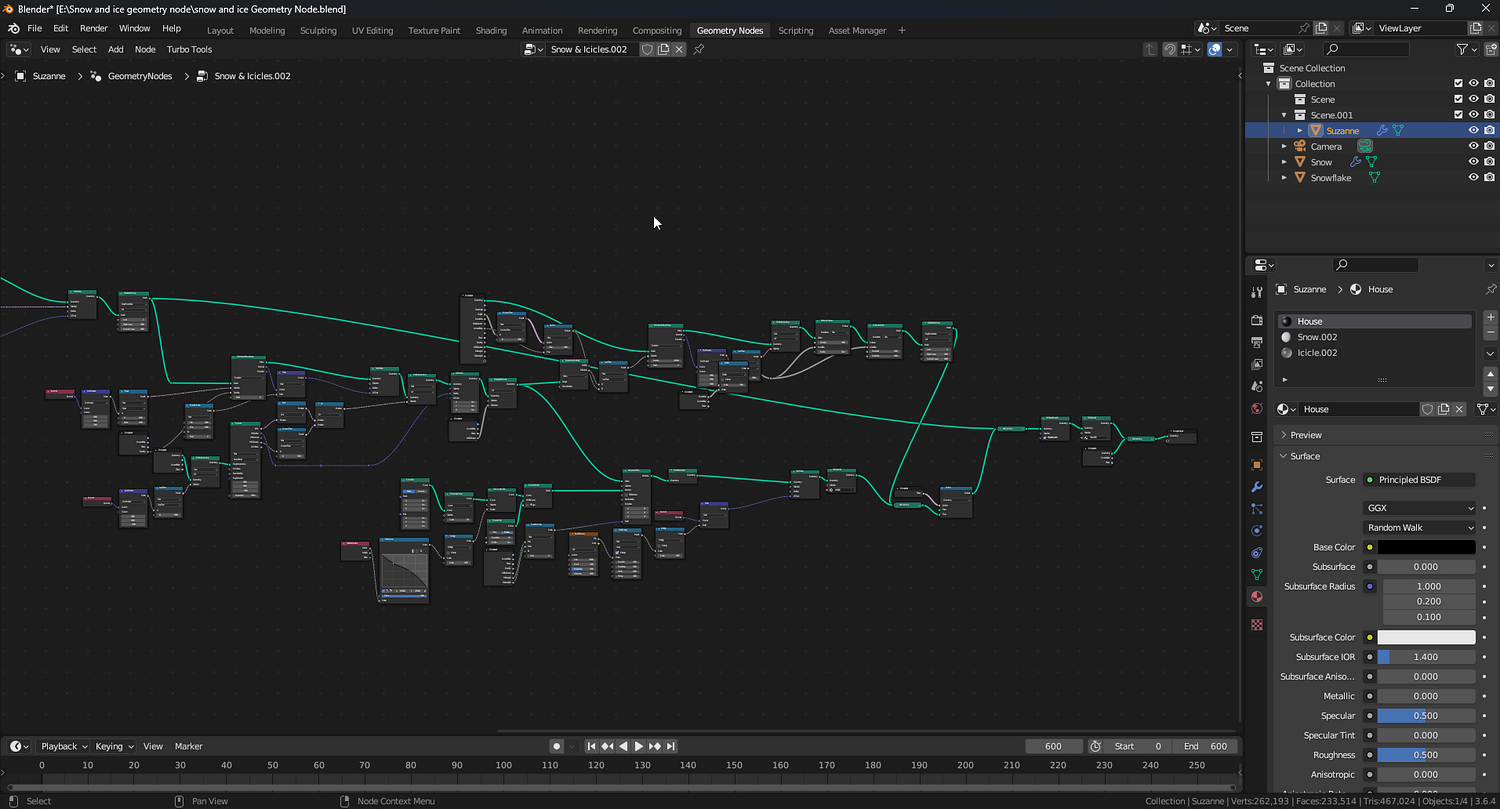
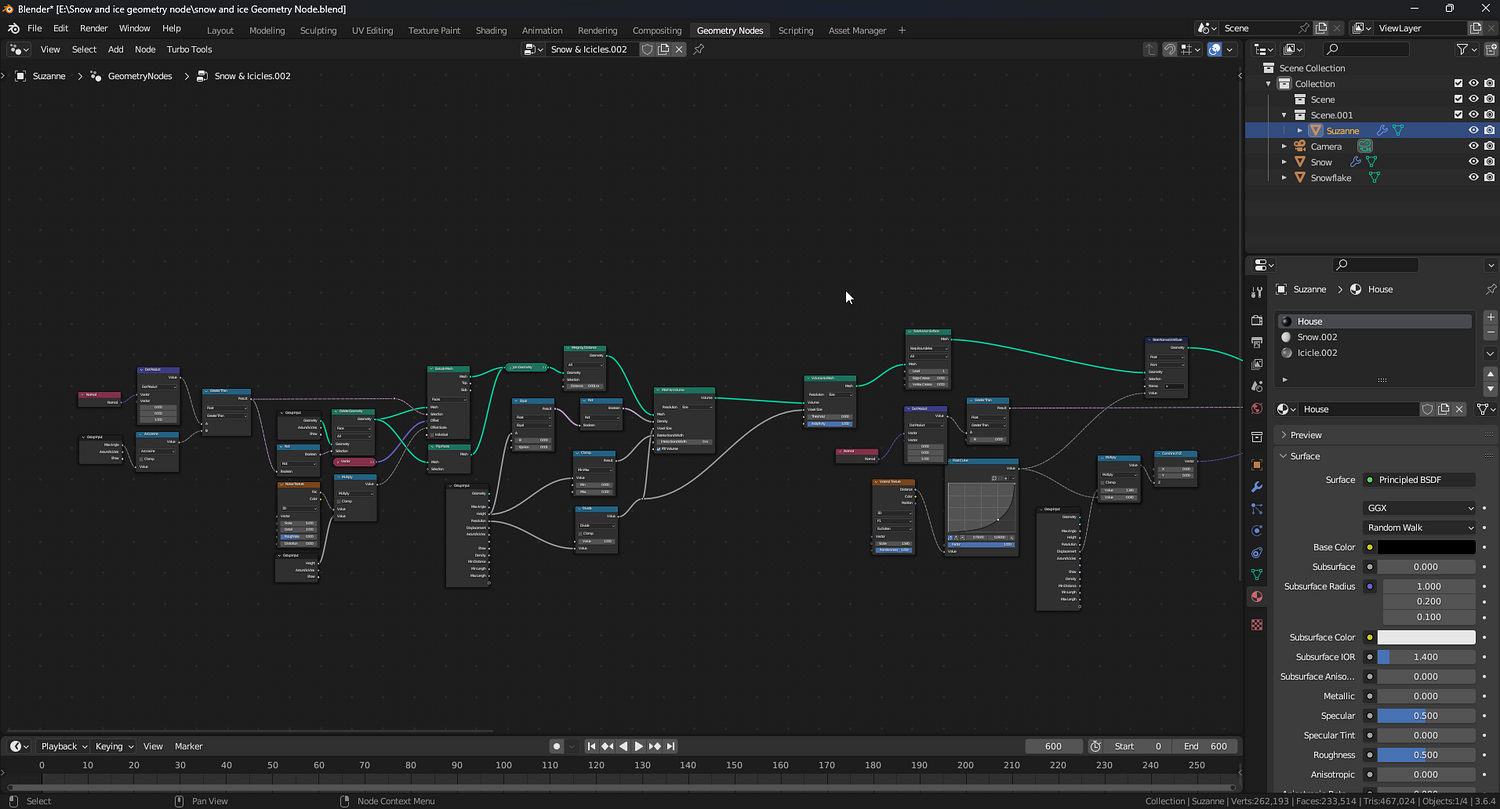
3DT Snow & Ice – Blender Geometry Nodes Procedural
3DT Snow & Ice – Blender Geometry Nodes
🎥 Demo Video
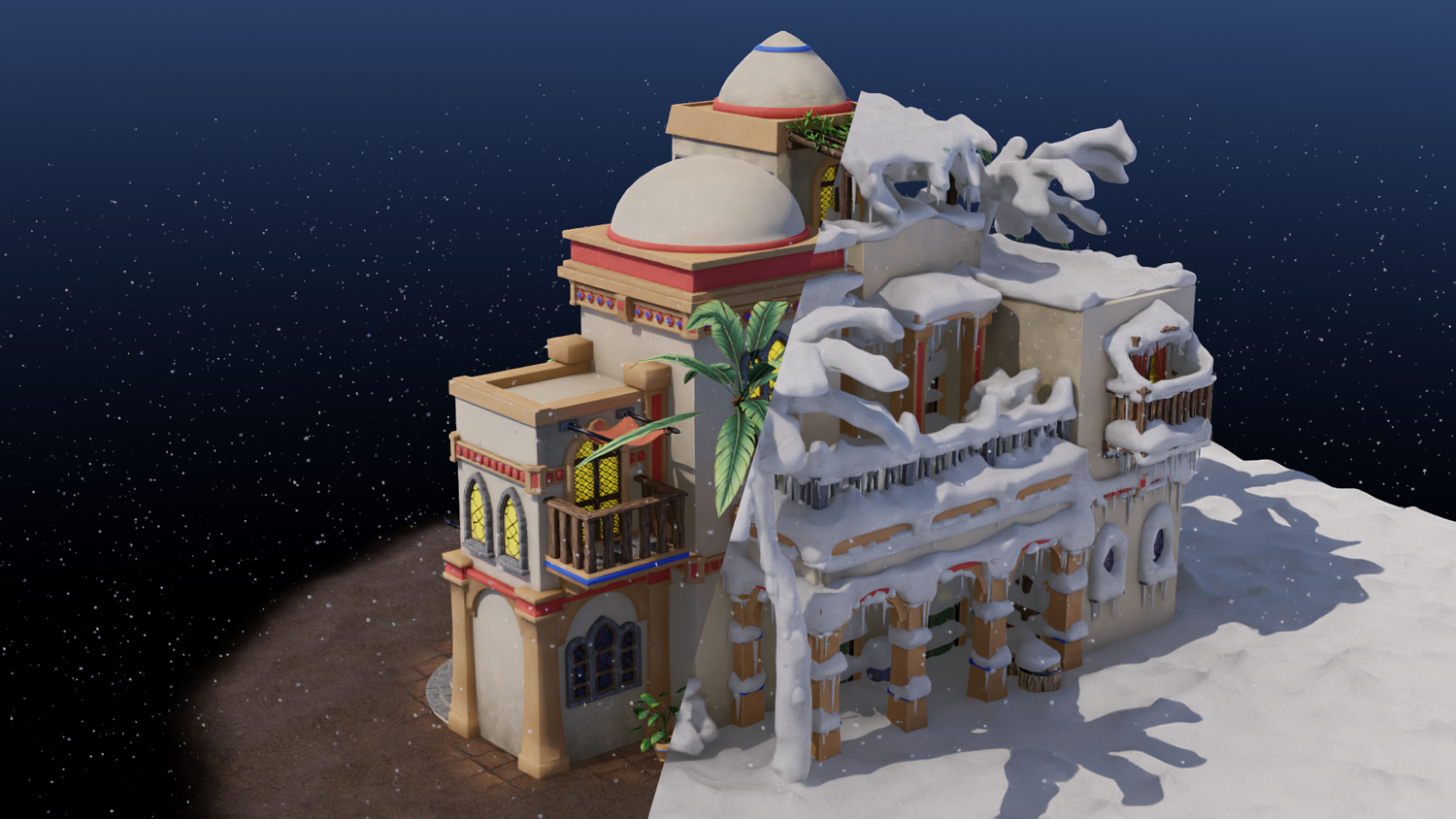
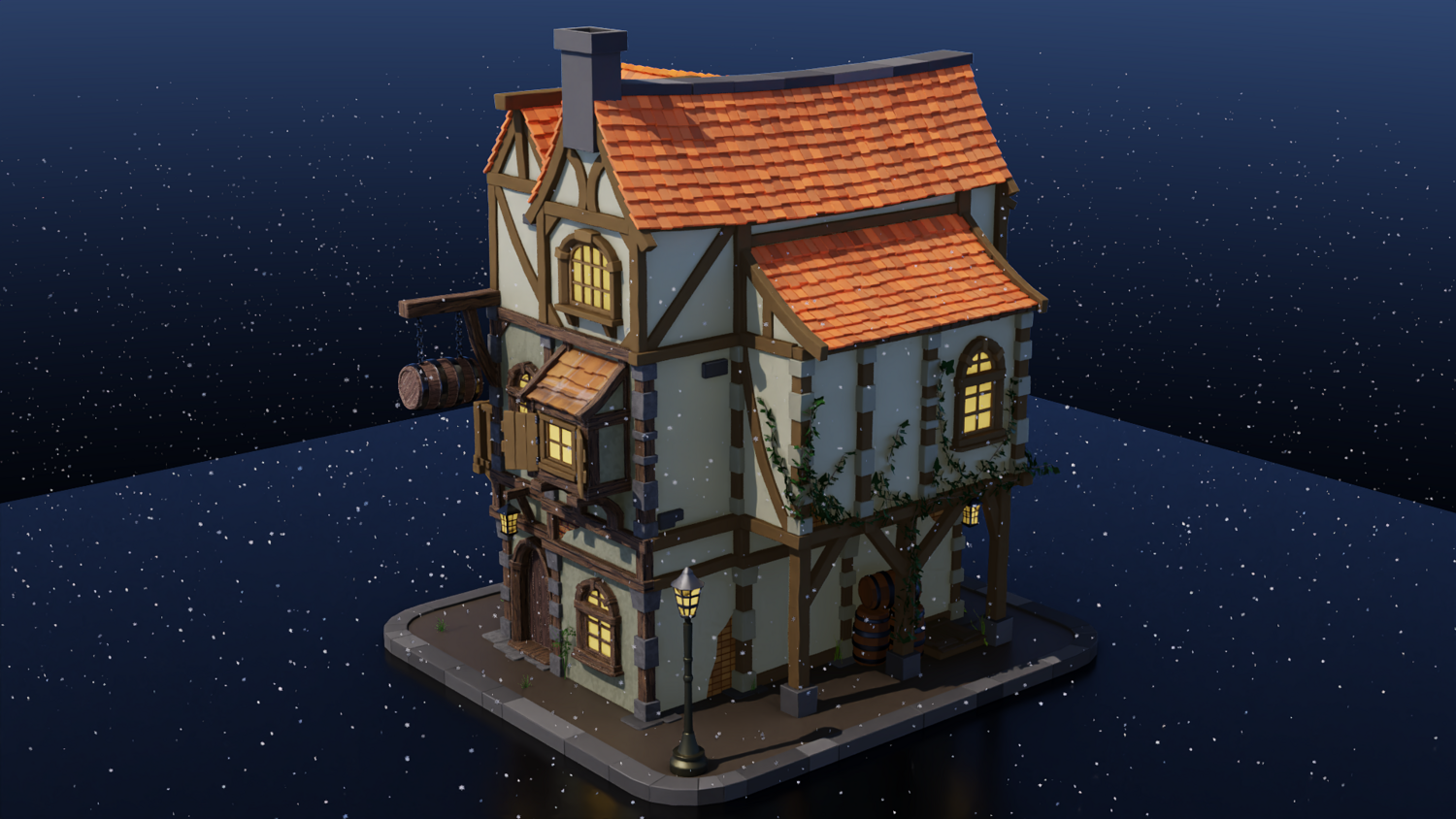
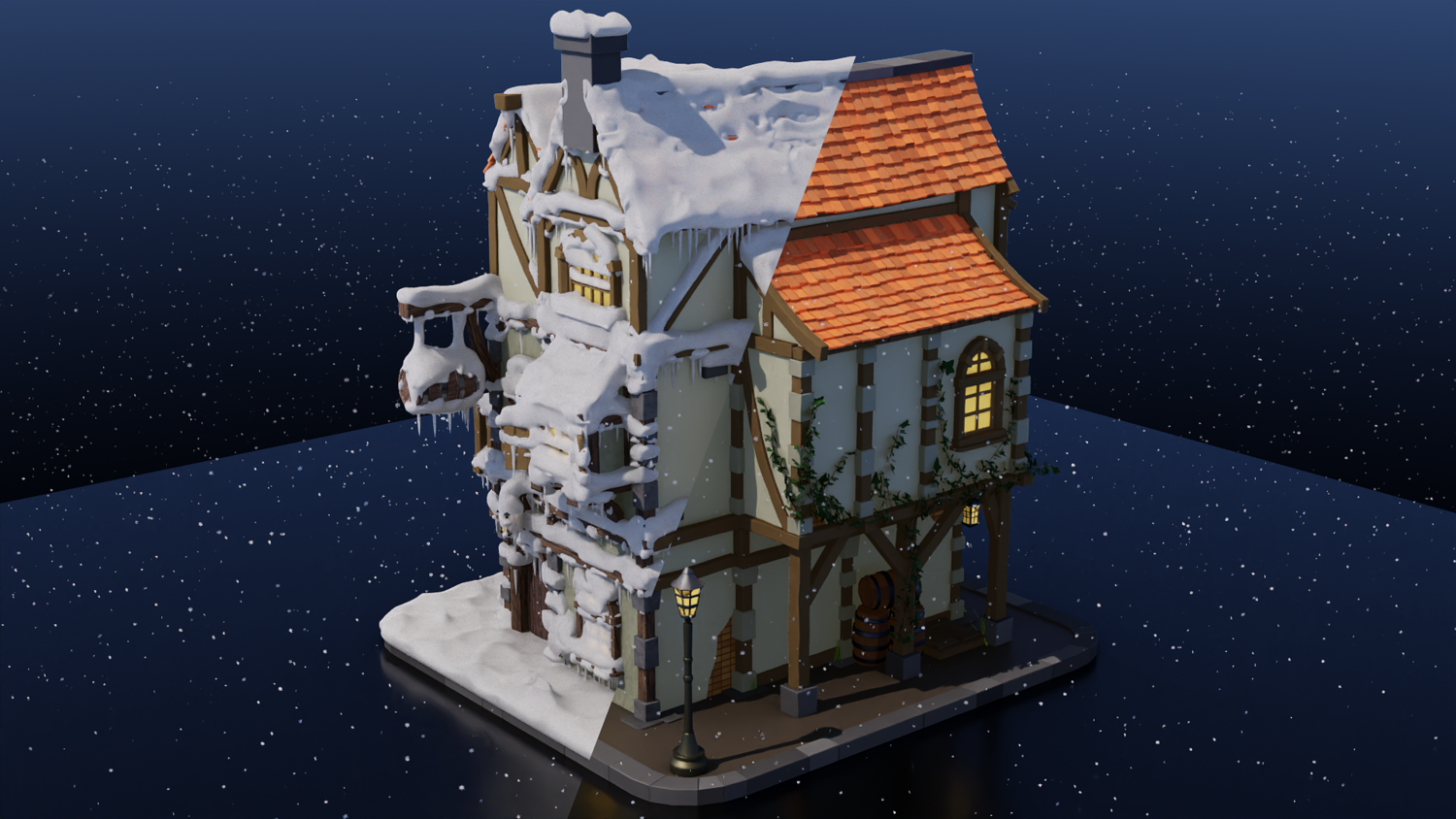
Add stunning winter magic to any scene with the 3DT Snow & Ice Generator!
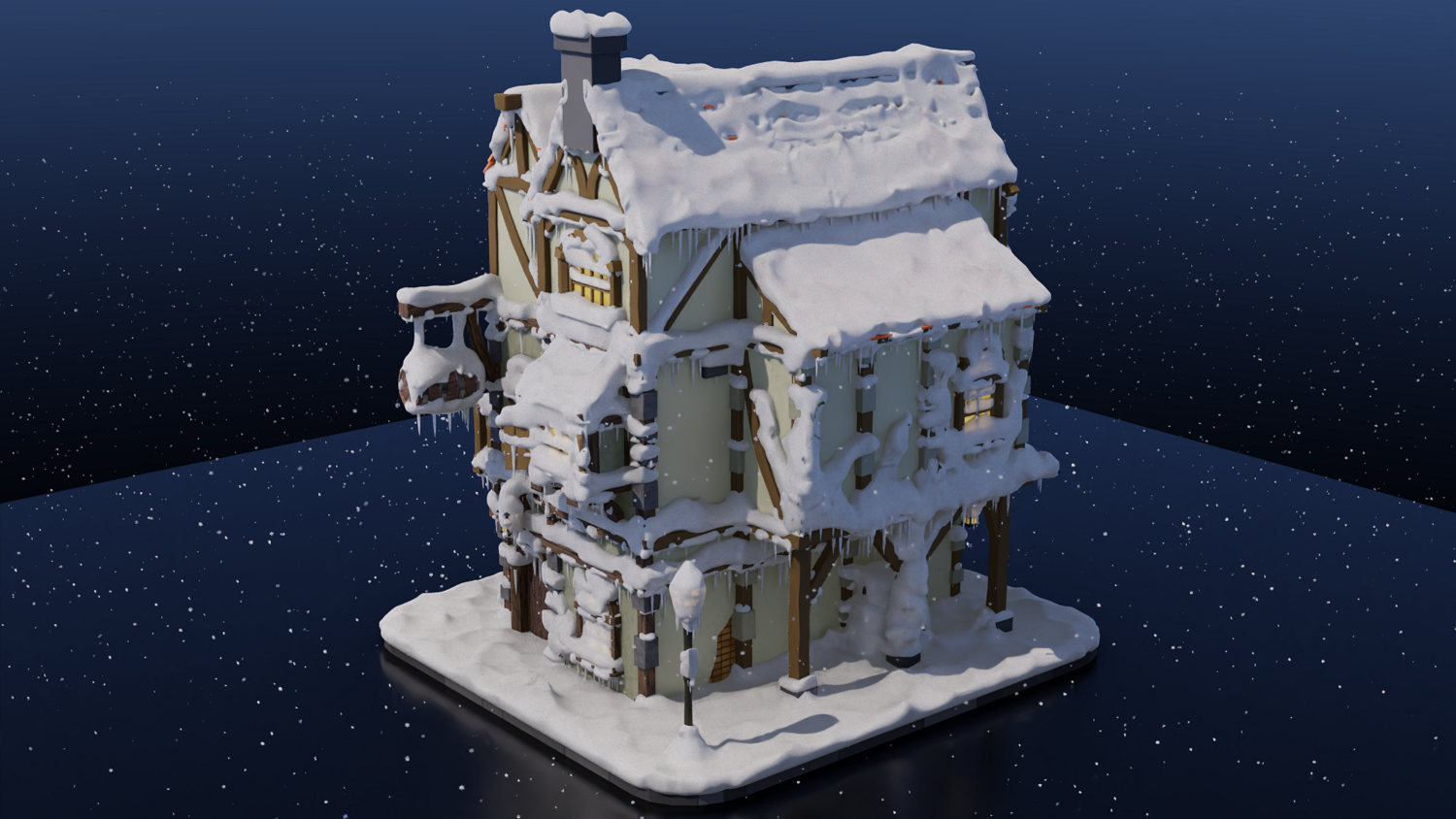
Fully optimized for Blender 4.0+, this procedural geometry node setup lets you blanket any object with realistic snow, dynamic falling snowflakes, icicles, and surface displacement — all with full control and beautiful real-time performance.
🎯 Key Features

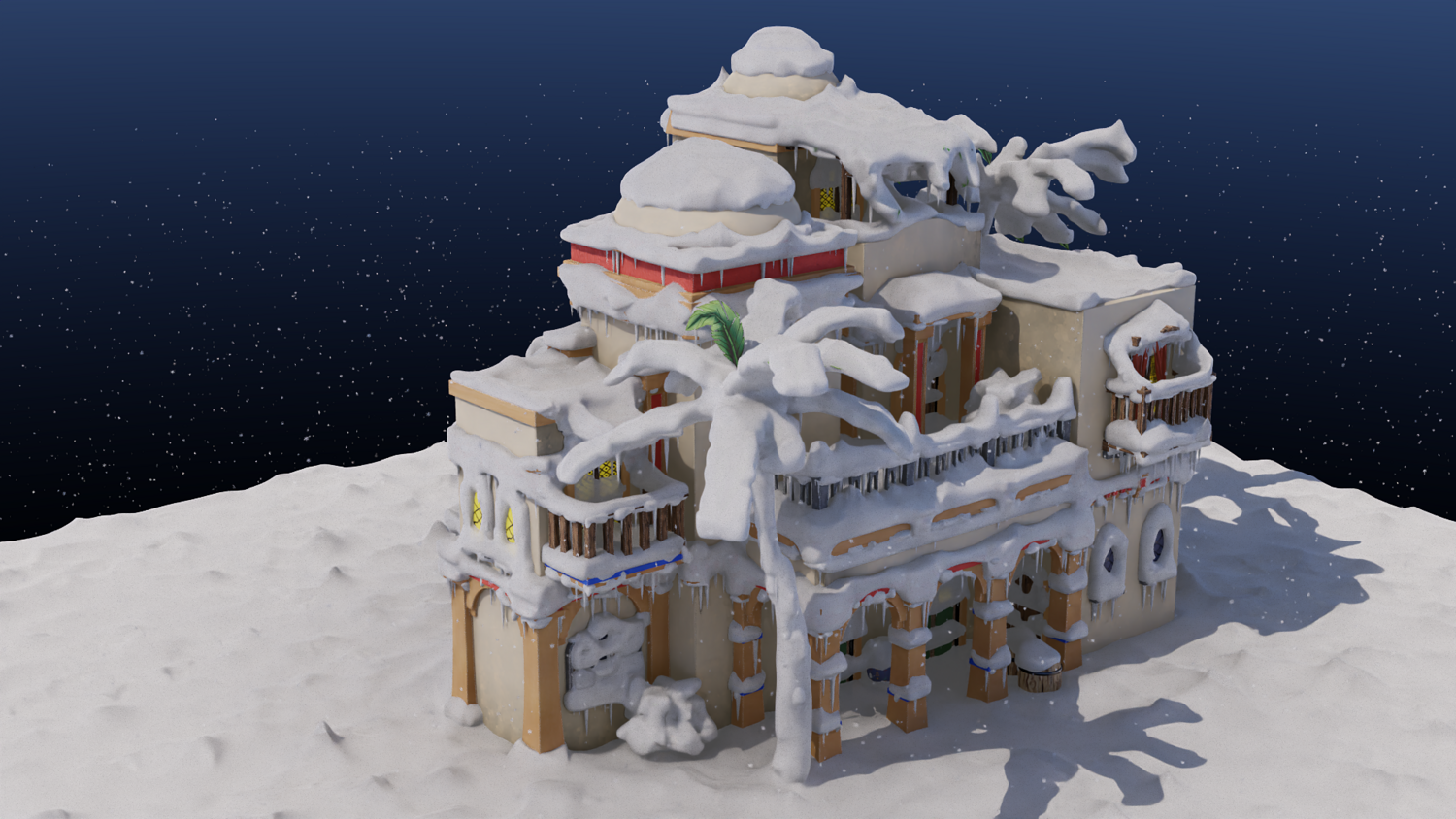
Realistic Procedural Snow Application
Control maximum angle, snow height, resolution, and surface displacement for organic snow buildup.
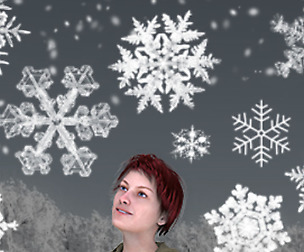
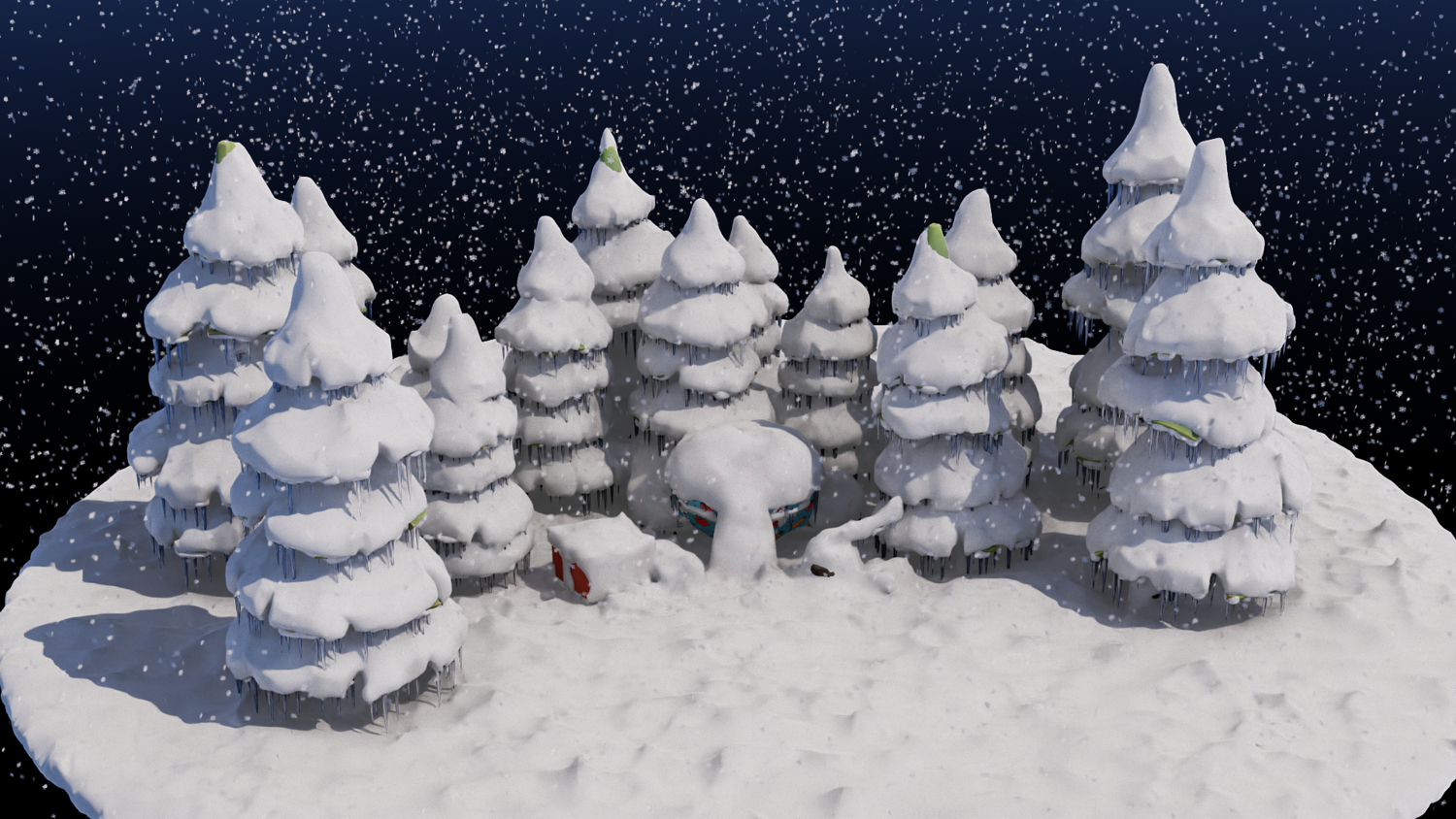
Dynamic Falling Snowflakes
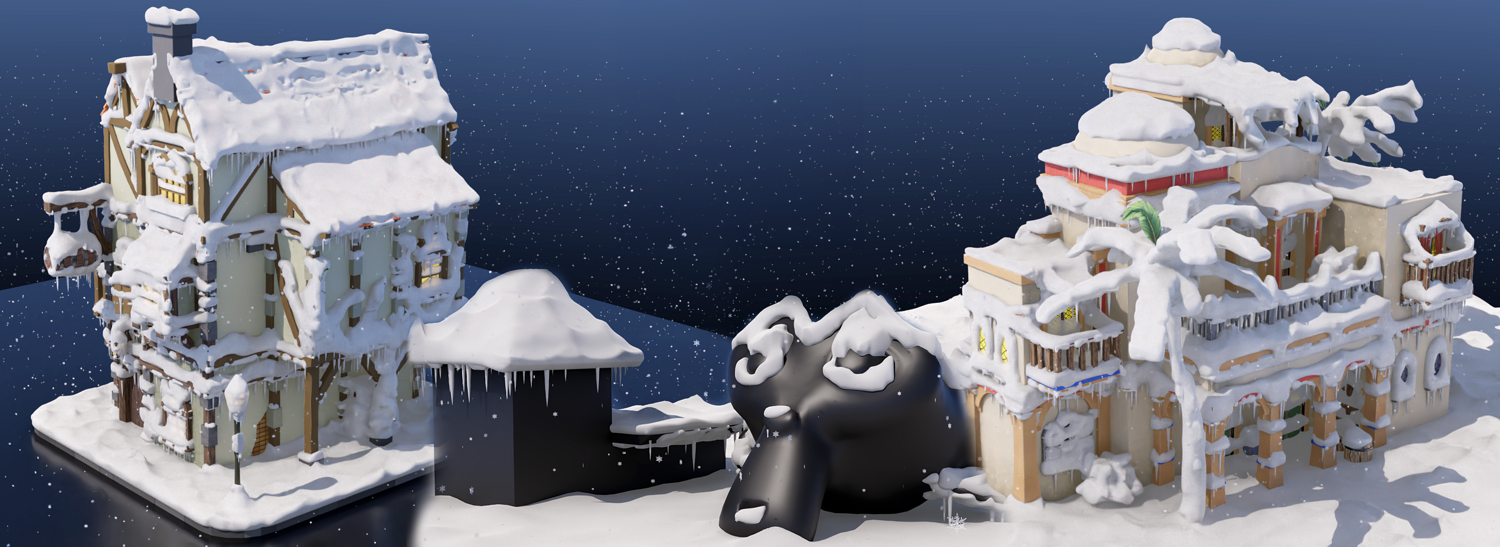
Customize snowflake size, density, fall speed, angle, and behavior — complete with colliders that prevent snow from passing through surfaces.
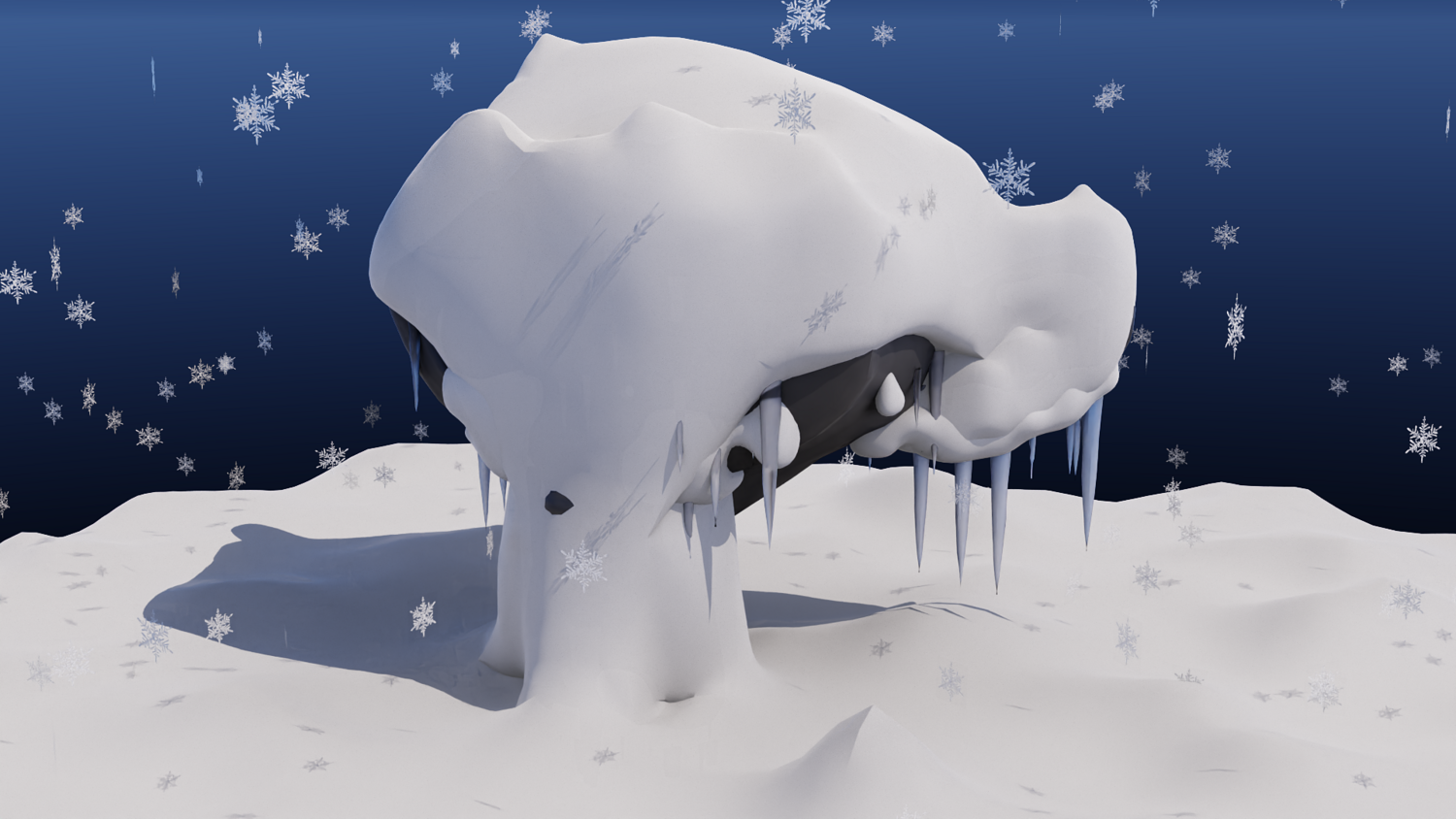
Icicle Generation System
Add icicles under ledges and rooftops with control over density, length, randomness, and snow-on-icicle options.
Fully Keyframe-Ready Effects
Animate snow buildup and snowflake behavior easily with Blender's keyframe system for dynamic seasonal transitions.
Simple Collider Setup
Drop any mesh into the provided scene collider group to have snowflakes interact with it naturally.
🔥 Why You'll Love It

Instant Winter Effects
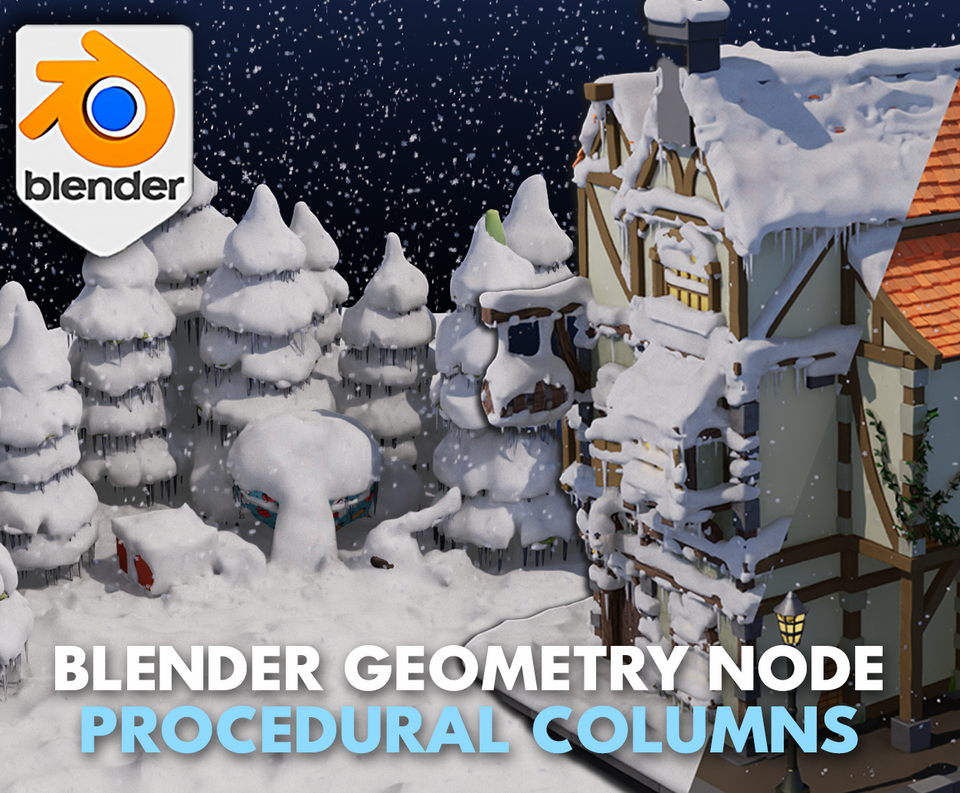
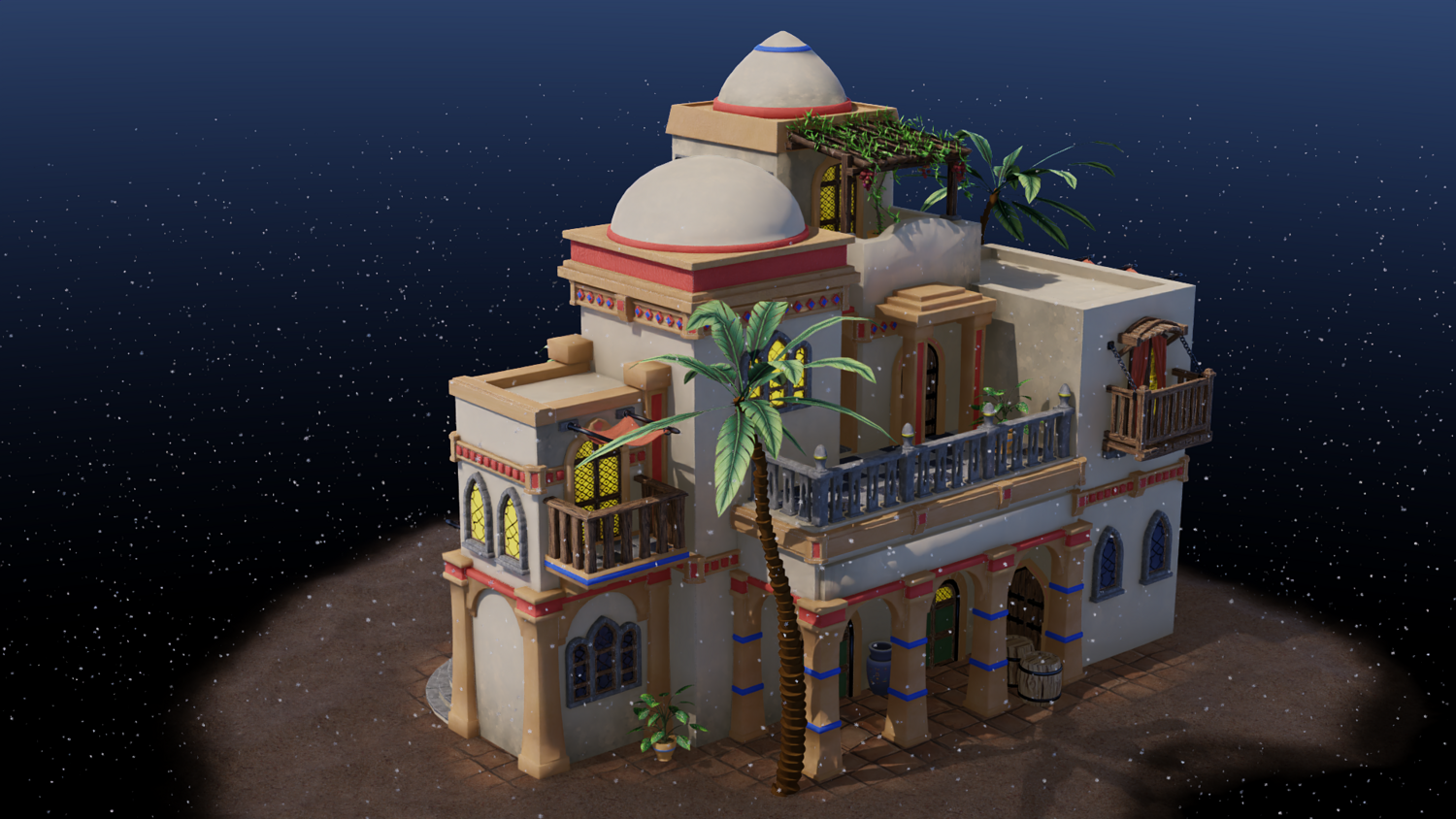
Turn any asset — buildings, trees, rocks, landscapes — into a winter wonderland in just minutes.
Extreme Customization
Tweak snow thickness, blizzard intensity, icicle placement, and more to perfectly match your scene's mood.
Ideal for Animation, Concept Art, and Games
Create beautiful seasonal transitions and frozen worlds without heavy simulations.
Optimized for Performance
Even with complex effects, enjoy smooth real-time previews in Blender’s viewport.
📦 What's Included
- 1x Blender .blend file with complete Snow and Ice Geometry Node setup
- Snow application system with full displacement and controls
- Dynamic falling snowflake generator
- Icicle generator with advanced parameters
- Scene-ready collider setup
⚙️ Requirements
- Blender 4.0 or newer with lifetime updates
- From noob to pro — watch the 10 minute video to have everything up and running in no time
🚀 Installation Instructions
Method 1 – Add to Asset Library
- Download and unzip the product folder.
- Open Blender → Edit → Preferences → File Paths → Asset Libraries → click the "+" button.
- Navigate to the extracted folder and add it.
- Open the Asset Browser and drag the Snow & Ice Generator into your scenes.
Method 2 – Manual Append
- Open your Blender project.
- Go to File → Append → Locate the .blend file → Import the Geometry Node group.
Method 3 – Copy and Paste Between Projects
- Open the project containing the Snow & Ice setup.
- Select the Geometry Node group.
- Press Ctrl+C to copy.
- Open another Blender project and press Ctrl+V to paste it directly into your scene.
💬 Support
Need help? Join our growing 3D Tudor Discord community to connect with our support team and hundreds of fellow artists!
👉 Join the 3D Tudor Discord here
You will get 1 file
All files previously purchased will always be available for download in your Library