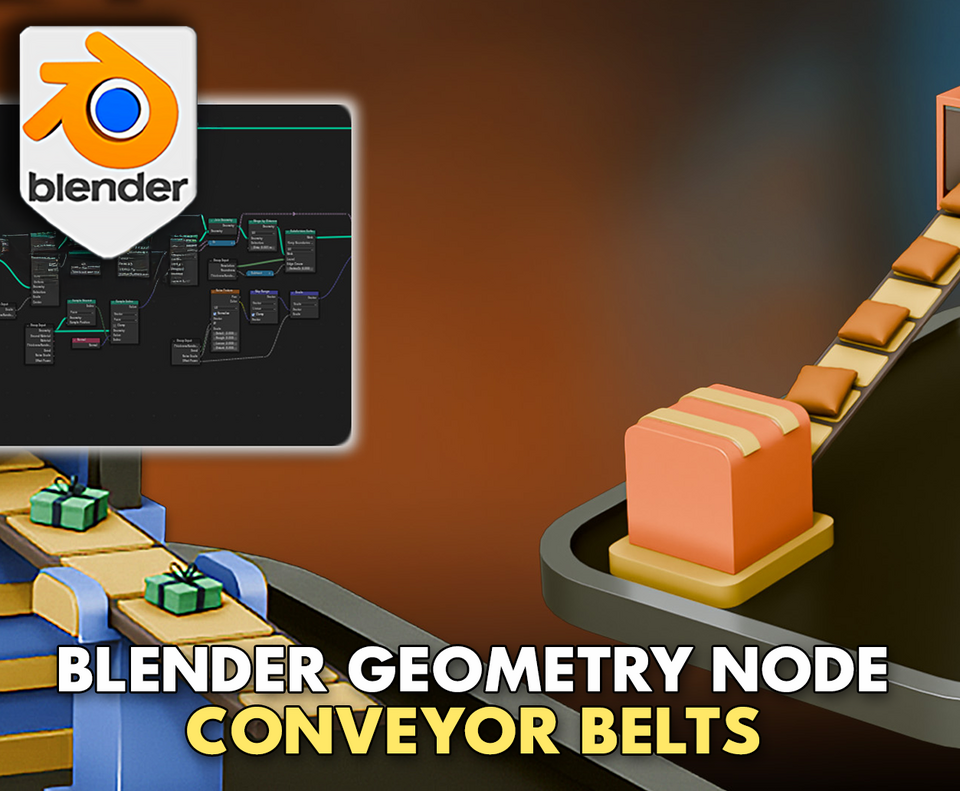
3DT Conveyor Belt Generator – Blender Geometry Node Procedural
3DT Conveyor Belt Generator – Blender Geometry Nodes
🎥 Demo Video
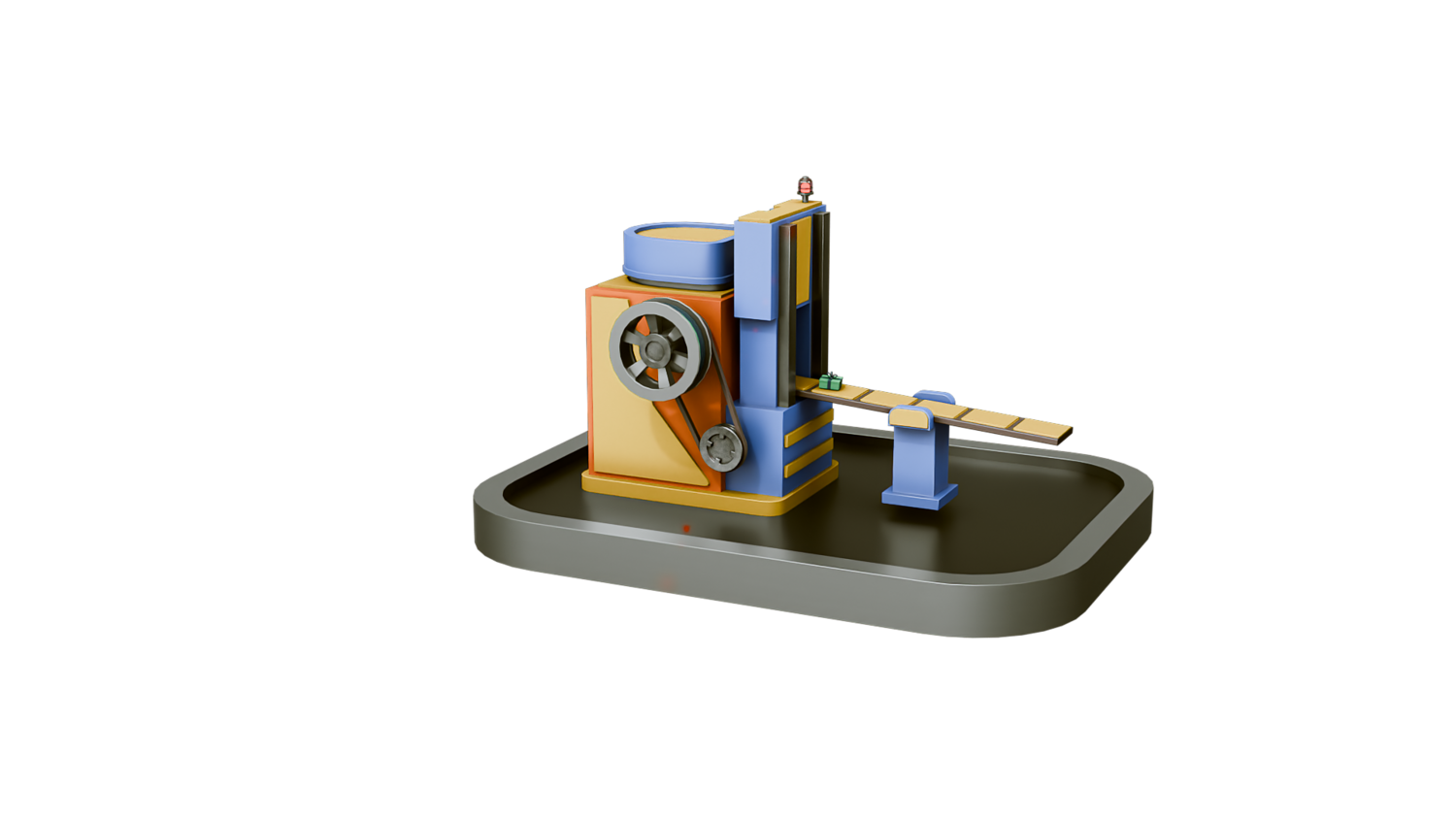
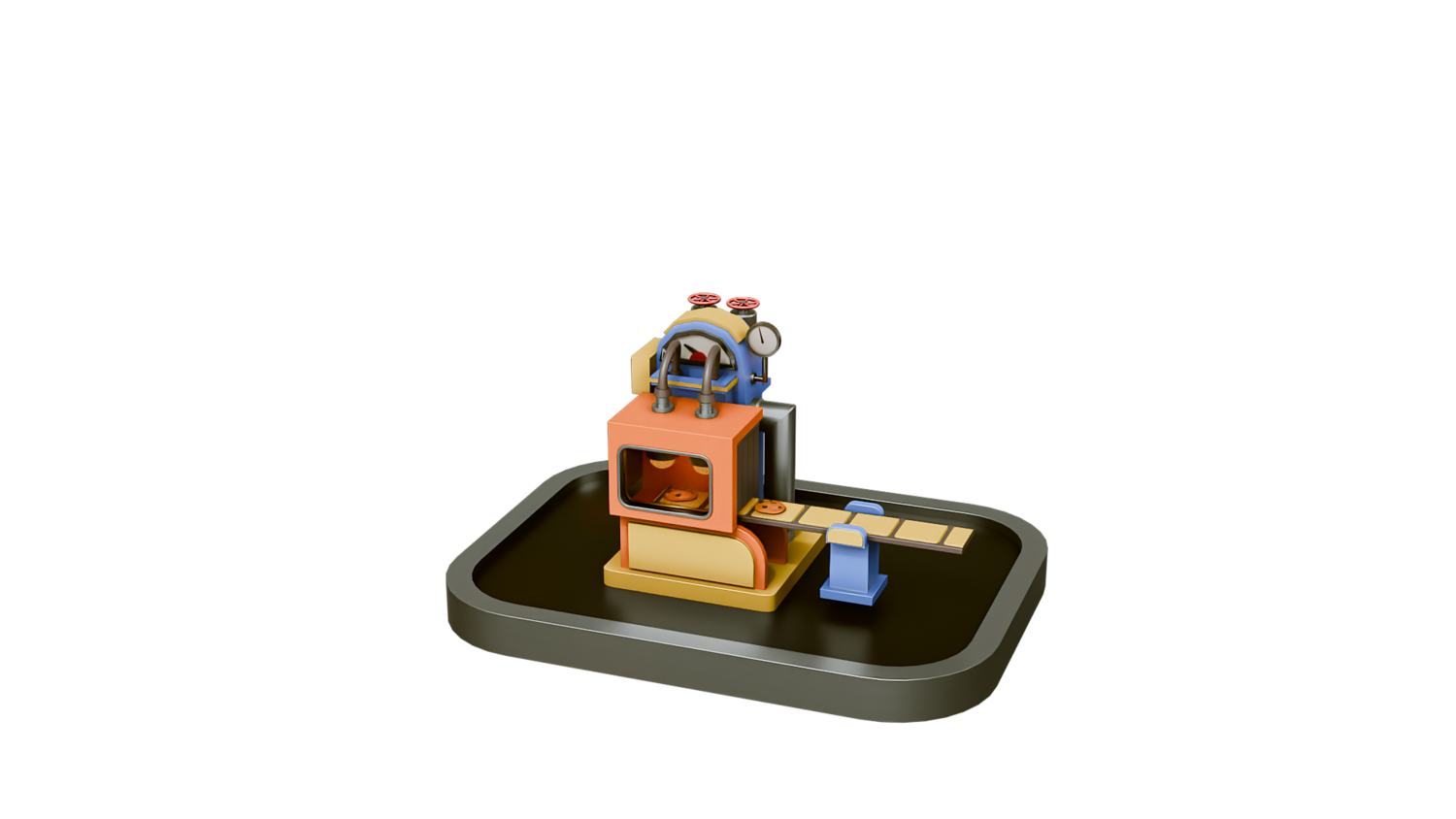
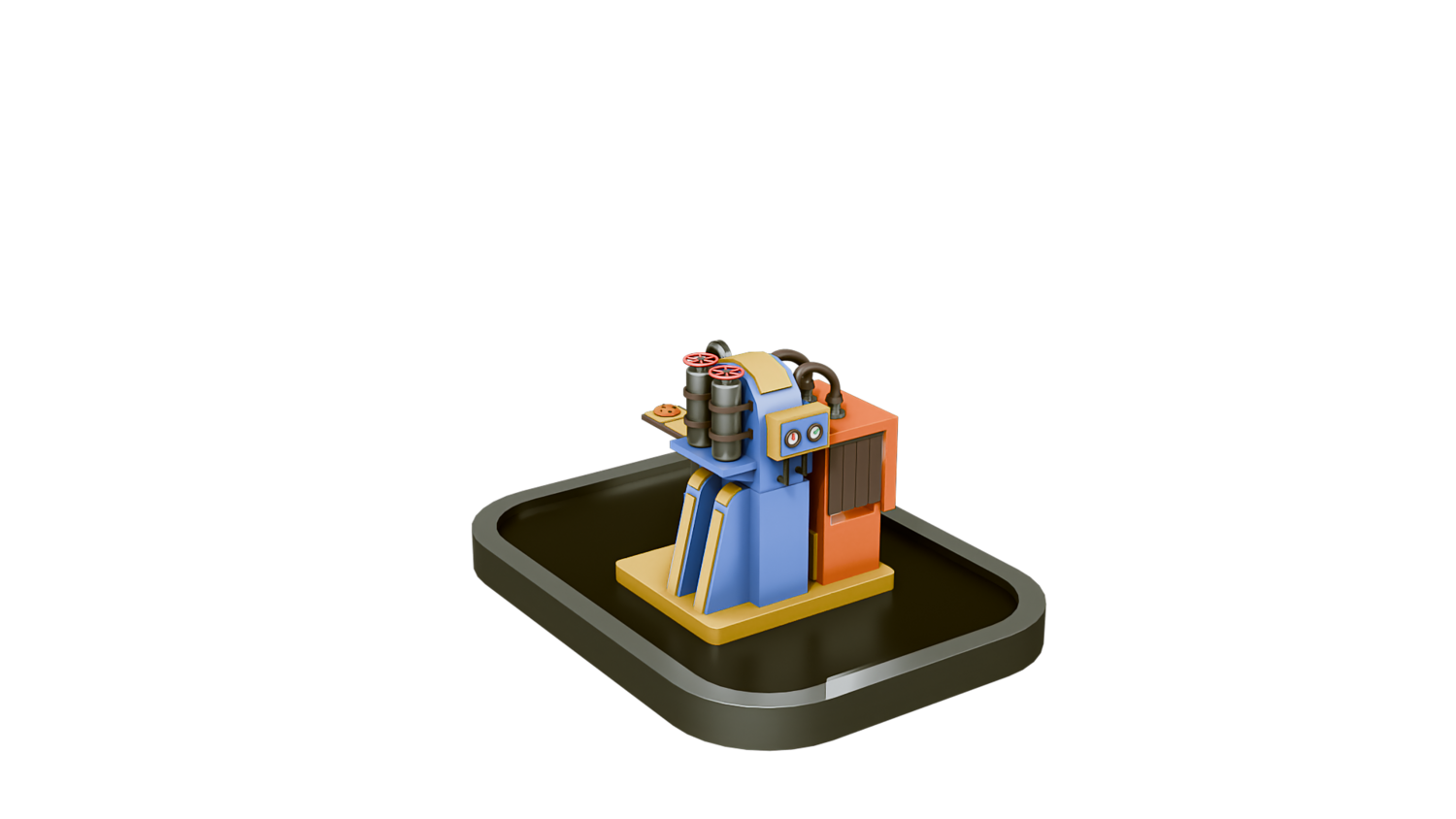
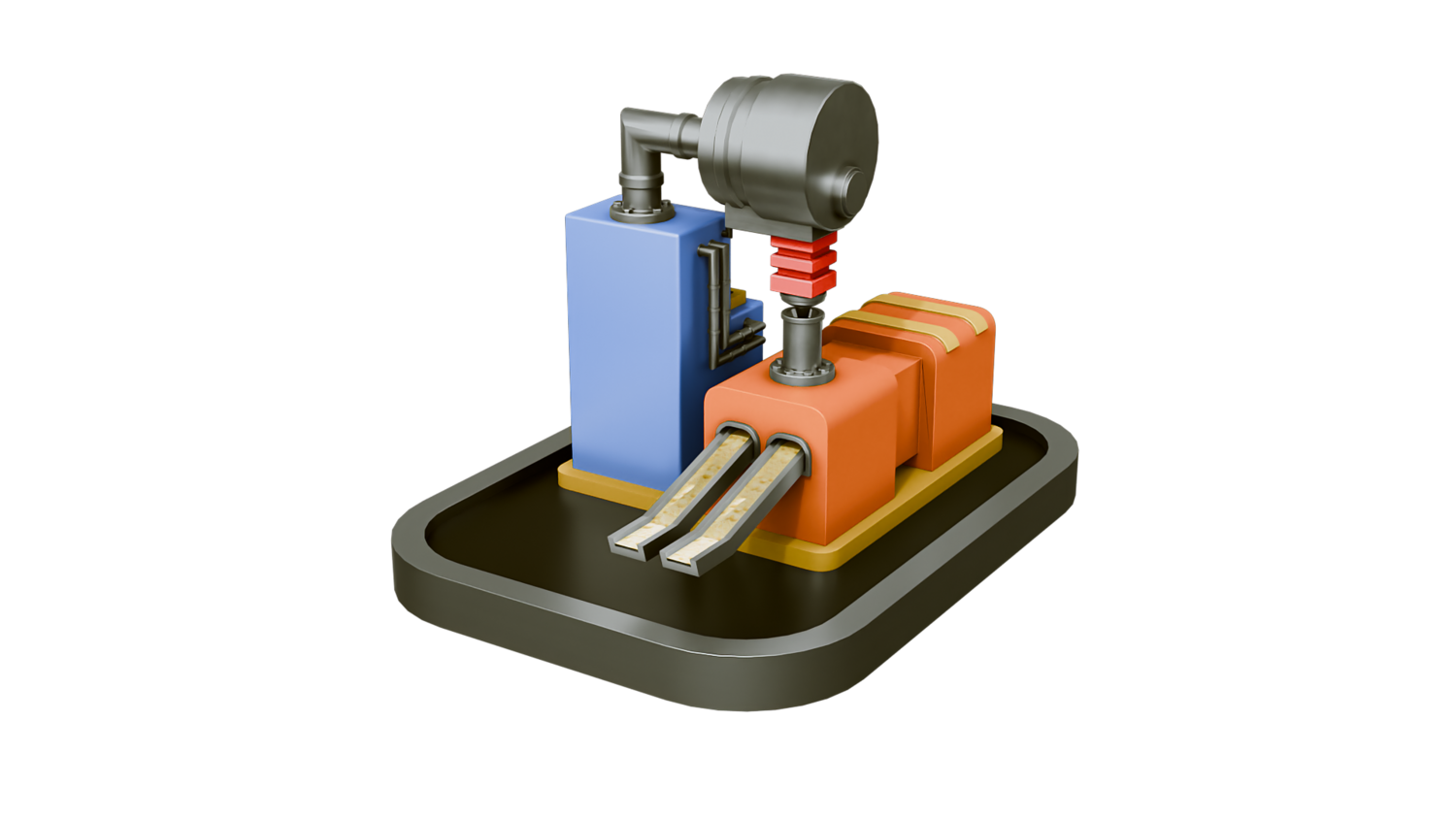
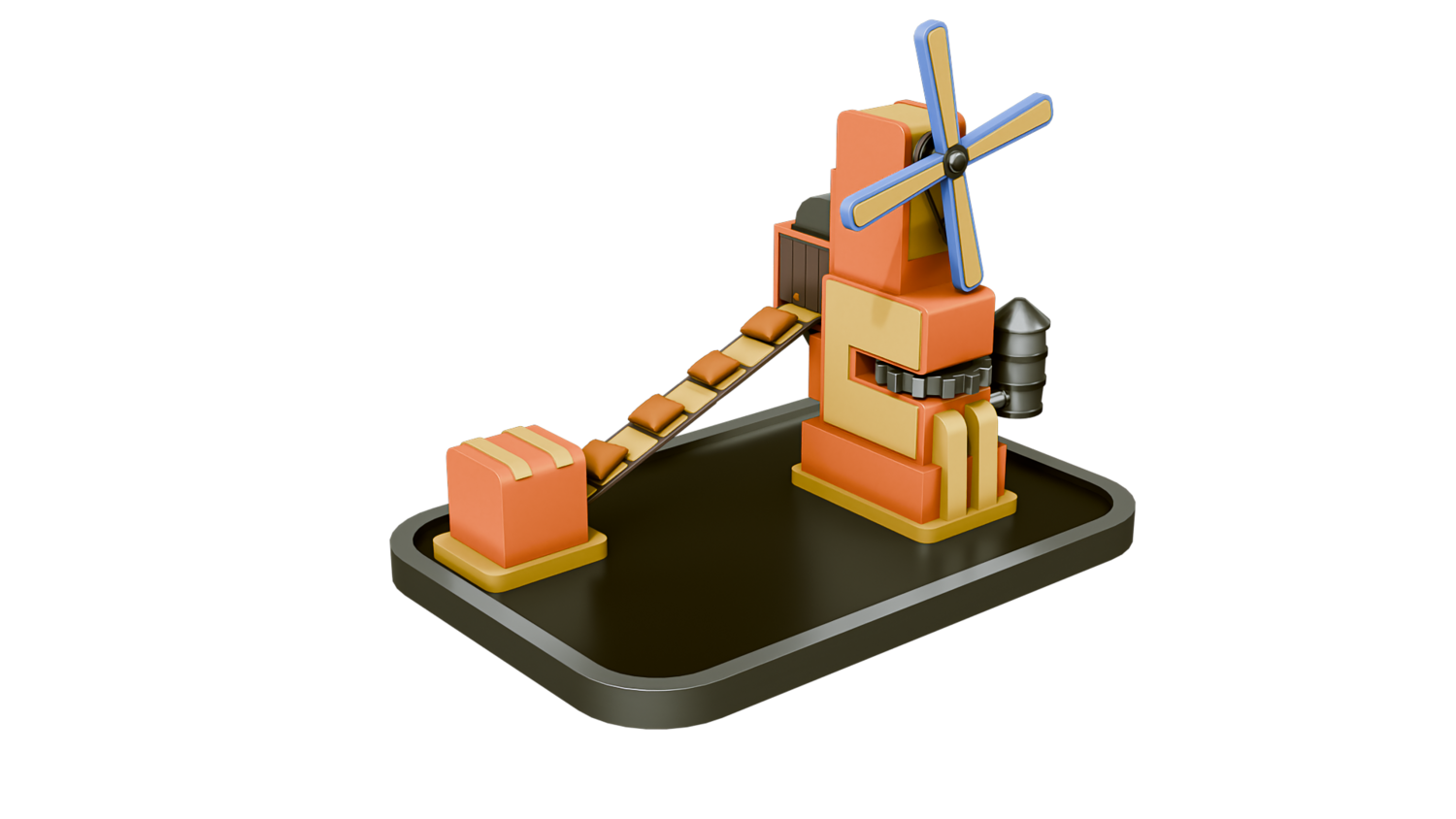
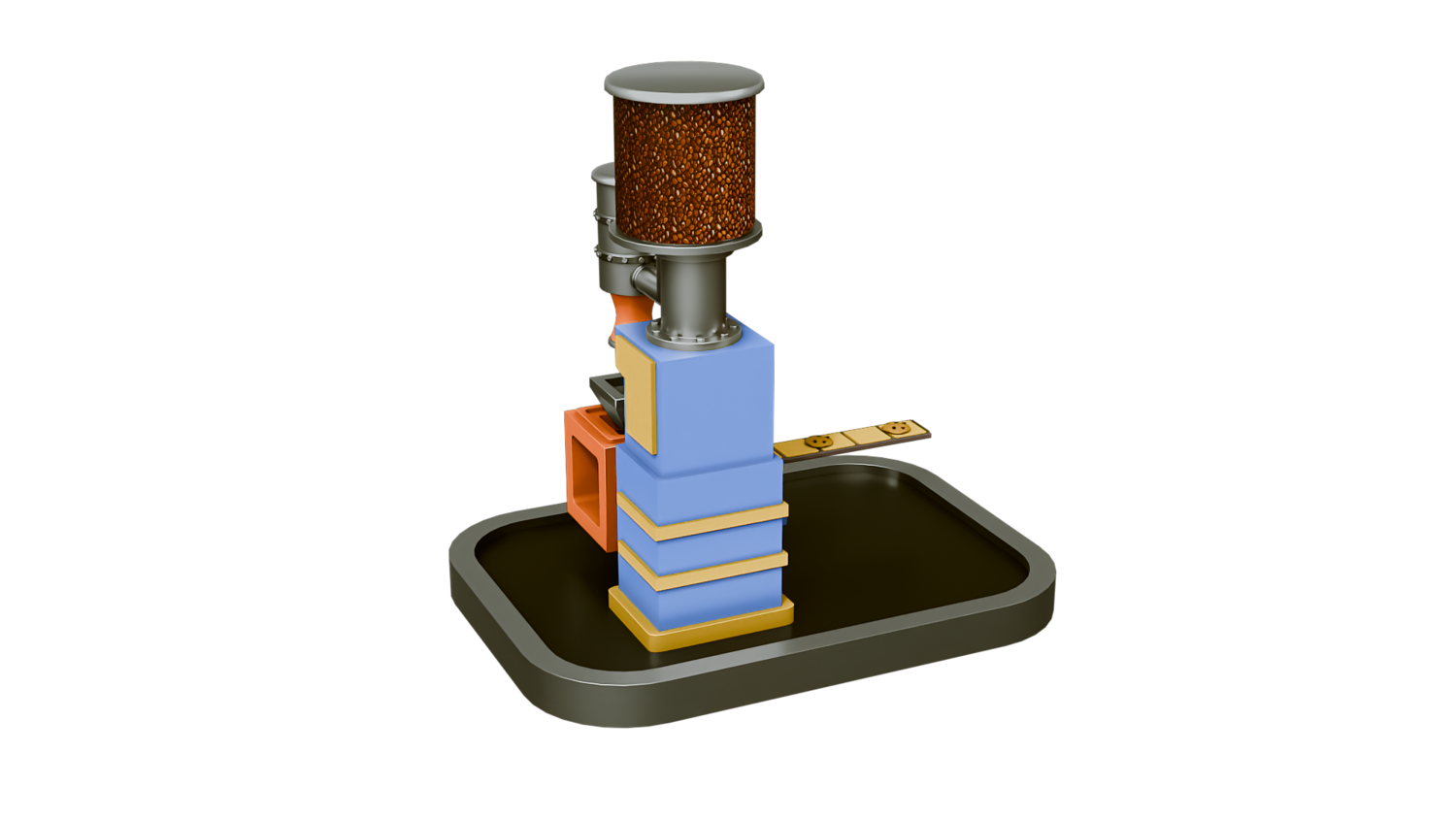
Design dynamic, animated conveyor belts for stylized or realistic scenes with the 3DT Conveyor Belt Generator!
Fully optimized for Blender 4.0+, this modular geometry node setup lets you build looping belts, control object drops, animate gears, manage supports, and customize materials — all in real time with no simulations.
🎯 Key Features

Procedural Conveyor Belt Creation
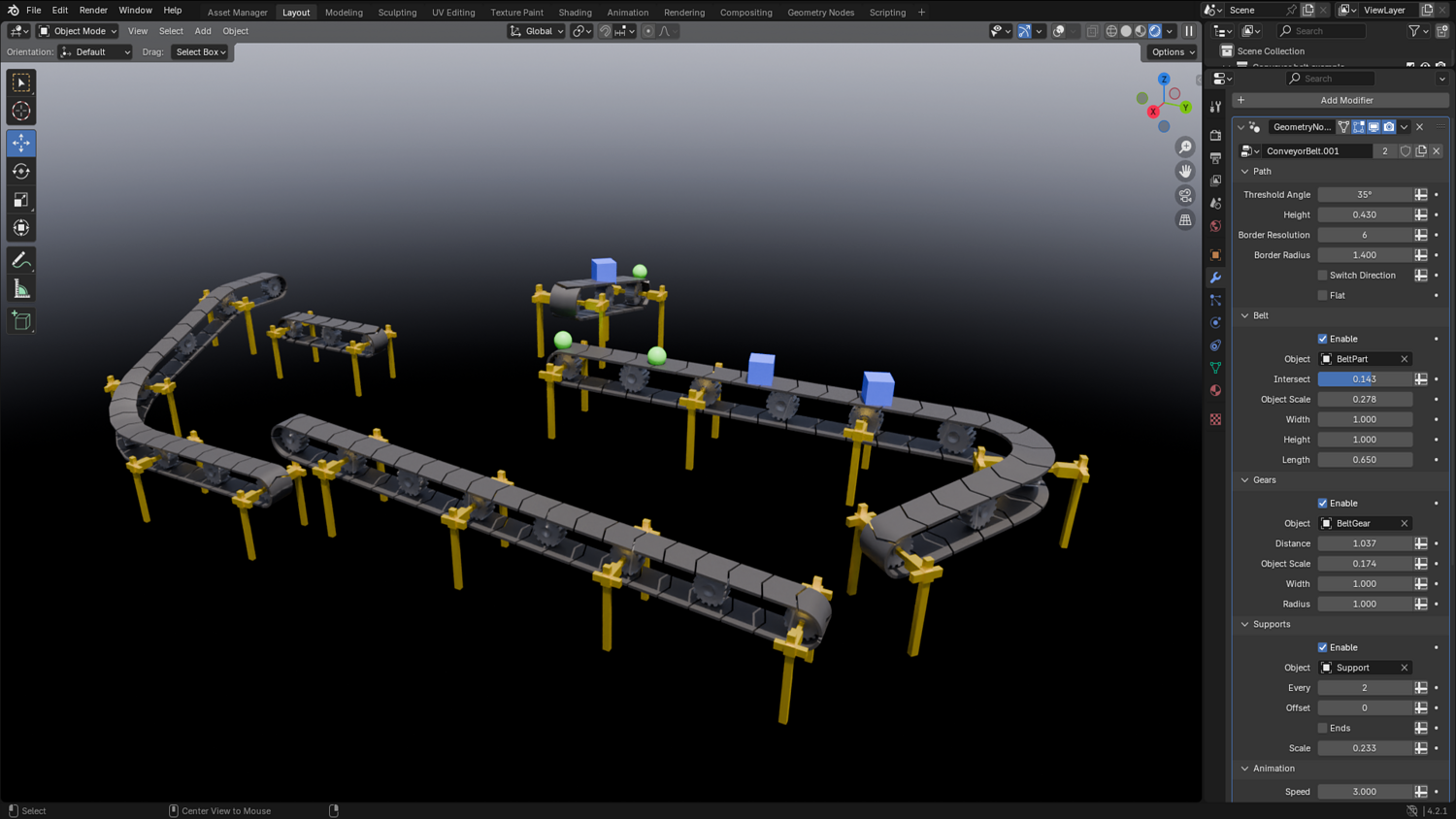
Draw paths and instantly populate belts with modular segments — supporting curves, slopes, and real-time scaling.
Animated Object Drops and Motion
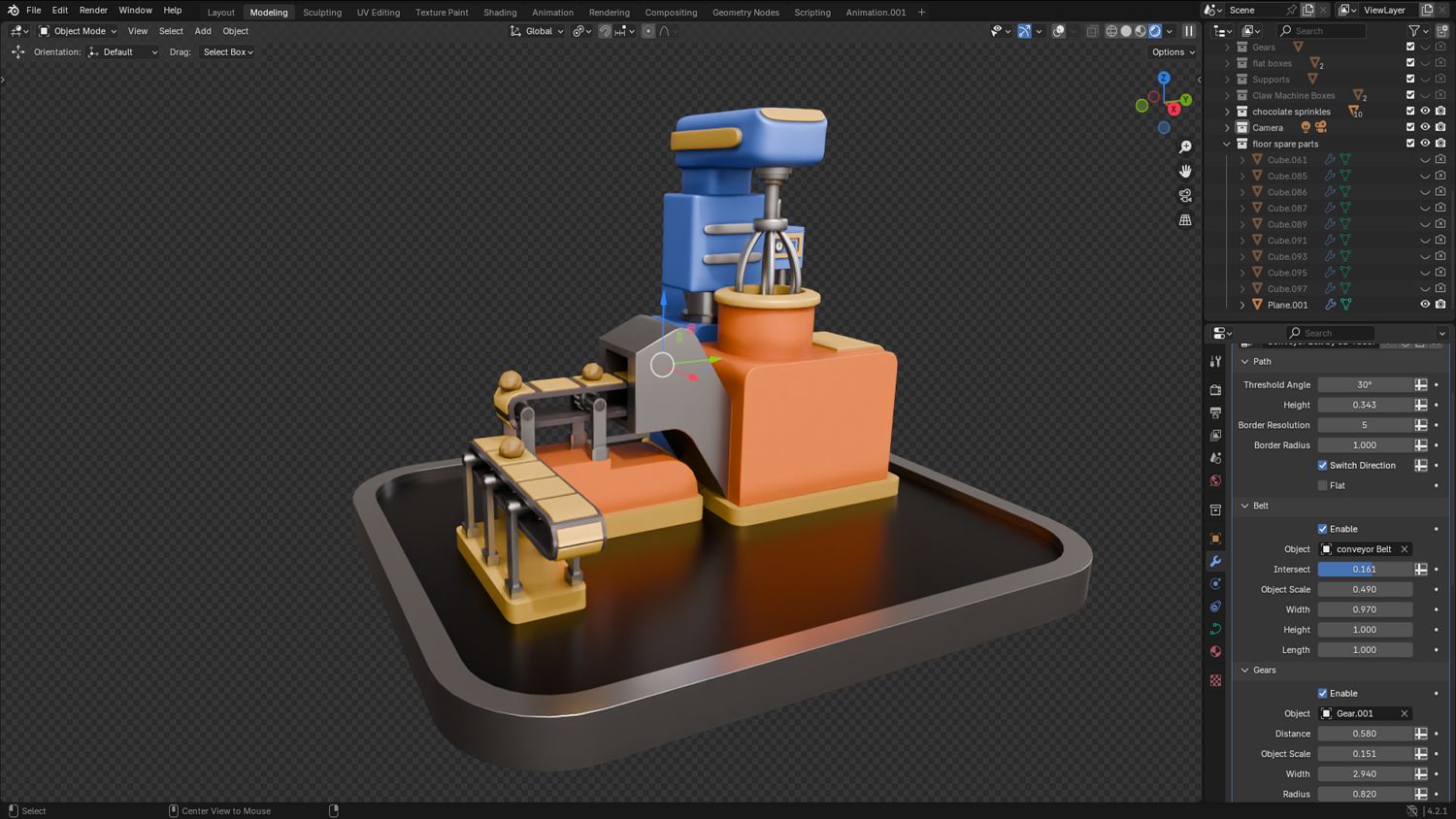
Spawn collections or objects onto the belt, control drop intervals, offsets, speed, rotation, and randomness.
Automatic Gears and Support Structures
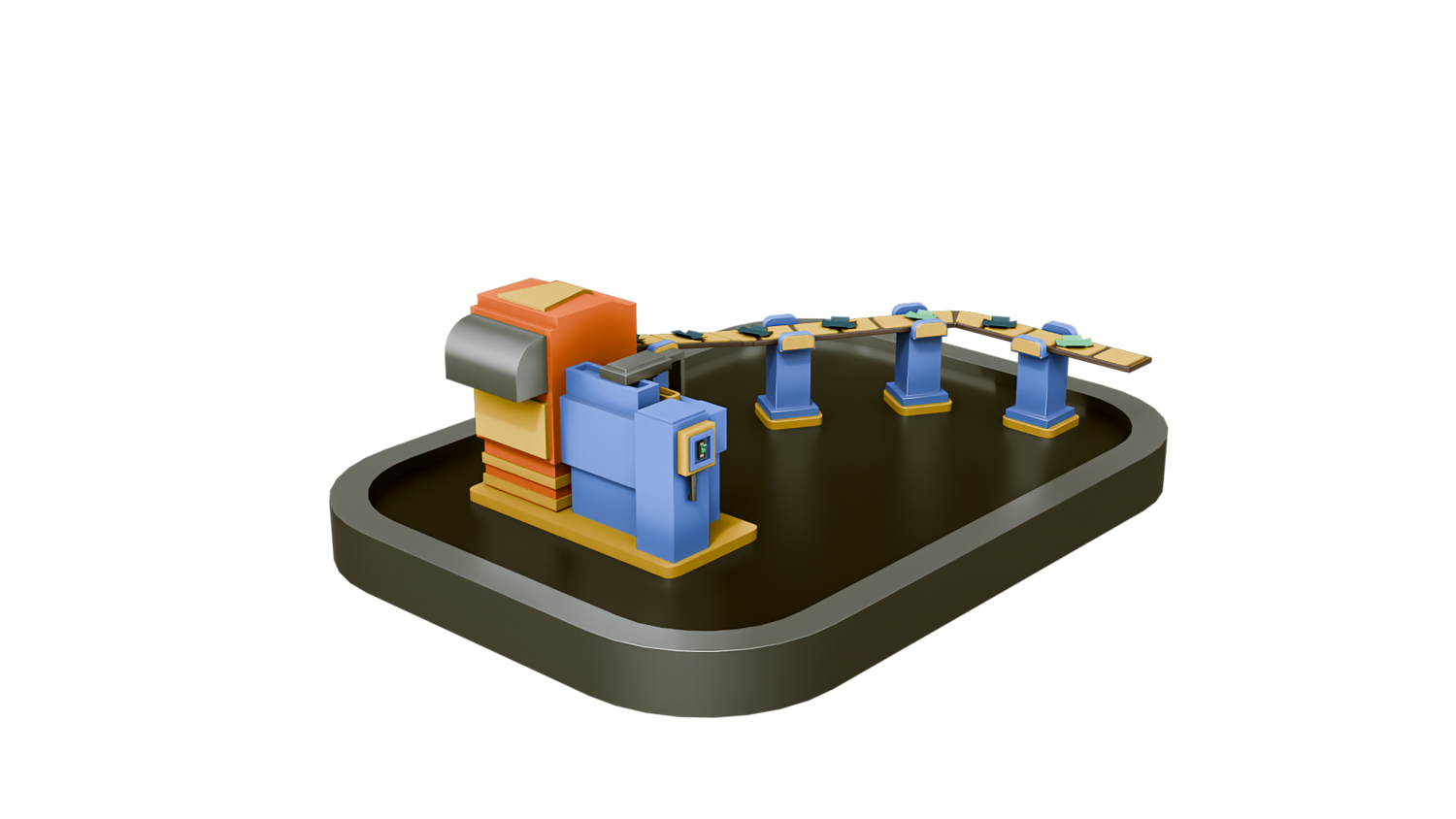
Add customizable gears and adjustable supports at any distance, fully integrated with belt deformation.
Flexible Belt Settings
Change belt flatness, intersection gaps, roundness, segment scaling, and direction — all with intuitive sliders.
Real-Time Animation Ready
Play, edit, transform, and keyframe belt movement in real time inside Blender's viewport without lag.
🔥 Why You'll Love It

Rapid Scene Building
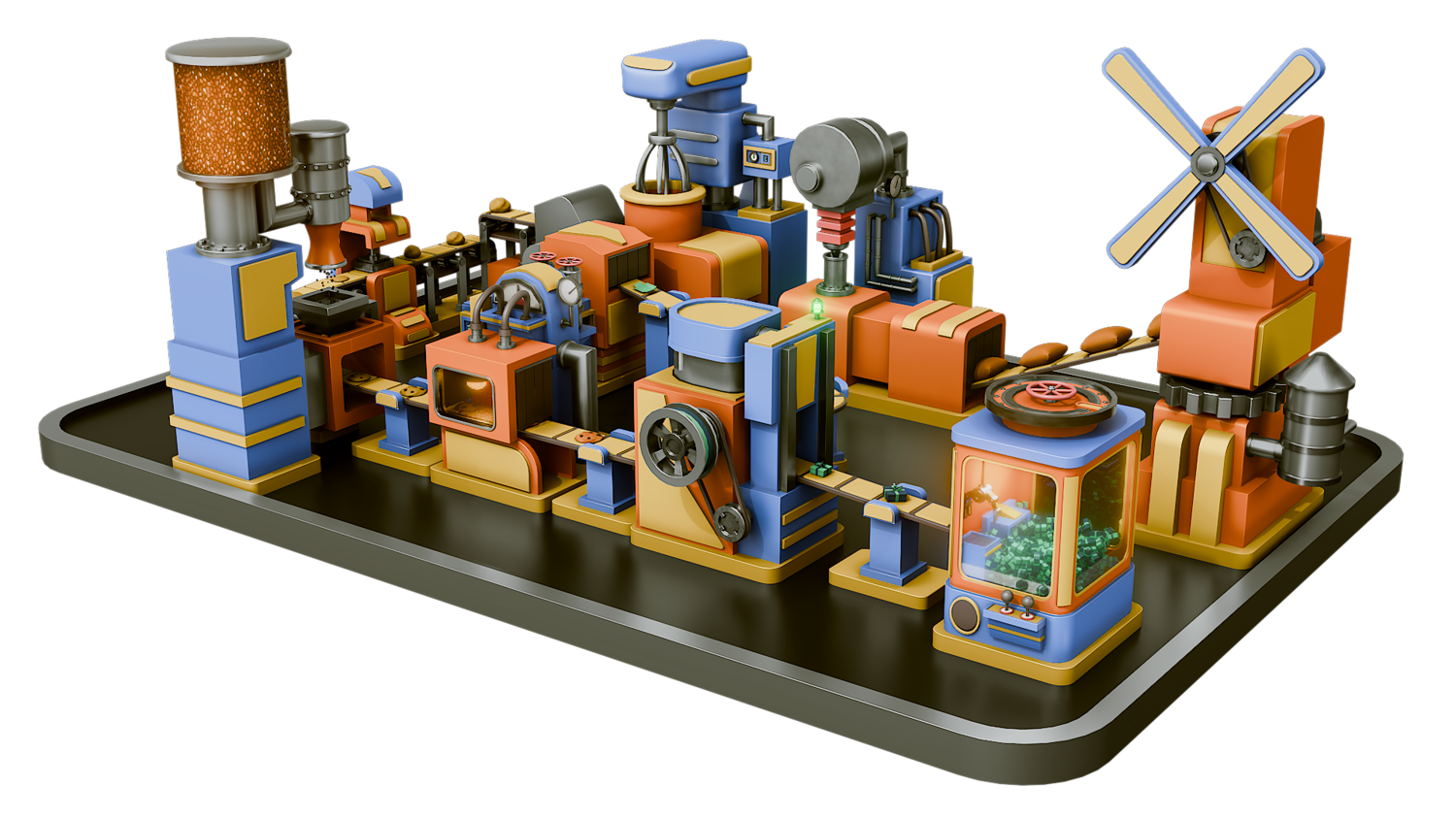
Create detailed industrial conveyor scenes, sci-fi factories, or charming low-poly environments in minutes.
Fully Modular and Artist-Friendly
Swap belts, gears, supports, and objects at any time without breaking the setup.
Ideal for Games, Animations, and Prototyping
Perfect for creating moving scenes without heavy particle simulations or physics engines.
Real-Time Optimized
Designed for seamless playback even with complex animated setups — ideal for real-time design work.
📦 What's Included
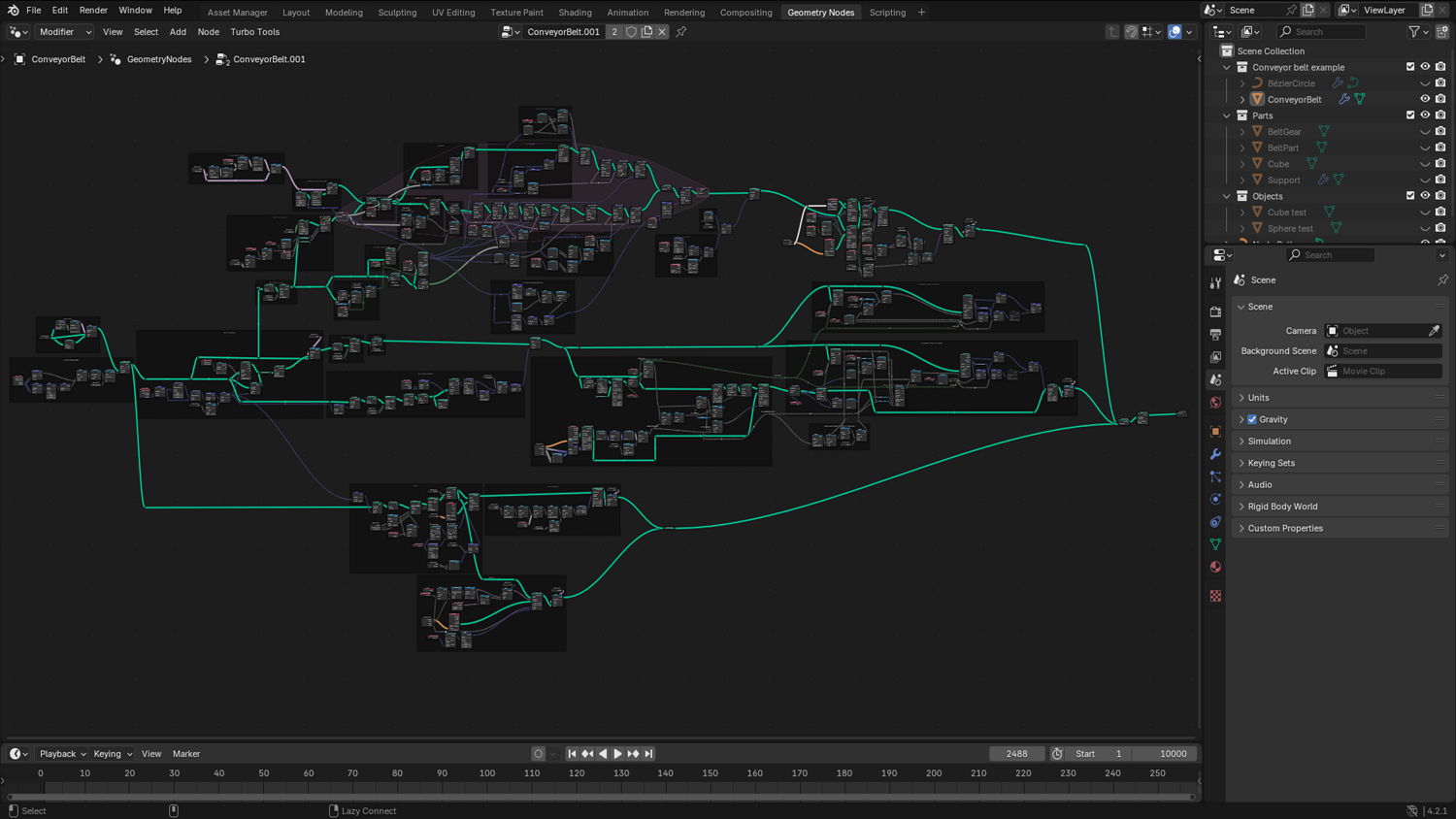
- 1x Blender .blend file with full Conveyor Belt Generator Geometry Node setup
- Belt creation system with modular path support
- Object/collection drop system with scaling, offset, and rotation controls
- Animated gears and support structures
- Optimized for real-time animation workflows
⚙️ Requirements
- Blender 4.0 or newer with lifetime updates
- From noob to pro — watch the 10 minute video to have everything up and running in no time
🚀 Installation Instructions
Method 1 – Add to Asset Library
- Download and unzip the product folder.
- Open Blender → Edit → Preferences → File Paths → Asset Libraries → click the "+" button.
- Navigate to the extracted folder and add it.
- Open the Asset Browser and drag the Conveyor Belt setup into your scenes.
Method 2 – Manual Append
- Open your Blender project.
- Go to File → Append → Locate the .blend file → Import the Geometry Node group.
Method 3 – Copy and Paste Between Projects
- Open the project containing the Conveyor Belt setup.
- Select the Geometry Node group.
- Press Ctrl+C to copy.
- Open another Blender project and press Ctrl+V to paste it directly into your scene.
💬 Support
Need help? Join our growing 3D Tudor Discord community to connect with our support team and hundreds of fellow artists!
👉 Join the 3D Tudor Discord here
Model Details
- FormatsBLEND
- Polygons0
- Vertices0
- animatedyes
- materialsno
- texturesno
- riggedno
- uvsno
- 3d print readyno
You will get 2 files
All files previously purchased will always be available for download in your Library