

ClothFX - Dynamic Cloth Tearing Tool
Blender Cloth Effects. Made simple & fast.
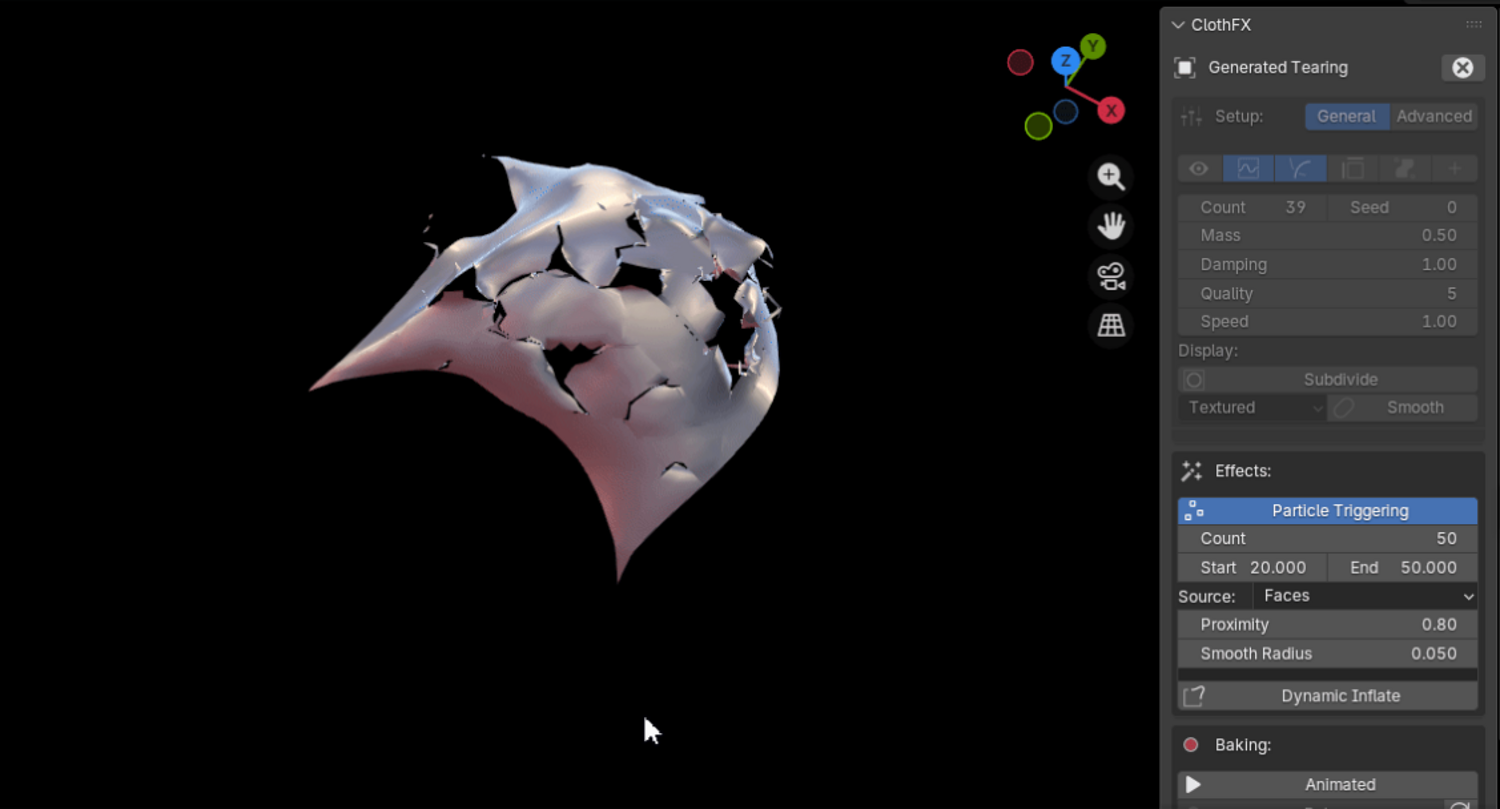
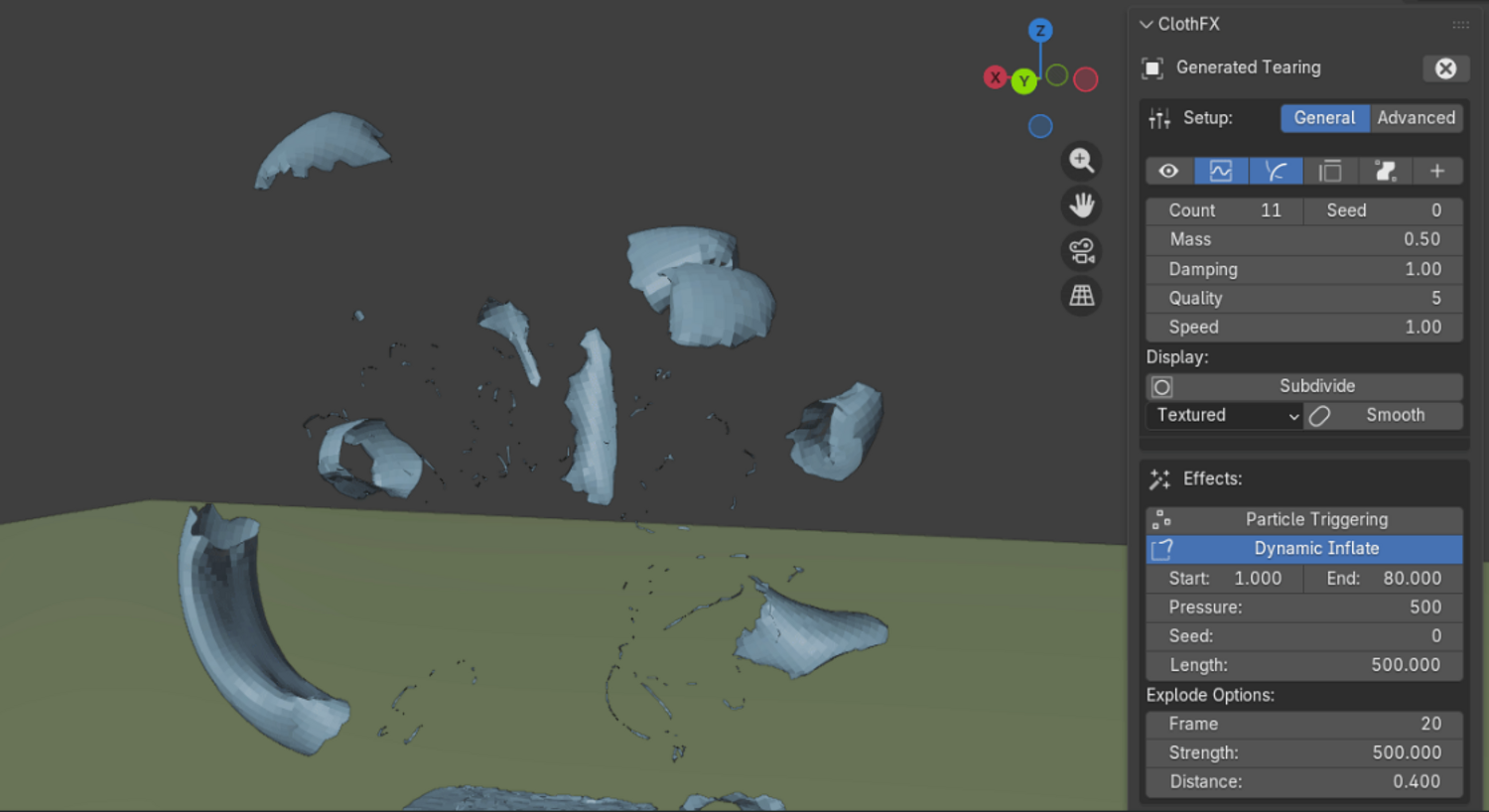
ClothFX simplifies cloth tearing within blender by providing you with a set of tools, which allow for instant, real-time cloth tearing simulations. Below you can see the different types of tears you can generate when using this tool:
A collider object will trigger the edge splitting of the pre-teared mesh. This can be done on contact, or using proximity mode, which will tear by distance, rather than mesh collision. Here are the Trigger options as follows:
Collider object options:
Mesh Volume(enable on contact)
Proximity(trigger object distance)
Mesh+Proximity Volume(both)
Particles(use trigger object particles to define tears)
Collision settings(Outer/Inner)
Stress Parameter(Enable Dynamics)
Fast simulation workflow.
With ClothFX, you don't need to pre-bake any simulation. Tearing is done in realtime, & baked afterwards.
Custom Tear Maps:
Art direction is key in the visual effects world. The most requested feature is now supported in ClothFX & it gives you full control over your cloth effects simulations.
Features:
Generated/Custom Tearing
Make Collider(trigger object)
Preview Tears in Viewport
Irregular/Jagged Cuts
Enable Subdivision
Dynamics(Pin active vertices, Mass, Friction,Damp, Bend, Solver Speed)
Simulation Baking Tools
Export/Import Tool
New Dynamics system(Custom)
New Pinning Editor
Dynamic Inflate system/modifier
Simplified Cloth Settings UI/ UI Re-Design
Projection Cutting/Face-Splitting(Custom)
NOTE: When installing, install as a zipped folder. Once enabled, ClothFX v4 will be located in the Physics Tab.
Recent updates log(8/15):
Dynamic Inflate Modifier(Custom Tears)
Fixed: API errors in 2.83
Added Export/Import tools
UI re-design(simplified cloth settings UI)
Custom Tear Maps(Knife Tool support)
New Dynamics System(Custom)
Visual Effects Artist Sean Kennedy shows you how to create a transition effect using ClothFx, similar to the one used in a TV show! You can find the tutorial here: https://openvisualfx.com/2018/04/16/the-clothfx-add-on/
We value your feedback, so don't forget to leave us a review! Thank you.
You will get 1 file
All files previously purchased will always be available for download in your Library