in 3D assets
Realism
Organic
Pose & Figure Reference
3ds Max
Architectural Visualization
Characters and Anatomy

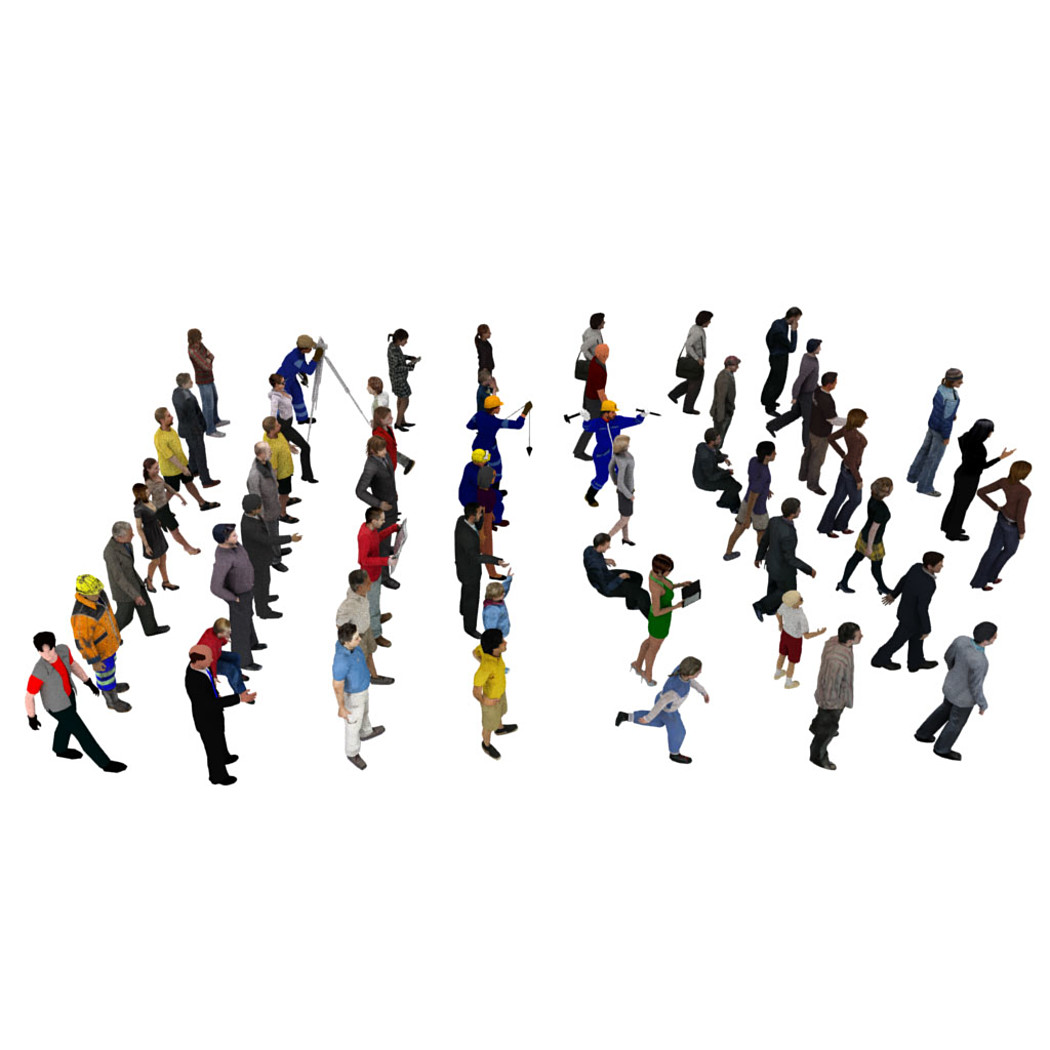


People Pack 55 People
297 Views
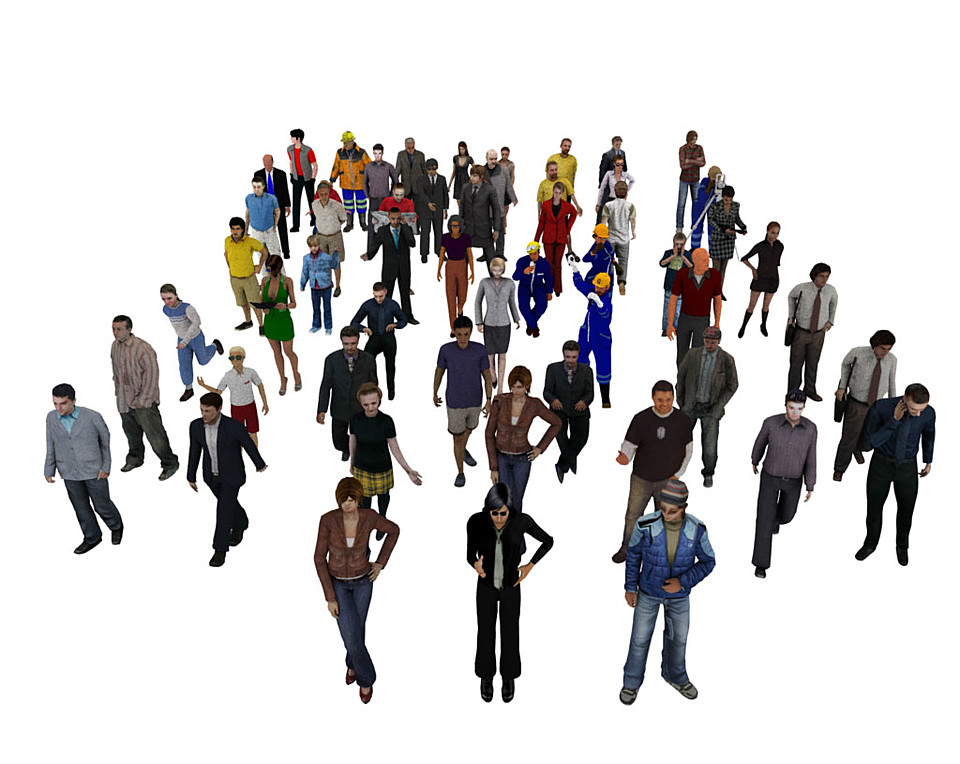
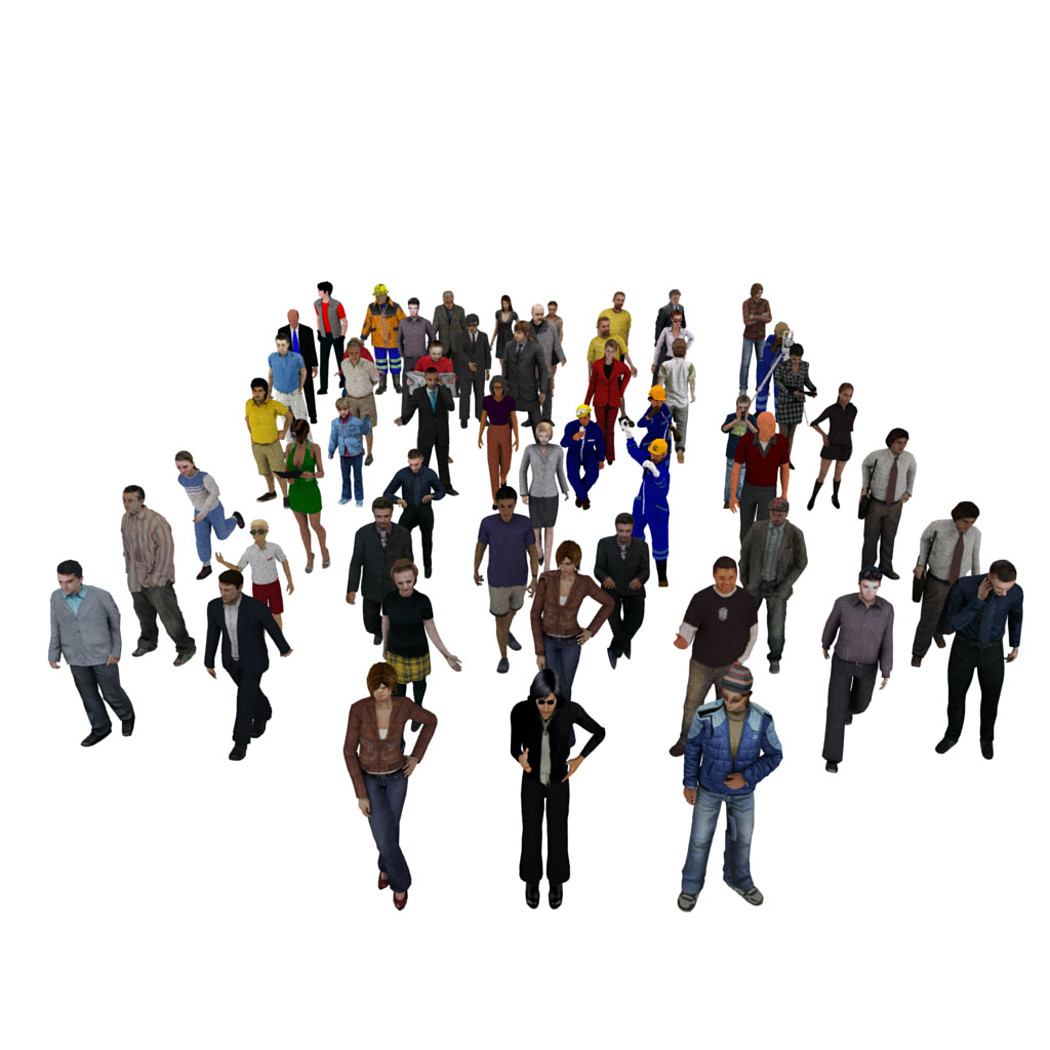
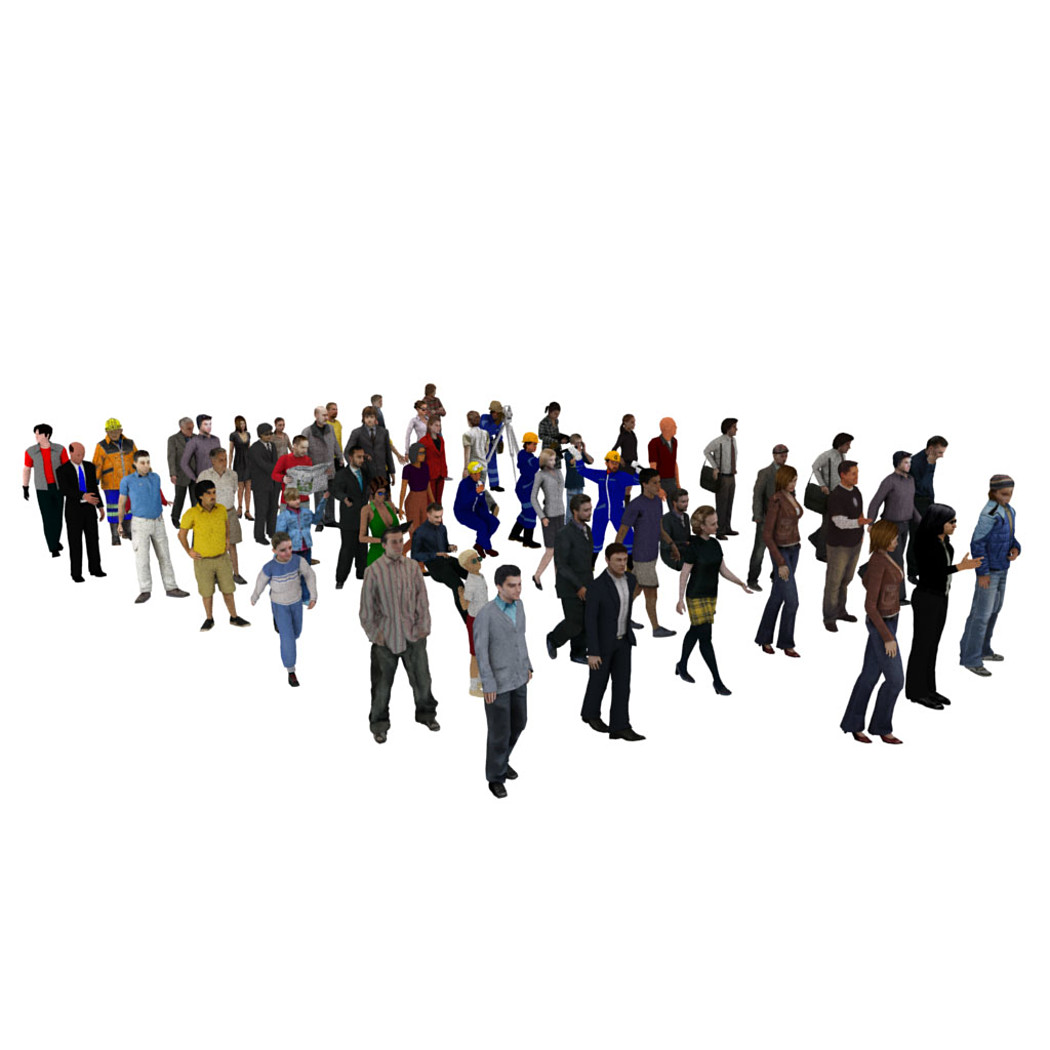
The pack contains 55 People. some of them are low-poly, some high-poly, most of them are textured, the others have materials assigned to them. Can be used for architectural projects and commercials.
In Maya, in order to see the textures you need to apply the following steps: 1. Open Windows > General Editors > File Path Editor 2. Select all the unseen texture file paths all to the bottom (by pressing shift) 3. Right click and click on Repath's option box 4. In new path address bar, paste your textures folder address. 5. Check the 2 boxes below 6. Click "Repath" and all the textures will be loaded.
Model Details
- FormatsOBJ, MB, FBX
- Polygons711000
- Vertices634000
- animatedno
- materialsno
- texturesyes
- riggedno
- uvsyes
- 3d print readyno
You will get 4 files
All files previously purchased will always be available for download in your Library