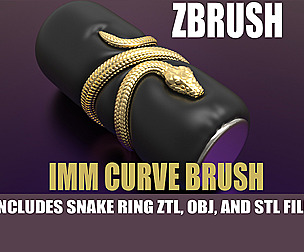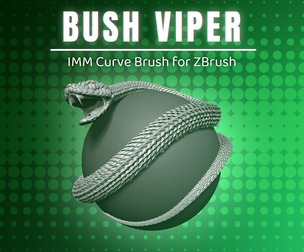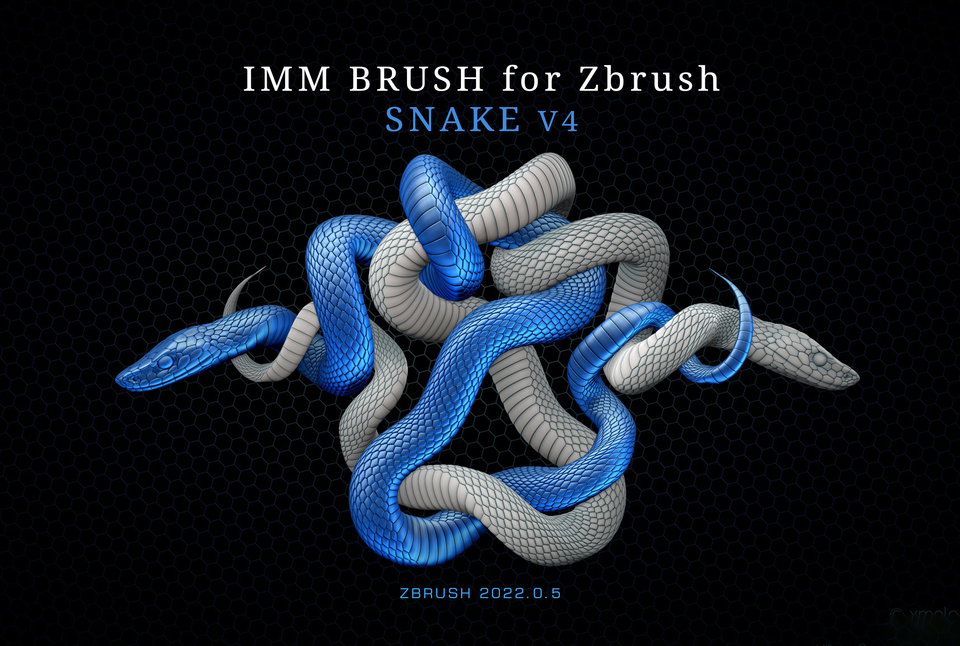
IMM Brush Snake V4 for Zbrush
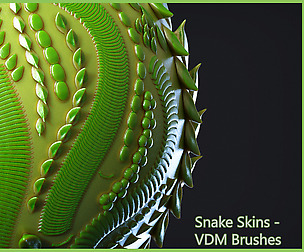
Insert multi-mesh brush «Snake» V4 is made in the version Zbrush 2022.0.5 (In older versions, the brush will not work!) In this version of the brush I made the texture of the snake more realistic
File: SNAKE V4.ZBP
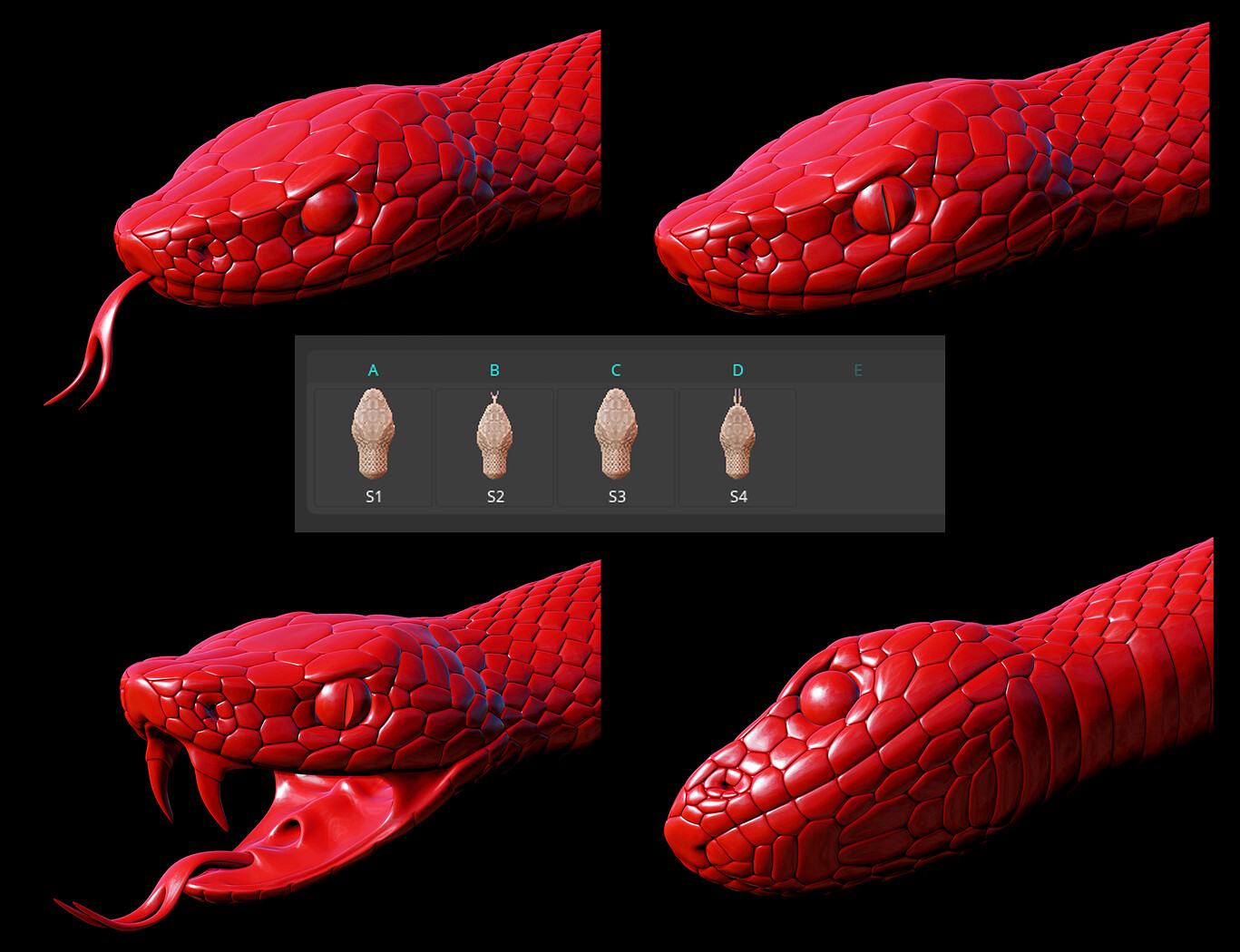
The brush has two options: with the open and closed mouth of the snake. Switch modes by pressing the M key
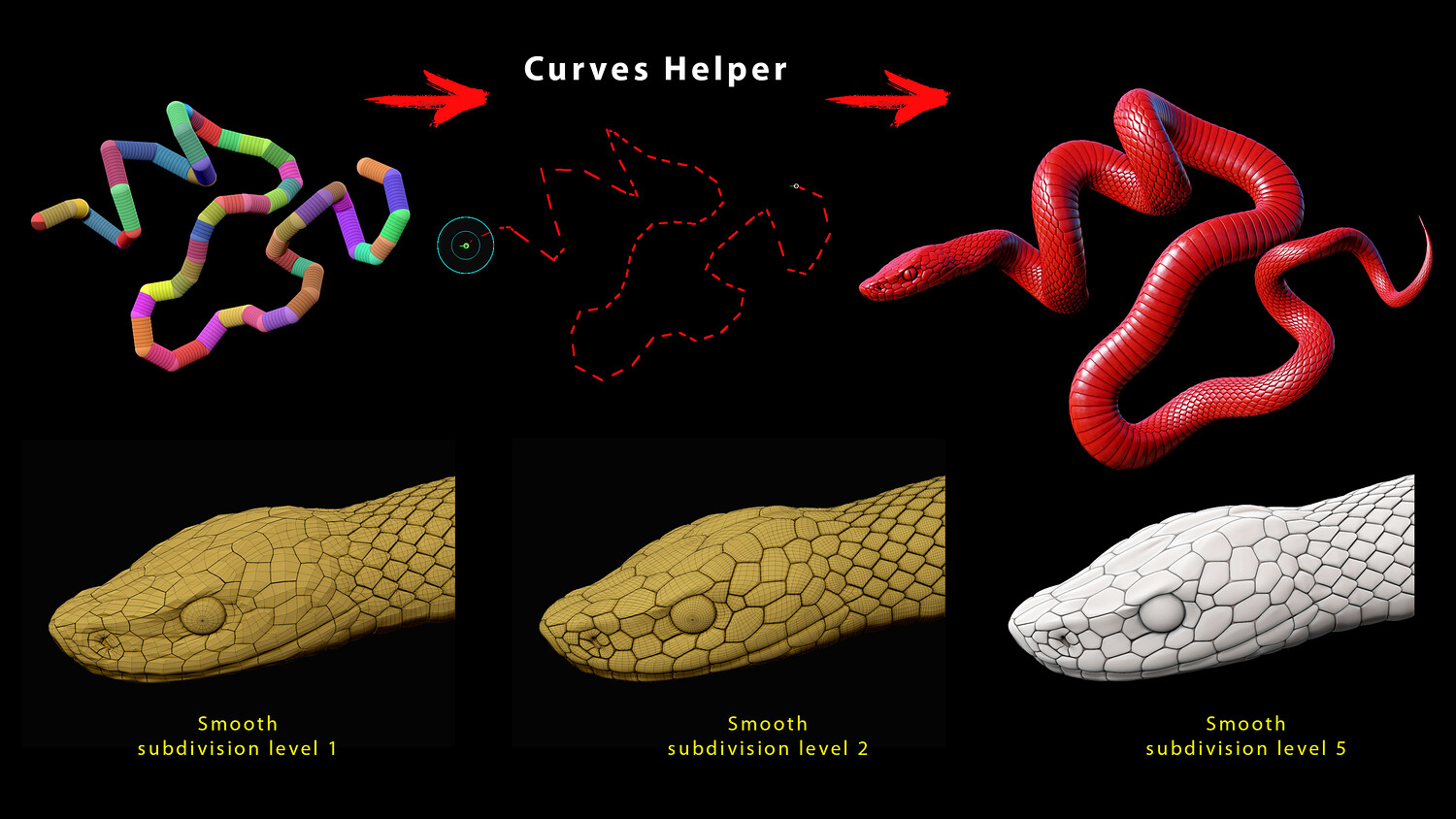
The brush consists of a low polygonal mesh. In interactive mode, you can add smooth subdivision levels (Geometry > Dynamic Subdiv).
I recommend working at the lowest subdivision level, and after reaching the acceptable position of the snake add a subdivision level (and apply).
In the brush mode, you can change some parameters:
Lock And, Lock Start (Stroke palette>Stroke) – allows freezing the head or tail for easy operation.
Snap (Stroke palette>Stroke) – binding to the surface.
Max Bend Angle (Brush palette > Modifiers) – affects the flexibility of the snake (if you expose a large angle, then the bends will not be very beautiful).
There is one peculiarity: you can add actual levels of subdivision (Tool>Geometry>Divide) only after separating the snake into a separate subtool, if this is not done the partitioning will not be smoothed! I highly recommend using CurvesHelper with this brush.
You will get 2 files
All files previously purchased will always be available for download in your Library