Halloween Photoshop Effects for Spooky Artwork
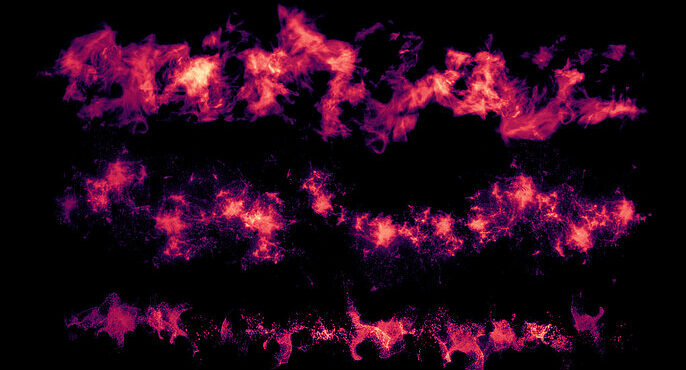
Halloween is the time of year when creators of all styles can explore their full artistic expression. For many artists, it can be an opportunity to venture outside of their comfort zone and embrace eerie, otherworldly aesthetics. But whether you’re designing atmospheric weather conditions, characters with graphic wounds, or a gothic graveyard setting, achieving a realistic effect on your digital canvas can be difficult.
Fortunately, Cubebrush offers an array of powerful tools such as software brushes, overlays, and more to help you achieve these special effects with ease and accuracy. Here are six fantastic Halloween Photoshop effects to take your October creations to the next level.
Clouds, Fog, and Smoke Photoshop Brushes
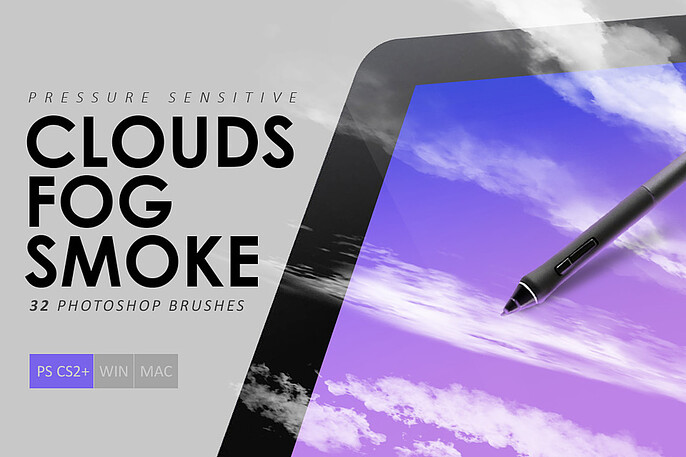
Nothing says mysterious or creepy like foreboding clouds overhead, a dense layer of fog enveloping a haunted house, or a veil of smoke shrouding a sinister figure. However, organic effects such as these often have diffused edges and a soft vanishing nature which can be hard to replicate digitally with basic brushes and shapes.
With this enriching bundle of tools and effects, you can take your Halloween-themed projects to new heights. Choose from 32 pressure-sensitive brushes to replicate effects like clouds, fog, mist, gas, and more in this beginner-friendly kit.
This set contains:
- 32 cloud, fog, and smoke effect Photoshop brushes
GOREgeous Photoshop Brush Pack
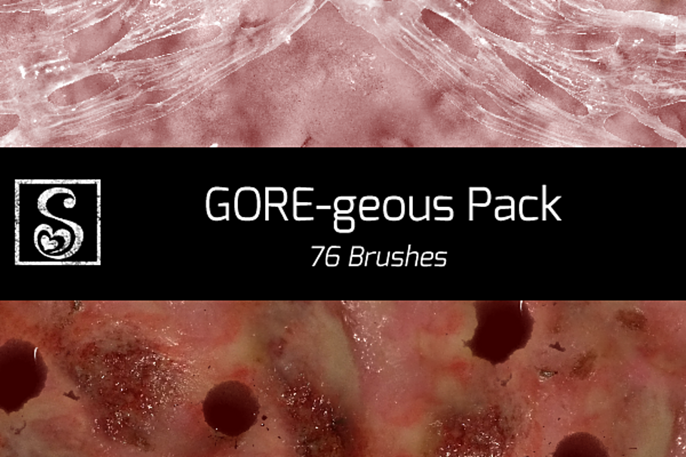
Halloween-themed art wouldn't be complete without some gruesome gore effects. Think vampire-bitten damsels, murderous clowns, psycho surgeons, and half-butchered zombies! However, creating realistic wounds that evoke shock and disgust is no easy feat since they require depth, texture, and specific color compositions to give them an authentic appearance.
This next asset contains a plentiful assortment of 76 special effect brushes that can allow you to create a limitless number of skin wounds, incisions, scars, burns, and more. Use these sickening effects layered on top of one other to create some captivating original images, and bring your most gory concepts to life in grimly graphic detail.
This pack contains:
- 76 gruesome wound effect Photoshop brushes
Bat Overlays for Photoshop
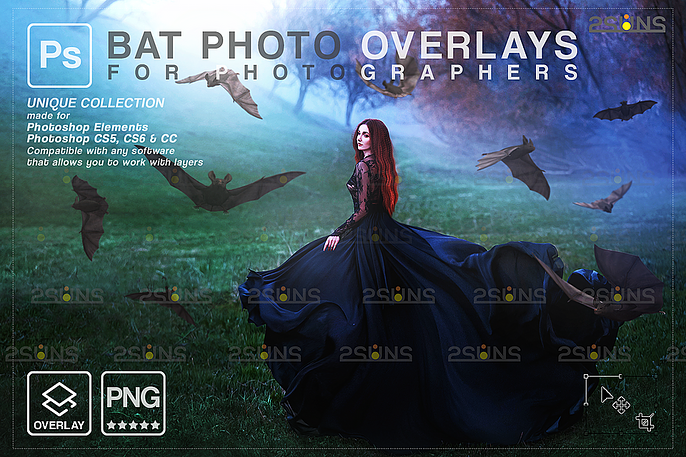
If you’re looking to add some quick and effective creepy touches to your artwork, overlays are the way to go. In this unique collection of Halloween Photoshop effects, you can choose from 16 terrifying bat overlays to incorporate into your haunted masterpiece, turning even the most serene of scenes into nightmare fuel.
These overlays come as pre-made, high-resolution images of singular bats in various in-flight positions. Simply select the bats most befitting for your scene, customize size and placement, and blend them into your background to create a seamless result with a chilling impression for your next project.
This collection consists of:
- 16 bat overlays for Photoshop
Magic FX Brush Bundle
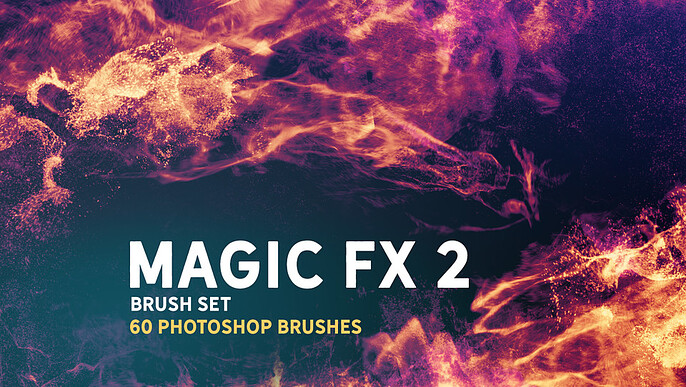
Halloween isn’t just about conjuring up hideous ghouls, bloodthirsty beasts, and malevolent phantoms. There are also mystical and magical elements to the holiday. Perhaps you like to convey the supernatural and ethereal concepts of Halloween through your representation of witches, warlocks, spirits, and enchanted landscapes.
This magic FX set contains 60 exceptional Halloween Photoshop brushes that are ideal for creating captivating concept art and digital illustrations. This masterful collection gives you a diverse set of options, from swirling energy orbs and flames to glowing symbols and sparkling wands. You can also consider adjusting opacity and layering up effects for an original design and enhanced drama.
The pack includes:
- 60 magic FX brushes for Photoshop
Spiderweb Photoshop Brush Pack
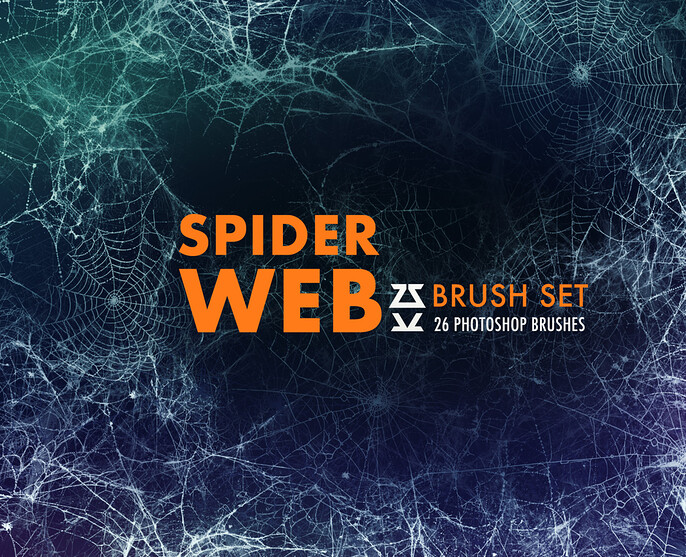
Trying to capture the intricate details of a spiderweb while maintaining all of its naturalism can be painstaking. Not only is the process lengthy and tedious, but it also requires expert precision to replicate its delicate structure. Nevertheless, webs are a cornerstone Halloween component that instantly deliver a chilling impression and can’t be skipped over.
This next asset features a compilation of 52 Halloween Photoshop tools, including 26 spiderweb stamp overlays and 26 dynamic brushes—perfect for creating concept art and bases for your digital illustrations. A variety of cobweb stamps are also available, from small delicate webs that lurk in corners to thick tangles that engulf entire doorways. Utilize them in your chosen size and opacity for a custom look in your artwork.
With this bundle, you’ll receive:
- 26 spiderweb stamp brushes for Photoshop
- 26 dynamic Halloween Photoshop brushes
100 Lightning Overlays
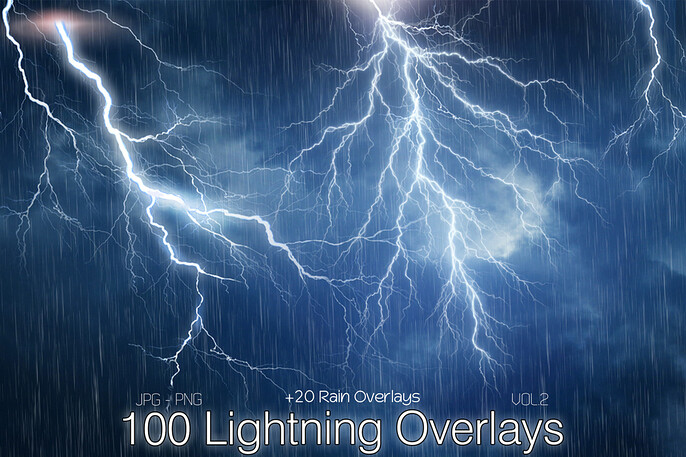
One of the most iconic backdrops used in Halloween artwork is a stormy night sky illuminated by forks of lightning. However, because of its irregular shape, gradations in brightness, and contrast of bold and diffused lines, producing lifelike lightning can be demanding.
Fortunately, lightning overlays make incorporating this emotive effect into your artwork effortless. This final asset includes 100 high-quality weather effect overlays such as lightning bolts, thunderstorms, and rain showers. It’s an essential Halloween Photoshop bundle for digital designers who love making atmospheric art. These striking overlays can also be combined with apocalyptic clouds and thunderstorm brushes on your digital canvas to simulate an epic storm. Add some instant drama to your scene or landscape with these enriching instruments.
This kit delivers:
- 100 lightning strike overlay effects for Photoshop
Achieve BOO-tiful Results with Cubebrush!
Creating Halloween-themed digital art can be a terror-ific way to celebrate the spooky season, but some effects like smog, wounds, glittering magical trails, and lightning strikes are tricky to accurately represent. Never fear—with Cubebrush’s array of brushes and overlays it doesn’t have to be an arduous undertaking. You can easily bring your most frightful visions to life with just a few quick strokes of your digital pen.
Discover more Halloween Photoshop assets and other invaluable resources in the Cubebrush archives and let your imagination run wild!