

We all know an artist who can fire off a project in an hour that takes the rest of us three days—and we’re incredibly jealous. Are they just naturally gifted? Maybe, but chances are they also have a lot of speed painting tricks up their sleeve.
From structuring your creative approach to reducing common mistakes, there are plenty of ways to speed up your workflow and optimize your processes. Even something as simple as a fantastic set of digital brushes can be the difference between days of frustration and instant results.
Ready to supercharge your output while improving your creative work? Here are some of our top speed painting resources that will keep your projects moving along.
Speed Painting Brush Pack
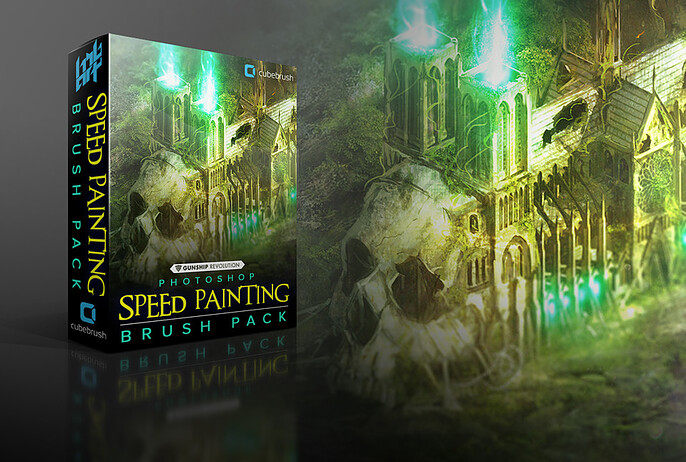
Every brush stroke takes time, and concept art for games and media prides itself on speed. If you’re deep down the photobashing rabbit hole or just looking to create some amazing content on the fly, these brushes by Gunship Revolution Creative Director Harvey Bunda are perfect for putting a finishing touch on your next project.
This collection of seven brushes was a game-changer for Harvey’s team, and they give your artwork an instant improvisatory edge. With multiple tones from each stroke of the stylus, they’ll give your next piece a hand-painted look in an instant.
You’ll get:
- 7 speed painting brushes for Photoshop
Speed Painting Techniques with Per Ludvigsen
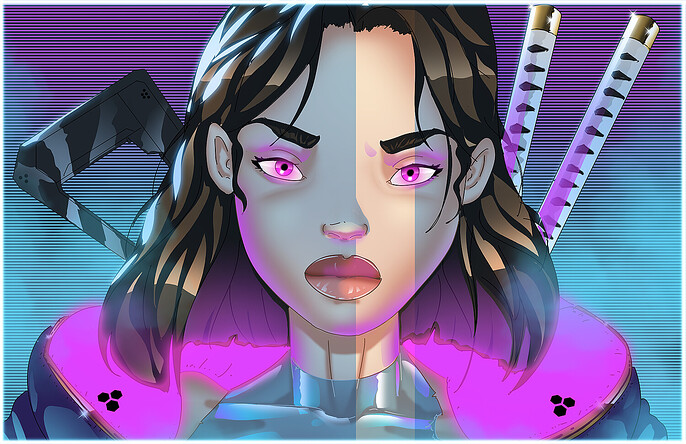
Yes. Speed painting can be taught, and creator Per Ludvigsen gives you an in-depth look at how to bang out a compelling project in record time. You can choose between studying how he goes from concept to polished piece for either a cybergirl or a rain-soaked samurai.
These watch-and-learn tutorials are only $2 each, but they’re an invaluable window into how a true professional handles shading, form, and texture to deliver a coherent and compelling result. You’ll learn the secrets of intuitively generating glowing highlights, rain, facial features, and complex textures without the need for extensive planning and trial and error.
How to Improve Your Speed by Robotpencil
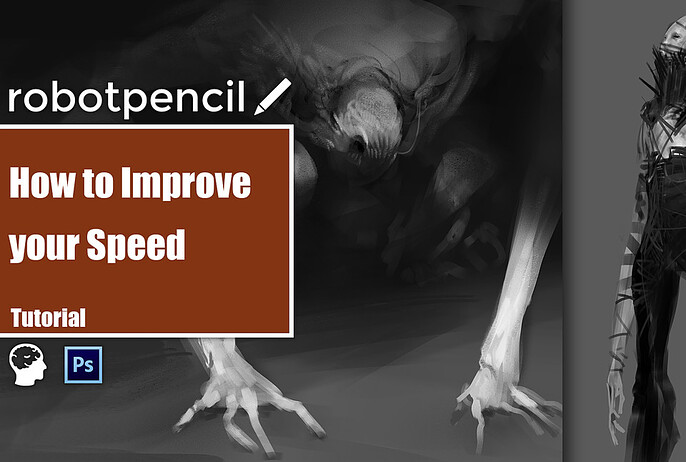
Are you sick of making solid progress only to realize you’ve got to scrap a few hours of work because you screwed up the order of a few key steps?
Grinding out every project can take a lot out of you, but it doesn’t have to be that way! There are concrete strategies you can use to avoid common mistakes and help each step flow seamlessly into the next.
Art teacher, mentor, and Robotpencil owner Anthony Jones is back with another incredible tutorial to help you build your skills while working as efficiently as possible. This insightful video walks you through how to choose your brush strokes effectively, make fewer errors, and train yourself to default to good decision-making even when you’re not quite sure what the end result will be.
This tutorial includes:
- 1 in-depth discussion of time-saving techniques to optimize your workflow and reduce mistakes.
Fast ‘N Furry Brushes
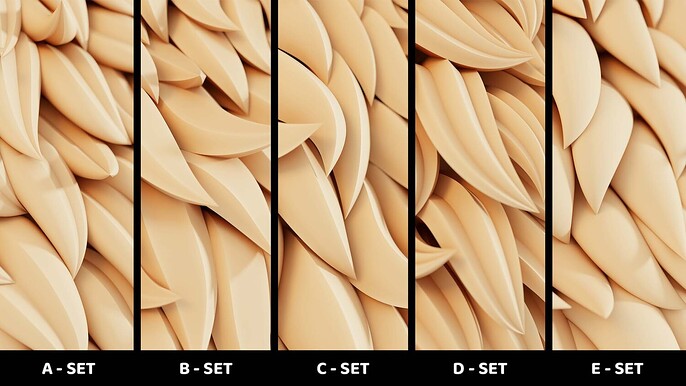
Fur is one of the biggest time sucks in digital art, and if you don’t work with it all the time, it can quickly become a nightmare scenario for your next deadline.
These speed painting fur brushes are the perfect addition to your creative arsenal, giving you instant access to over 300 variations of fantasy fur, fluff, and fuzziness. Each one randomly cycles through the available shapes, adding believability and polish that often takes hours of conscious creative work.
Whether you’re speed painting in your spare time or just need a production-ready piece on a tight deadline, these brushes will get you over the finish line with ease.
This pack includes:
- 15 color-coded brushes with 20 mesh variations each
Mona Gahfourian Textures
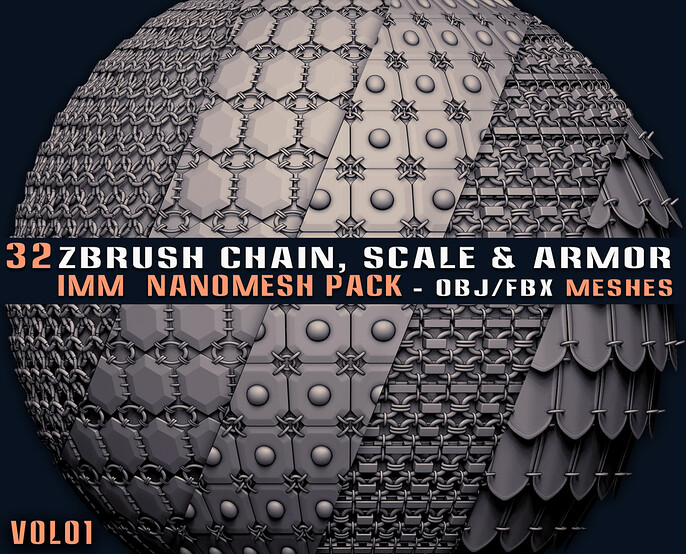
Need some instant zombie scars? Dragon scales? Battle-worn weapon textures? Texture virtuoso Mona Gahfourian has made a career out of putting the perfect look on any surface—and she’s making her personal toolkit available to you on Cubebrush!
What will you find on her page? Here’s a taste of the instant textures she’s created that turn epic work sessions into easy afternoons.
- ZBrush Armor Textures. Spend more time creating your fantasy world, not hammering out one-off armor pieces for your characters.
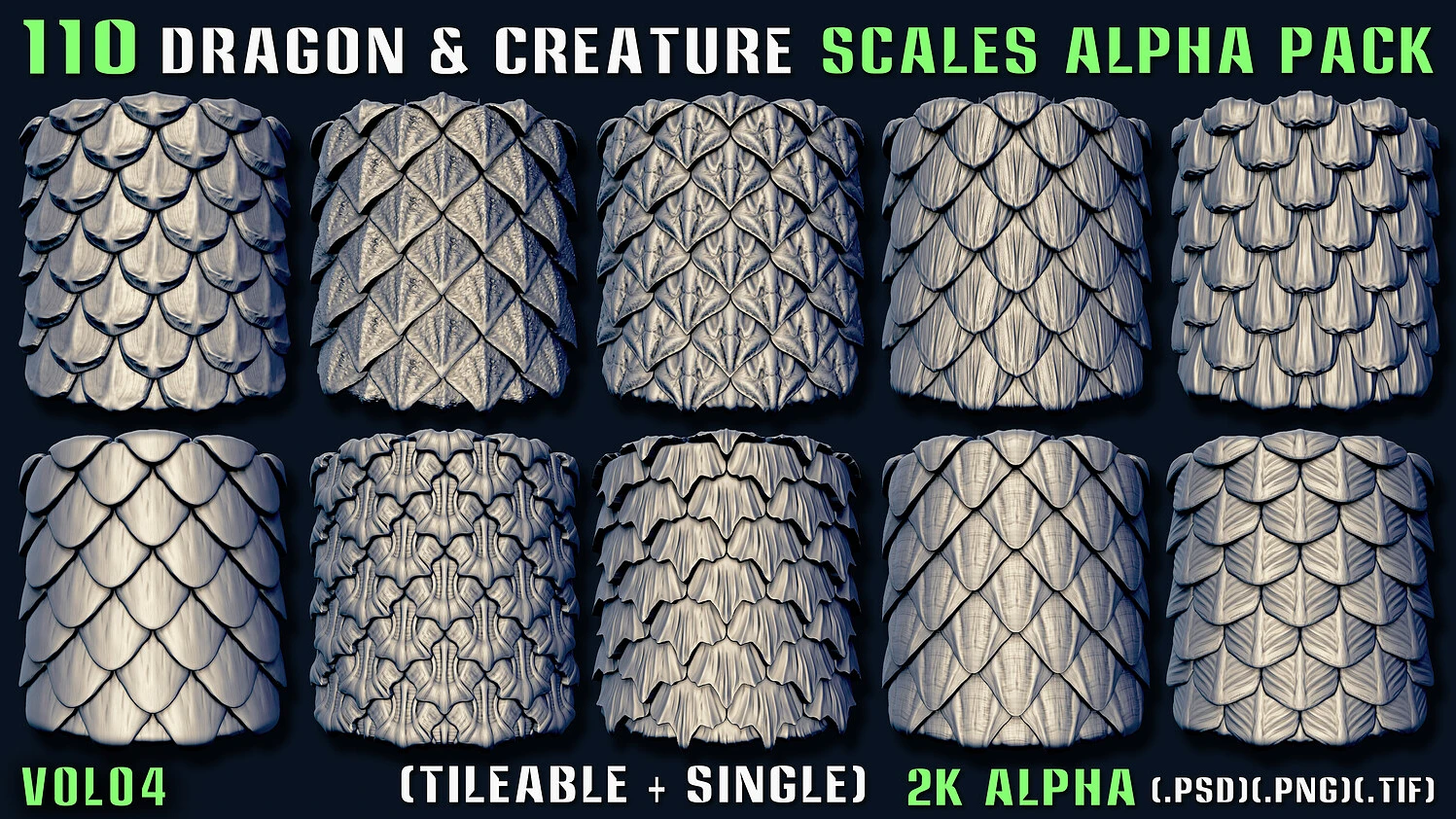
- Dragon & Creature Scales. The fourth installment in Mona’s scale series gives you 110 production-ready scale textures for any fantasy creature you’re dreaming up.
- Metal Damage Brush Pack. Hard-working robots and industrial equipment can’t look clean. This pack makes it easy to put age before beauty.
- 32 Wound, Scar & Stitch Roll Brushes. Ghastly wounds and battle-forged scars are a fact of life for zombies, space marines, and gladiators. Speed painting gory injuries has never been easier than with this brush set.
Work Fast, Grow Faster with Cubebrush
Digital art often comes with a crazy learning curve, and it can take years to figure everything out on your own. What puts some creators on a different level? For starters, they use every speed painting trick in the book to maximize their creative talents.
If you’re looking for ways to accelerate your workflow while building your skills, Cubebrush has you covered! Our library of resources makes it easier than ever to get the insider tips you need to go from concept to live faster without sacrificing a stroke of quality.
Check out the Cubebrush Marketplace today and put the pedal to the metal on your next project!