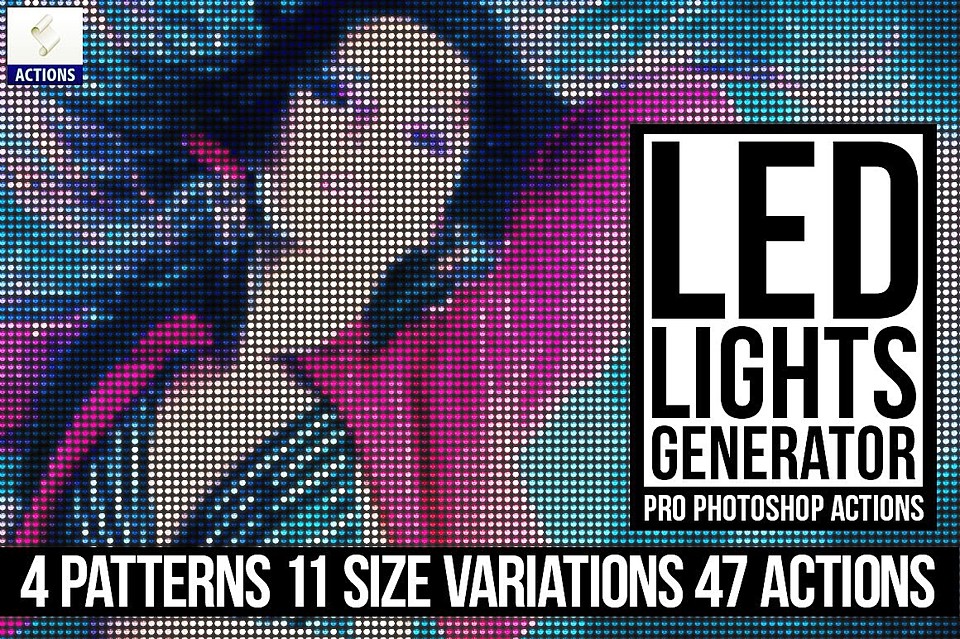

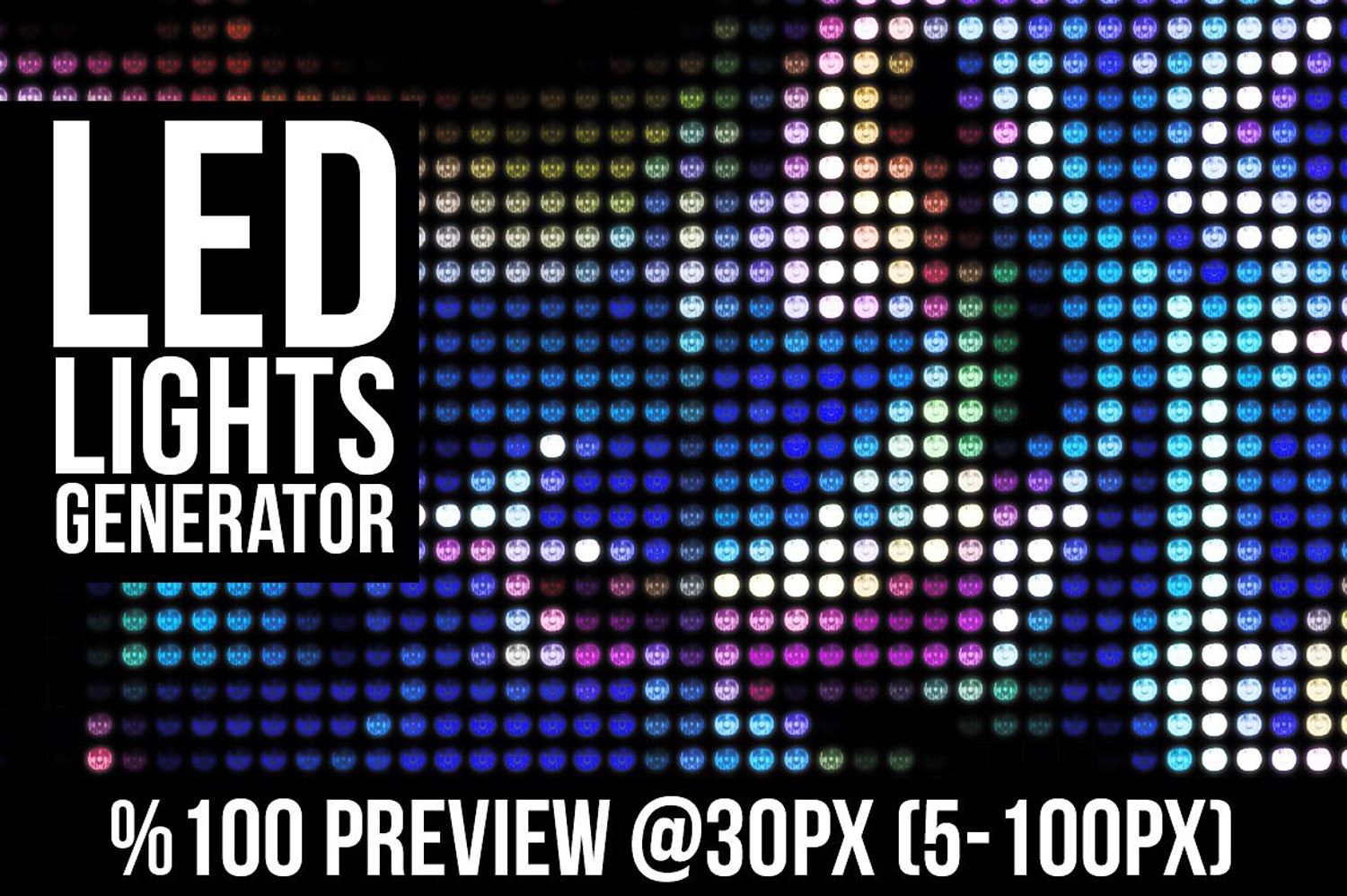

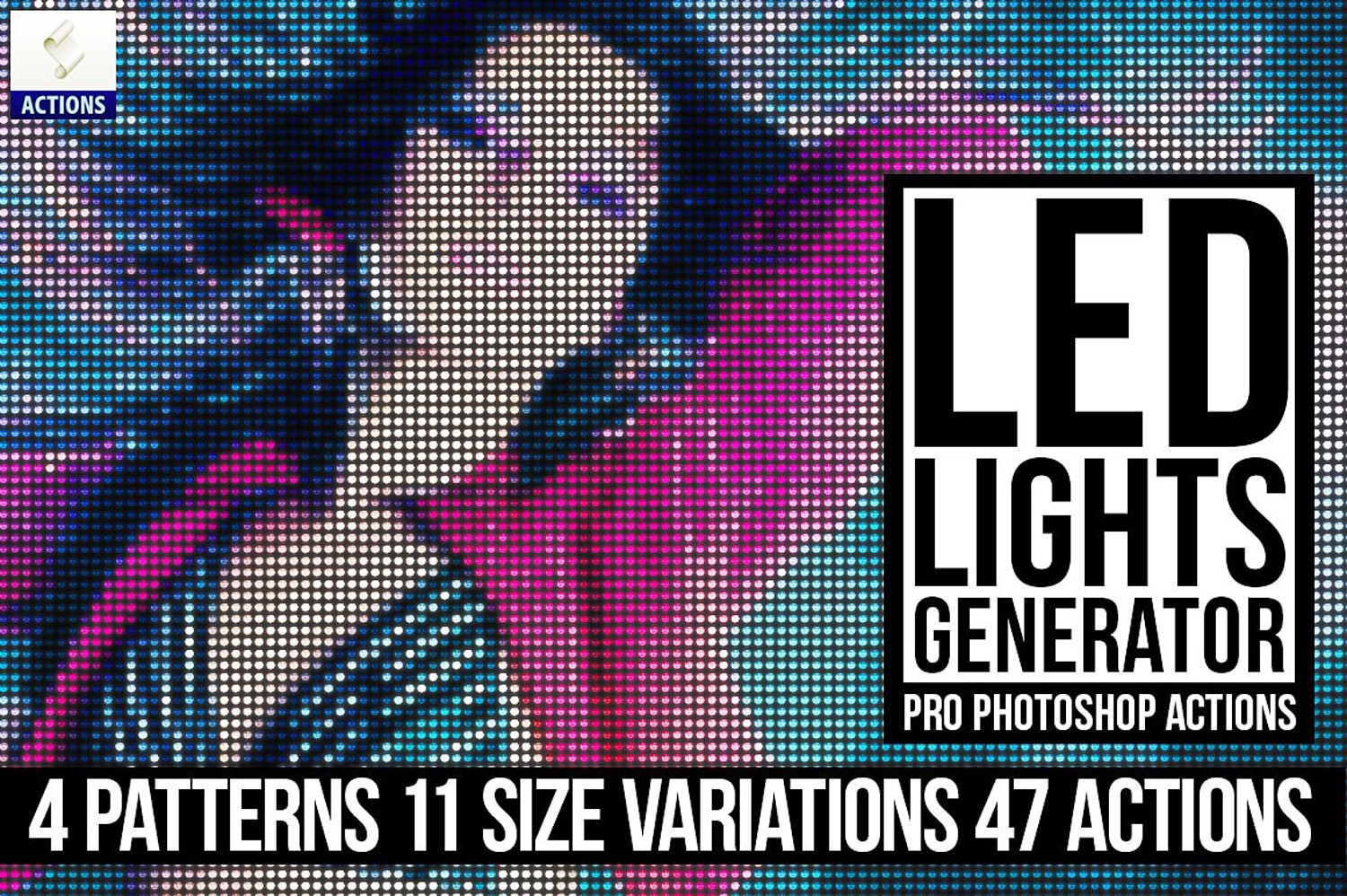
Led Lights Generator PS Actions
Pro Led Lights Generator Photoshop Actions
This package includes 2 action sets : "CreativeGraphicsProcessActions.atn" (Necessary action framework for main actions. Do not directly play them) "CreativeGraphicsLedLights.atn" - This is a set of 47 actions, Pattern A - 11 Actions, Pattern B - 11 Actions, Pattern C - 11 Actions, Pattern D - 11 Actions and Bonus 3 variation actions. Patterns created from real led light images with different exposures.
How to install Photoshop Actions and Patterns?
Open Photoshop, and click on the Actions Palette menu button (located in the top right of the Actions Palette. Select “Load Actions” Select one of the .atn files from the download. (CreativeGraphicsLedLights.atn and CreativeGraphicsProcessActions.atn) Load these two actions both. Load patterns. Important! You should load patterns included in archive (CreativeGraphicsLedLights.pat) before you run actions
You will get 1 file
All files previously purchased will always be available for download in your Library