



FJTools 1.5.9 - ZBrush Pipeline plugin
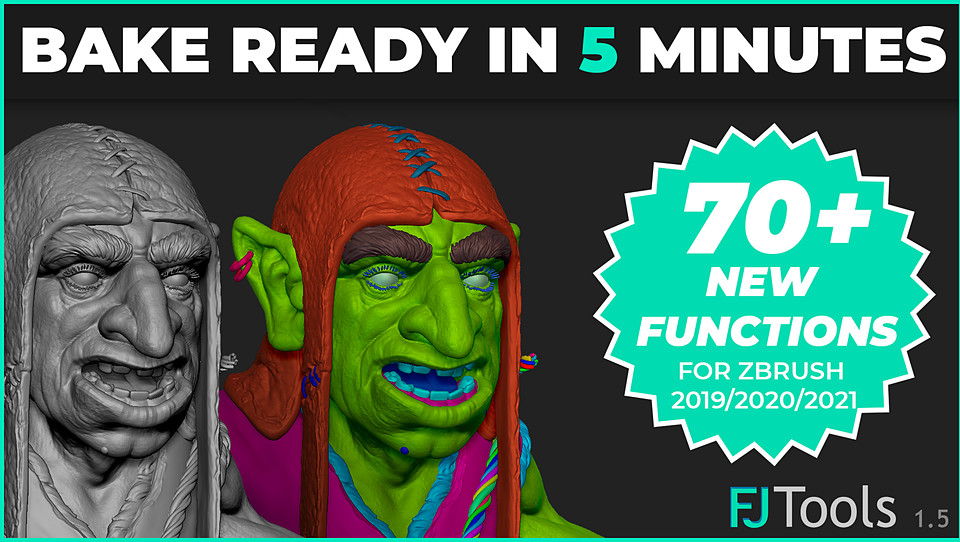
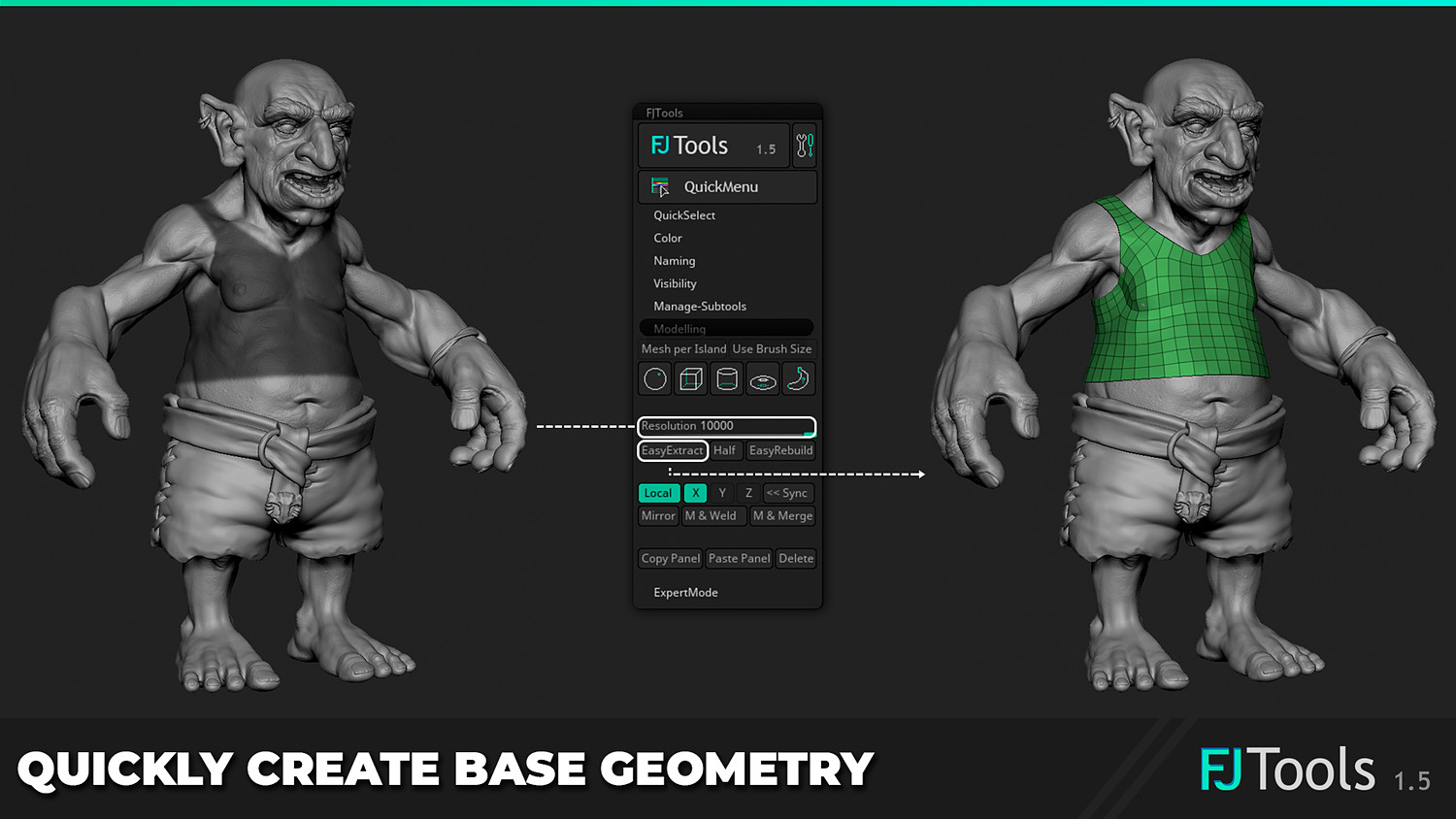
FJTools is a Plugin for ZBrush, that will help you to organize your Subtools and speed up your workflow in general. It does so by automating repetitive tasks, or solving them intuitively.
_Disclaimer:
This plugin has been tested in ZBrush 2022/2026 on a Windows 64 bit machine. Previous versions of ZBrush are NOT supported and may cause issues.
_Features:
All features are explained in a mini video series, which can be found on the plugins’ page or on YouTube
_Installation:
Pre ZBrush 2026.1: To install FJTools simply copy the "FJTools15.zsc" file, together with the "FJTools15_Data"-folder into the Zplugs64-folder (...\Pixologic\ZBrush 2022\ZStartup\ZPlugs64) | (...\Maxon ZBrush 2023[or 2024/2025]\ZStartup\ZPlugs64) of your ZBrush 2022/2023/2024 installation. Done!
Post ZBrush 2026.1: To install FJTools simply copy the "FJTools15.zsc" file, together with the "FJTools15_Data"-folder into your local Asset Directory's Plugin folder. You can access this directory via Preferences > Asset Directory > Open Directory. Once you are in your local directory, go to ZStartup > ZPlugs64 and paste the .zsc file and the Data folder here.
_1.5.9 Changelog:
- FJTools is now compatible with ZBrush 2026.1
- The QuickMenu now adheres to the "Preferences > UI > Button Size" setting
- A bug that caused the plugin to crash when too many variables were used in the QuickMenu has been fixed
_1.5.8 Changelog:
*Custom Swatch Set can now be added: You can now create custom Swatch Sets to create a consistent pipeline for you and other artists
*Random Range was added as a coloring option: A new coloring function that allows you to apply random colors within a certain range
*Two new Swatch Sets have been added: The new Sets have a large distance between their RGB values, which allows greater tolerances when selecting from the baked ID maps
*The plugin is now localized in 7 languages: English, French, Japanese, Spanish, German, Chinese and Korean. (The localization was done by machine translation. Please let me know if anything feels wrong!)
*There is now also a FJTools Discord server, where you can reach out and hear news about this plugin (and possibly others to come) https://discord.com/invite/fcb8QpWQKt
_1.5.7 Changelog:
- Patched the plugin to be compatible with ZBrush 2024.0.1
- Fixed an issues that caused errors on IOS
- Fixed Hide All/Show All/ Invert Visibility in the Quick Menu
_1.5.5 Changelog:
Patched the plugin to be compatible with ZBrush 2023 * Fixed a nasty bug, that caused issues with other plugins * Removed "Visibility Sets" as they are better integrated into ZBrush by now anyway and they were part of the compatability issue * Fixed a typo *Improved start up time
_1.5.4 Changelog:
- Fixed an issue that occurred in ZBrush 2022 where the color features caused issues when used on Subtools with active layers.
_1.5.3 Changelog:
- Fixed an issue that occurred in ZBrush 2021.7+ where the color features caused issues when used on Subtools with active layers.
- Added Hide/Show All buttons to the visibility section
- Added a Clear Mask function to the managing section
_Special thanks for helping me to find a nasty bug:
Cagatay Ozkan artstation.com/cagazoid
_Get in touch:
You will get 1 file
All files previously purchased will always be available for download in your Library