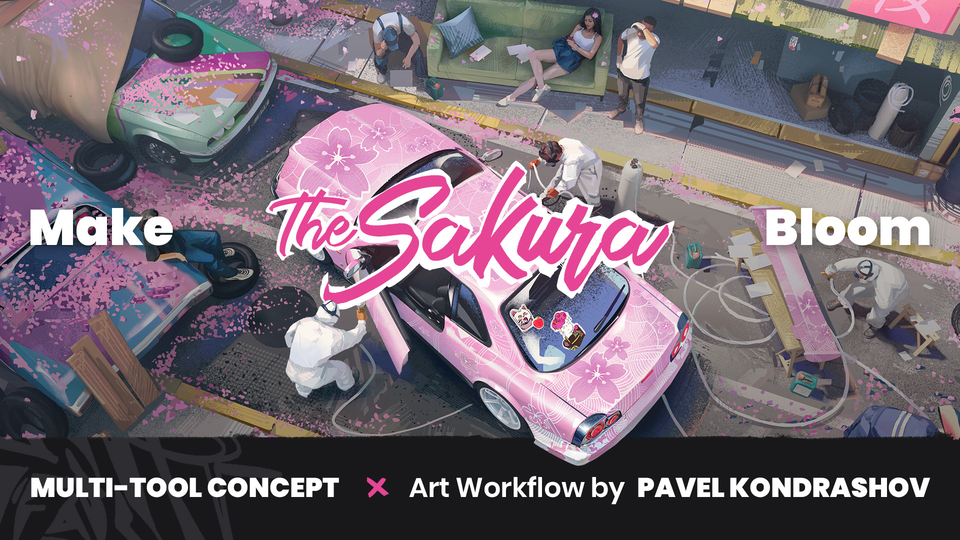
Multi-Tool Concept Art Workflow by Pavel Kondrashev
Ever started a concept and felt stuck between sketching and final rendering?
This tutorial shows how professional concept artist Pavel Kondrashev uses 3D as a powerful sketching tool — not to complicate the process, but to keep it clear and flexible.
You’ll get a clear look at his professional pipeline — the tools he uses, how he applies them, and the reasoning behind each step. It’s a practical way to understand his process and pick up ideas to refine your own.
Bonus: along with the video tutorial, you’ll receive a set of flat brushes to use in your own painting workflow.
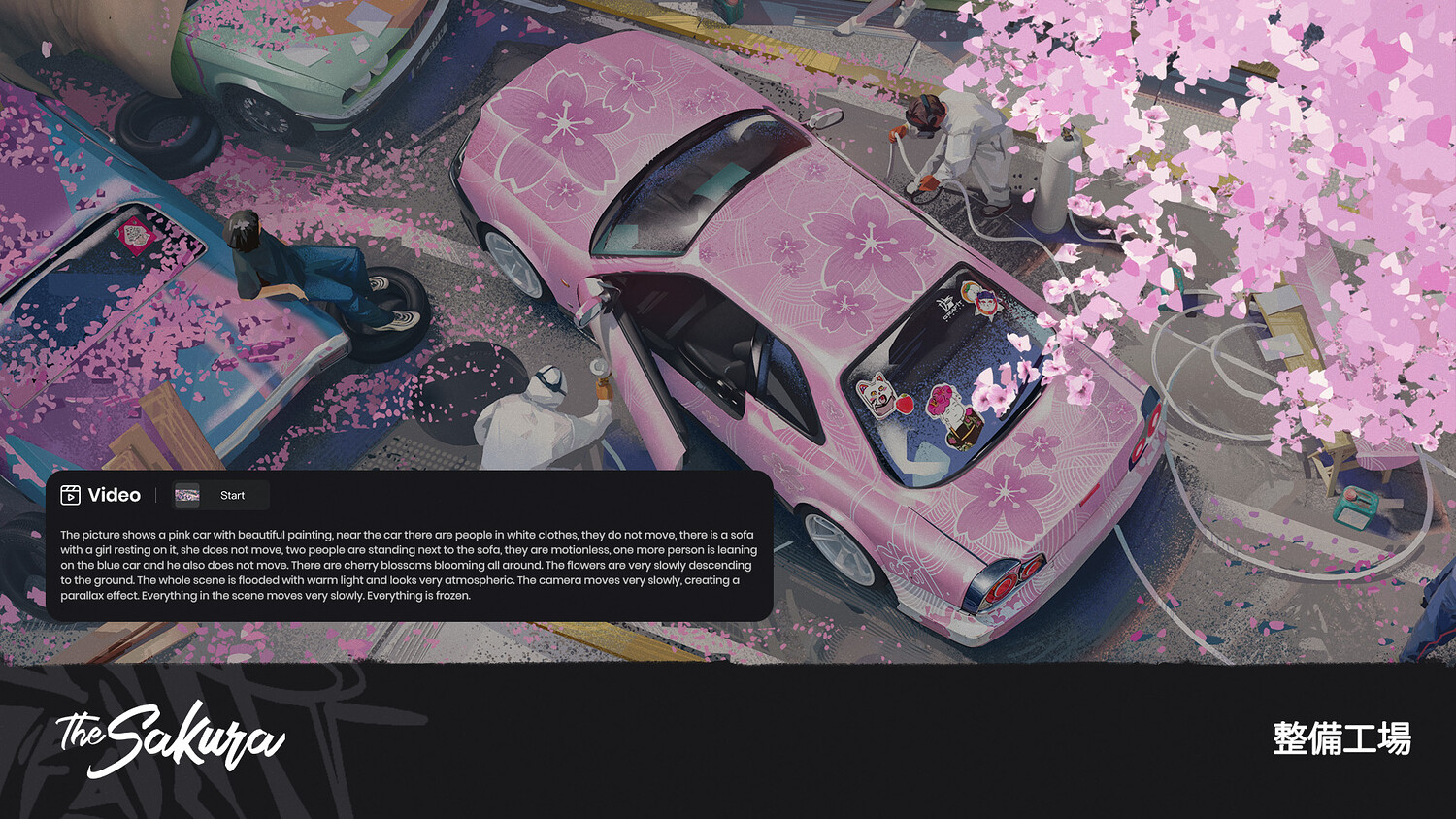
Discover how to make your work bloom — just like sakura in spring — with a fast, flexible workflow that brings together different techniques and tools.
Check out the preview on YouTube!
📌What You Will Learn:
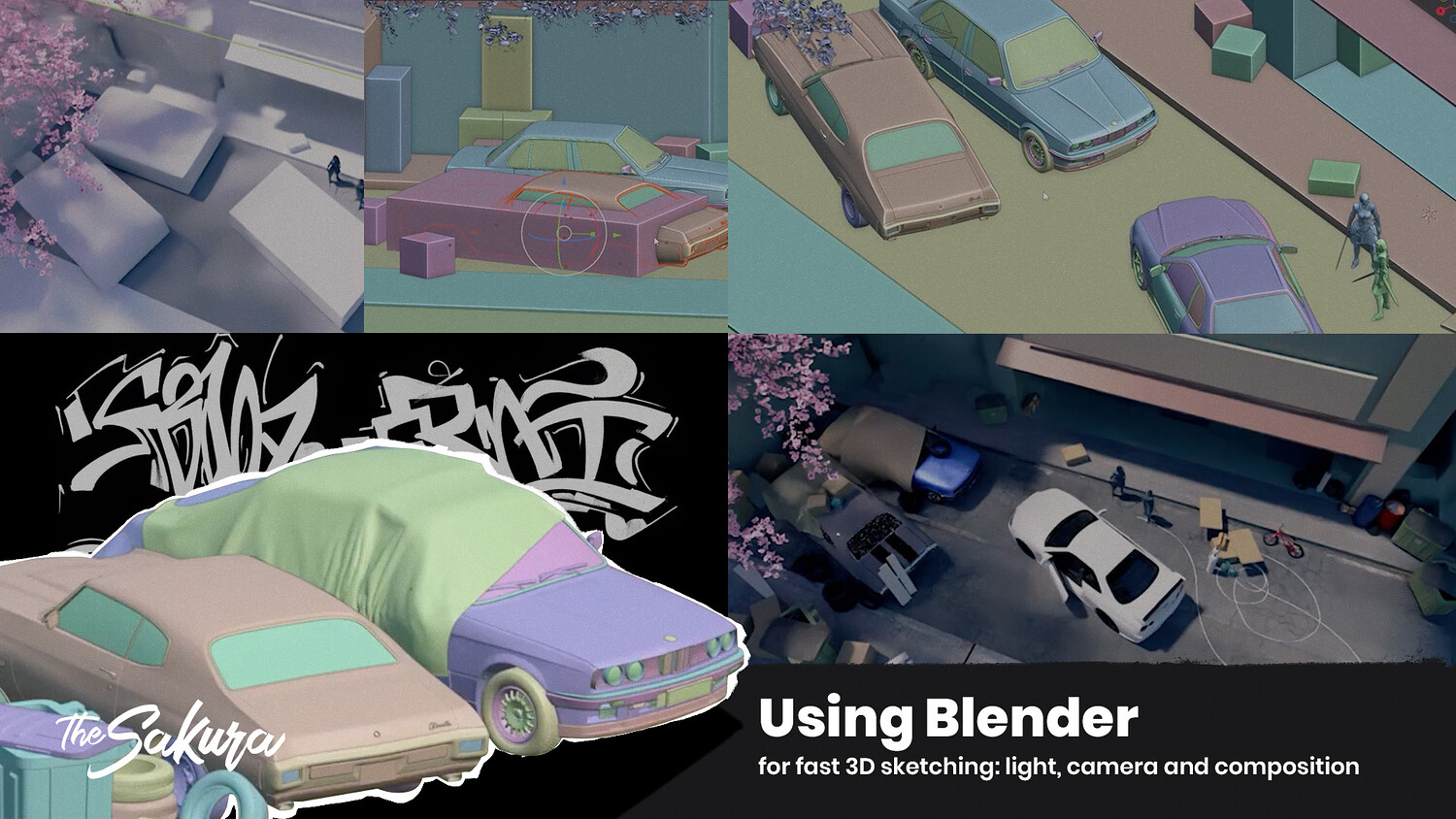
Using Blender for fast 3D sketching: light, camera and composition
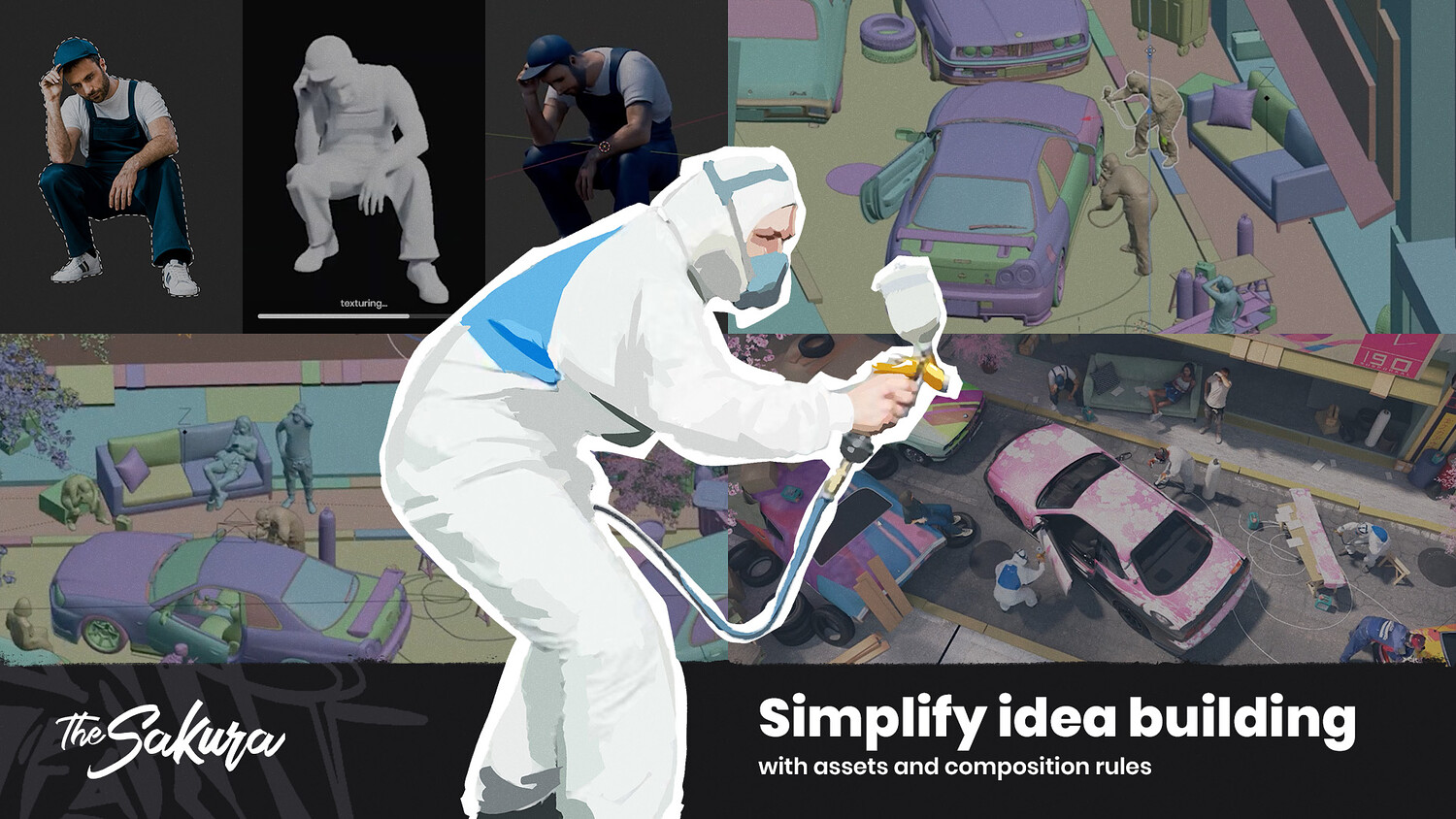
Simplify idea building with assets and composition rules
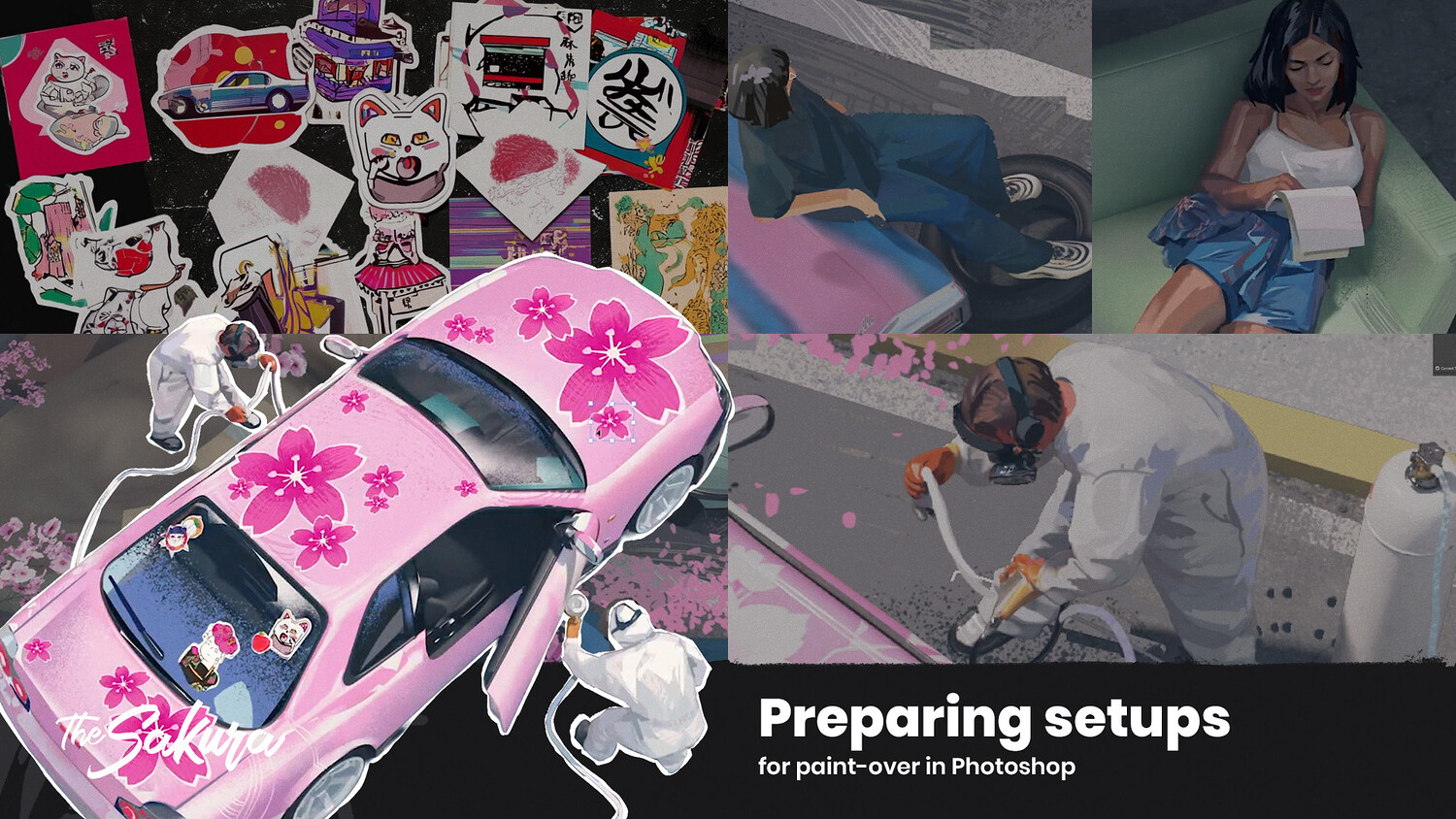
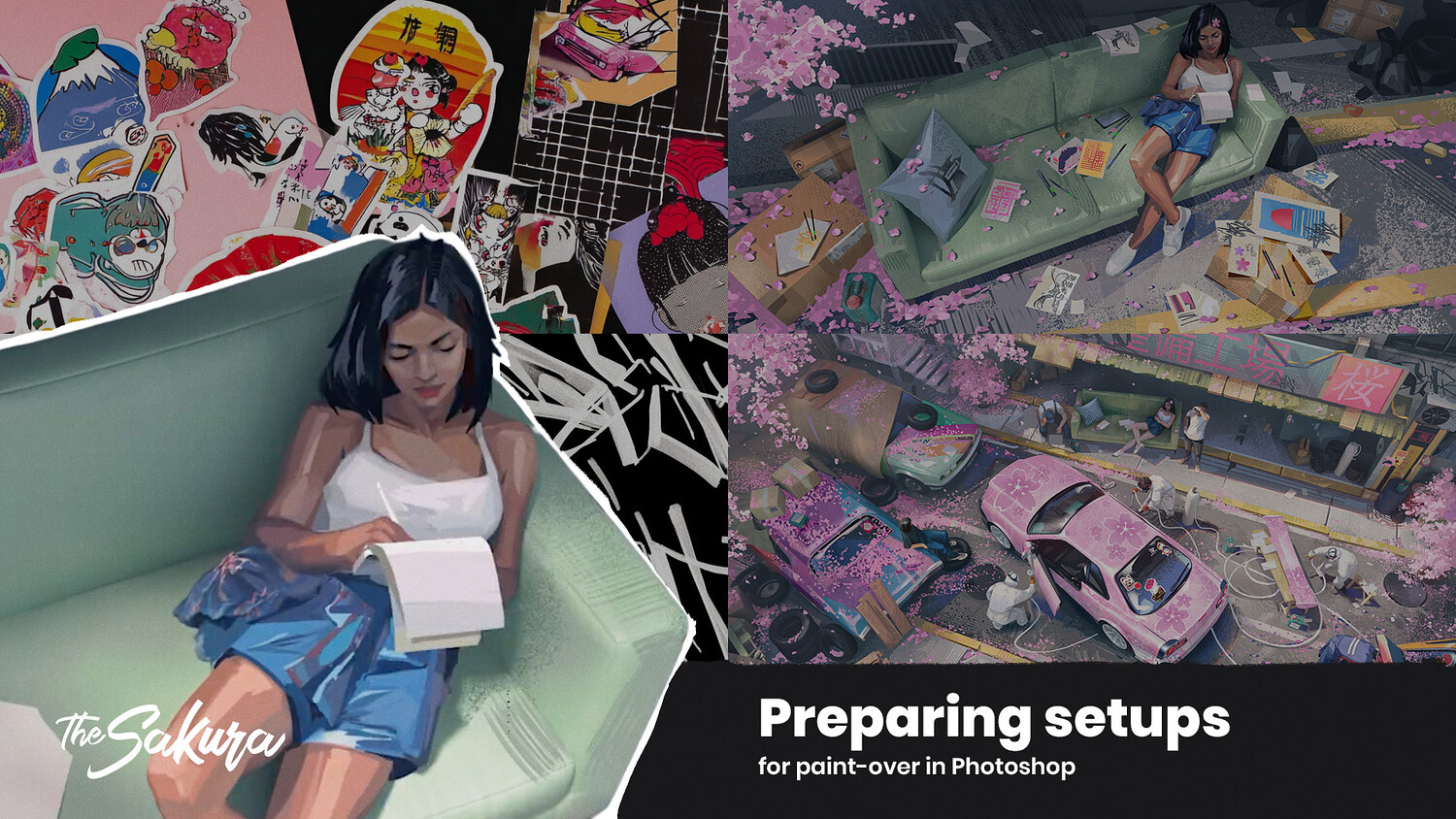
Preparing setups for paint-over in Photoshop
⏱️Tutorial Duration:
A 60-minute tutorial that covers both theory and hands-on practice from Pavel’s workflow
💻Software Used:
Blender, Photoshop
👩🎨Who This Tutorial Is For:
Artists exploring concept design with 2D + 3D workflow.
Perfect for concept artists, illustrators, and students who want to speed up ideation, improve composition, and integrate 3D into their process.
✨Join Pavel on Artstation: artstation.com/pavelkondrashov
If you have any ideas or suggestions for us, contact us via email: [email protected] 📧
Follow Grafit studio on Instagram and Twitter for more art content, behind the scenes & daily studio life.
Join our Discord and share your results with us.
You will get 2 files
All files previously purchased will always be available for download in your Library