Photoshop for Artists: The Creative Start
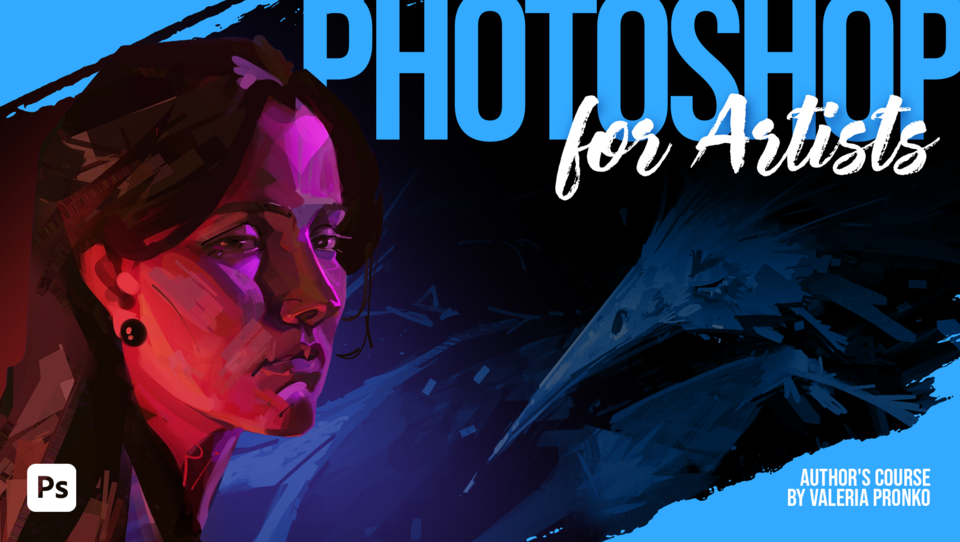
Explore brushes, layers, and masks through simple, guided practice!
Is Photoshop still feeling overwhelming or confusing?
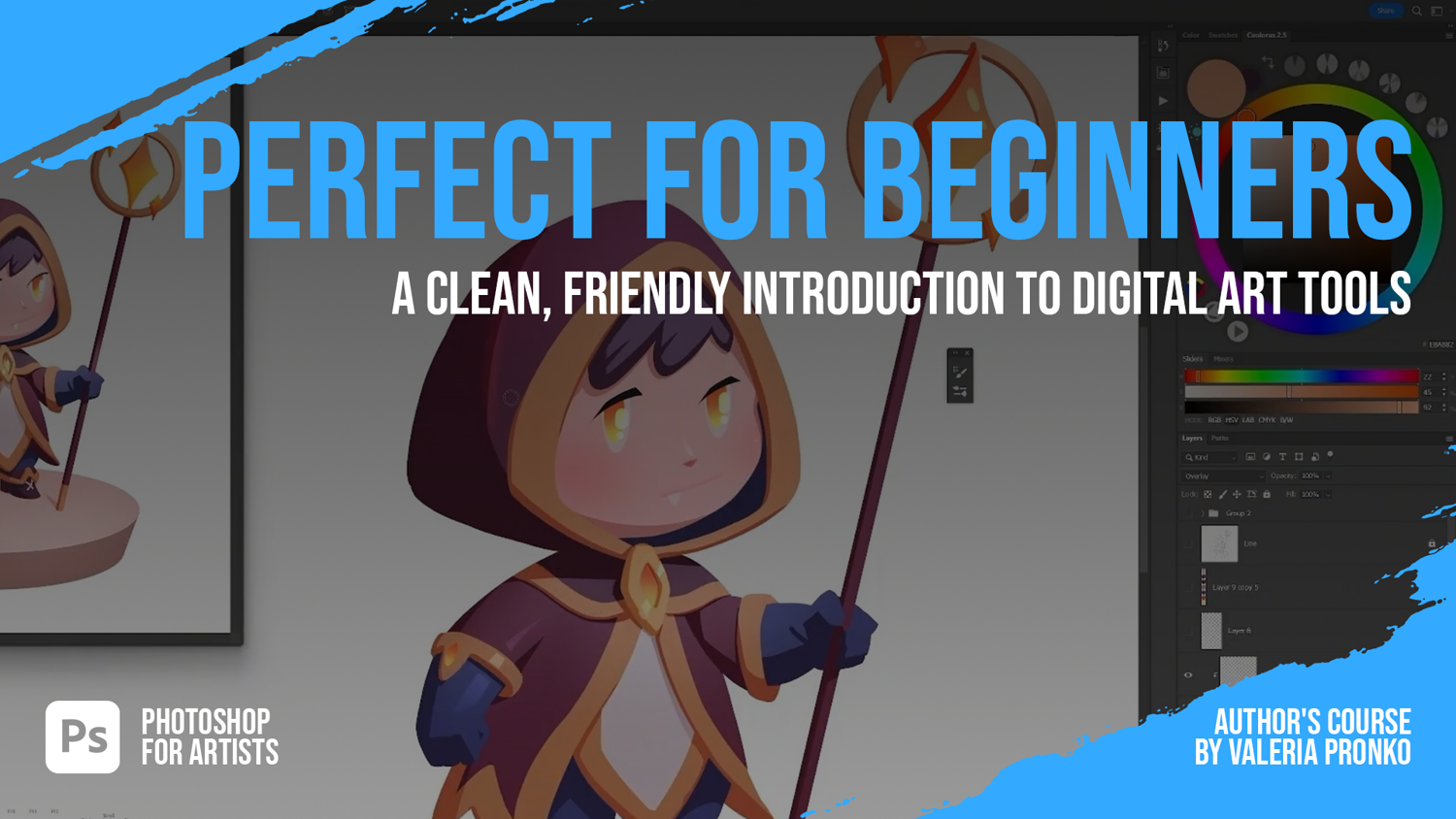
This course offers a clear, friendly introduction to the tools you’ll actually use to start creating digital artwork with confidence.
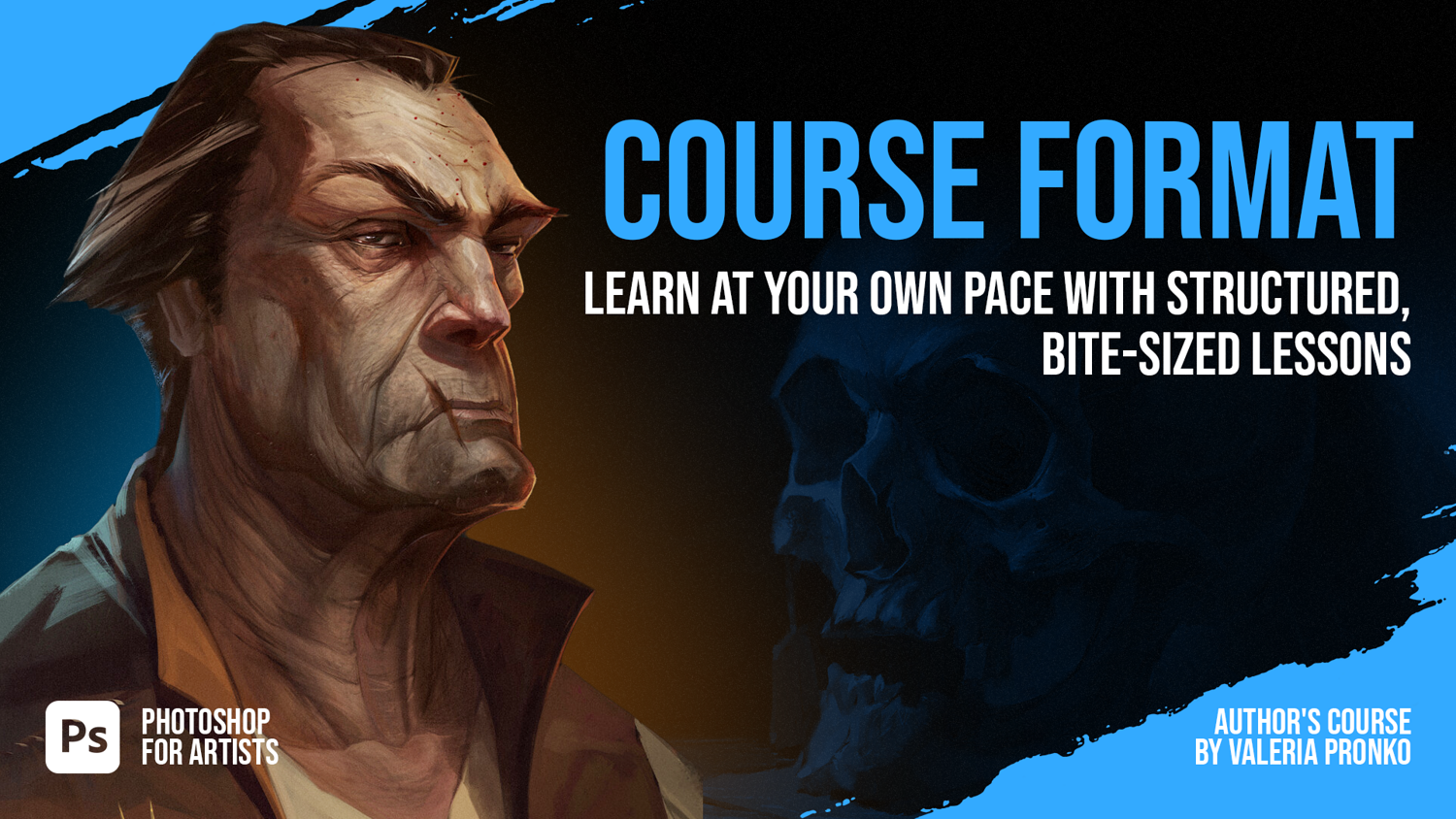
You’ll get comfortable navigating the interface, working with essential tools, and building simple, clean illustrations step by step — without tech overload or pressure.
By the end, Photoshop will feel familiar, and you’ll have a finished artwork plus a solid foundation for your digital art journey.
WHAT YOU WILL GET: - 12 easy-to-follow lessons - Practice tasks for every step - Lineart, PSD files, and brushes included - Lifetime access
WHO THIS COURSE IS FOR: - Beginners stepping into digital art for the first time - Artists transitioning from traditional to digital - Creators who want a simple, structured way to understand Photoshop - Anyone who wants to learn how to create artwork in Photoshop without overwhelm
SOFTWARE: Adobe Photoshop
Course Program:
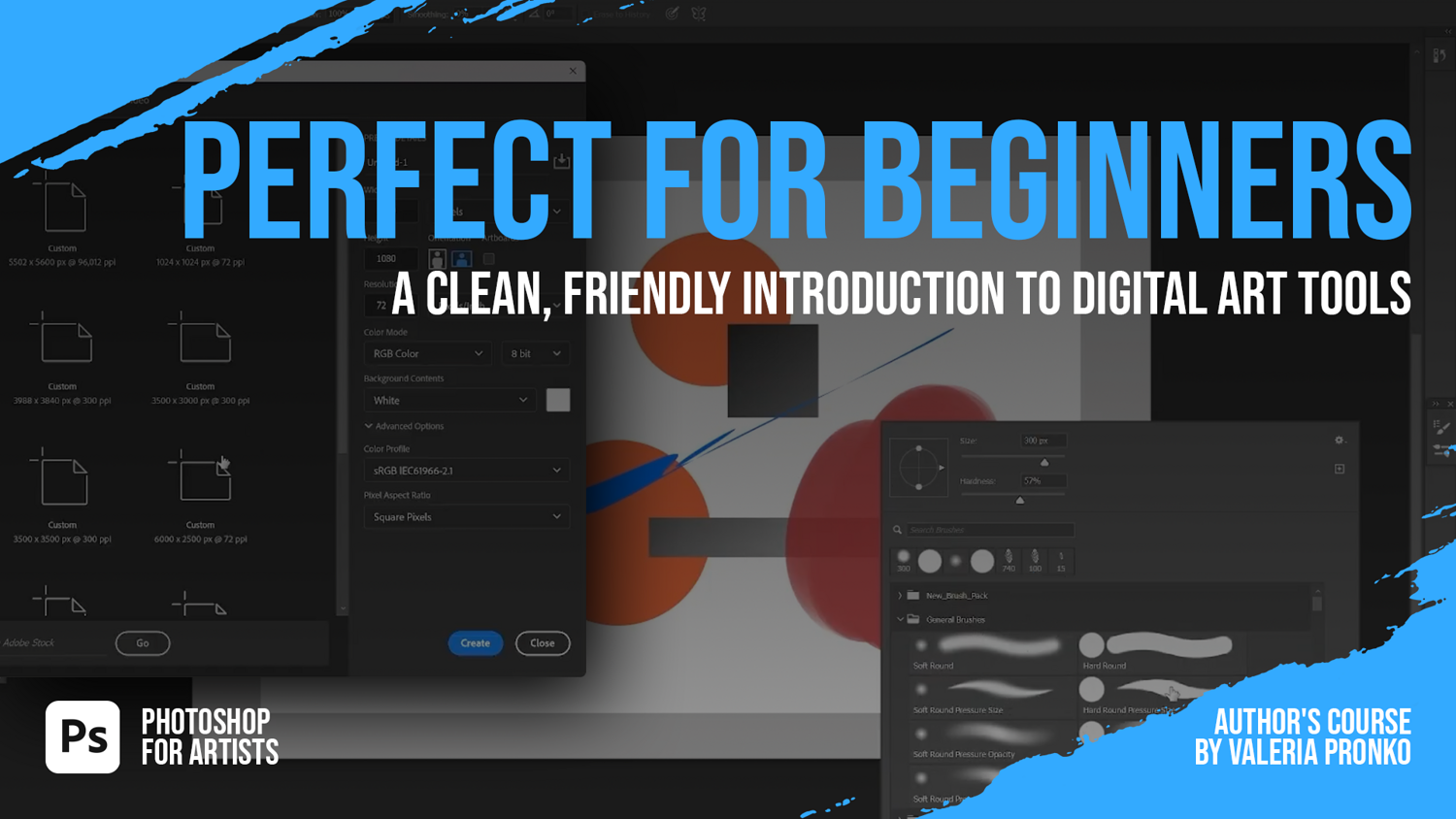
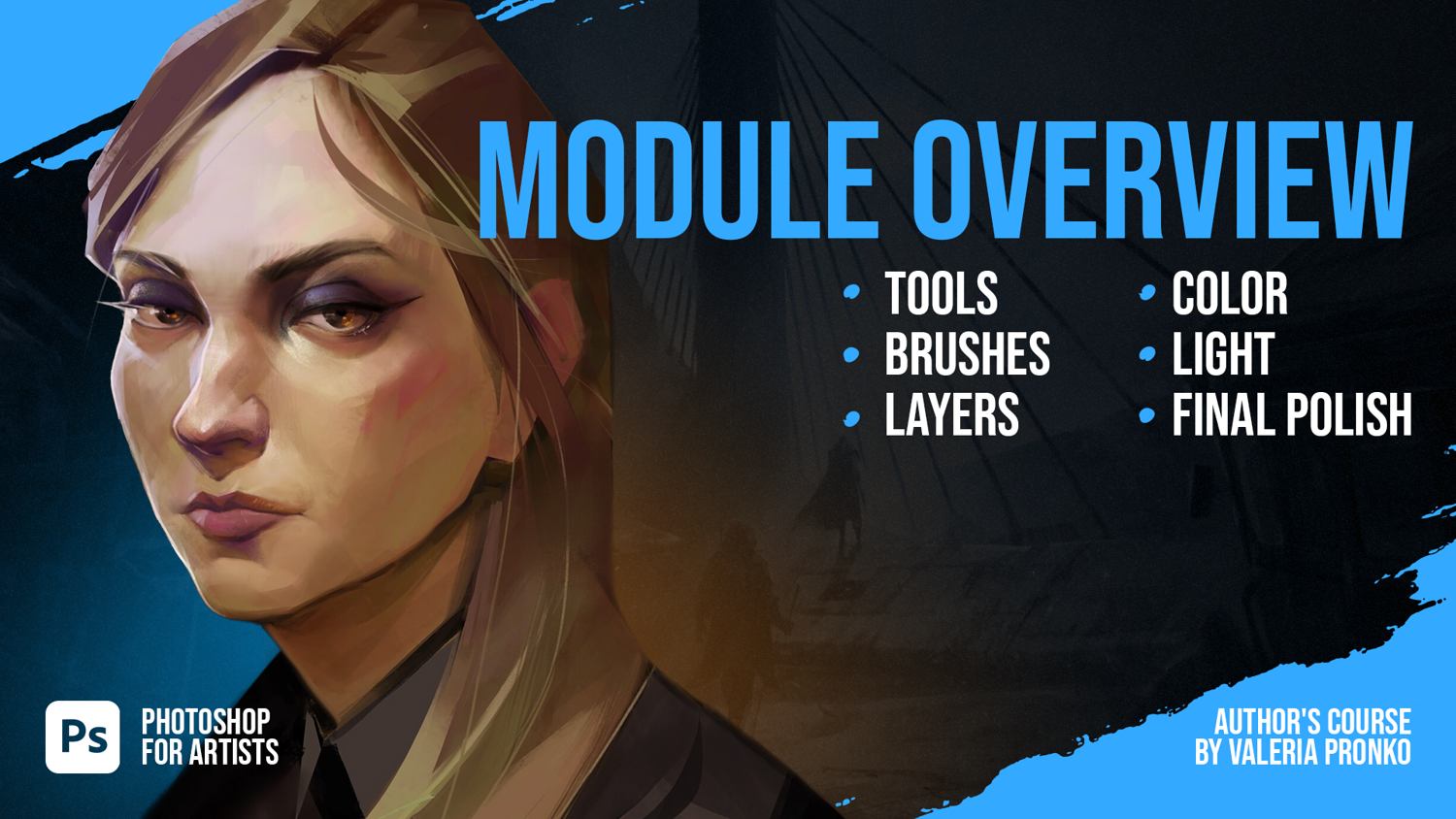
Getting Started & Interface Setup: Learn how to set up your workspace, adjust key settings, and prepare Photoshop for comfortable drawing.
Navigation, Tools & Hotkeys: Master the essential navigation, core tools, and shortcuts that speed up your workflow from day one.
Understanding Brushes: Explore brush categories, settings, pressure, opacity, and how to choose brushes for different tasks.
The Hard Brush Method: Learn how to use a hard brush for clean shapes, confident strokes, and structured painting.
Layers & Masks: Understand how layers, masks, and blending modes work together to build a clean, flexible workflow.
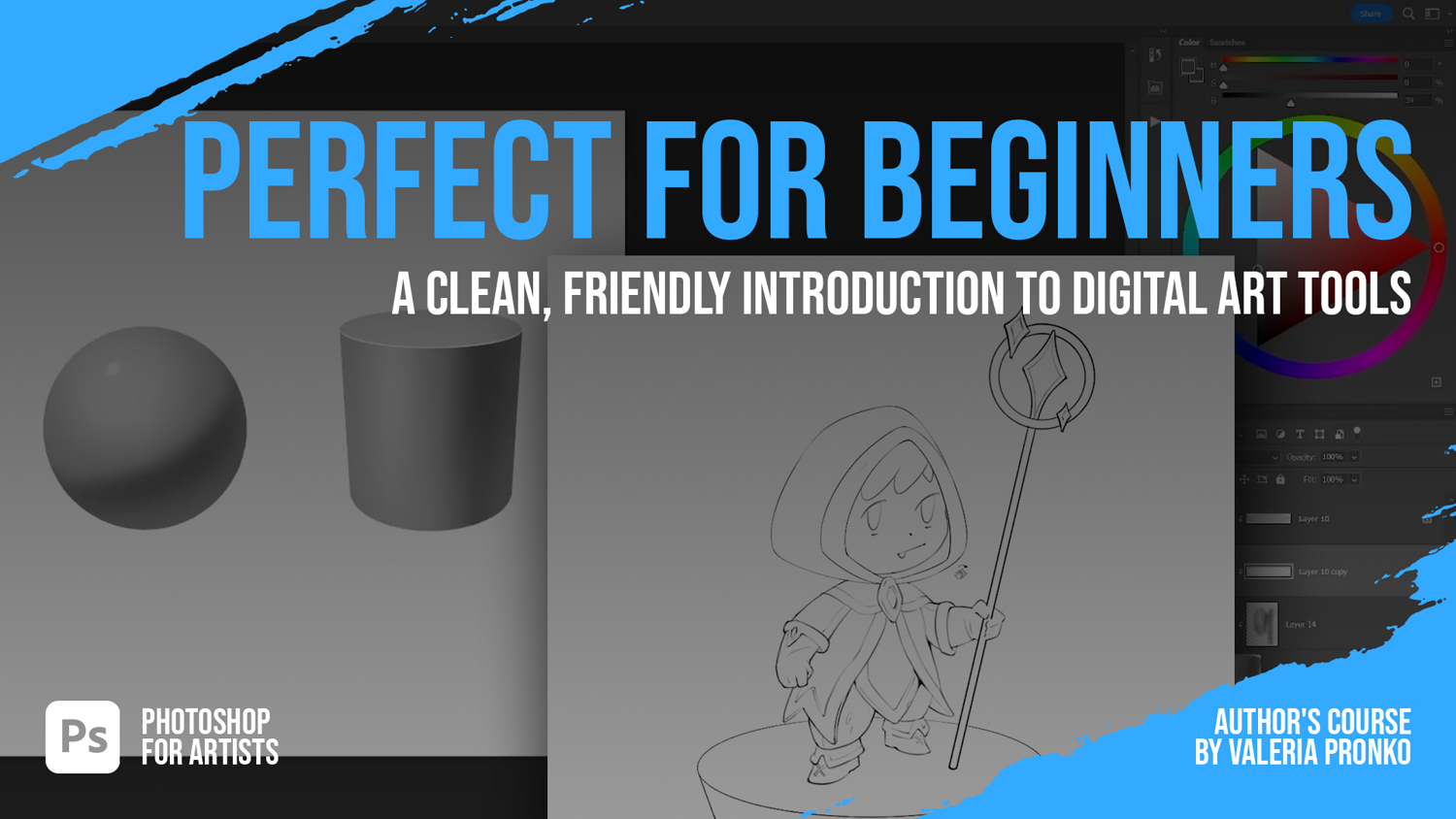
Drawing Simple 3D Forms: Practice volume through basic forms to understand light logic and structure in digital format.
Choosing a Character Lineart: Select from several ready-made lineart options and learn how to prepare them for painting.
Filling the Silhouette Quickly: Discover multiple methods for blocking in silhouettes fast using selections, fill tools, and masks.
Working Step-by-Step with Layers: Organize your layers properly, prepare your character for the next stages, and learn the basics of using the Pen Tool.
Choosing Character Colors: Learn simple approaches to picking colors, plus an introduction to Liquify for refining shapes.
Working with Basic Shadows: Add volume and structure to your character using easy, friendly shading techniques.
Light & Final Touches: Apply simple lighting accents, polish the illustration, and complete your first finished artwork.
Take a look at our new bestsellers!
- 1790+ Anatomy of Love - Male & Female Poses, St. Valentine's Special
- 760+ Form & Flow: Female Anatomy Reference
- 1000+ Light & Shade: Female Portrait & Pose Pack
- 1250+ Dynamic Duo - Female Action Characters
╍╍╍╍╍╍╍╍╍╍╍╍╍╍╍╍╍╍╍╍╍╍╍╍╍╍╍╍╍╍╍╍╍╍╍╍╍╍╍╍╍╍╍╍╍╍╍╍╍╍╍╍╍╍╍╍╍╍╍╍╍╍╍╍╍╍╍╍╍╍╍╍╍╍╍╍╍╍╍╍╍╍
If you have any ideas or suggestions for us, contact us via email: [email protected] 📧
Follow Grafit studio on Instagram and Twitter for more art content, behind the scenes & daily studio life.
Join our Discord and share your results with us.
You will get 13 files
All files previously purchased will always be available for download in your Library
- Photoshop_01.mp4108.65 MB - 15 min
- Photoshop_02.mp4381.93 MB
- Photoshop_03.mp4501.14 MB
- Photoshop_04.mp4123.06 MB - 10 min
- Photoshop_05.mp4707.54 MB
- Photoshop_06.mp4305.79 MB
- Photoshop_07.mp4207.2 MB
- Photoshop_08.mp4493.51 MB
- Photoshop_09.mp4764.28 MB
- Photoshop_10.mp4487.62 MB
- Photoshop_11.mp4876.57 MB
- Photoshop_12.mp4448.07 MB
- Course_Assets.zip37.82 MB