At a glance
Description
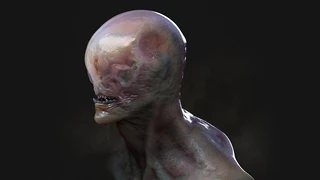
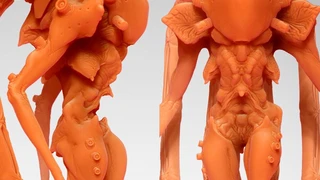
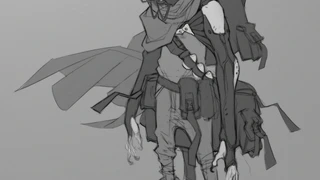
In this tutorial, I share with you my thought process of creating creature concepts inside of ZBrush. I talk about the flow of design, and finding a good balance. The real purpose of the tutorial is to share the steps to create fast conceptual renders in black and white, to share with your client or director. All using ZBrush and Photoshop.
ZBrush and Photoshop - beginner, intermediate, and expert level
Chapters and Topics: Goals, and ZBrush setup Blocking out the sculpt Refining the forms, design balance Detail sculpting, rhythm, composition, and flow Polypainting and design Rendering in ZBrush Compositing with Photoshop
Includes: 7 part, downloadable tutorial 1:48:00 hours of video at 720p High-res PSD with Layers
You will get 8 files
Instant download · 8 files · 416.8 MB total