Customizable Hard Surface Decals for Substance 3D Painter – Vol.01
Customizable Hard Surface Decals for Substance 3D Painter – Vol.01
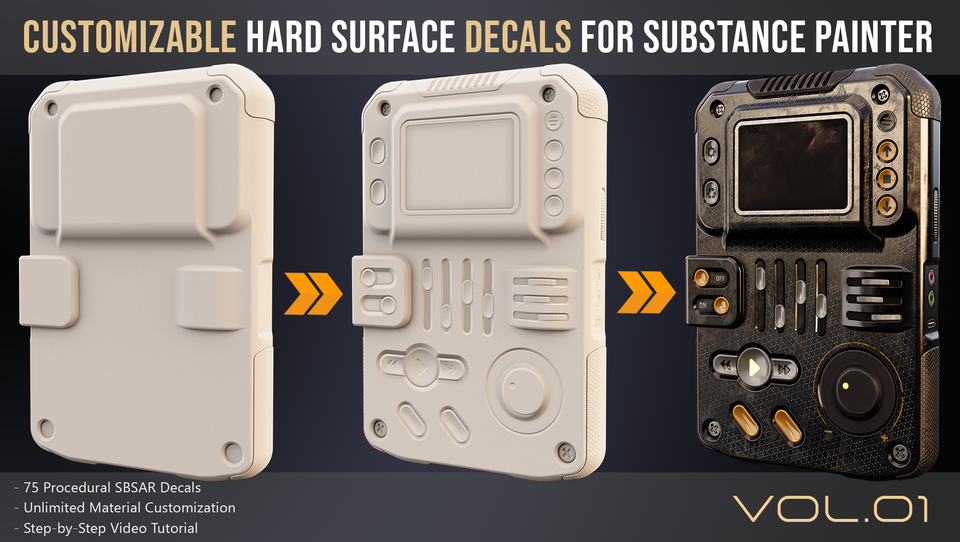
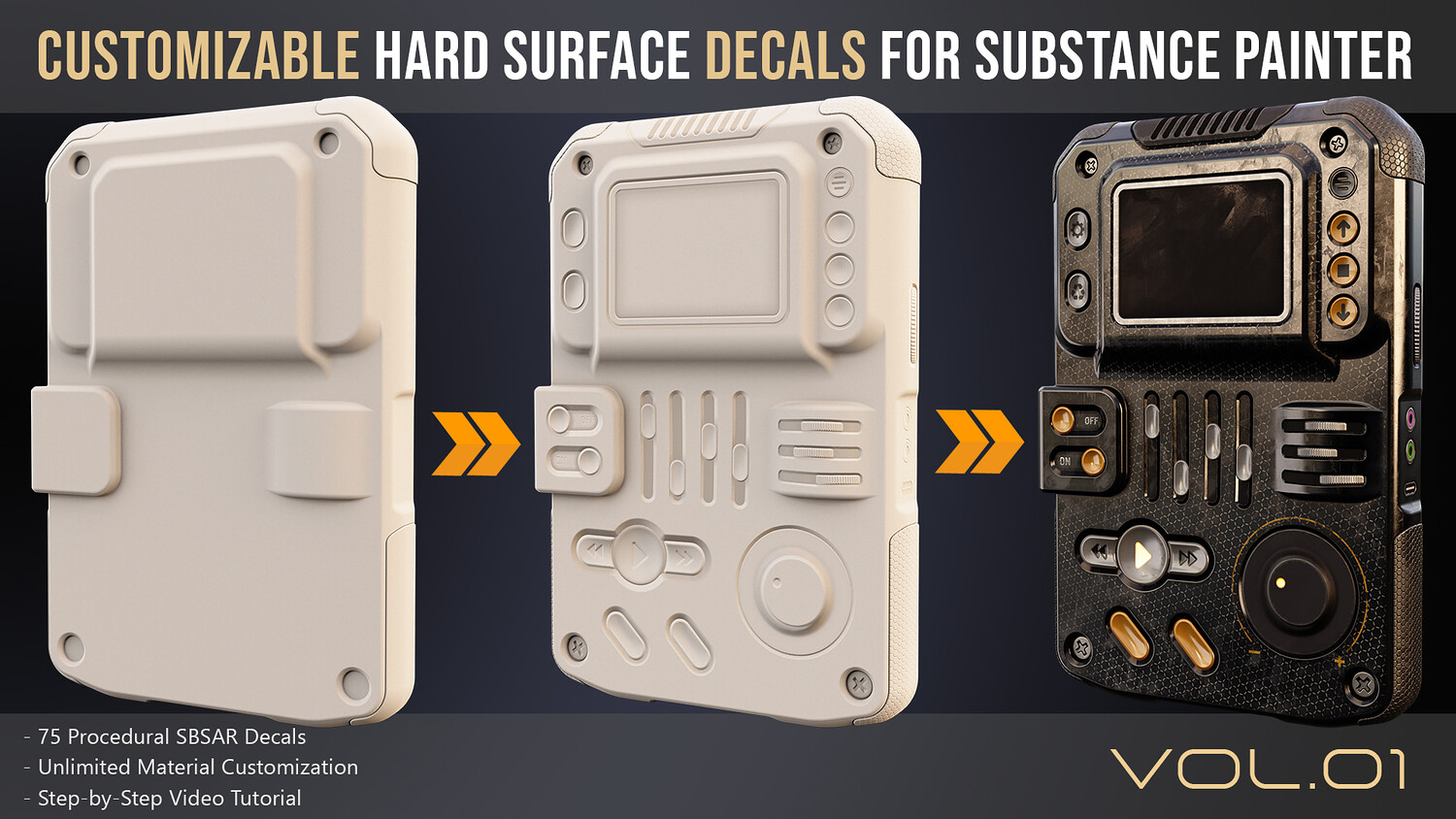
Speed up your hard surface texturing workflow by adding customizable decals without the need to create or bake high-poly geometry.
Rather than using static alpha images, this pack is built around customizable SBSAR decals that provide editable procedural controls and flexible material workflows directly inside Substance 3D Painter.
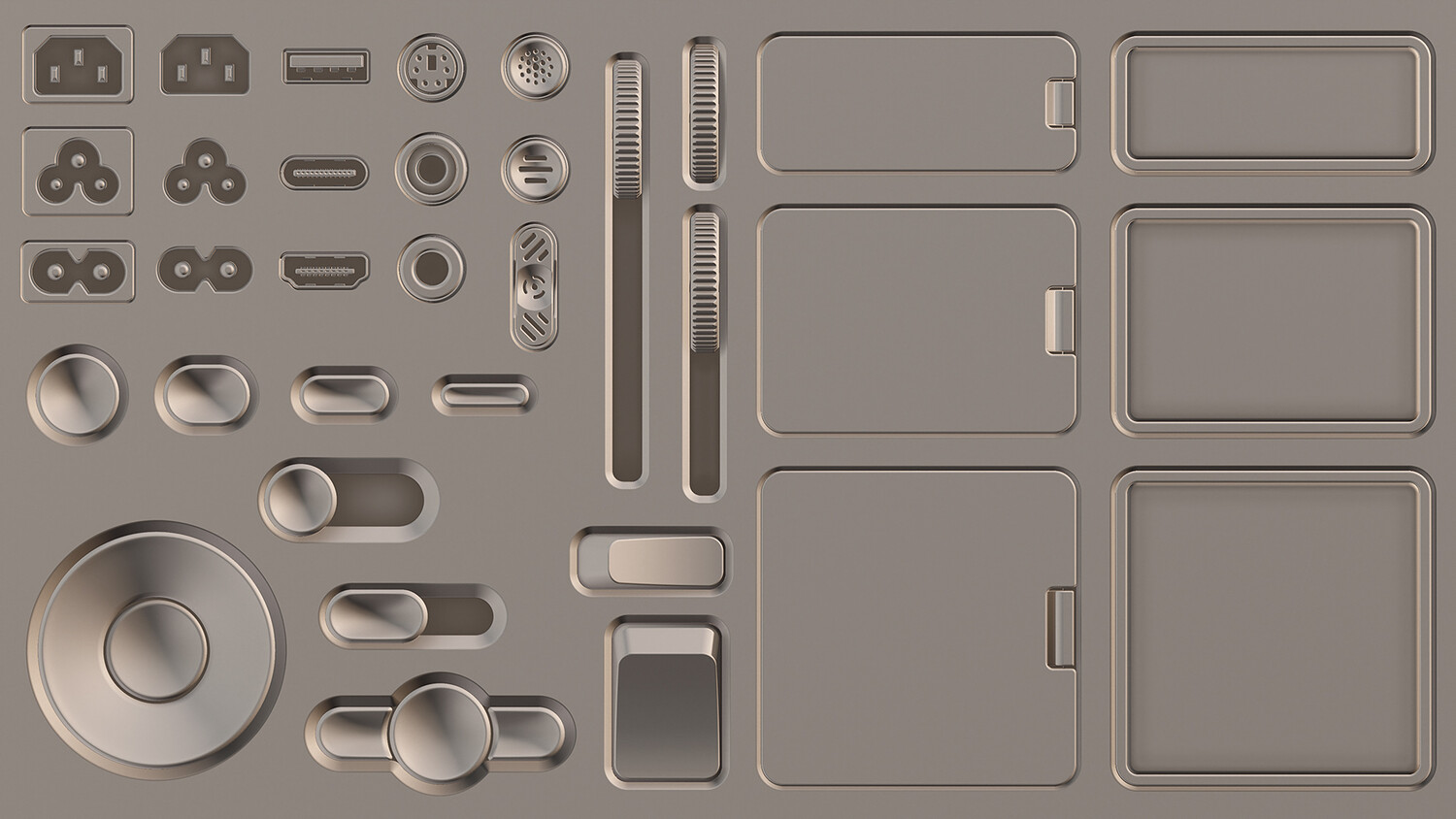
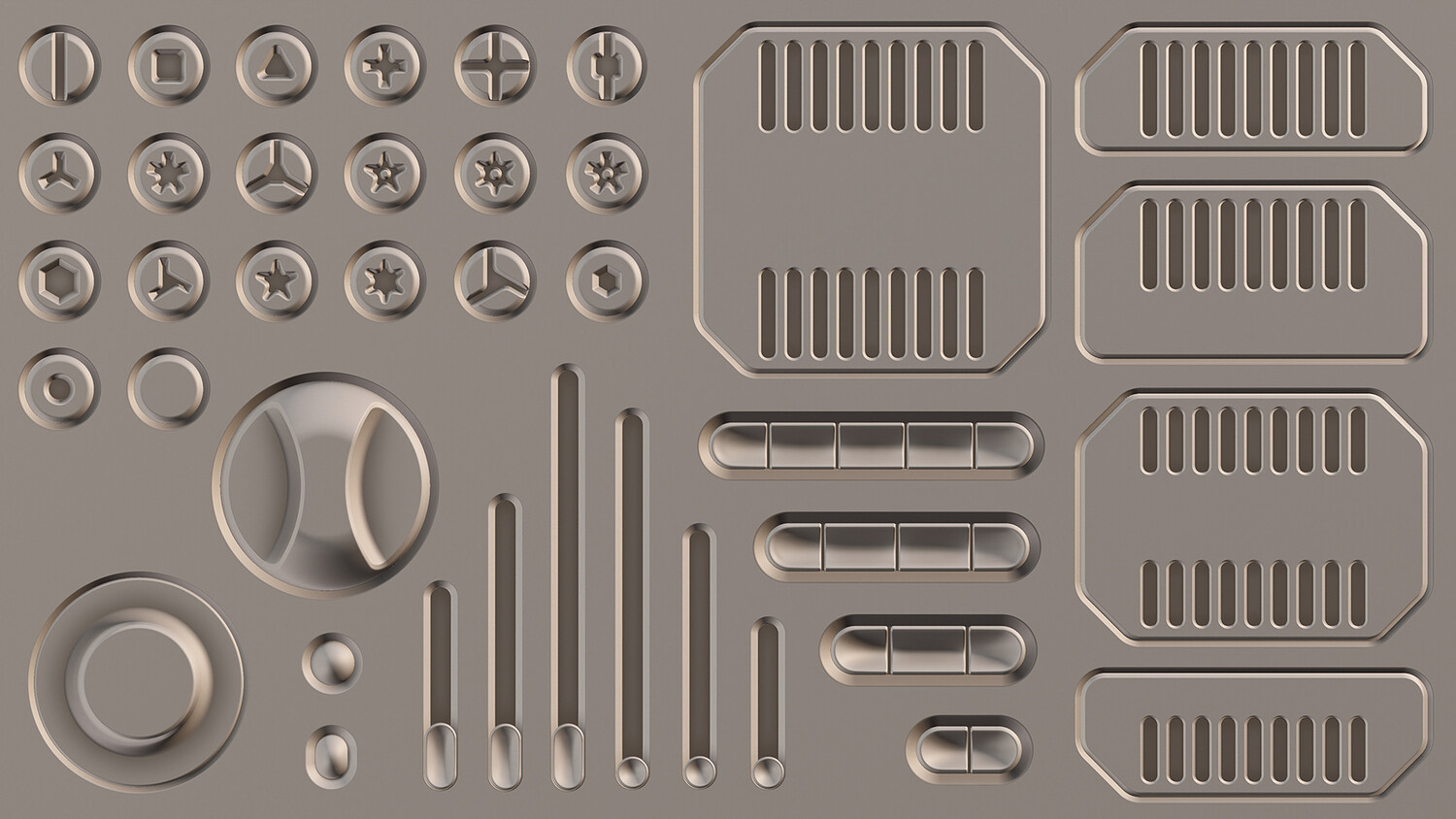
This pack includes 75 customizable 4K SBSAR hard surface decals built in Substance Designer and designed for Substance 3D Painter. The collection contains screws, buttons, ports, LED indicators, LCD displays, and surface panels that can be quickly integrated into your hard surface assets.
Each decal provides independent controls for Height, Normal, and Ambient Occlusion, allowing you to adjust the overall appearance as well as the height of individual decal elements directly inside Substance Painter. Every decal also includes its own dedicated control parameters, allowing you to customize decal-specific features such as slider position, button states, or other interactive elements where available.
Any material available in Substance 3D Painter can be assigned to individual decal elements.
Features:
75 customizable 4K SBSAR hard surface decals Independent Height, Normal, and Ambient Occlusion controls Individual Height adjustment for each decal element Dedicated parameters for each decal Non-destructive workflow No high-poly baking required Automatic resolution scaling inside Substance 3D Painter Compatible with Substance Engine 6 Included Video Tutorial
A 60-minute step-by-step video tutorial is included, covering:
Complete introduction to hard surface decals and their workflow Importing SBSAR decals into Substance 3D Painter Applying decals to your models Three different workflows for assigning materials to individual decal elements Creating reusable Smart Decals Troubleshooting common issues Workflow tips and best practices
The tutorial is also available to watch for free on YouTube: https://youtu.be/lNamVpsl9q8
Compatible with:
Adobe Substance 3D Painter (2018 and above) Adobe Substance 3D Designer Any software that supports Adobe Substance Engine (6 and above)
For support, please contact: [email protected]
You will get 2 files
All files previously purchased will always be available for download in your Library