At a glance
Description
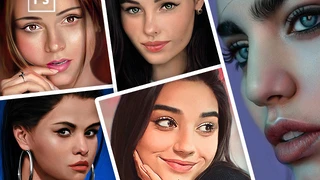
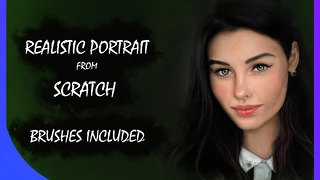
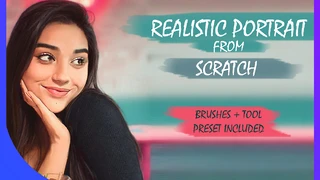
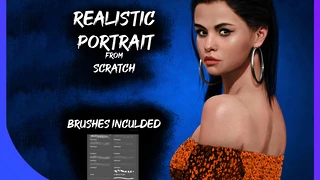
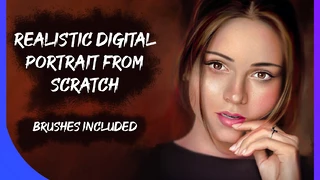
Do you want to know? How to make a Realistic Digital Portrait like this ?
This Course will tell you how to paint this painting step by step in a Nondestructive way.
You will learn all about:
Blocking Out Values Eye Painting Nose Painting Lips Painting Face Shading Gradient Map's Technique Photoshop’s Multi Document Control Depth Of Field Effect How to Identify features that make the painting disproportionate and fixing them in liquify Coloring Skin Texturing Lips Texturing Eye Texturing Eyebrows and Hair Painting Final Touch Ups You will also get:
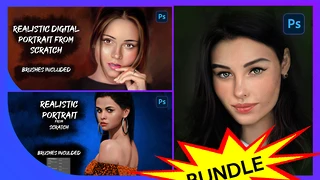
Layered wise Break downed PSD File of the Portrait My Latest Tool Preset of Basic Brushes for portrait Brushes ".ABR" files used in the portrait Reference and sketches
The Above List is divided in 5 Parts as follows:
PART_1.MP4 :
Posterize Theory - Short explanation on fundamental technique on how to start the painting
Blocking Out Values - Painting the values for a head start
Eye Painting
Multi Document Control - For easy reference viewing
Nose Painting
Gradient Map's Theory - Secret to Photorealistic painting
Depth Of Field Effect
PART_2.MP4 : Fixing Proportions with Liquify Coloring - Working with blend modes Fixing Values
PART_3.MP4 : Skin Texturing Noise Filter - Procedural Skin Textures Median
PART_4.MP4 : Lips Texturing Hand Details Eye Details
PART_5.MP4 : Eyebrows Eyelashes Hair Hair Strands Finalizing
Credits: Instagram: @jerry_davos :
You will get 5 files
Instant download · 5 files · 1.7 GB total