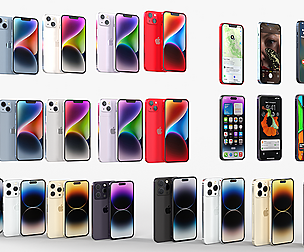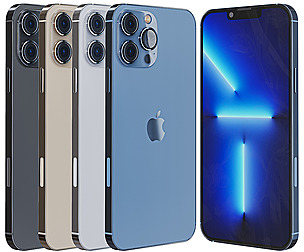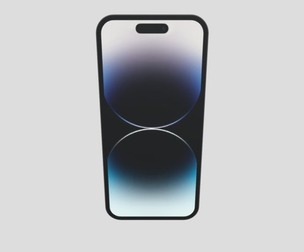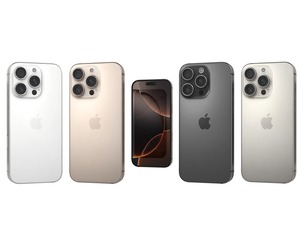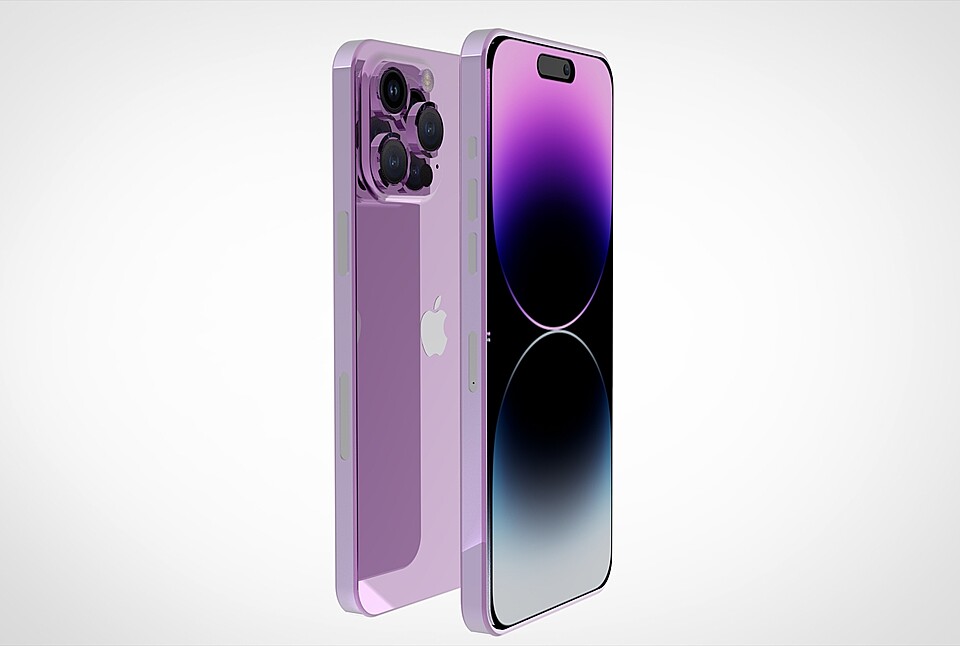


iPhone 14 Pro Max
Realistic (copy) 3d model Apple iPhone 14 and 14 MAX and 14 Pro and 14 Pro MAX v1.
How to use it?
Discovery after the impact of CC 2014-2017 (or above) and create a new composition (you need Element 3D v2.2 to use) Create a new solid layer and add the effect of the elements. (Effect / Video Copilot / Element) Select Install Location Click on the import inside the Element 3D Installation location Select my .e3d according to the model and click on the open button. If you do not see the model, do not forget to right click on the model name and press the replace model select. Topology of geometry:
forms and proportions of The 3D model the geometry of the model was created very neatly detailed enough for close-up renders the model optimized for turbosmooth modifier Not collapsed the turbosmooth modified apply the Smooth modifier with a parameter to get the desired level of details Organization of scene:
to all objects and materials real world size (system units - mm) coordinates of location of the model in space (x0, y0, z0) does not contain extraneous or hidden objects (lights, cameras, shapes etc.)
Model Details
- FormatsFBX, PLY, STL, OBJ, DAE, BLEND
- Polygons36239
- Vertices24942
- animatedno
- materialsyes
- texturesno
- riggedno
- uvsyes
- 3d print readyno
You will get 19 files
All files previously purchased will always be available for download in your Library
- 14 PRO MAX.mtl2.56 KB
- 14 PRO MAX - Copie - Copi...138.85 KB
- 14 PRO MAX.fbx812.13 KB
- untitled.ply821.47 KB
- 14 PRO MAX.usdz927.19 KB
- 14 PRO MAX.3mf901.74 KB
- 14 PRO MAX - Copie - Copi...1.16 MB
- 14 PRO MAX.SLDPRT1.39 MB
- 14 PRO MAX MAX MAX.SLDPRT1.48 MB
- 14 PRO.bip1.48 MB
- 14 PRO MAX.bip1.48 MB
- 14 PRO MAX.glb1.65 MB
- 14 PRO MAX.stl1.73 MB
- untitled.usdc2.41 MB
- untitled.abc2.69 MB
- untitled.x3d3.71 MB
- 14 PRO MAX.obj3.74 MB
- untitled.dae4.75 MB
- untitled.blend5.01 MB