


Ink Brushes - Photoshop version
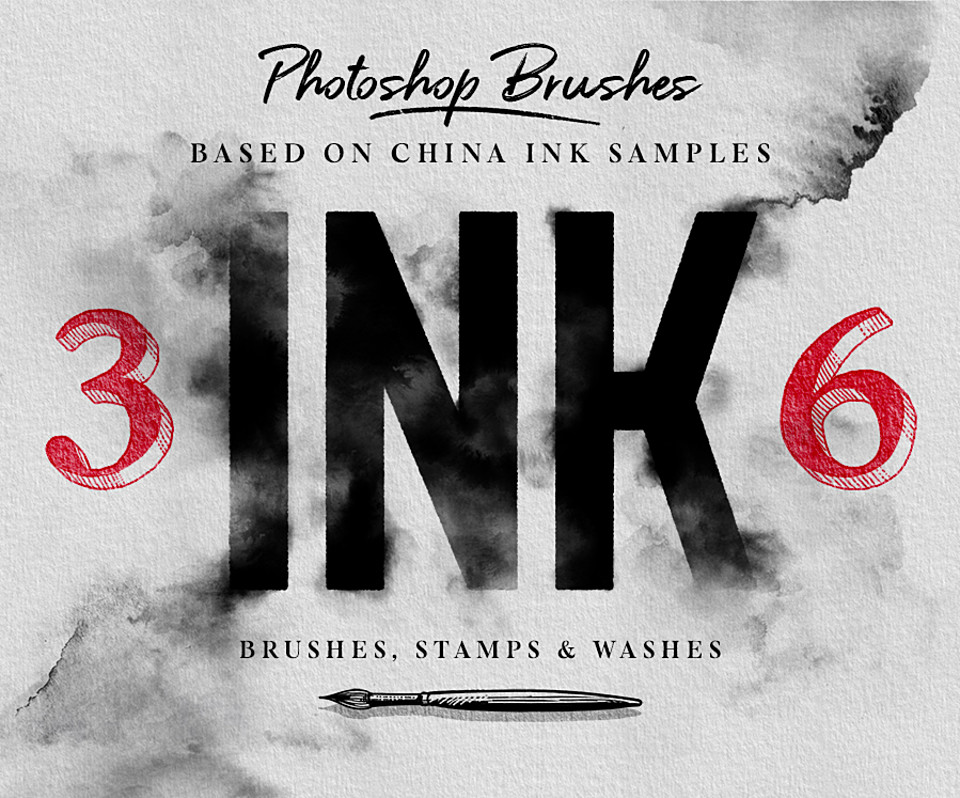
INK BRUSHES, SET OF 36 : PHOTOSHOP VERSION
See the Procreate version here: http://cbr.sh/uwdjr9
Please note: due to differences between the two brush engines (Procreate and Photoshop), this version isn't an exact copy of the original one - I did my best to replicate most of the settings so the brushes look as similar as possible, but they still are a bit different.
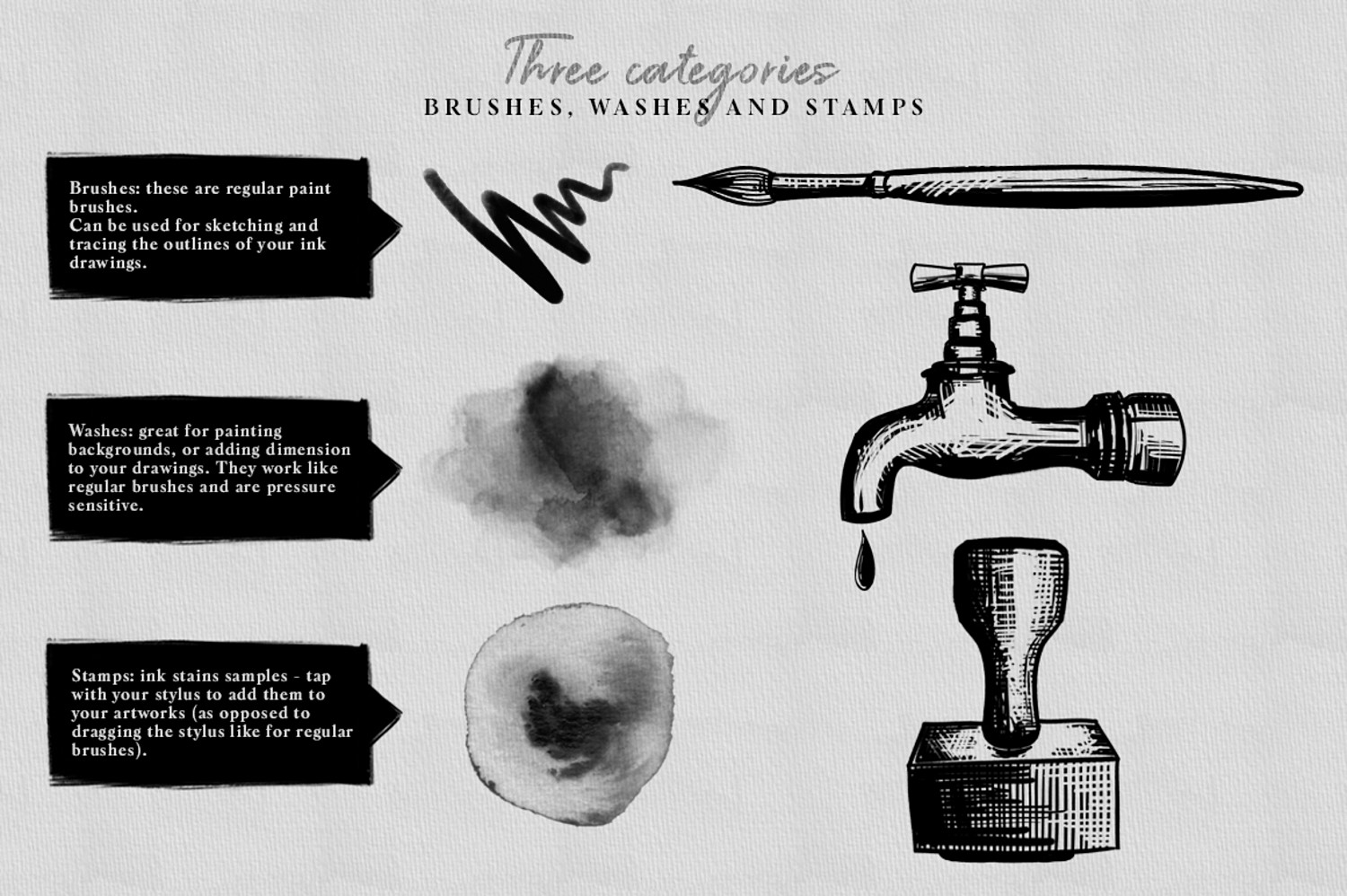
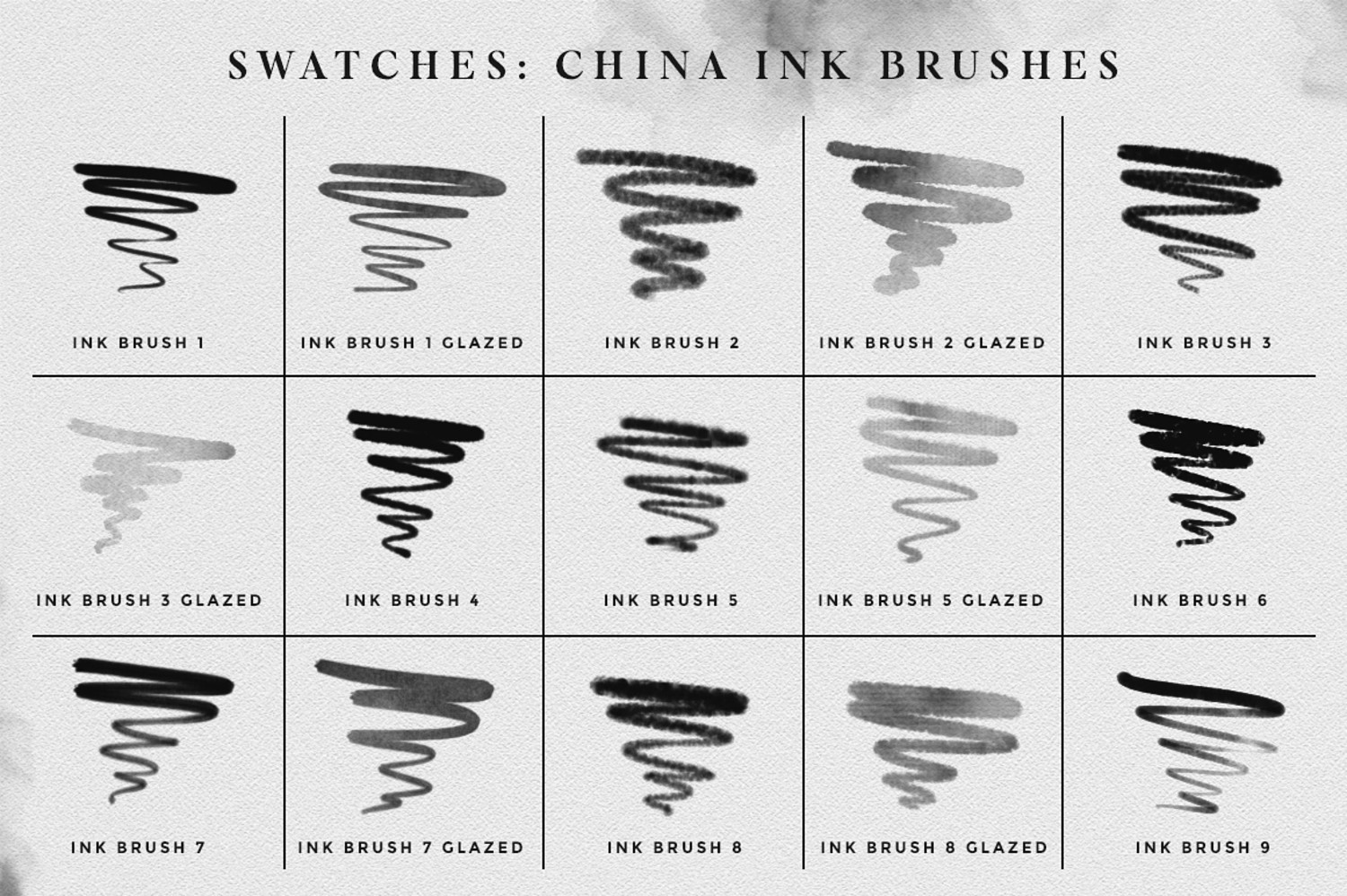
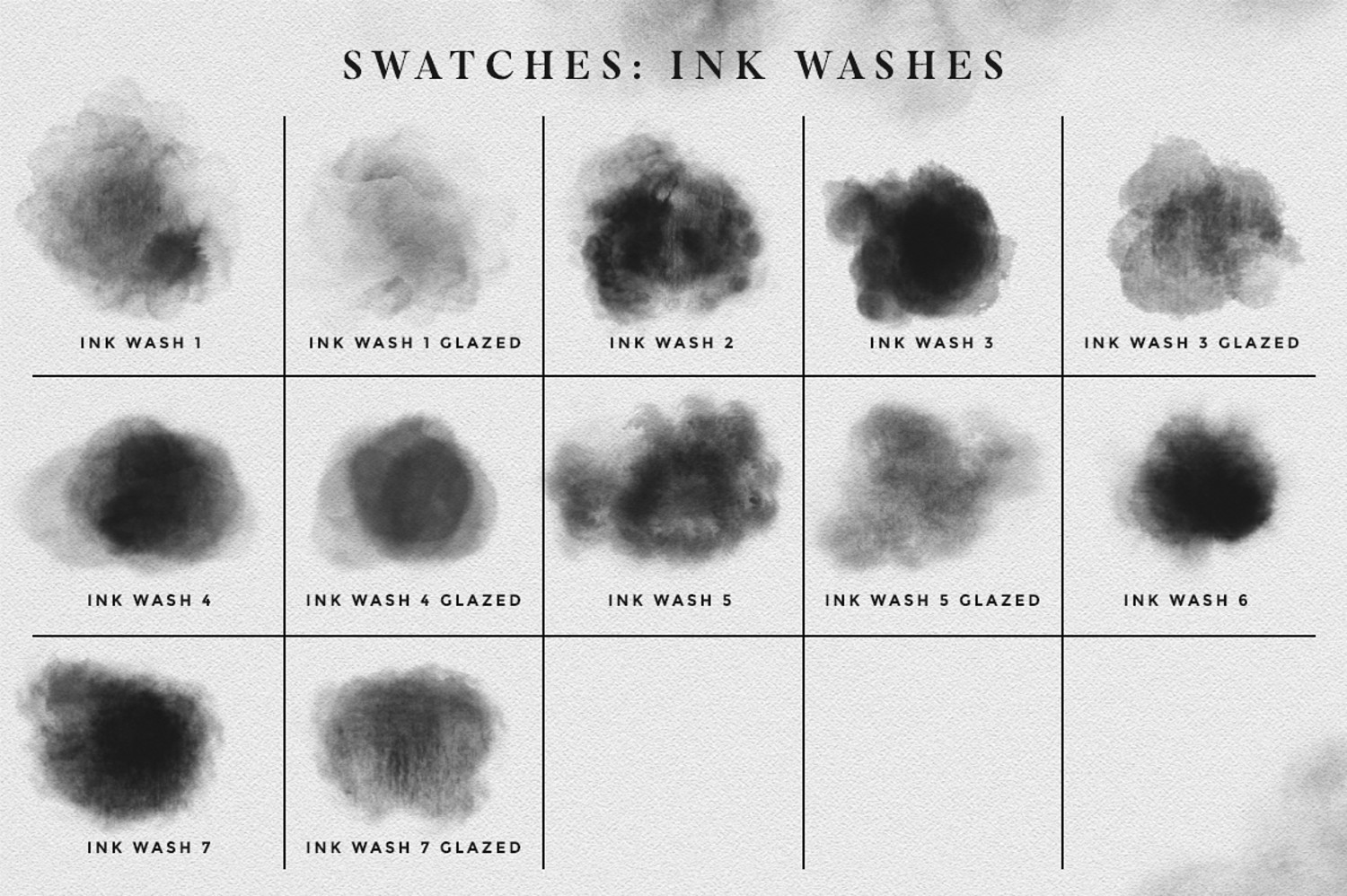
The set includes a total of 36 brushes and is divided into 3 different categories: regular brushes (for ink sketches and illustrations), ink washes, and ink stains stamps. (See swatches pictures for a preview of all the brushes included).
All these brushes were created from real China ink samples, that have been scanned and transformed into brushes, for a more realistic result. I've also added 5 paper textures as a bonus, that you can add as background for your artworks :)
What's included:
• 12 Ink washes brushes
• 15 Sketching ink brushes
• 9 Ink stains stamp brushes
You will receive a ZIP containing the 36 brushes files, in .abr format, a JPG swatches sheet for a quick preview of the brushes, and the 5 bonus paper textures in JPG format.
To use these brushes, you will need:
• Photoshop, preferably CC. These brushes have been tested and work with older versions (CS5 and CS6).
• Recommended: a tablet with pressure sensitive stylus (the brushes have settings for pressure sensitivity, such as opacity and size).
How to install the brushes:
• In Photoshop, select the brush tool. Then, click on the top menu icon that shows a preview thumbnail of the brush currently selected - this will open your brush collection window.
• Click on the little cogwheel icon on the right of the window (arrow icon in older versions), and then select "Import brushes..." ("Load brushes..." in older versions of Photoshop).
• Locate the .abr file containing the brushes, and click Open - the brushes are now added to your collection.
You will get 1 file
All files previously purchased will always be available for download in your Library