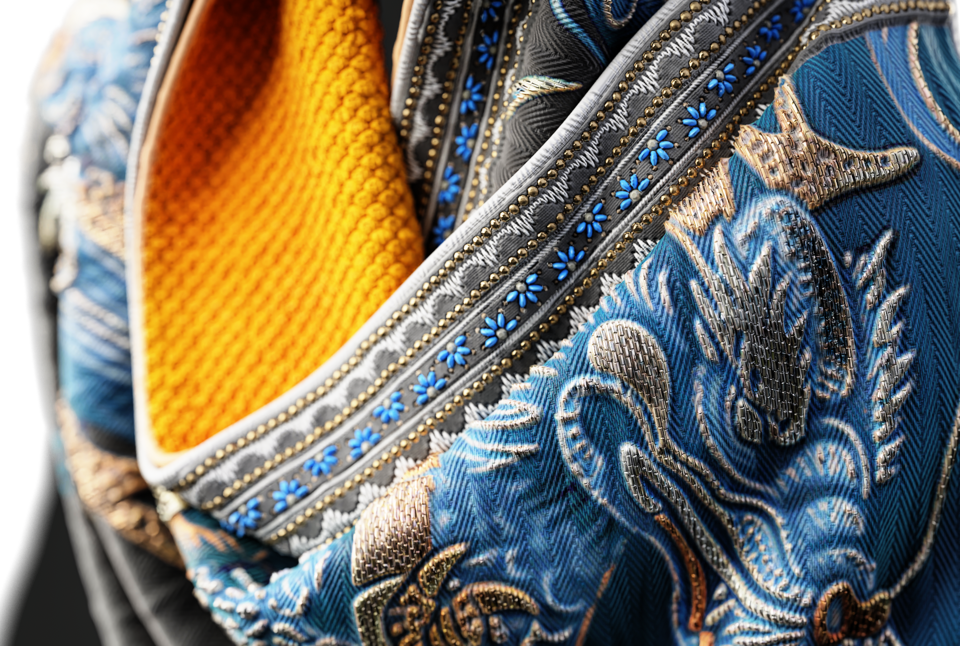
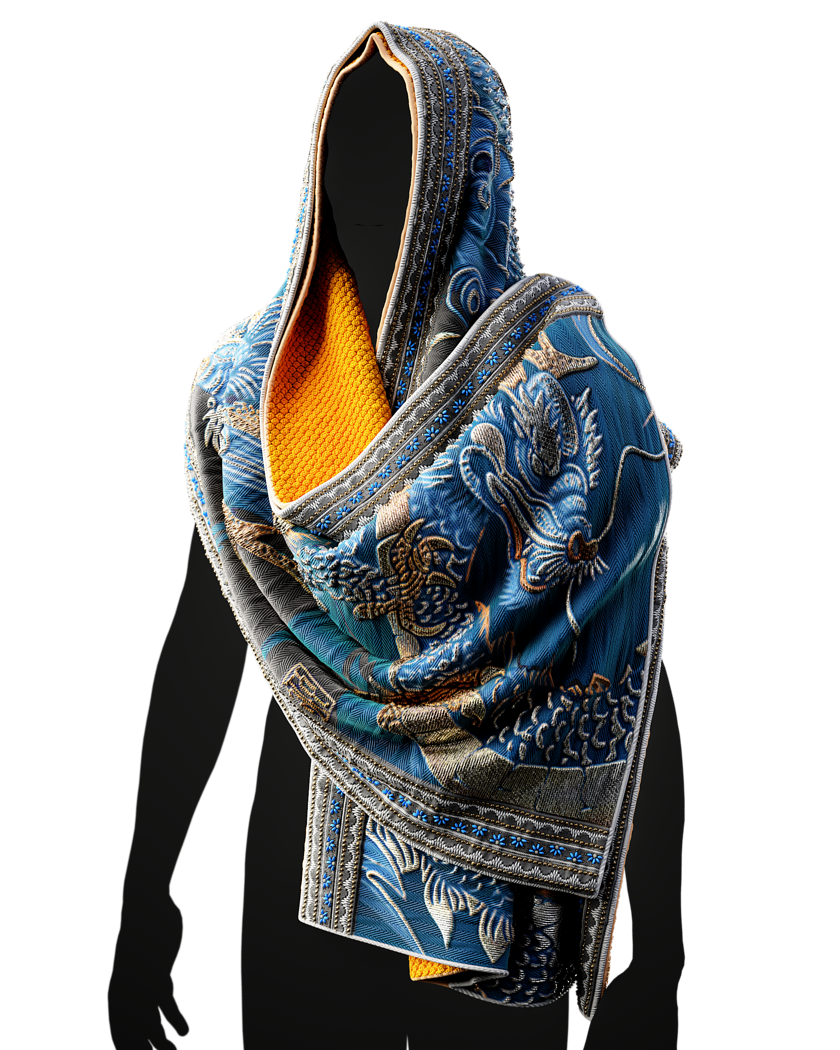
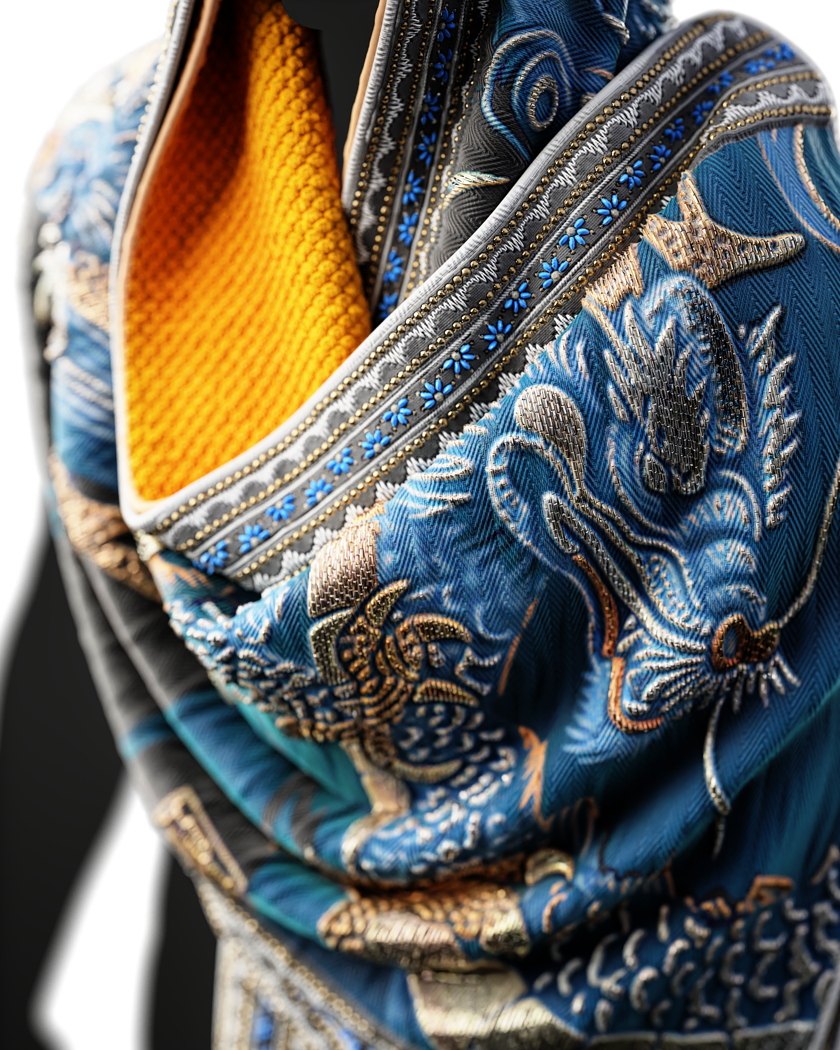
Texturing a shawl in substance painter
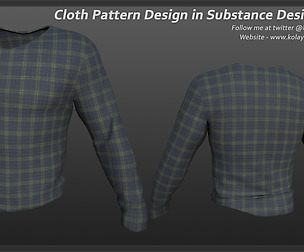
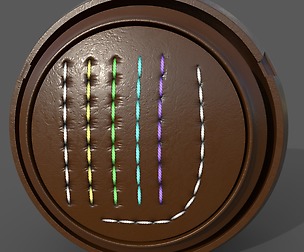
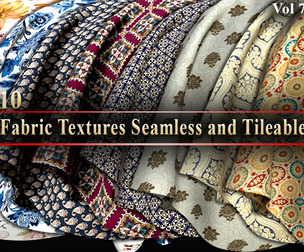
https://youtu.be/urA-oaoqfpM Working with Substance Painter to texture cloth is a fun and easy way to add realistic details to your models. In this video, I will be demonstrating how to make a scarf from the base mesh collection shiny. To start off, I'll be using a fabric pattern from the 9th collection to add depth to the inner part of the scarf. Next, I'll be using the default stitches tool in Painter and my personal beadwork tool to add borders and details. Once I have all the parameters set up, I'll move on to modifying the main pattern. For this project, I used Midjourney to create the pattern, but you can also create it yourself, use AI, or even ask a friend for help. The final step is to combine the design with the beadwork tool and make the pattern pop out. You can find all the tools I used in this video here:
BaseMesh:
artstation.com/a/37858291
Substance Tool:
artstation.com/a/38189980
artstation.com/a/37981013
And Also,
we released a brand new course for substance painter "Substance Master Course" and here is some info:
artstation.com/a/36669483
https://www.substancemaster.com/substancepaintercourse
23hours narrated Substance Painter Tutorial with 6 Project
Guided by instructor Mehdi Beheshti, a professional with over 4 years of experience teaching CG software to more than 2000 Students, this course is your ticket to Learning Substance Painter professionally. As a top seller on ArtStation Marketplace for 3 years, Mehdi brings his expertise to help those who want to learn Substance Painter with a thrilling journey.
Don't miss this opportunity to learn something new and improve your skills. Check out the tutorial now and hit the "Like" button if you find it helpful. Don't forget to subscribe to our channel and share your thoughts in the comments section.
You will get 1 file
All files previously purchased will always be available for download in your Library