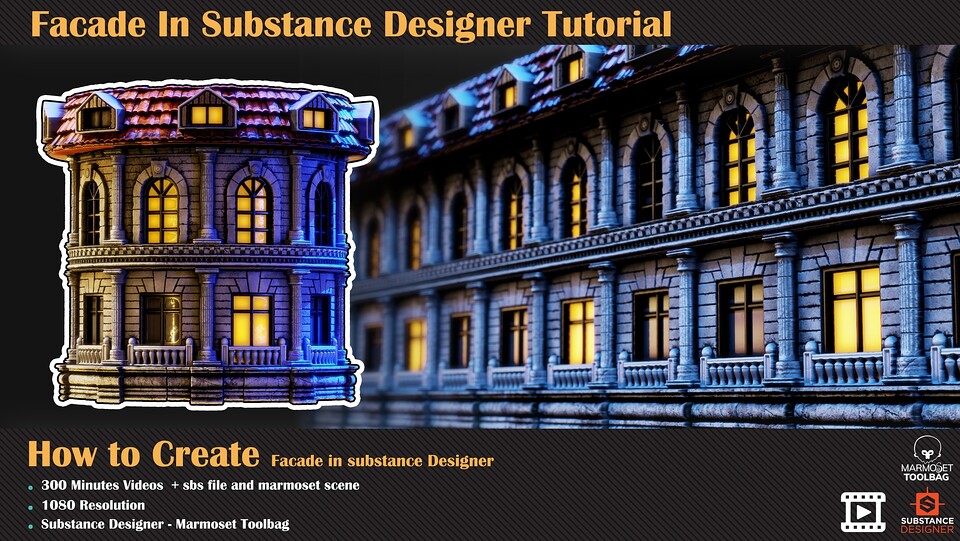




Facade In Substance Designer Tutorial
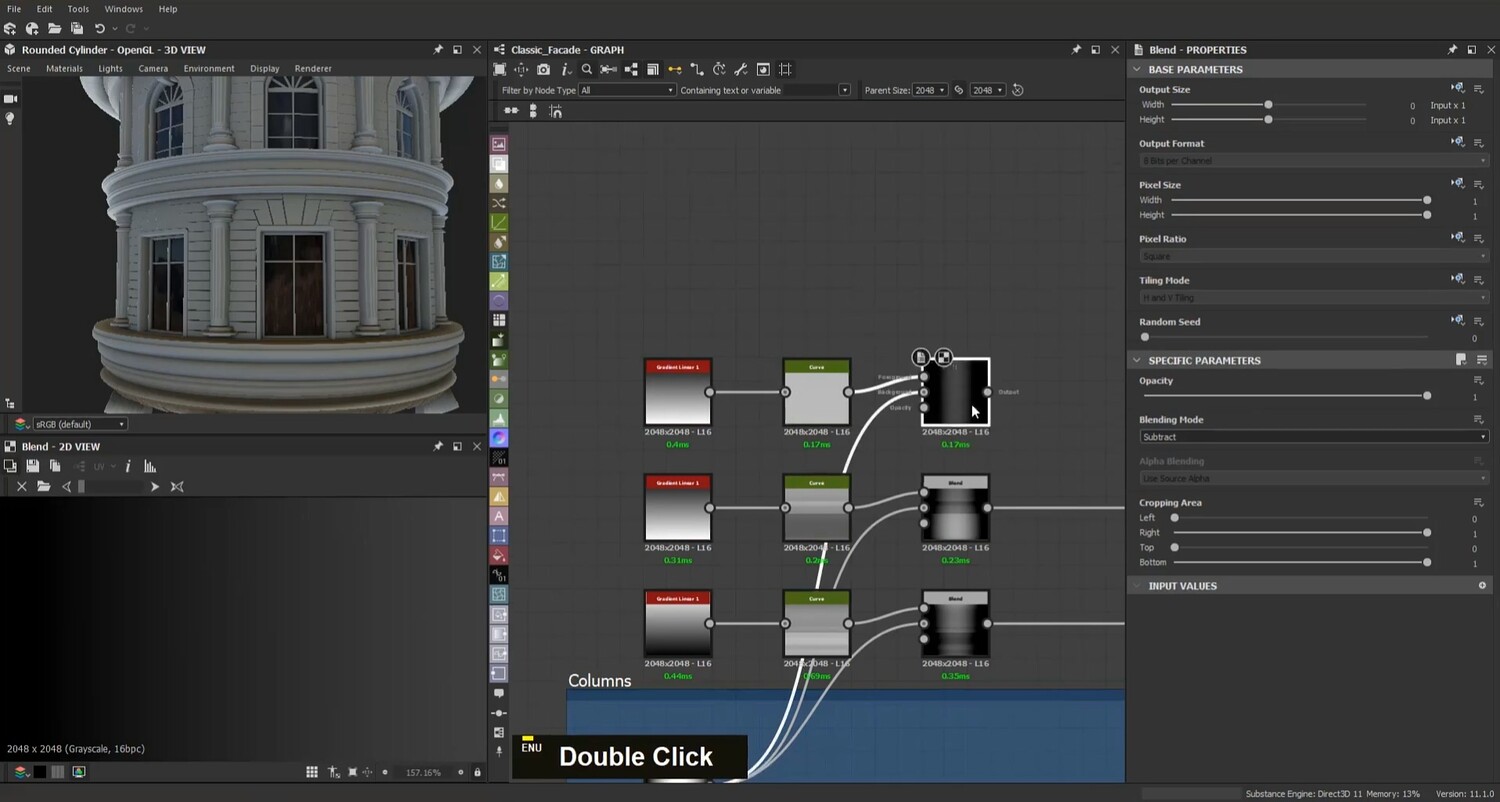
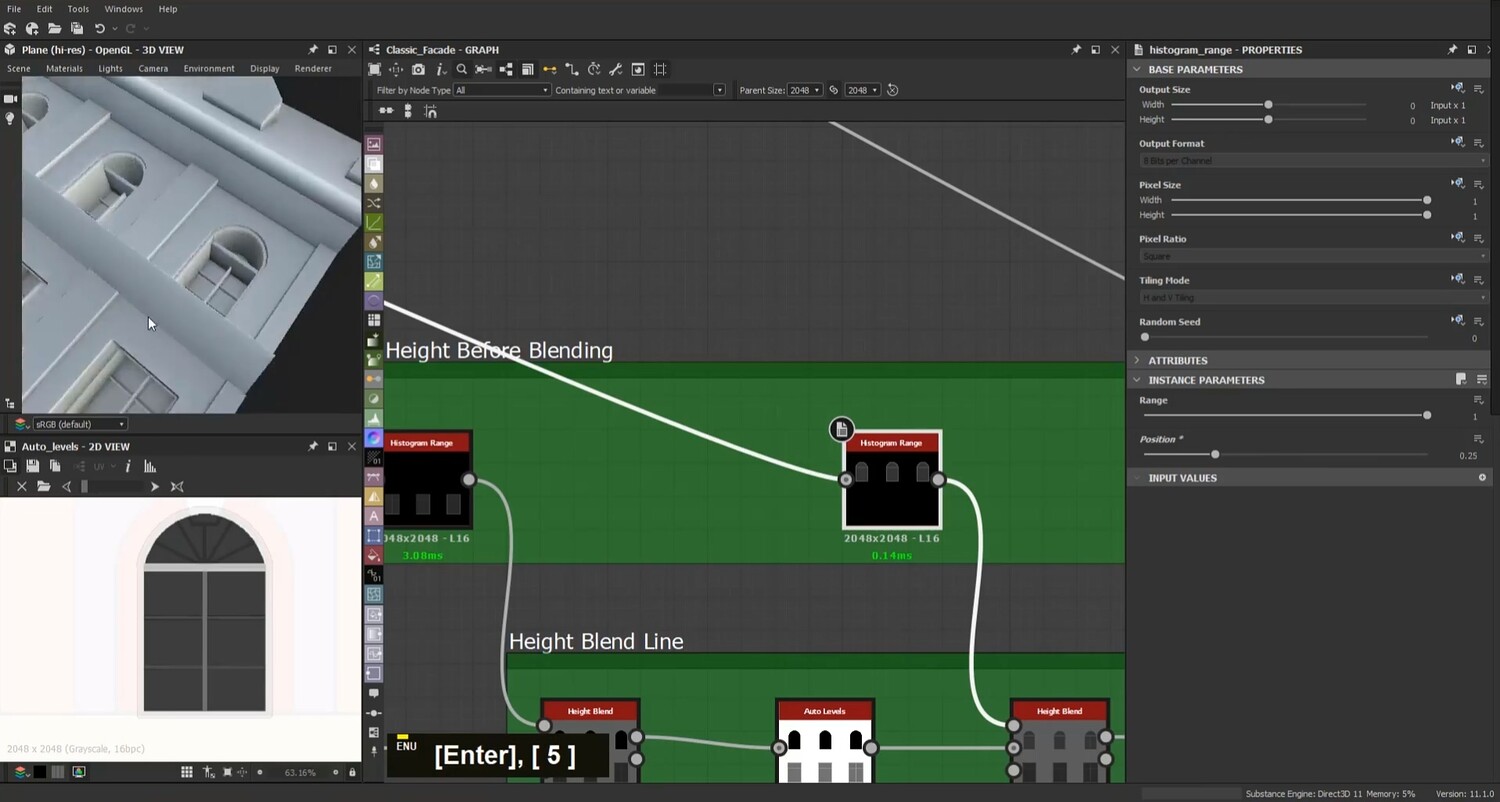
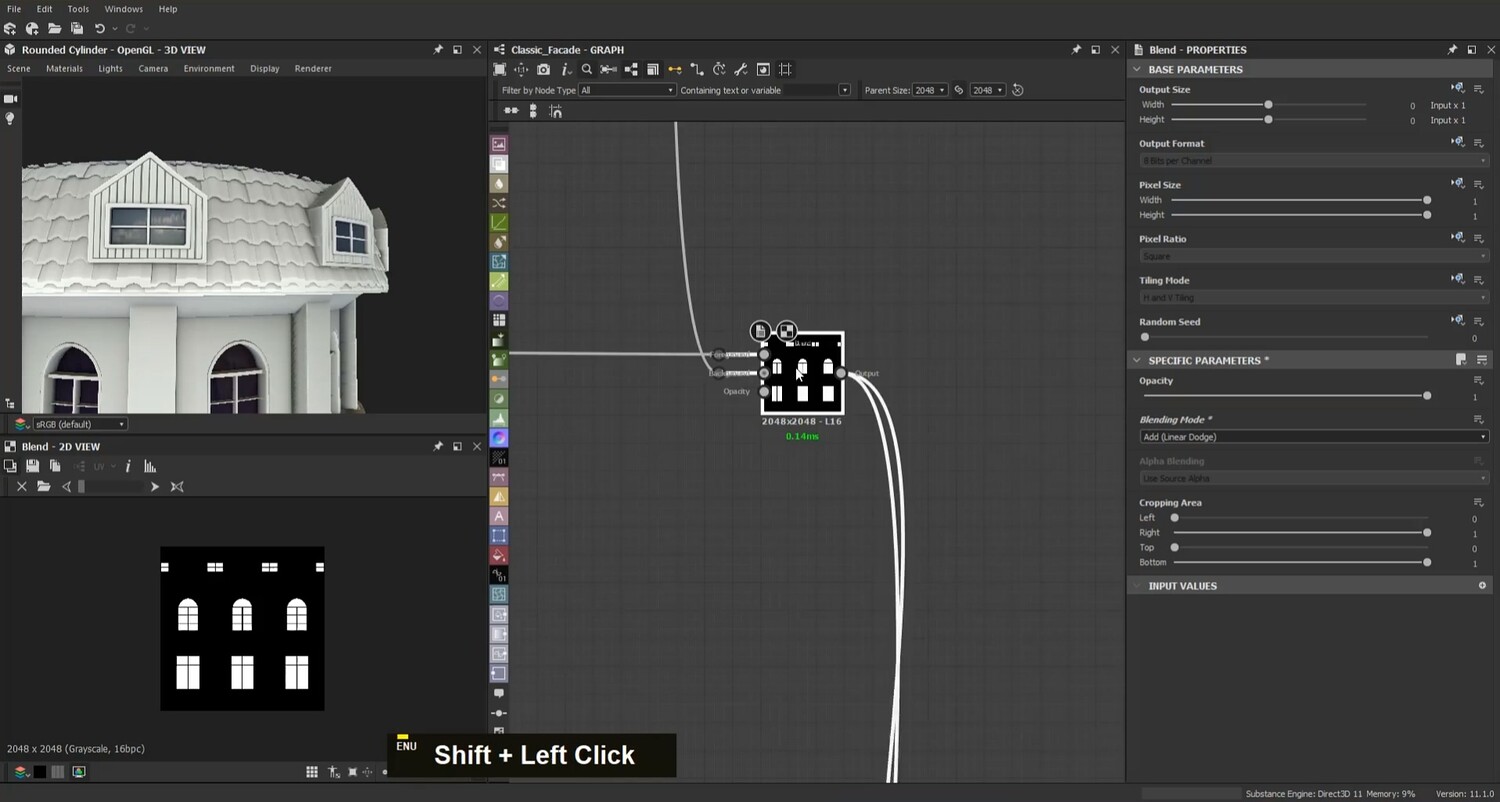
Making building facade in substance designer without any modelling, just nodes and blend them. In this tutorial, you can learn how to use basic node in substance designer to create a procedural facade only in 300 minutes. Learning this technique can help you understand what you can do in the substance designer for the projects like this.
Using this tutorial, you need to know the basic fundamental of substance designer and its workflow.
Contents:
300 minutes unnarrated videos 1080 Resolution
Chapters:
Creating the Height/Normal/AO maps for overall shape and details Creating BaseColor/Roughness/Metallic maps Exporting and Rendering in marmoset toolbag
Software Used:
Substance Designer Marmoset Toolbag
Level
Intermediate Prerequisite Basic knowledge of software used
Attention: SBS file, marmoset scene are included
Attention: all videos are unnarrated ( it means there is no voice-over videos or subtitles )
The other products too:
Military Radio In Substance Designer Tutorial: 20 Leather Smart Materials + PBR Textures : Metal Smart Materials + PBR Textures + Free Video Tutorialshttps: Wood Smart Materials & PBR Textures + Video Tutorialshttps: Smart Materials and 4K PBR Textures + Video Tutorial :
and other Products :
You will get 2 files
All files previously purchased will always be available for download in your Library