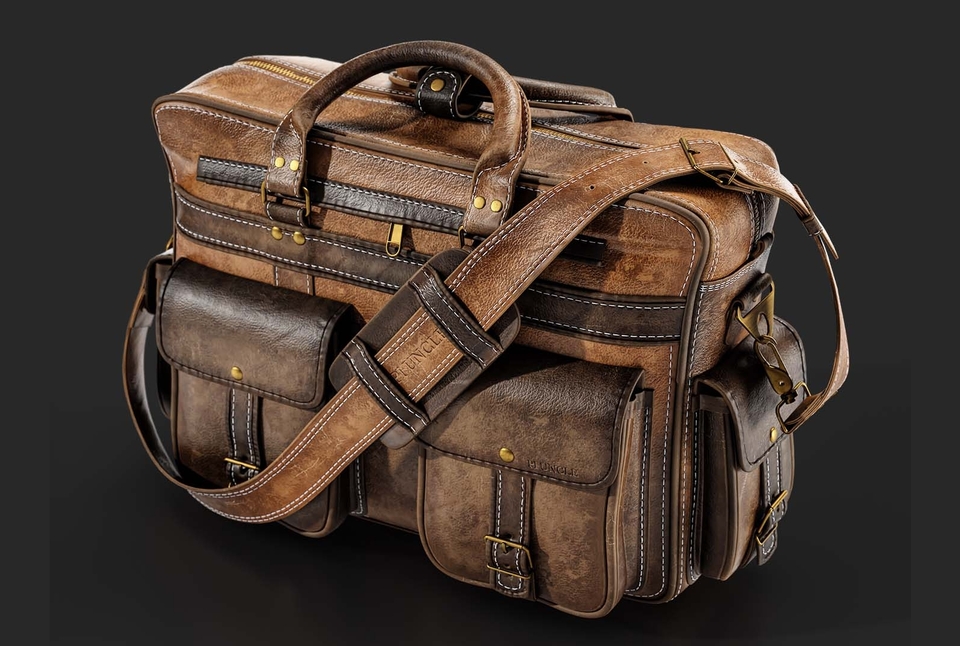
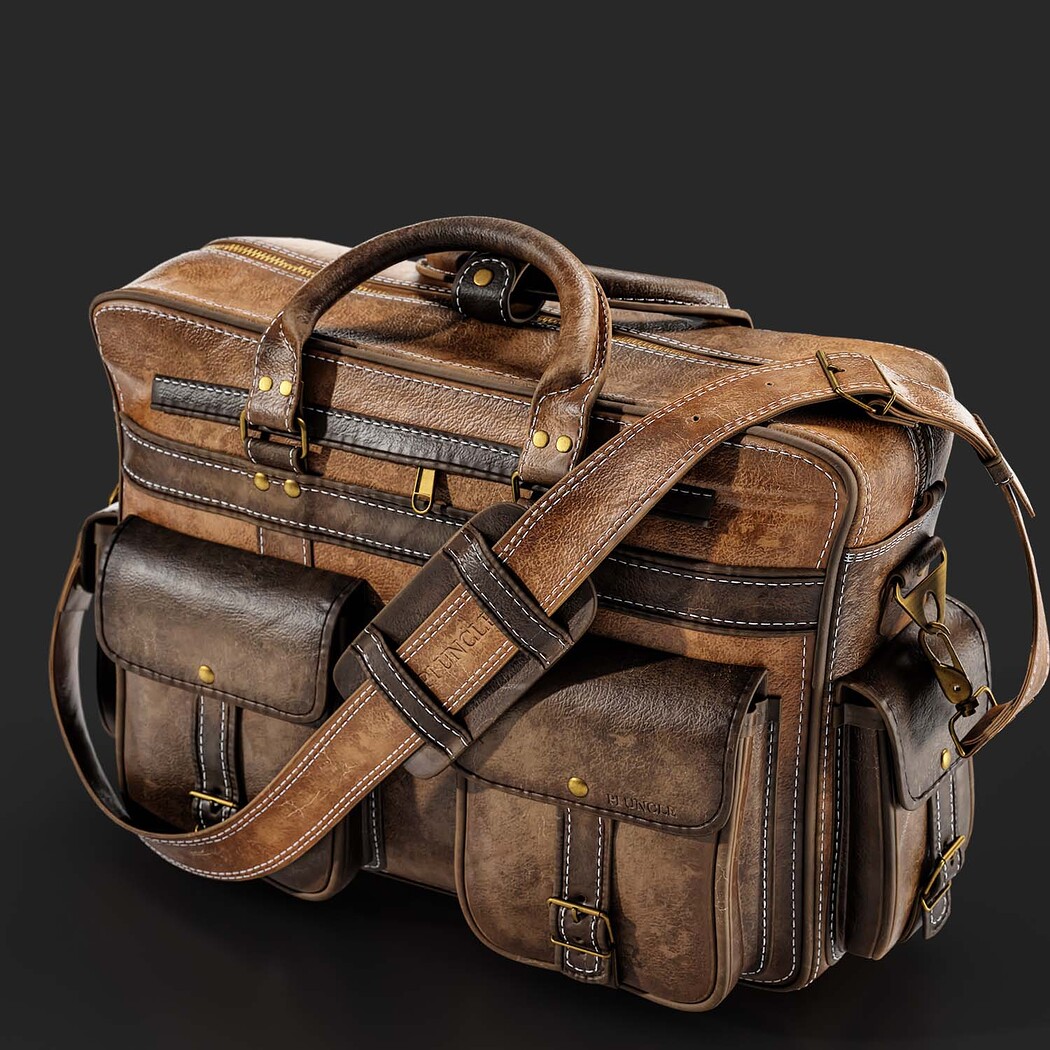

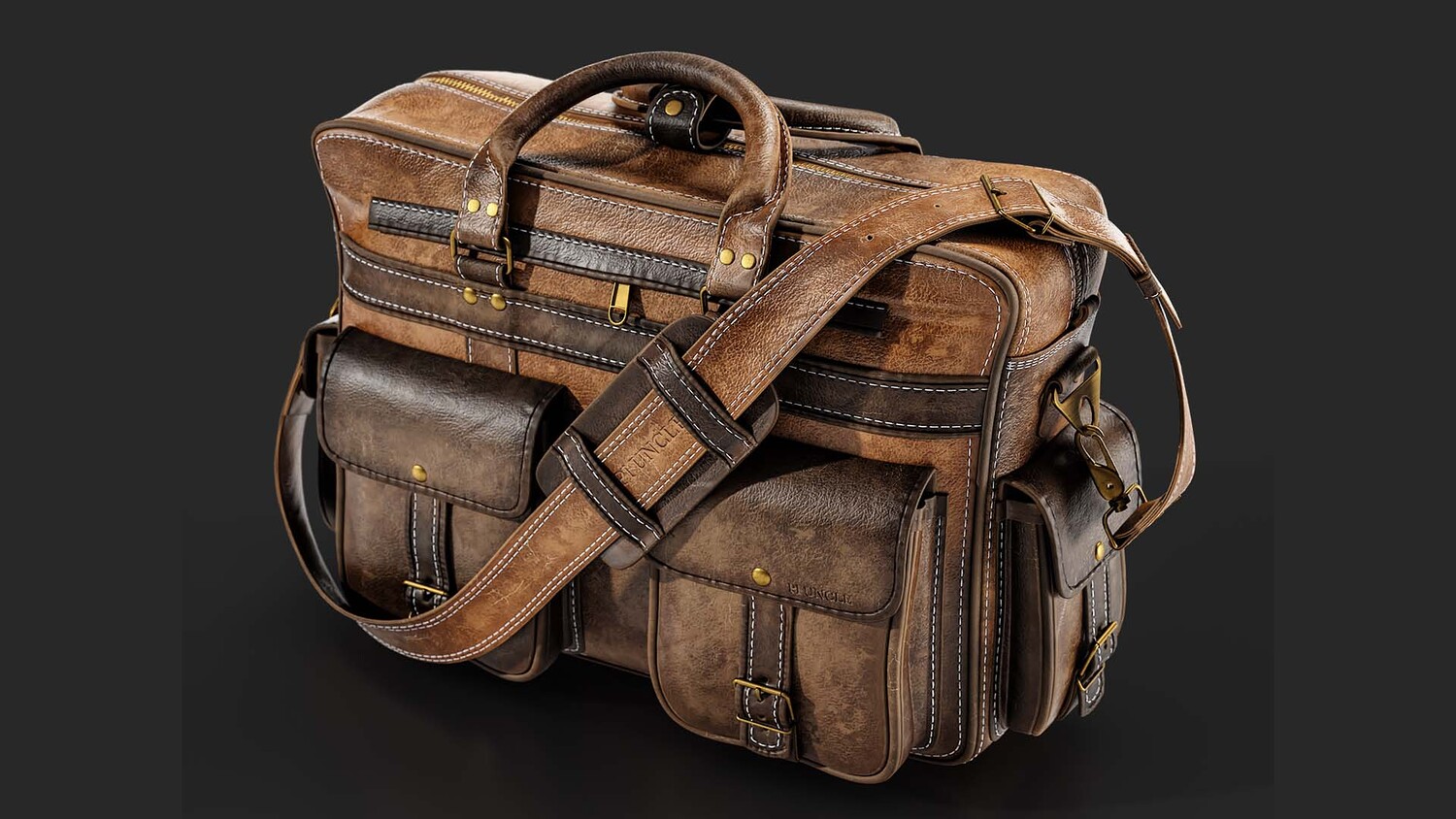
How to Texturing Leather Briefcase In Substance Painter
https://youtu.be/8uqh1Drjkcw How to Texturing Leather Briefcase In Substance Painter
Let's Texture a briefcase in substance painter, for this video i want to rework one of veryfirst previewes that i made and turn it to something intersting in just 3 easy step :). First of all, I'm going to Add detail on the surface with two inhouse substance painter tools, Topstitiching and Seam. Second step, It's time to modify the smart material and turn it to something suitable for my needs. and the last step is modifying and adding finals layer such as sharpen effect and height to normal. and that's it!!
You can check some collection of our products here:
Leather Smart Materials Collection
artstation.com/a/454789
artstation.com/a/3378883
artstation.com/a/12591119
Briefcase Basemesh Collection
artstation.com/a/14152144
And Also,
we released a brand new course for substance painter "Substance Master Course" and here is some info:
artstation.com/a/36669483
https://www.substancemaster.com/substancepaintercourse
23hours narrated Substance Painter Tutorial with 6 Project
Guided by instructor Mehdi Beheshti, a professional with over 4 years of experience teaching CG software to more than 2000 Students, this course is your ticket to Learning Substance Painter professionally. As a top seller on ArtStation Marketplace for 3 years, Mehdi brings his expertise to help those who want to learn Substance Painter with a thrilling journey.
Don't miss this opportunity to learn something new and improve your skills. Check out the tutorial now and hit the "Like" button if you find it helpful. Don't forget to subscribe to our channel and share your thoughts in the comments section.
how to tactical texturing game asset game
Model Details
- FormatsFBX
- Polygons0
- Vertices0
- animatedno
- materialsno
- texturesno
- riggedno
- uvsno
- 3d print readyno
You will get 2 files
All files previously purchased will always be available for download in your Library