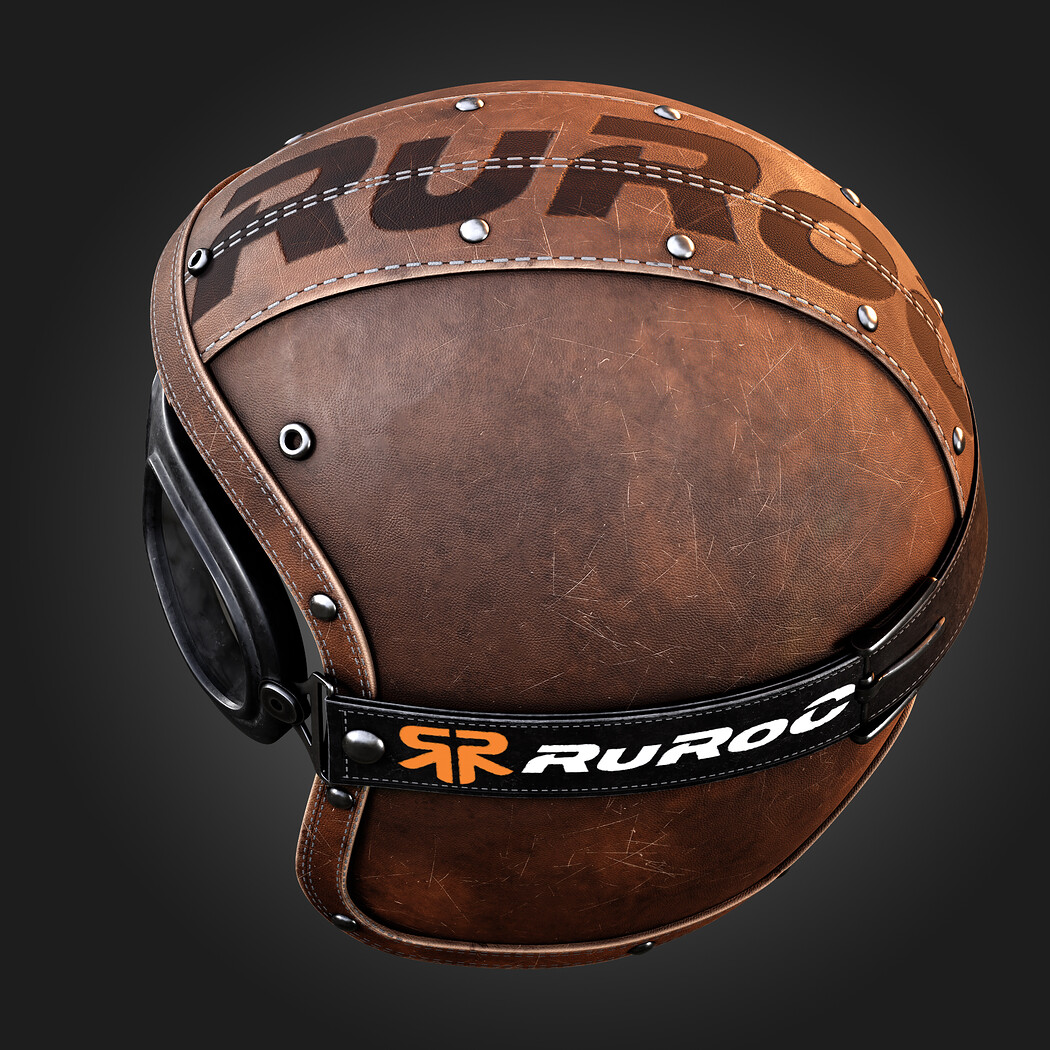
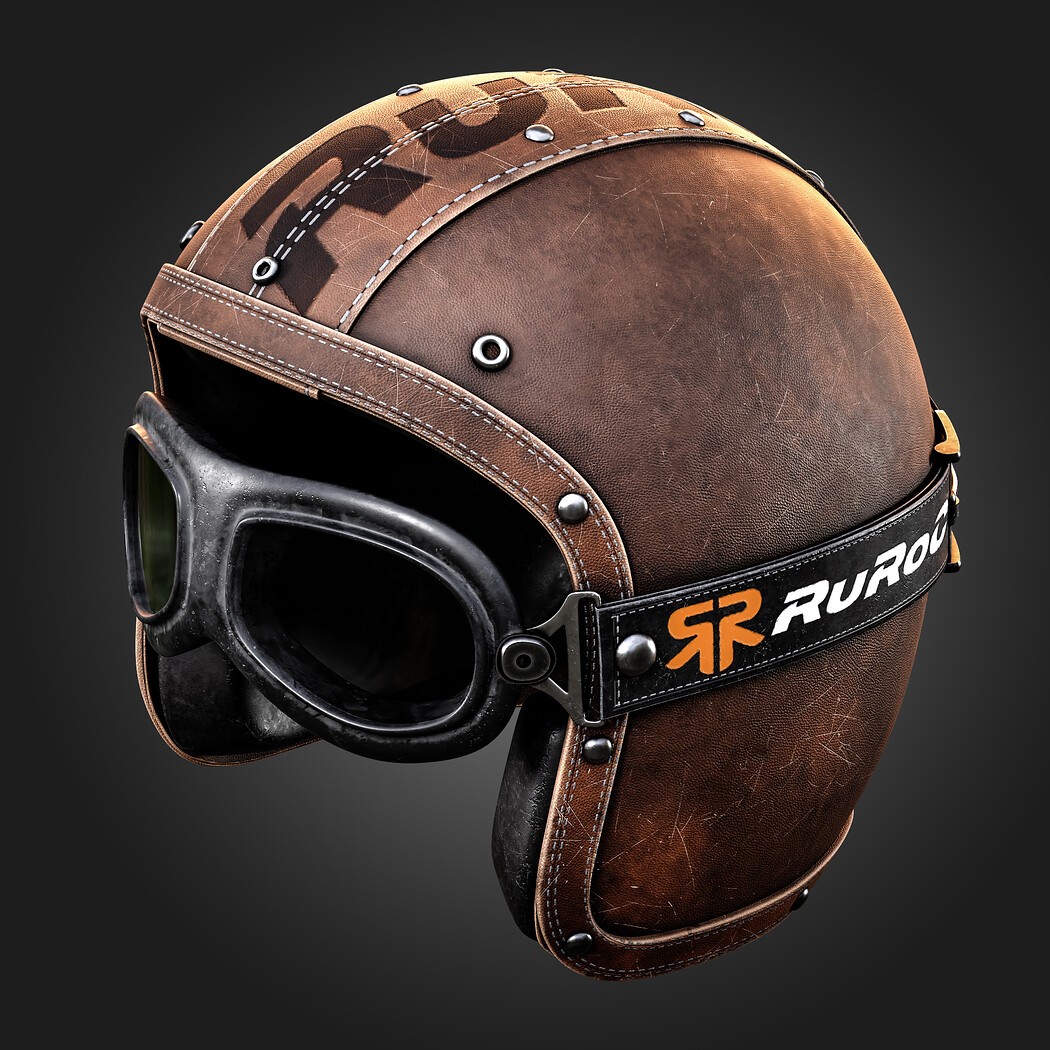
Helmet
https://www.youtube.com/watch?v=plf0Lw5M1cg
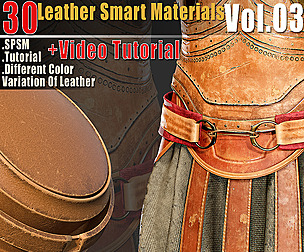
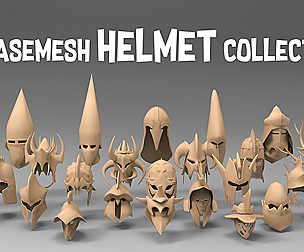
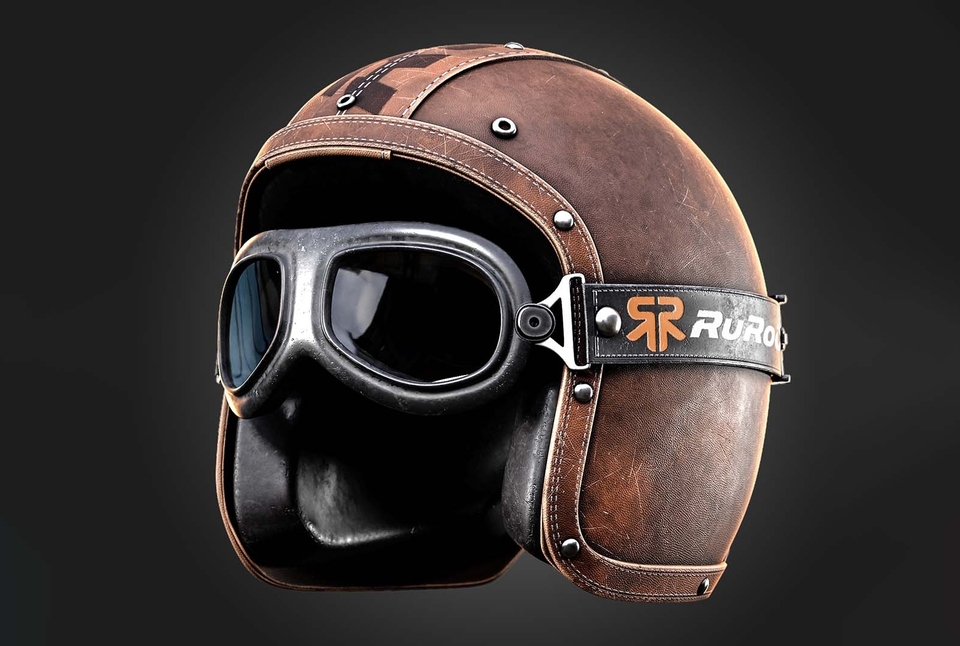
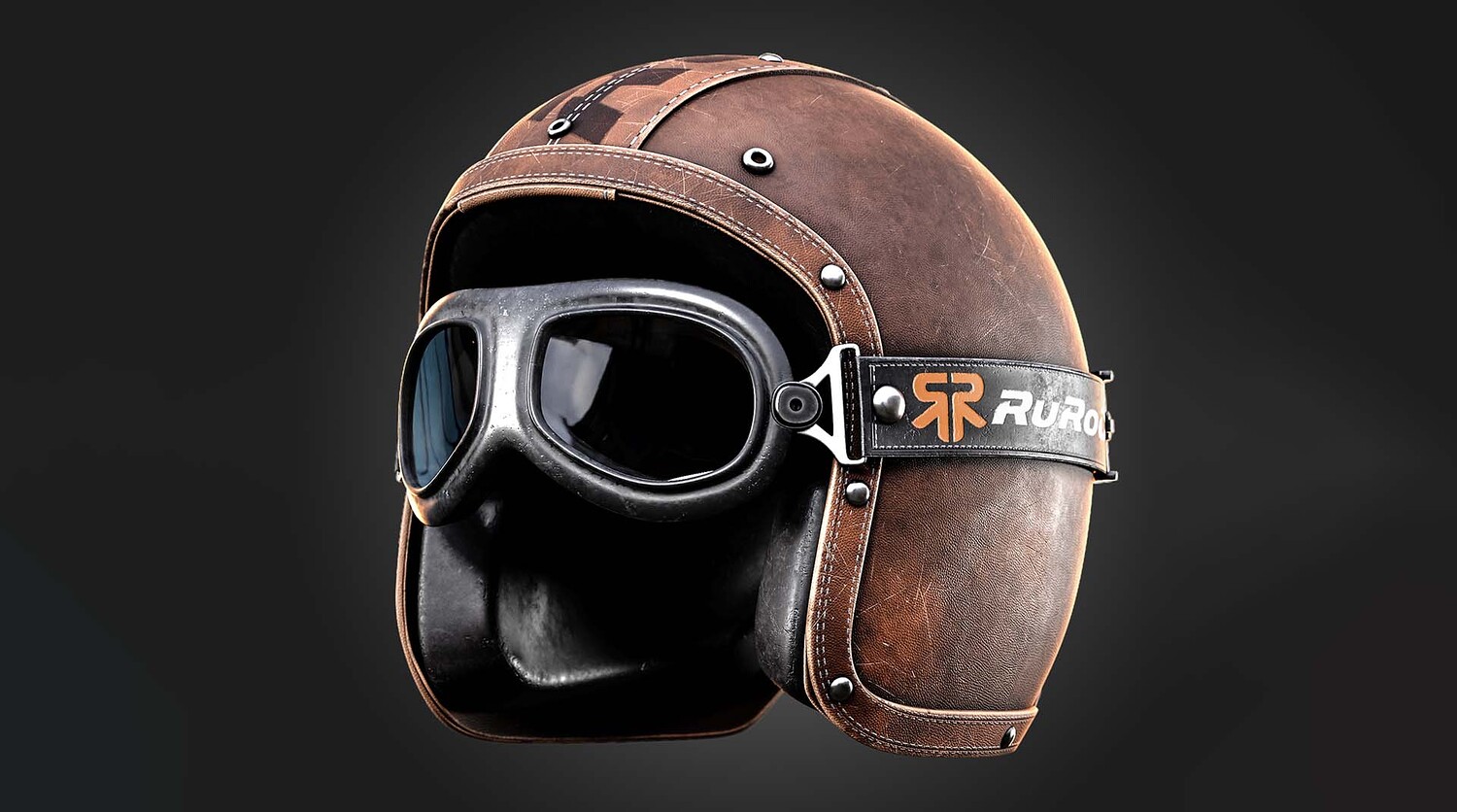
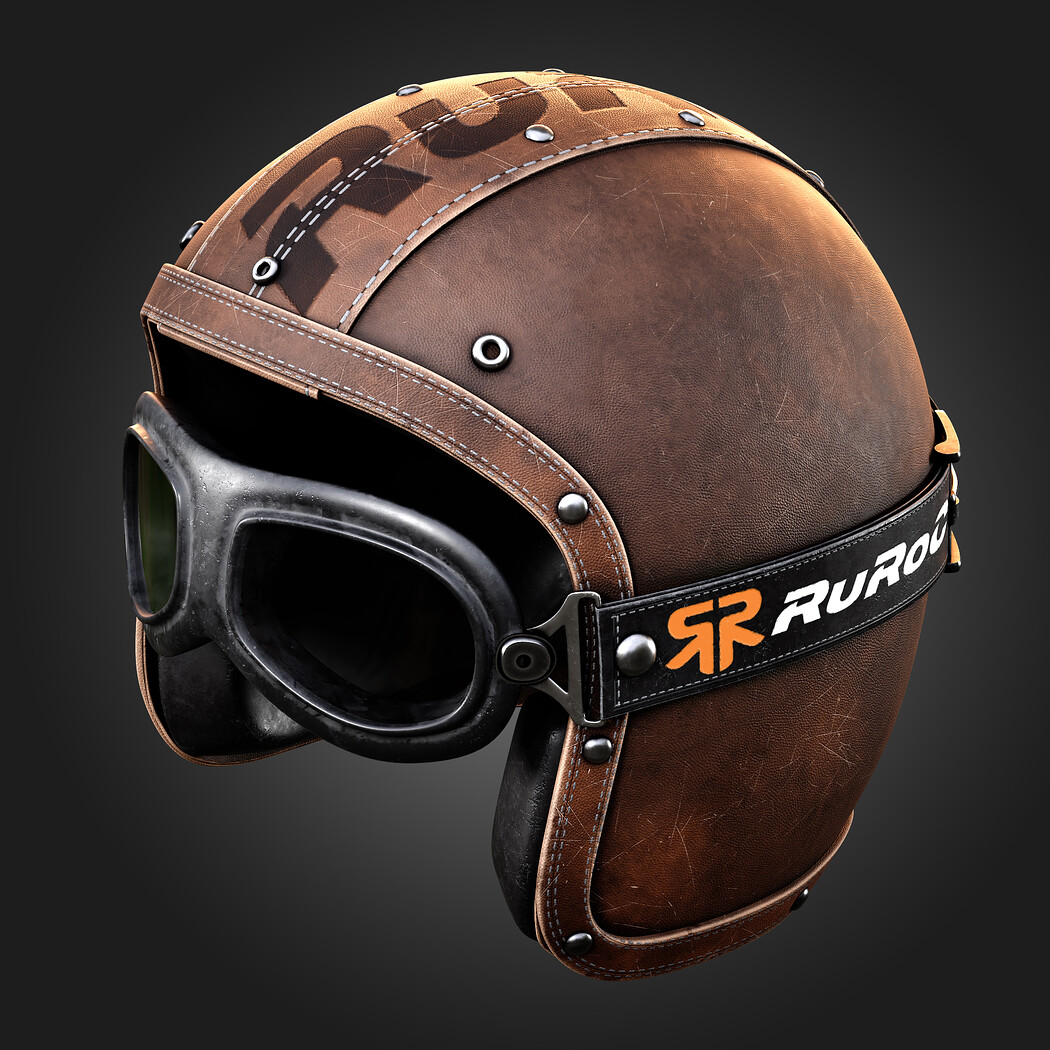
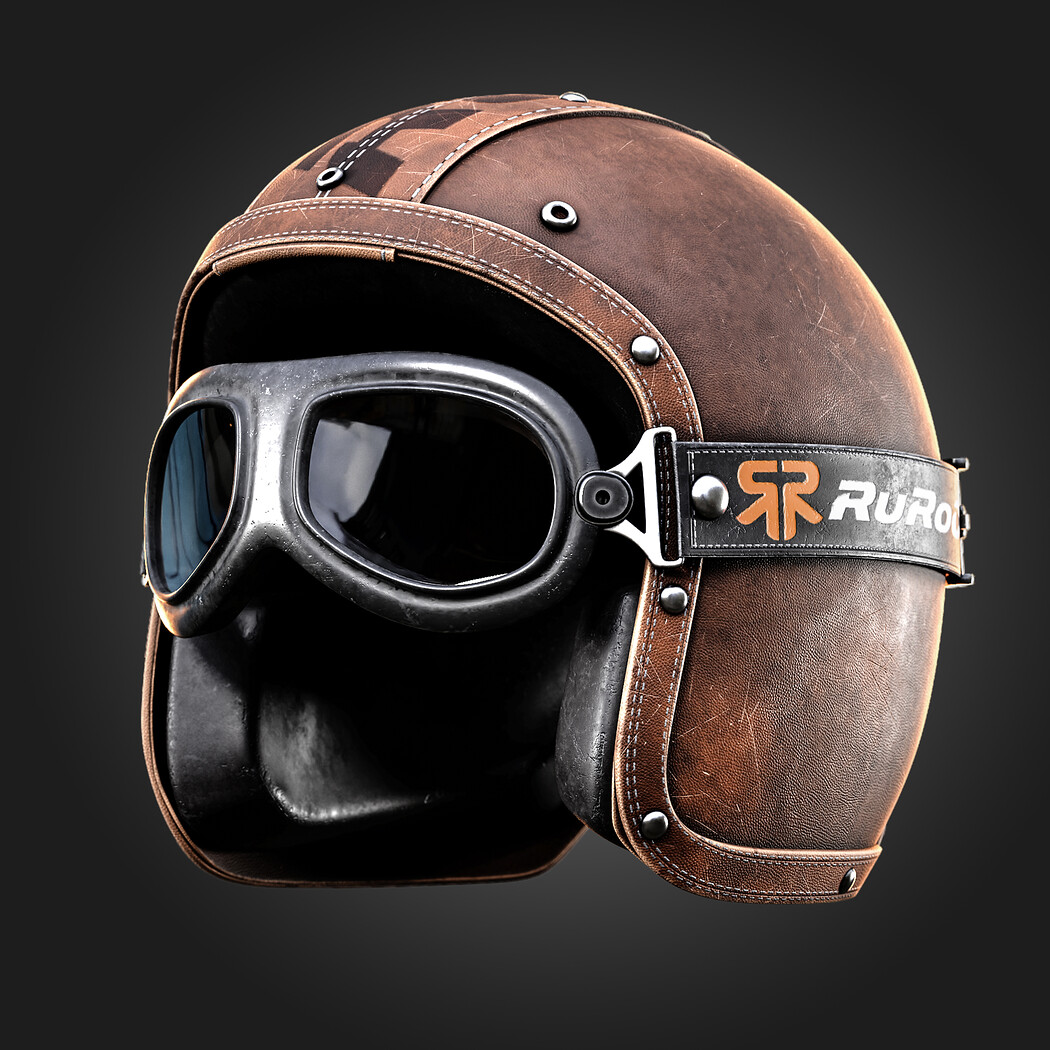
Hello and welcome to this quick tutorial. This video is a breakdown of the Leather casque texturing process that we use on our main cover. In this video, I used a different method and mostly the stitches brushes in substance painter and MK smart material collection as main resource in video. If I don't use theme here, it can take hours of my time to create these effect in substance, but now I just spend half an hour to adjust and get what i want. I think If you use substance painter and you are new at that, you should have a collection of smart materials. because it can save your time . You can access to helmet\casque base mesh product with this link artstation.com/a/13235266 And other products used in this tutorial: 30 Leather Smart Materials + PBR Textures - VOL 11 : artstation.com/a/12591044 30 Plastic Smart Materials & PBR Textures - VOL 10 : artstation.com/a/11242321
Model Details
- FormatsFBX
- Polygons0
- Vertices0
- animatedno
- materialsno
- texturesno
- riggedno
- uvsno
- 3d print readyno
You will get 1 file
All files previously purchased will always be available for download in your Library