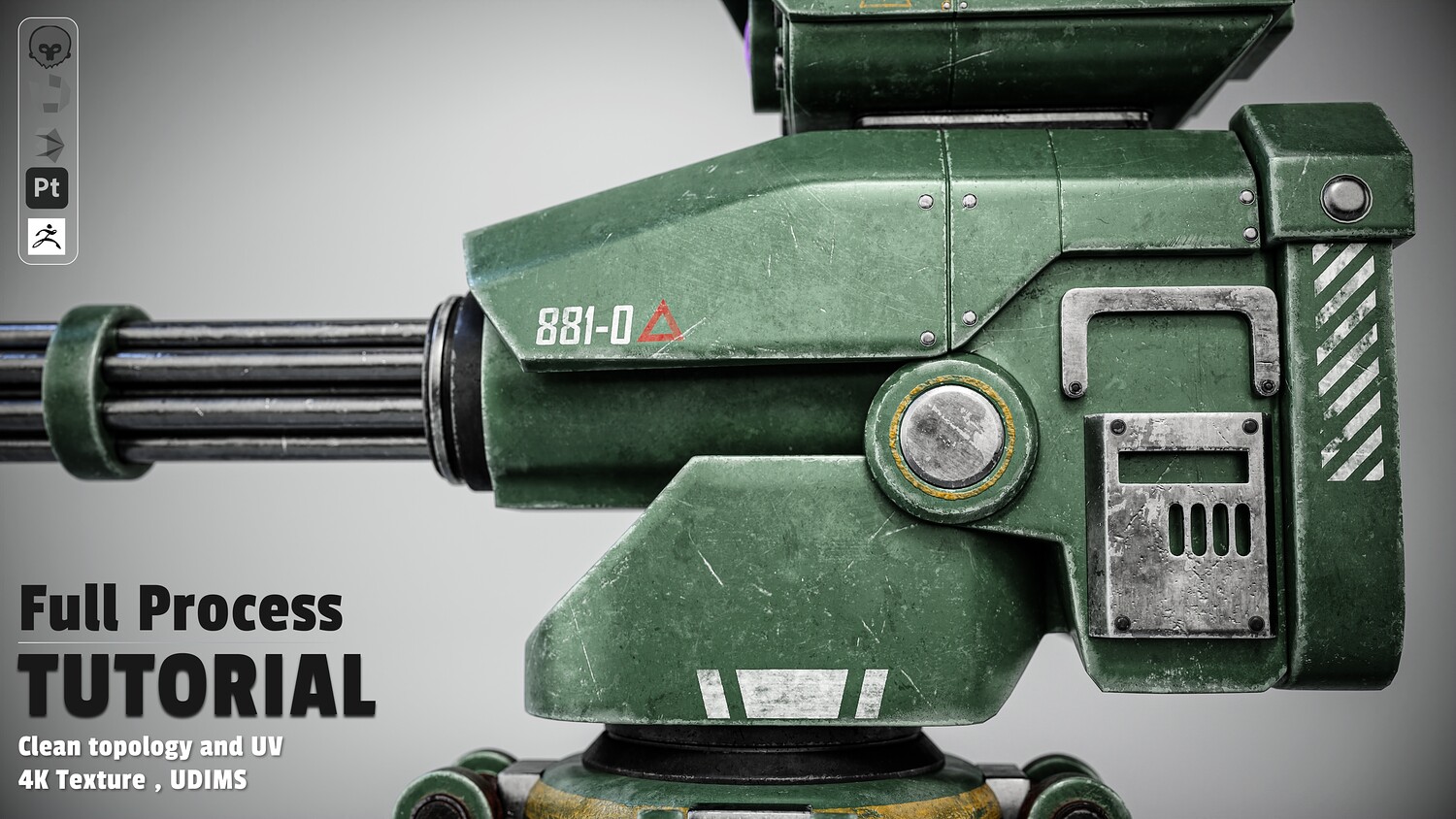
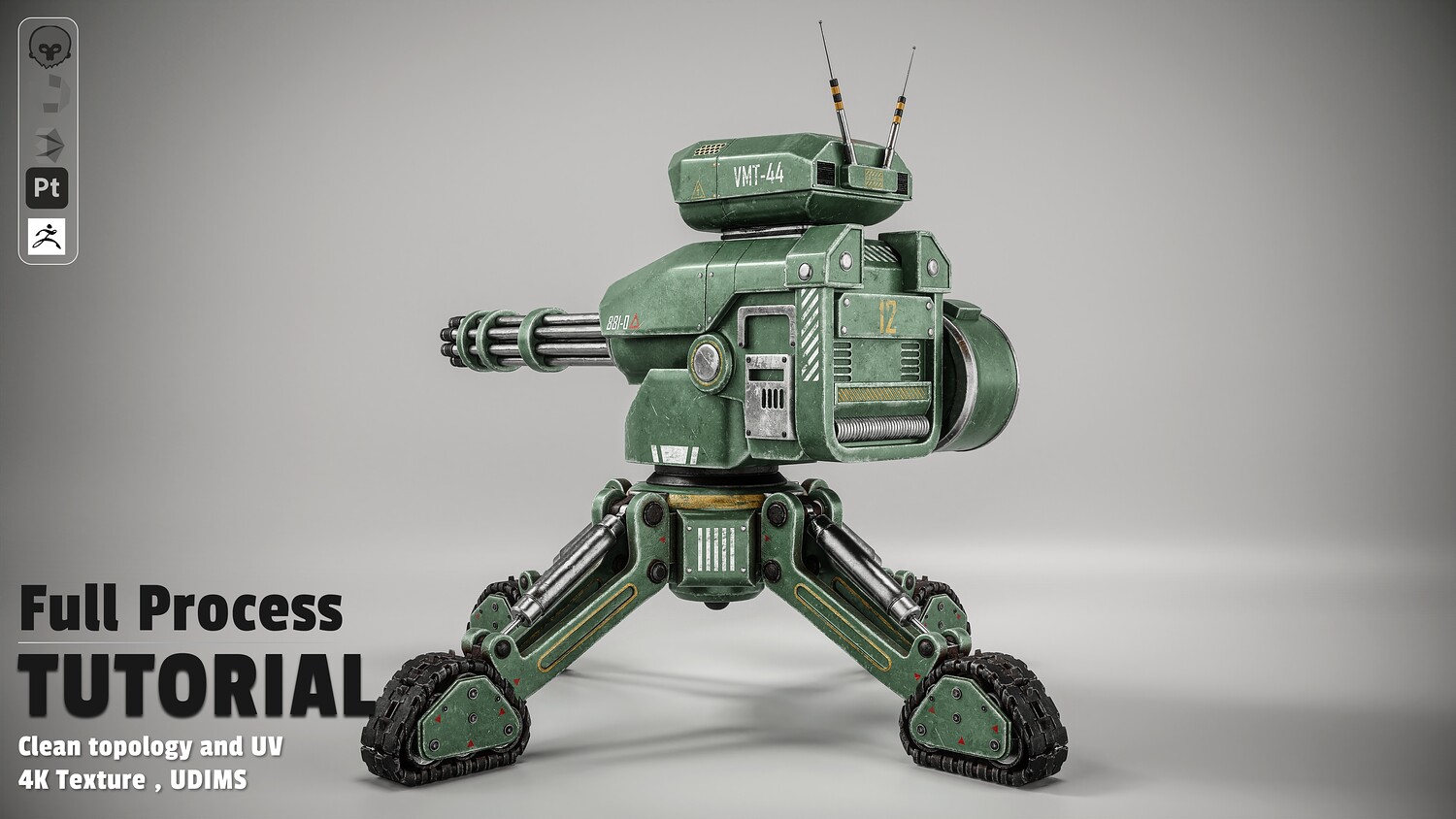
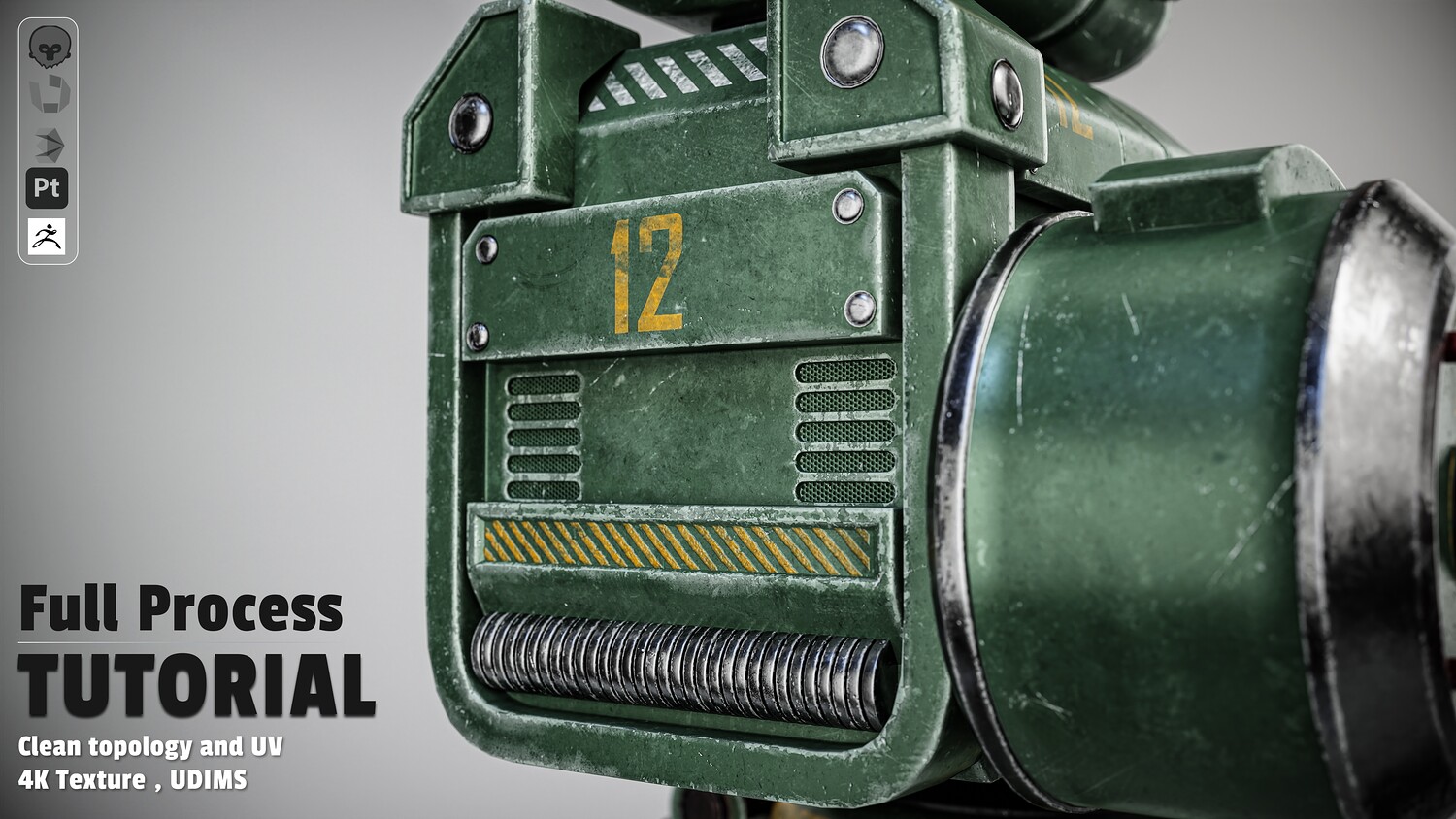
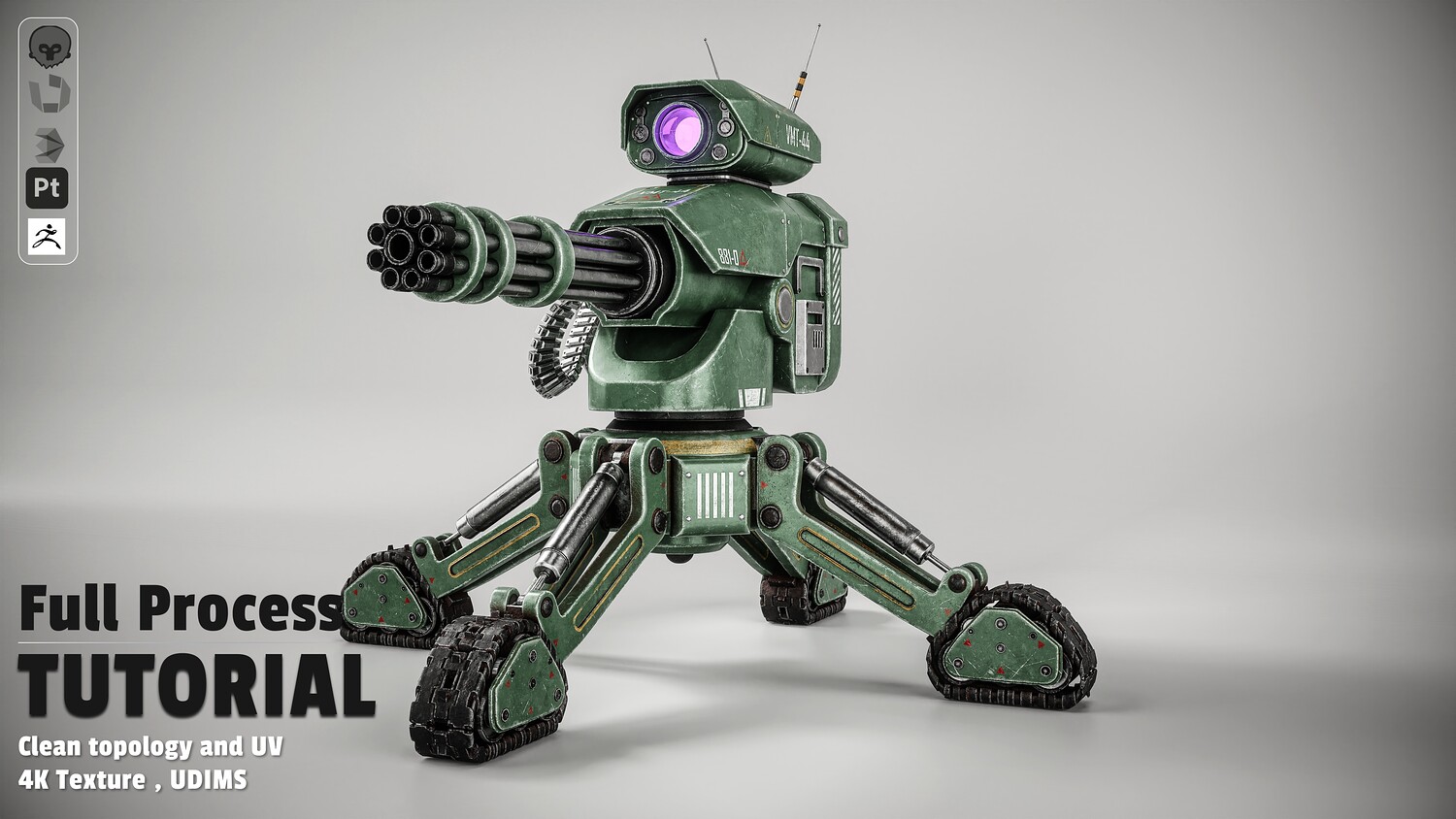
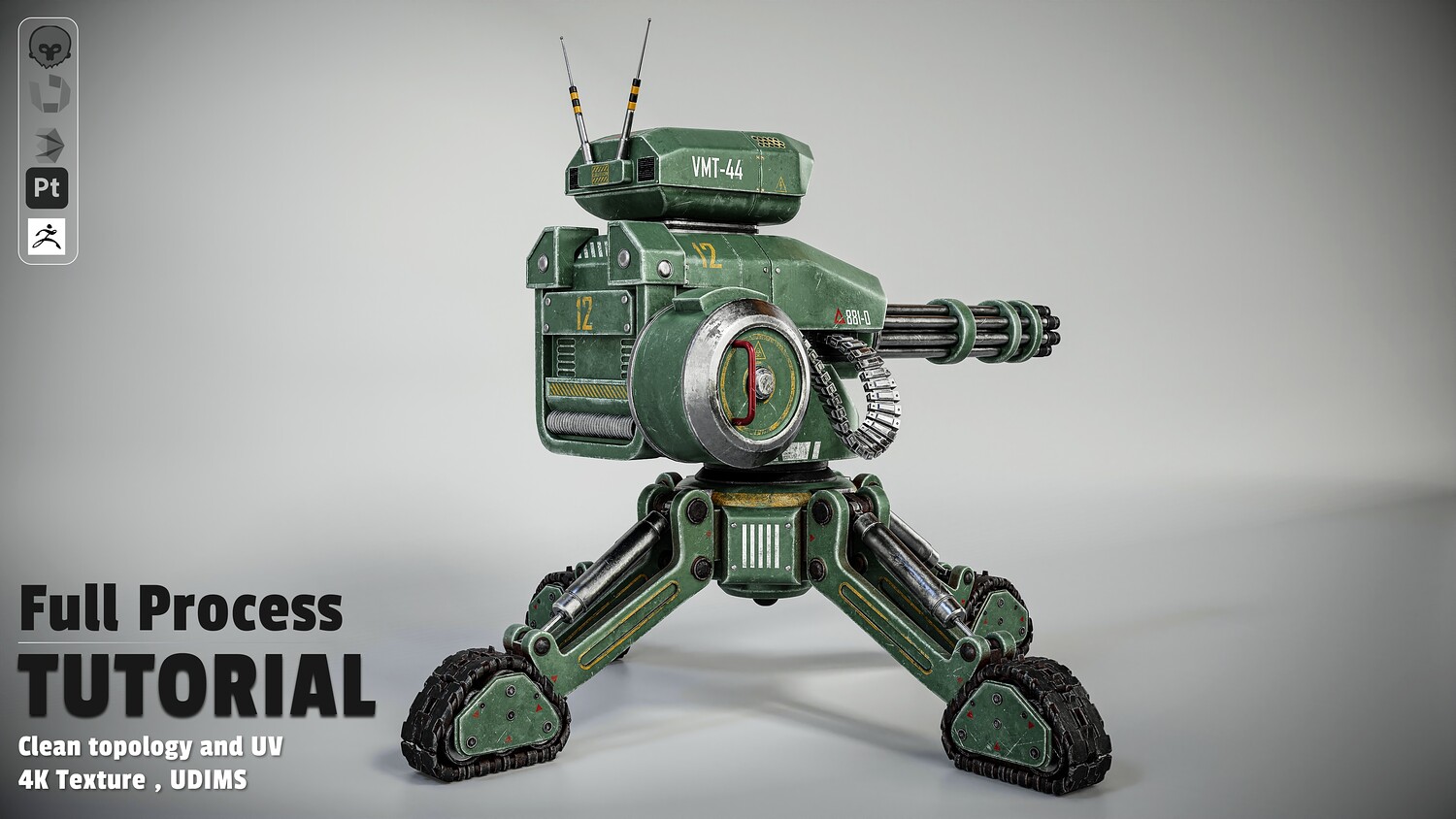
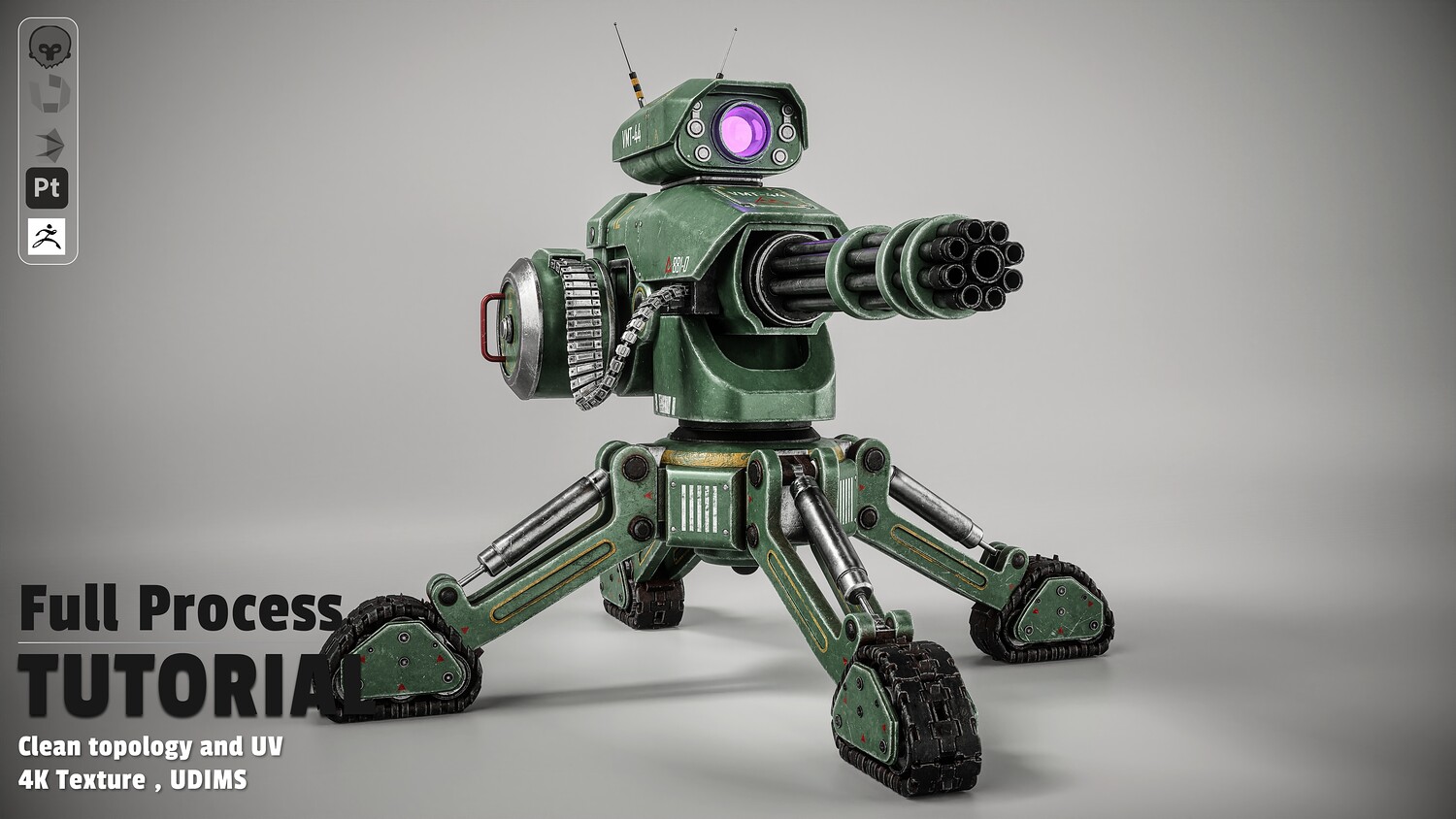
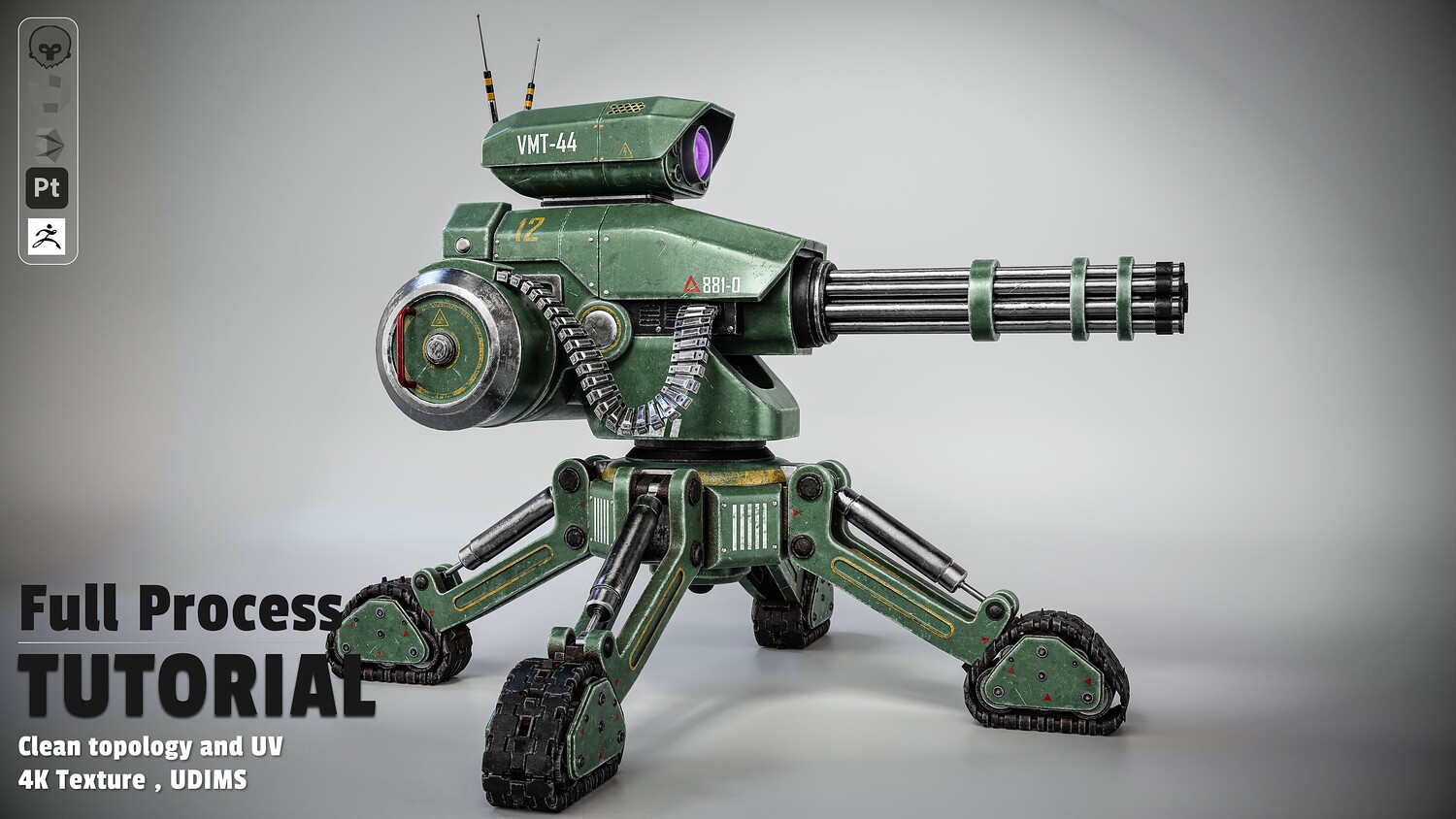
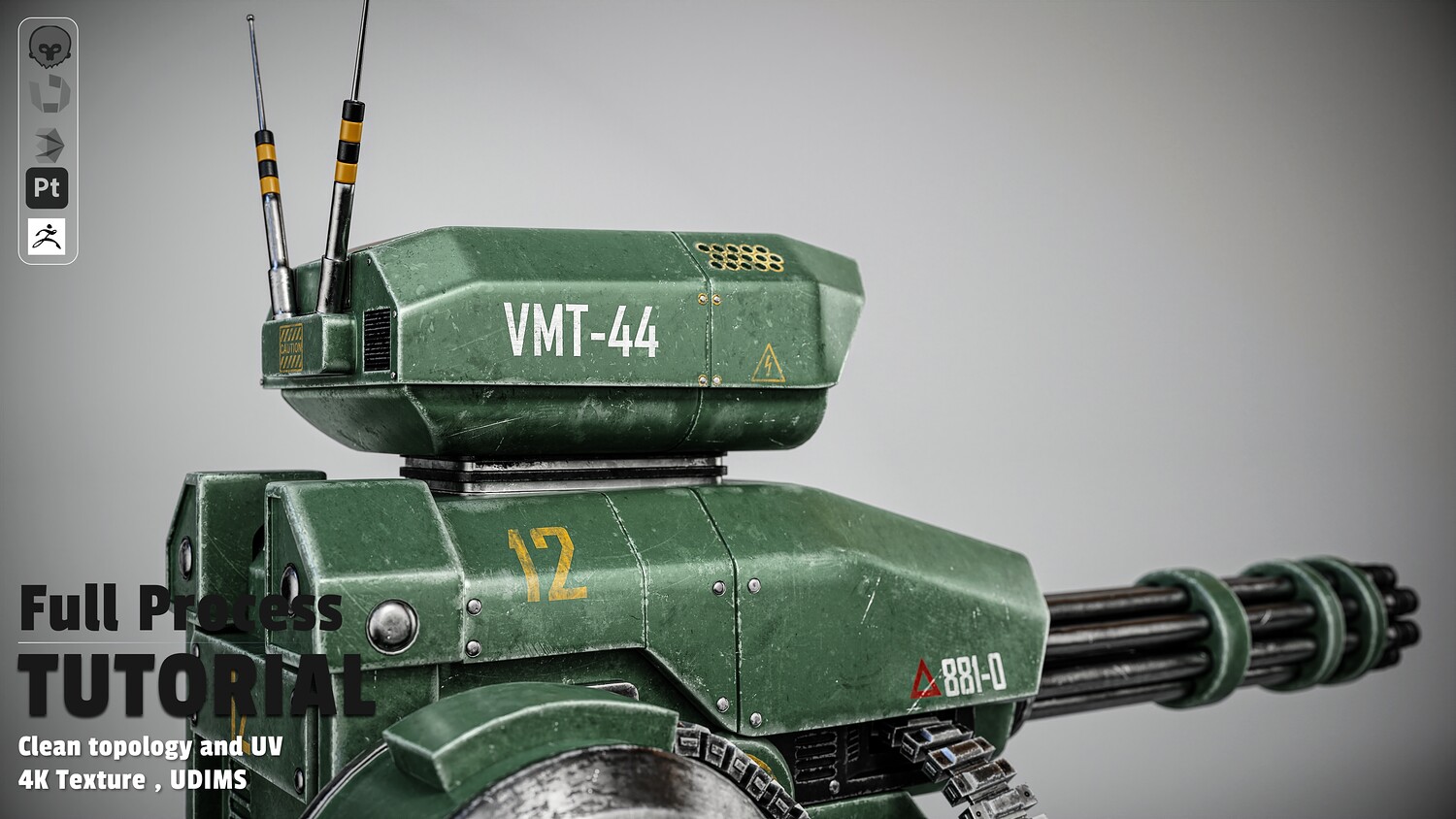
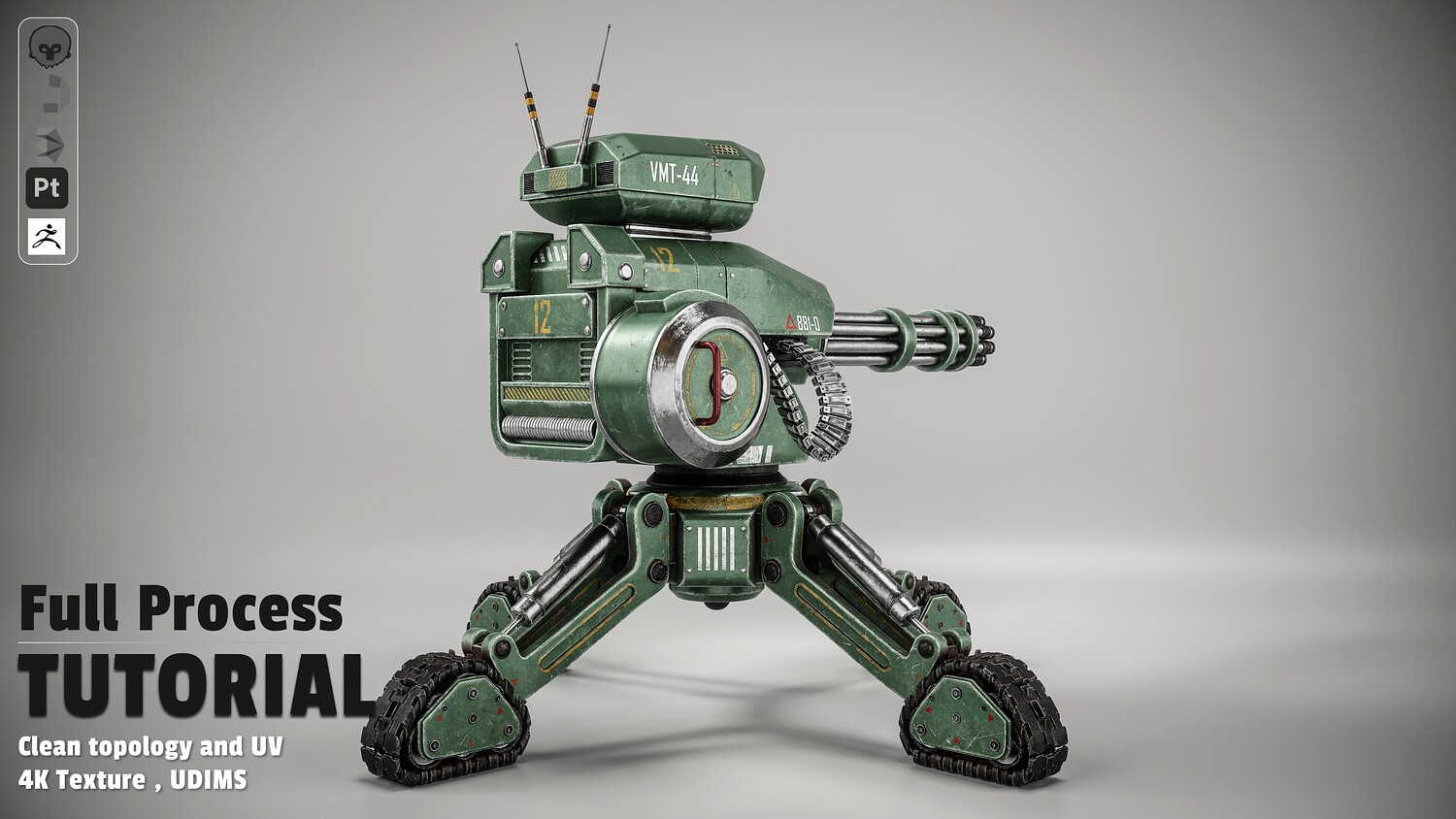
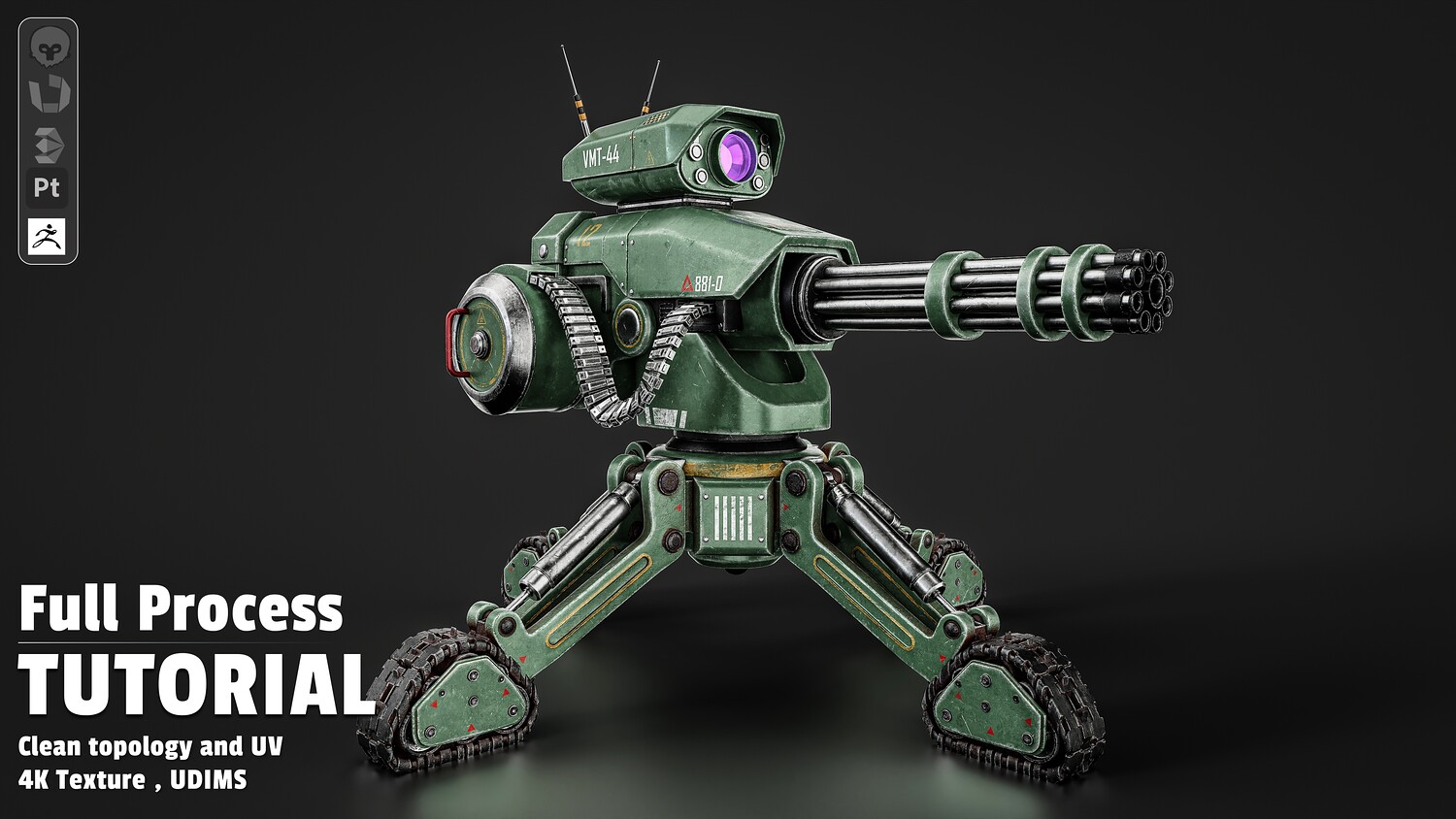
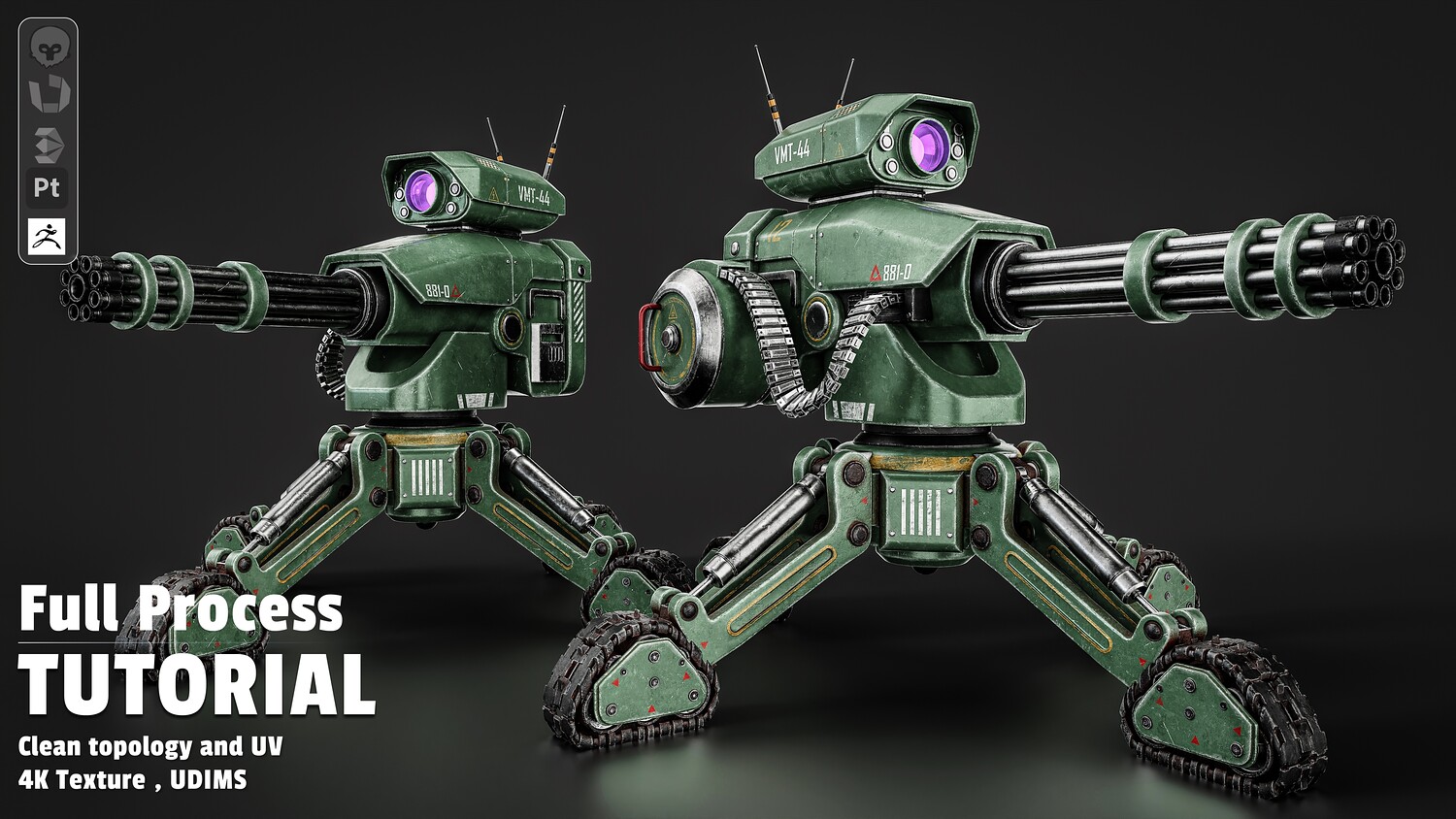
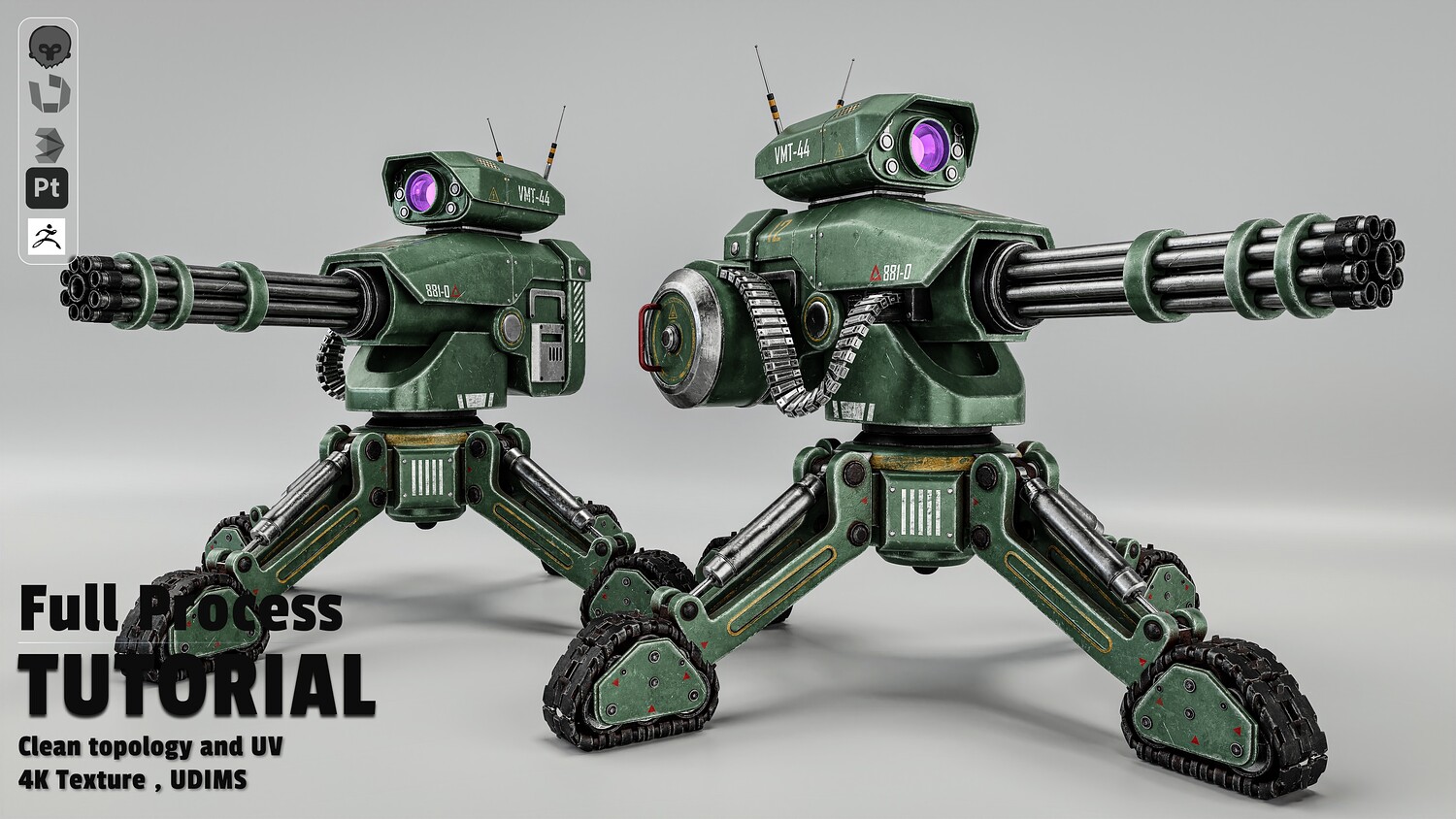
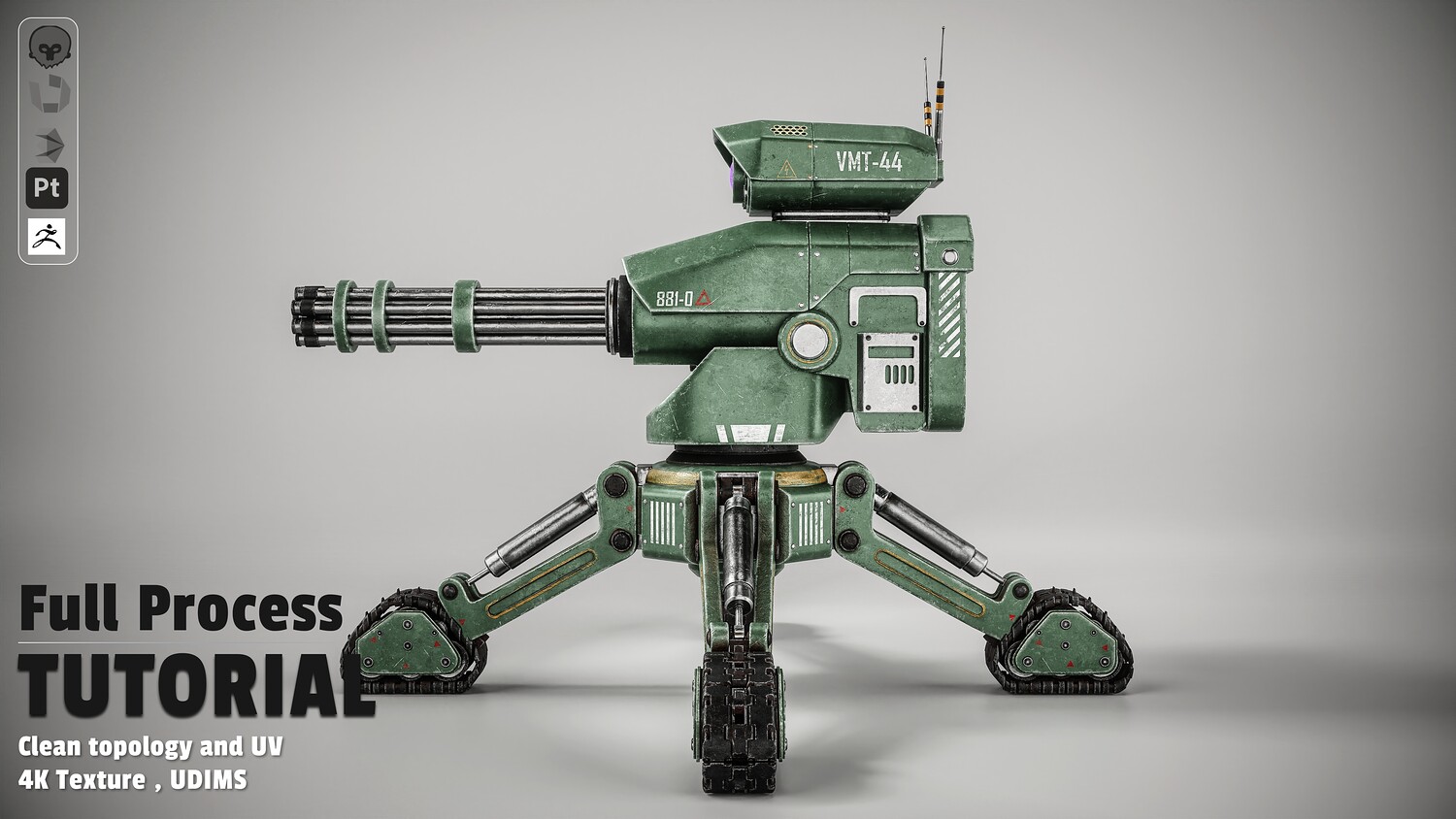
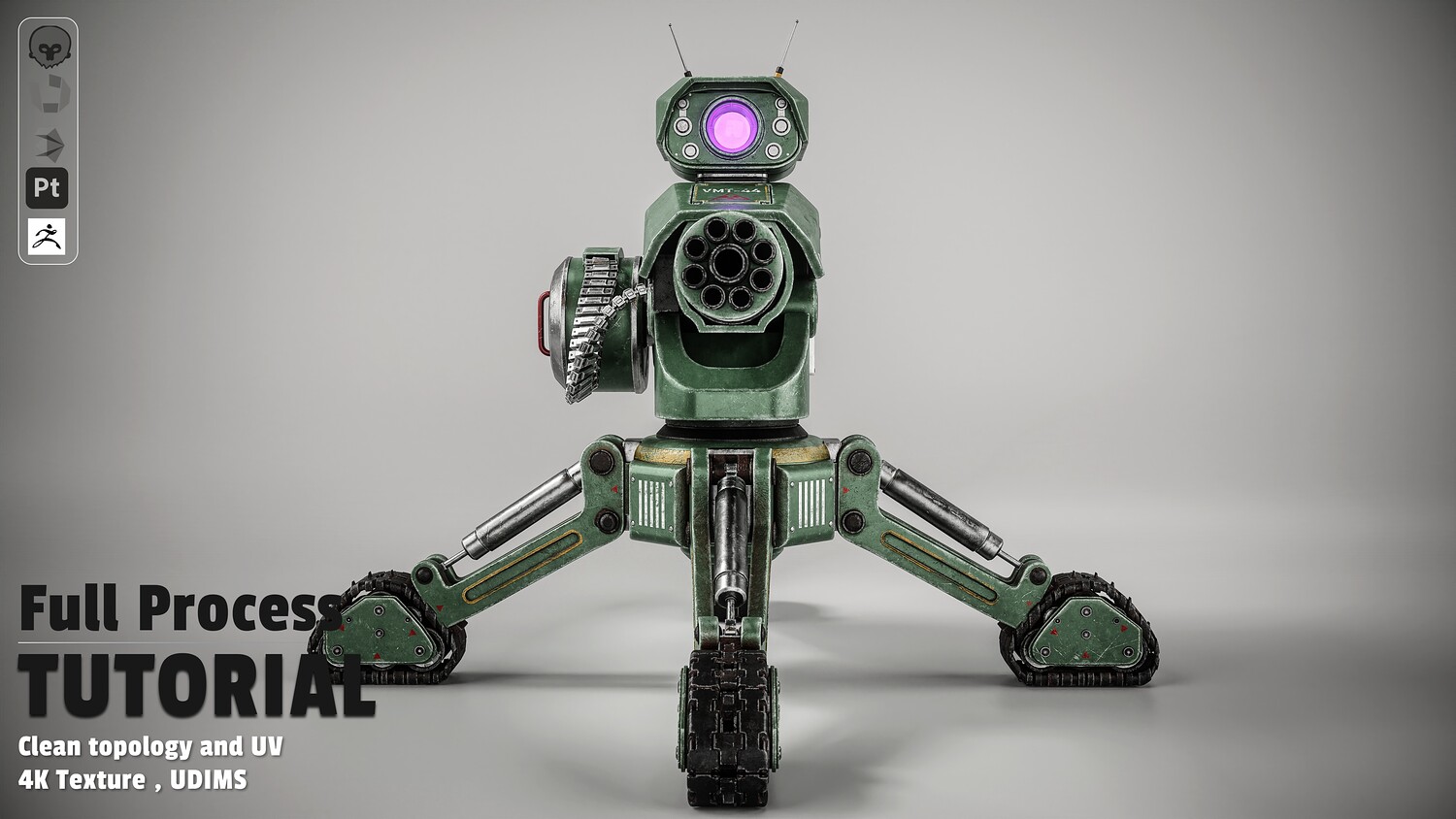
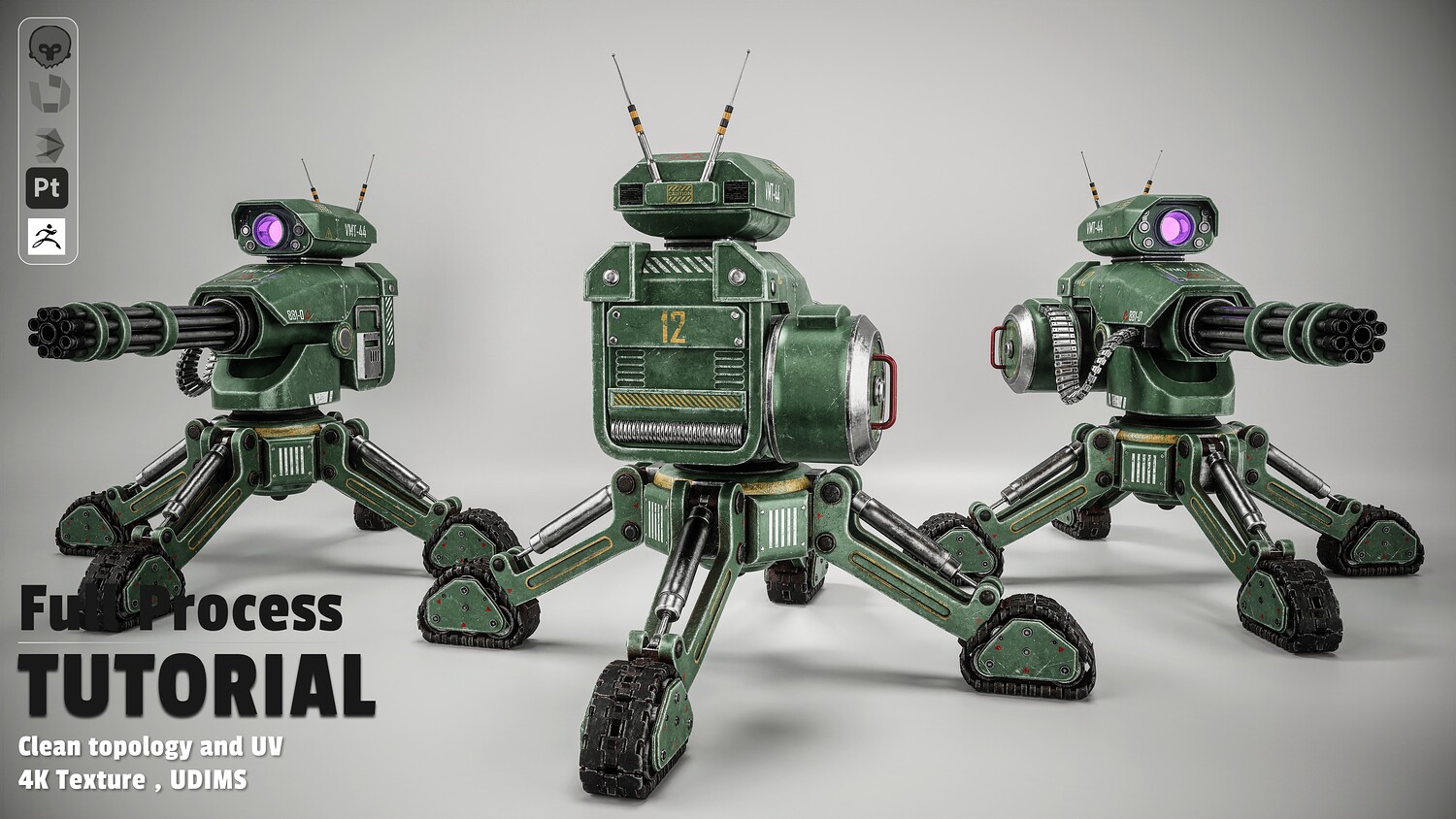
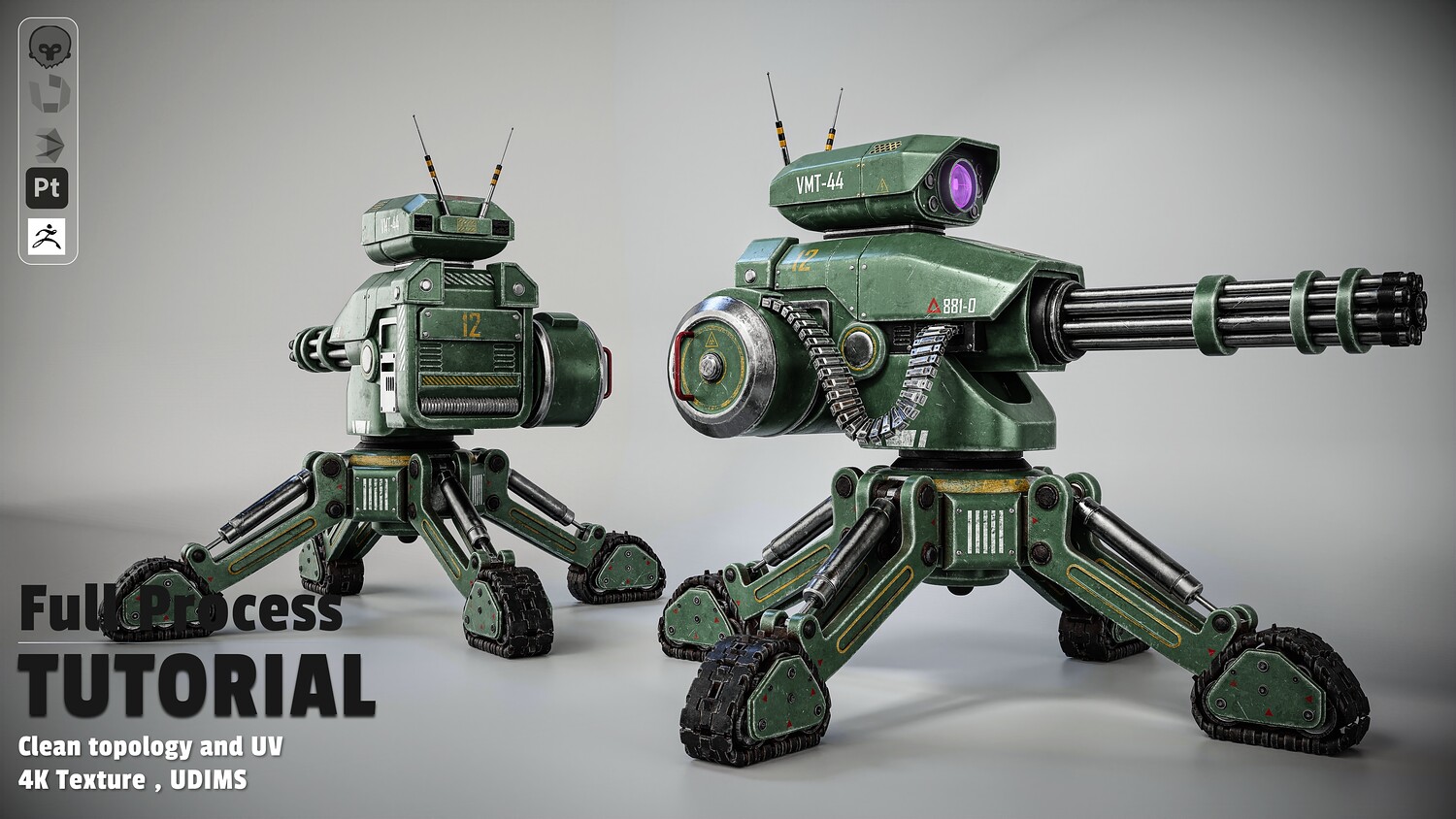
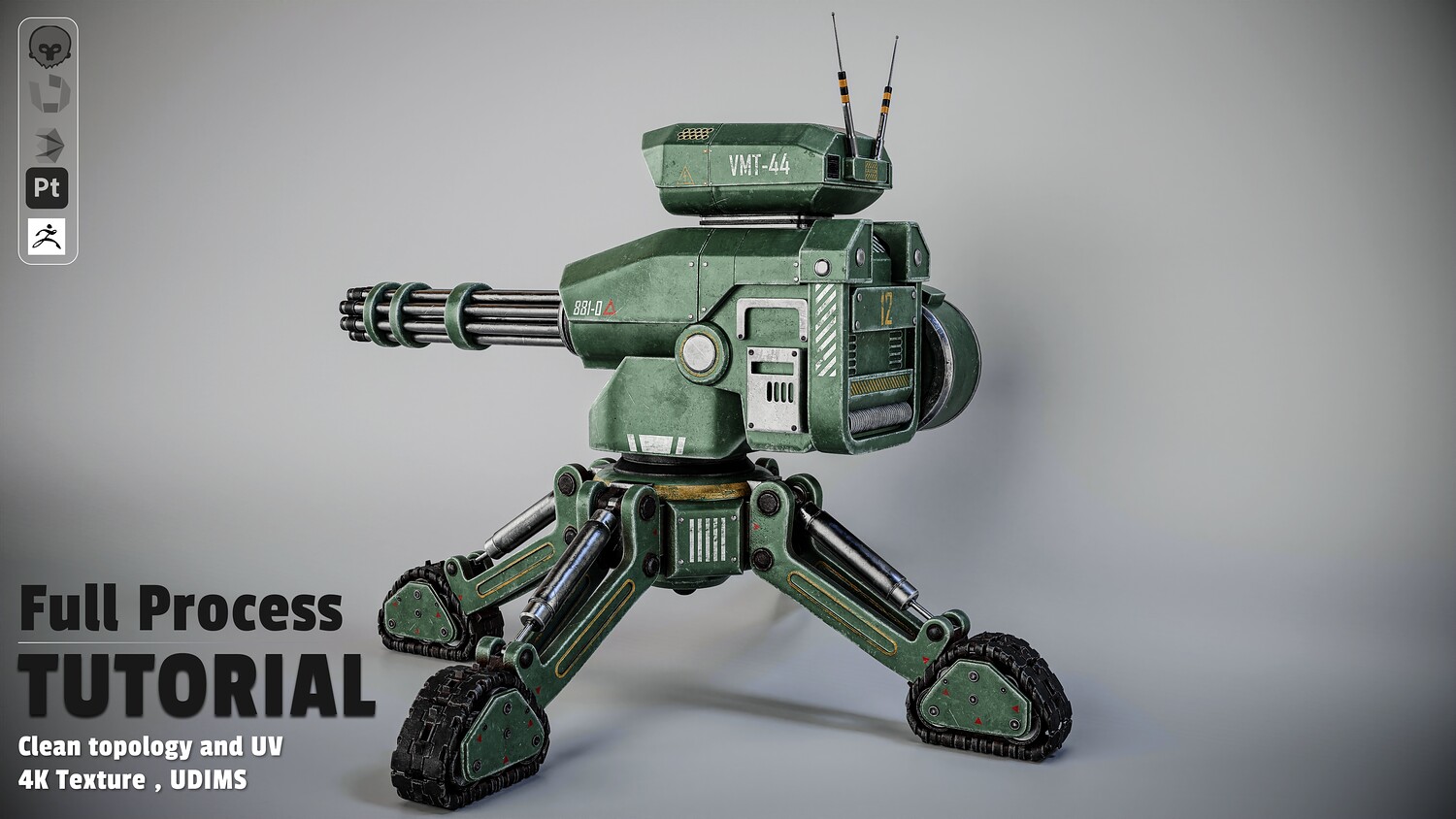
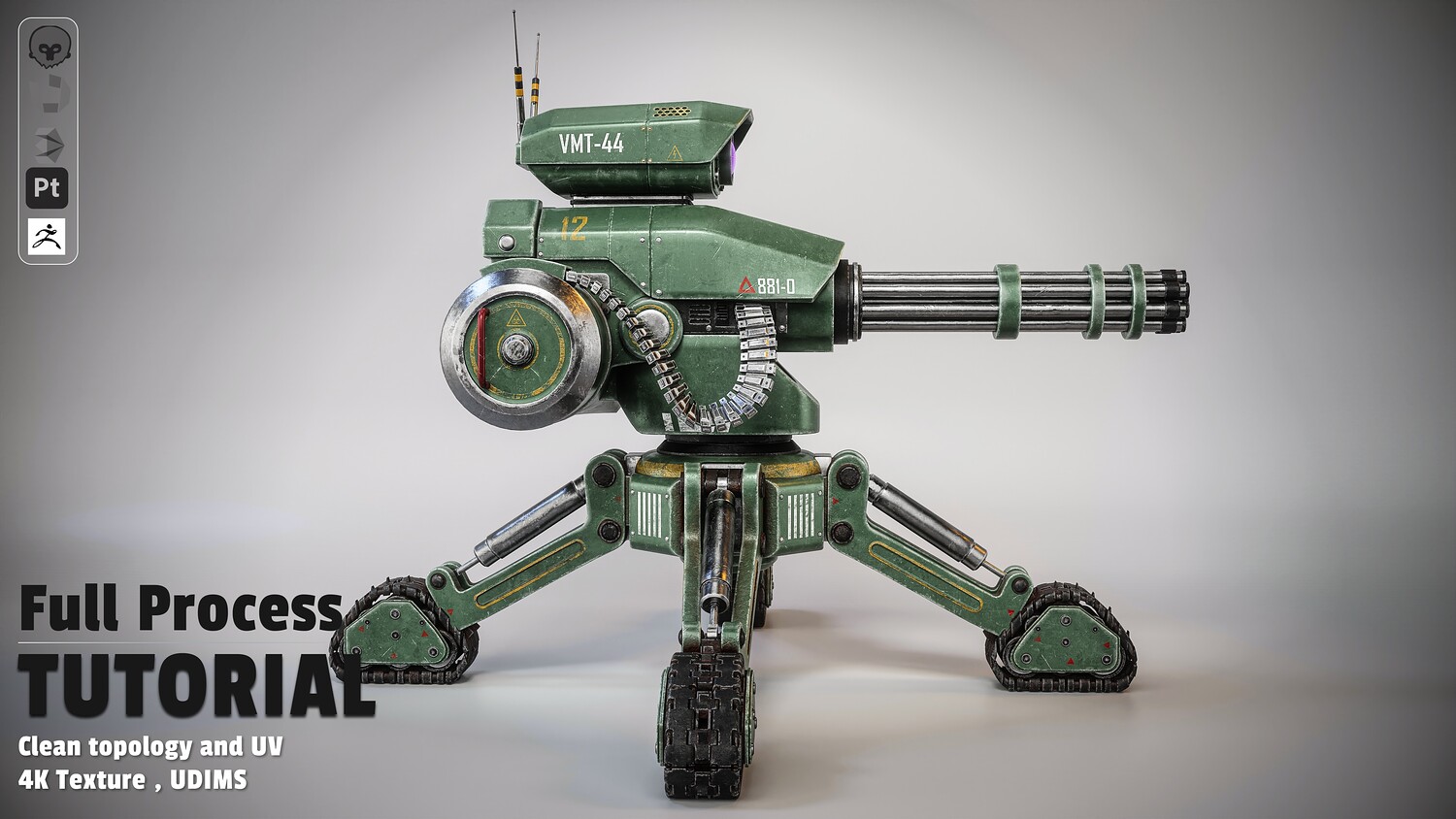
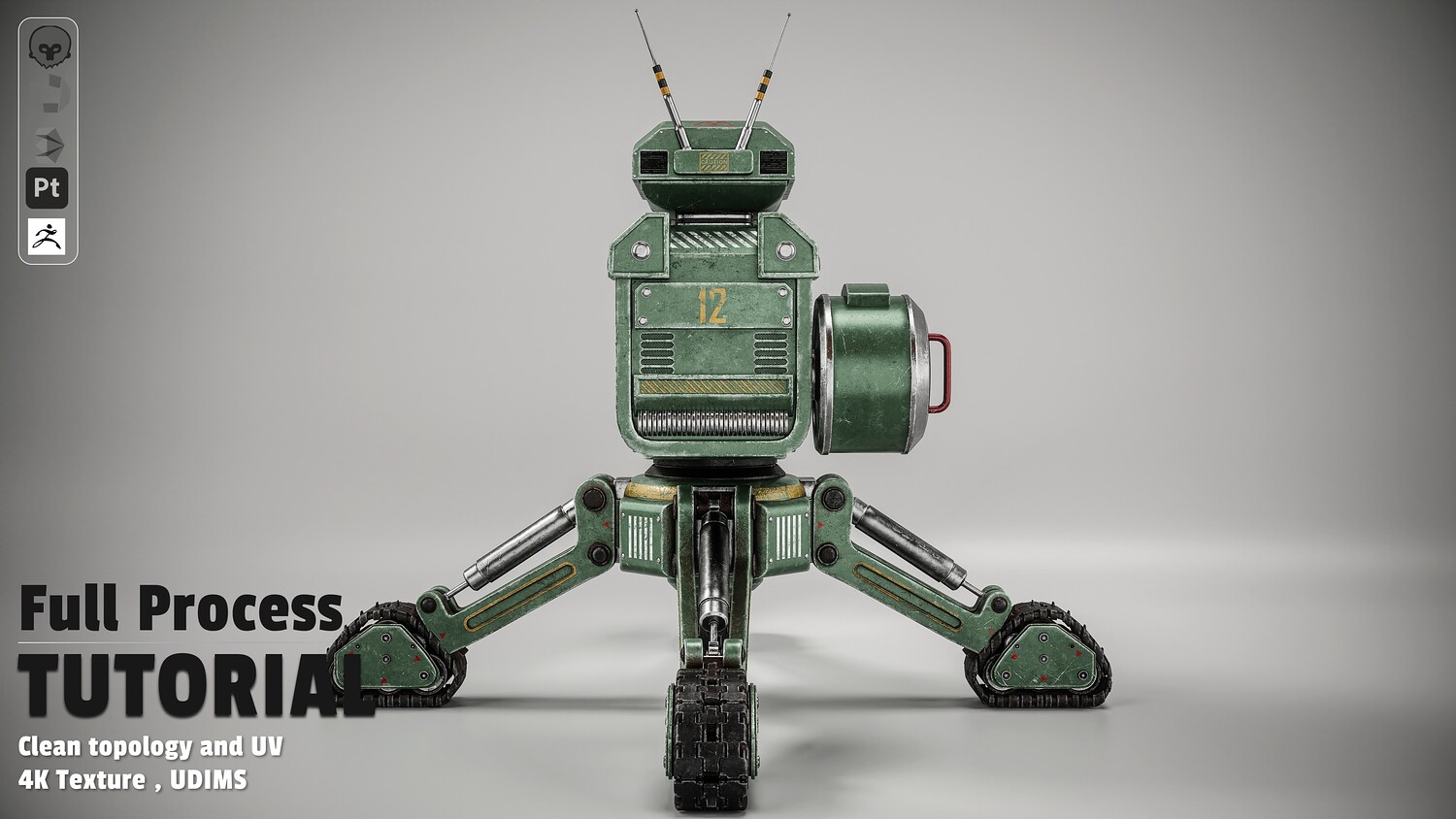
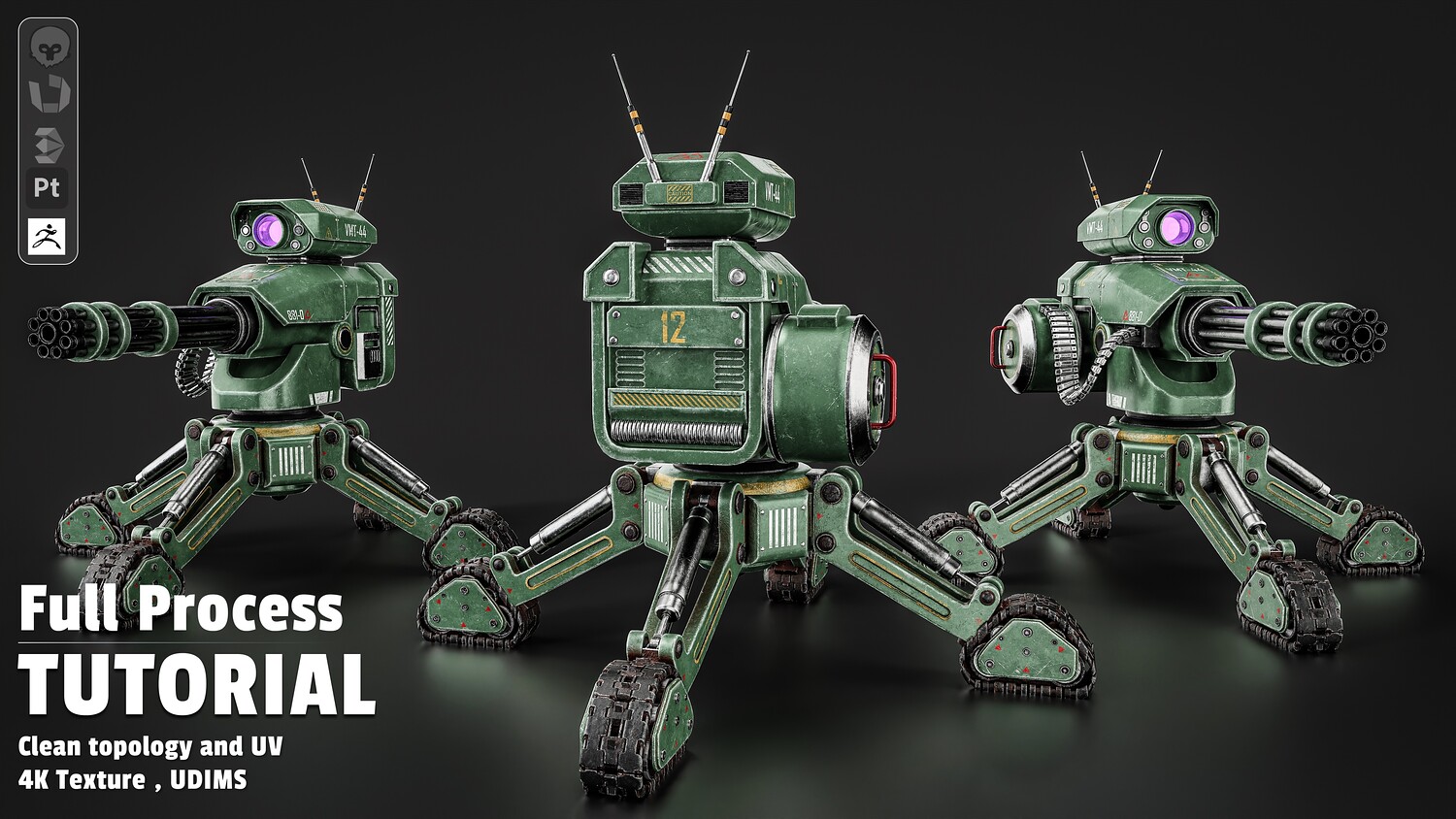
Sci-Fi Combat Robot - Full Production Pipeline Tutorial
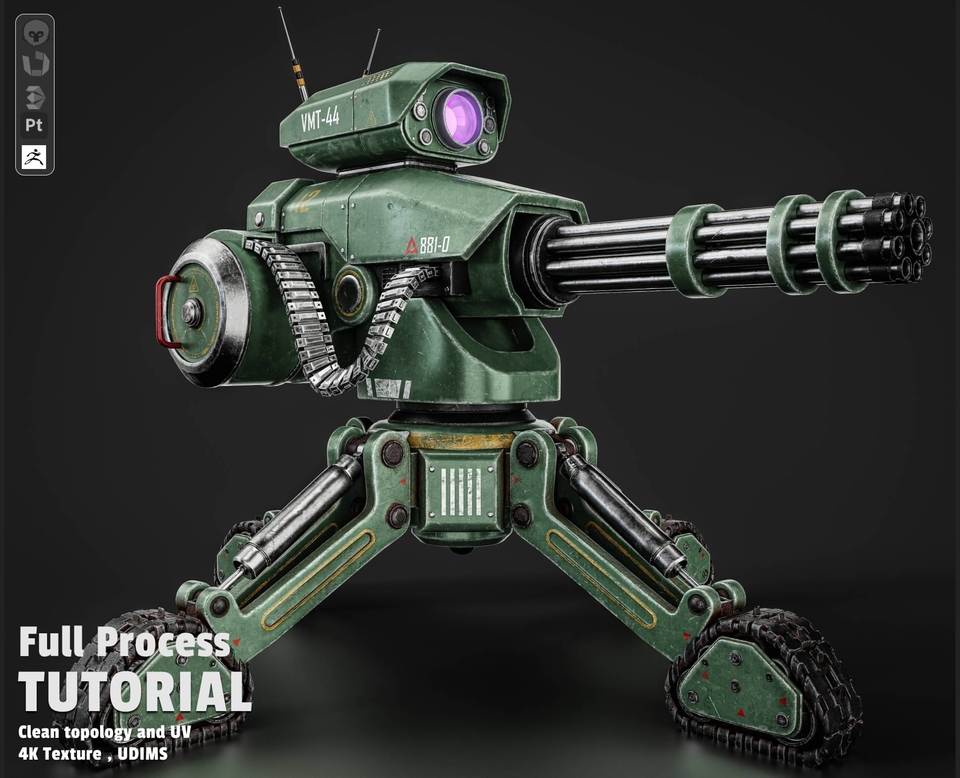
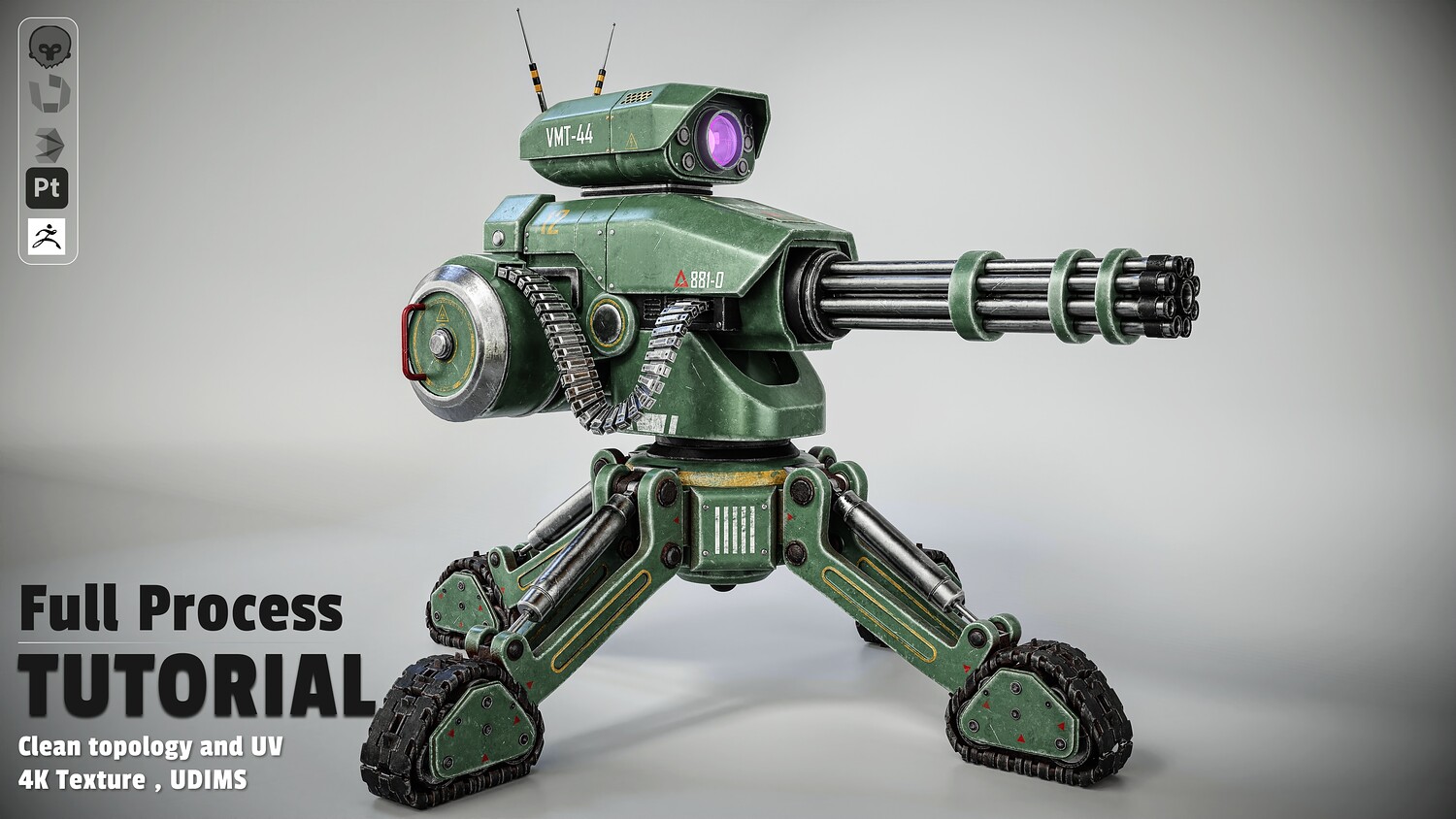
Want to master the exact workflow behind creating a high-detail, game-ready combat turret from scratch? This comprehensive tutorial takes you through the complete production pipeline, revealing professional techniques used to build complex hard-surface assets with clean topology, advanced UDIM layouts, and realistic PBR texturing.
What’s Inside
Chapter 1: Hard-Surface Modeling (3ds Max 2026)
- Blueprint setup & iterative modeling (blockout-to-detail section by section)
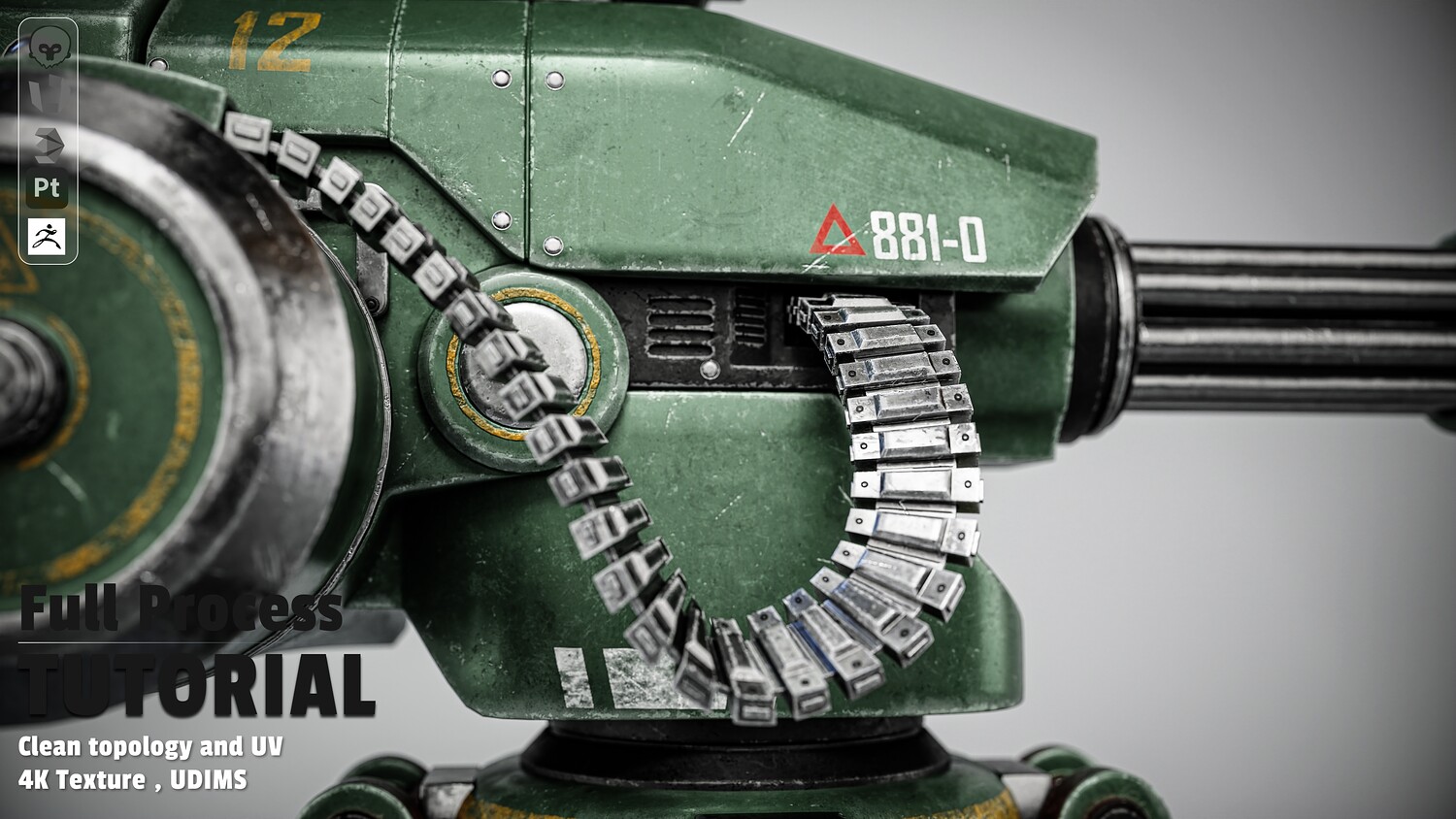
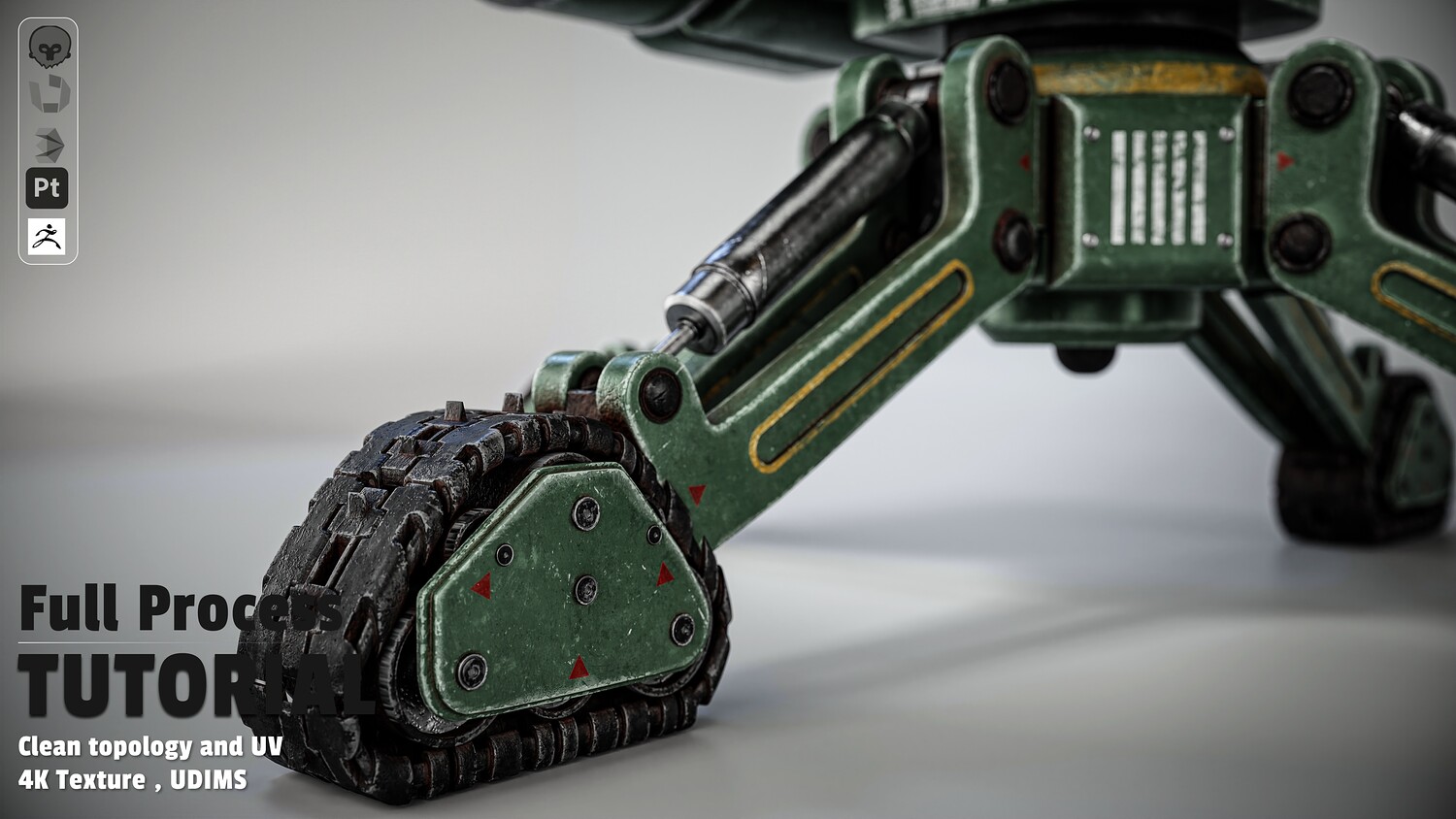
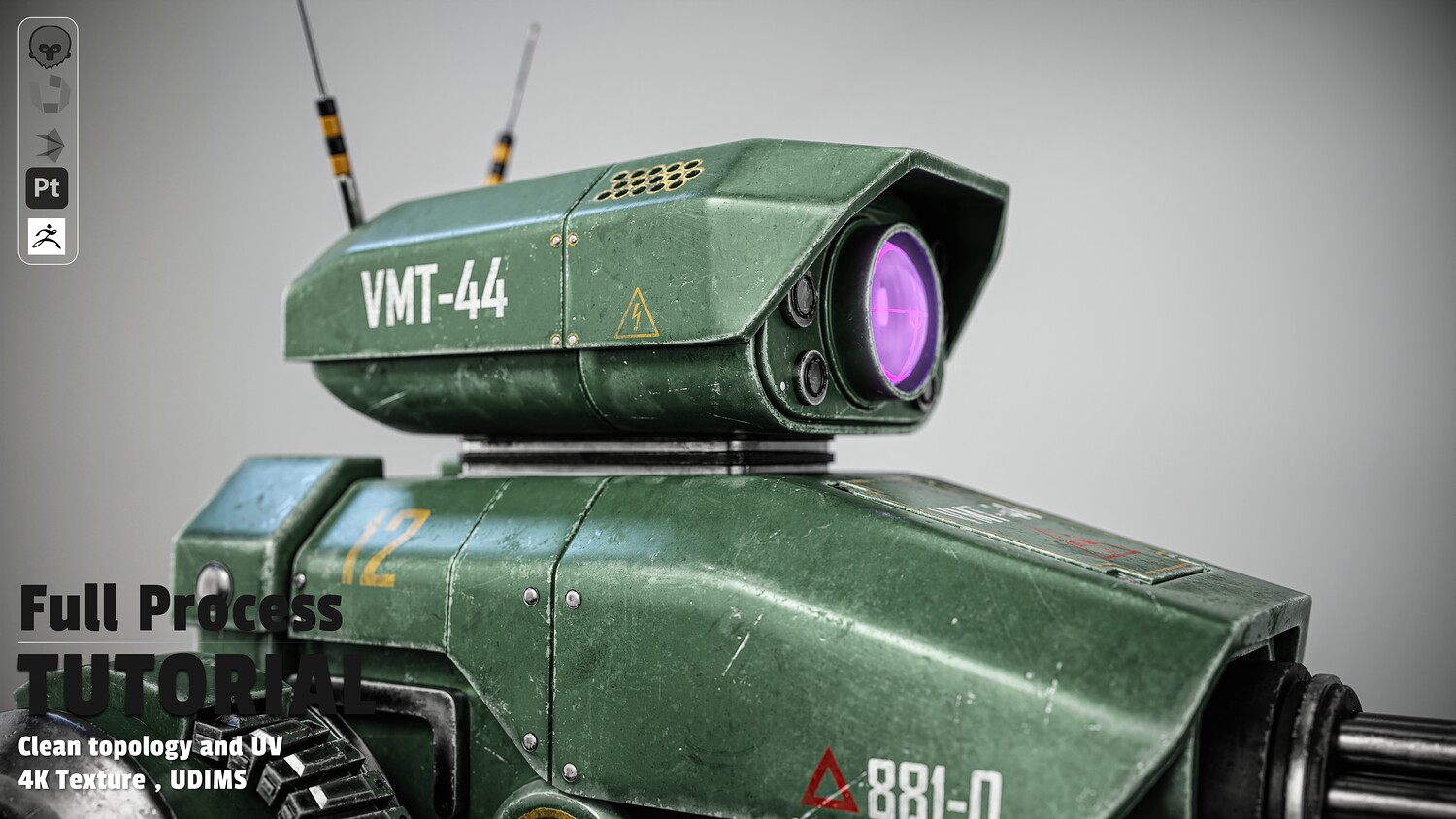
- Crafting complex modules: head optics, main chassis, ammo belt, magazine, and mechanical tracks
- Smart topology optimization to maximize UV space
Chapter 2: UV Unwrapping & UDIMs (RizomUV)
- Clean seam placement for complex hard-surface shapes
- Multi-tile UDIM workflow for maximum texture density
Chapter 3: Baking & PBR Texturing (Substance 3D Painter)
- Mesh setup, HDRI lighting & FOV camera configuration
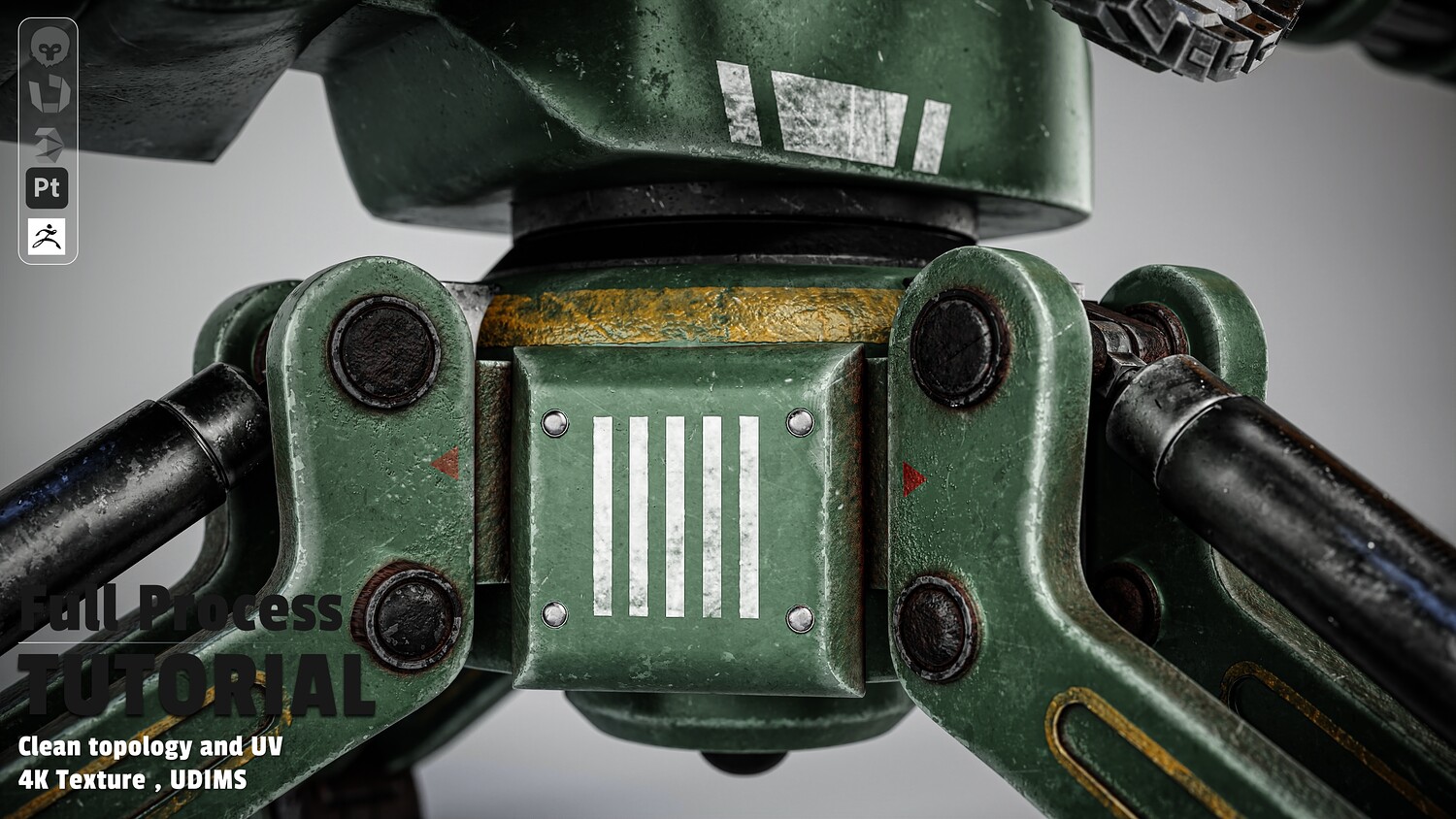
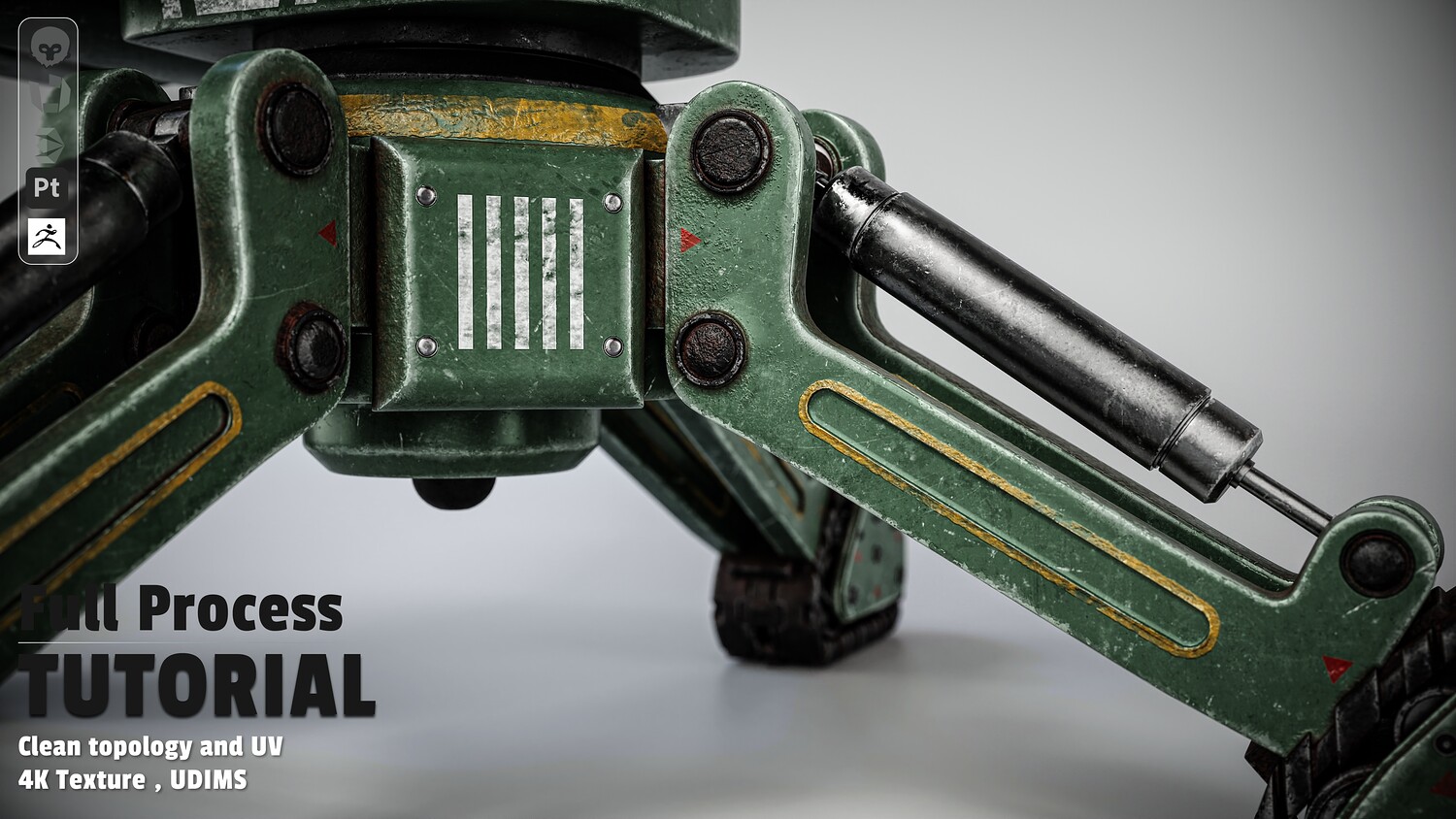
- Multi-layered weathering: military green base, wear & tear, rust, custom decals, glass, and emissive elements
Chapter 4: Studio Lighting & Rendering (Marmoset Toolbag)
- Material setup and custom studio lighting
- Camera post-processing for impressive portfolio renders
📢 Important Note Regarding the Videos: Please note that this is a non-voiced (no narration) tutorial. However, it is exceptionally easy to follow. To ensure a seamless learning experience, Spot on the Mouse and OSD (On-Screen Display) tools were used throughout the entire recording. Every single mouse click, shortcut, and keystroke is clearly visualized on the screen, allowing you to follow along with ease.
Software Used
- 3ds Max 2026 | RizomUV | Substance 3D Painter | Marmoset Toolbag
You will get 8 files
All files previously purchased will always be available for download in your Library