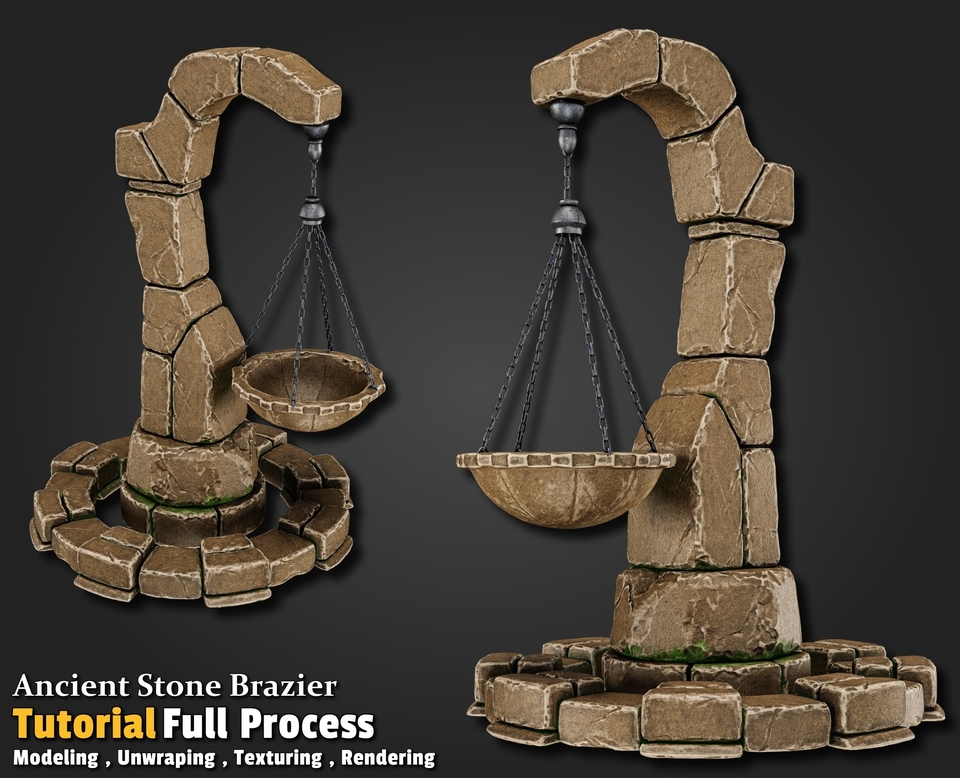
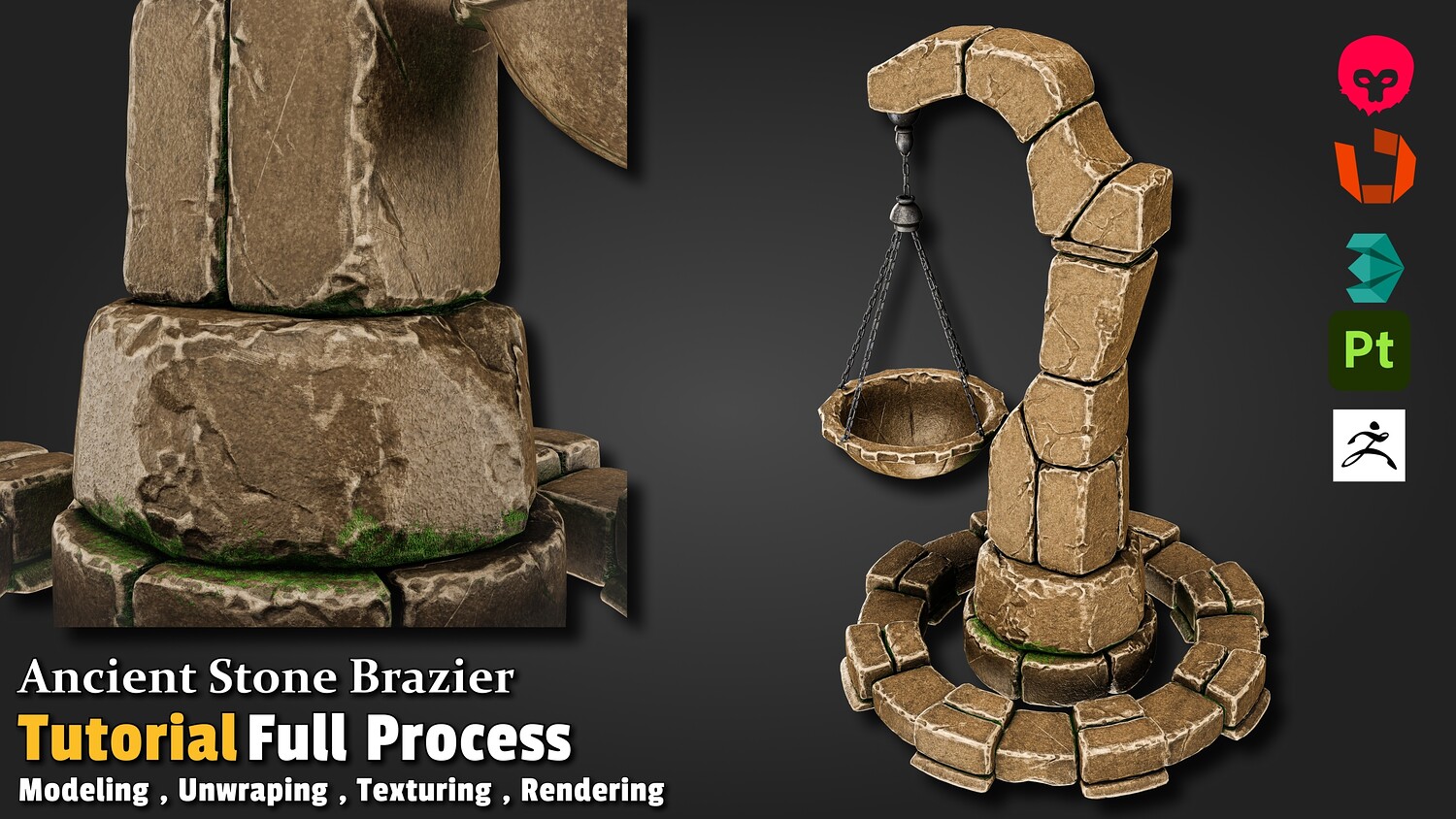
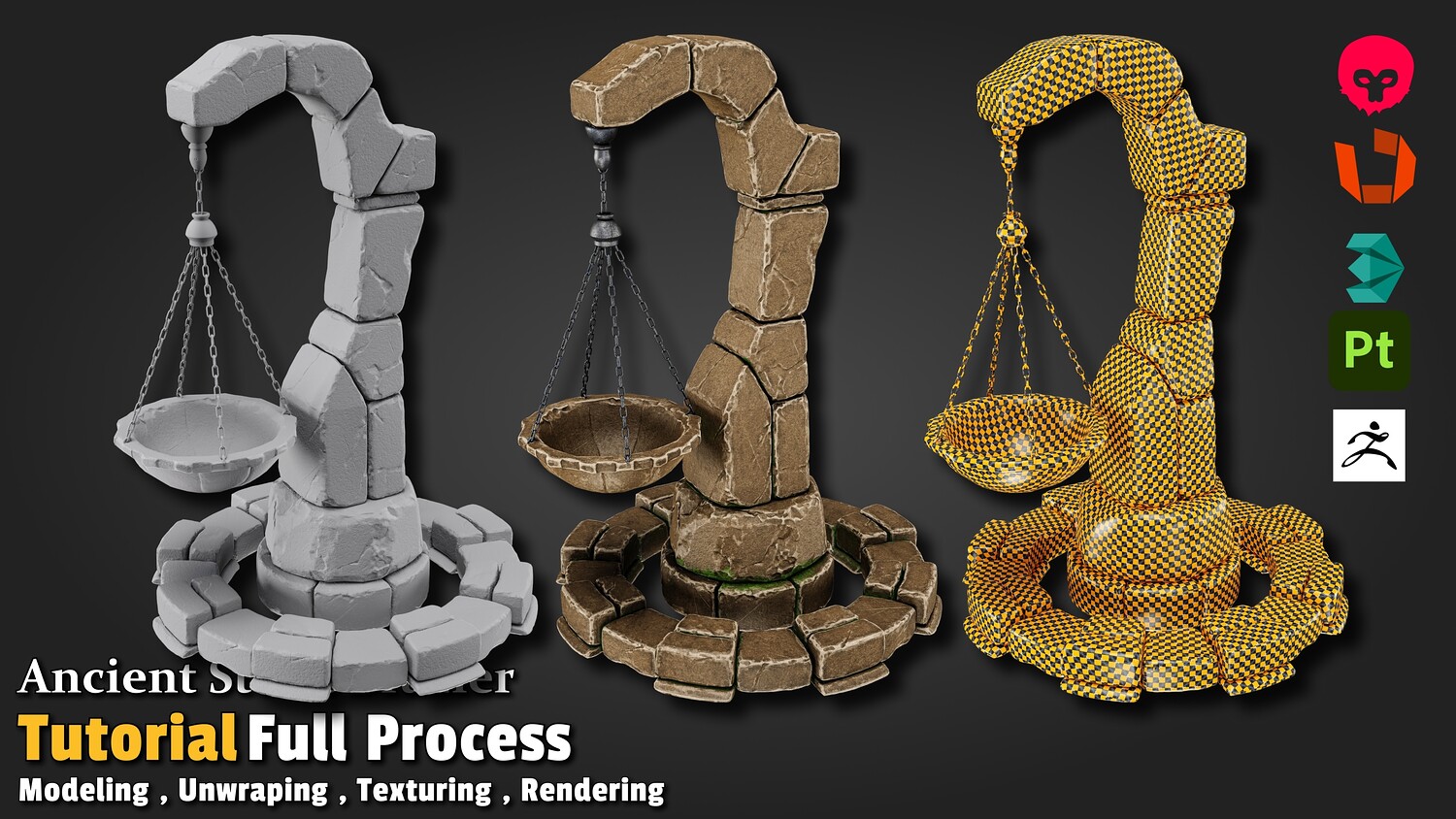
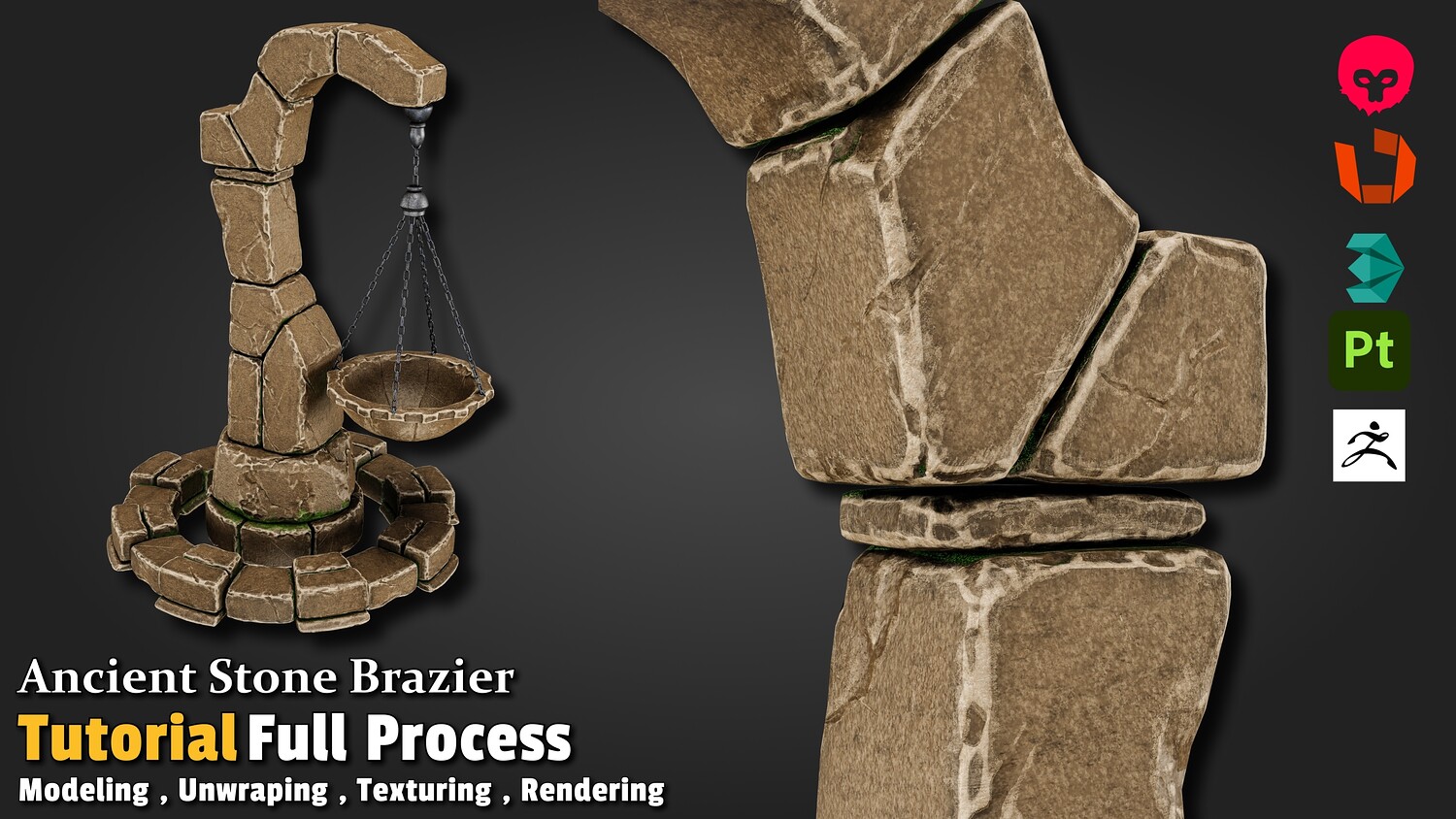
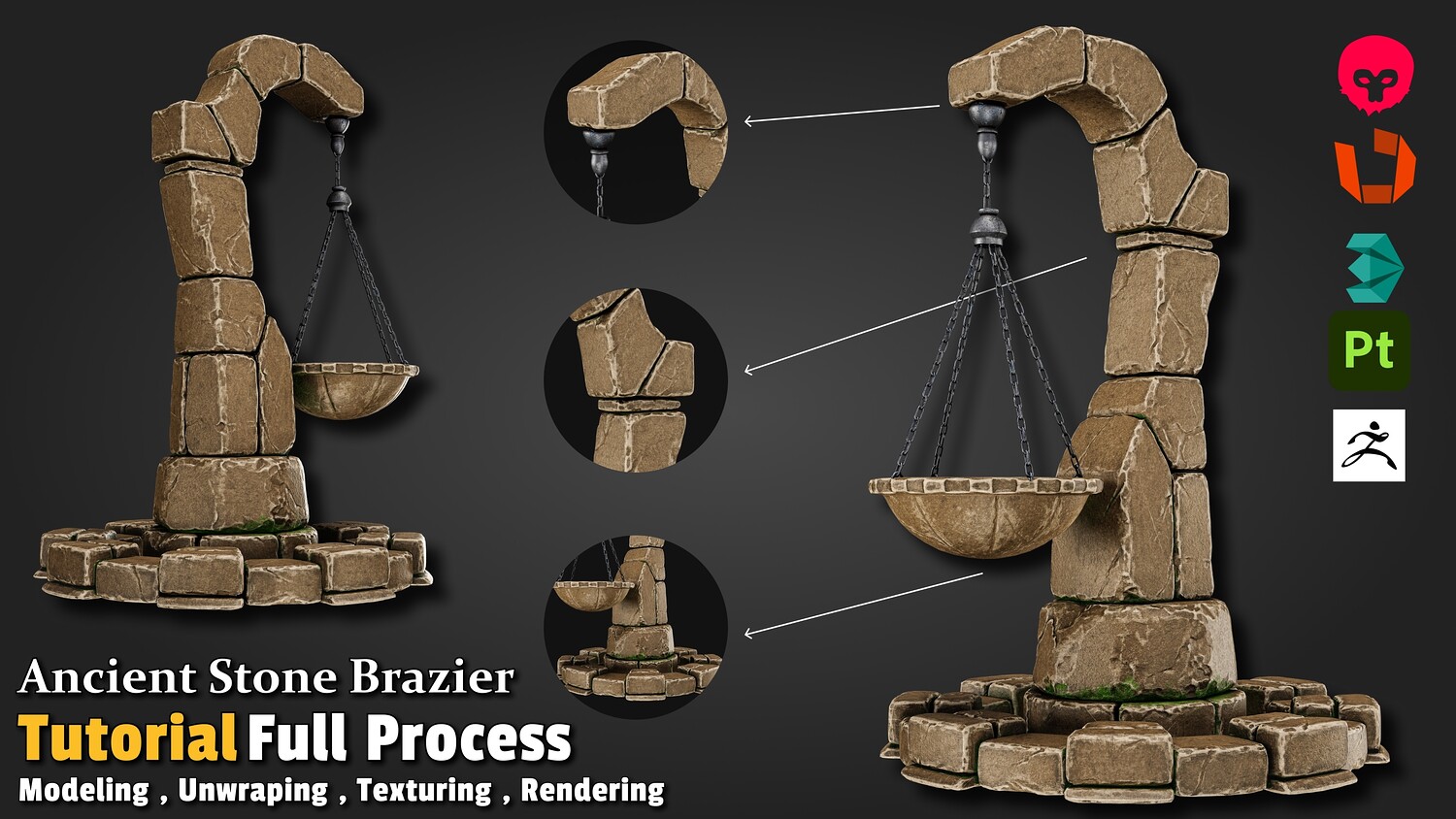
AAA Ancient Stone Brazier - Complete Modeling to Rendering Tutorial
Master the complete pipeline of creating high-quality, production-ready environment props for games. In this comprehensive tutorial, we will walk through the entire process of transforming a simple concept into a fully optimized, textured, and rendered AAA-quality game asset.
Whether you want to level up your environment art skills, master edge-sculpting techniques, or understand modern workflows like UDIMs for game assets, this course has you covered.
🚀 What You Will Learn:
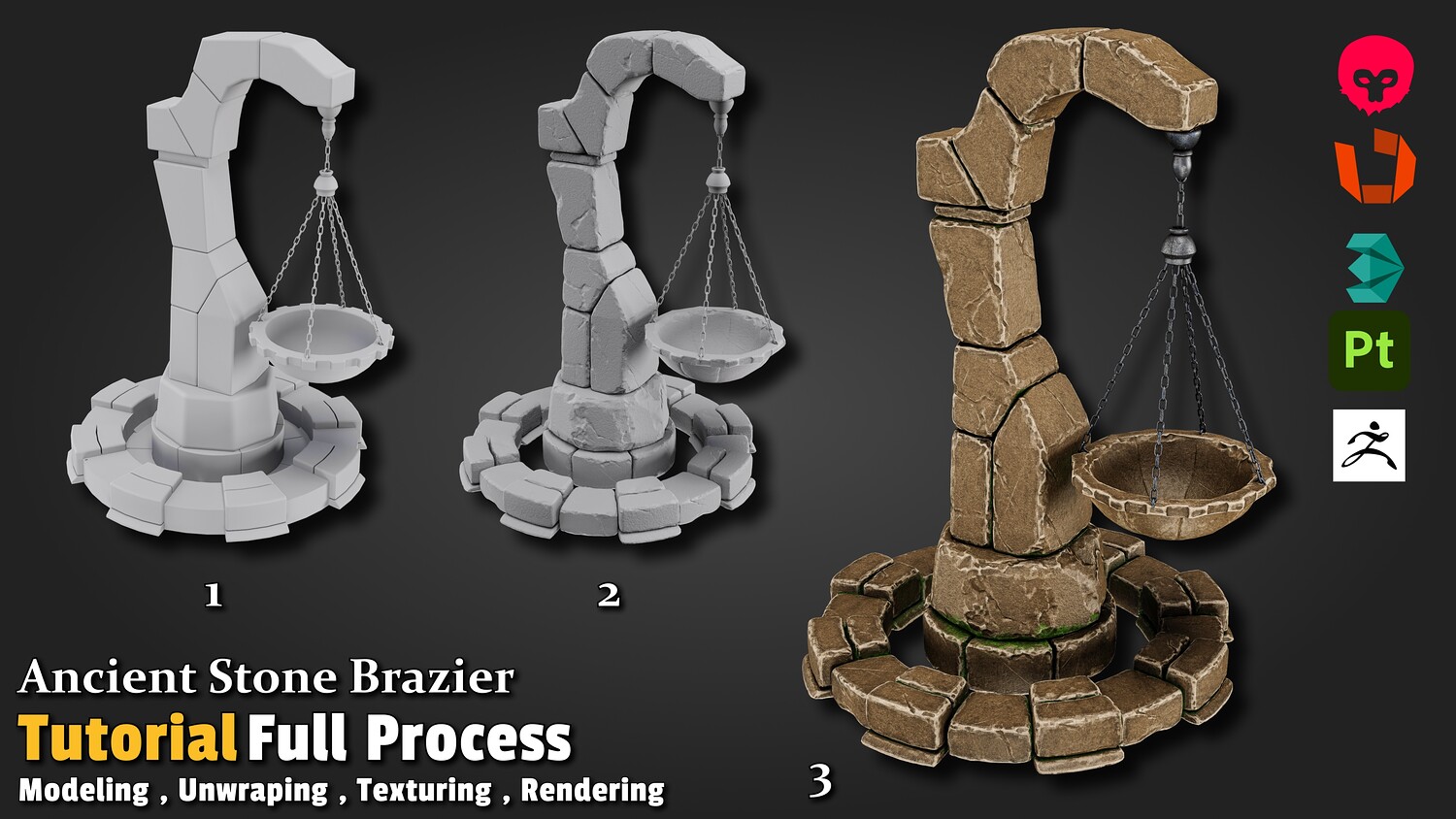
- Phase 1: Blockout & Base Modeling (3ds Max)
- Establishing correct proportions and clean topology.
- Preparing the base mesh for high-poly sculpting.
- Phase 2: High-Poly Edge Sculpting (ZBrush)
- Damaging and chipping stone edges for a realistic, weathered look.
- Creating rich surface details that bake perfectly.
- Phase 3: Low-Poly Optimization & UDIM Unwrapping (RizomUV)
- Creating an optimized low-poly model ready for games.
- Advanced unwrapping using UDIMs to maximize texture density and maintain crisp quality.
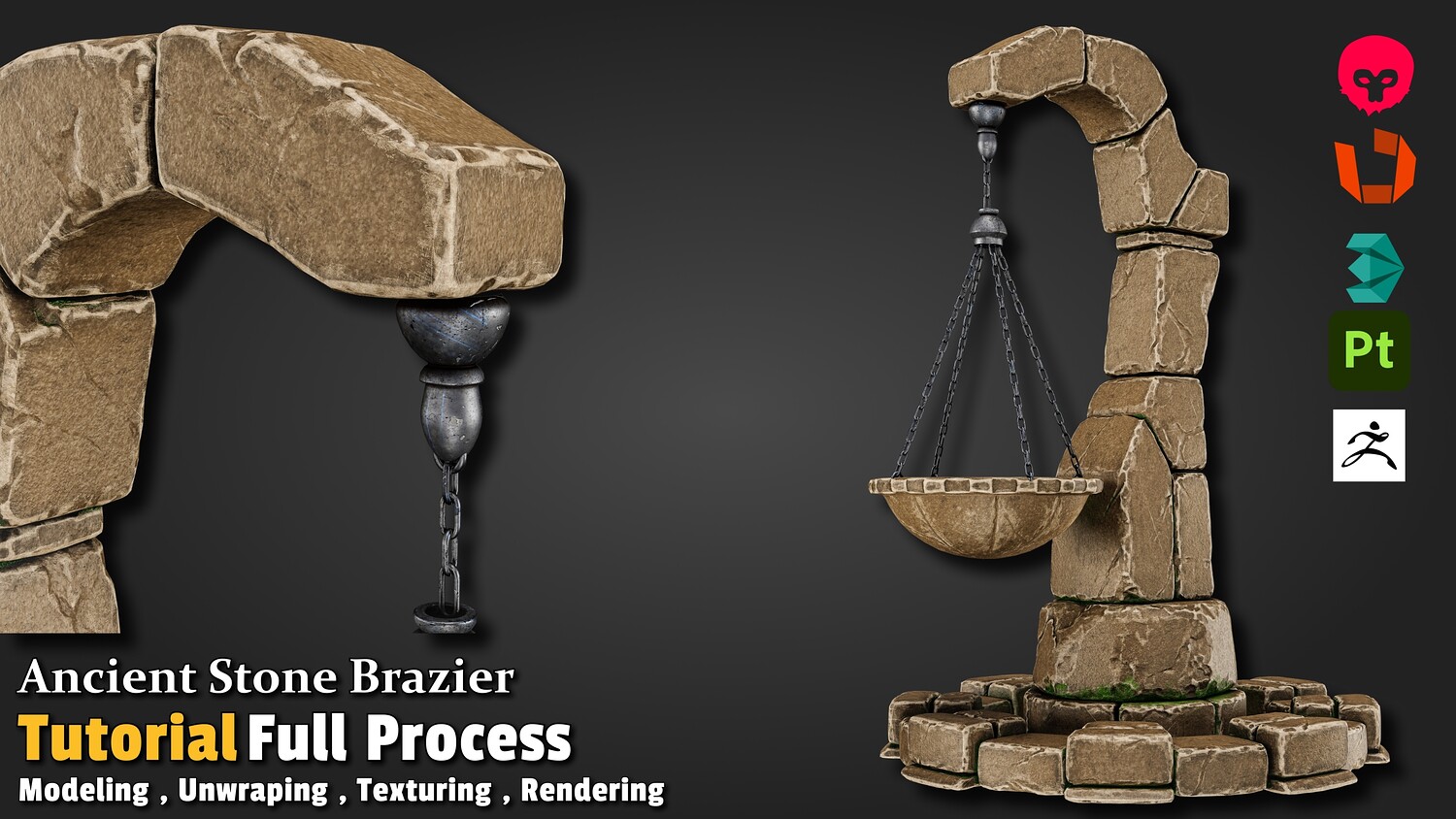
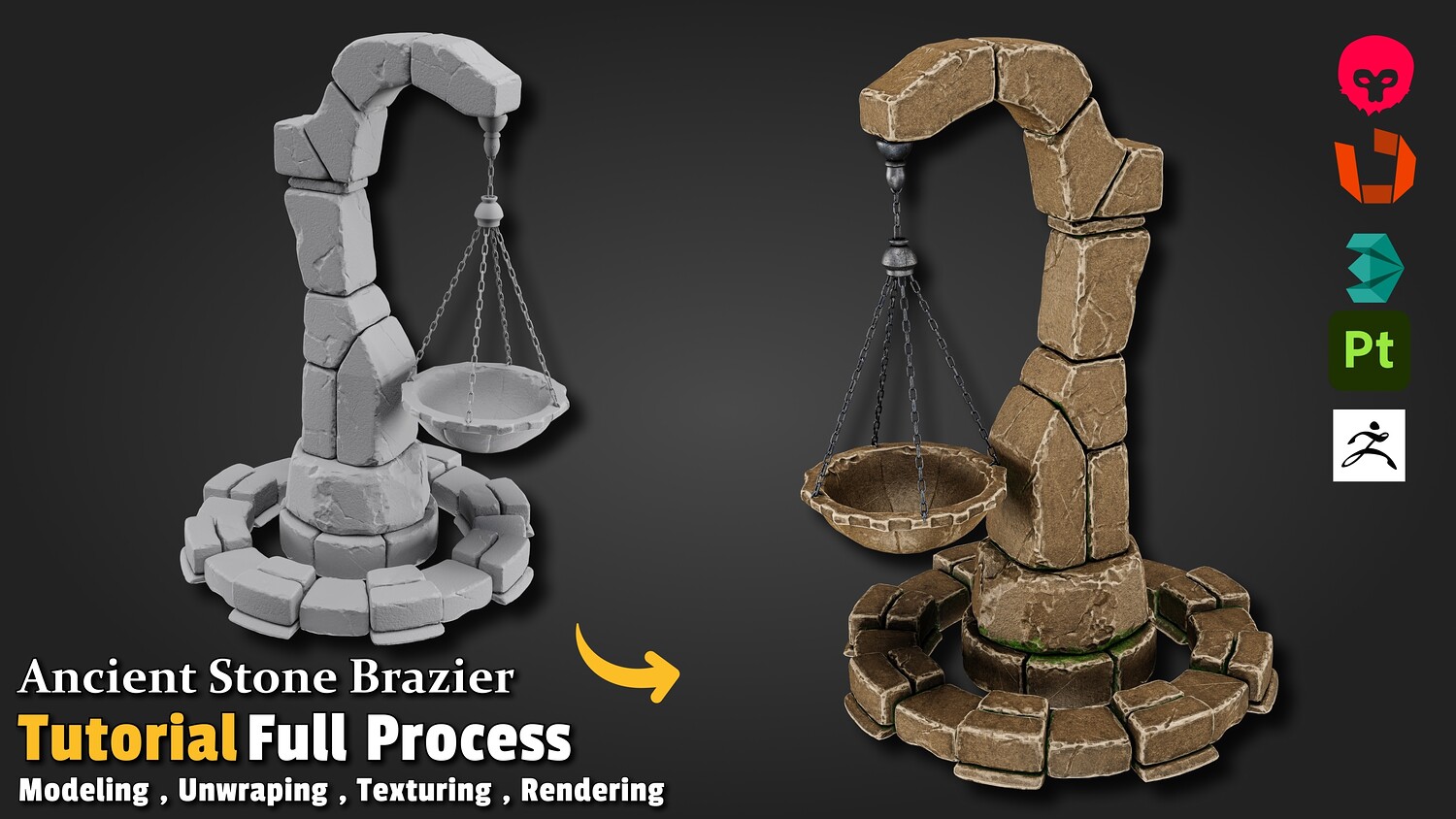
- Phase 4: Baking & Texturing (Substance Painter)
- Flawless high-to-low poly baking techniques.
- Creating rich, story-driven stone and metal materials using smart materials and hand-crafted details.
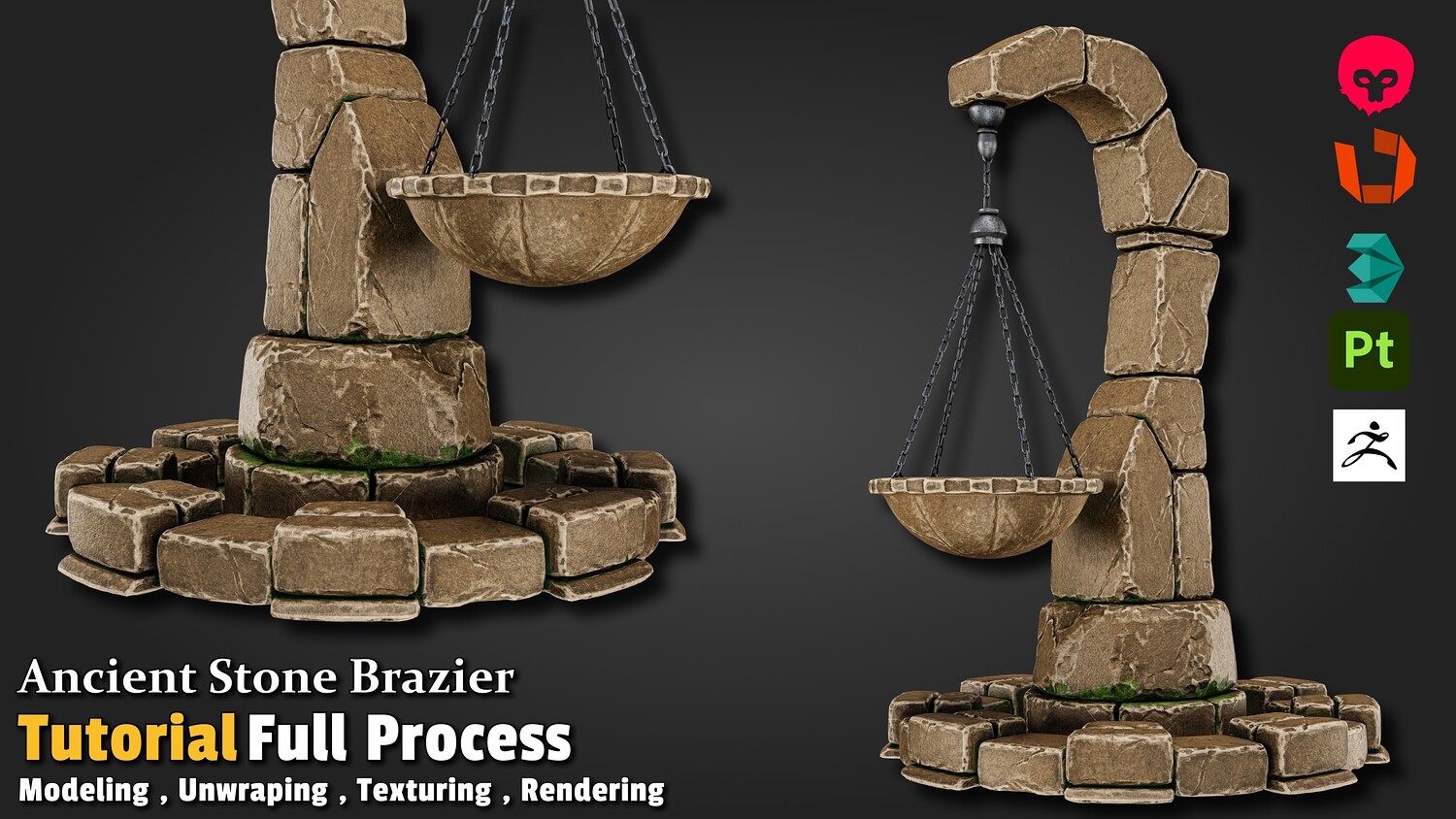
- Phase 5: Real-time Rendering (Marmoset Toolbag)
- Setting up materials and importing textures.
- Lighting setup, camera settings, and post-processing to create portfolio-ready renders.
💻 Software Used:
- 3ds Max (Modeling)
- ZBrush (Sculpting)
- RizomUV (Unwrapping)
- Substance Painter (Baking & Texturing)
- Marmoset Toolbag (Rendering)
📢 Important Note Regarding the Videos:
Please note that this is a non-voiced (no narration) tutorial. However, it is exceptionally easy to follow. To ensure a seamless learning experience, Spot on the Mouse and OSD (On-Screen Display) tools were used throughout the entire recording. Every single mouse click, shortcut, and keystroke is clearly visualized on the screen, allowing you to follow along with ease.
📦 Inside the Pack:
- Full step-by-step video tutorial (Complete process with zero skipped steps).
- Final Low-Poly & High-Poly Assets.
- Full Textures Folder.
🌟 Level up your portfolio today! Learn the exact industry-standard workflows used by top studio environment artists.
You will get 4 files
All files previously purchased will always be available for download in your Library