Retro Robot Character Modeling & Texturing Tutorial - Full Production Pipeline
114 Views
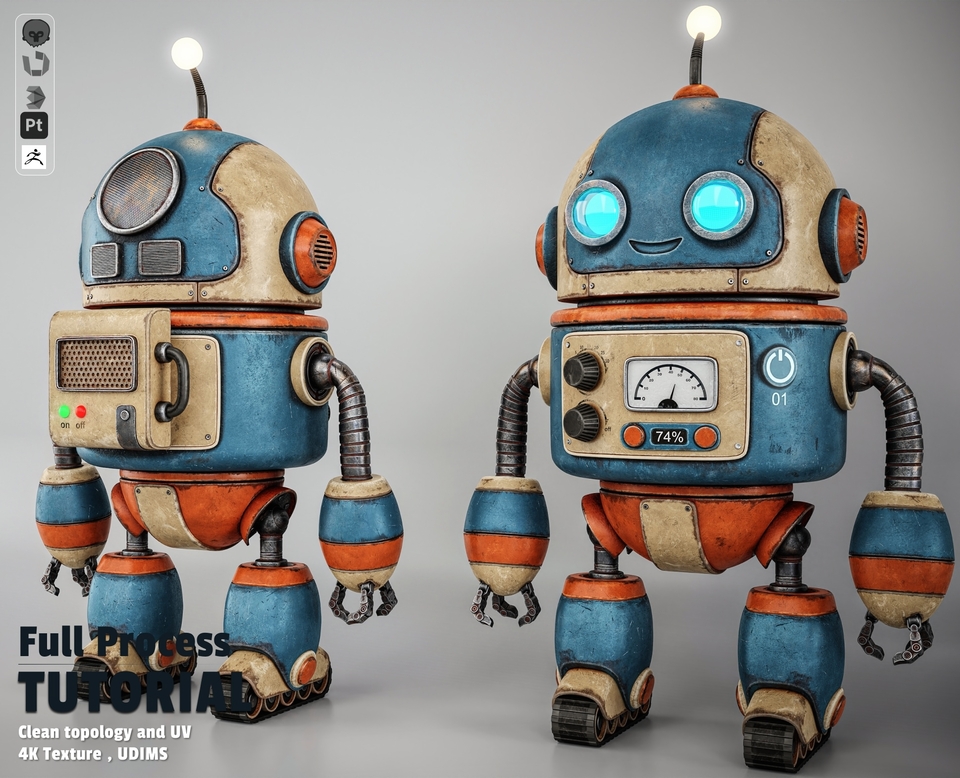
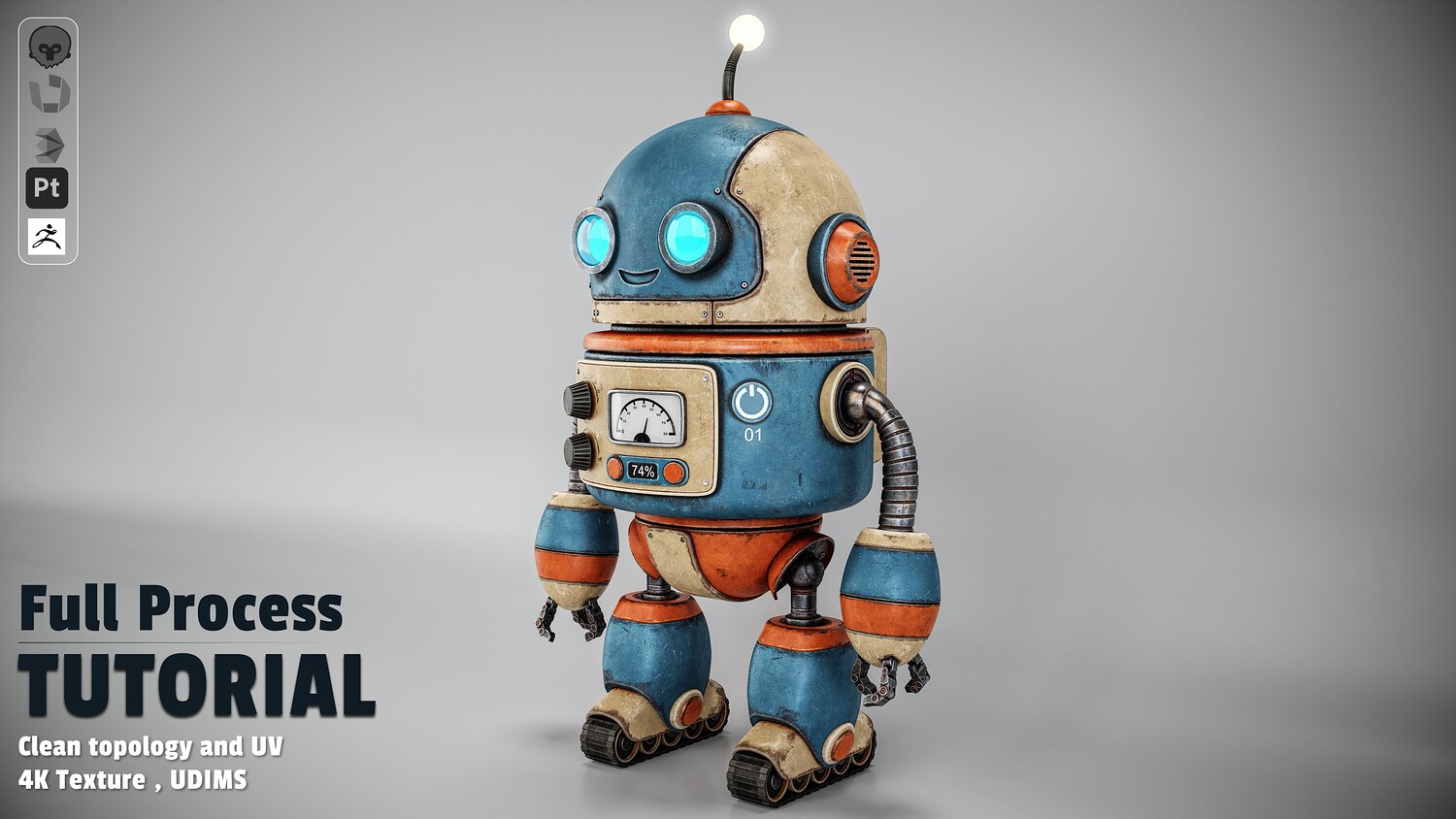
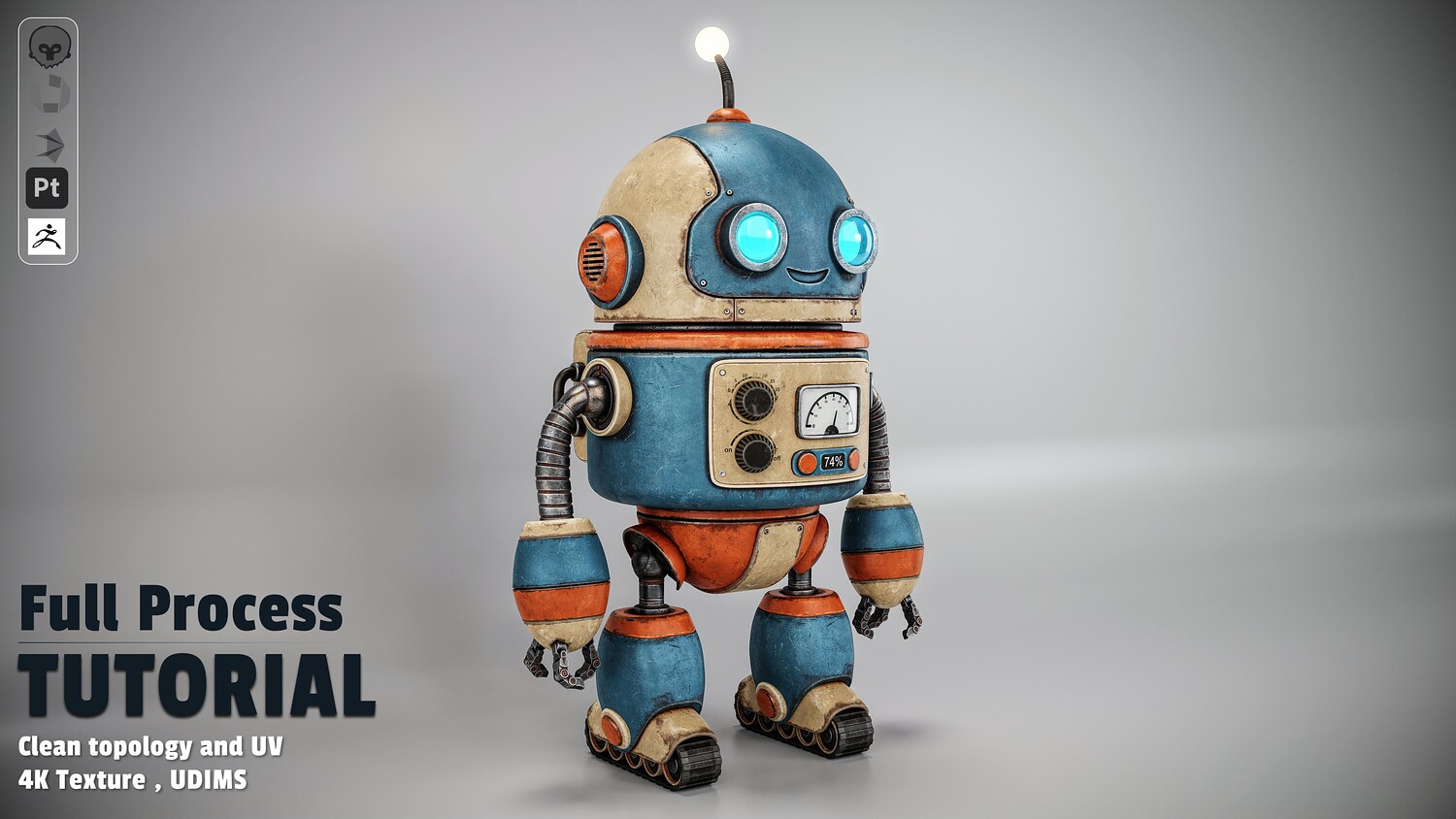
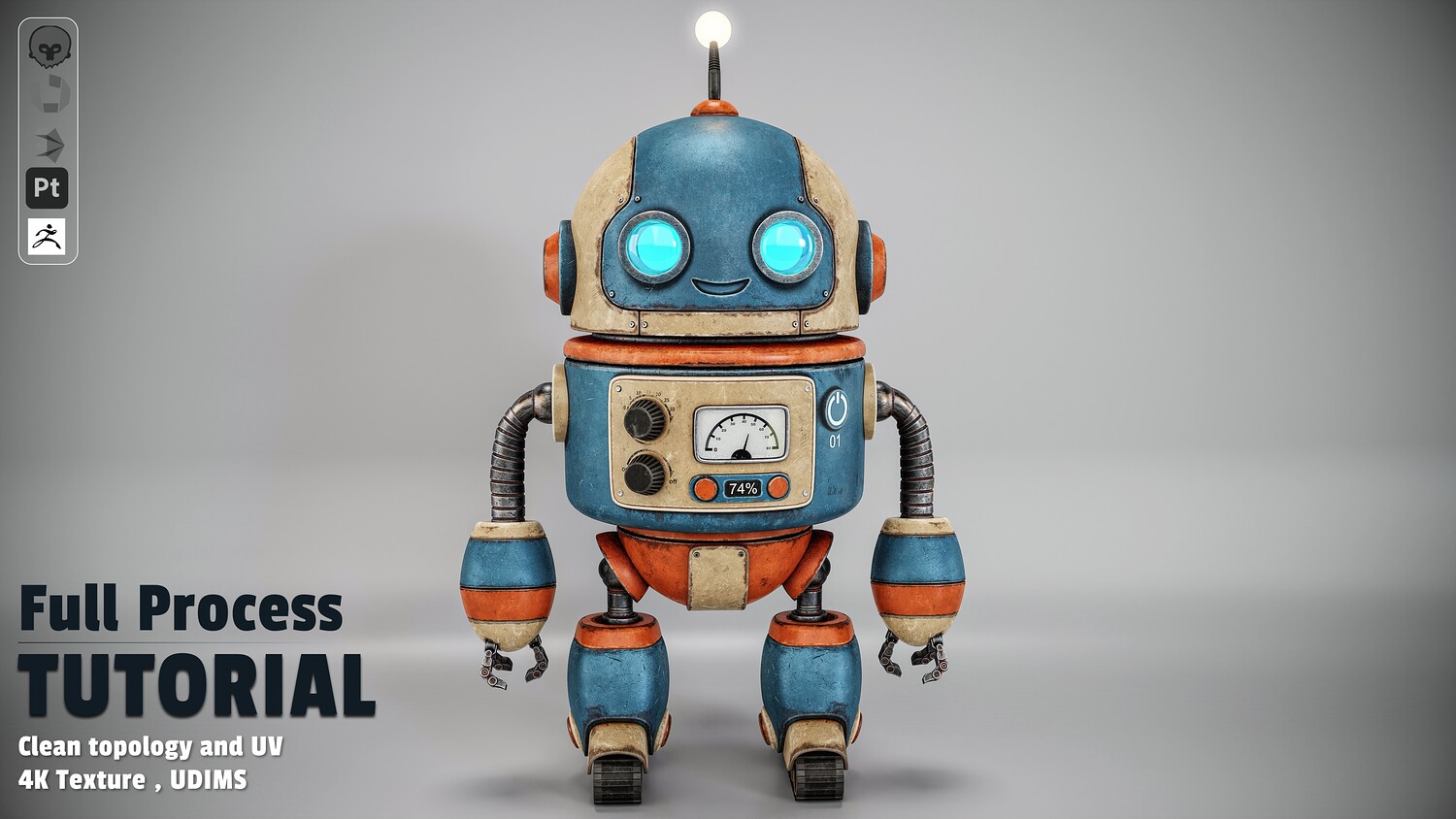
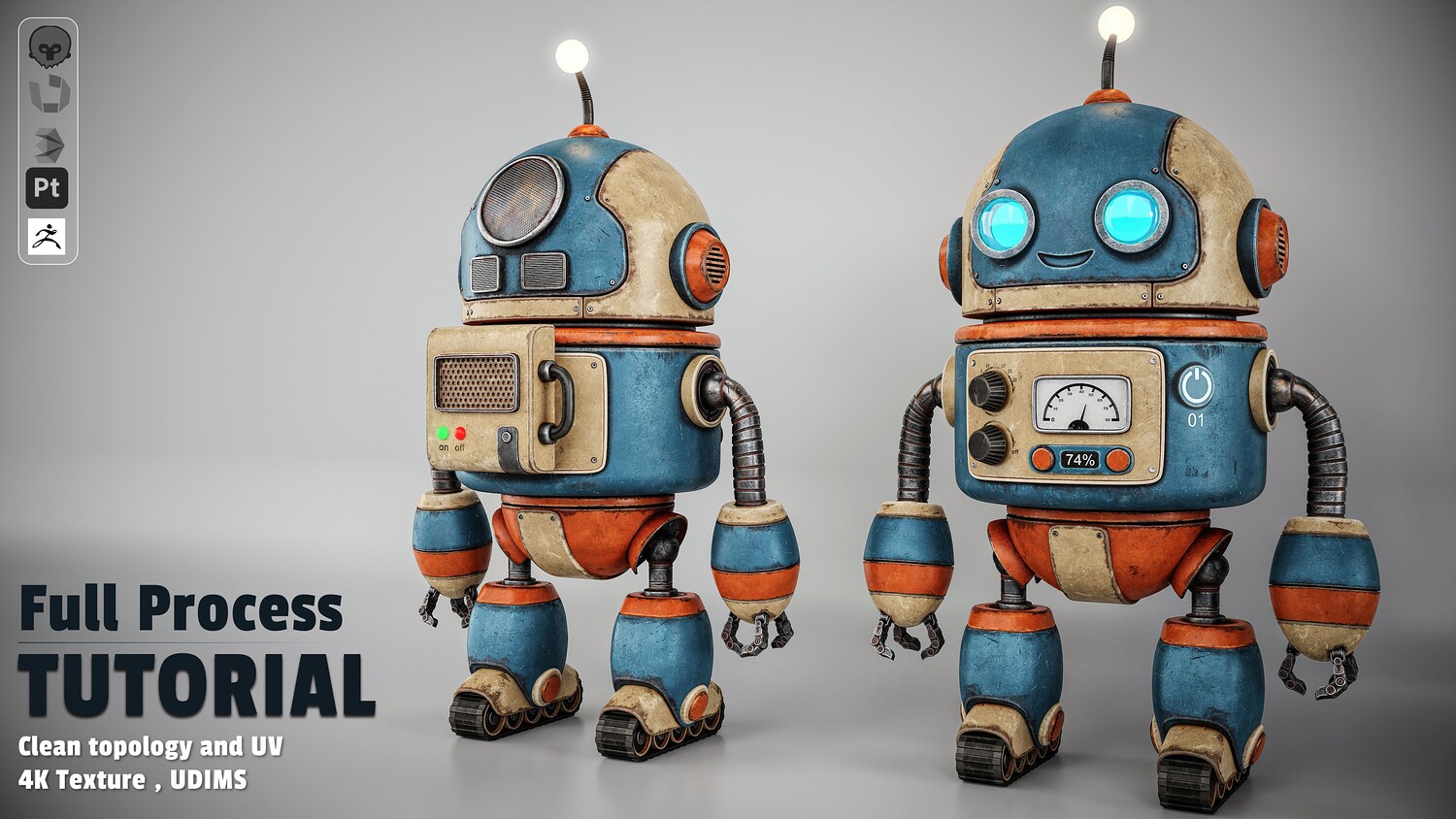
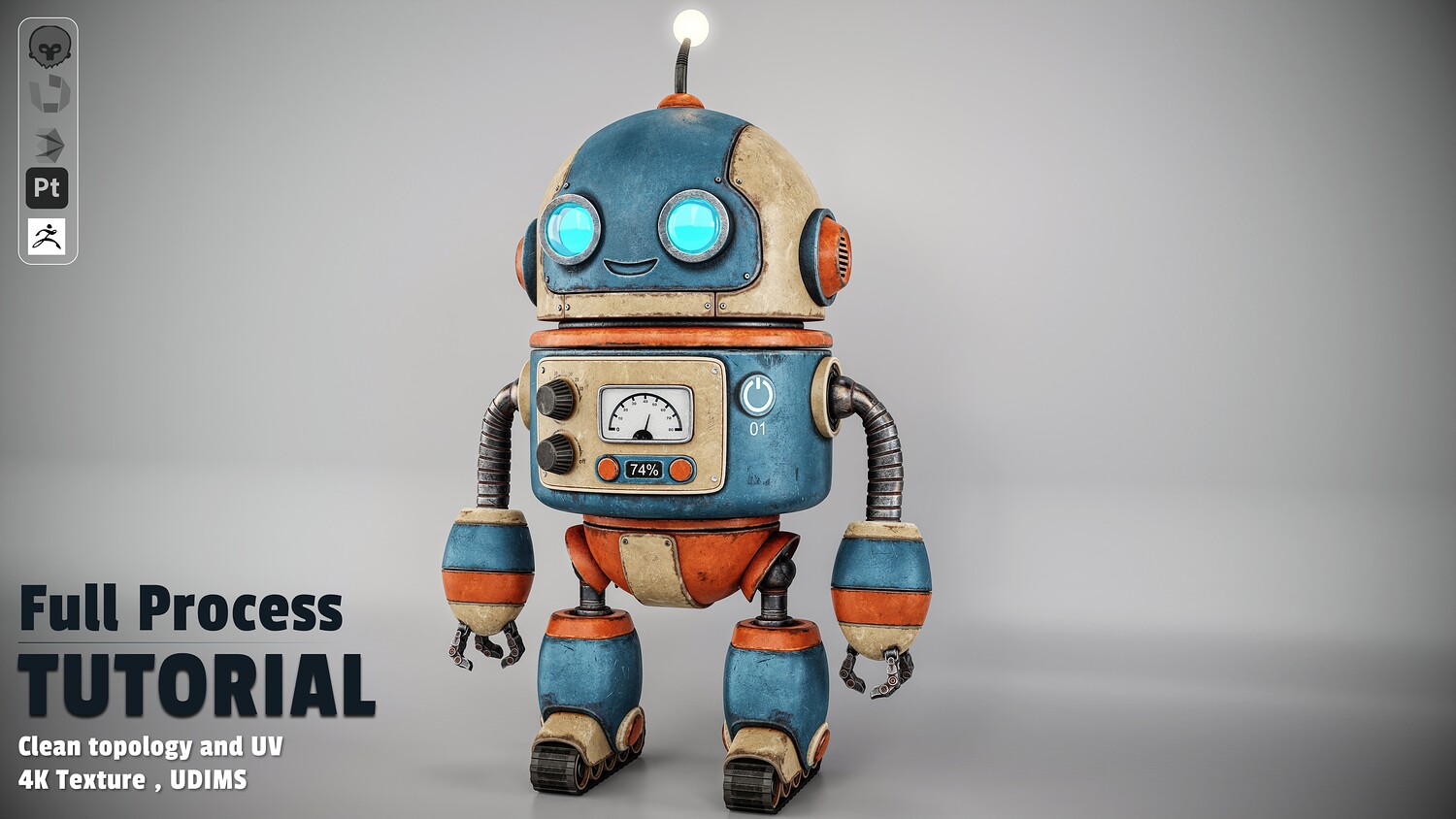
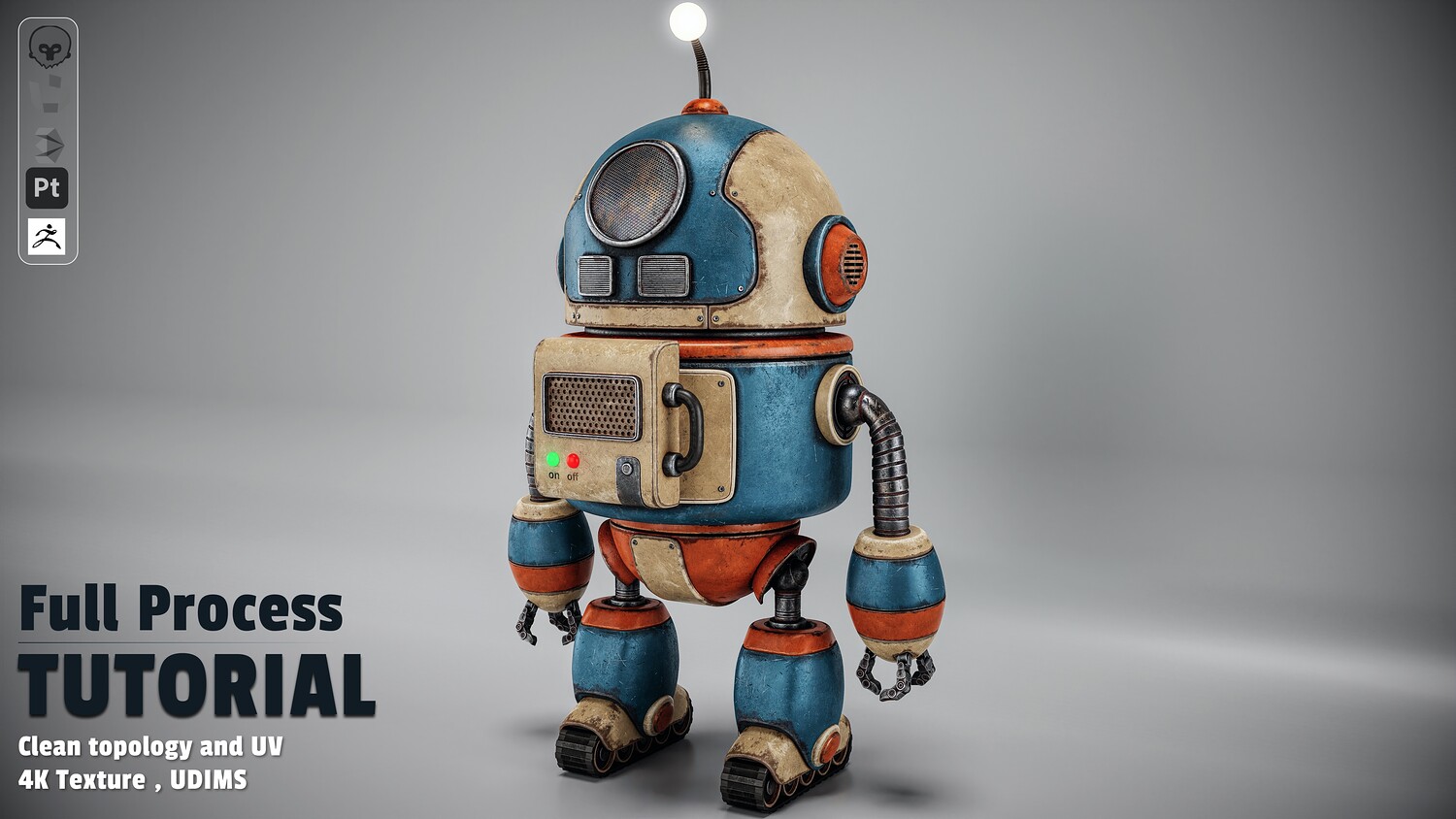
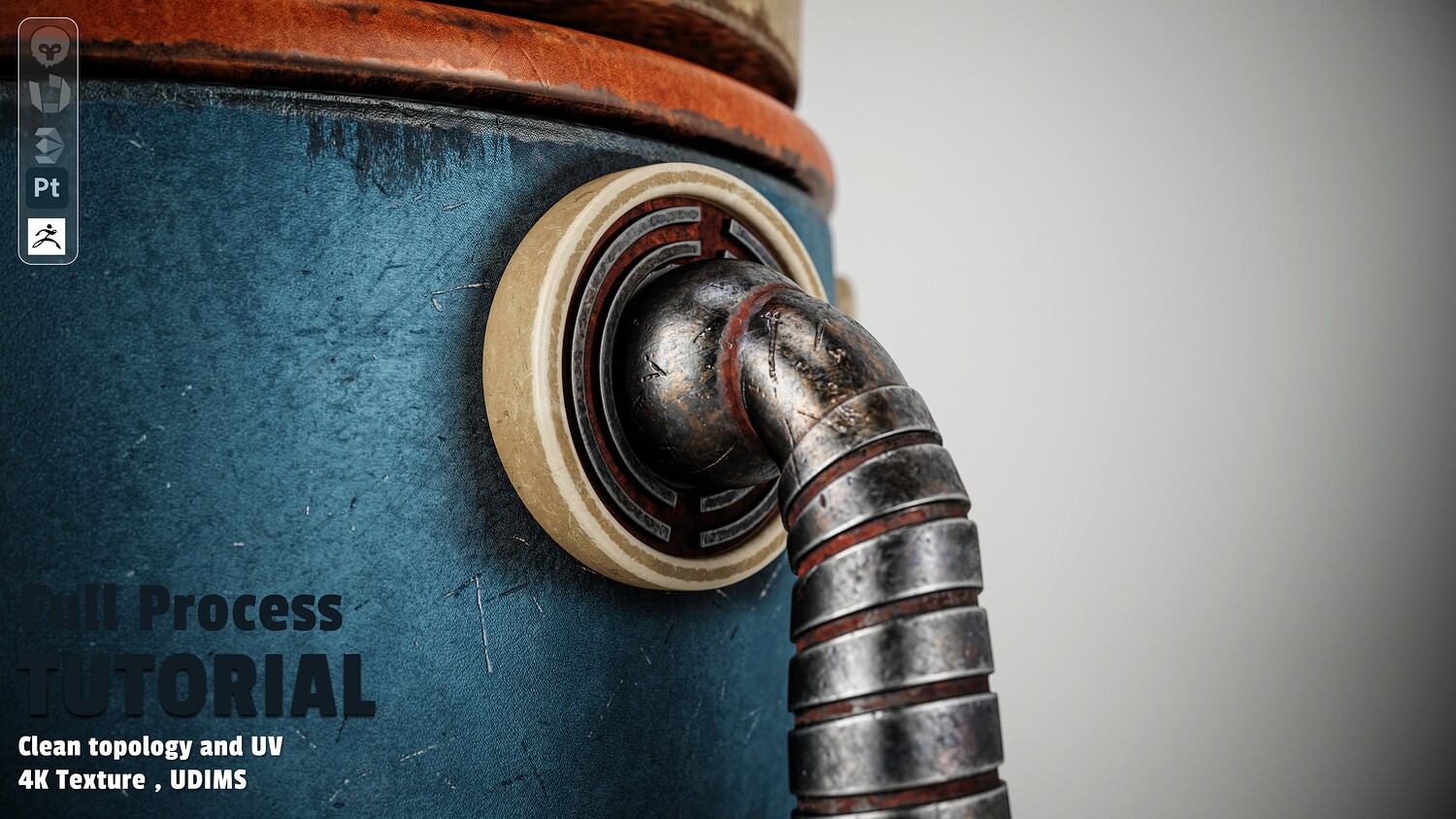
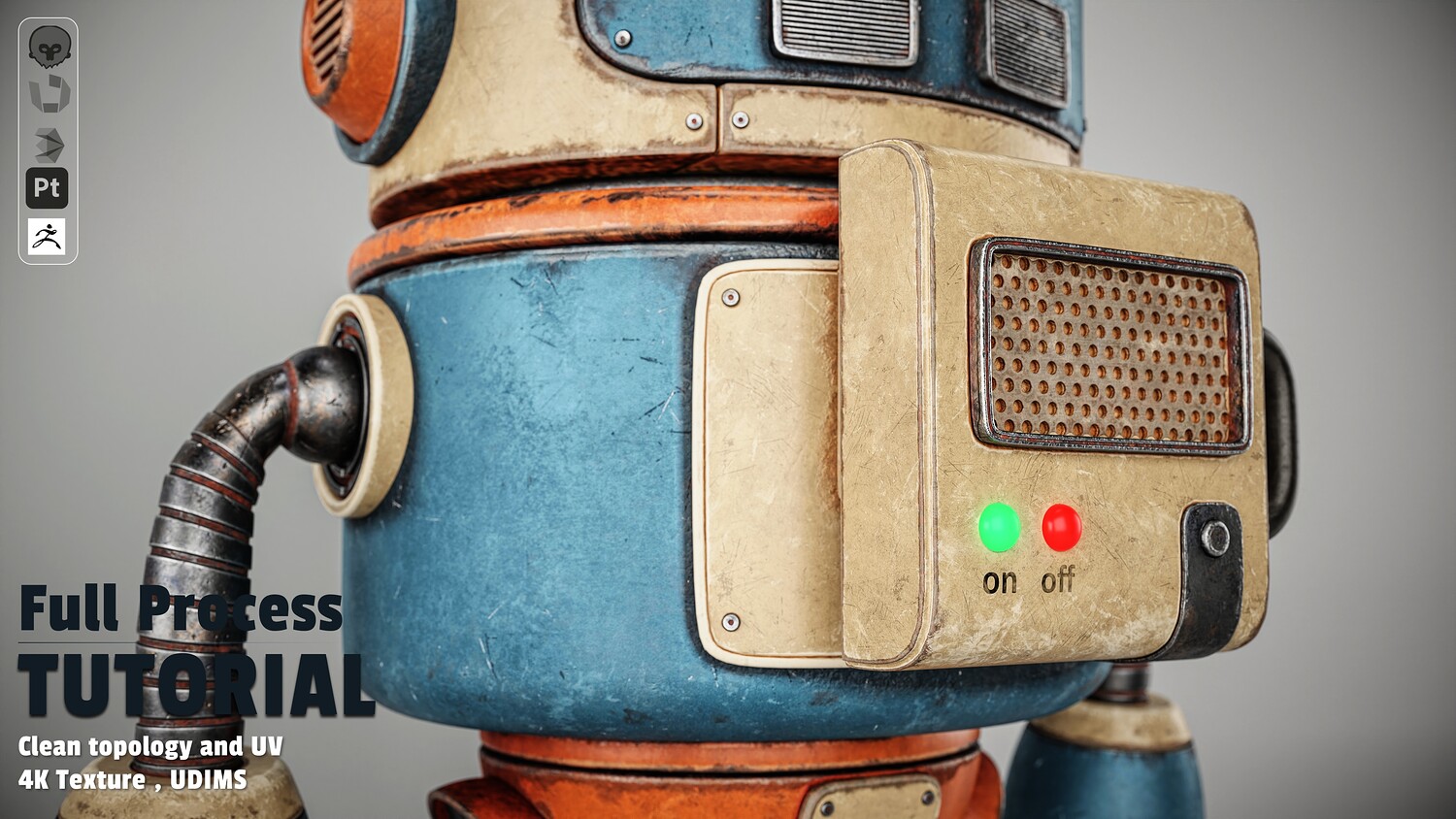
Learn how to create a complete, game-ready retro robot character from scratch using a production-ready 3D pipeline. This step-by-step course covers every stage of the creation process—from initial blockout in 3ds Max to detailed UV unwrapping in RizomUV, realistic texturing in Substance Painter, and studio rendering in Marmoset Toolbag.
What You Will Learn
Chapter 1: Hard-Surface Modeling (3ds Max 2026)
- Primary Blockout: Establishing proportions and silhouette from scratch.
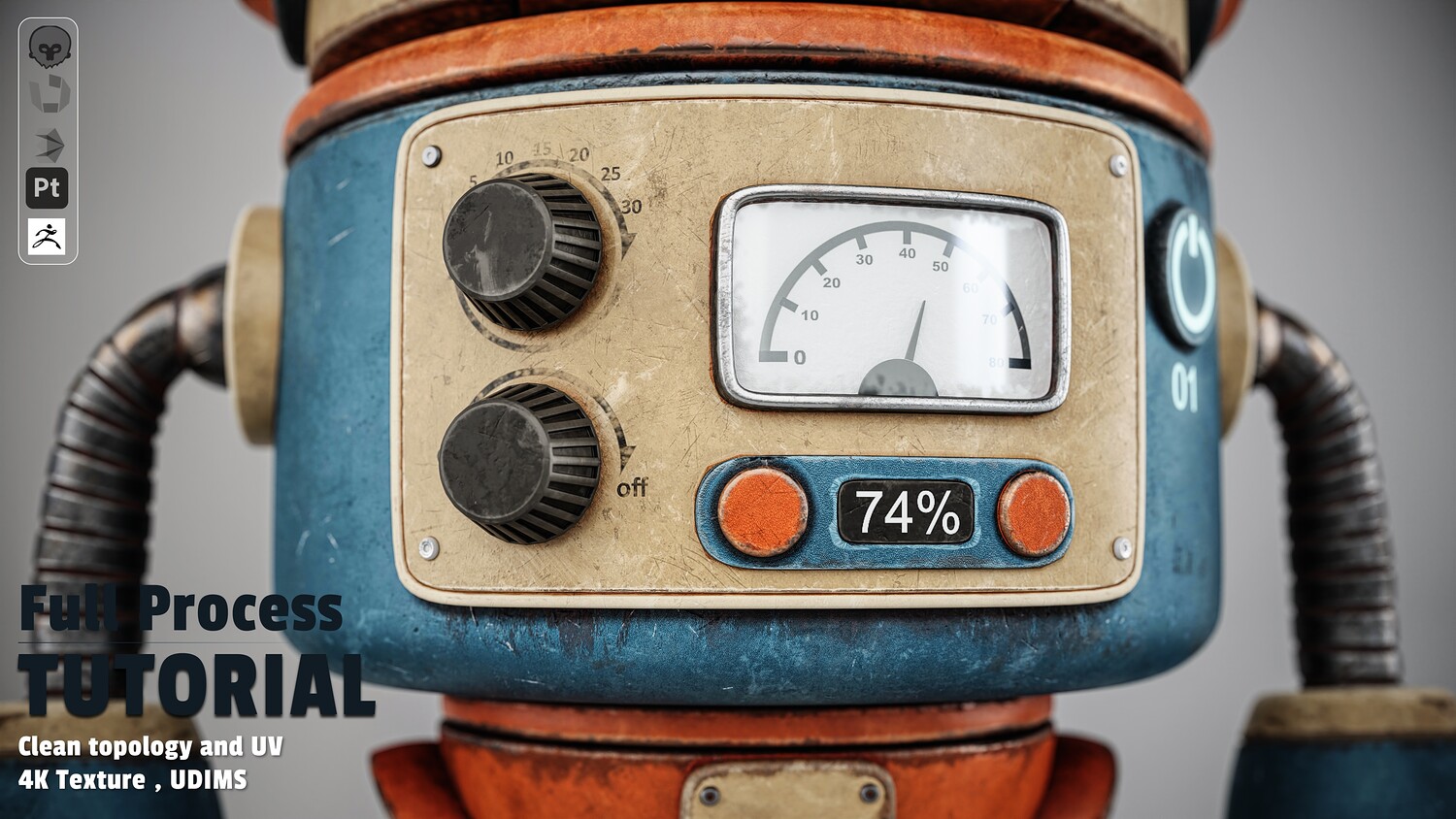
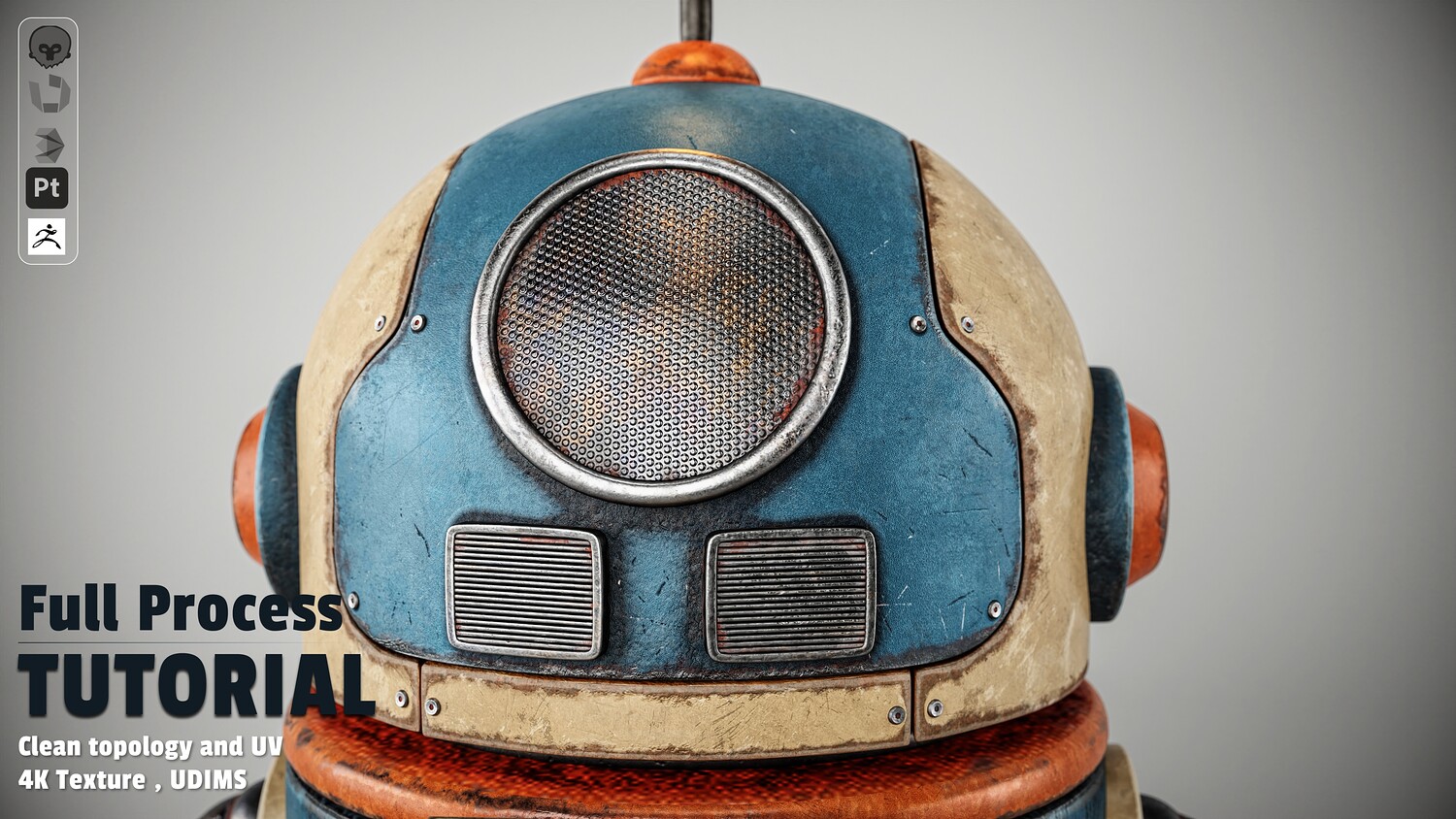
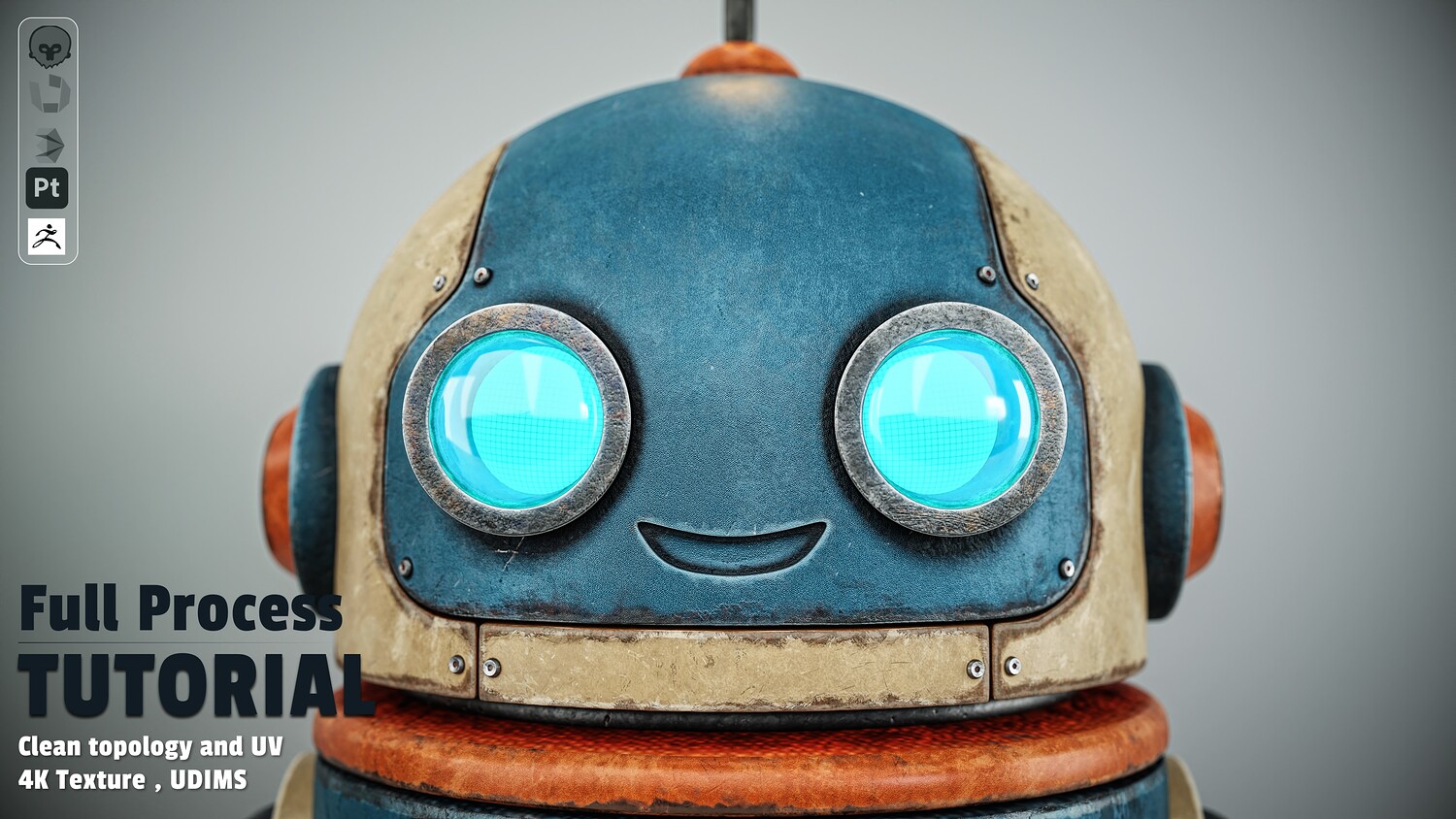
- Detailed Modeling: Crafting the head, eyes, antenna, main torso, front panel, measurement gauges, and buttons.
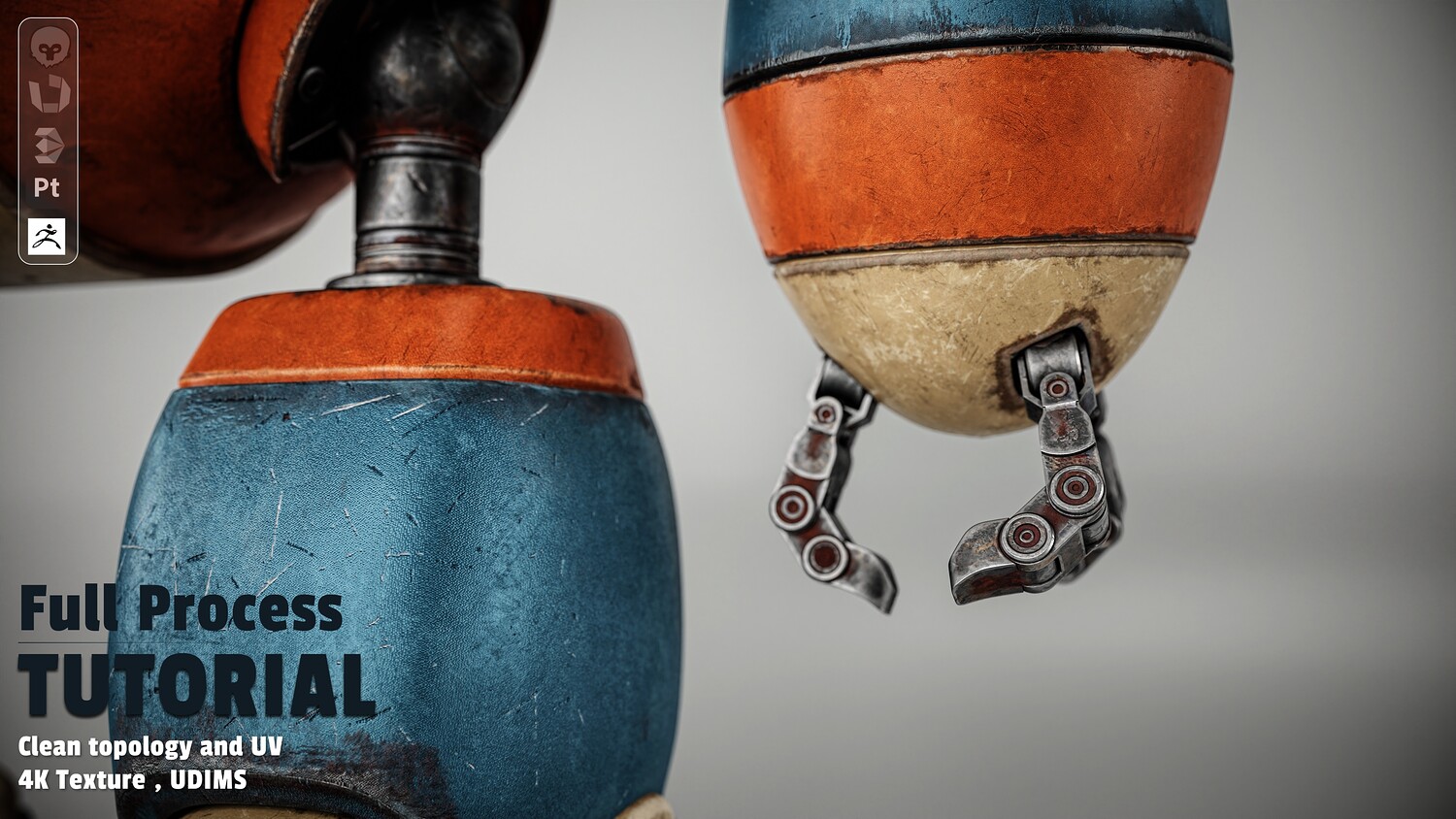
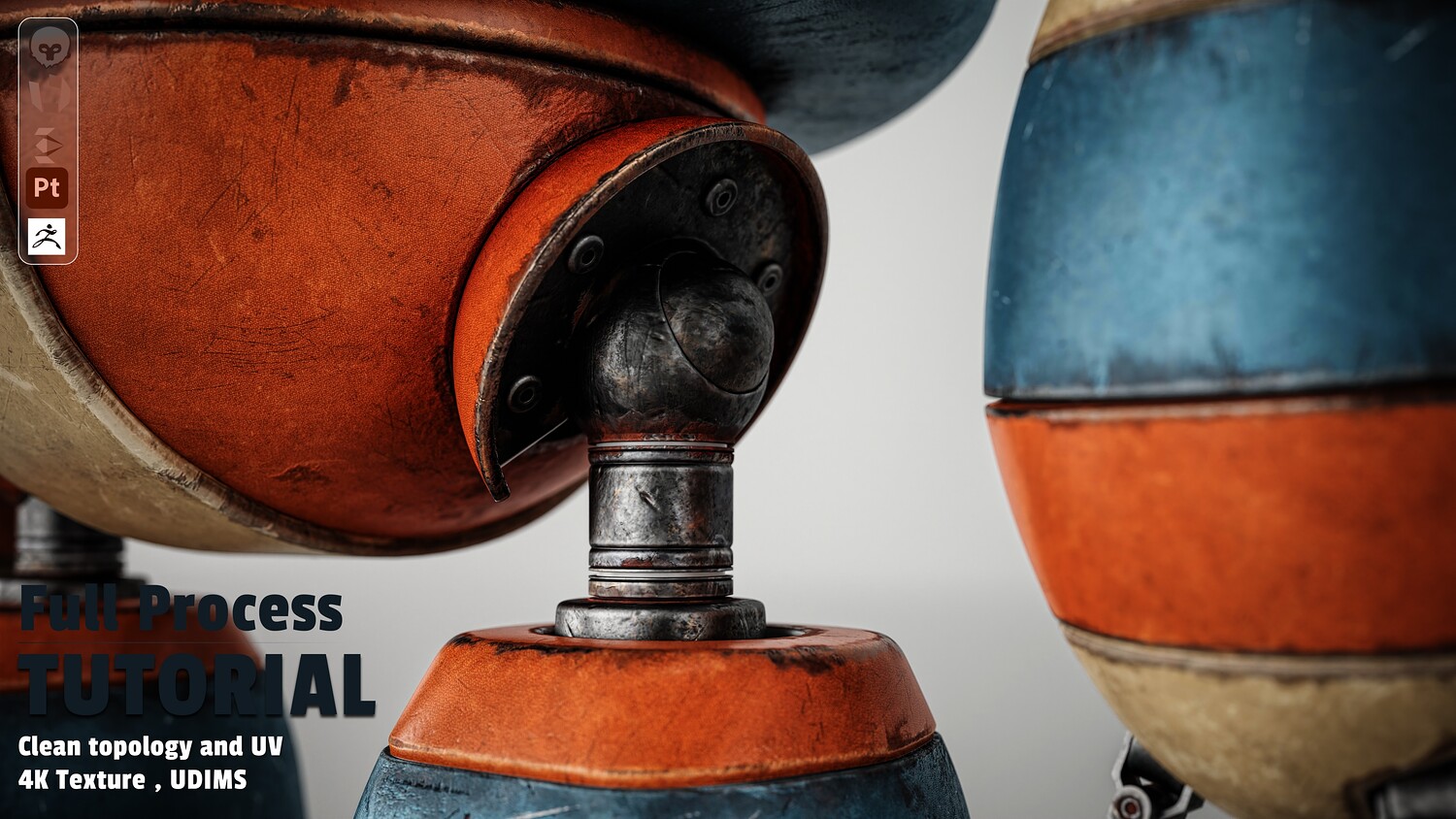
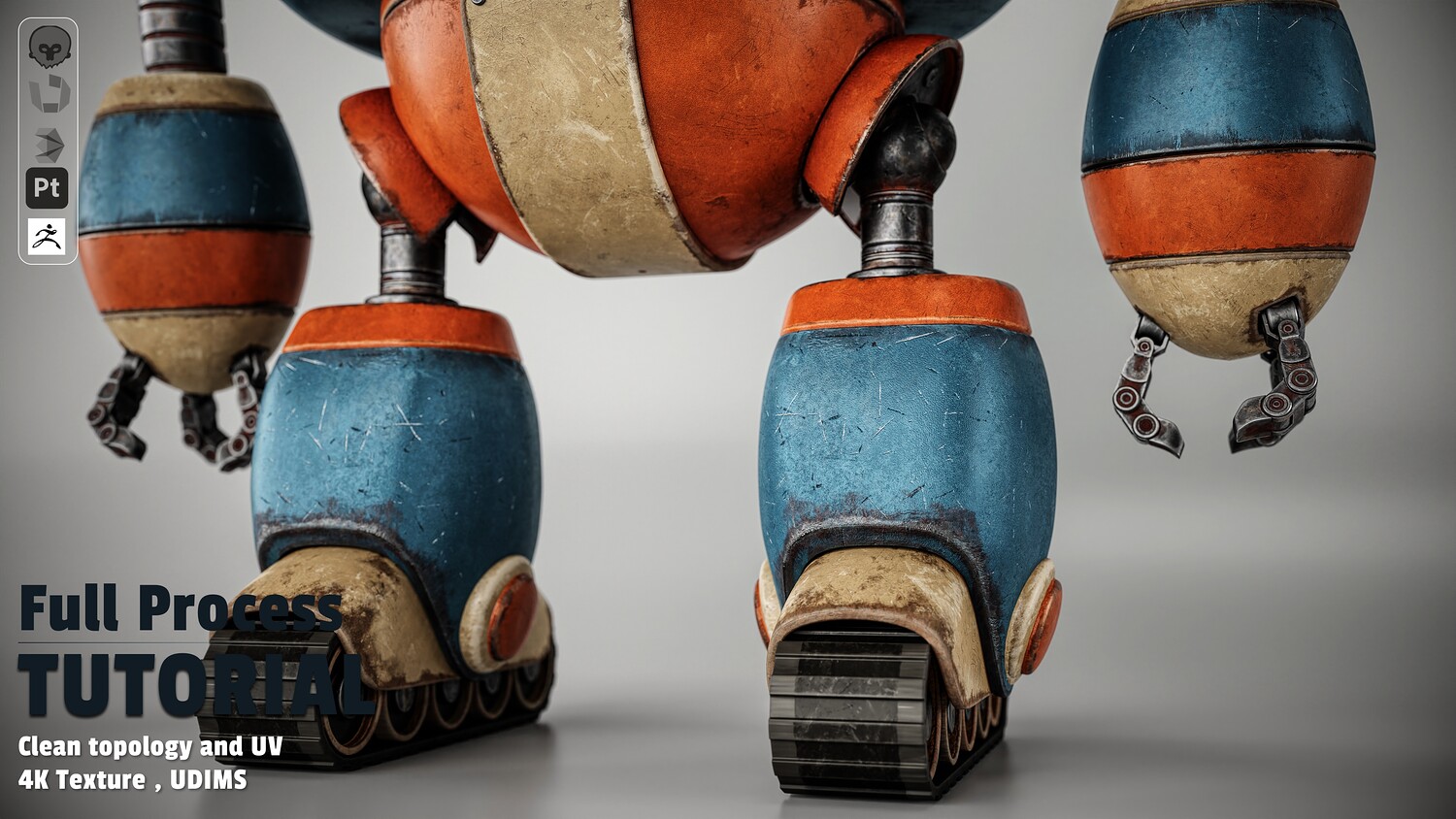
- Complex Geometry: Modeling mechanical arms, accordion joints, claws, pelvic base, legs, and caterpillar tracks.
- Model Optimization: Topology cleanup, proper mesh naming, and face optimization to maximize UV space before exporting FBX/OBJ formats.
Chapter 2: Advanced Unwrapping & UDIMs (RizomUV)
- Component Unwrapping: Efficiently unwrapping individual parts (head, body, arms, and legs).
- UDIM Workflow: Organizing UV clusters into UDIM tiles for high-resolution texturing.
- Lightmap Setup: Creating a dedicated UV Channel 2 for lightmap baking when required.
Chapter 3: Baking & Realistic Texturing (Substance Painter)
- Mesh Preparation: Preparing geometry in 3ds Max for texturing and baking map sets.
- Project Setup: HDRI selection, field-of-view adjustments, and scene configuration.
- Layered Texturing: Building base painted metal materials (orange, blue, and cream colors).
- Weathering & Wear: Adding realistic scratches, dirt accumulation, surface damage, rust, and custom decals/stencils.
- Special Shaders: Crafting glass and emissive channels for illuminated components.
- Post-Processing & Export: Exporting optimized texture maps for Marmoset Toolbag.
Chapter 4: Studio Lighting & Rendering (Marmoset Toolbag)
- Final Pre-Export Setup: Prepping UDIM mesh configurations in 3ds Max.
- Material & Lighting Assembly: Importing assets into Marmoset, setting up realistic shaders, and building custom studio lighting setups.
- Camera & Post-Effects: Framing, camera tweaking, and final portfolio-ready renders.
Software Used
- 3ds Max 2026 (Modeling & Pre-production)
- RizomUV (Unwrapping & UDIM Layout)
- Substance Painter (Baking, Texturing & Smart Materials)
- Marmoset Toolbag (Lighting, Materials & Final Studio Rendering)
You will get 7 files
All files previously purchased will always be available for download in your Library