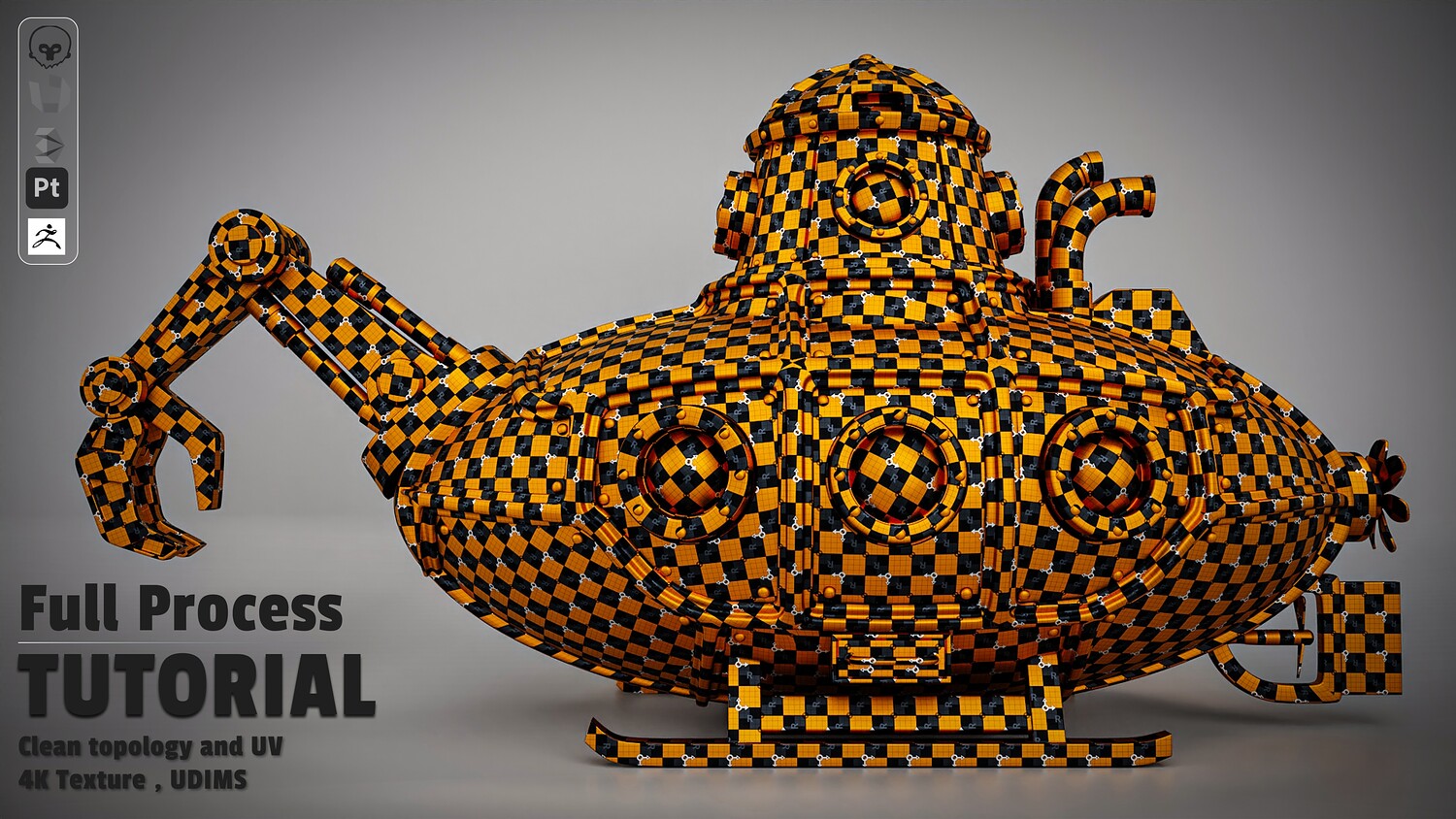
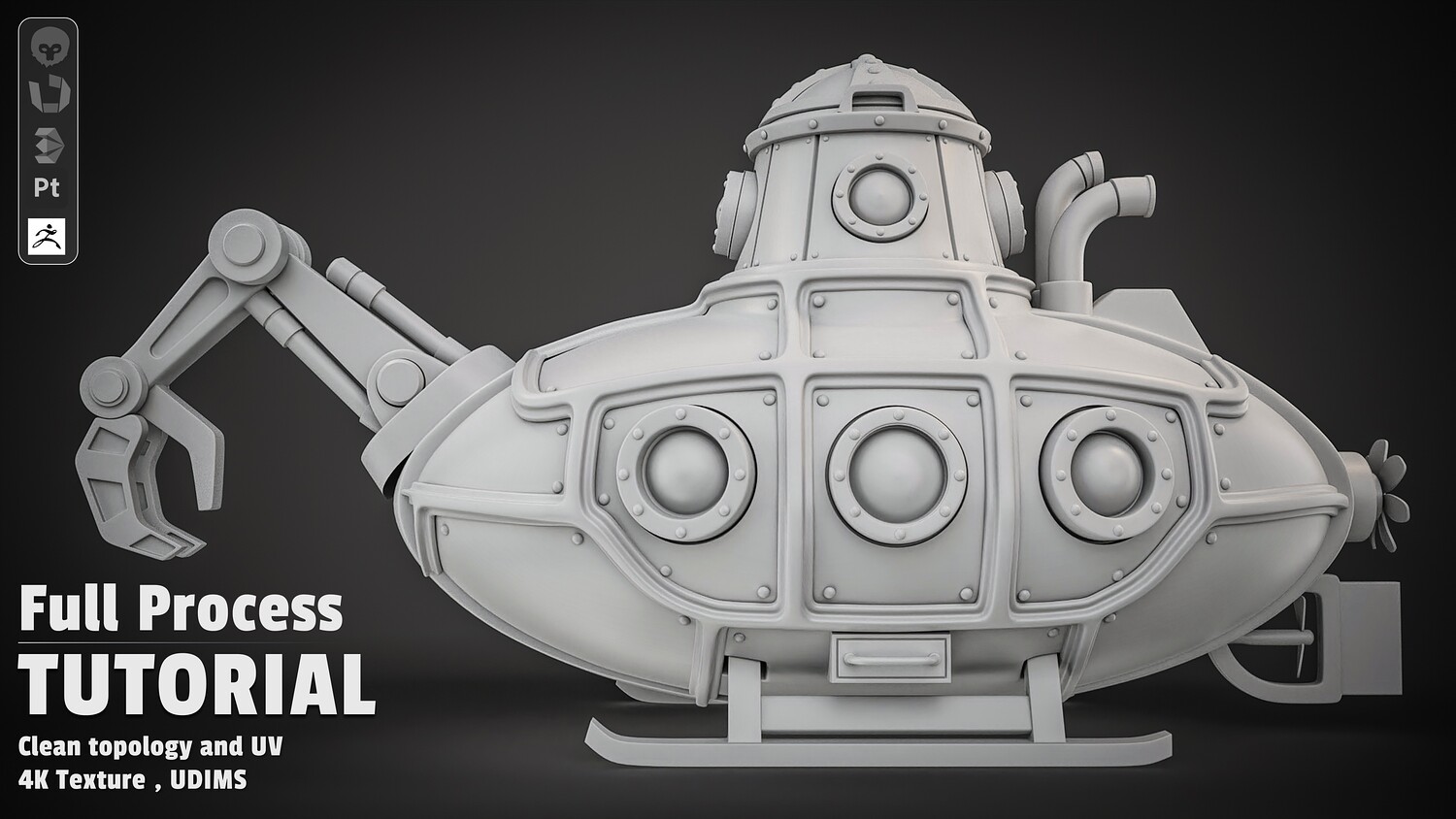
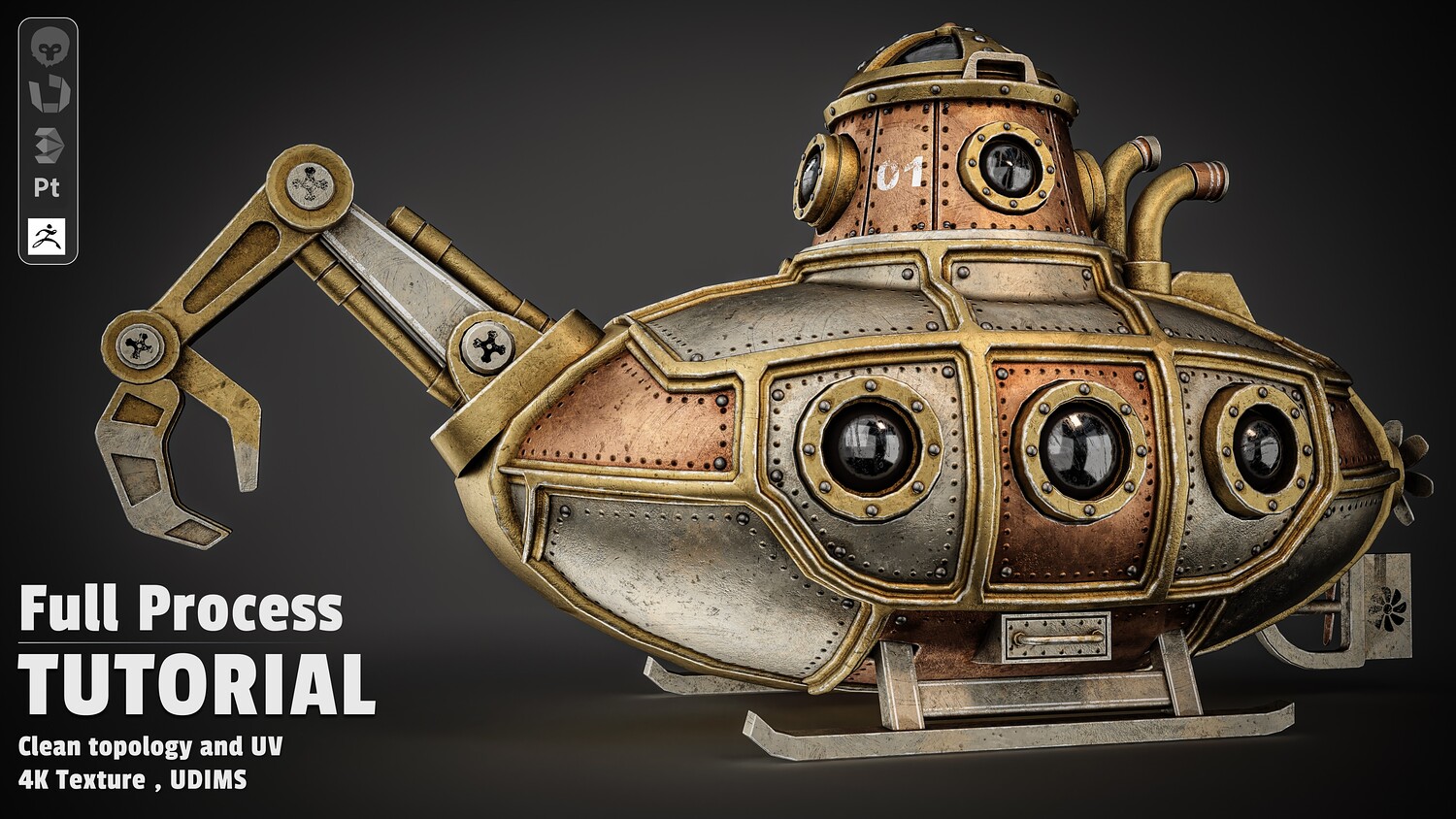
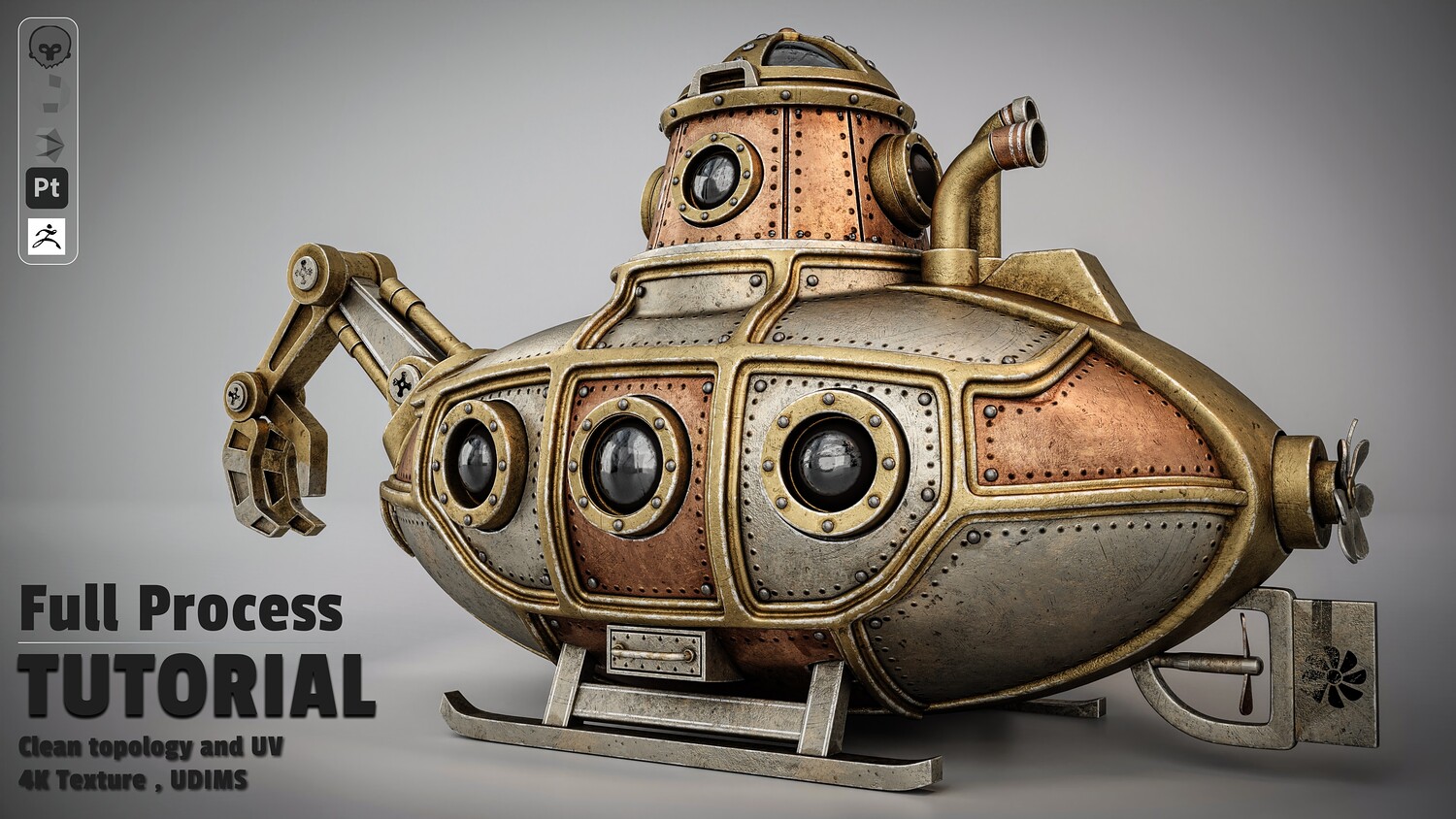
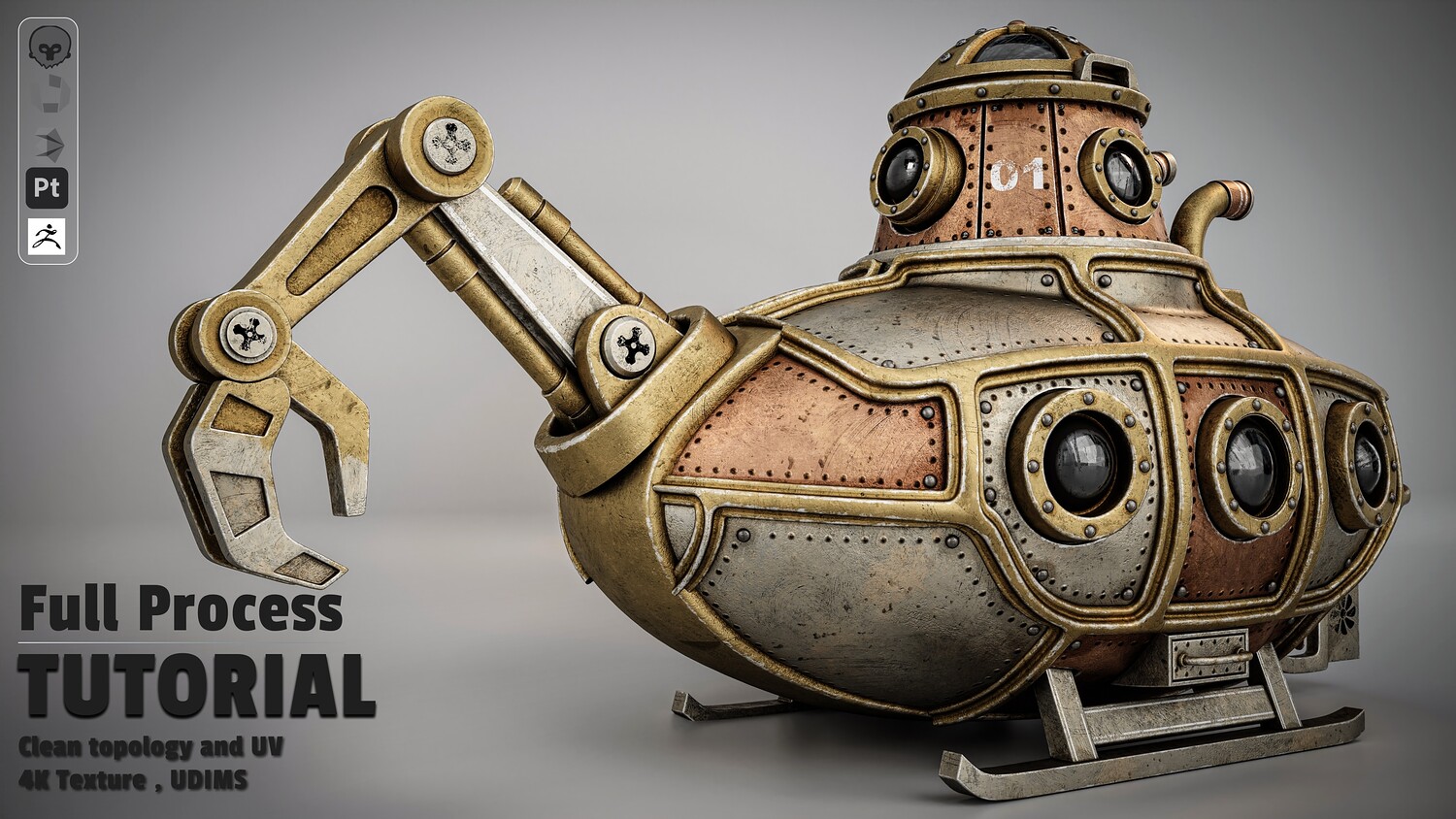
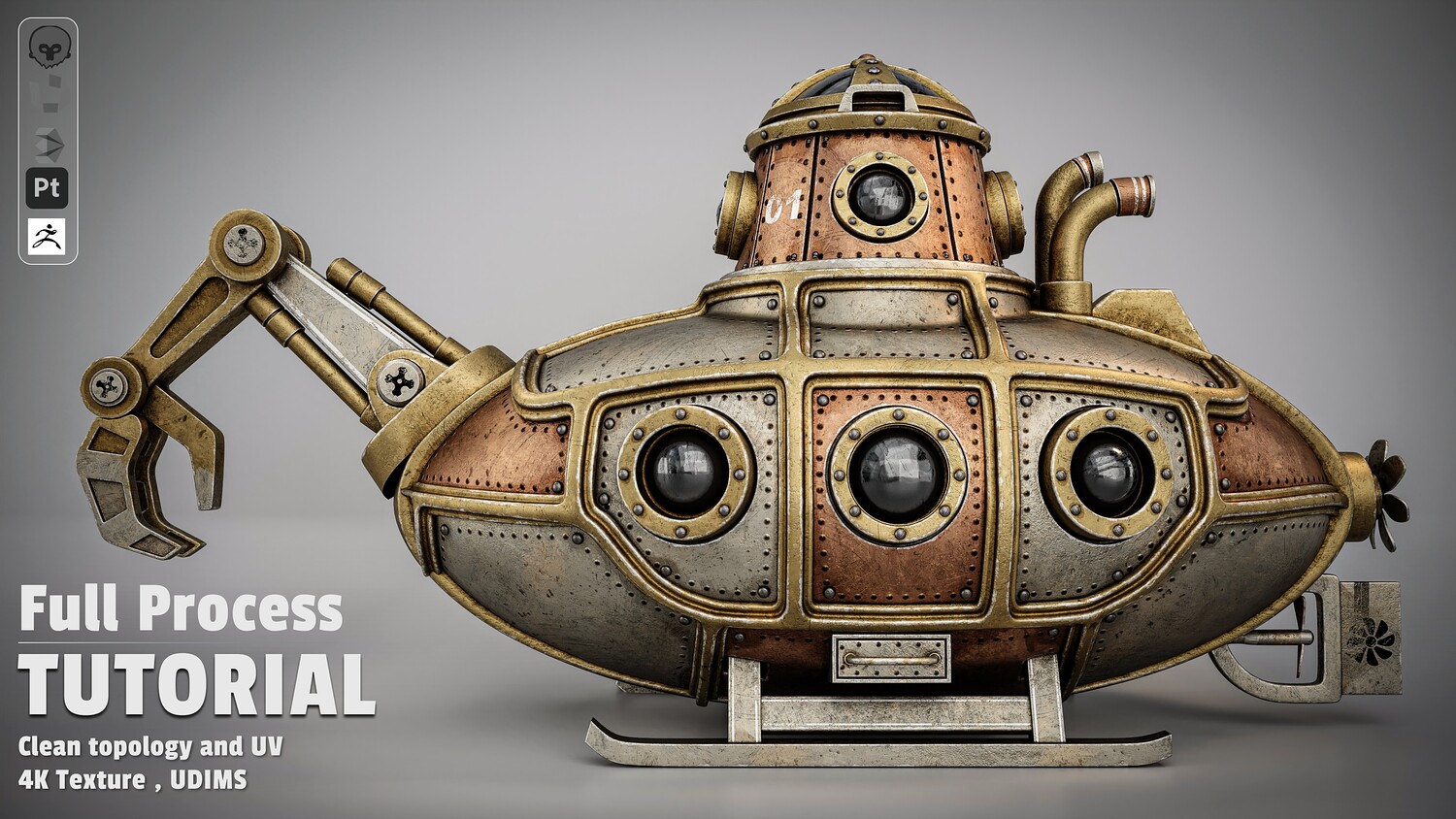
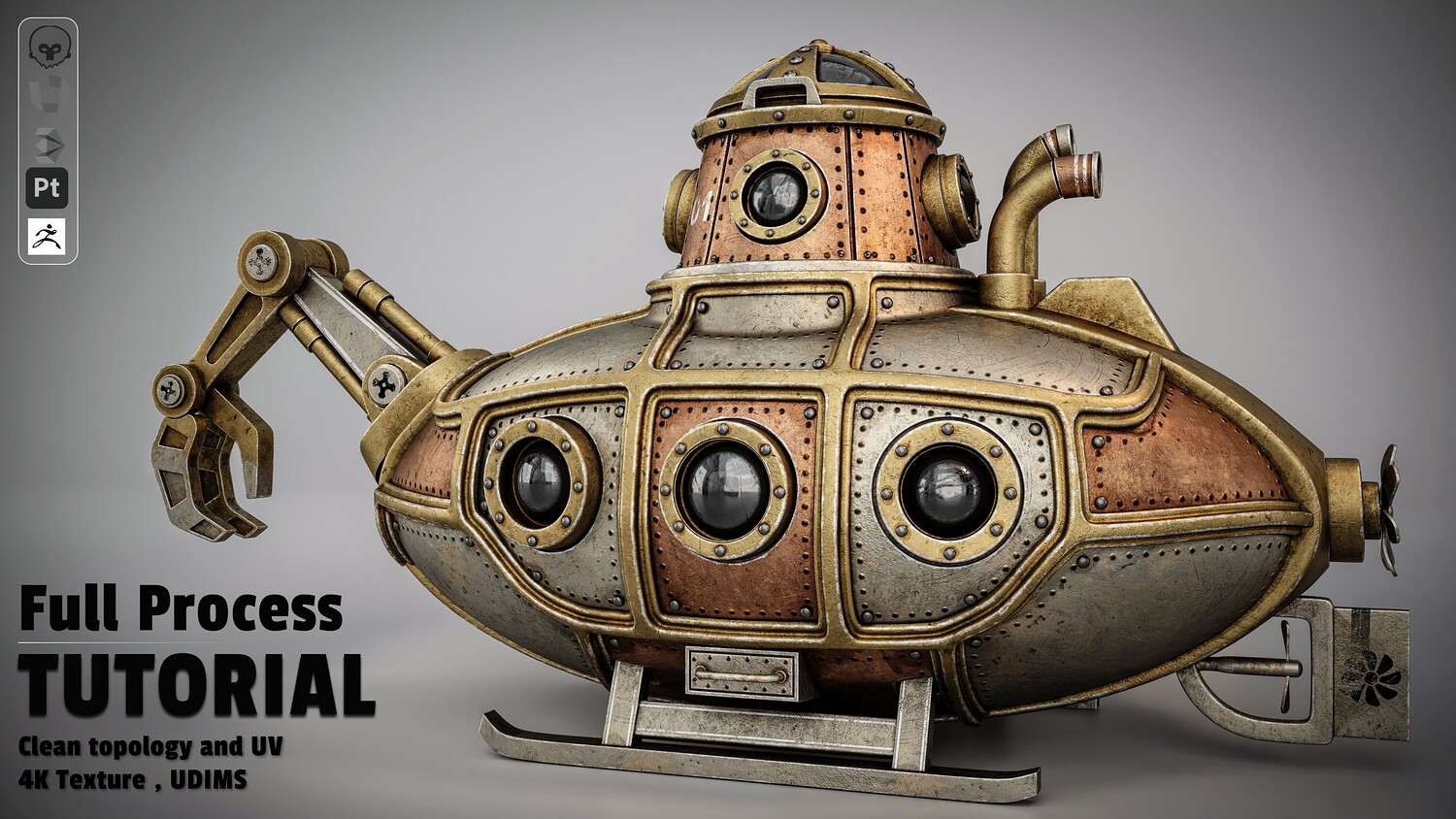
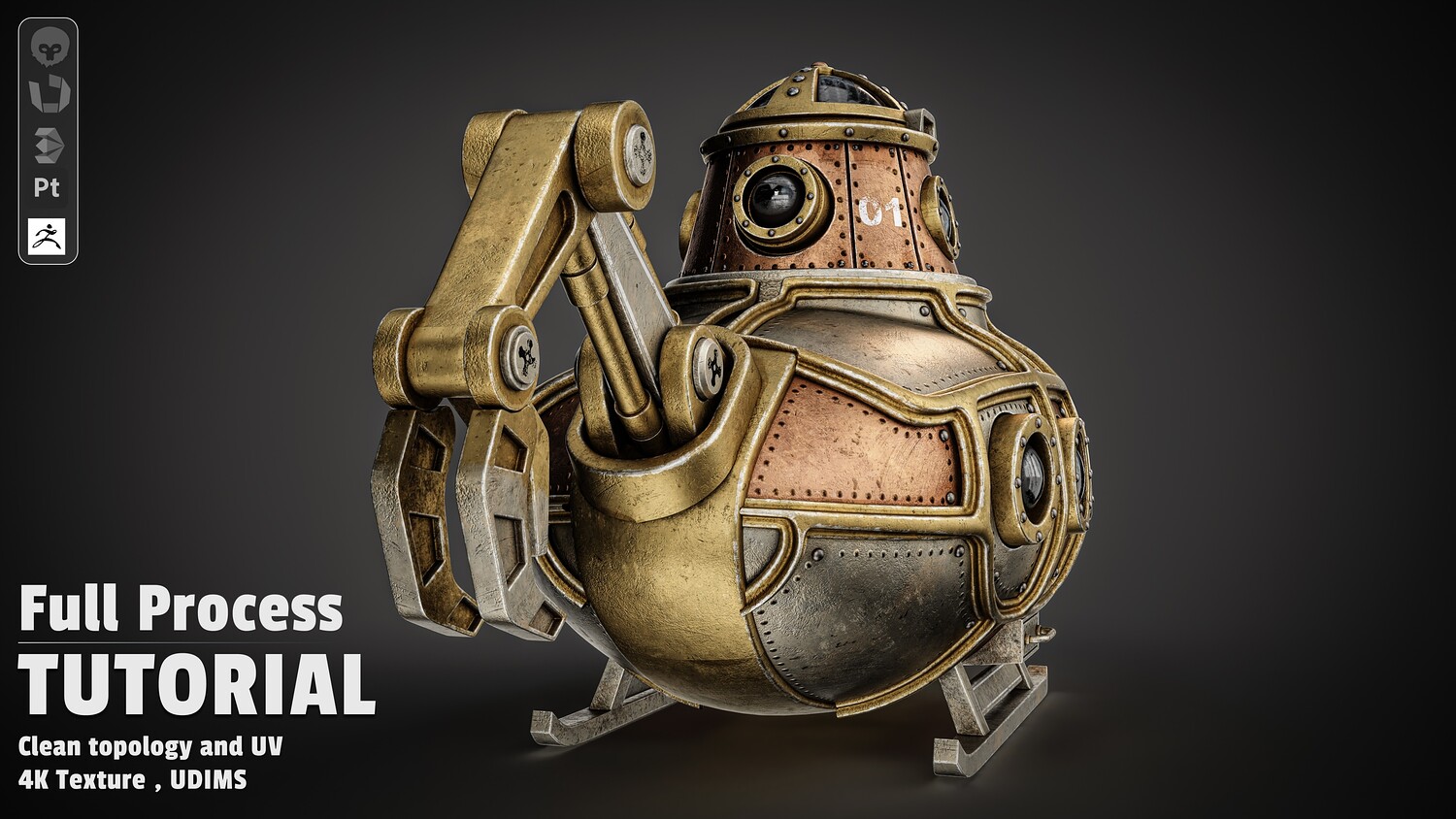
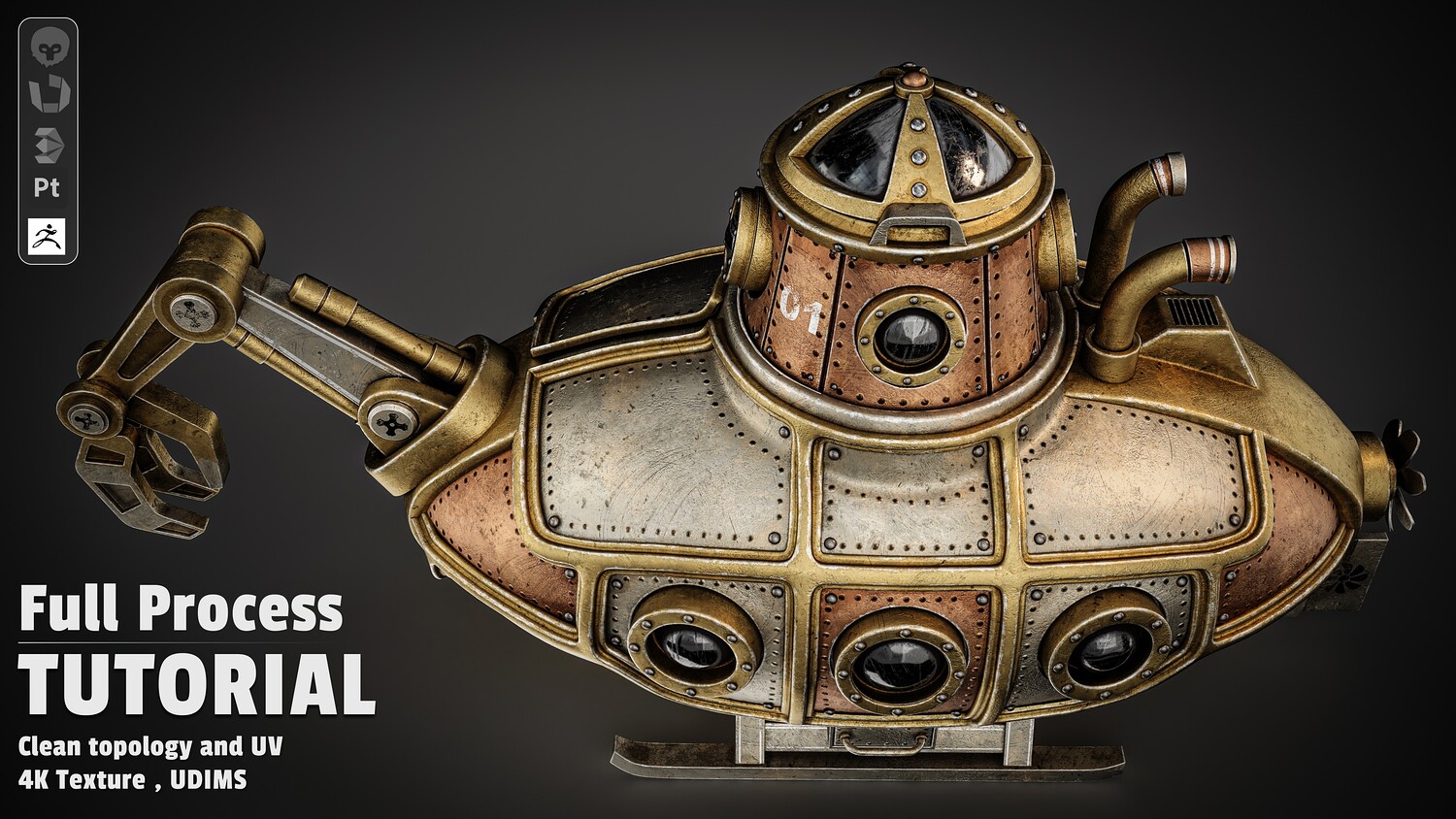
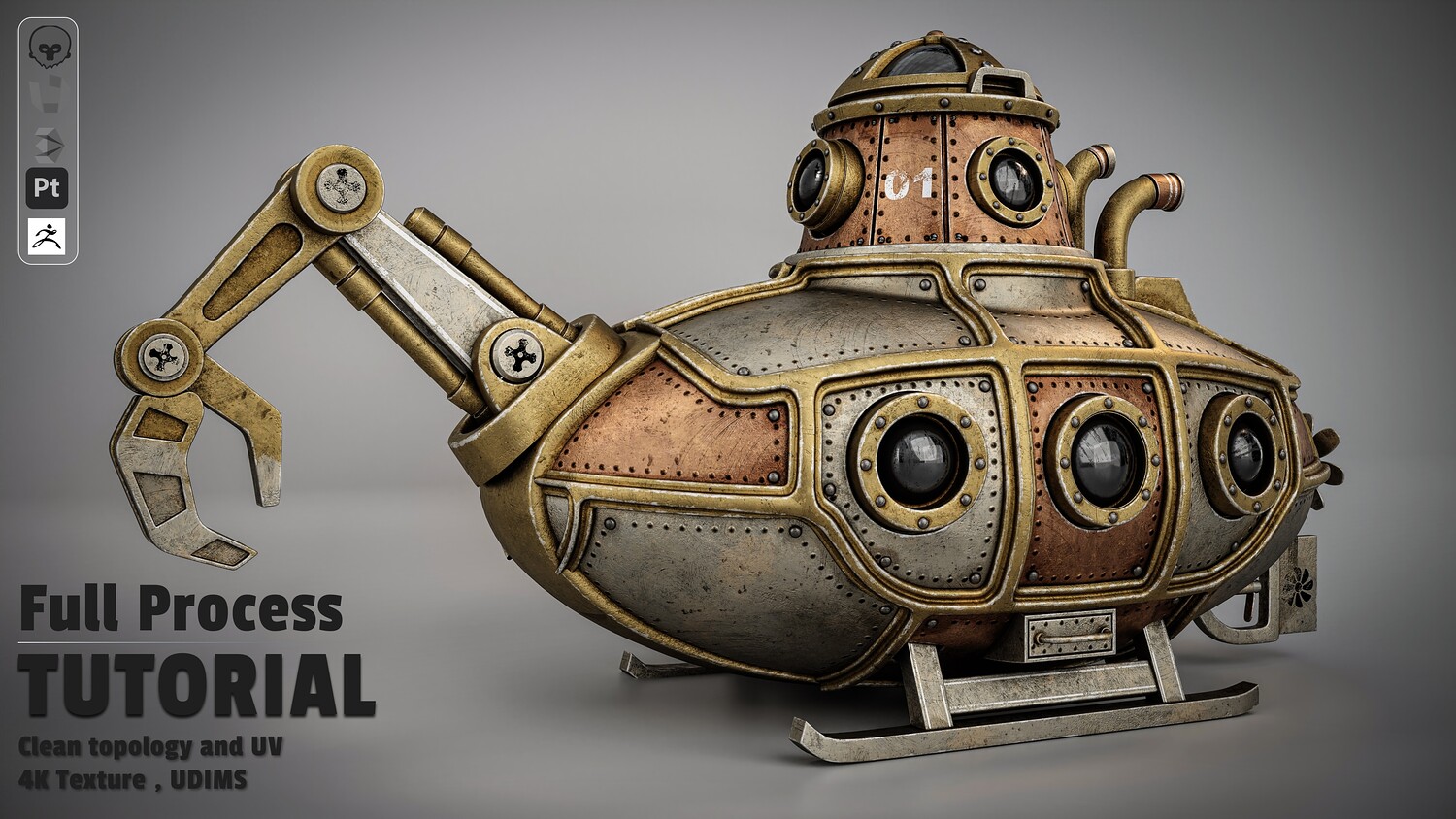
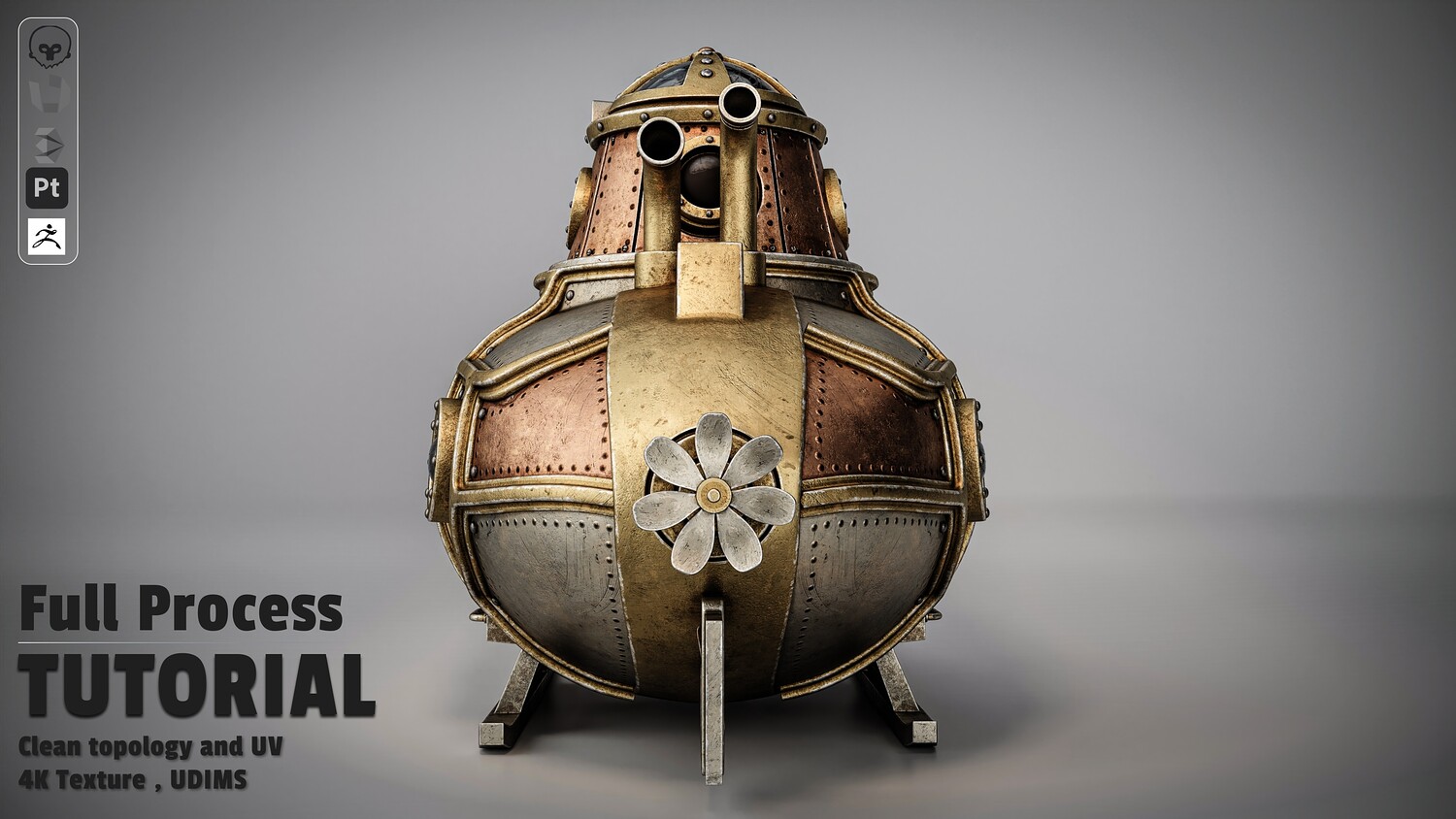
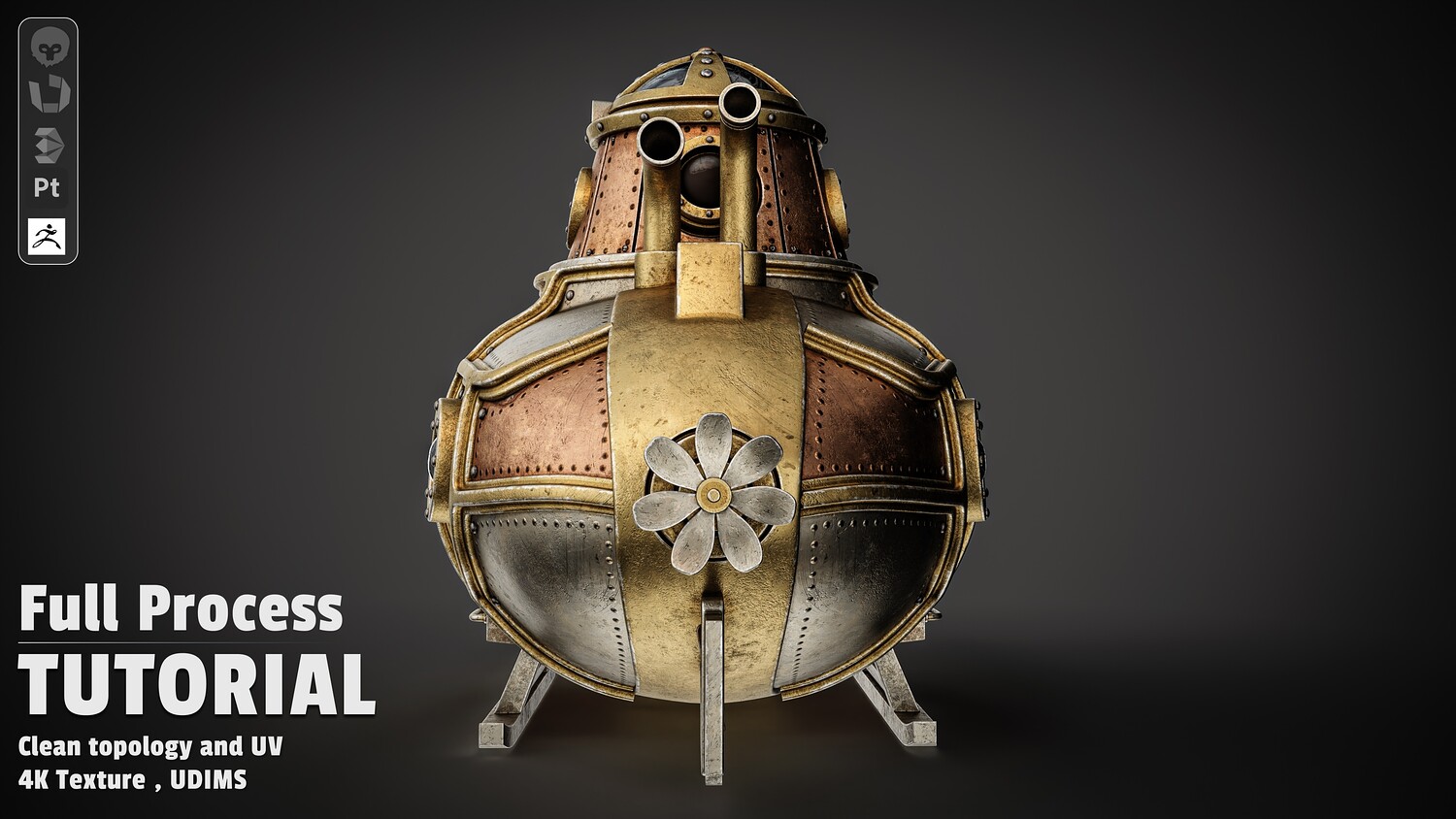
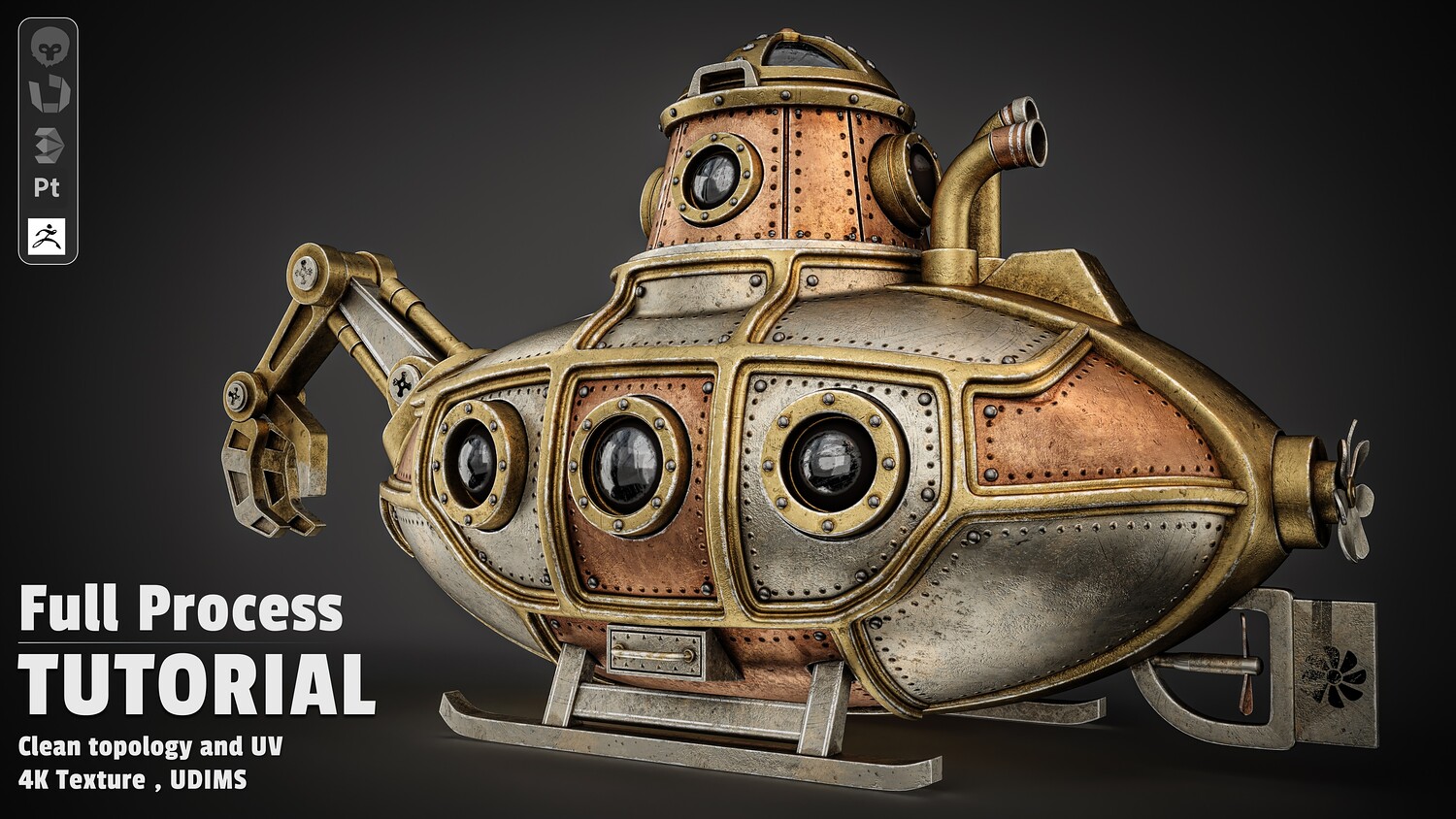
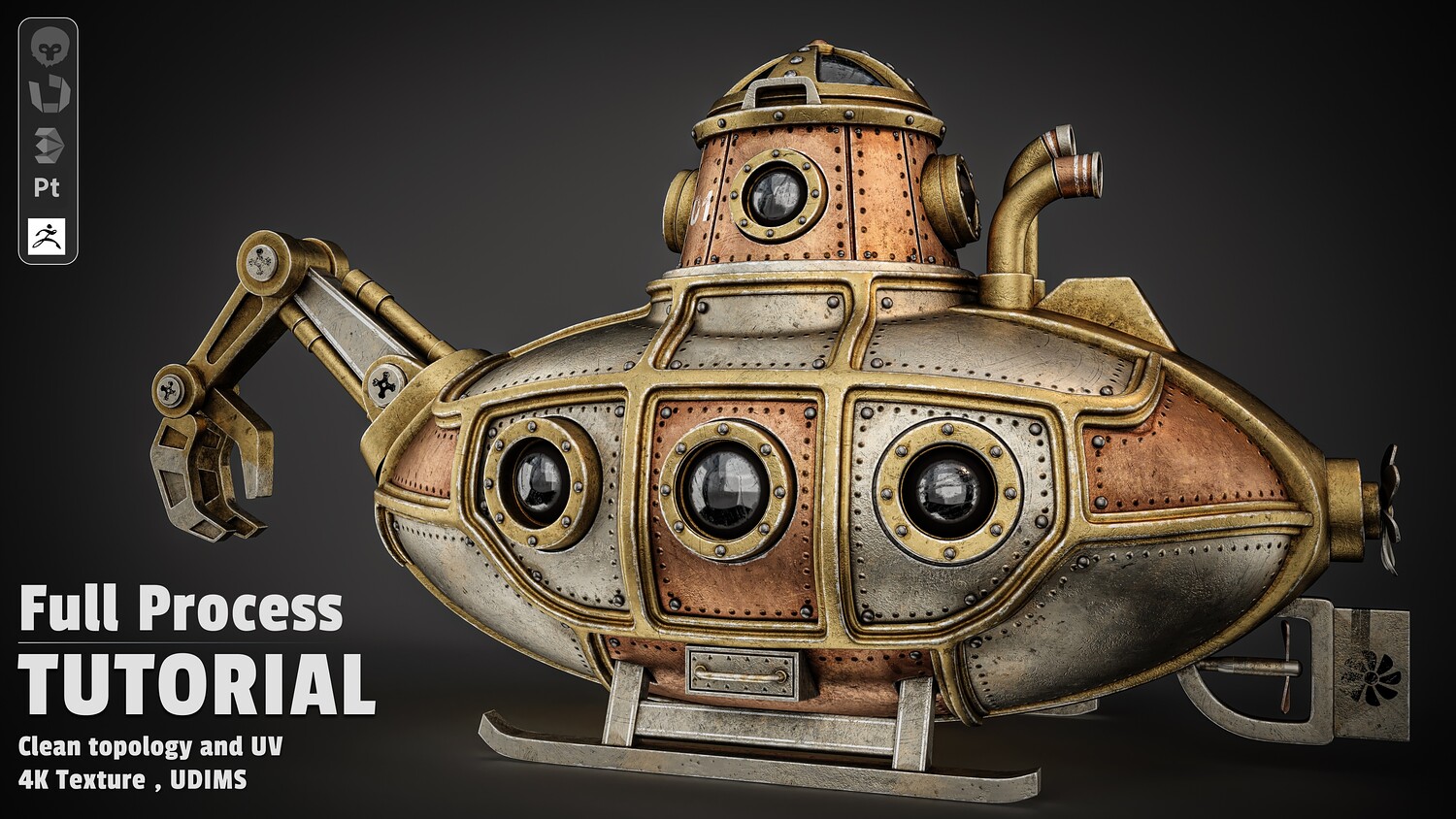
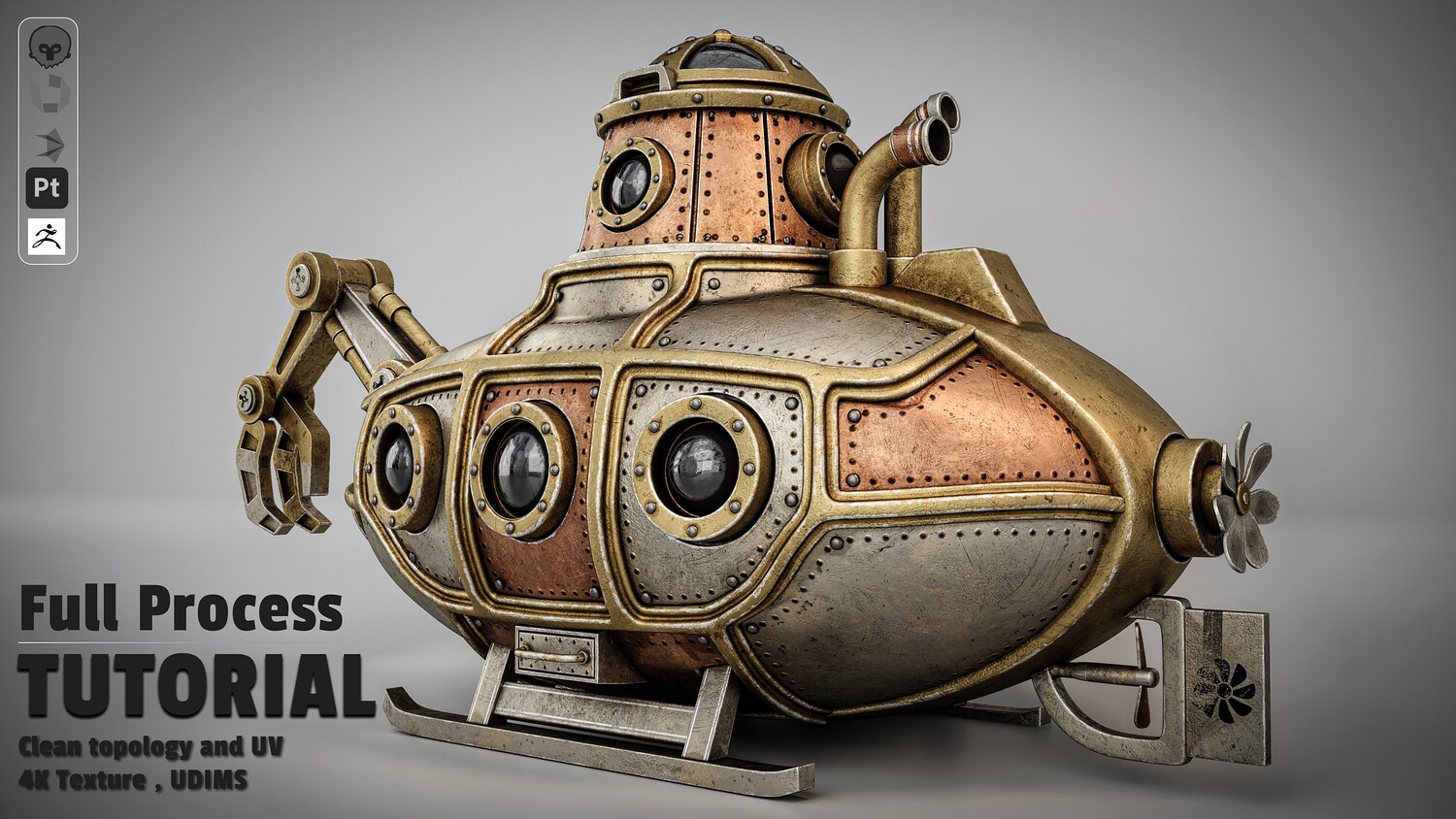
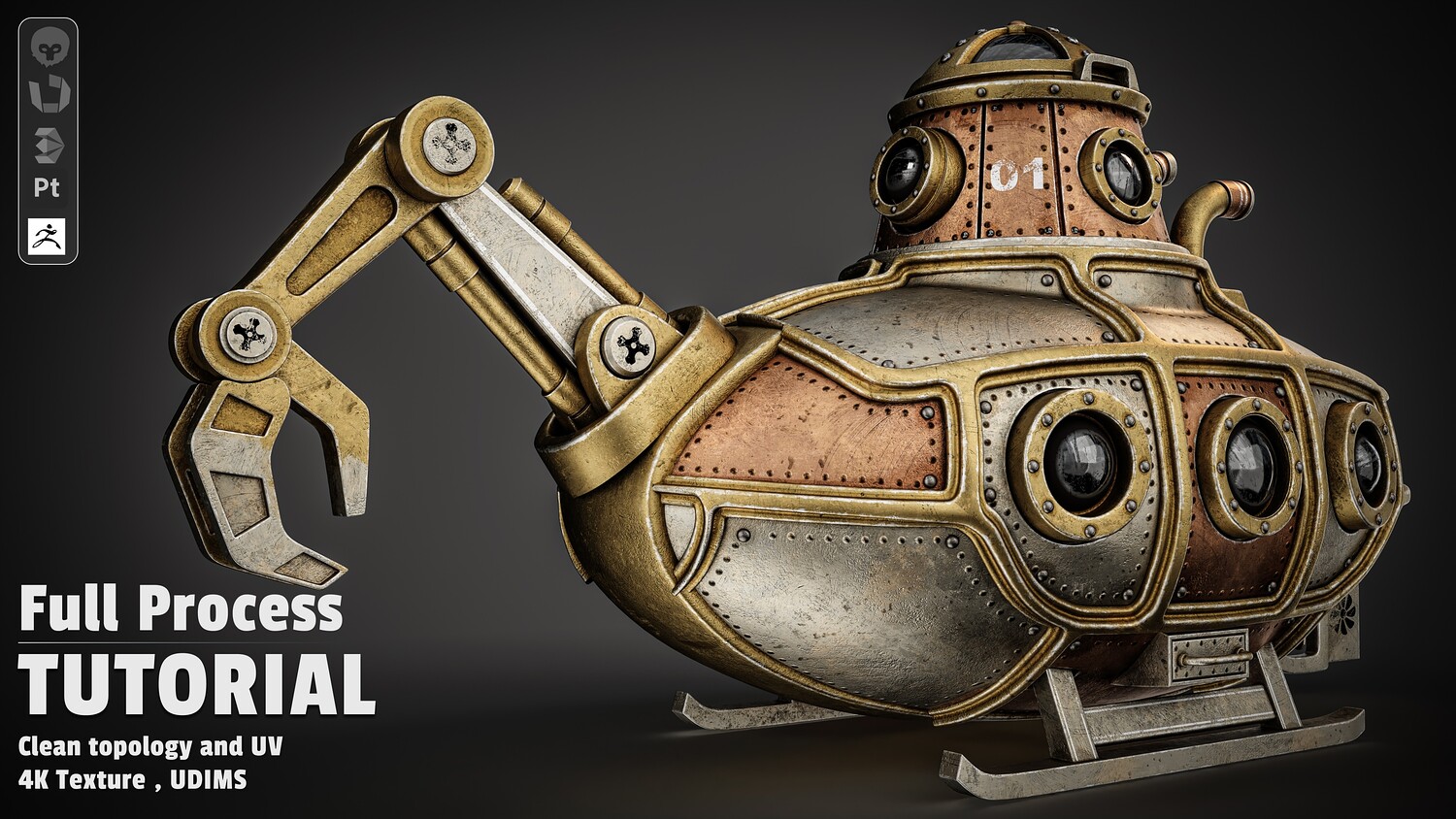
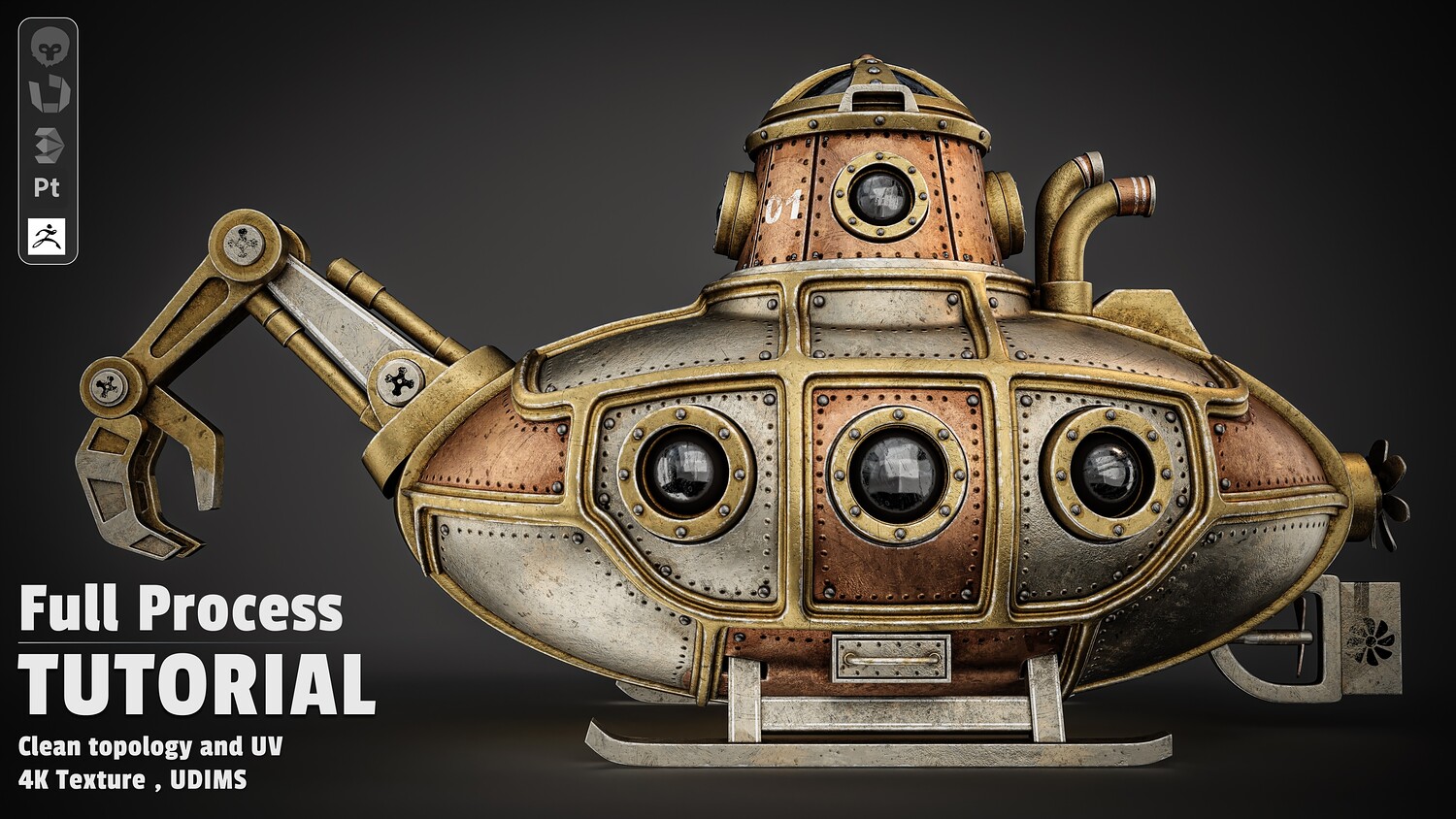
Steampunk Submarine Modeling & Texturing Tutorial - Full Production Pipeline
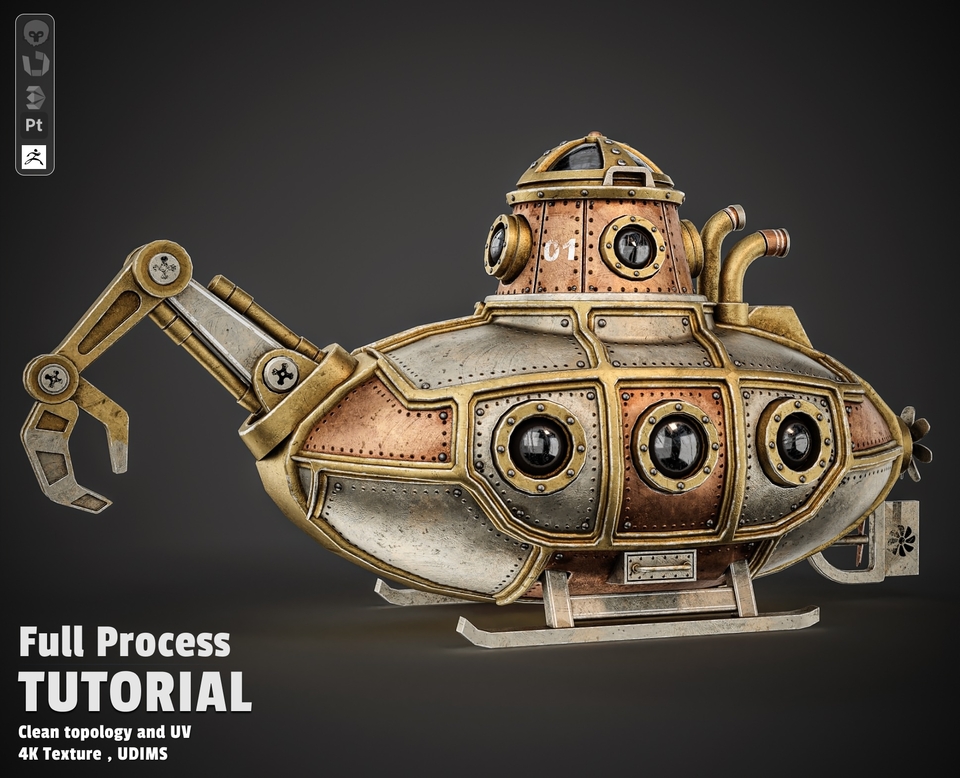
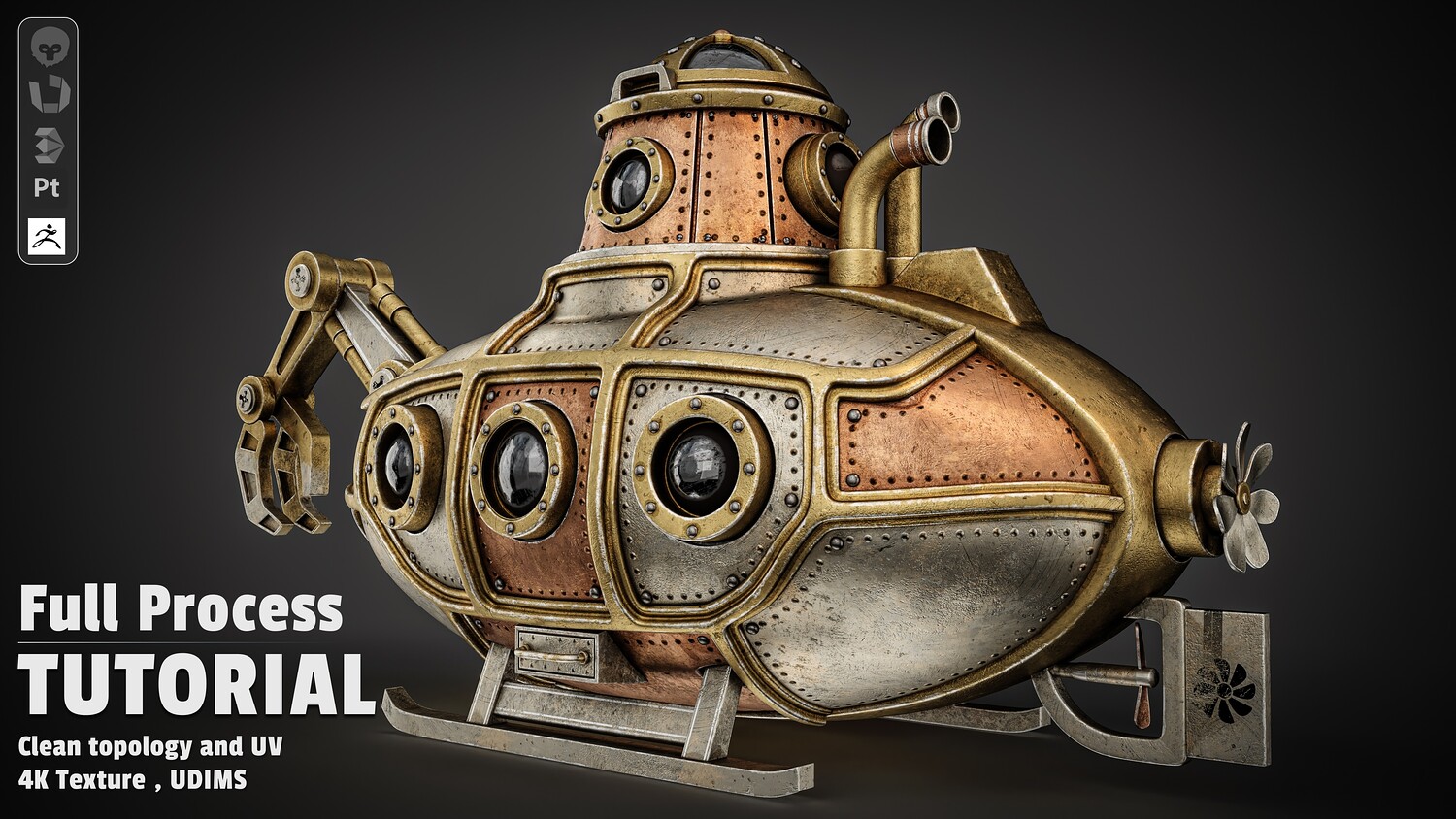
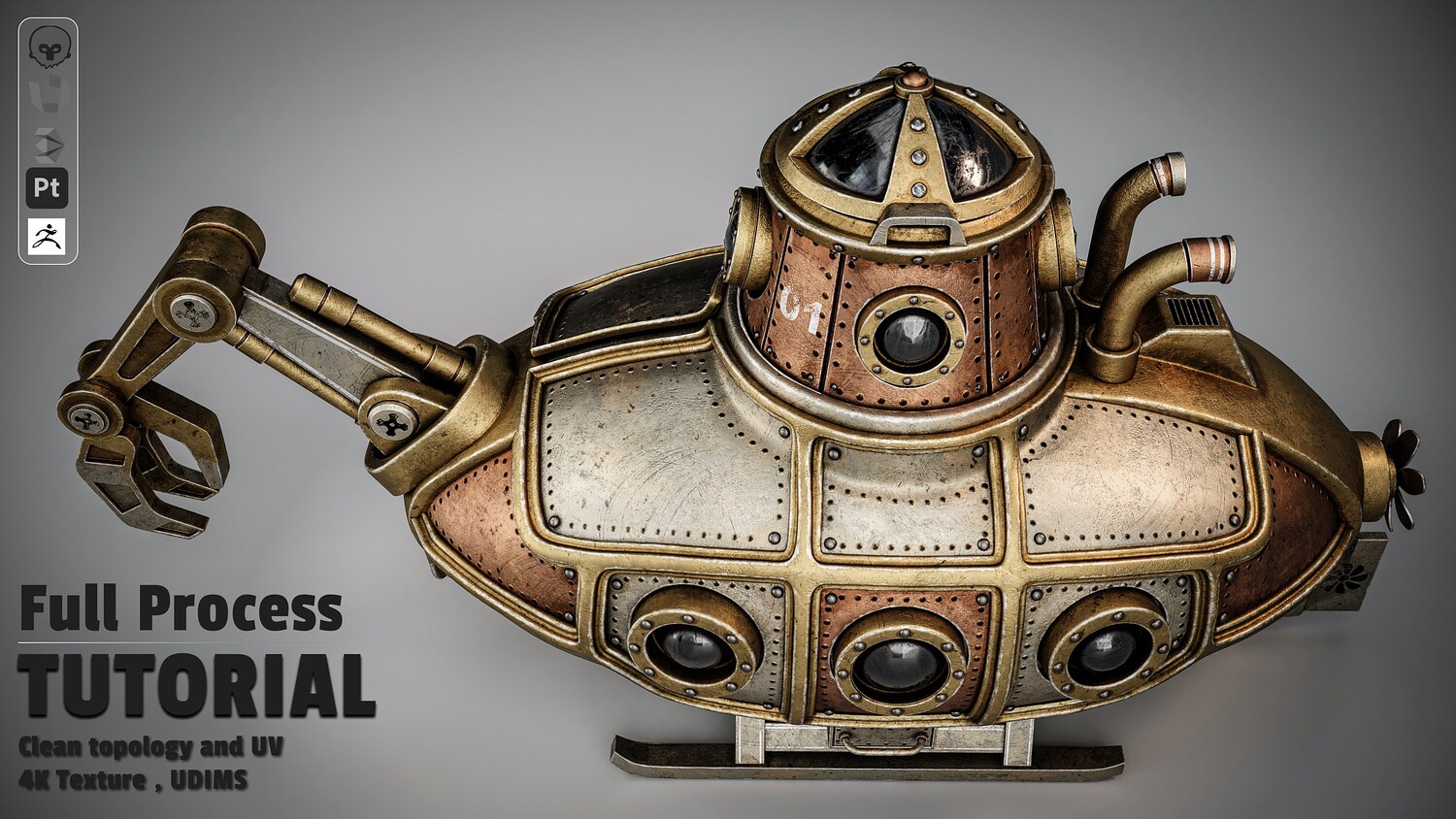
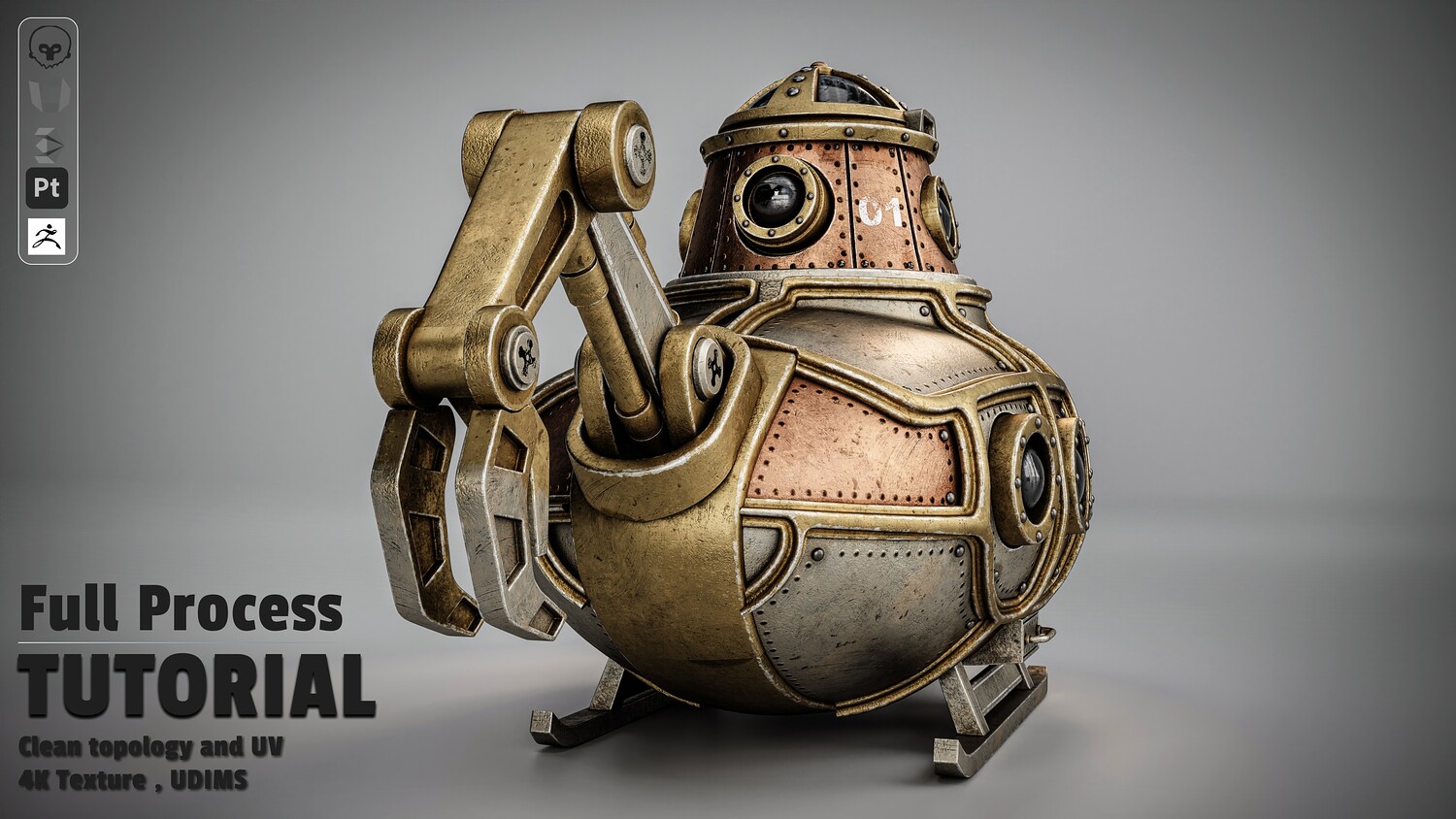
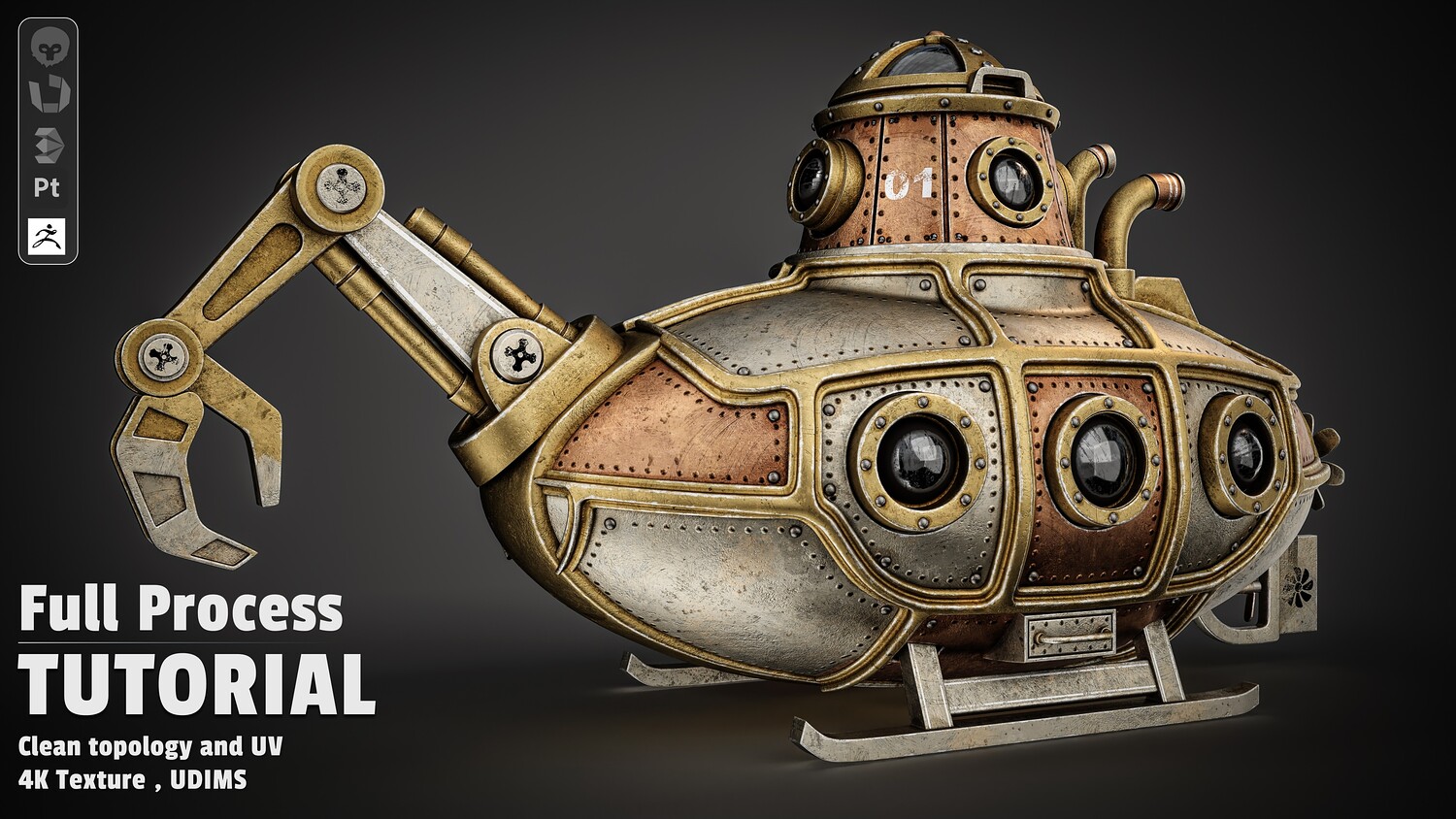
Learn how to build a high-end, studio-grade Steampunk Submarine model from scratch using a production-ready 3D pipeline. This course bridges the gap between basic modeling and advanced industry workflows—showing you not just what to build, but how to think like a senior asset artist.
What You Will Learn
Chapter 1: Hard-Surface Modeling & Mechanics (3ds Max 2026)
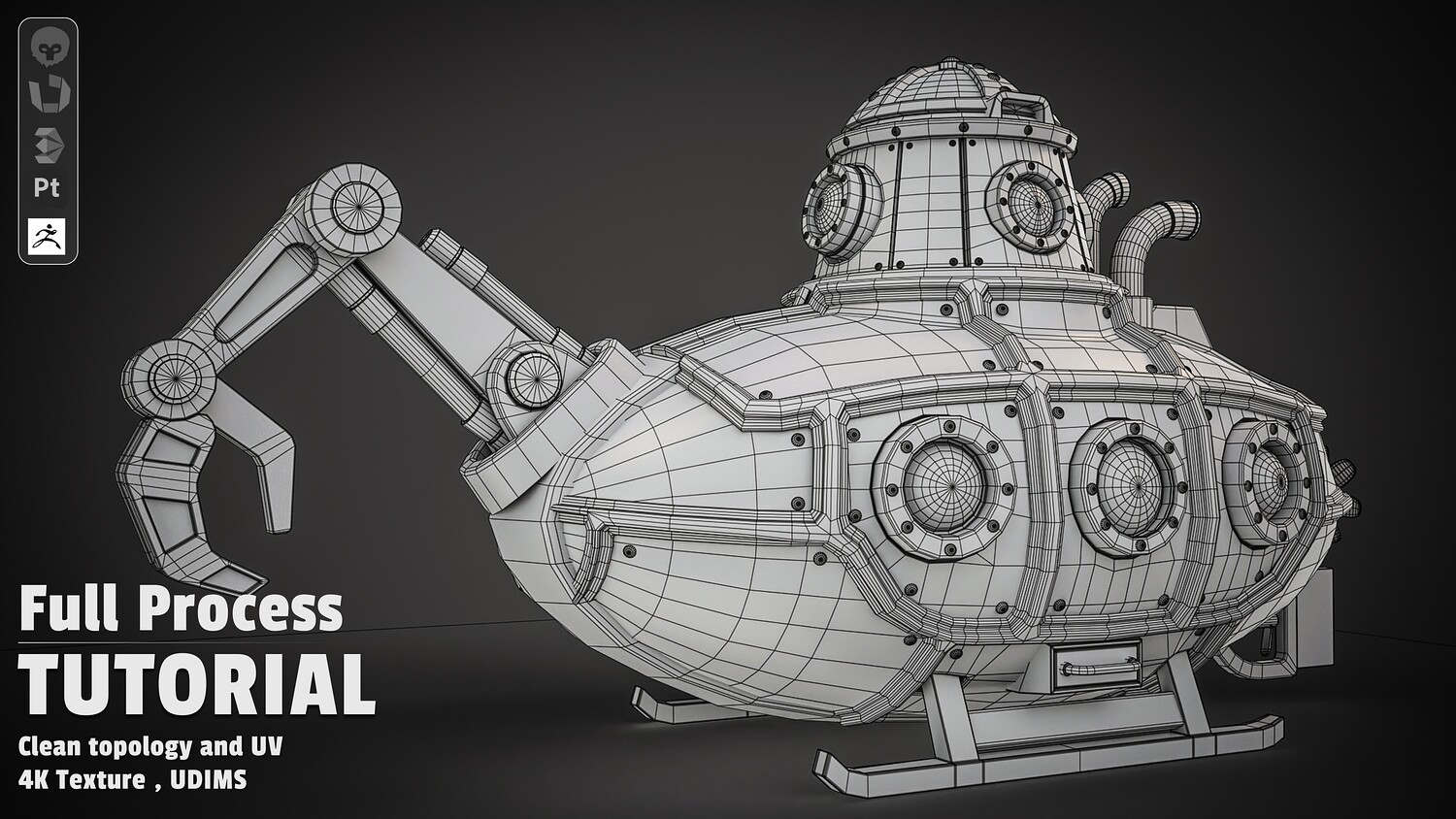
Primary Blockout: Master the logic behind establishing striking proportions, silhouettes, and main hull forms from scratch. Detailed Mechanical Modeling: Step-by-step creation of complex hard-surface elements: portholes, heavy rivets, periscope towers, rear propellers, and intricate exhaust systems. Complex Hydraulics: Unlock the techniques for modeling mechanical hydraulic arms, articulated claws, pistons, and support stands. Professional Mesh Optimization: Learn essential topology cleanup and face optimization secrets that separate amateur models from production-ready assets. Chapter 2: High-Density UV Strategy & UDIMs (RizomUV)
Artifact-Free Unwrapping: Efficiently unwrap complex hard-surface geometry without texture stretching. The UDIM Advantage: Master the exact UDIM workflow used to maximize texel density and achieve ultra-sharp 4K material details. Lightmap Setup: Dedicated UV Channel 2 creation for game engine lightmap compatibility. Chapter 3: Realistic Texturing & Storytelling (Substance Painter)
Flawless Map Baking: Mesh preparation strategies in 3ds Max to ensure clean, artifact-free map bakes every time. Multi-Layered Metallic Shaders: Learn the hidden recipes for realistic aged copper, oxidized brass, brushed steel, and tarnished gold trims. Environmental Storytelling & Wear: Master realistic weathering—adding edge wear, deep rust accumulation, water streaks, grime, and custom stenciled decals ("01" graphics). Special Shaders: Crafting refractions for glass portholes and fine-tuning roughness maps for realistic metal reflections. Chapter 4: Studio Lighting & Cinematic Rendering (Marmoset Toolbag)
Asset Assembly: Final UDIM mesh prep and seamless scene import into Marmoset Toolbag. 3-Point Studio Lighting: The secrets to setting up cinematic studio lights that accentuate surface details, edge wear, and material roughness. Portfolio-Ready Presentation: Master camera settings, framing, depth of field, and post-effects to create renders that captivate recruiters and clients. Software Used
3ds Max 2026 (Modeling & Pre-production) RizomUV (Unwrapping & UDIM Layout) Substance Painter (Baking, Texturing & Smart Materials) Marmoset Toolbag (Lighting, Materials & Final Studio Rendering) 📢 Important Note Regarding the Videos: Please note that this is a non-voiced (no narration) tutorial, allowing you to focus completely on the visual workflow without any language barriers. Using precision tools like Spot on the Mouse and OSD (On-Screen Display), every single mouse click, keyboard shortcut, and tool selection is clearly visualized on the screen in real-time for a seamless learning experience.
You will get 9 files
All files previously purchased will always be available for download in your Library
- MF-Fantasy submarine-3Dsm...4.16 MB
- MF-Fantasy submarine-OBJ.zip970.4 KB
- MF-Fantasy submarine-FBX.zip5.6 MB
- MF-Fantasy submarine-Refe...35.11 MB
- Season 4-rendering_Post P...58.79 MB
- Season 2-Unwrapping.zip116.08 MB
- Season 3-Texturing.zip569.31 MB
- MF-Fantasy submarine-Text...690.64 MB
- Season 1-Modeling.zip1.31 GB