Description
Turn your own tileable grayscale trim alphas into repeating sculpted details with a single continuous stroke. Create stitches, cracks, scars, architectural trim, and other surface details directly on your 3D models in Blender.
Features
- Import and organize your own grayscale trim alphas.
- Adjust brush size and strength, and choose whether to raise or carve details.
- Rotate or flip alpha patterns to control their orientation.
- Use Auto Neutralize, stroke fade, pen pressure, and X, Y, and Z mirroring.
- Work alongside Blender’s built-in sculpting brushes.
Package Includes
- Blender sculpting add-on
- 6 free sample brushes, also available separately
- Illustrated PDF guide
- Full video tutorial
Compatibility
Blender 4.5 and newer.
Notes
- For seamless repetition, the two opposite edges of the alpha along the stroke direction should match.
- Use a mesh with enough geometry to capture the sculpted detail. Dense meshes and multiple active mirror axes may increase processing time.
Video Tutorial
Watch the full tutorial on YouTube
Related Products
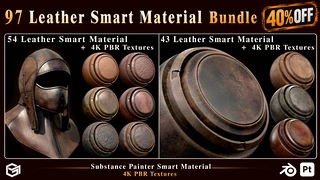
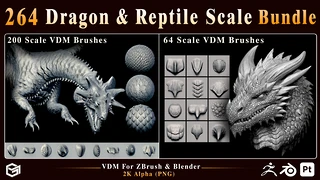
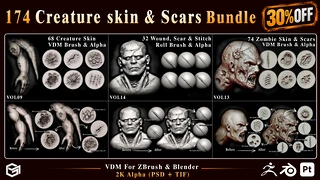
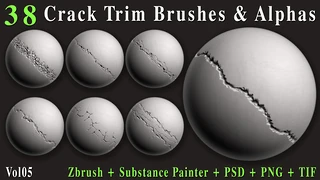
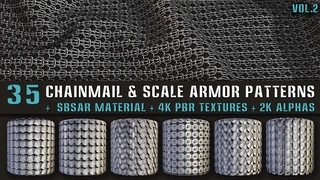
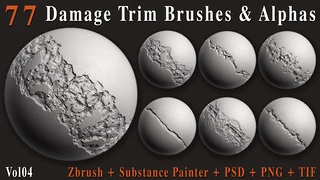
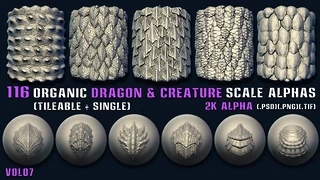
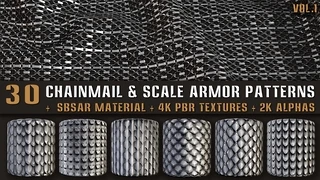
The included sample brushes come from these three alpha collections, each sold separately on Cubebrush.
You will get 2 files
Instant download · 2 files · 12.5 MB total
Roll-Brush-User-Guide-1-0-1.pdf
PDF · 3.2 MB
roll-brush-1-0-1.zip
ZIP · 9.4 MB
Previews · 5 images