

Sportswear Tops - 3D Fashion Design
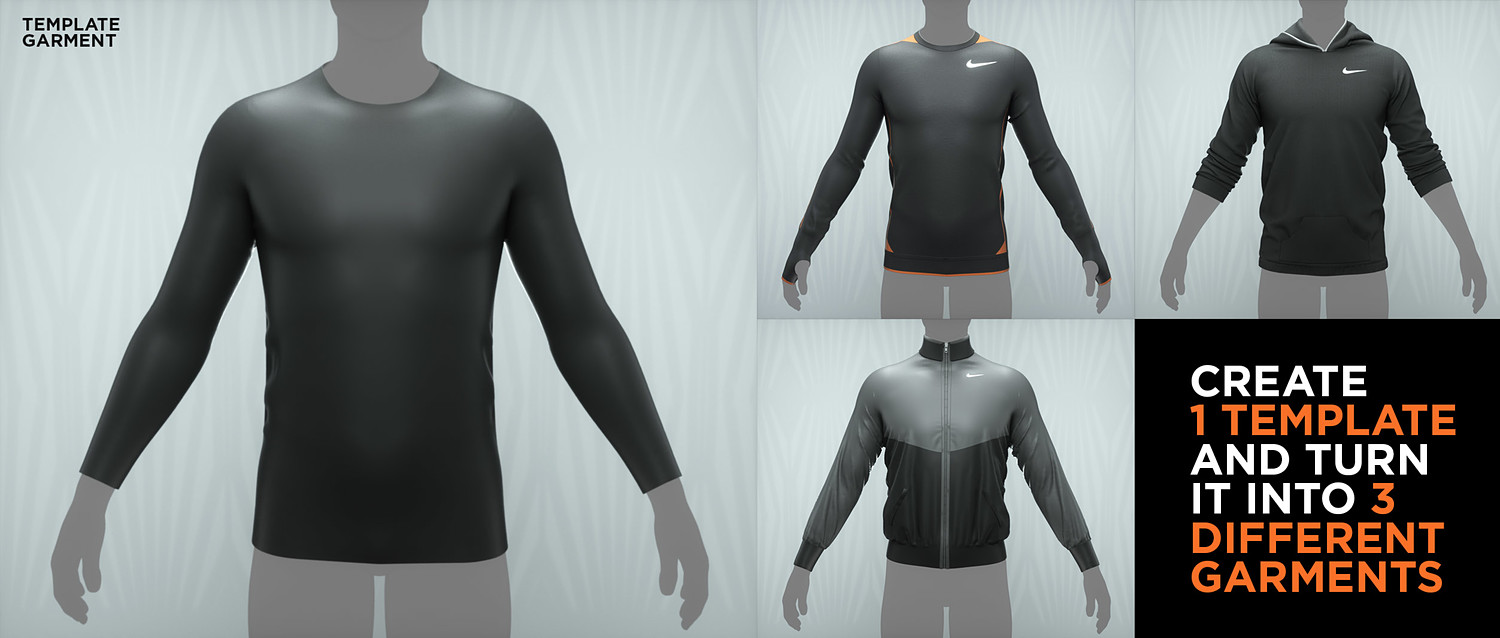
Learn how to create a template garment in Marvelous Designer with a great fit and then convert that template into 3 different garments. If you're just looking at getting better at Marvelous Designer these tutorials will be perfect for you. Beginners are welcome to jump in and start learning. Enjoy!
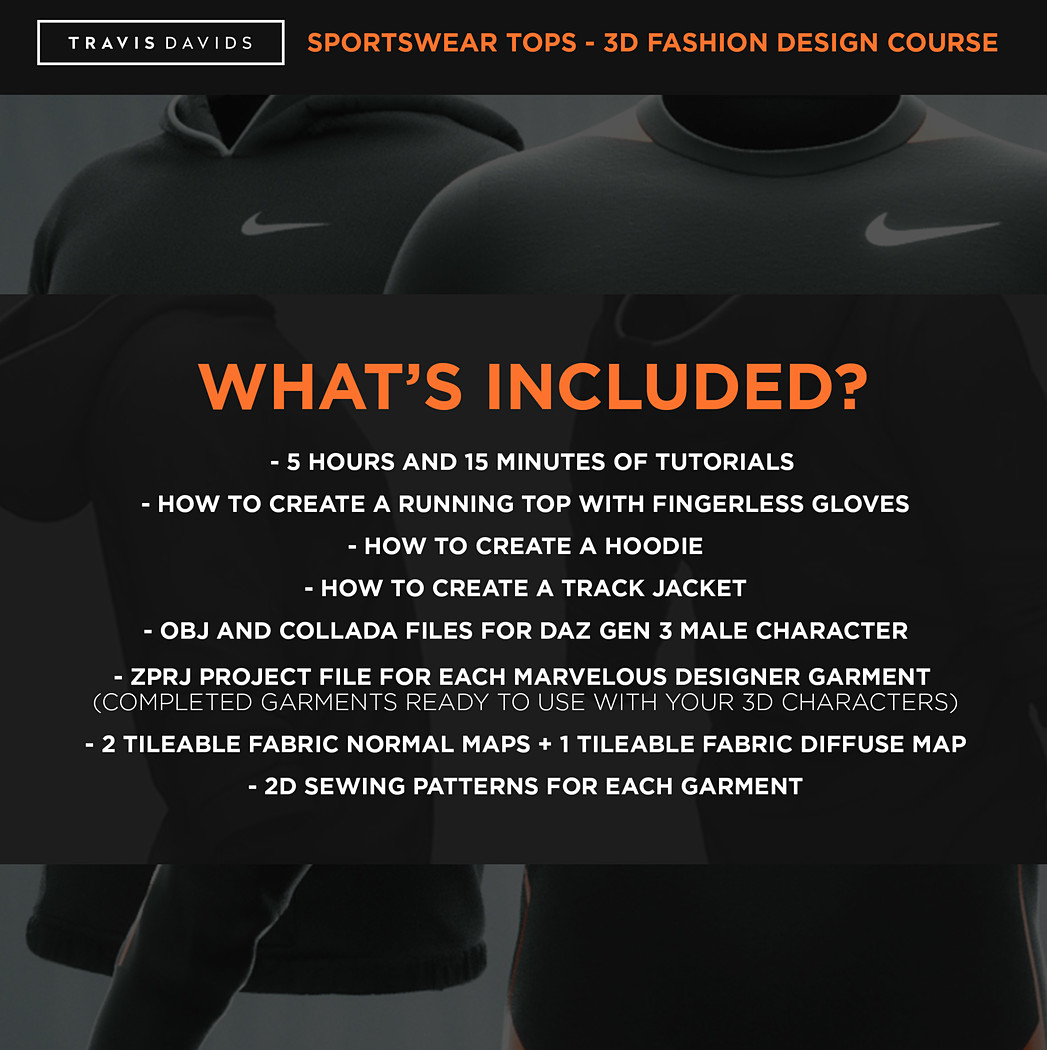
What's Included?
- How To Create A Running Top With Fingerless Gloves
- How To Create A Hoodie
- How To Create A Track Jacket
- OBJ And Collada Files For Daz GEN 3 Male Character
- Zprj Project File For Each Marvelous Designer Garment (Completed Garments Ready To Use With Your 3D Characters)
- 2 Tileable Fabric Normal Maps + 1 Tileable Fabric Diffuse Map
- 2D Sewing Patterns For Each Garment
Difficulty
Level 1 (Beginner) Level 2 (Intermediate)
Software Required
Daz 3D (Not entirely required, you can use your own 3D models but ideally i would want you to follow along with the same character i'm using)
Marvelous Designer 8 (If you have MD 7.5 that is fine, you just need access to Marvelous Designers UV Editor to complete the tutorials unless you know how to organize UV's outside of MD. I would highly recommend at least having MD 7.5 to complete this course)
Zbrush 2019 (Completely optional but i decided to cover the export process and show you how to add thickness onto garments in zbrush)
You will get 1 file
All files previously purchased will always be available for download in your Library