Create Abstract Displaced Stripes
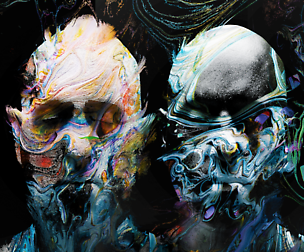
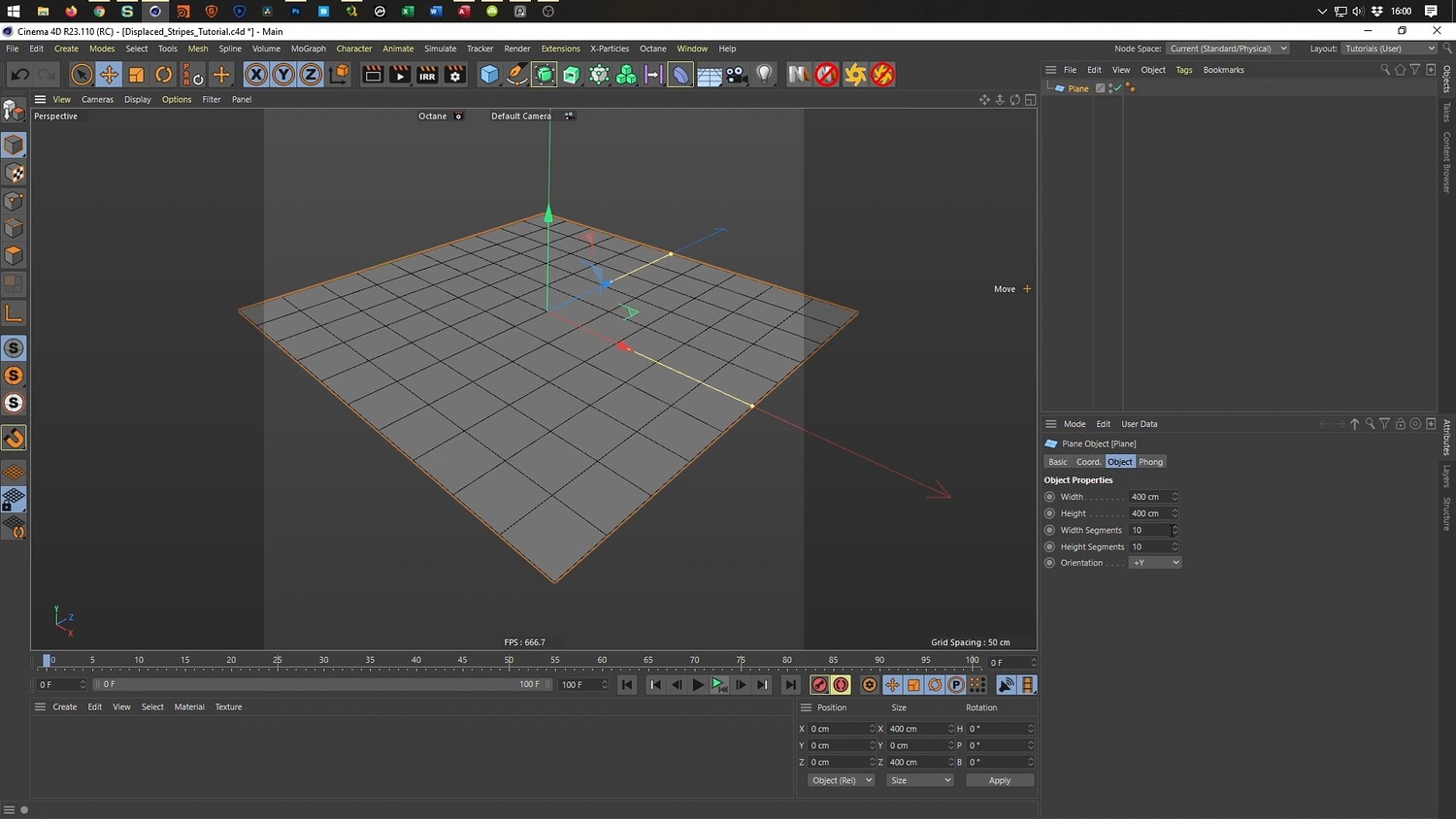
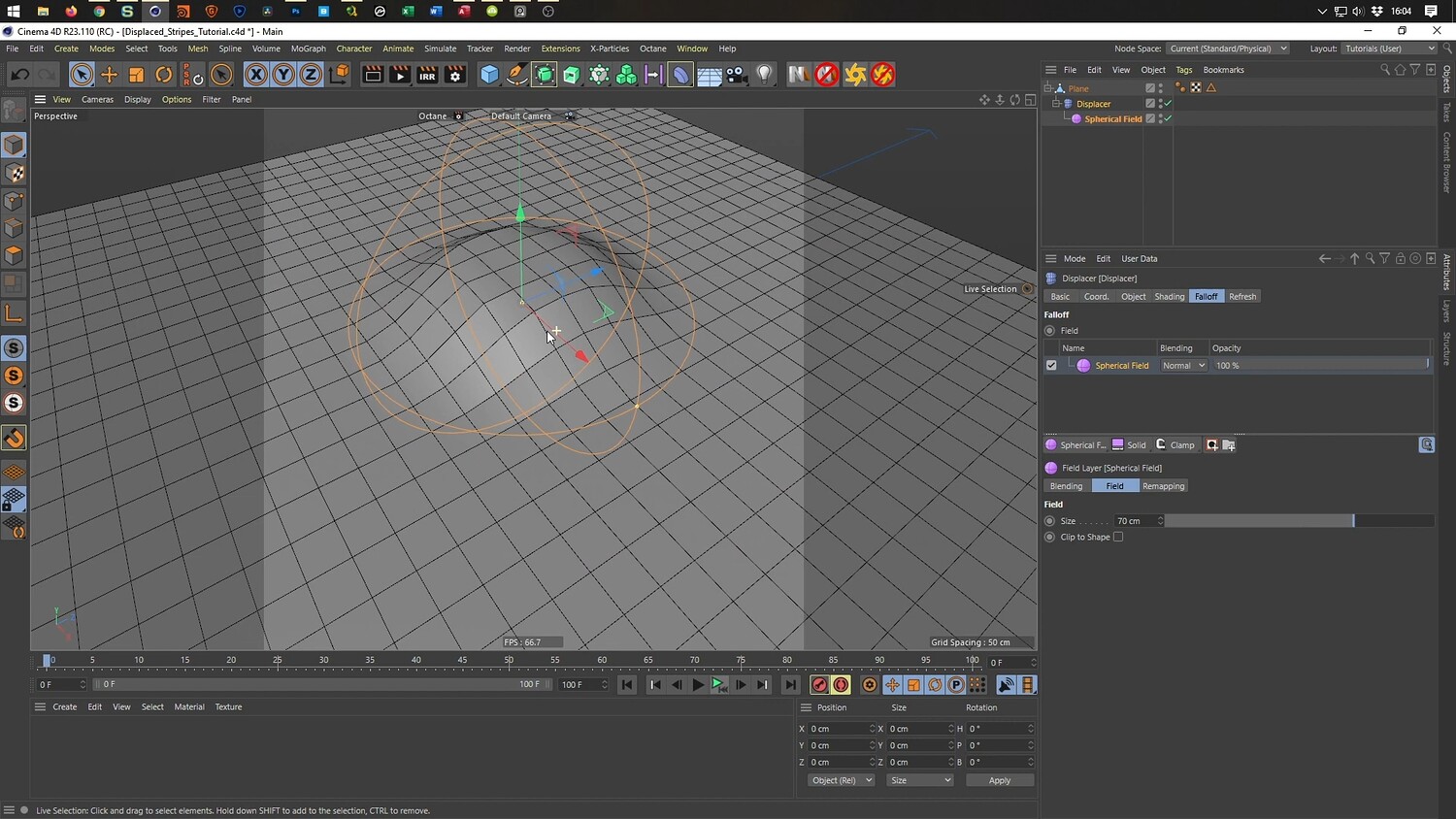
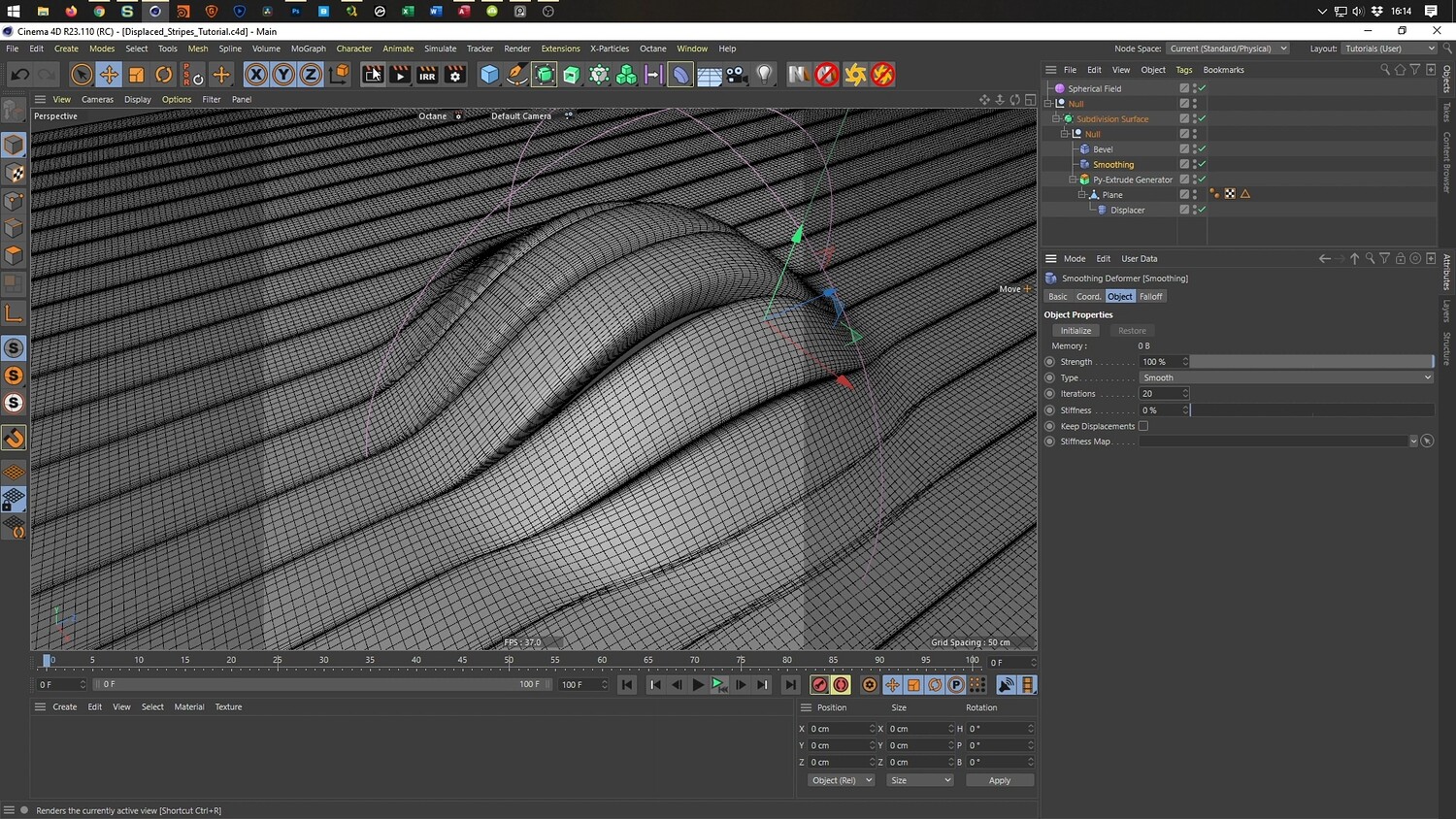
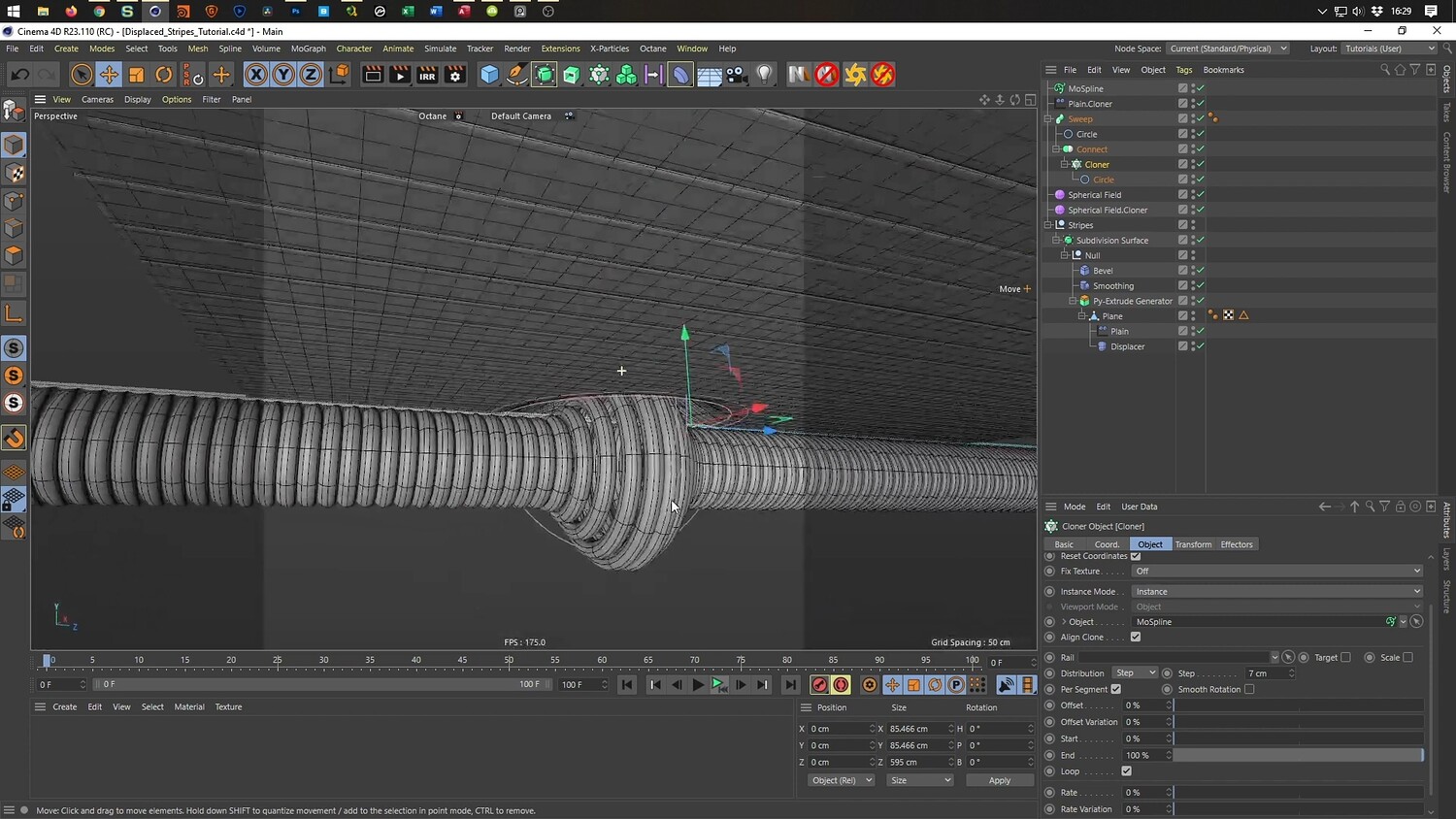
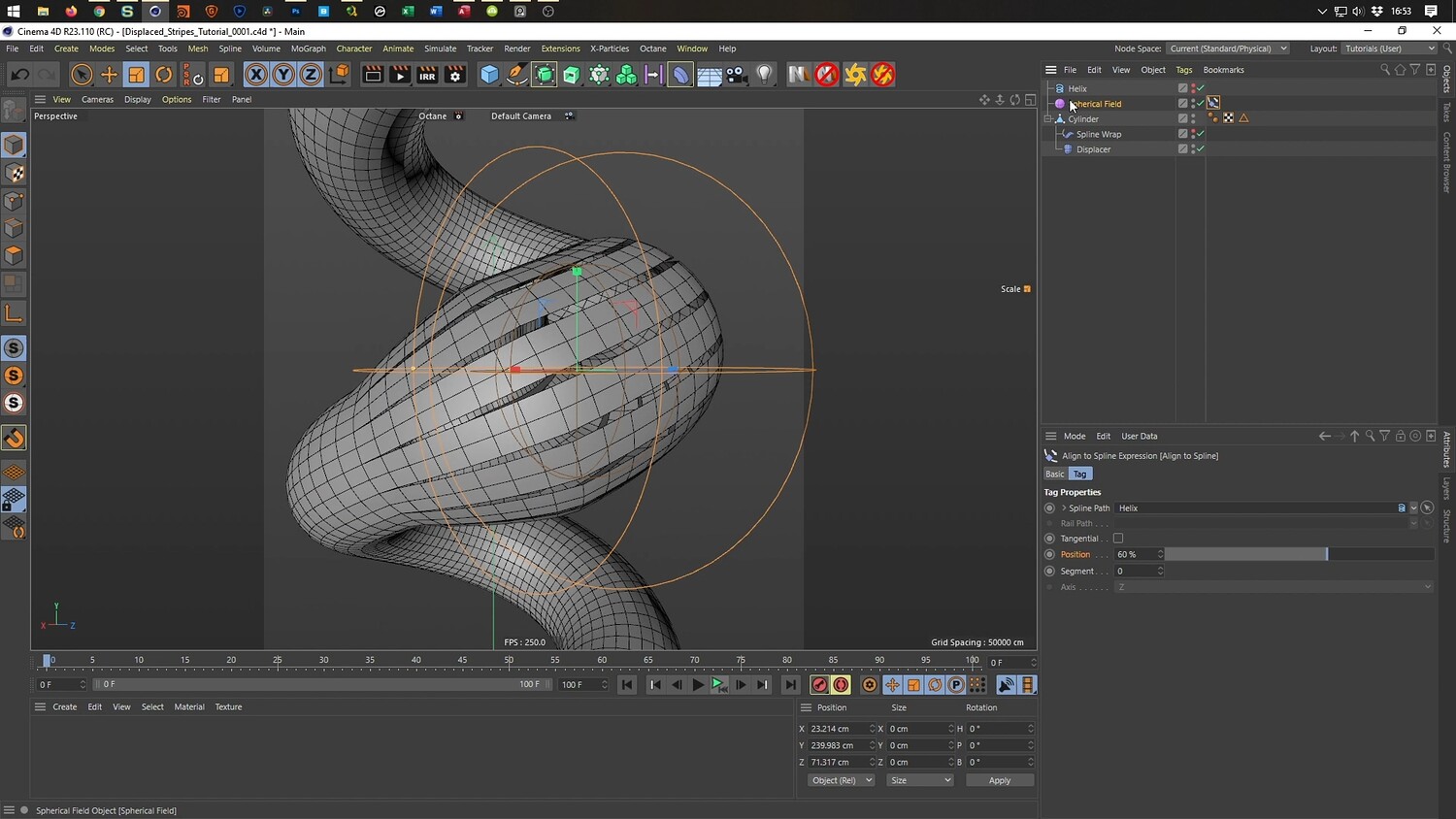
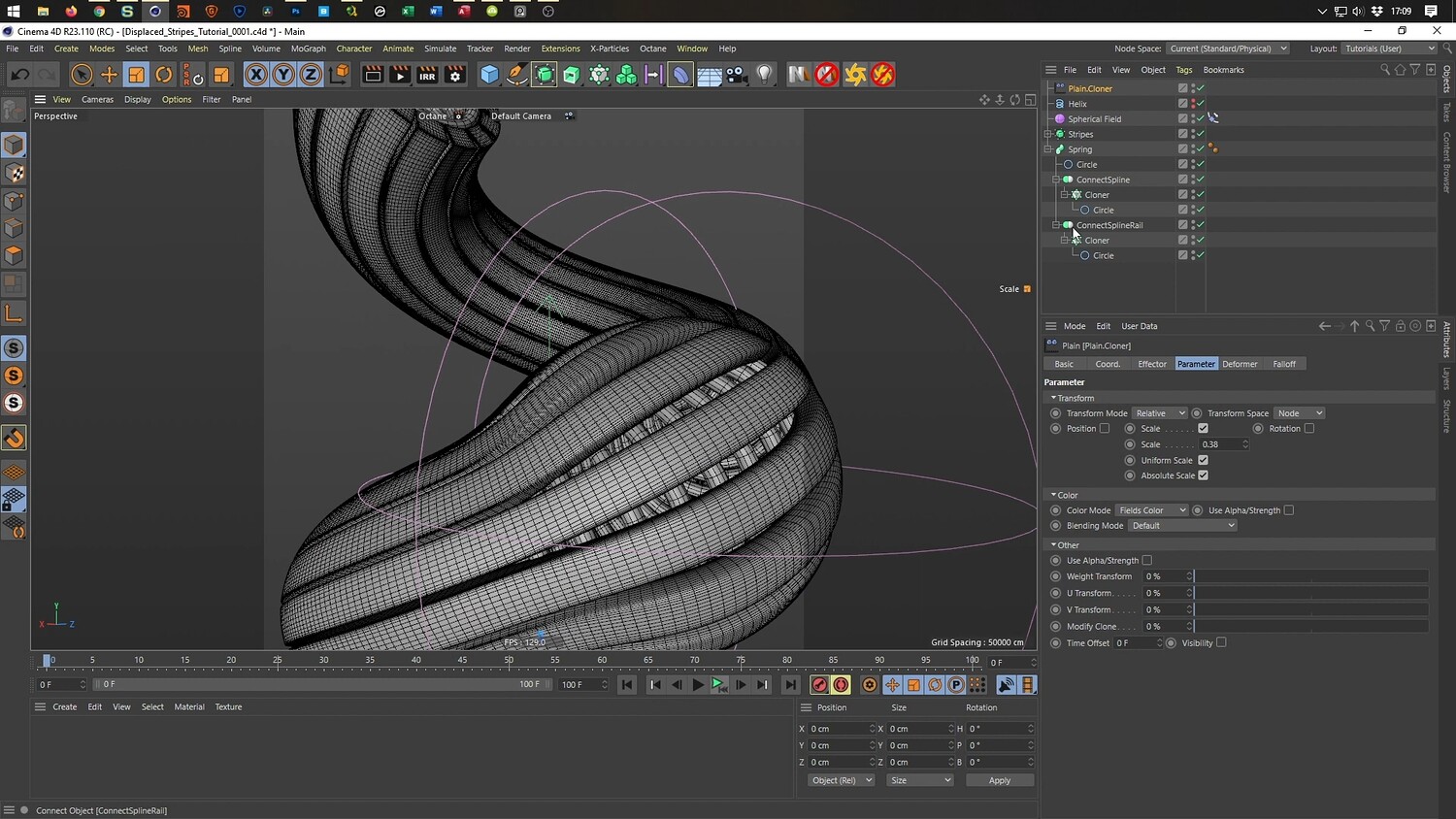
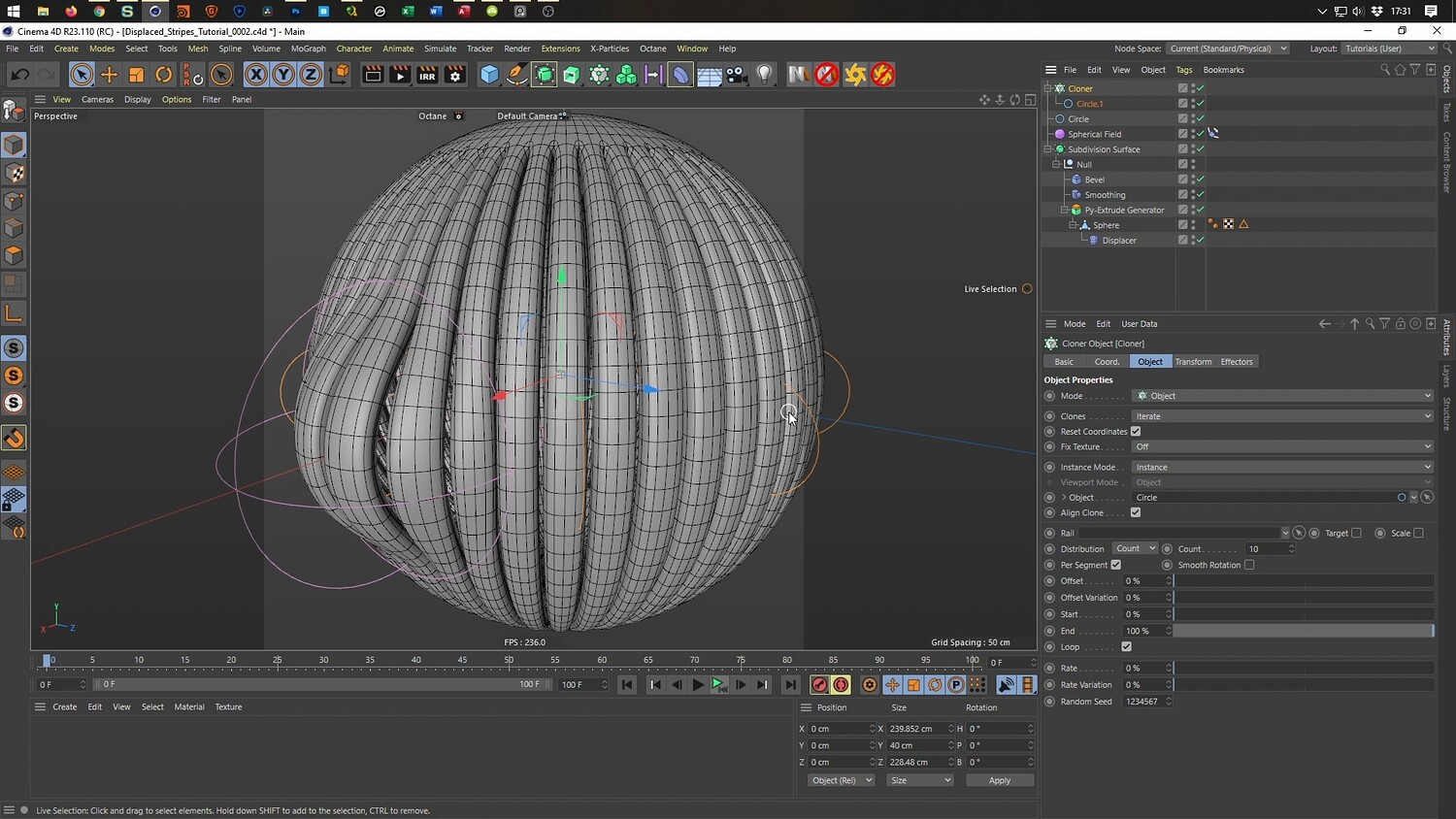
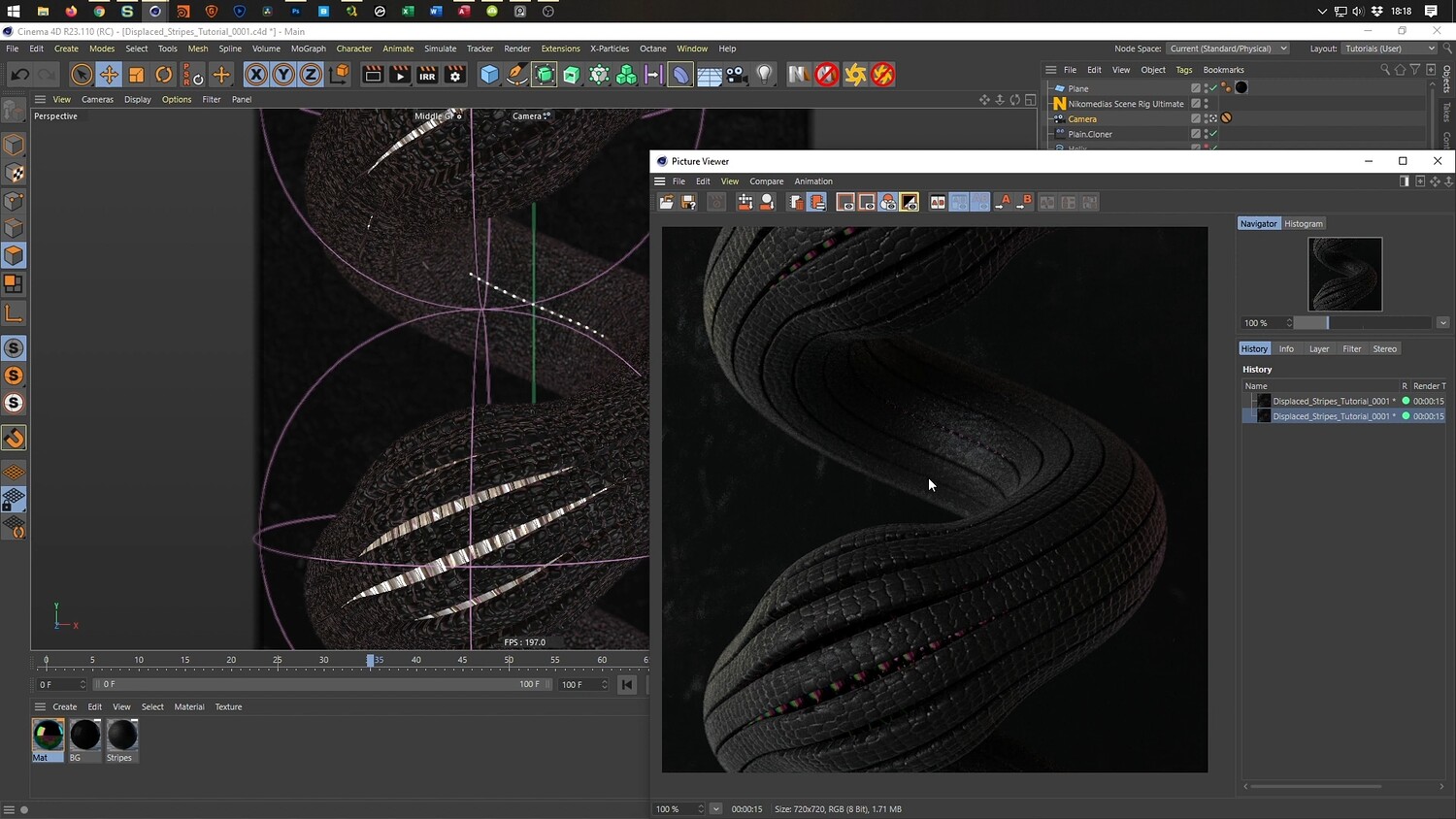
In this tutorial, we explore a technique to create detailed, abstract 3D art featuring undulating, textured stripes with a glowing core. The lesson demonstrates a performance-friendly workflow that avoids standard cloners for the base geometry, instead focusing on manipulating edge selections and using displacers. The video covers the entire process from modeling the base plane and helix shapes to animating the displacement using fields, culminating in a breakdown of the lighting and texturing setup.
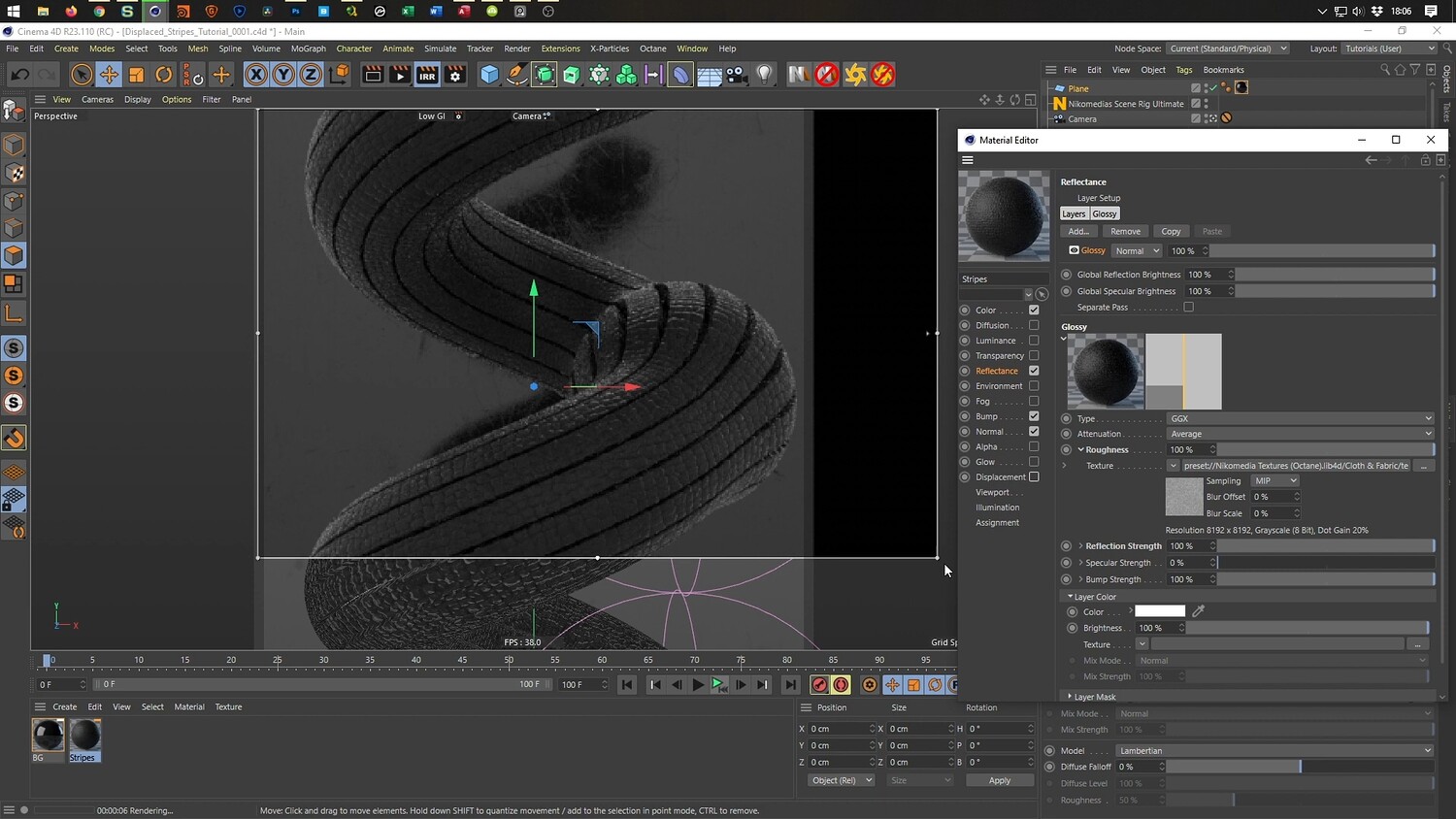
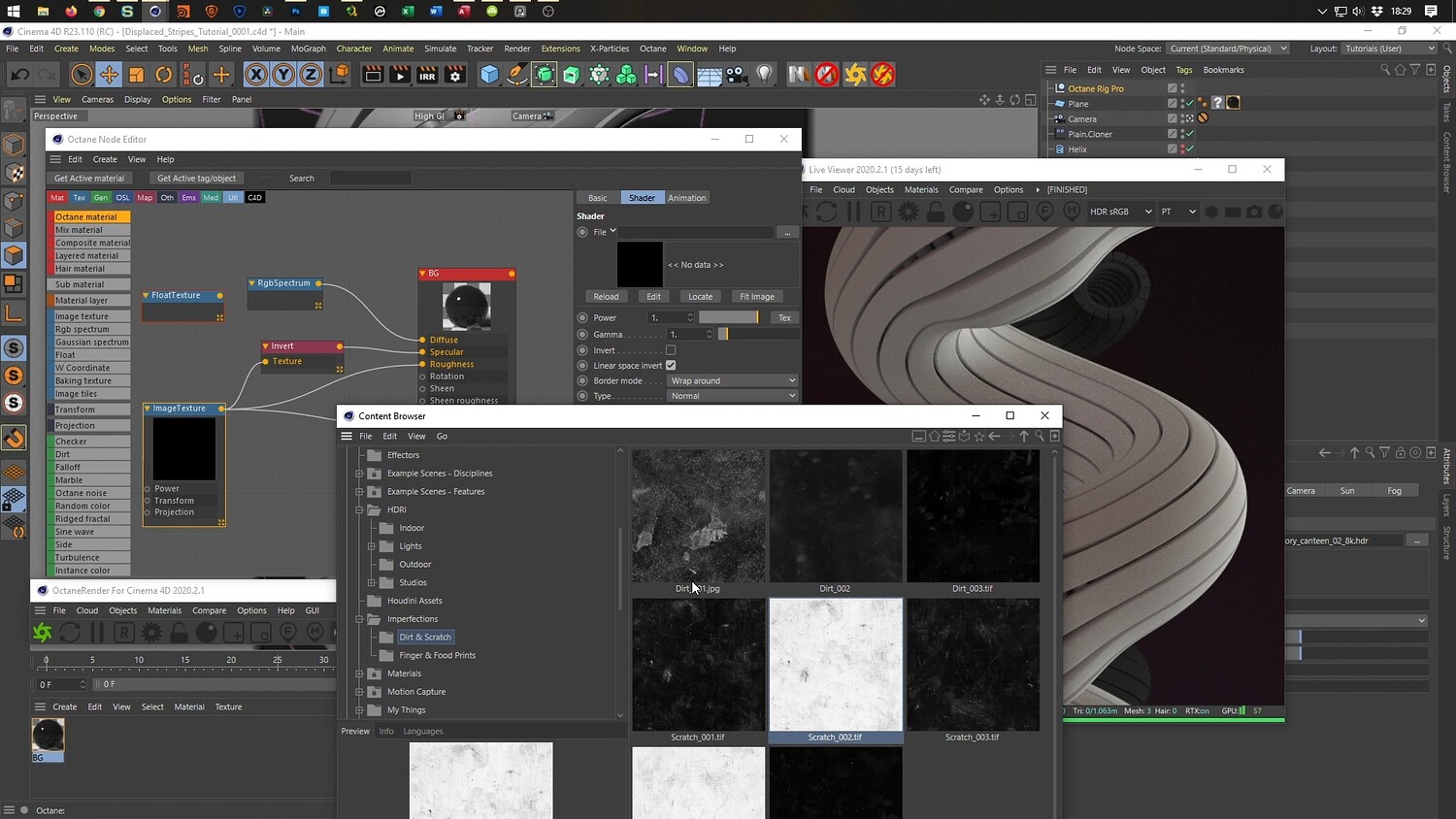
What you will learn: - How to create separated stripe geometry using edge cuts and the Disconnect tool. - Using Displacers and Spherical Fields to create controlled bulging animations. - Implementing the Pi Extrude generator for adding depth to individual polygons. - Layering Smooth and Bevel deformers to refine organic hard-surface shapes. - Wrapping geometry around a Helix using Spline Wrap and fixing rotation issues with Rail Splines. - Texturing and lighting workflows for both Cinema 4D Physical Render and Octane Render.
Software/Tools: - Cinema 4D - Physical Render - Octane Render - Pi Extrude (Maxon Labs)
Duration: 02:37:03
You will get 4 files
All files previously purchased will always be available for download in your Library