Create Crazy Clones & Abstract Topography
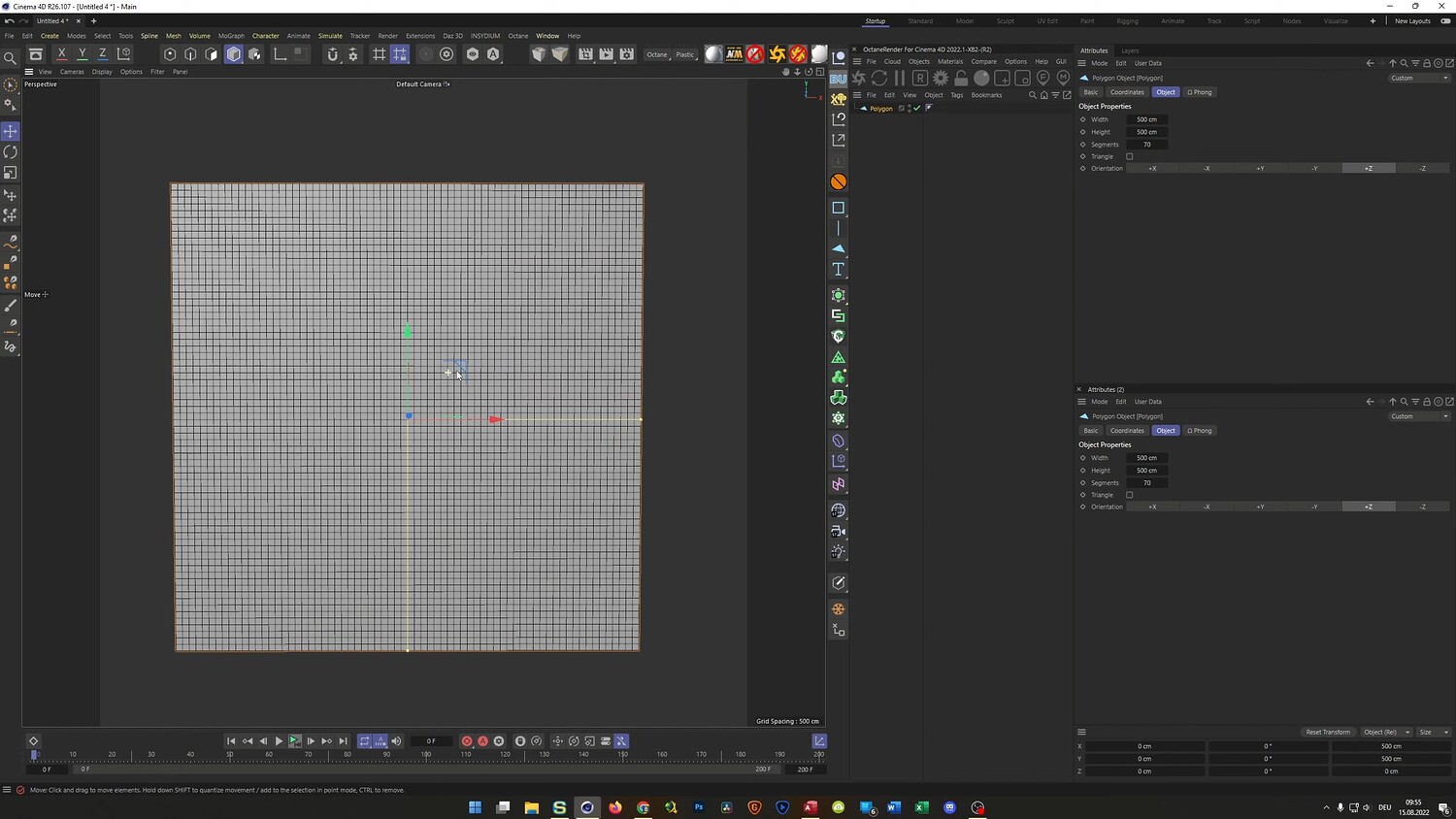
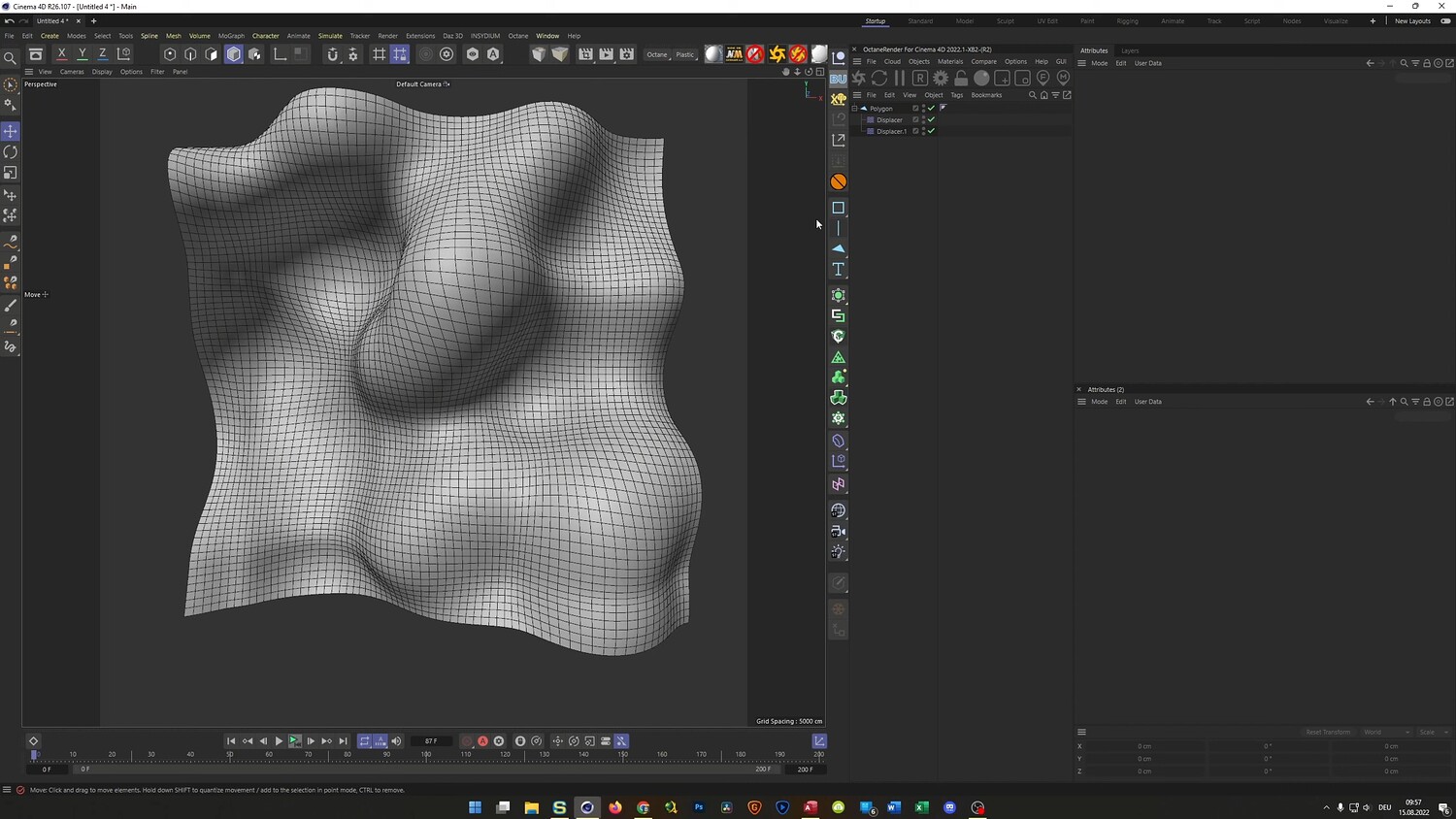
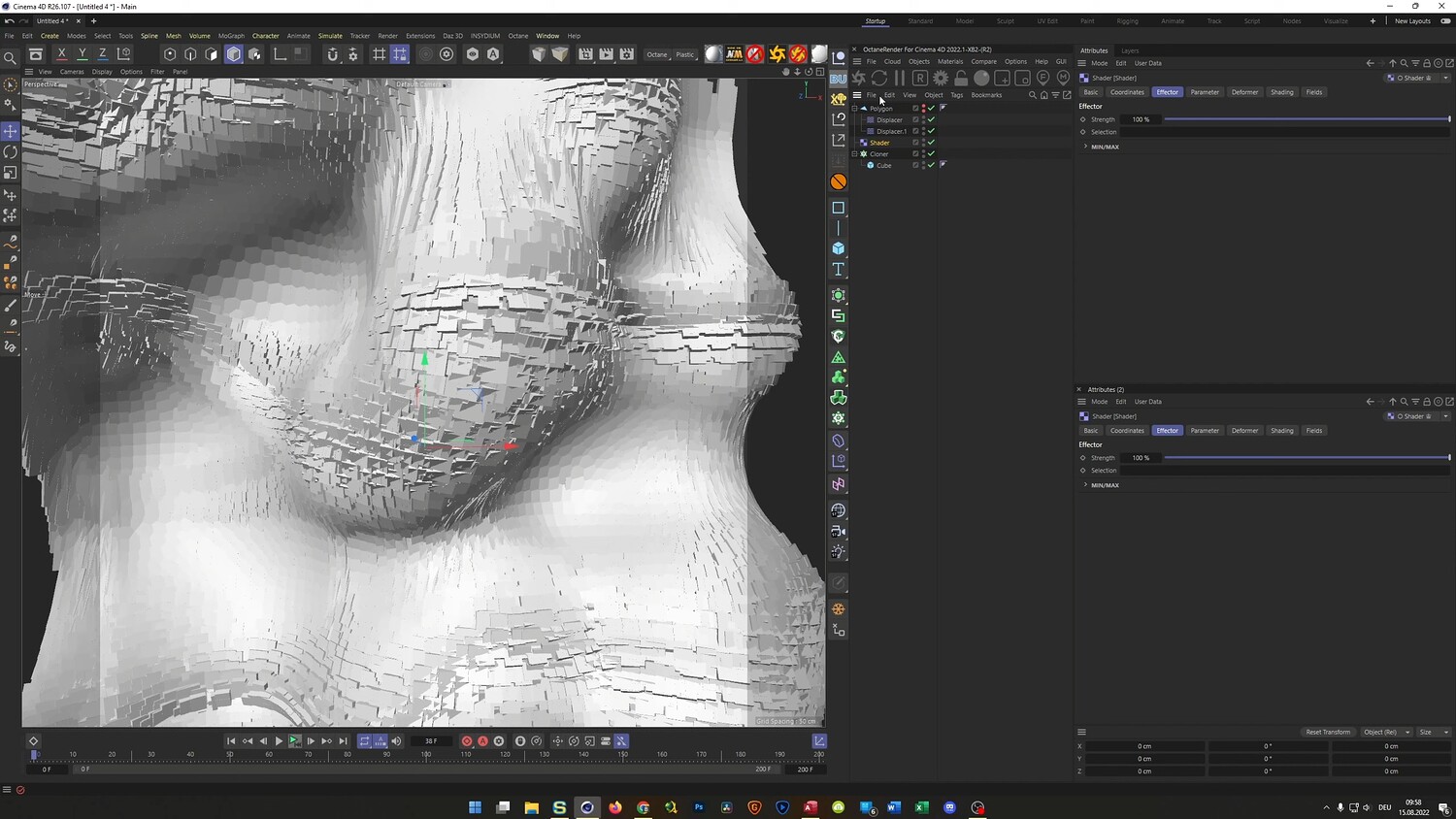
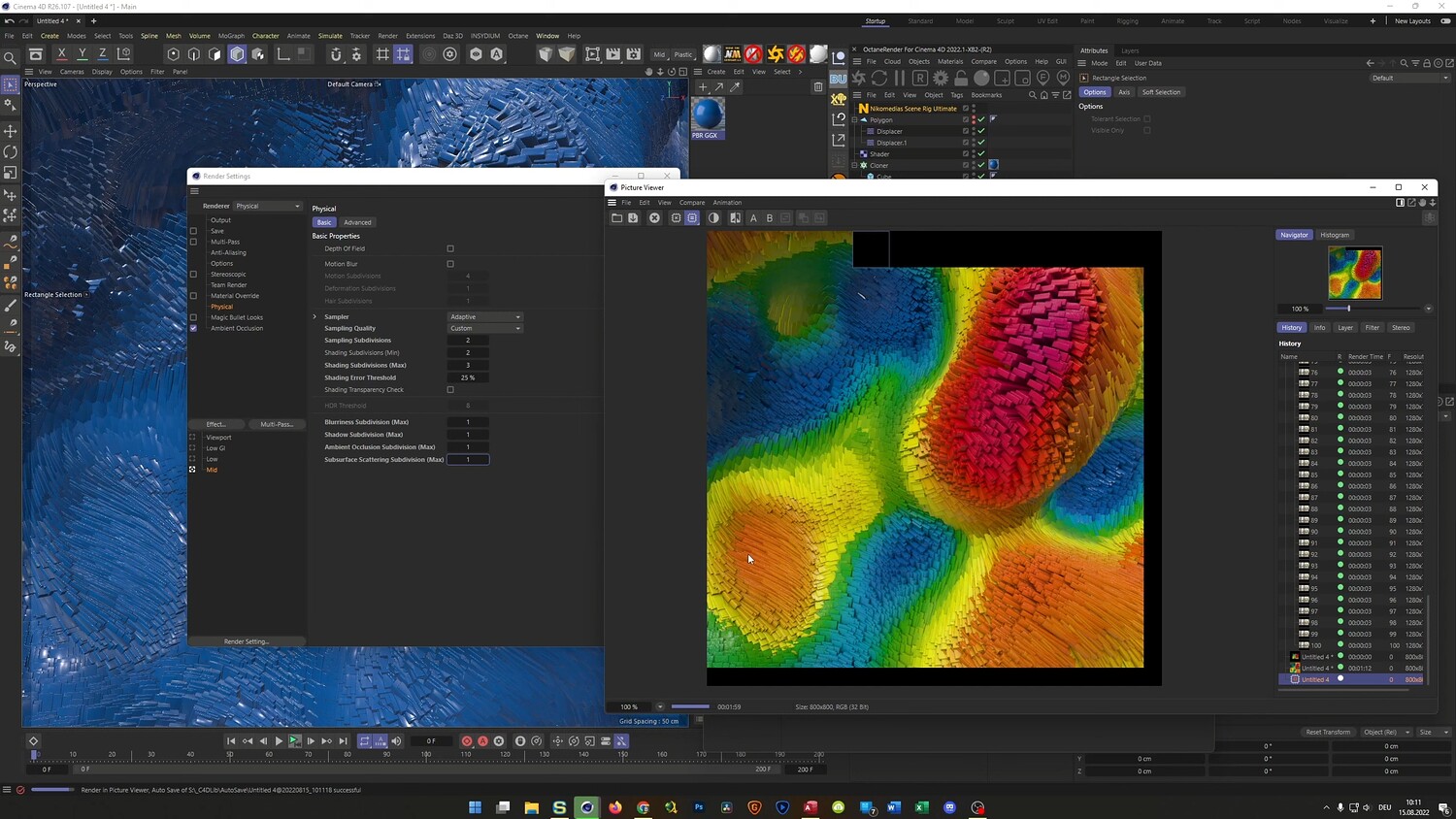
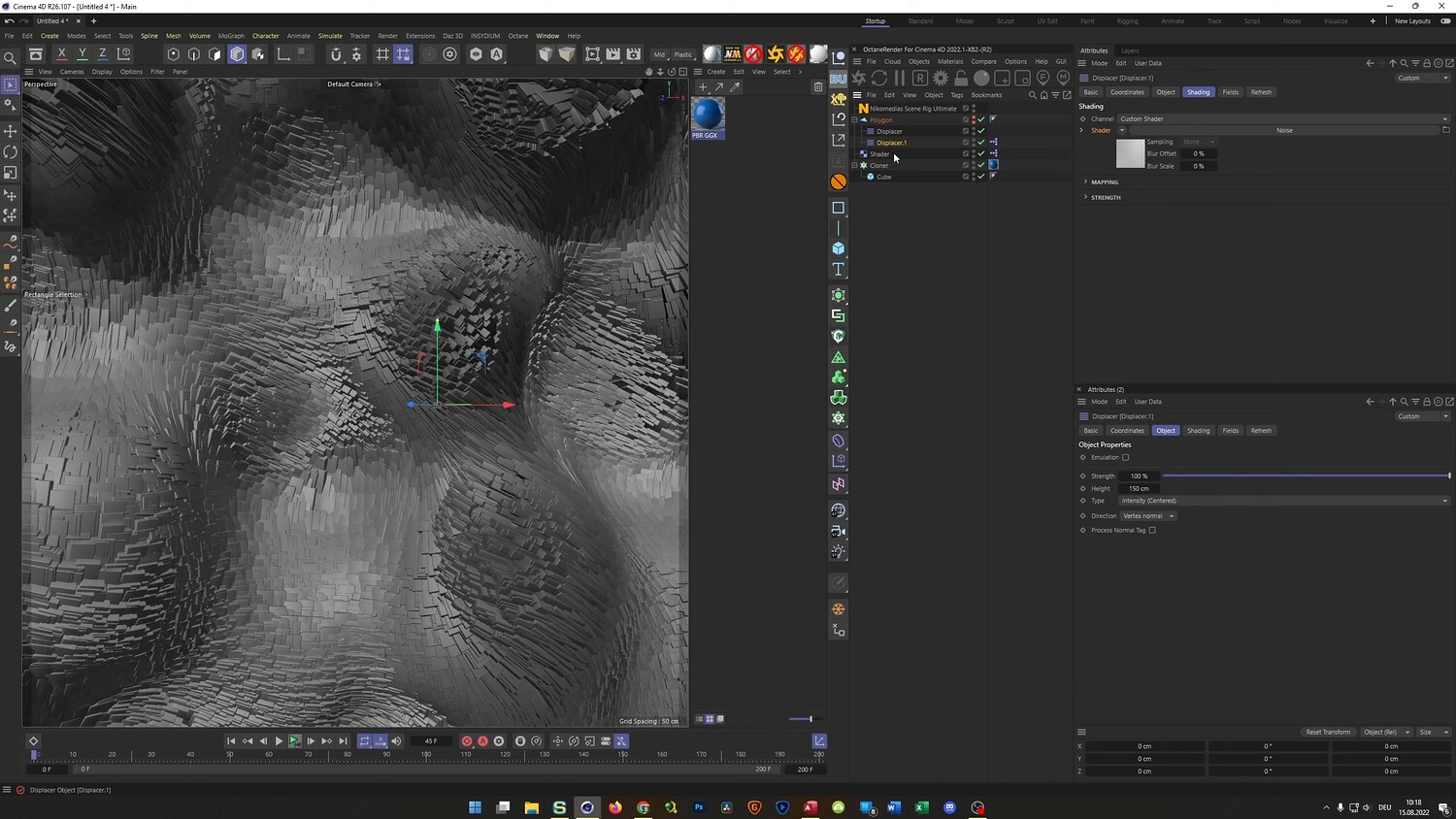
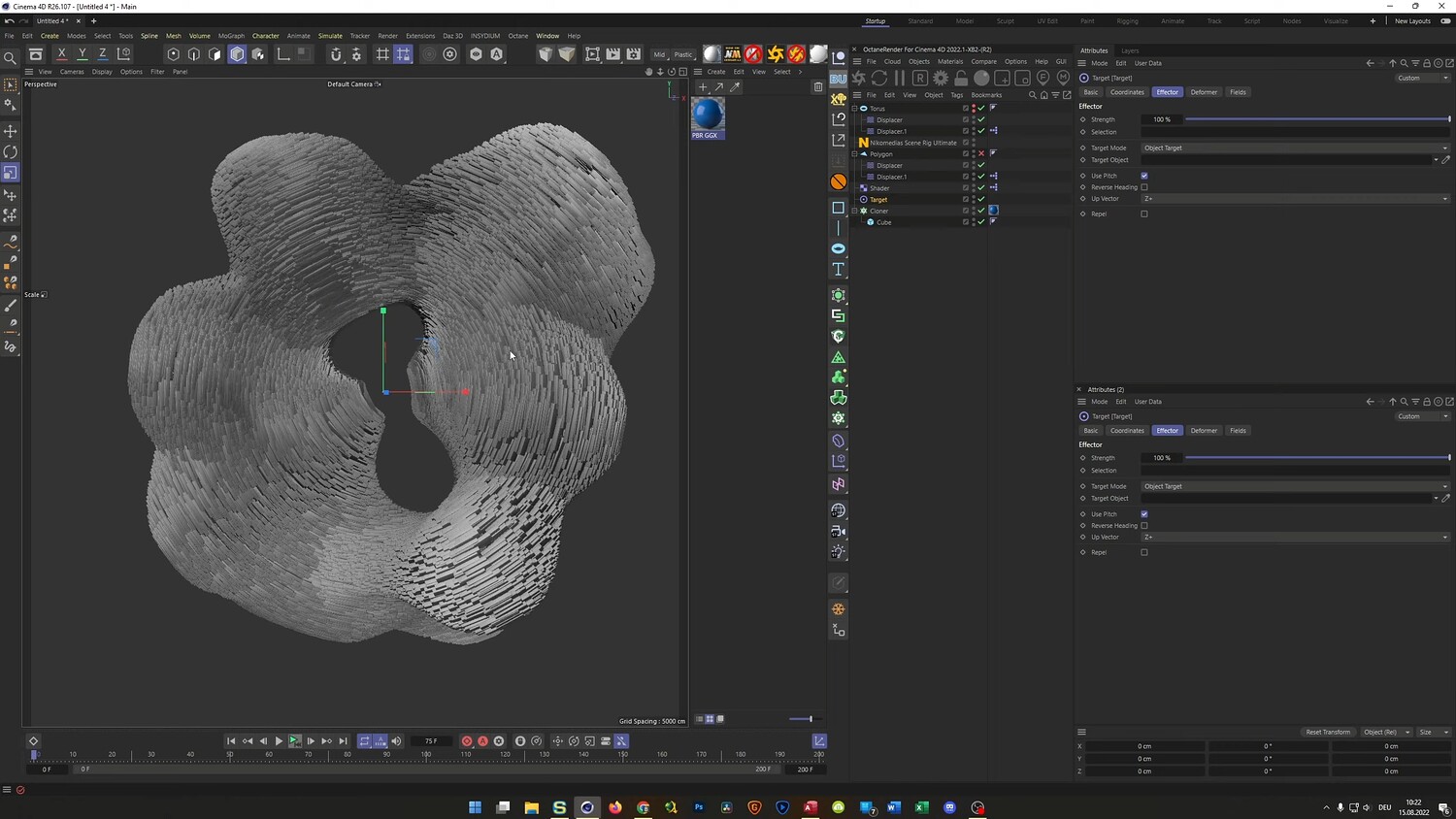
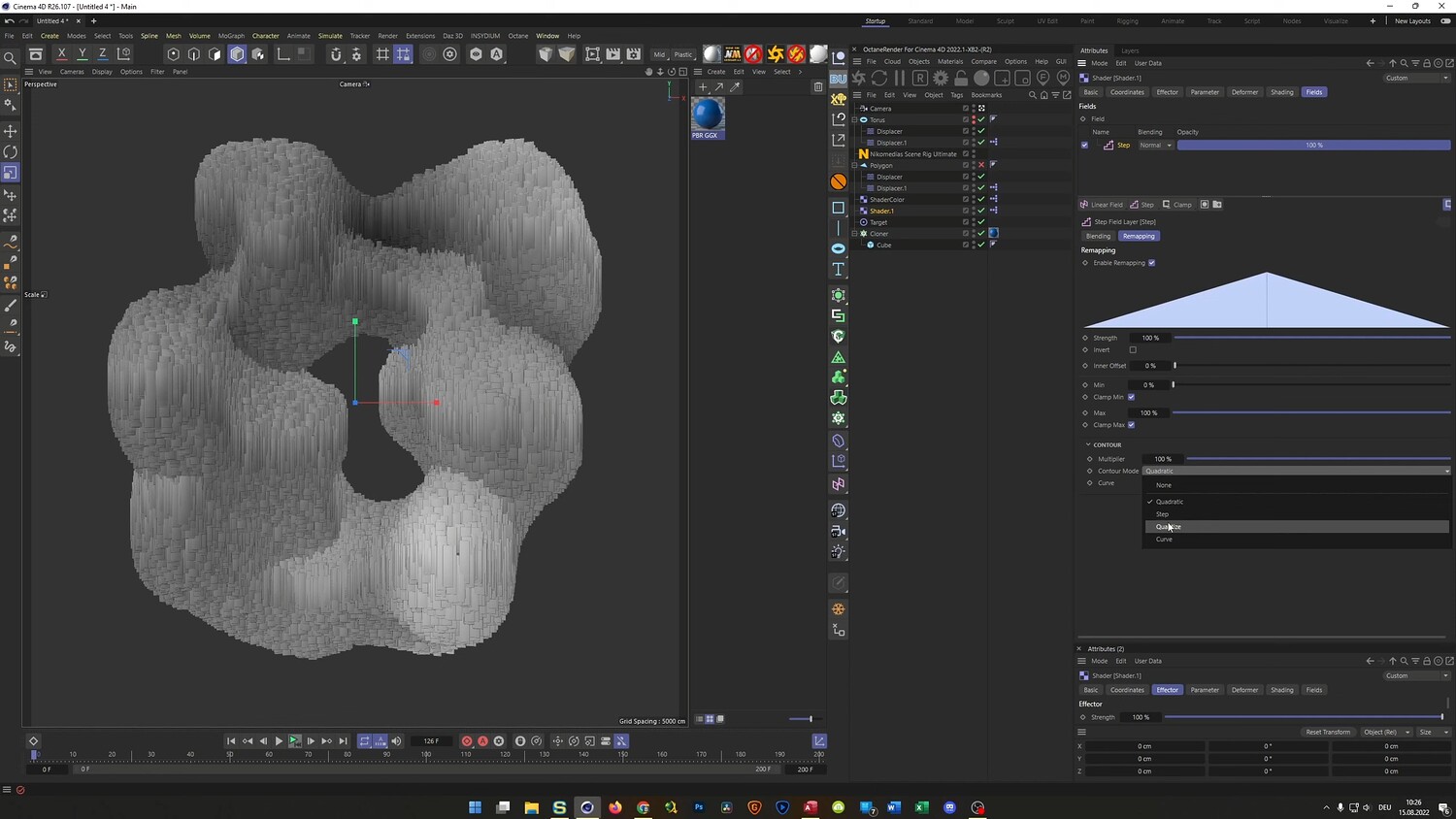
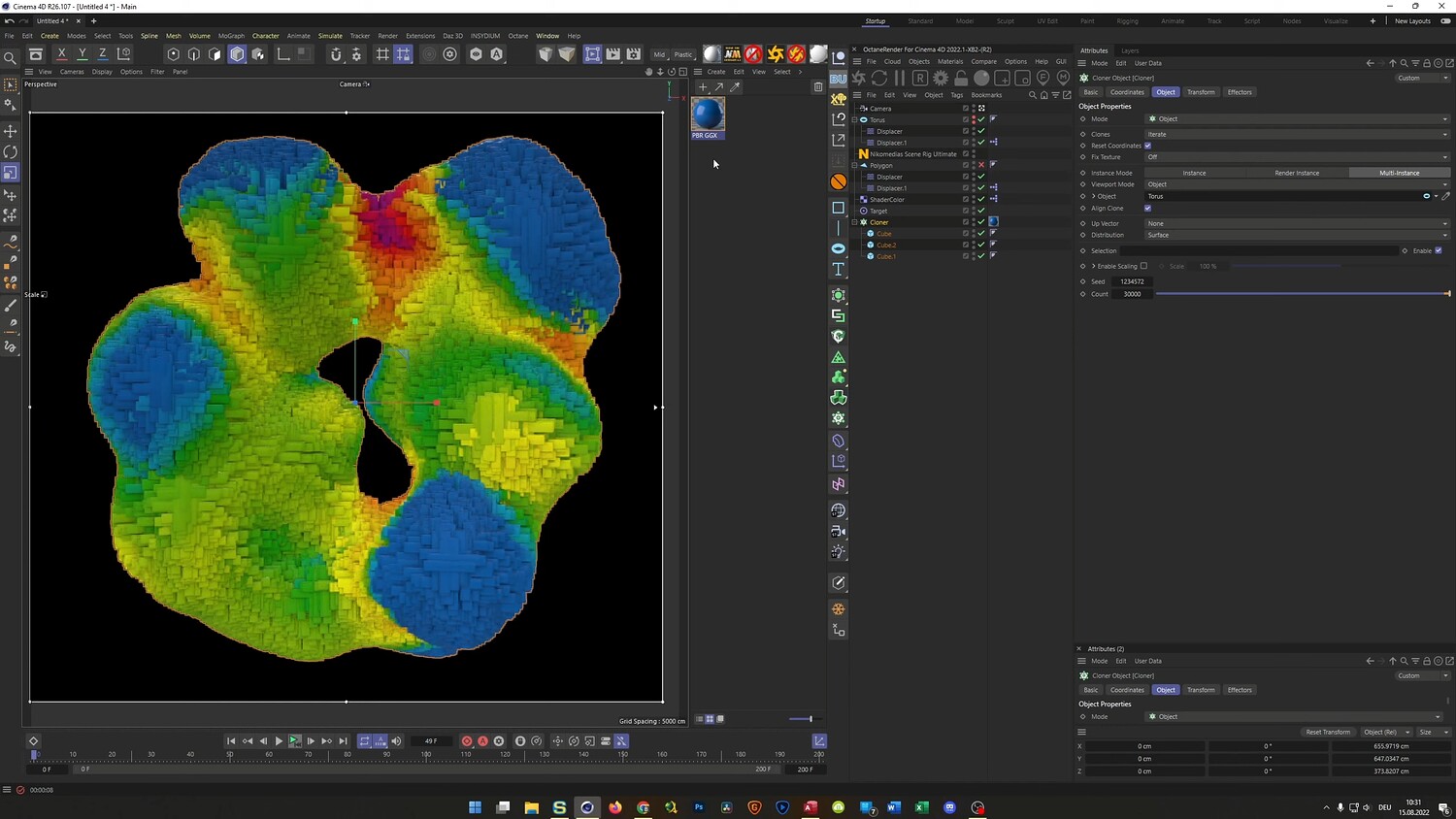
Dive into the power of MoGraph in this Cinema 4D tutorial where we create a stunning, animated abstract landscape. You will learn how to turn a simple polygon into a complex voxel-style topography using Cloners and Displacers. This walkthrough covers everything from setting up noise shaders for organic movement to controlling thousands of instances efficiently. We also experiment with Target Effectors for unique animation behaviors and discuss rendering settings to get a clean, vibrant look using both standard and third-party engines.
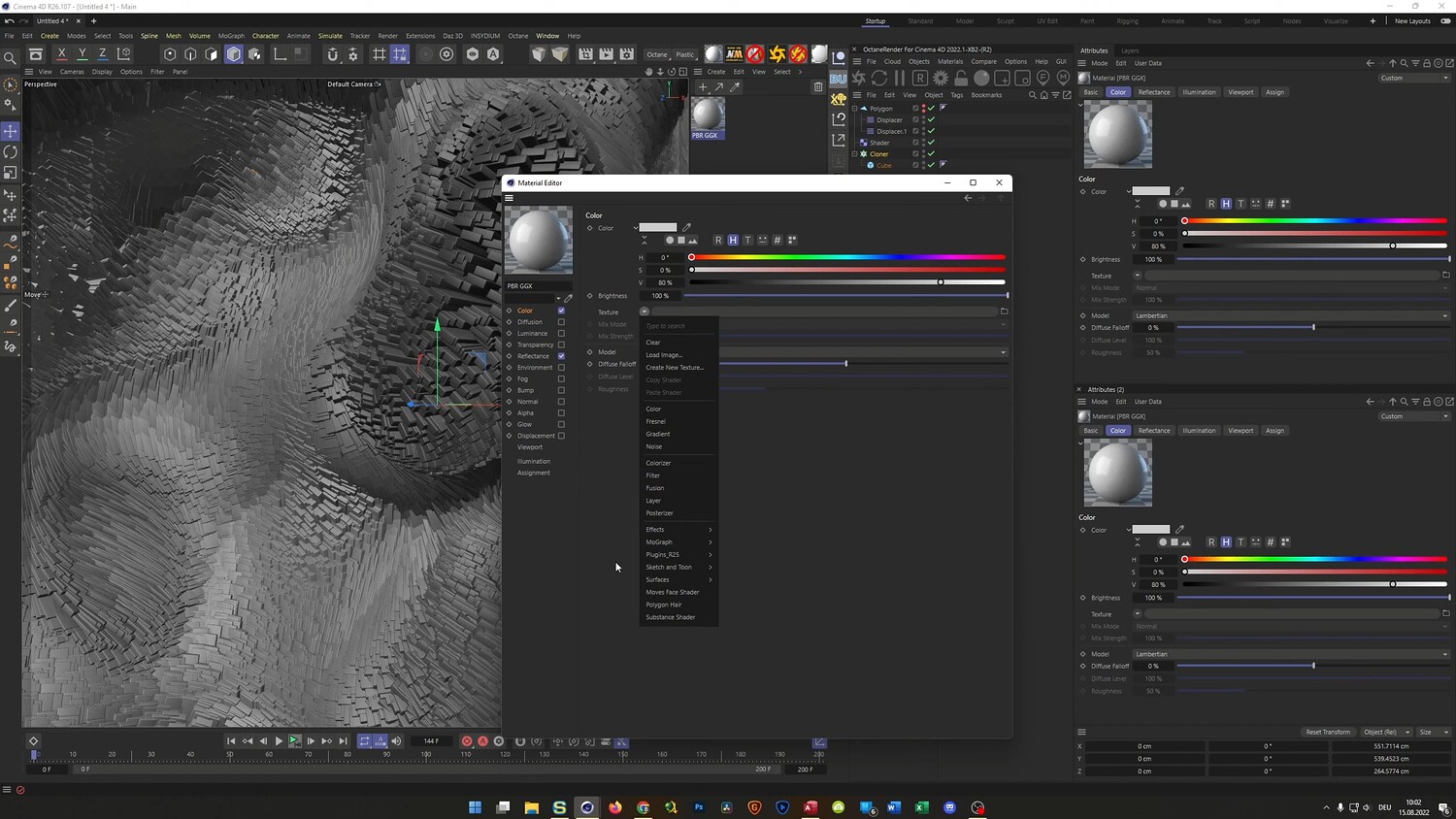
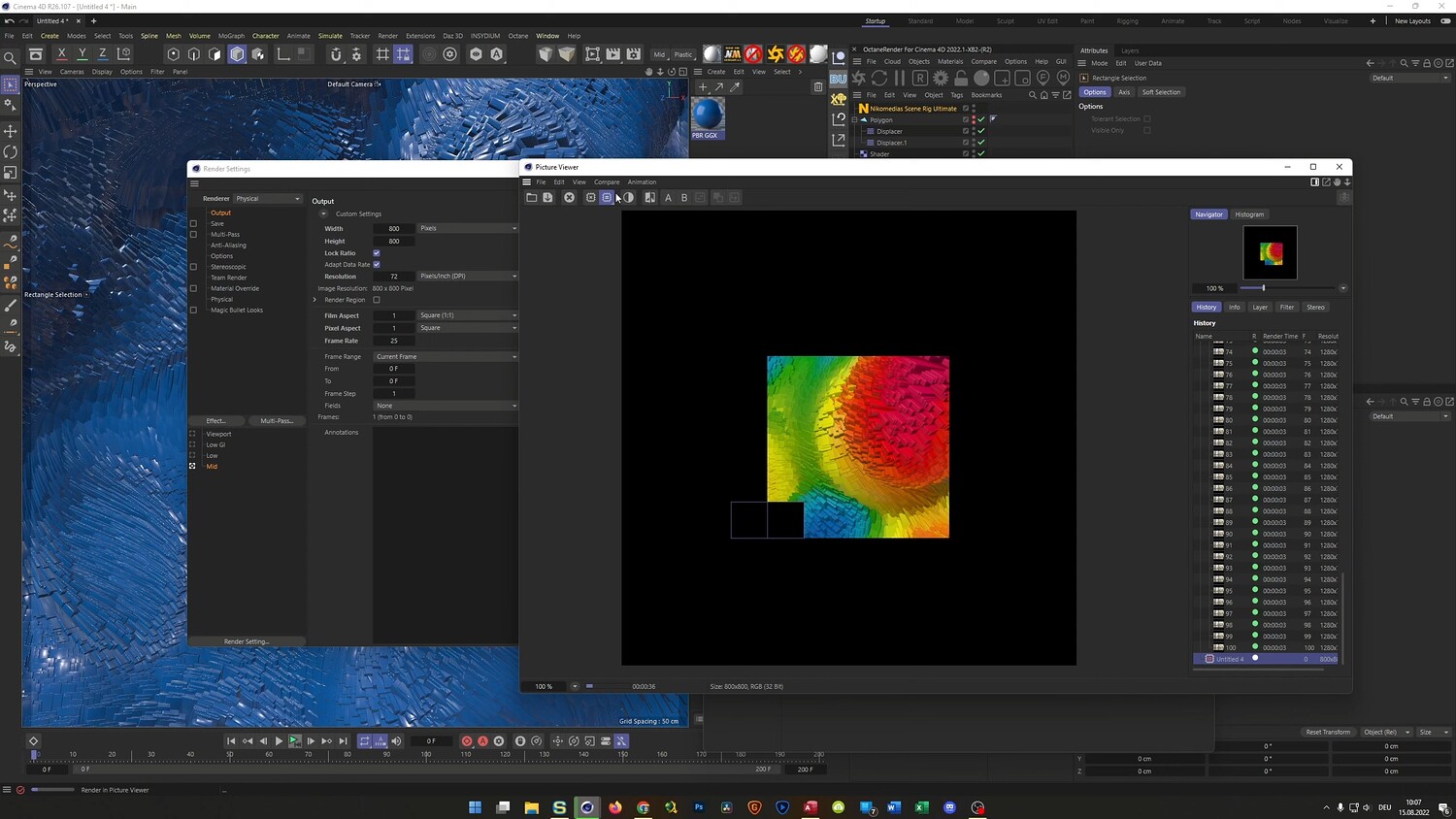
What you will learn: - How to stack Displacer modifiers with Noise Shaders to create organic topology - Using MoGraph Cloners with Multi-Instances for high-performance geometry - Adding randomization to clones using the Shader Effector for scale and rotation - Linking parameters with Set Driver and Set Driven expressions for easy workflow adjustments - Implementing the Target Effector to make clones face the active camera dynamically - Techniques for coloring clones using the MoGraph Color Shader - Rendering workflows and optimization for both Physical Render and Octane Render
Software/Tools: - Cinema 4D - Octane Render - MoGraph Cloner & Effectors
Duration: 37:22
You will get 4 files
All files previously purchased will always be available for download in your Library