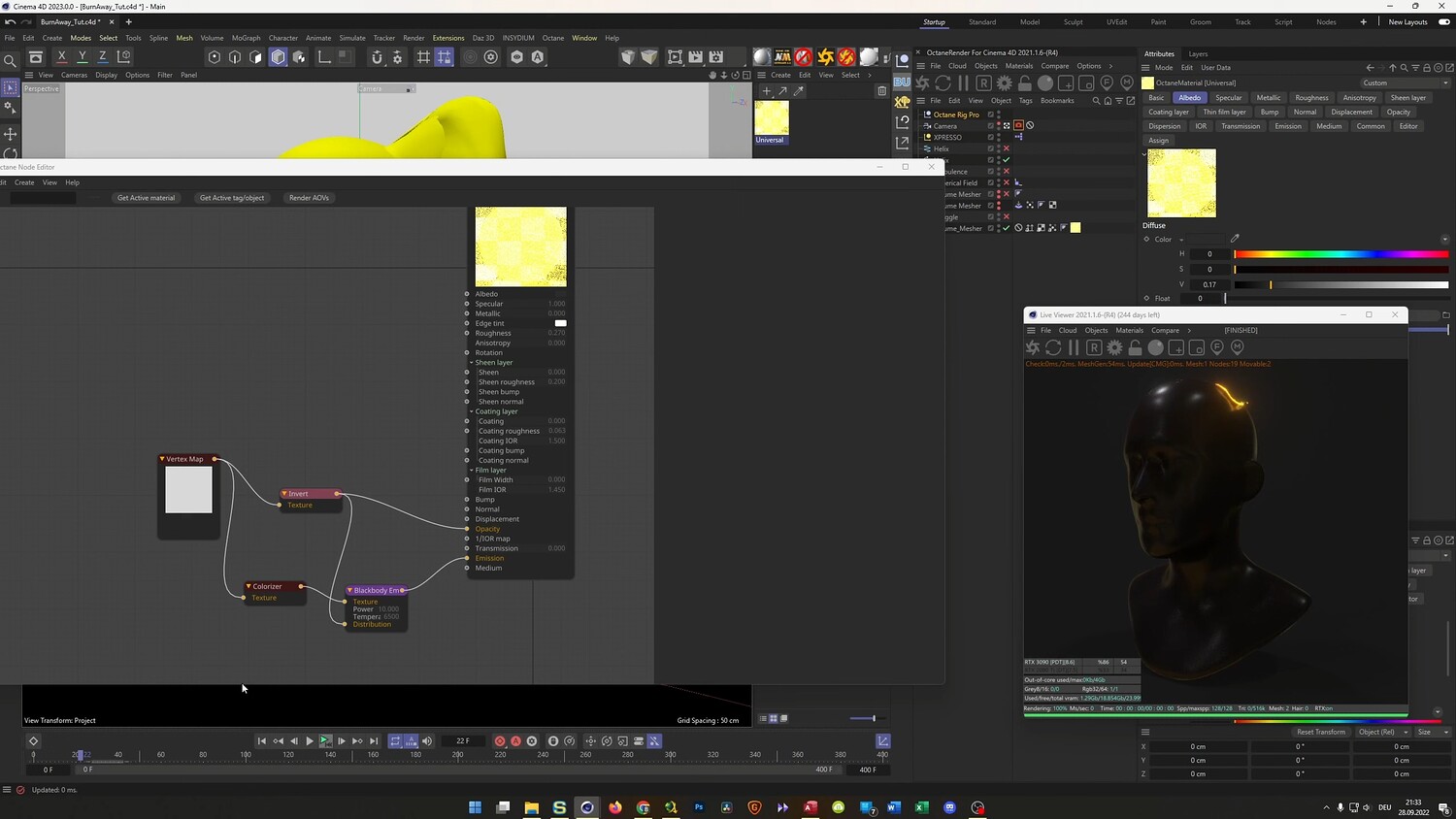
Create a Glowing Burn Away Effect without Plugins
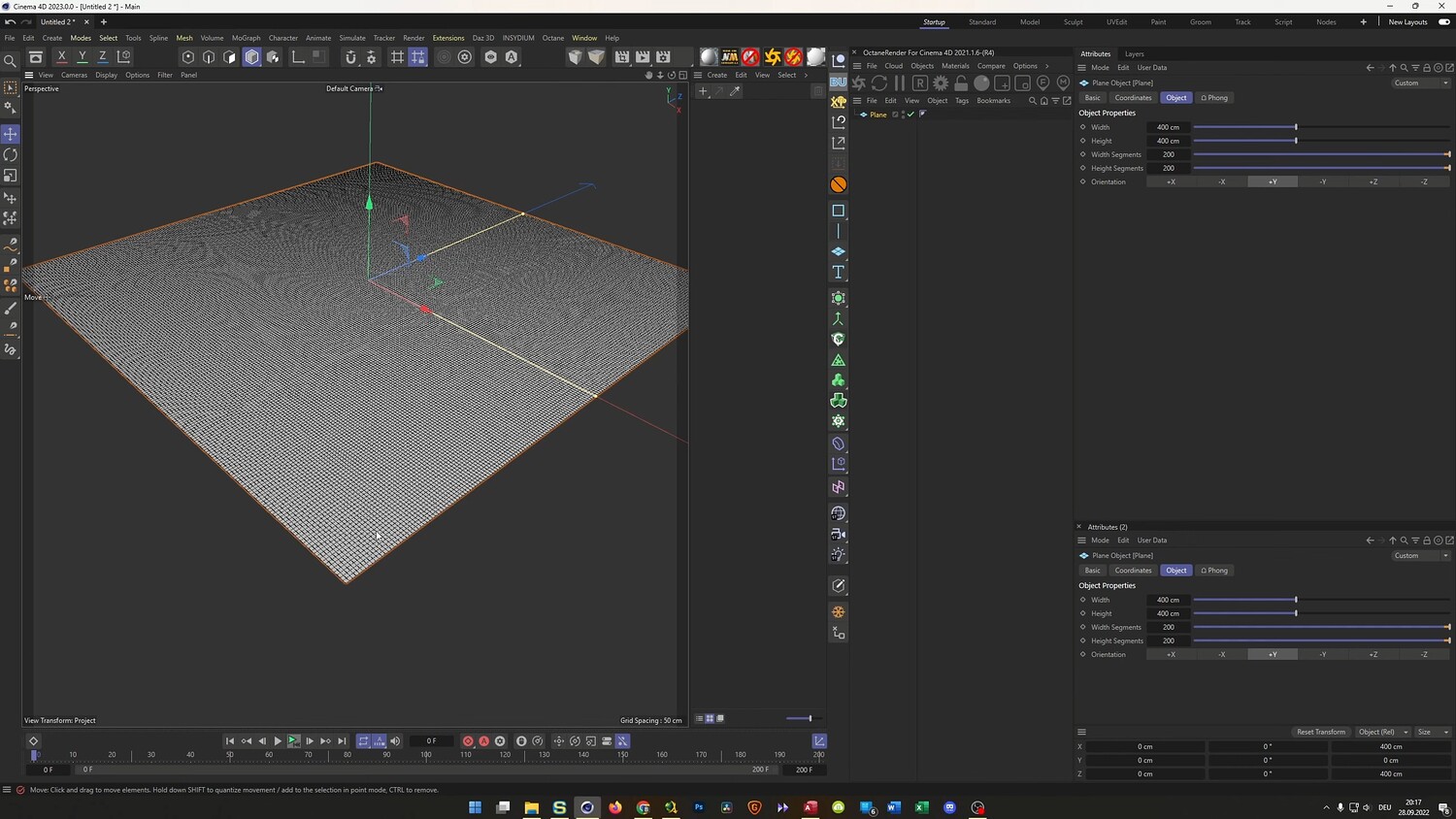
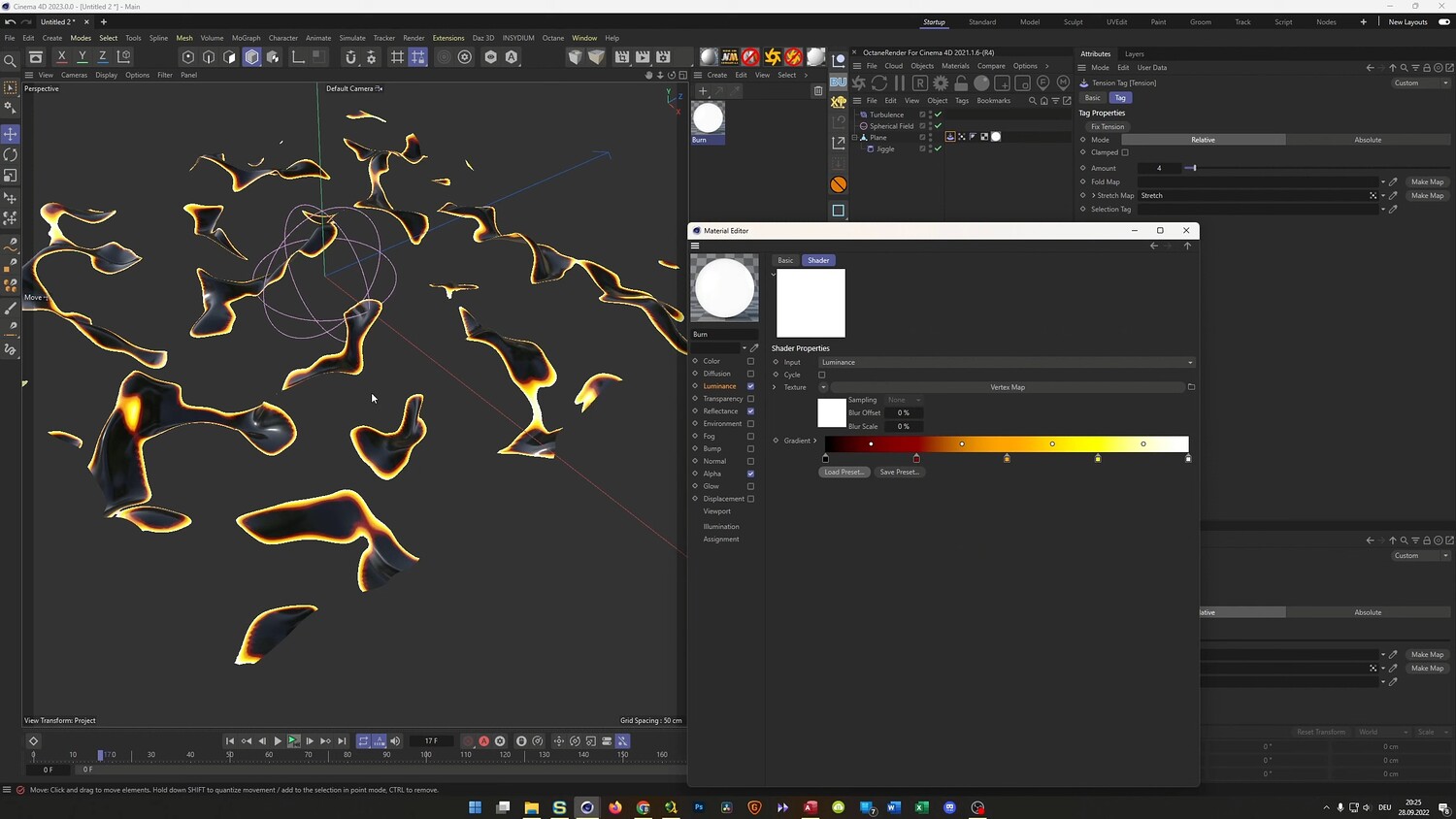
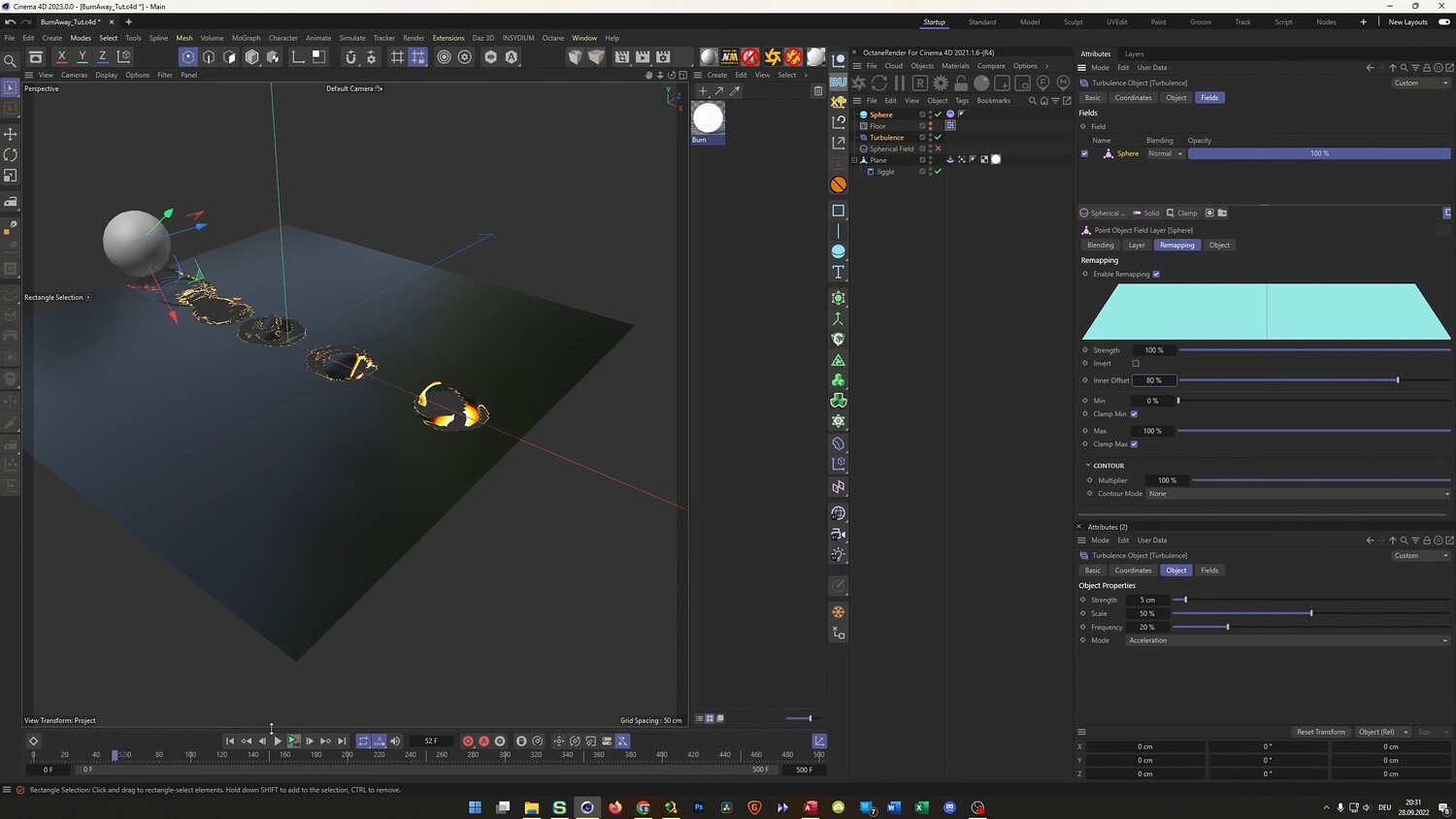
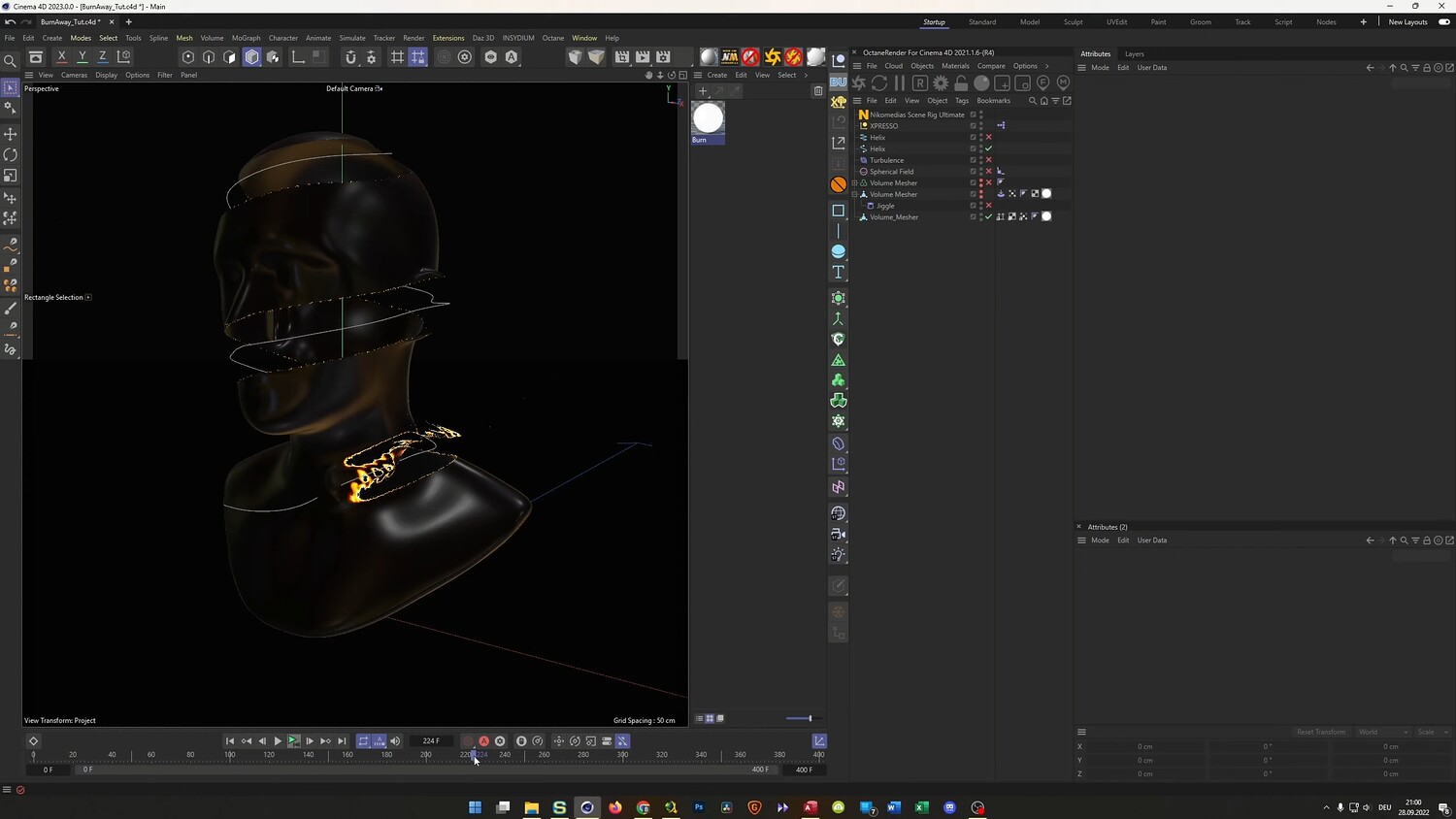
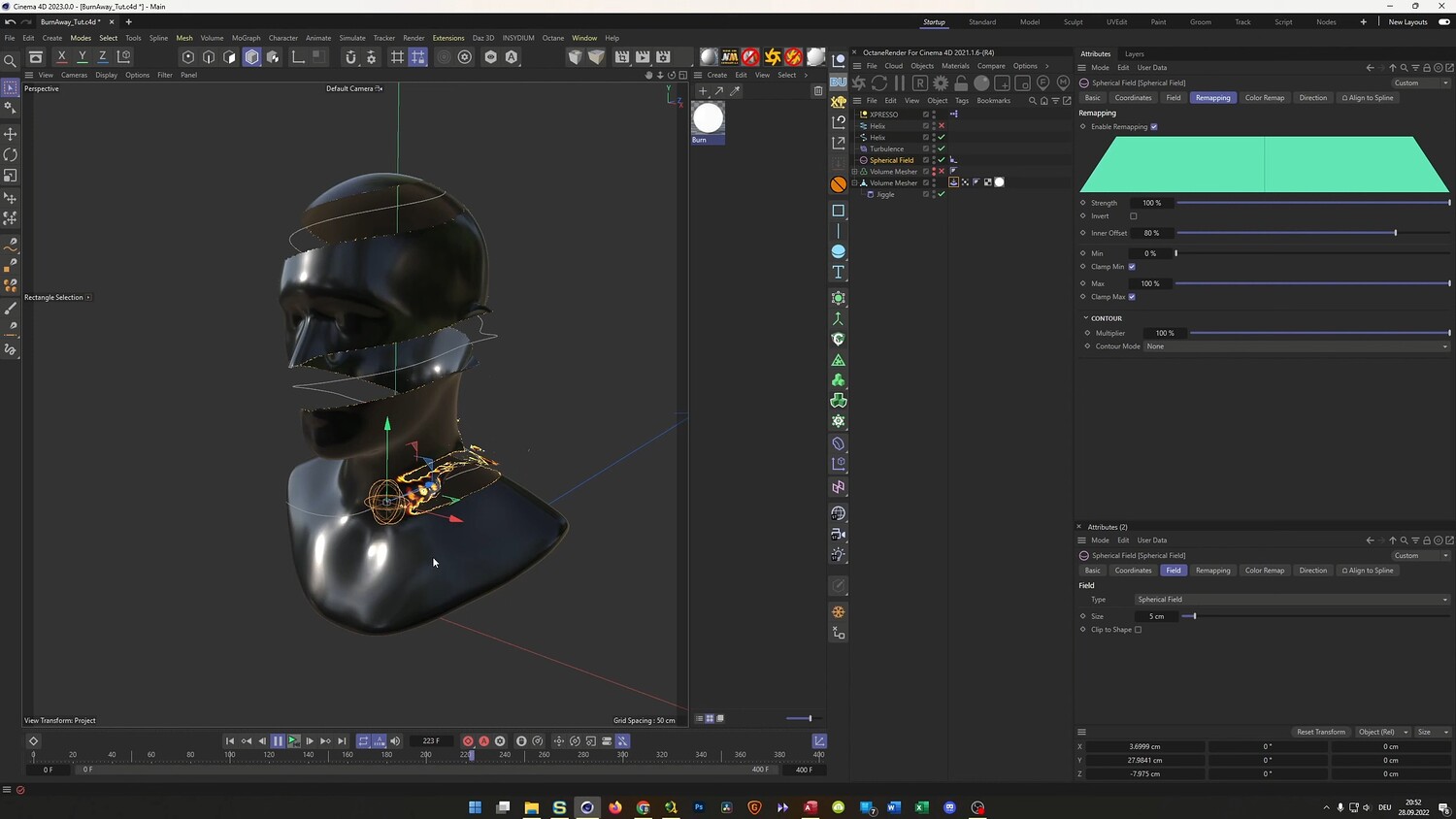
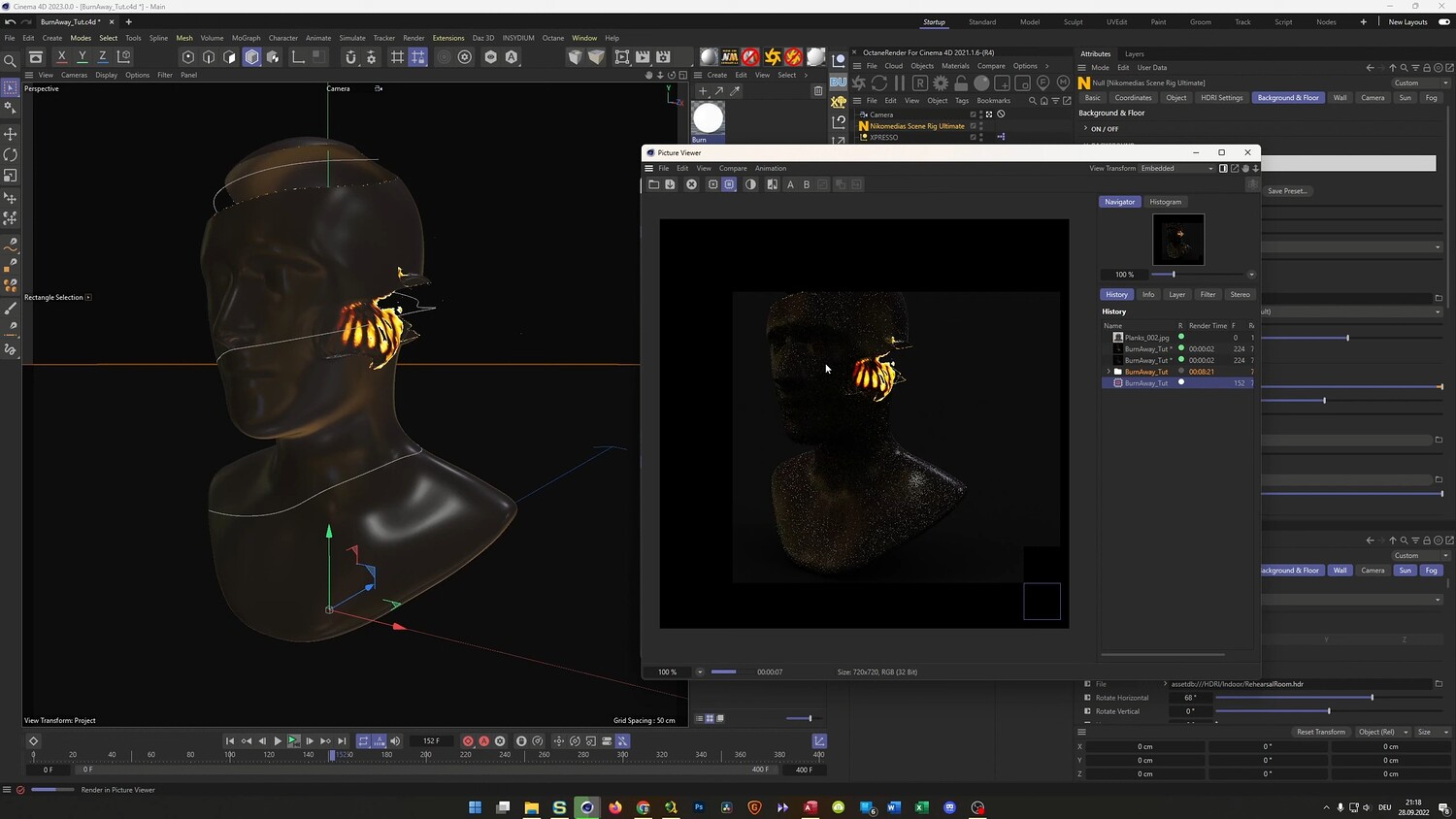
Learn how to create a stunning disintegration and burning effect using only native Cinema 4D tools. This tutorial guides you through a procedural workflow that utilizes deformers and vertex maps to slice through 3D geometry with a glowing, fiery edge. You will discover how to trigger this effect using fields and dynamics, allowing for high-speed rendering directly in the viewport or high-quality output using physical and third-party renderers.
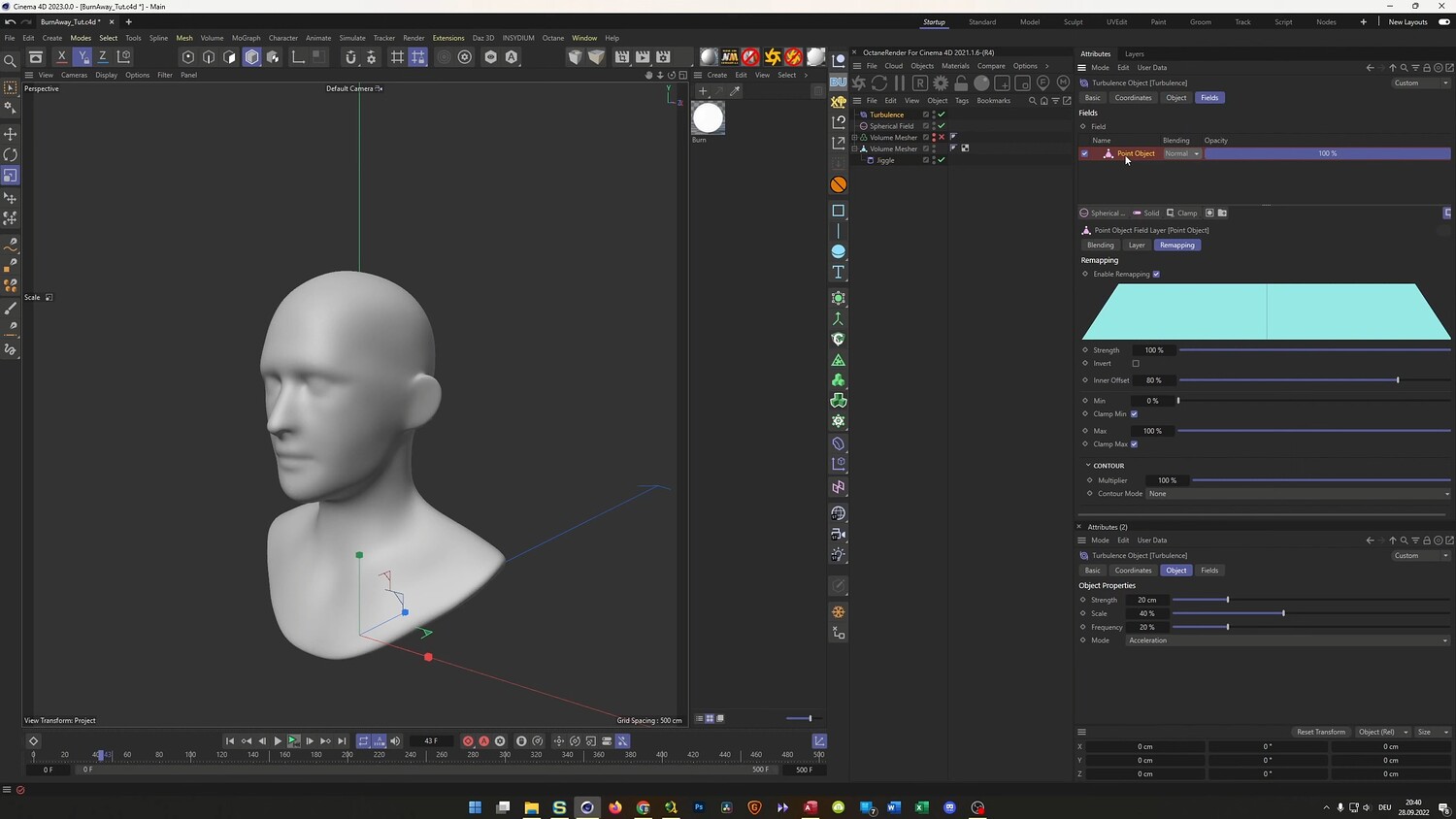
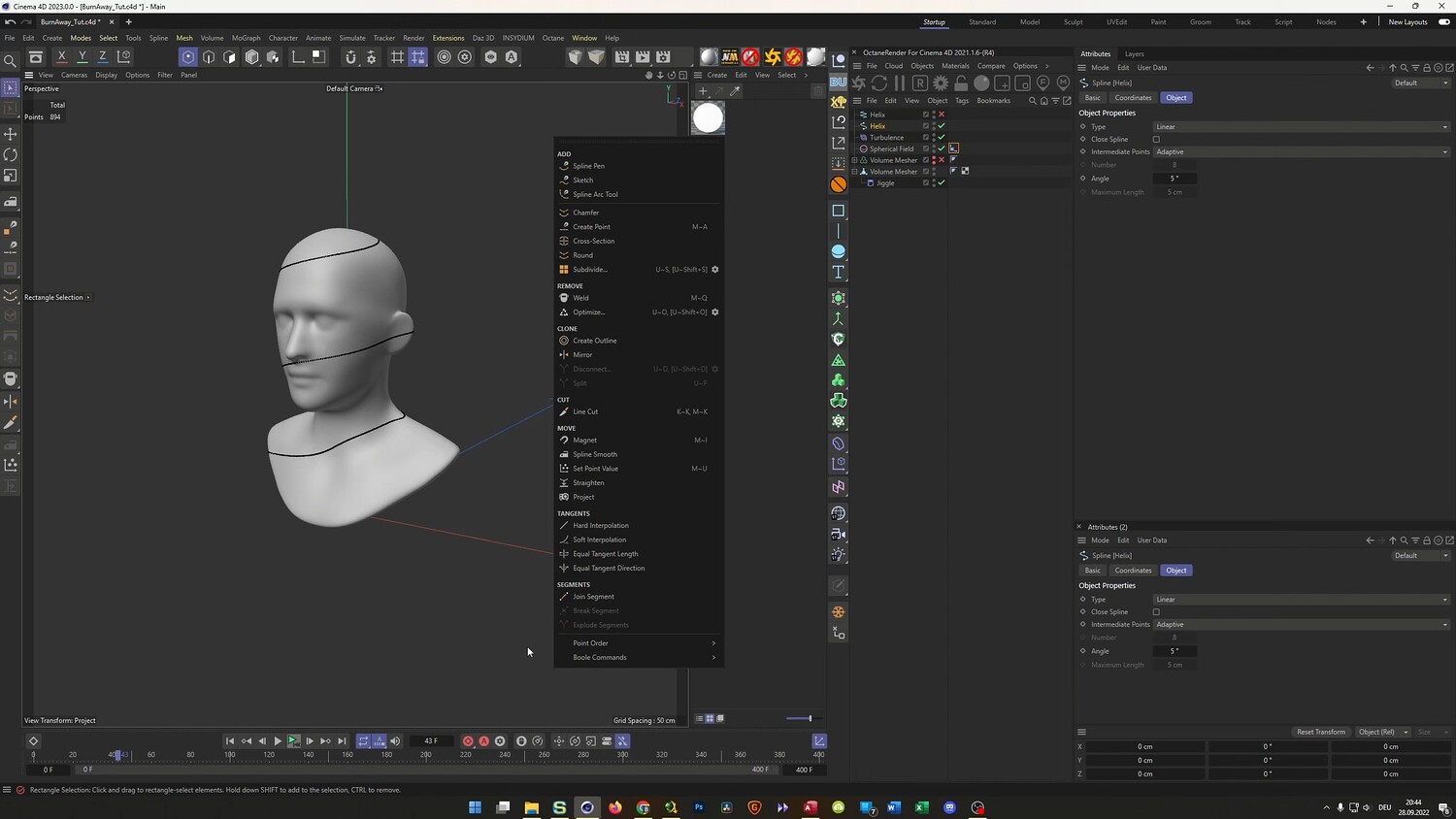
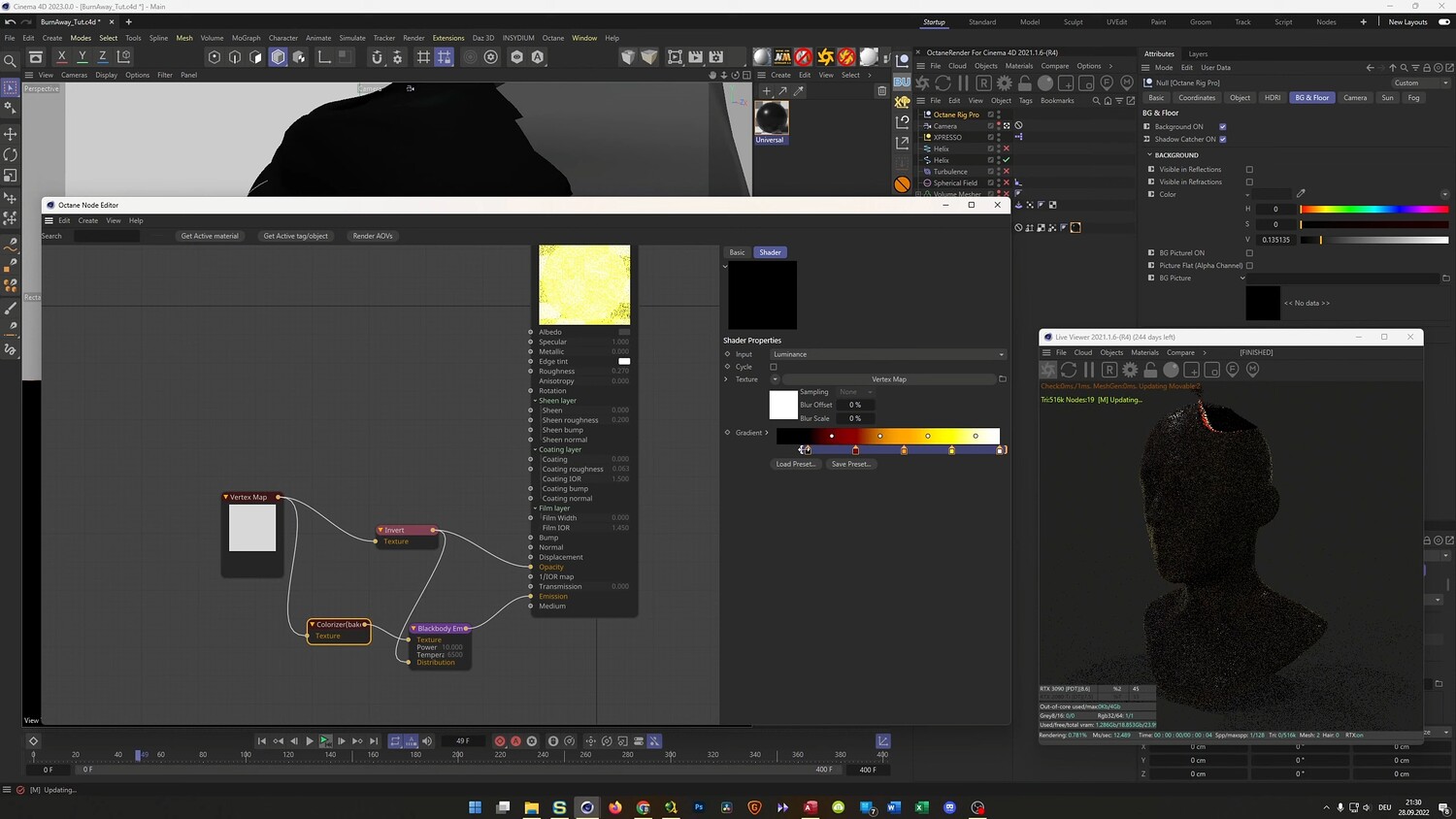
What you will learn: - How to use the Jiggle Deformer combined with Turbulence forces to manipulate mesh geometry. - Generating dynamic Vertex Maps using the Tension Tag to detect mesh stretching. - Creating materials that use Alpha and Luminance channels to drive the transparency and glowing fire effects. - Techniques for projecting paths onto complex models, such as a human bust, to control the direction of the burn. - Workflows for optimizing meshes using the Volume Builder and Volume Mesher. - Rendering tips for the standard Viewport Renderer, Physical Renderer, and Octane Render.
Software/Tools: - Cinema 4D (Jiggle Deformer, Tension Tag, Volume Builder) - Magic Bullet Looks (for post-processing glow) - Octane Render (optional workflow demonstrated)
Duration: 01:09:58
You will get 4 files
All files previously purchased will always be available for download in your Library