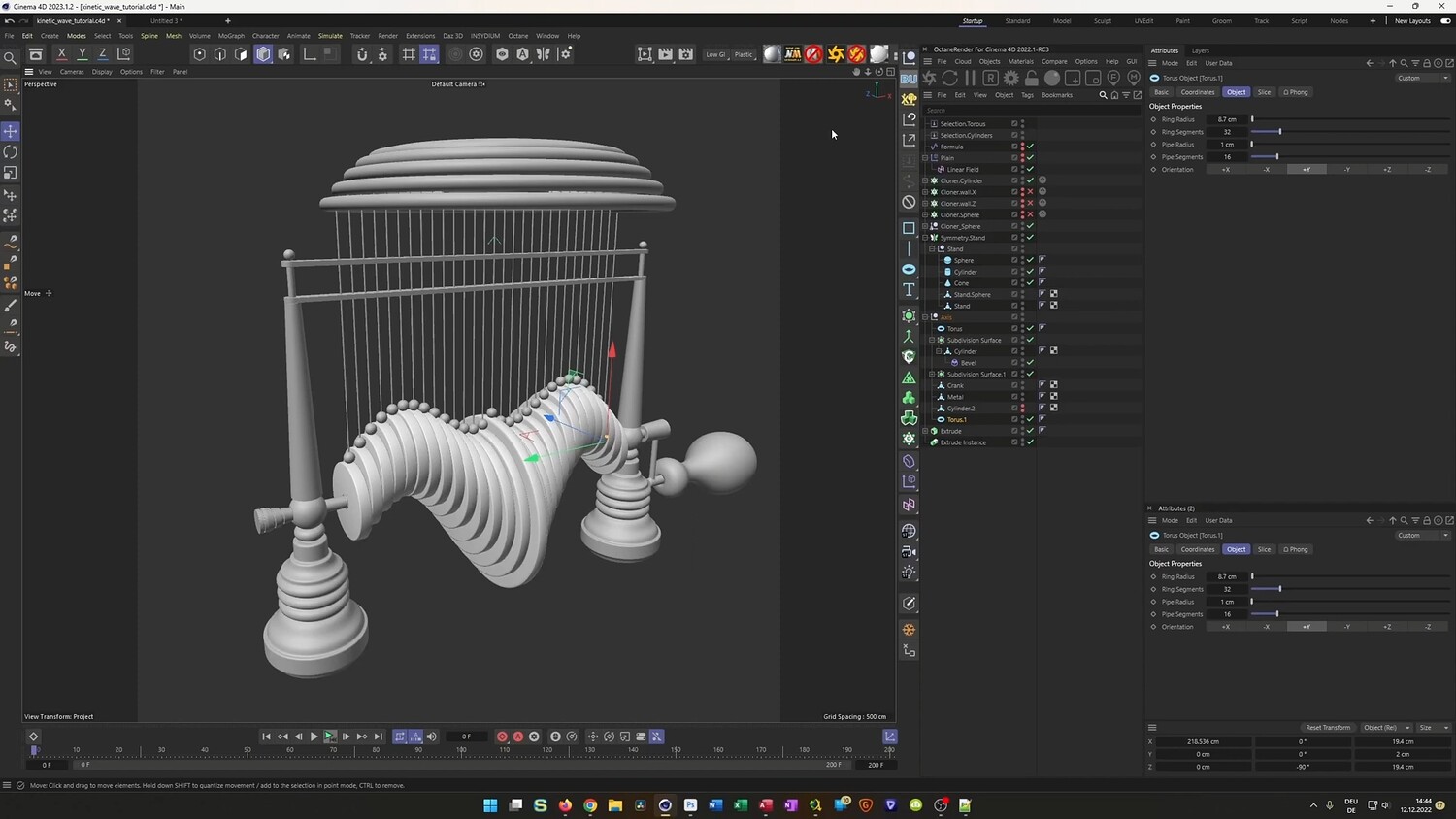
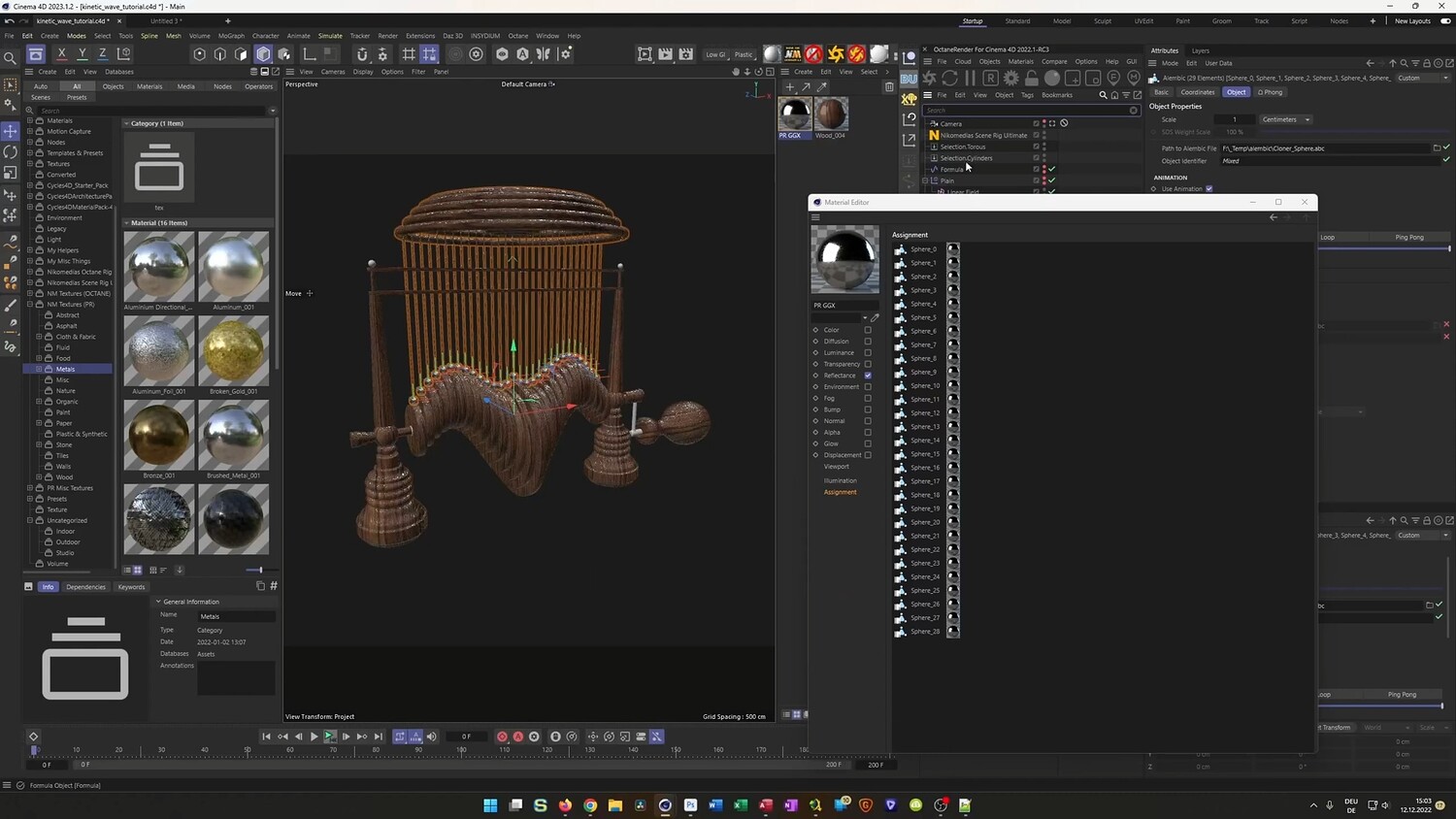
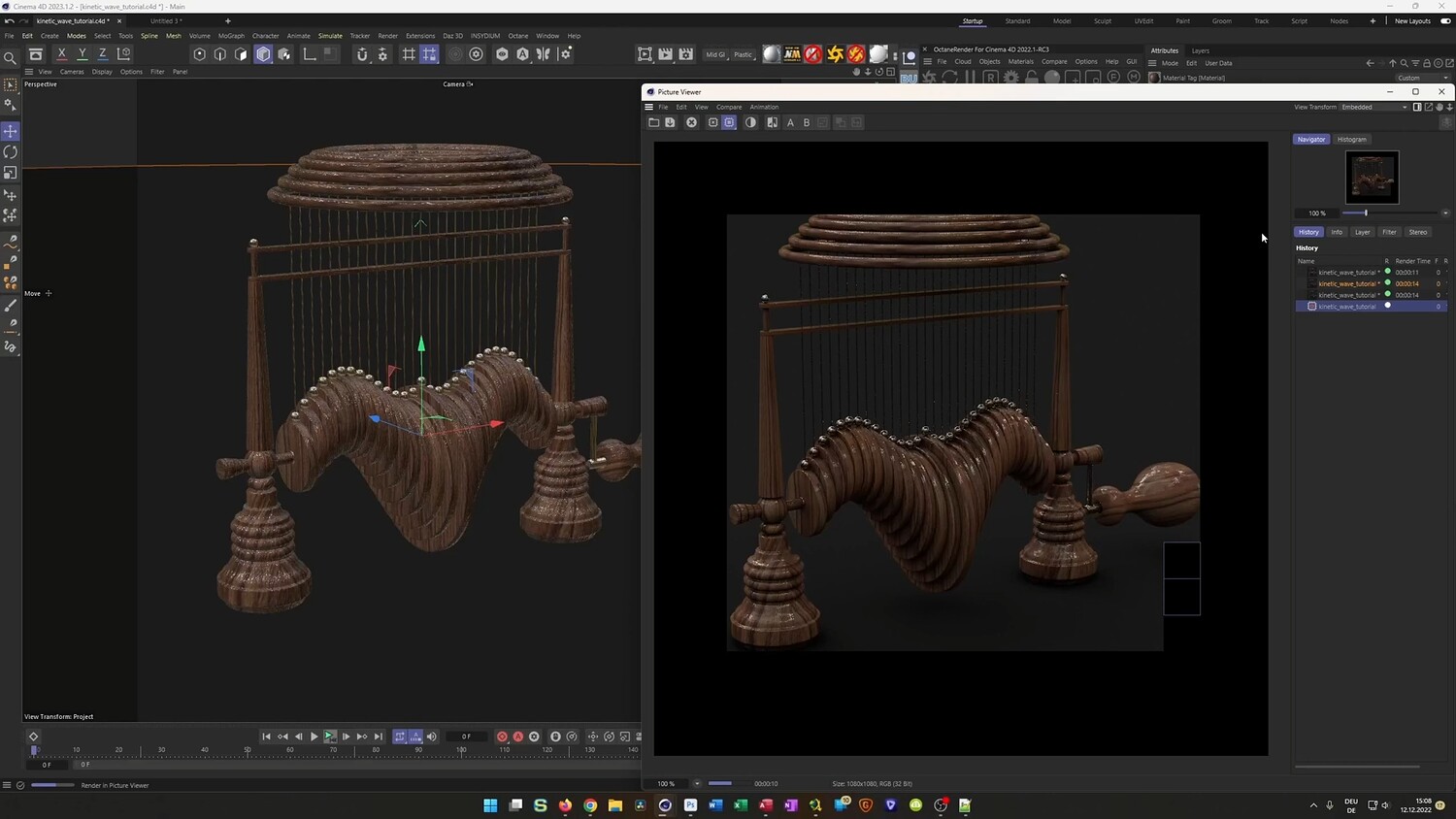
Create a Kinetic Wave Sculpture Loop
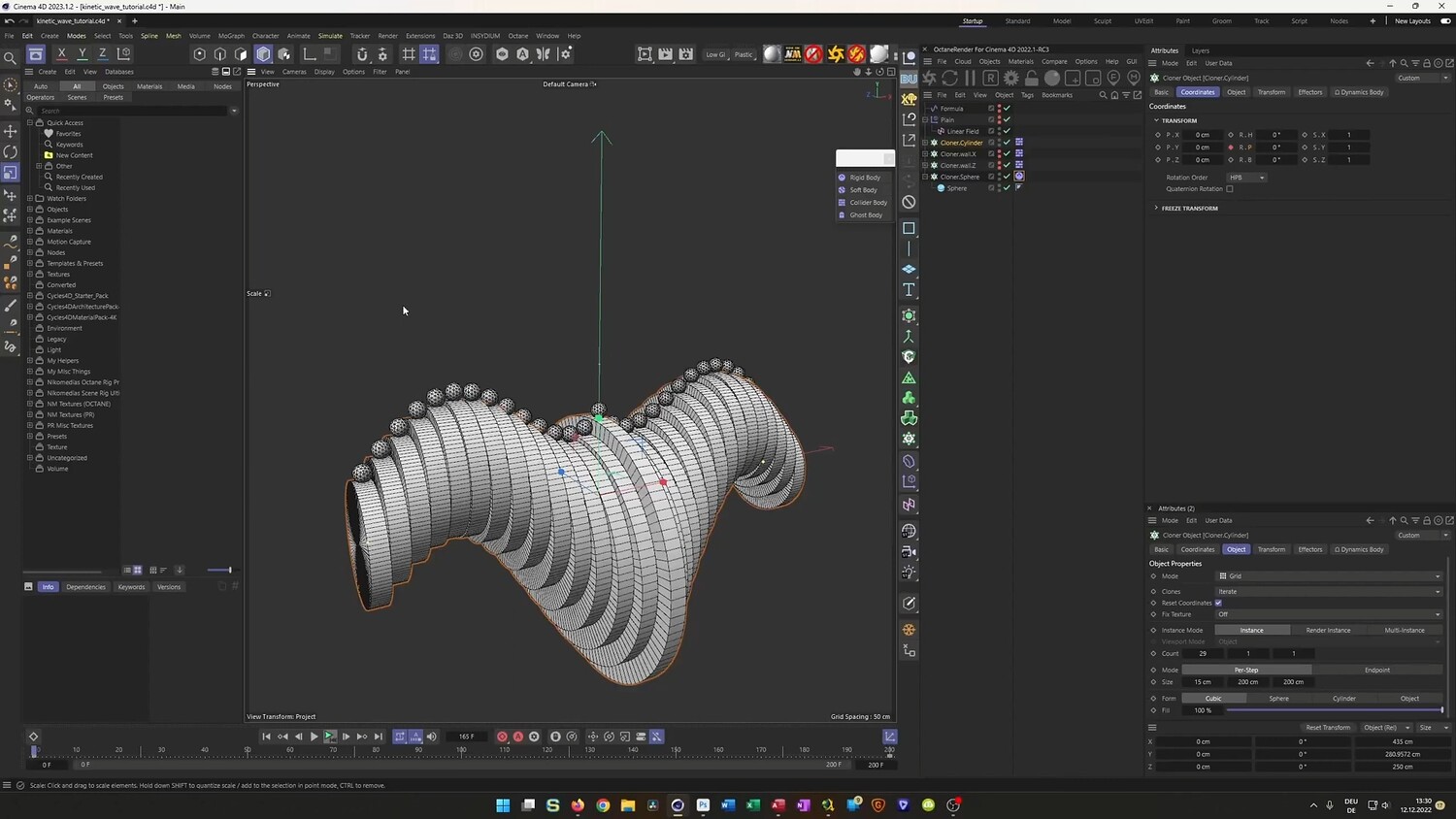
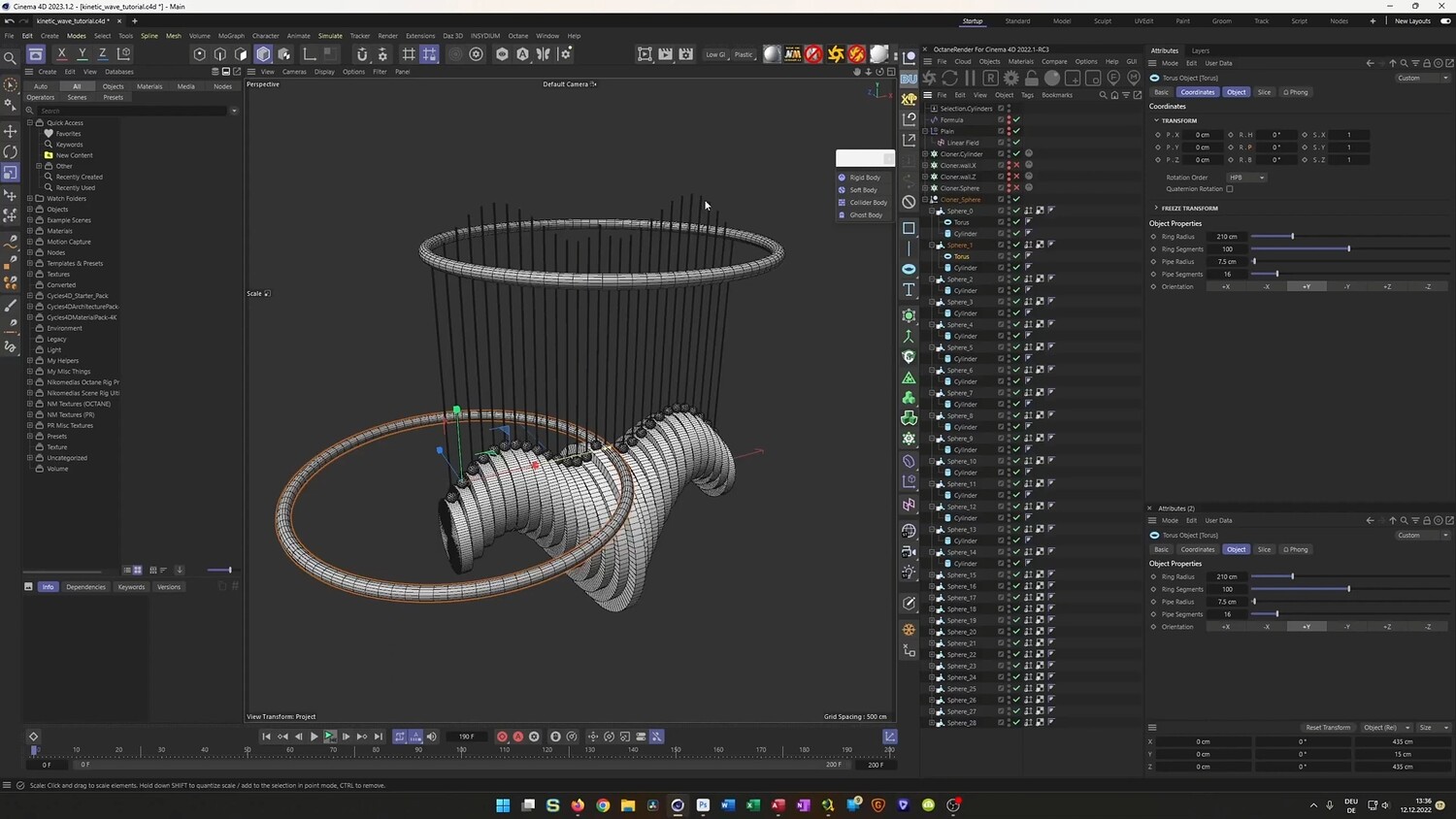
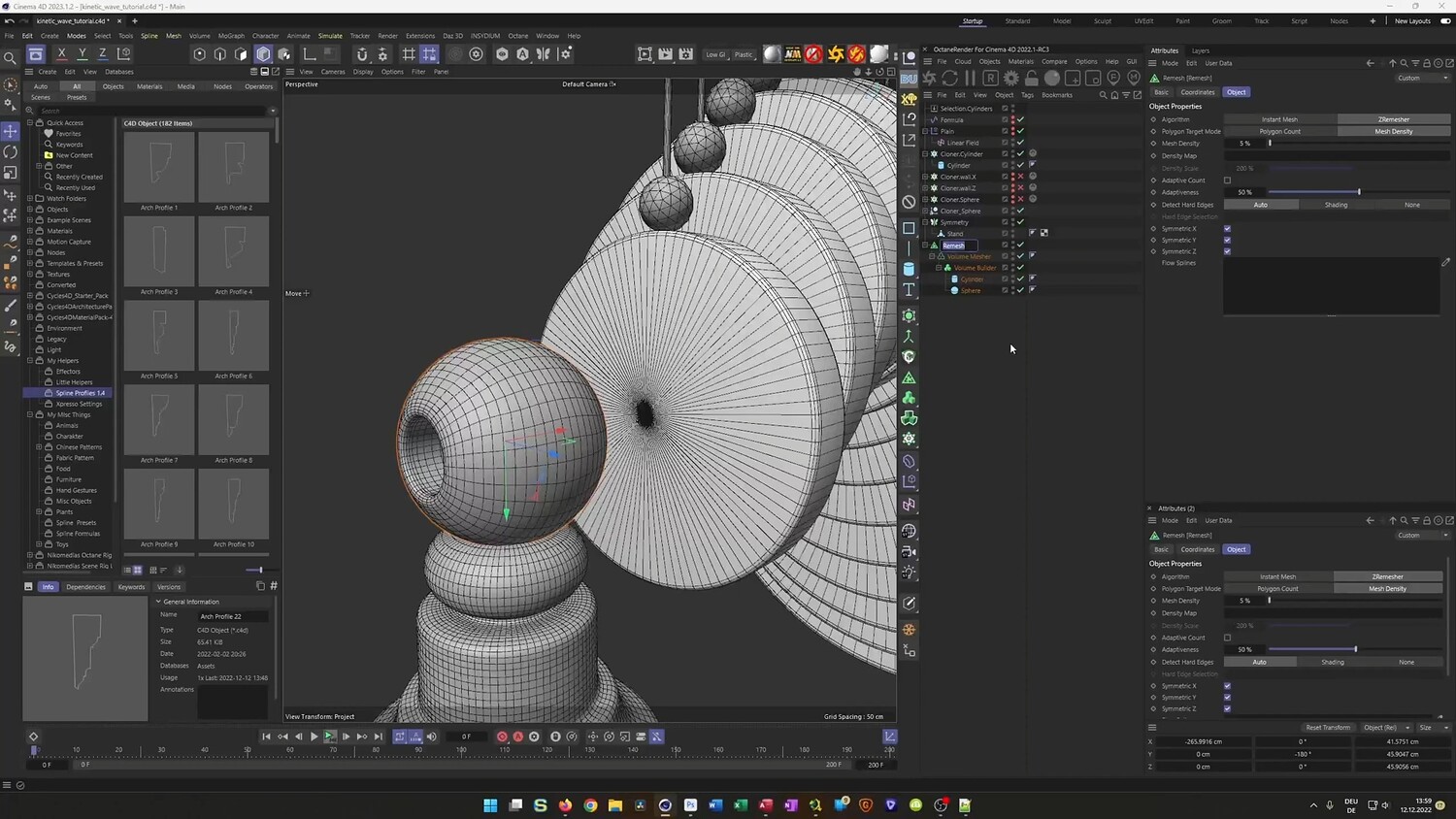
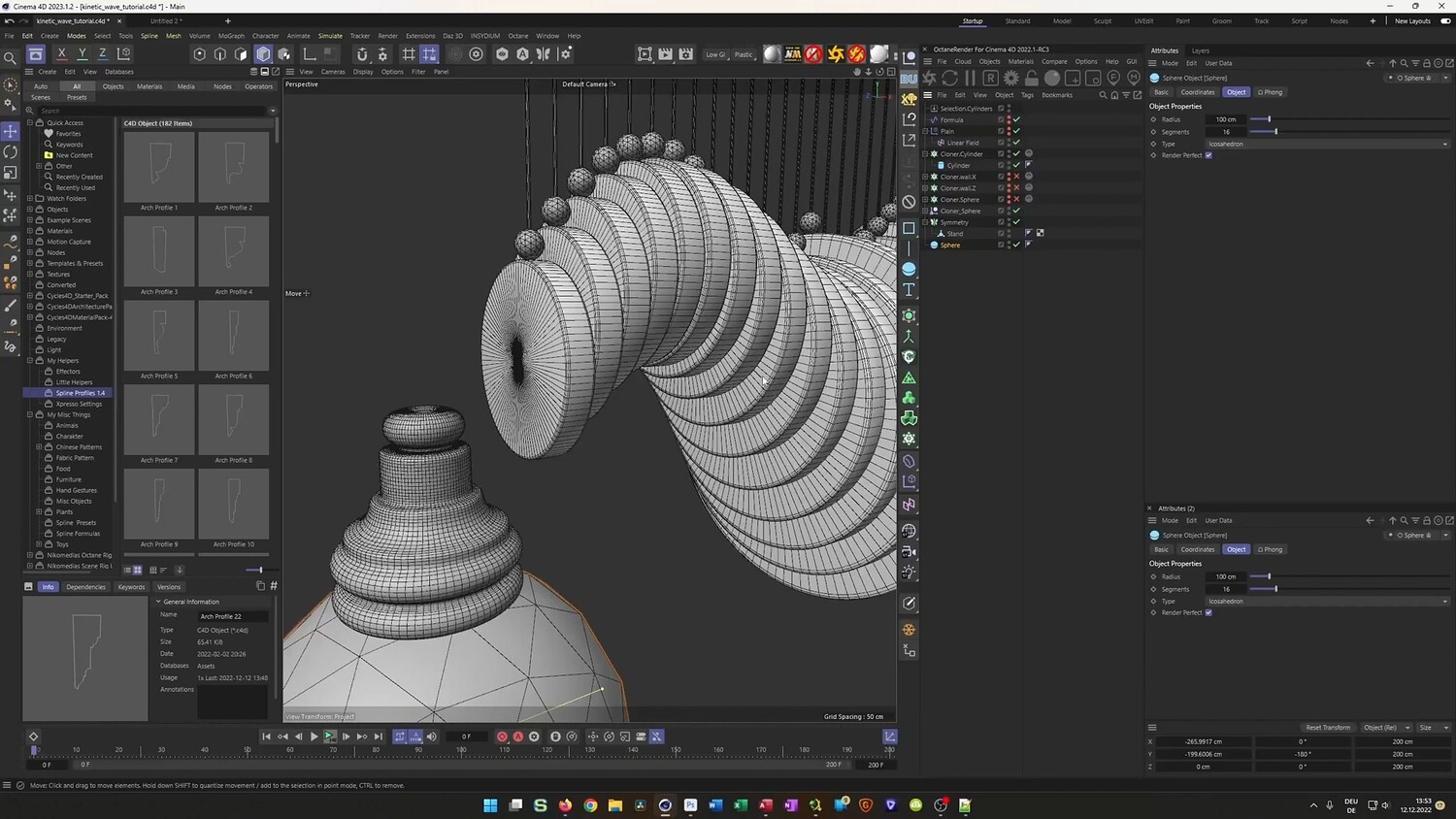
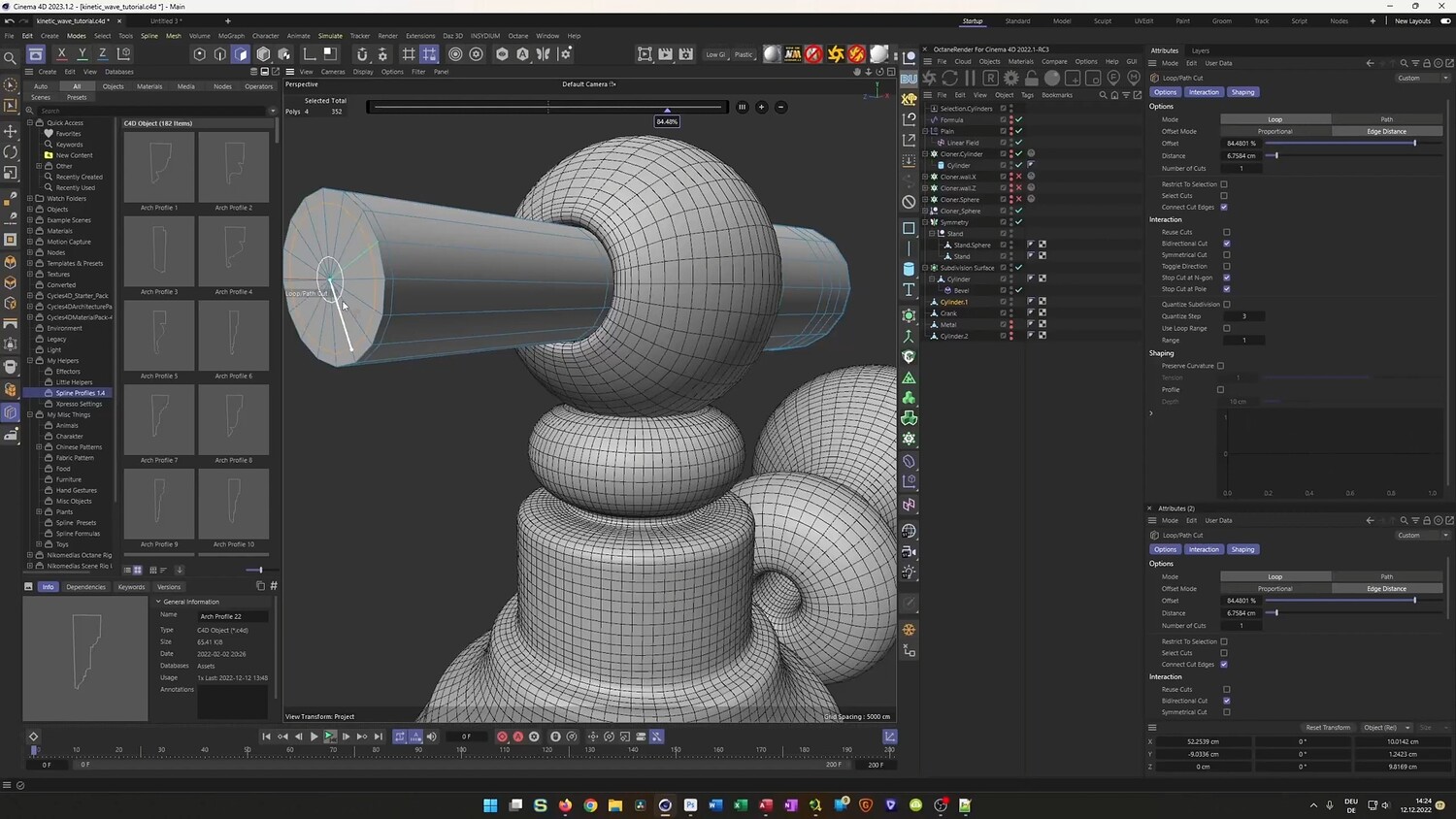
In this tutorial, you will learn how to create a mesmerizing kinetic wave sculpture using Cinema 4D. The lesson focuses on building a mechanical loop where wooden components move in a fluid, wave-like pattern. You will discover a unique workflow that combines standard MoGraph effectors with Dynamics to create realistic motion, ensuring mechanical parts interact naturally without complex manual keyframing. The tutorial also covers modeling the intricate stand, automating repetitive tasks with XPresso, and texturing the final result for a photorealistic look.
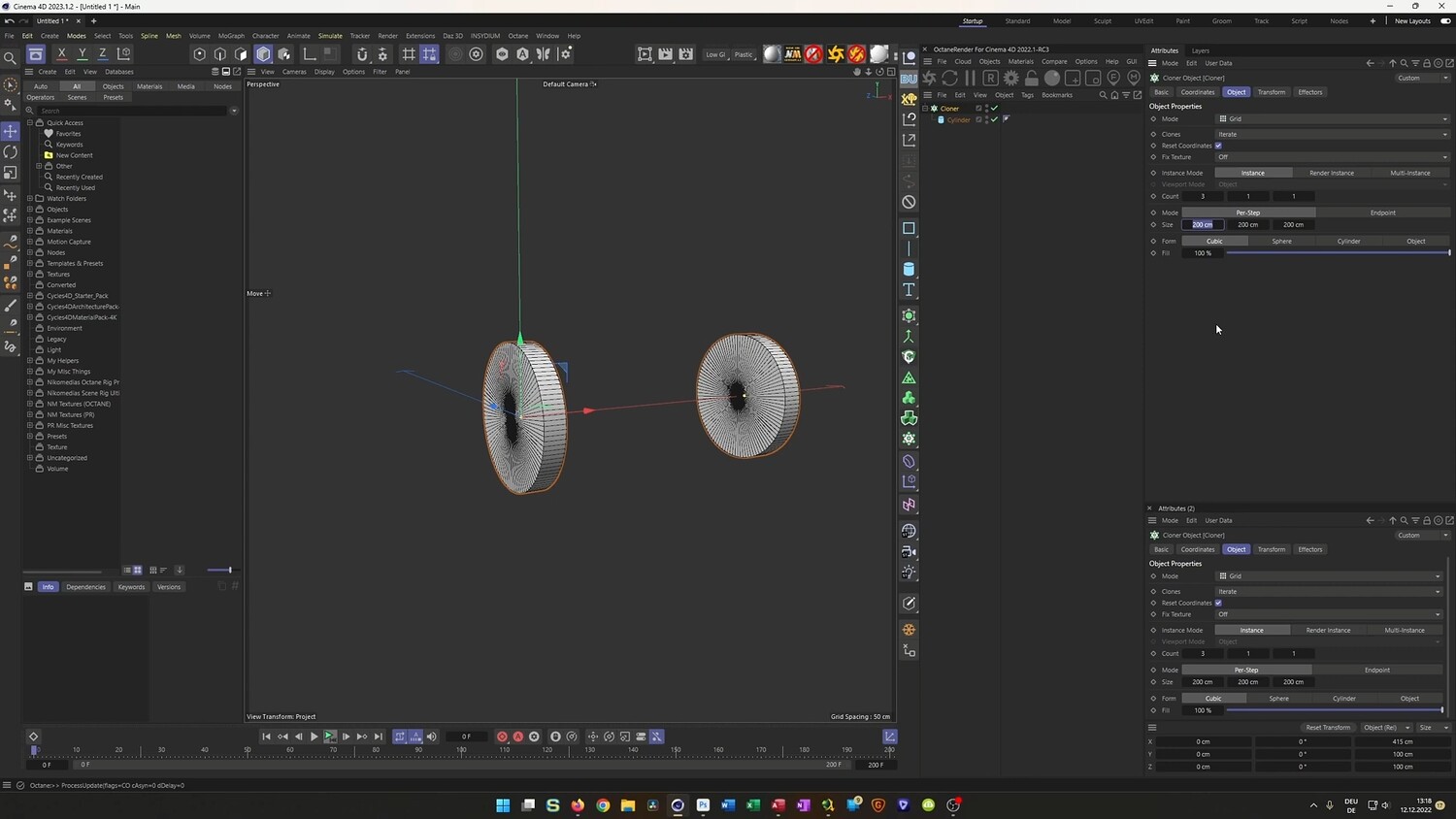
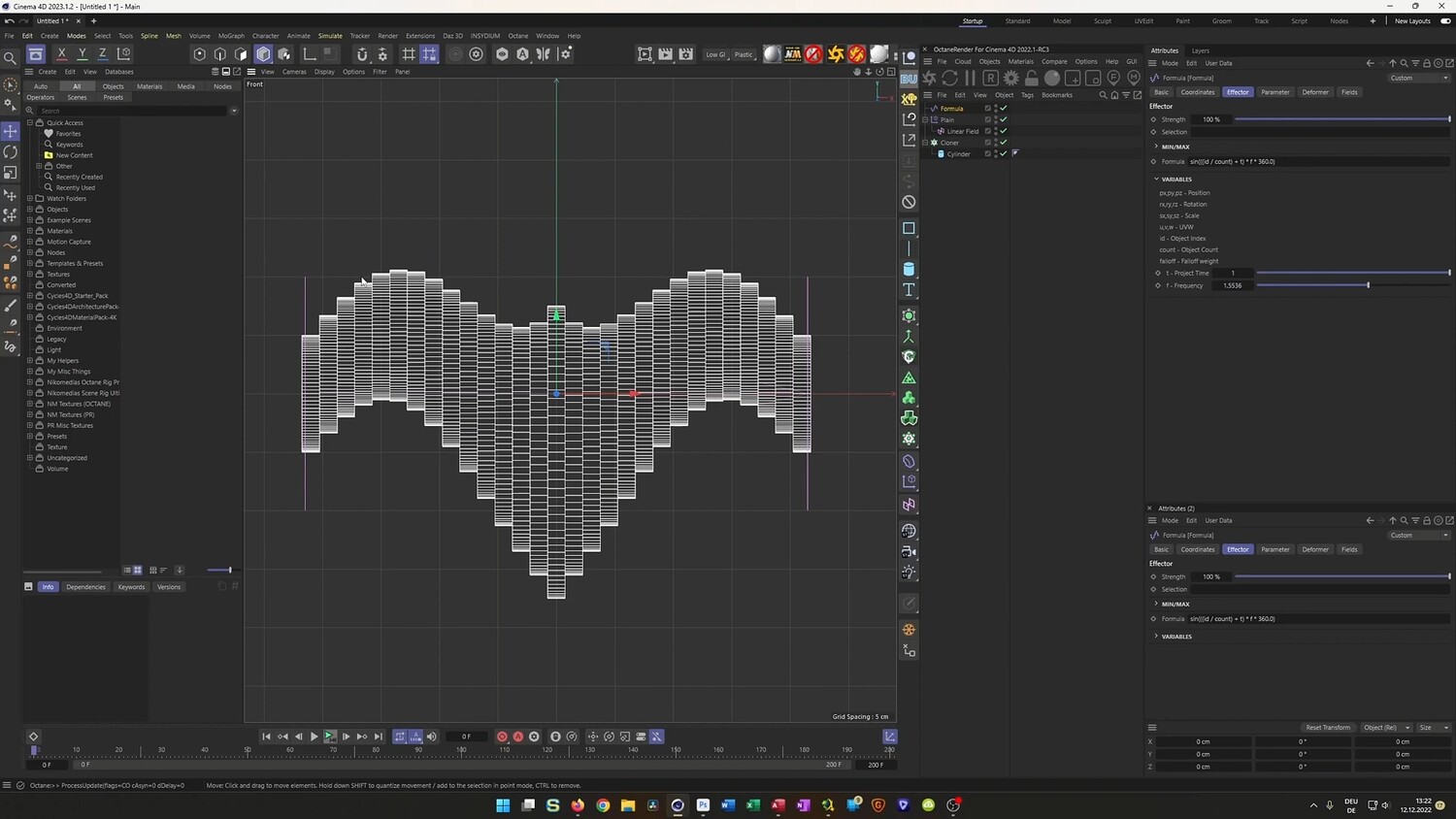
What you will learn: - How to use Cloners and the Formula Effector to create perfectly looping wave animations. - Setting up Rigid Body Dynamics to balance spheres on rotating cylinders. - Using invisible collider walls to constrain dynamic objects and prevent them from falling. - Baking dynamic simulations to Alembic files for optimized performance and stability. - utilizing XPresso to automatically position and scale connecting rods between moving parts. - Modeling organic shapes for the base using Splines, Lathe objects, and Volume Builders. - Techniques for UV mapping and applying realistic wood and metal textures.
Software/Tools: - Cinema 4D - Physical Render - Octane Render - MoGraph Module - XPresso - Bullet Dynamics
Duration: 02:04:17
You will get 4 files
All files previously purchased will always be available for download in your Library