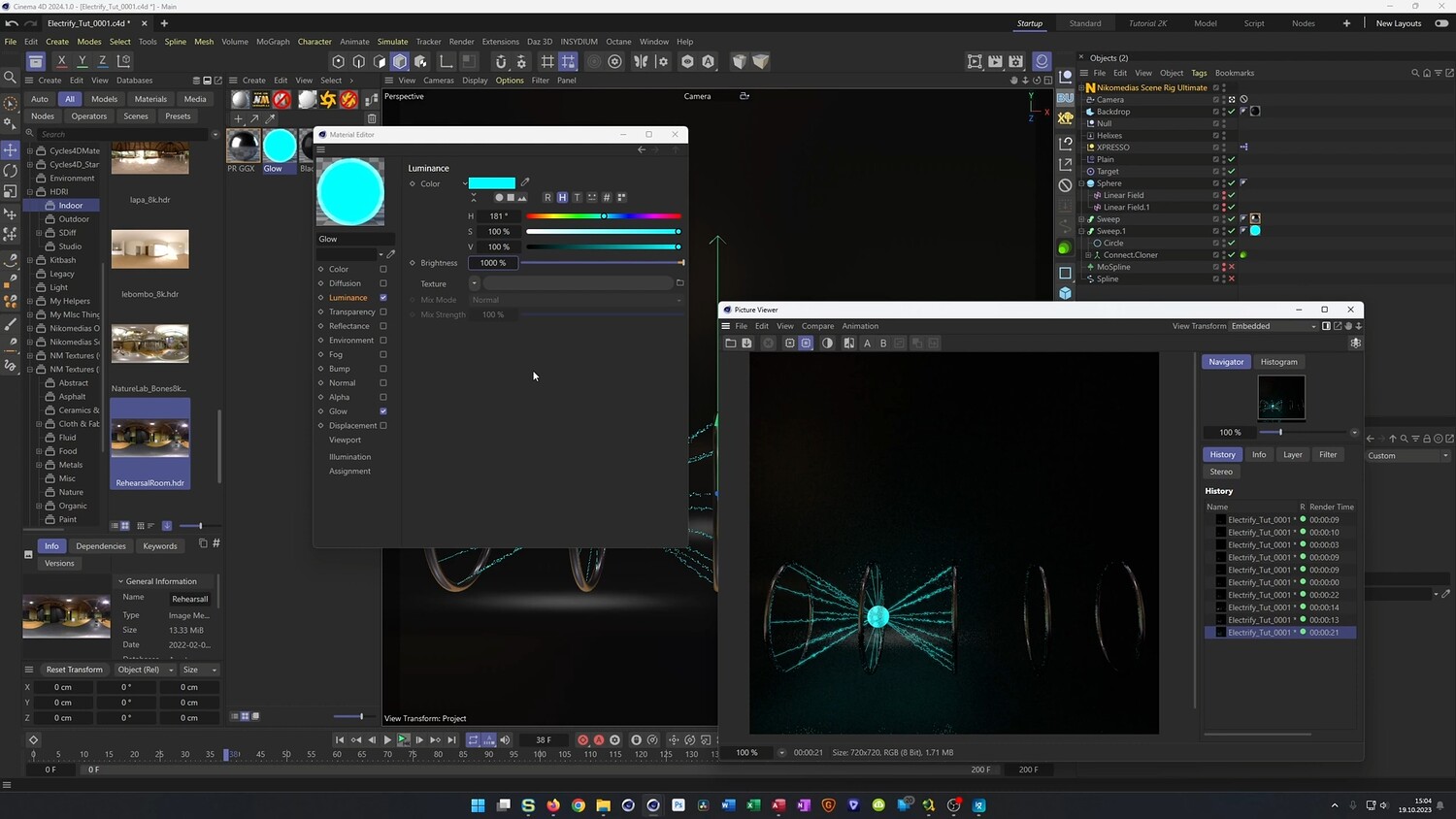
Electric Animation with Closest Points
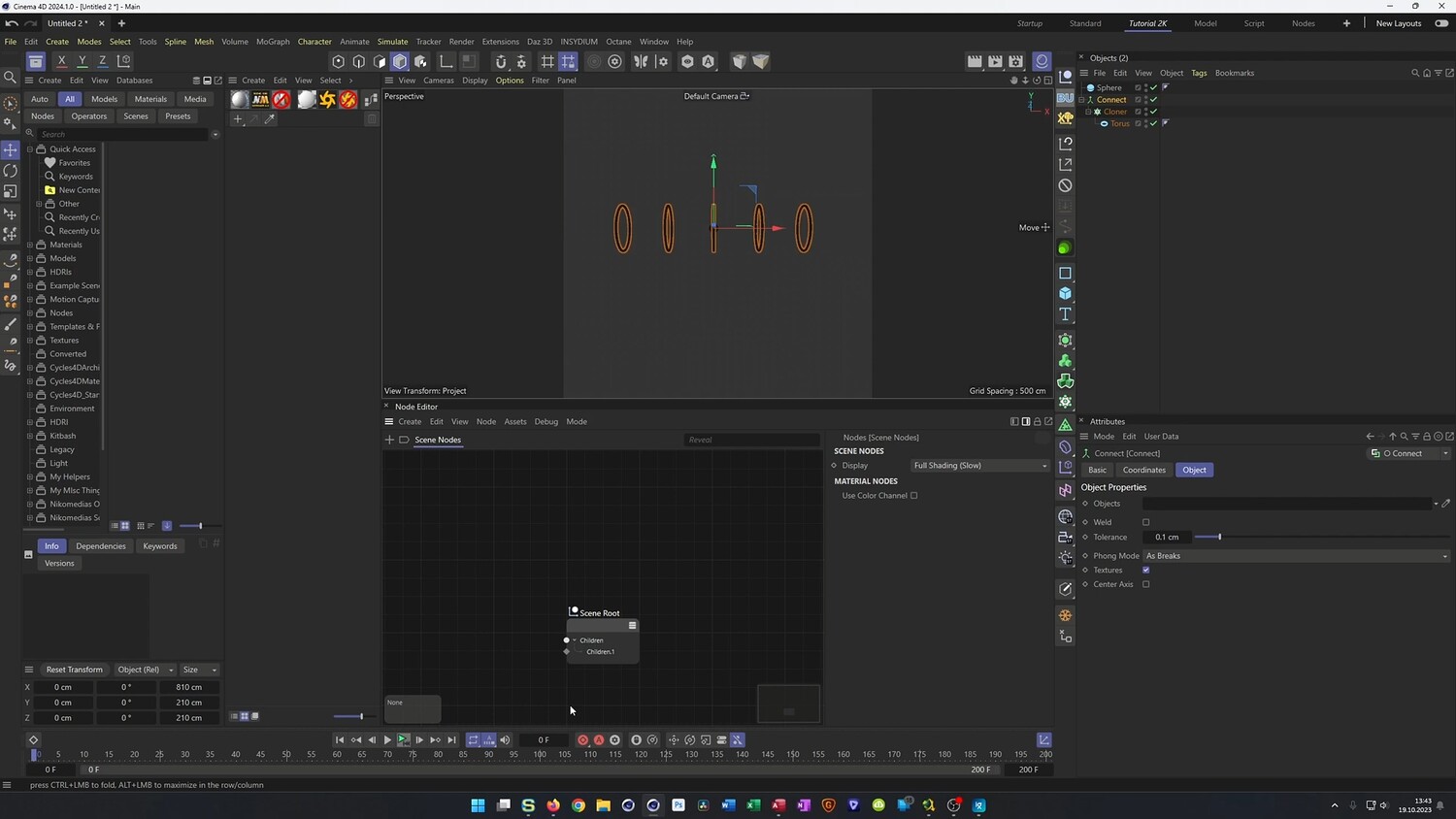
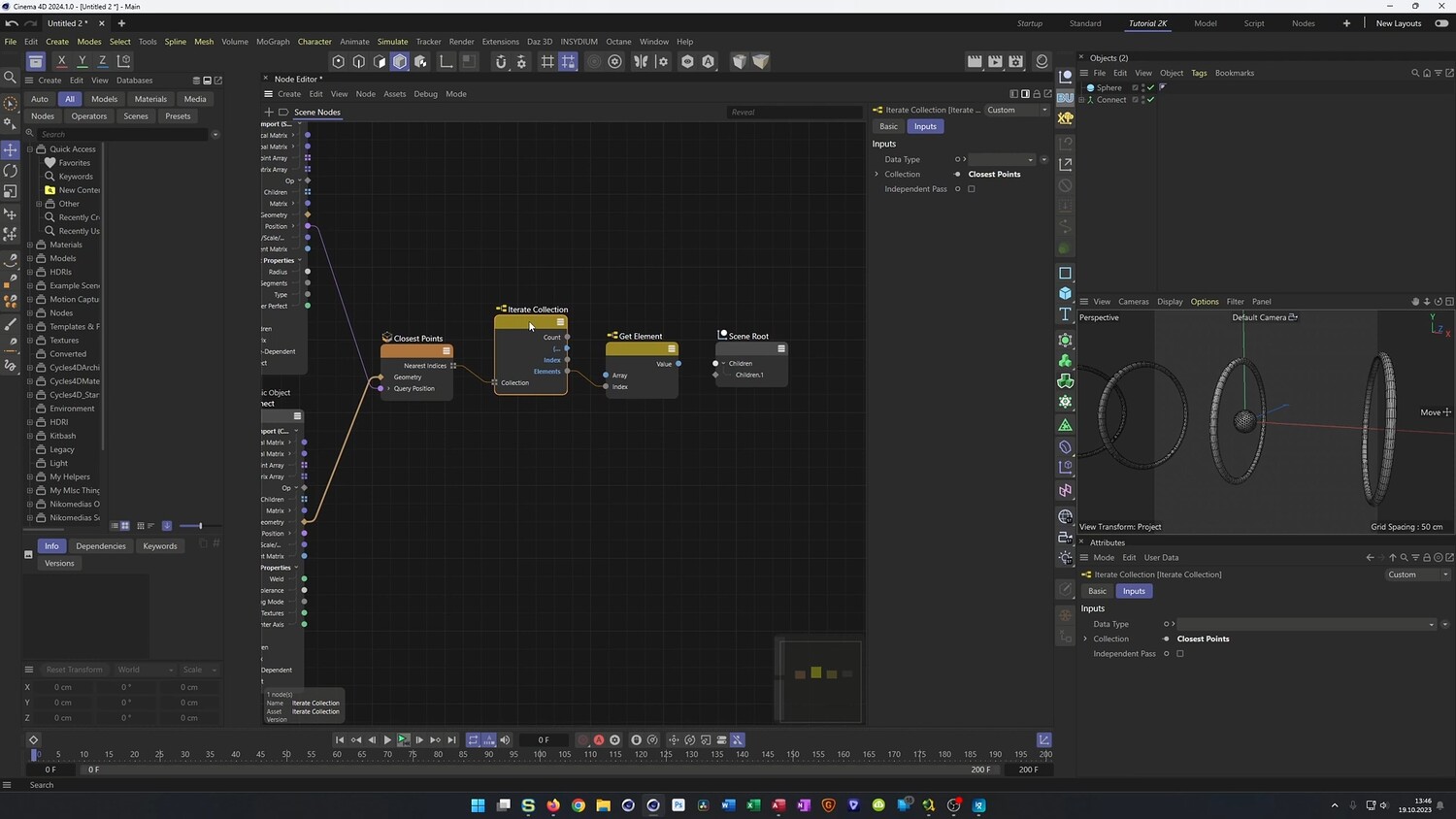
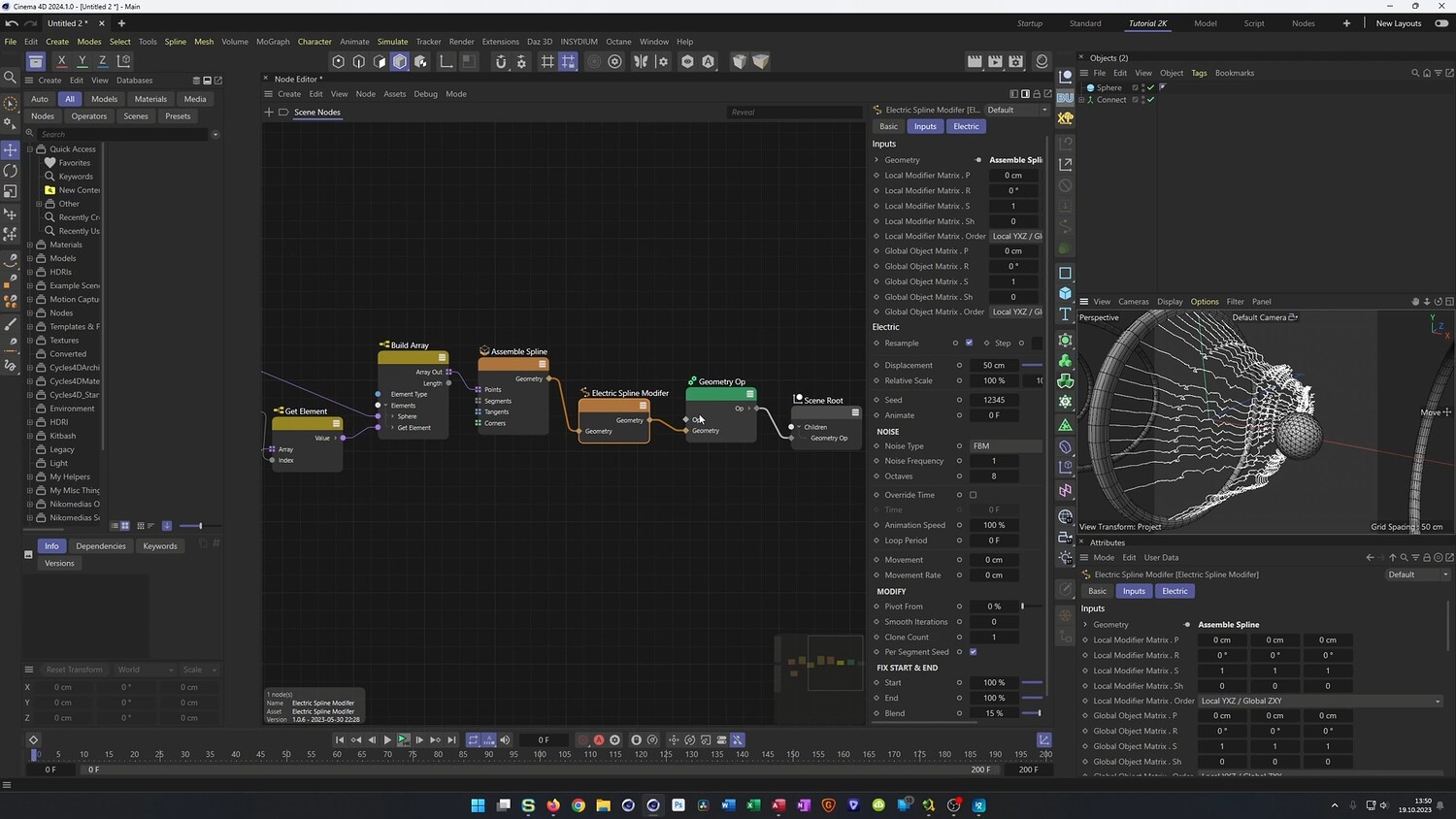
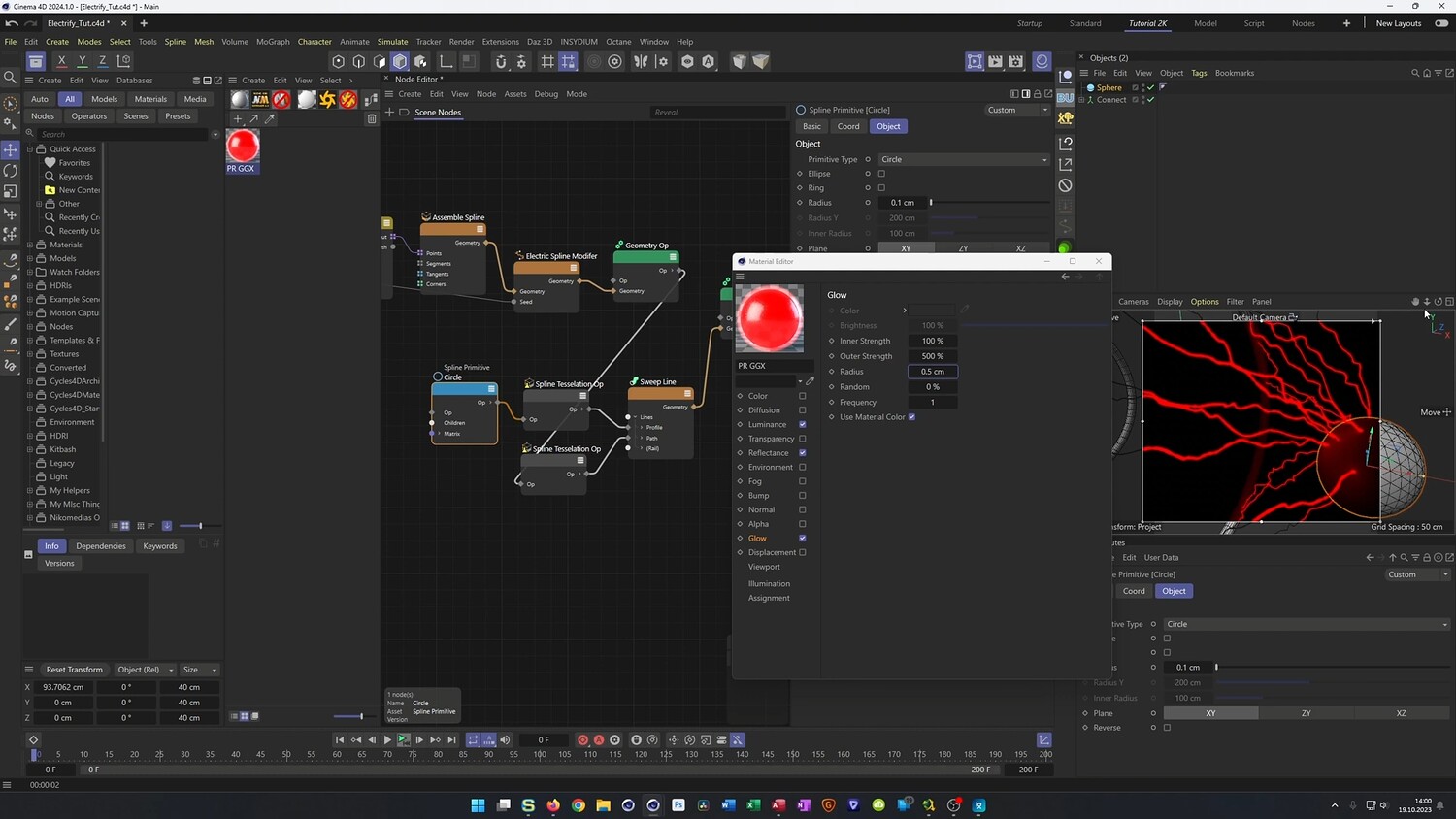
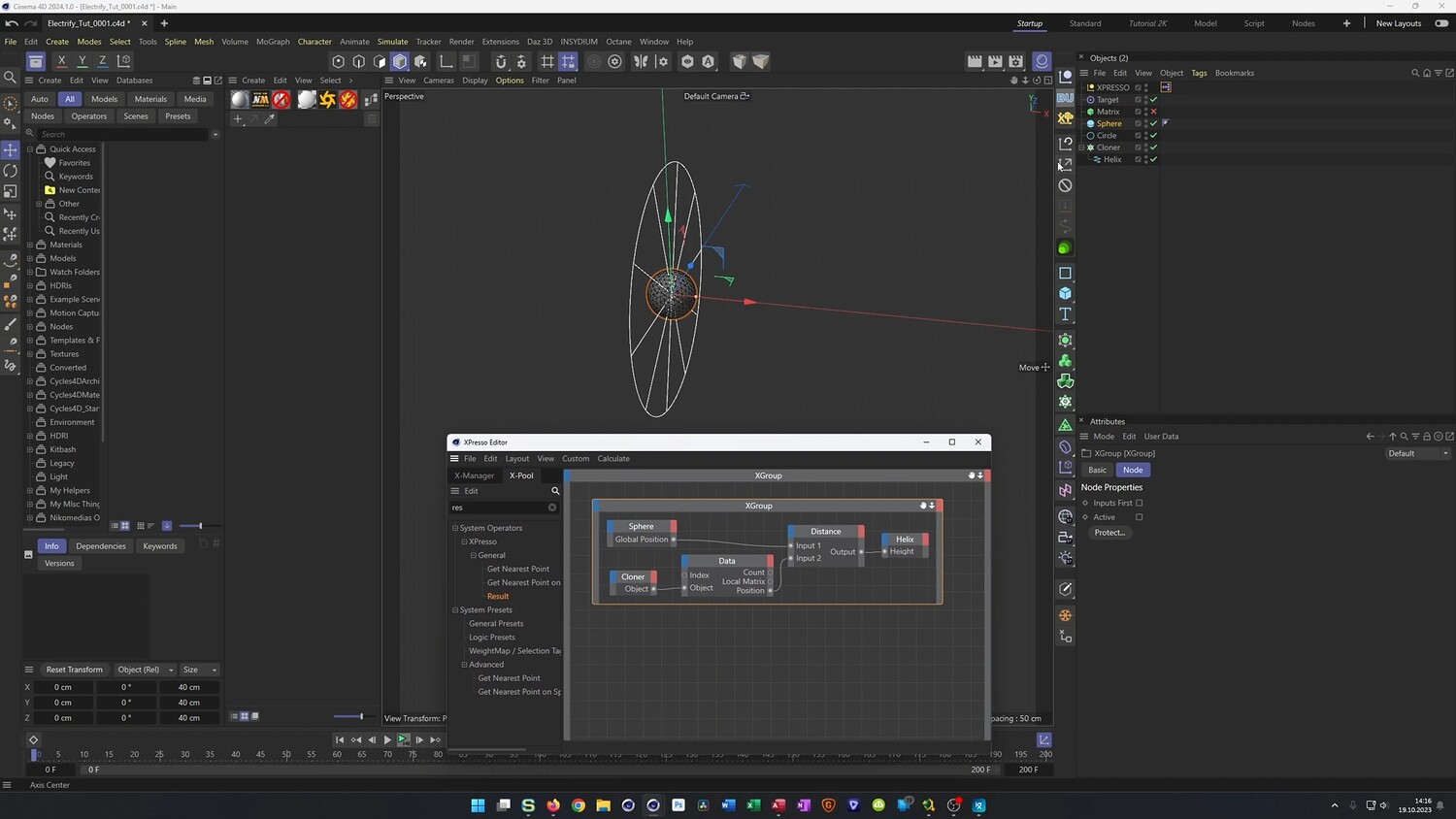
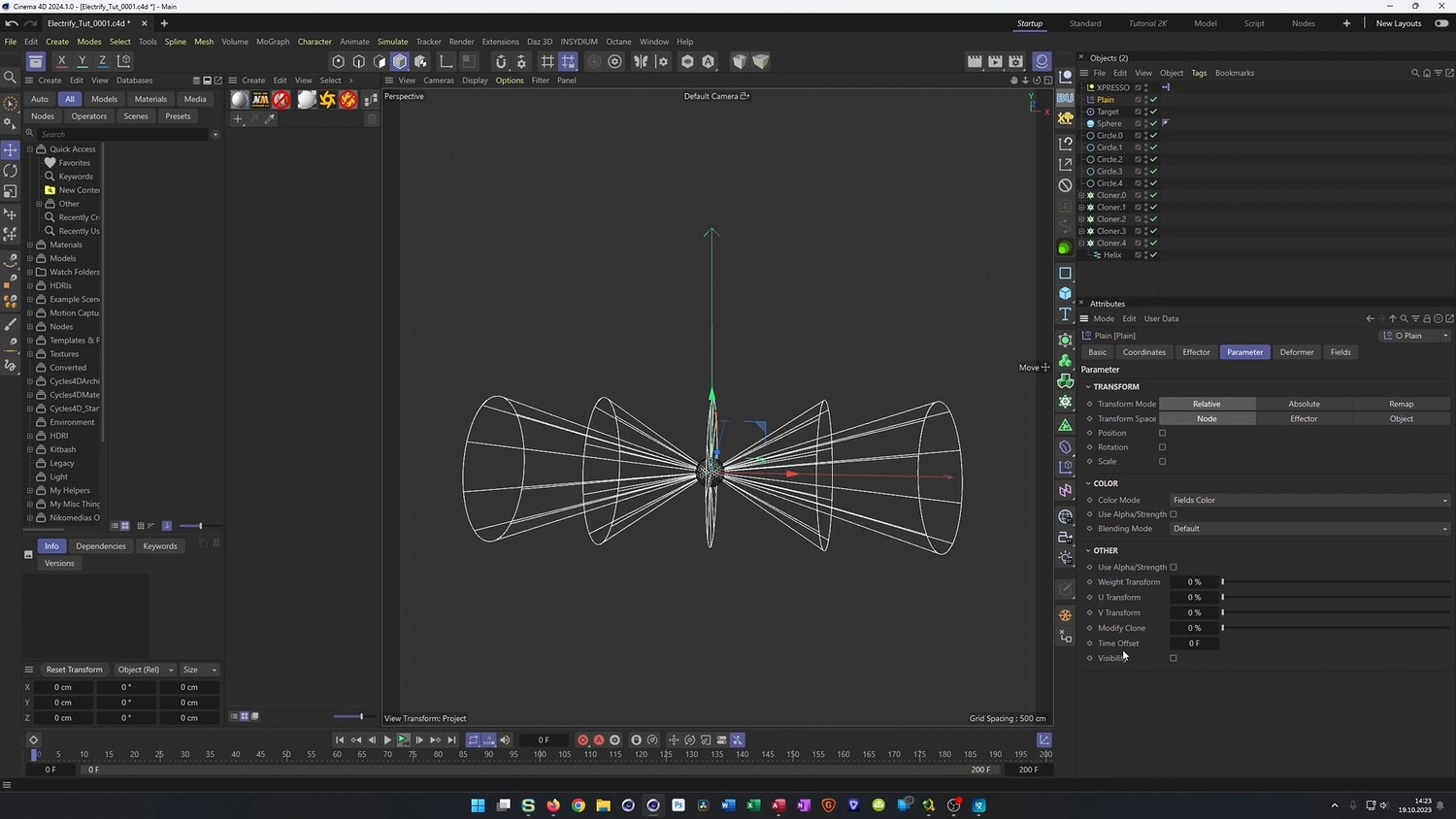
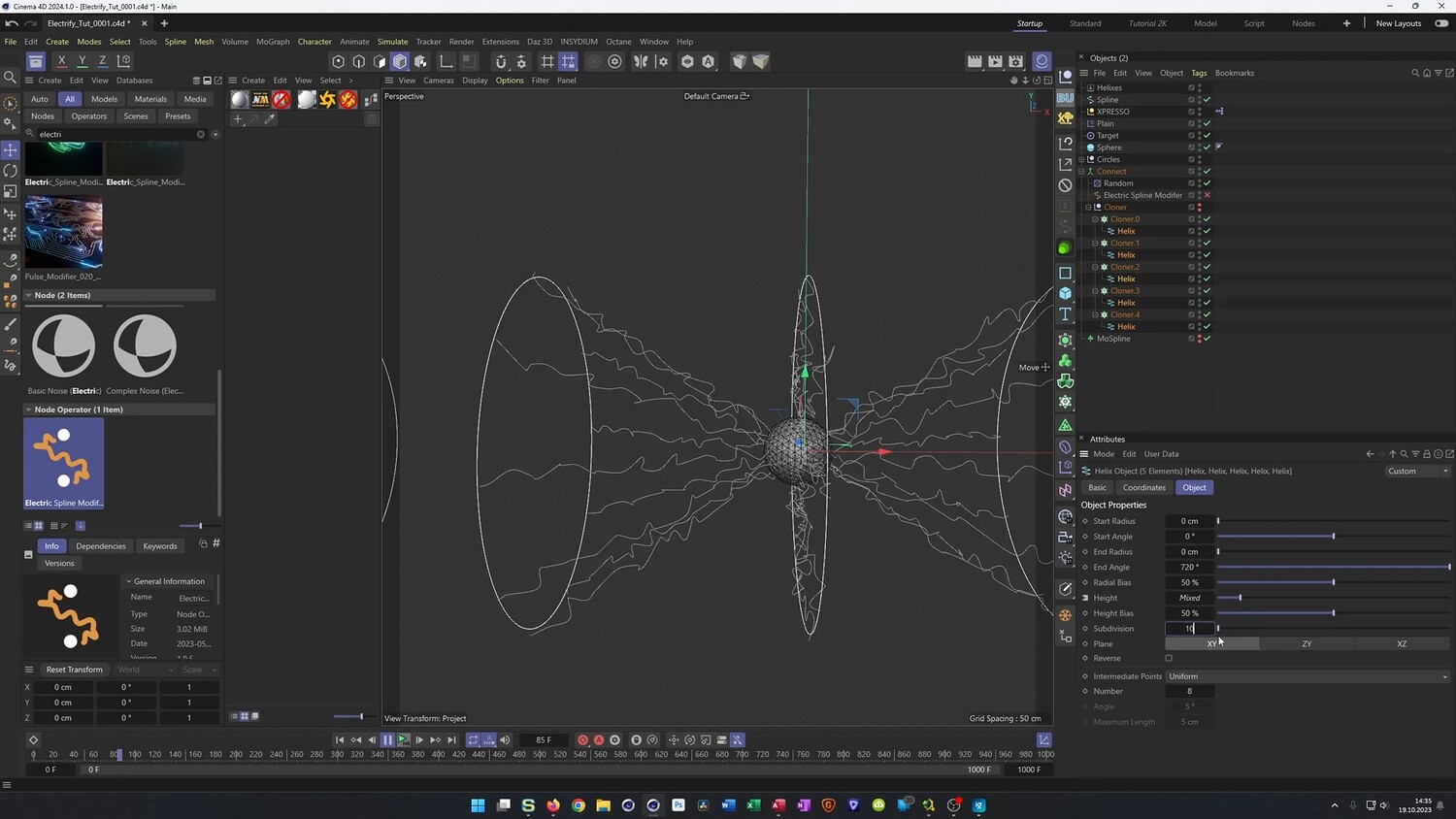
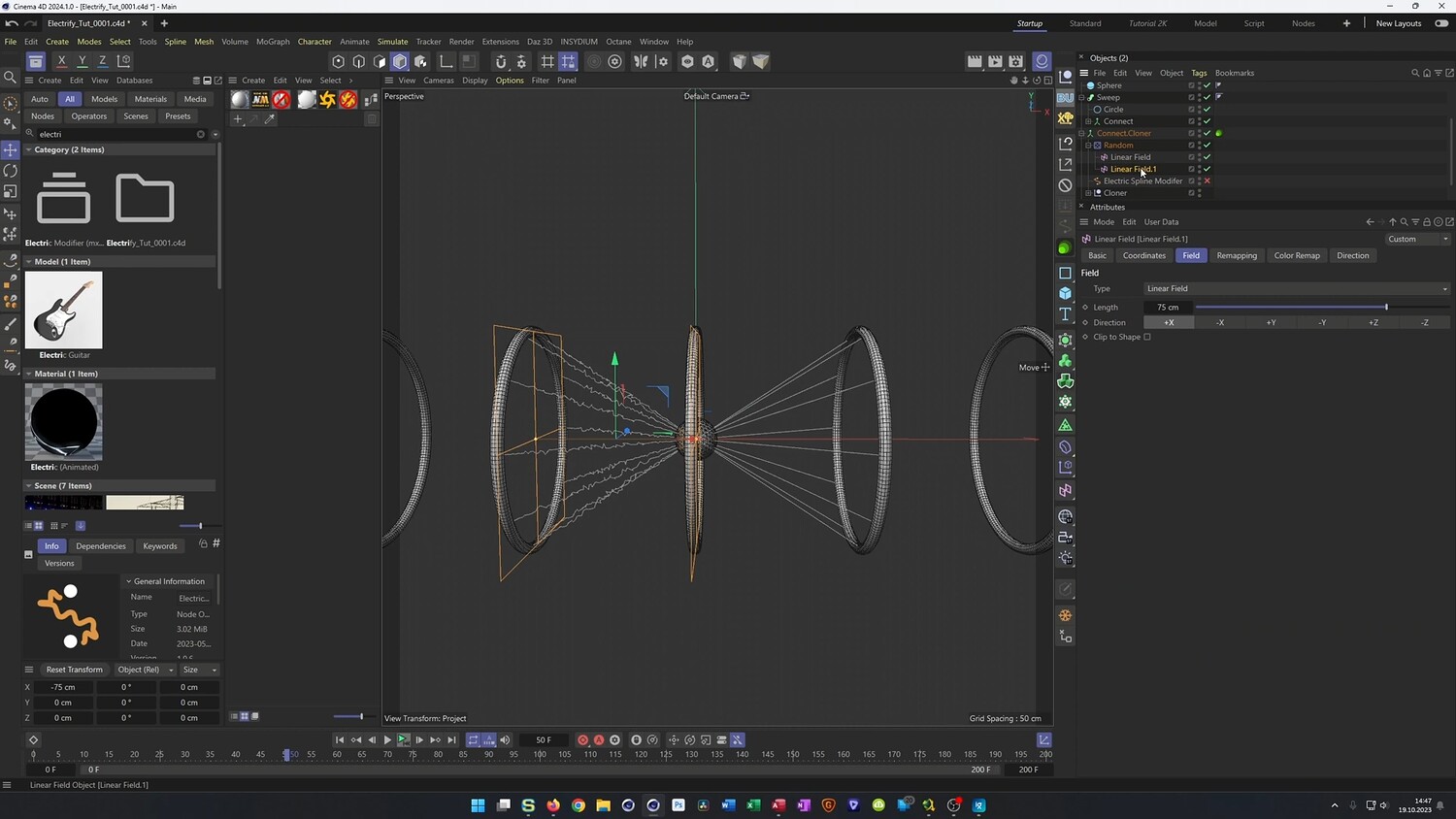
In this comprehensive tutorial, we explore how to create a dynamic, sci-fi electric lightning effect connecting multiple geometric rings. The lesson covers two distinct workflows within Cinema 4D to achieve this result: a modern approach using Scene Nodes and a classic approach using standard Mograph tools and Xpresso. You will see how to generate electric arcs that dynamically connect to the closest points of your geometry and how to properly render these effects using Octane Render.
What you will learn: - How to set up the Scene Nodes workflow using the Closest Points node, Get Element, and Build Array to connect geometry. - Methods for iterating seeds to create unique lightning variations for every connection. - A classic Mograph approach using Cloners, Matrices, and Xpresso to calculate distances and target objects without Scene Nodes. - Techniques for using the Electric Spline Modifier or alternative Random Effectors with Noise to shape the lightning. - How to use Plane Effectors and Fields to control which rings are connected based on proximity. - Tips for rendering splines in Octane and optimizing render times by upscaling lower resolution outputs.
Software/Tools: - Cinema 4D - Scene Nodes - Octane Render
Duration: 01:35:08
You will get 4 files
All files previously purchased will always be available for download in your Library