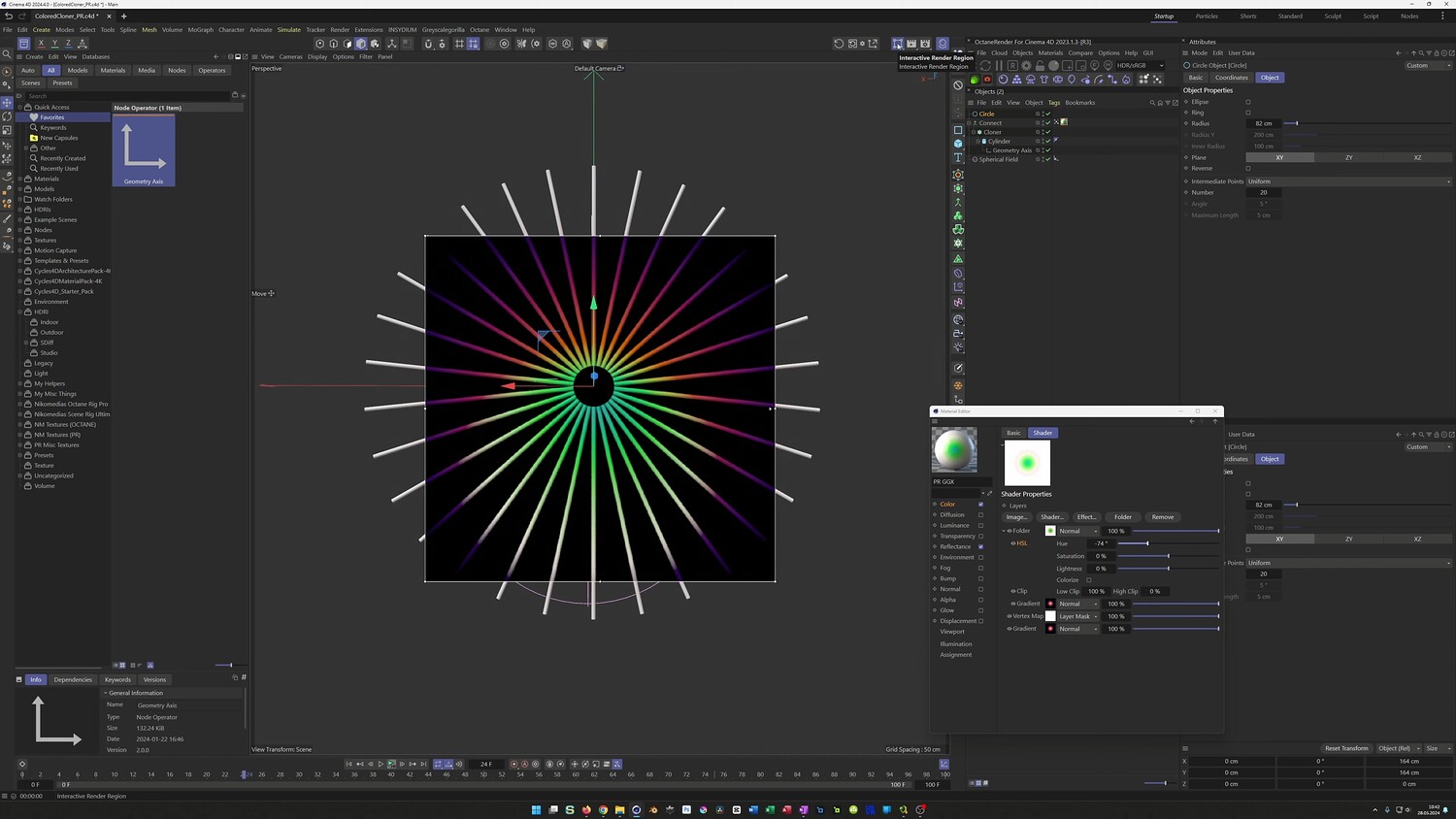
One Shader - Great Effect
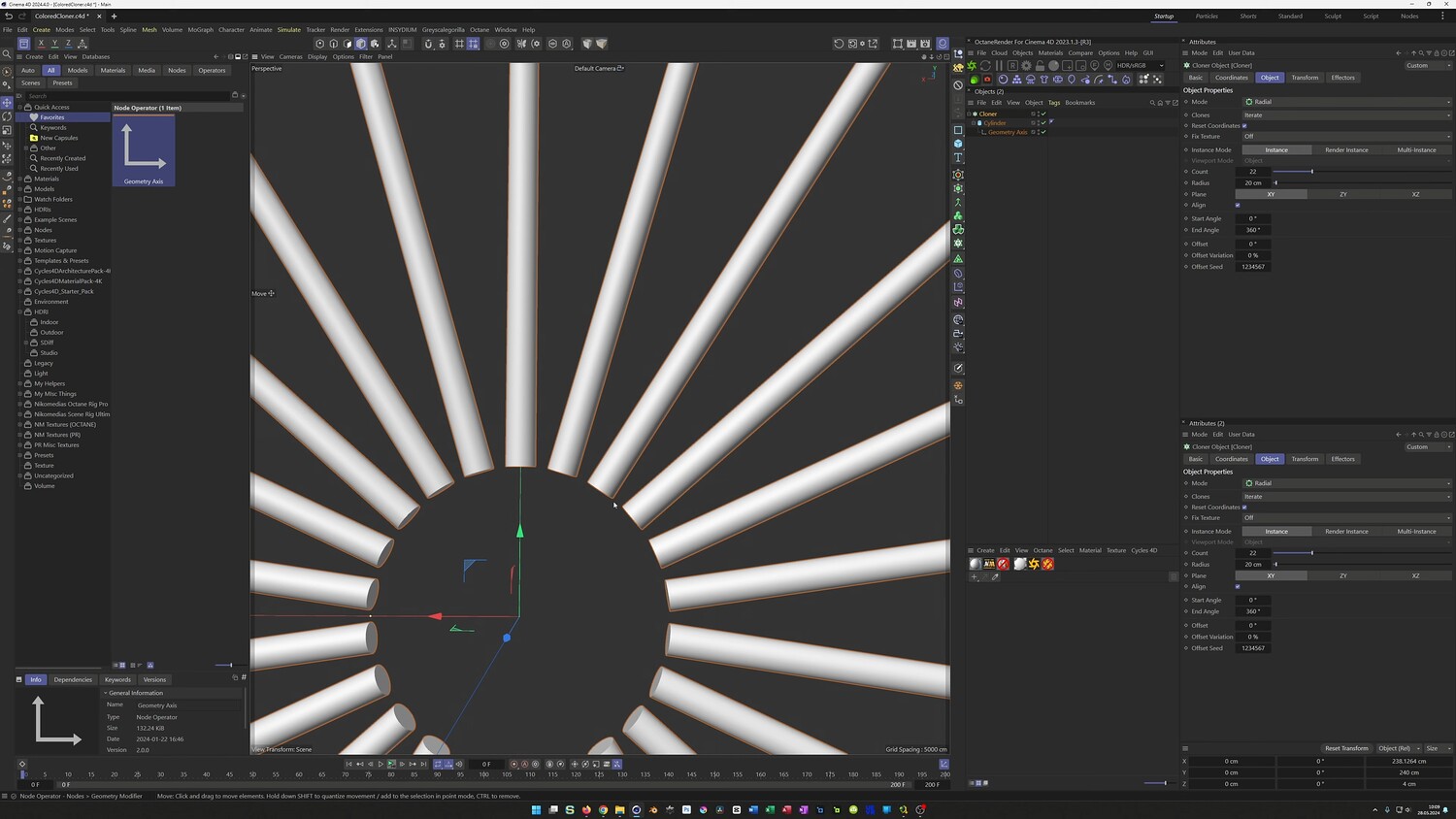
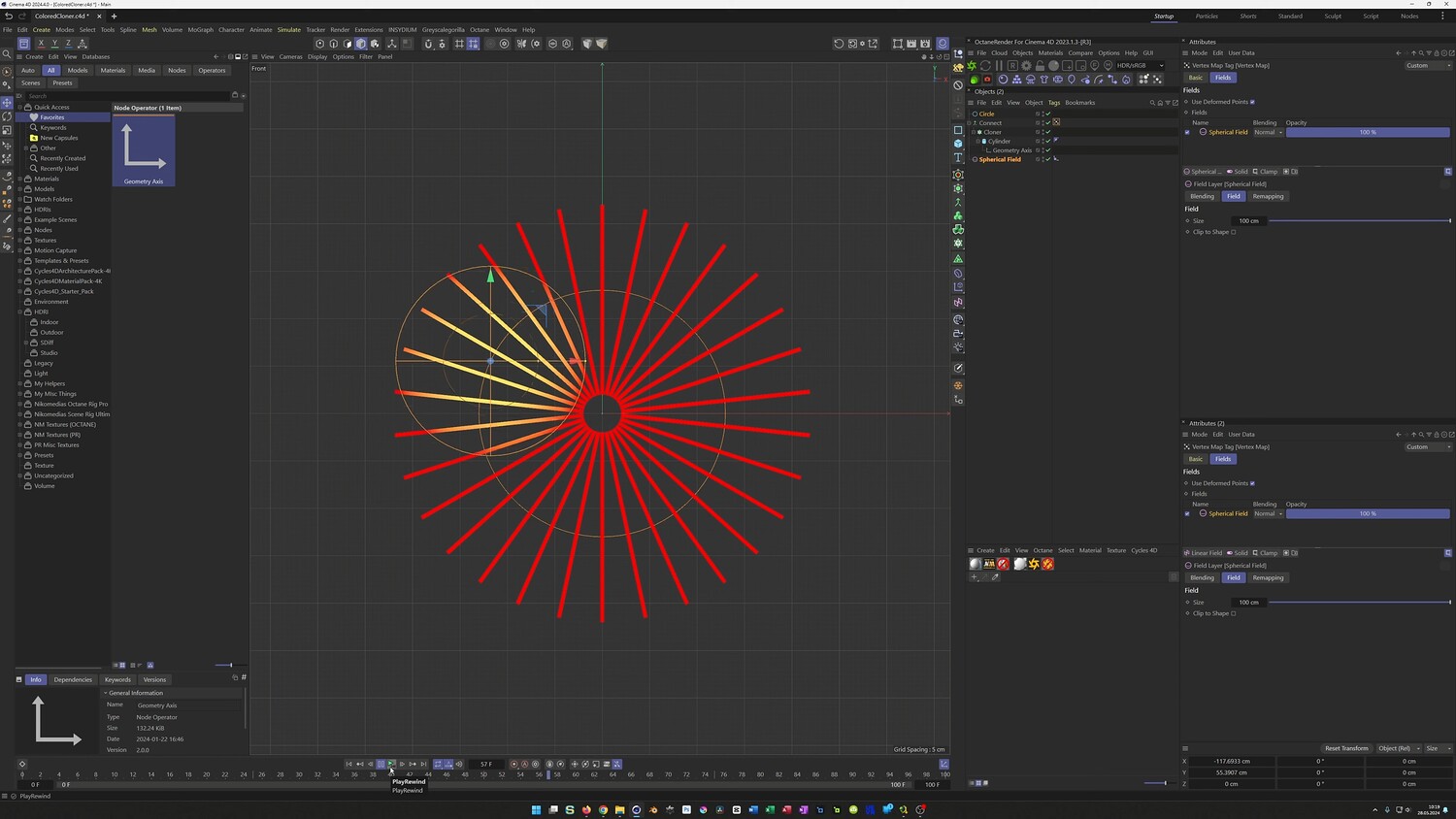
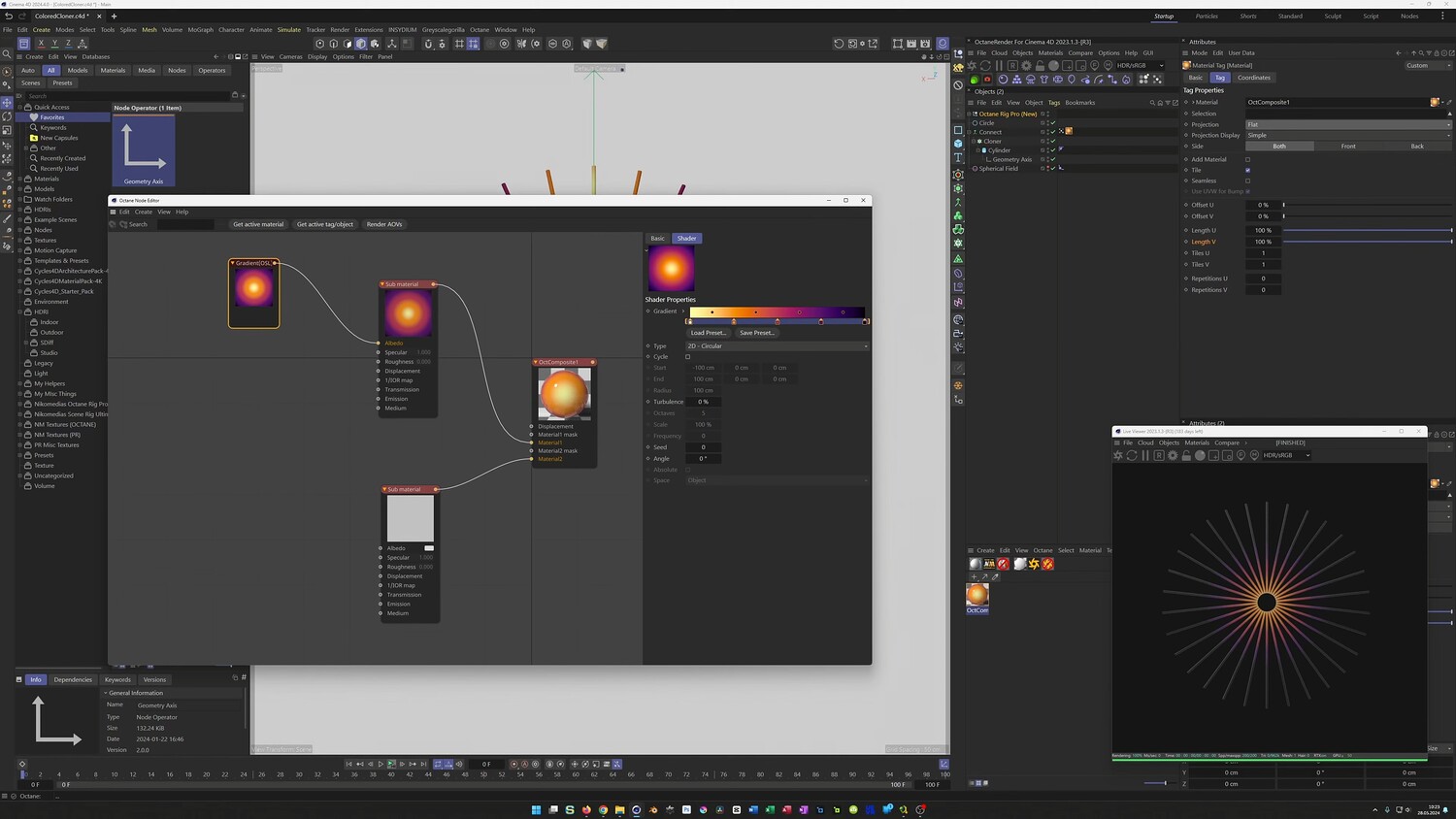
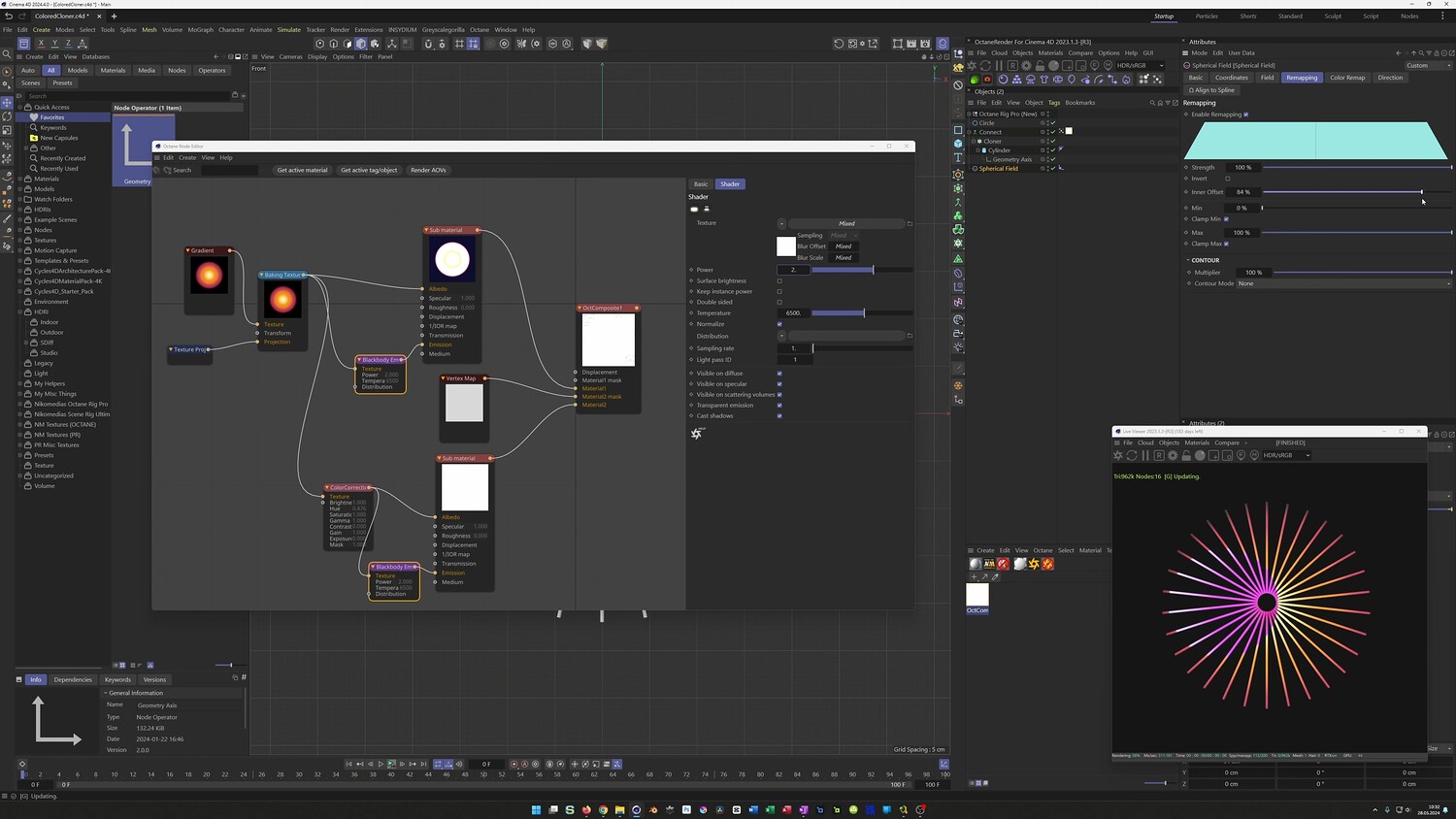
In this tutorial, we dive into creating a stunning abstract radial design that features a mesmerizing color-shifting animation. You will learn how to build a detailed 3D structure using cloners and manipulate textures dynamically using vertex maps and fields. We cover complete workflows for both Octane Render and the standard Physical Render to ensure you can achieve this glowing, eye-like effect regardless of your preferred rendering engine.
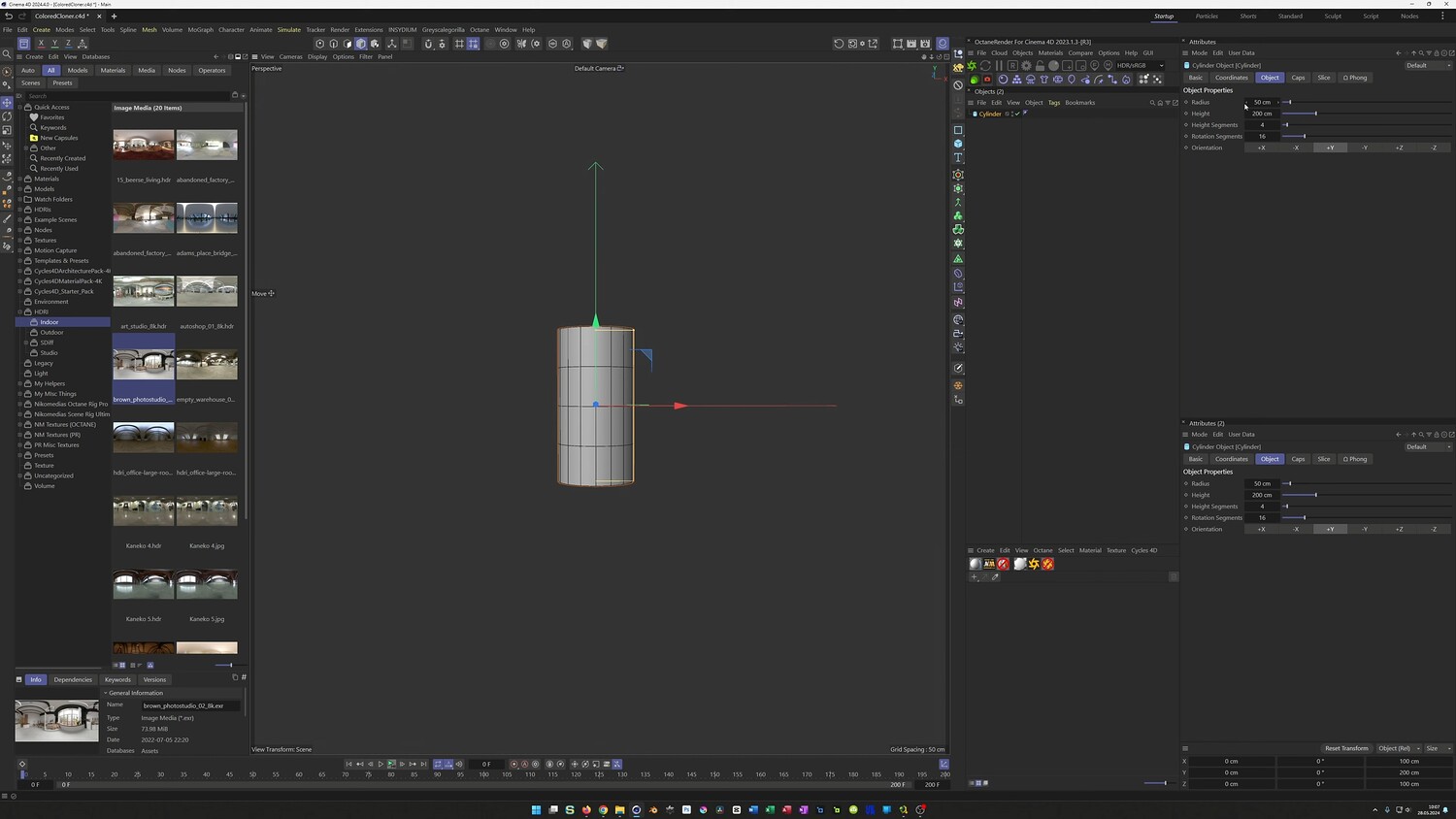
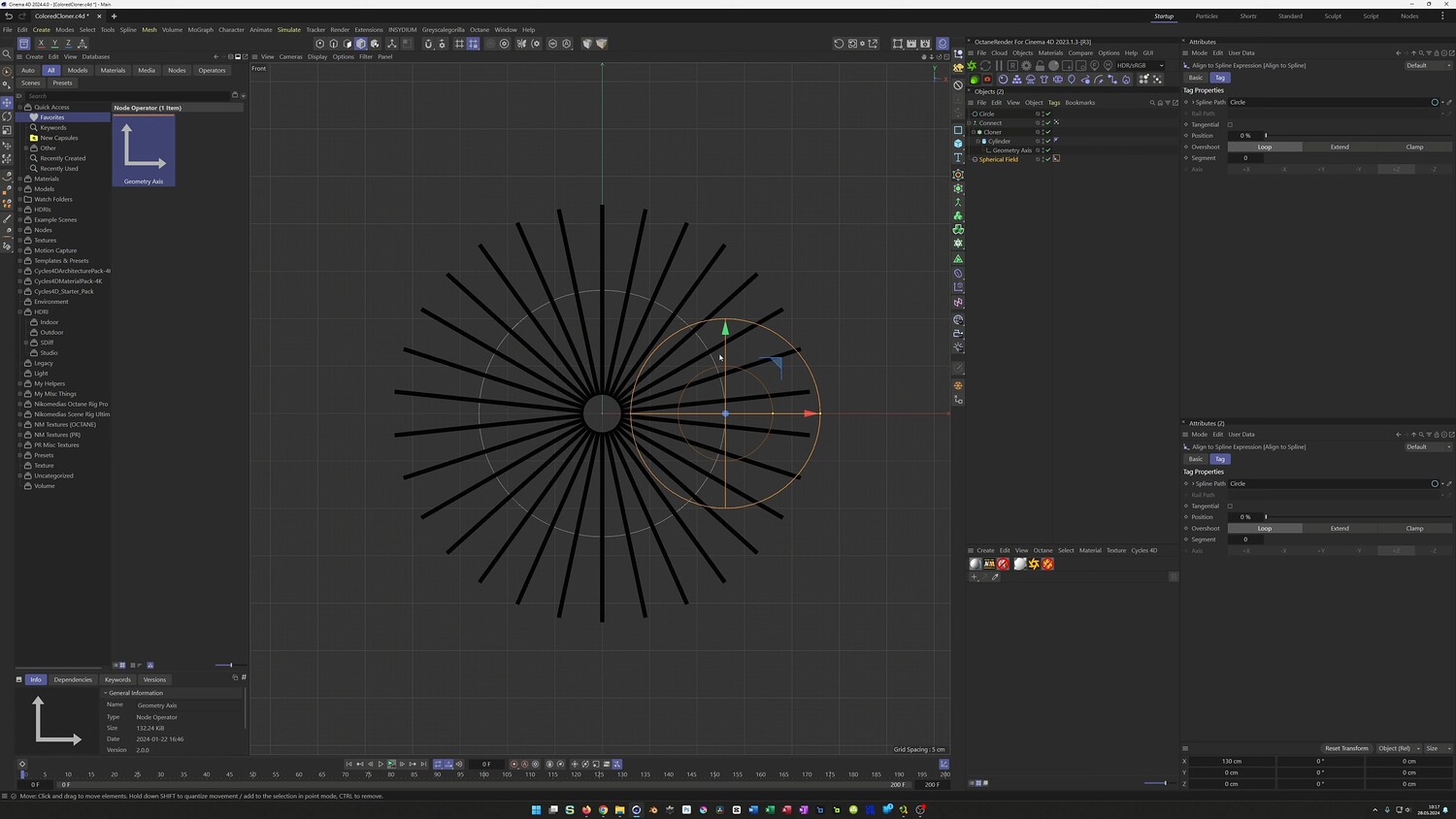
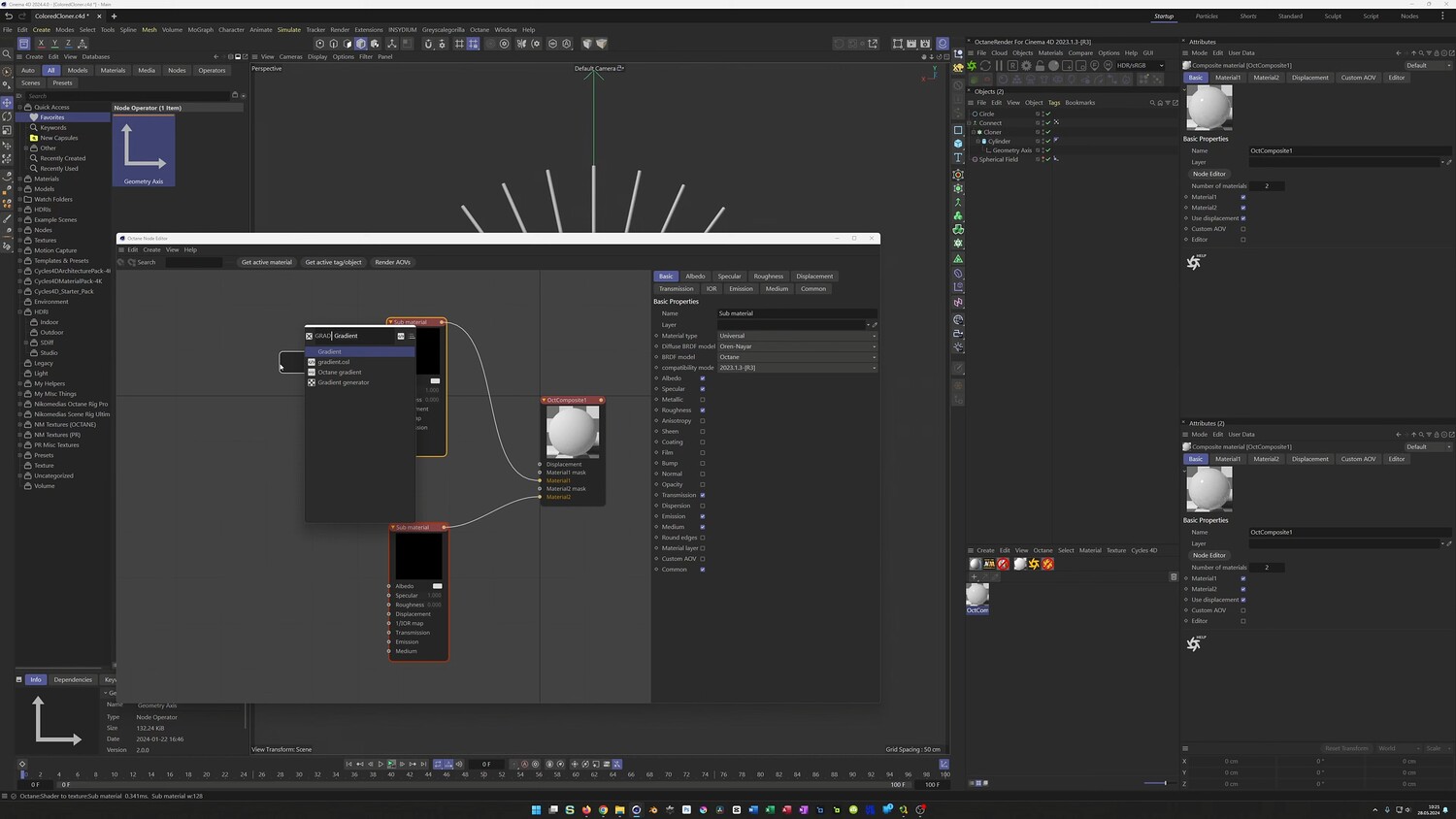
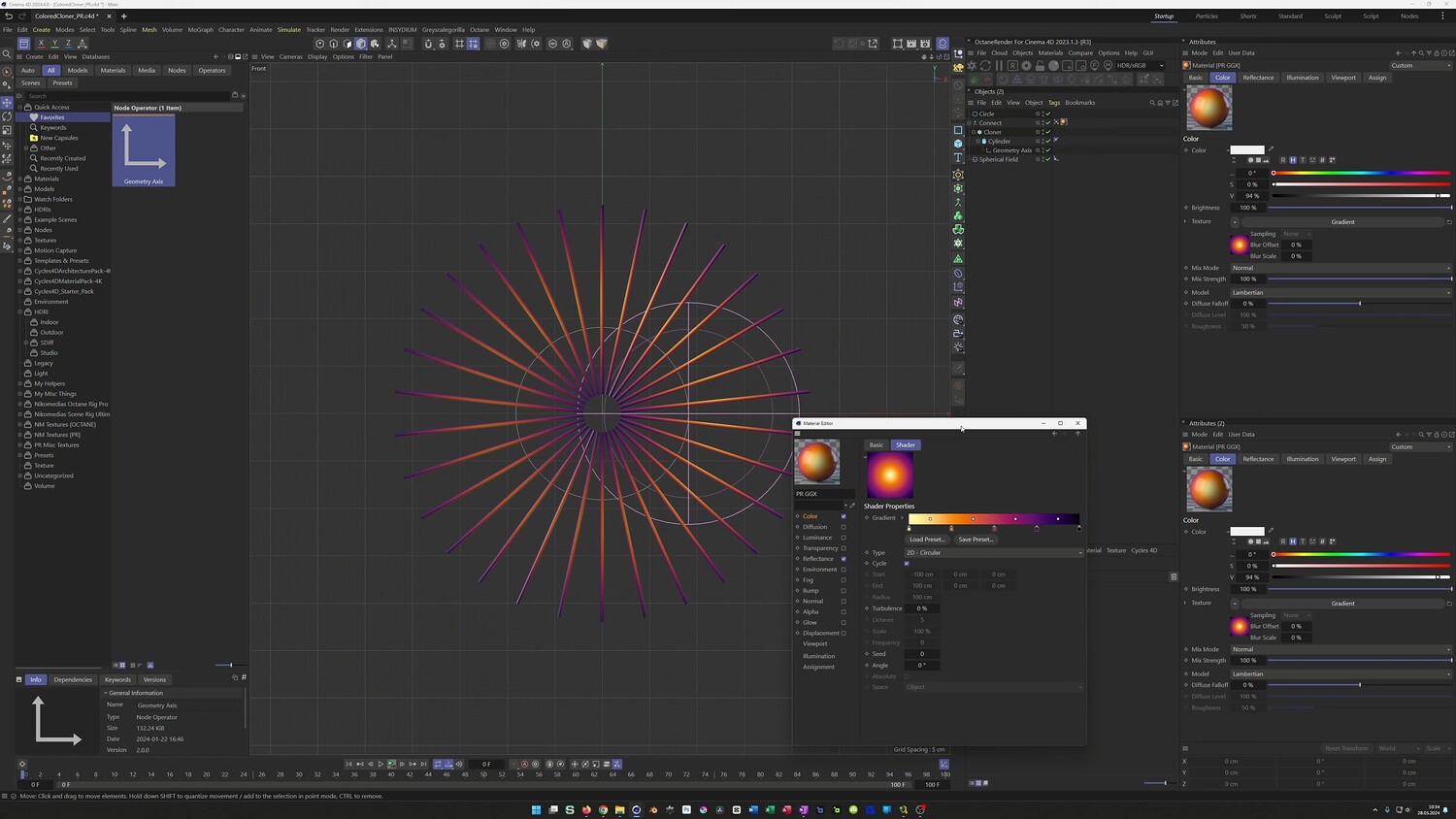
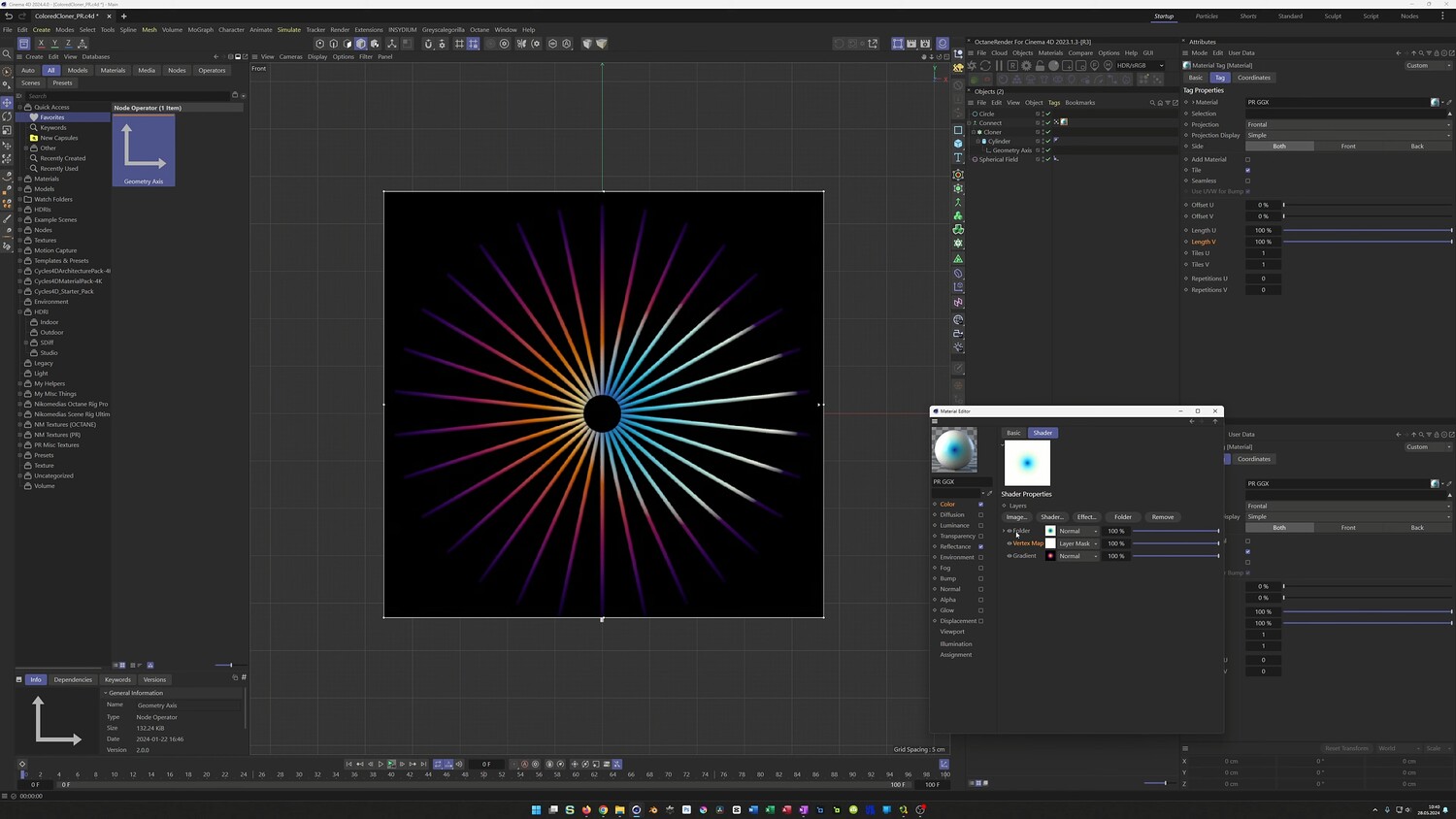
What you will learn: - Setting up high-density cylinder geometry for smooth vertex map interactions - Arranging objects using a Radial Cloner and the Connect Object - Driving vertex maps using a Spherical Field animated along a spline - Creating a Composite Material in Octane Render using gradients, screen projection, and emission - Using Color Correction nodes to invert textures based on vertex masks - Replicating the shader effect in the standard Physical Render using Layer Shaders and folder masking
Software/Tools: - Cinema 4D - Octane Render - Physical Render
Duration: 29:48
You will get 4 files
All files previously purchased will always be available for download in your Library