Roll Any Object With Ease In Cinema 4D
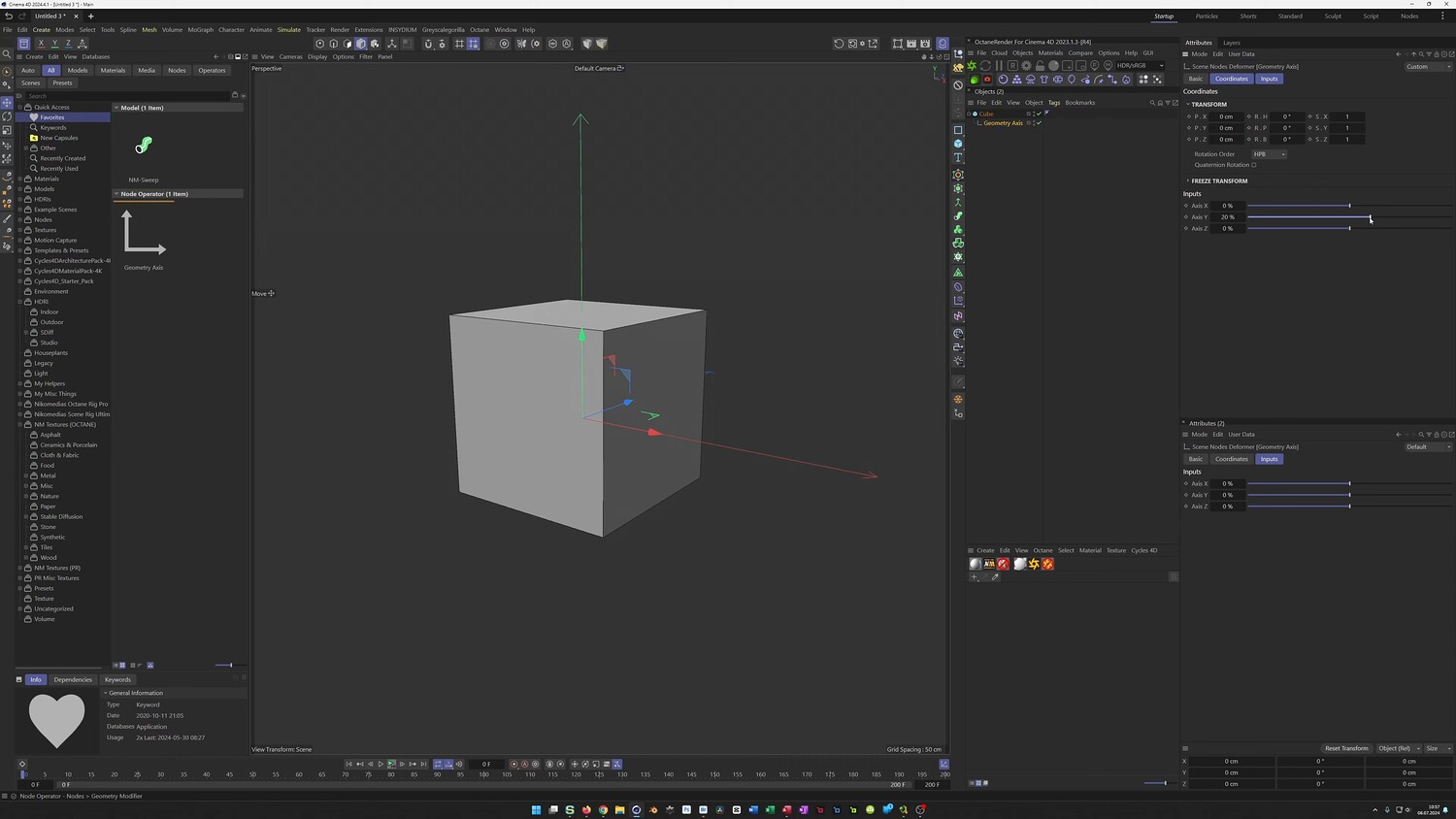
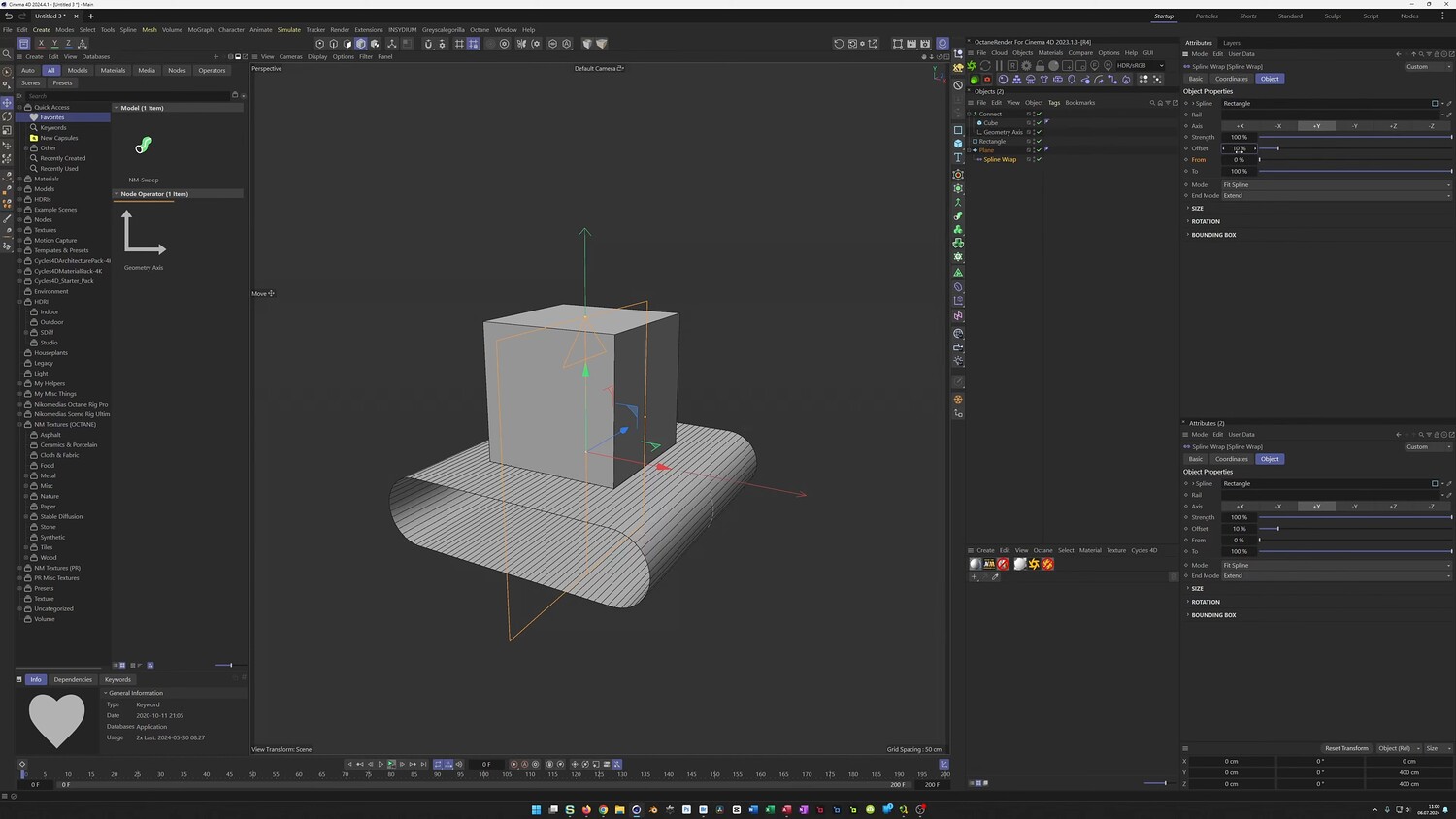
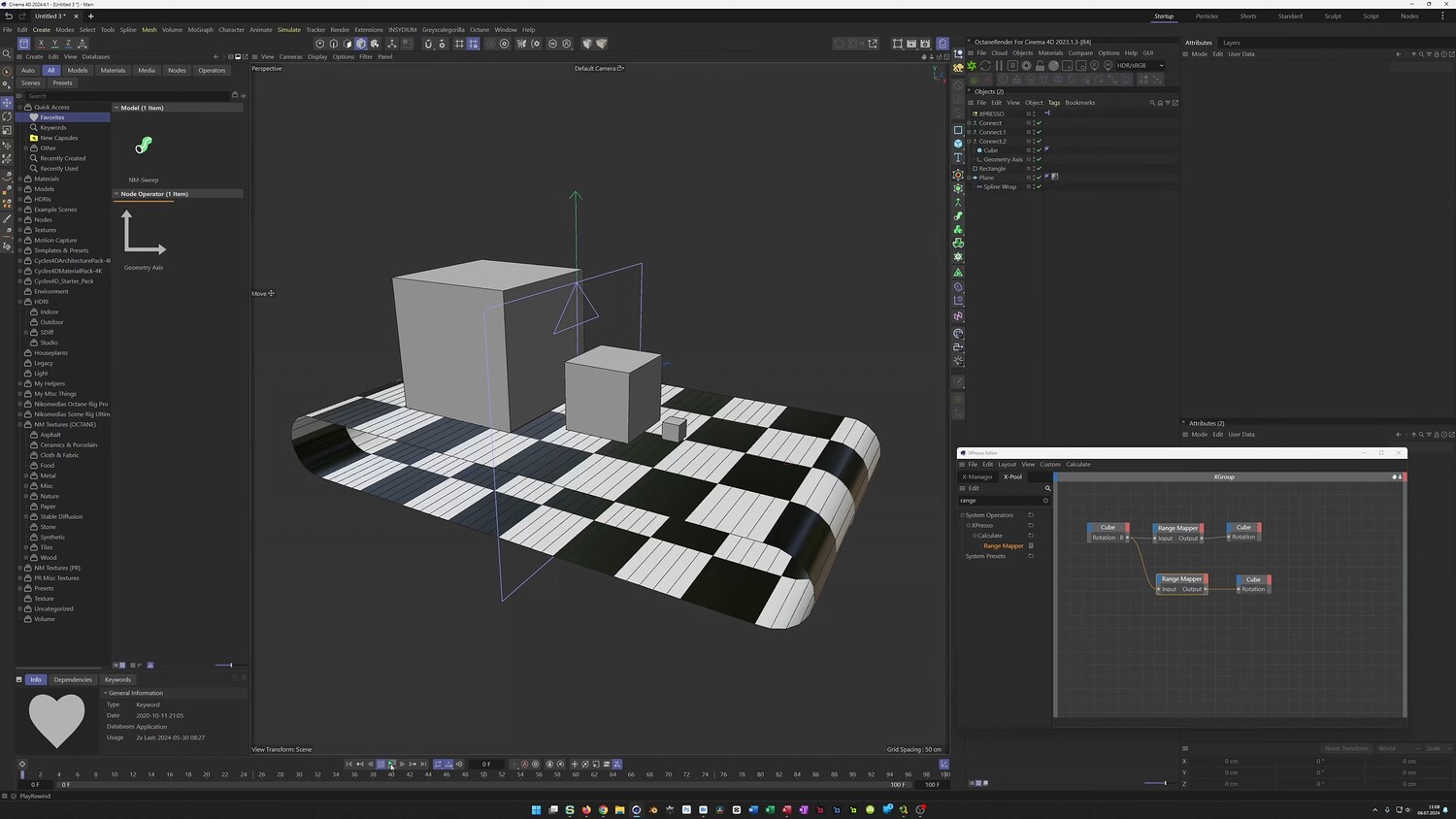
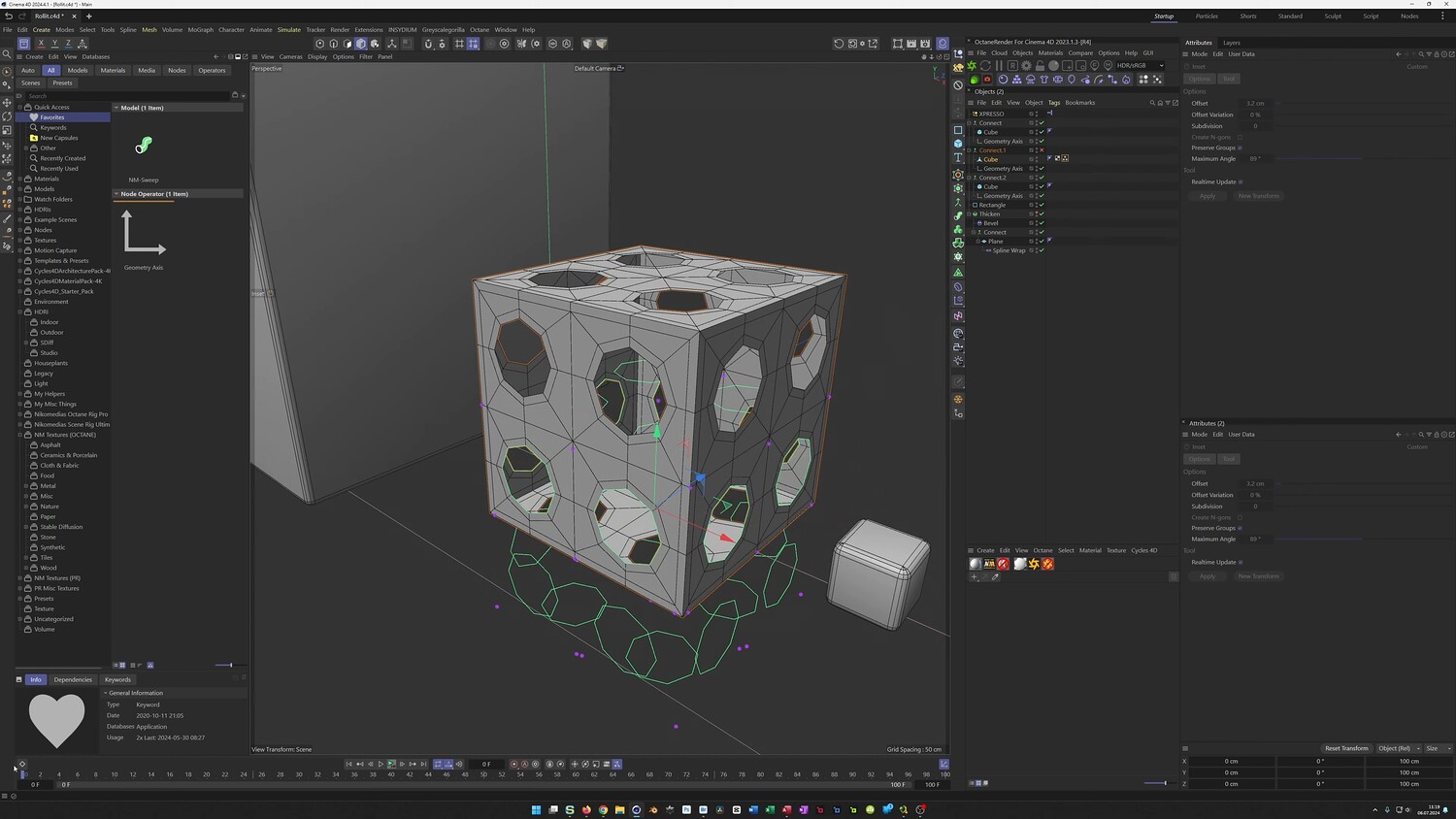
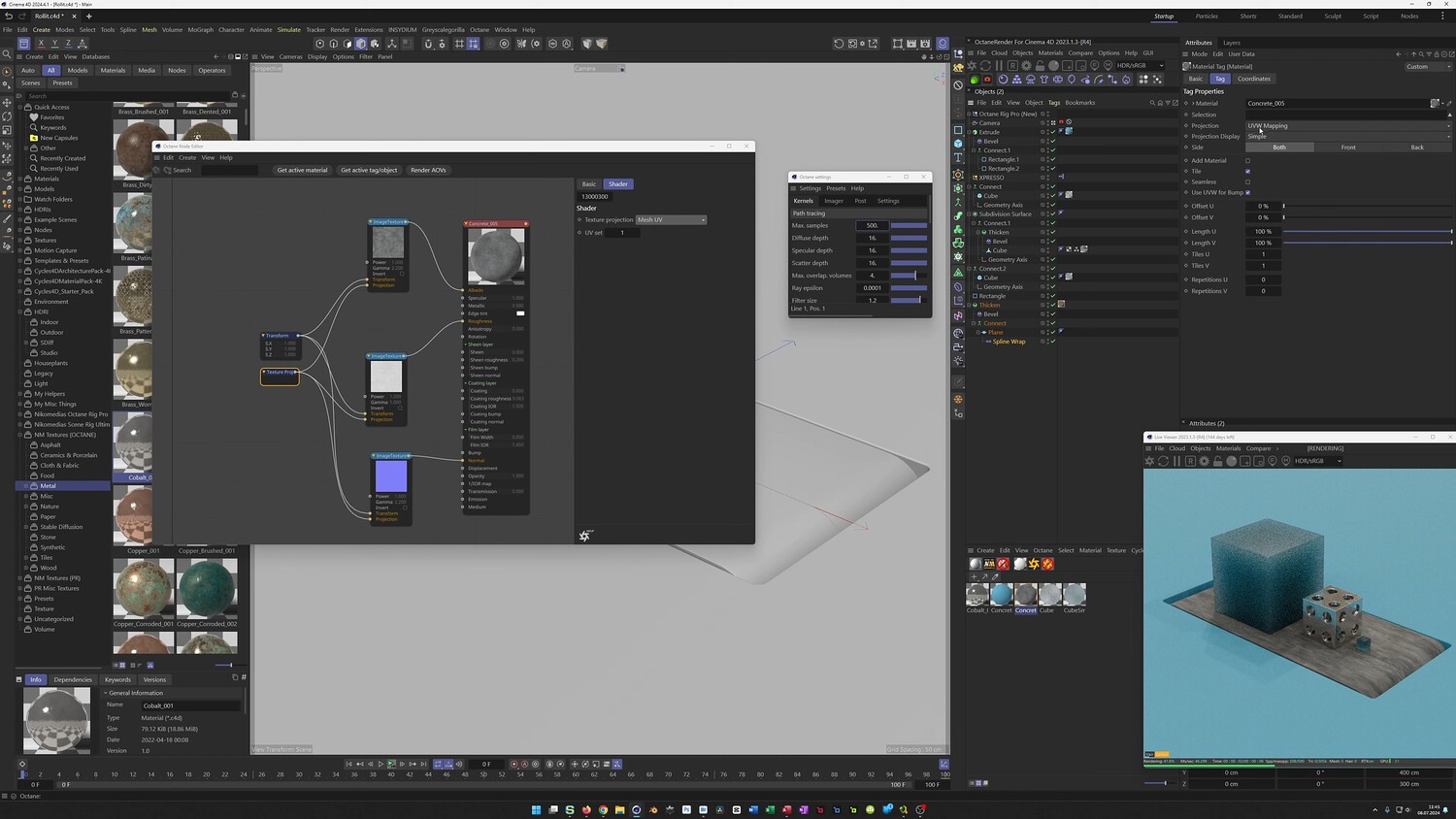
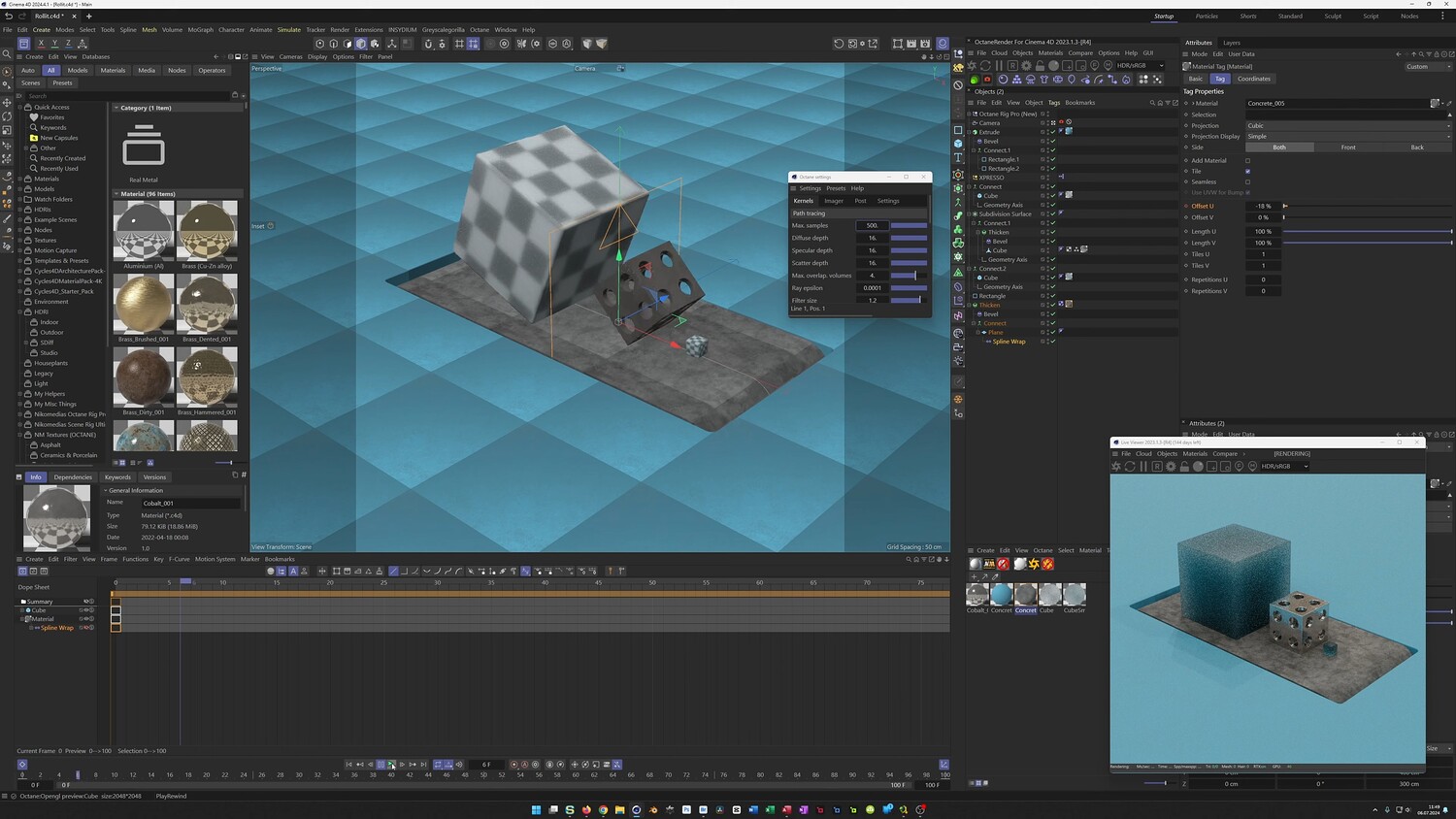
In this tutorial, we explore a streamlined method for animating rolling objects in Cinema 4D without the need for complex dynamics or external plugins. The video answers a common question about keeping objects perfectly grounded while they rotate. We will utilize the Geometry Axis capsule combined with the Connect object to create a rolling effect that works on any shape. Additionally, the lesson covers building a conveyor belt scene, managing rotation speeds based on object size, and setting up the final look.
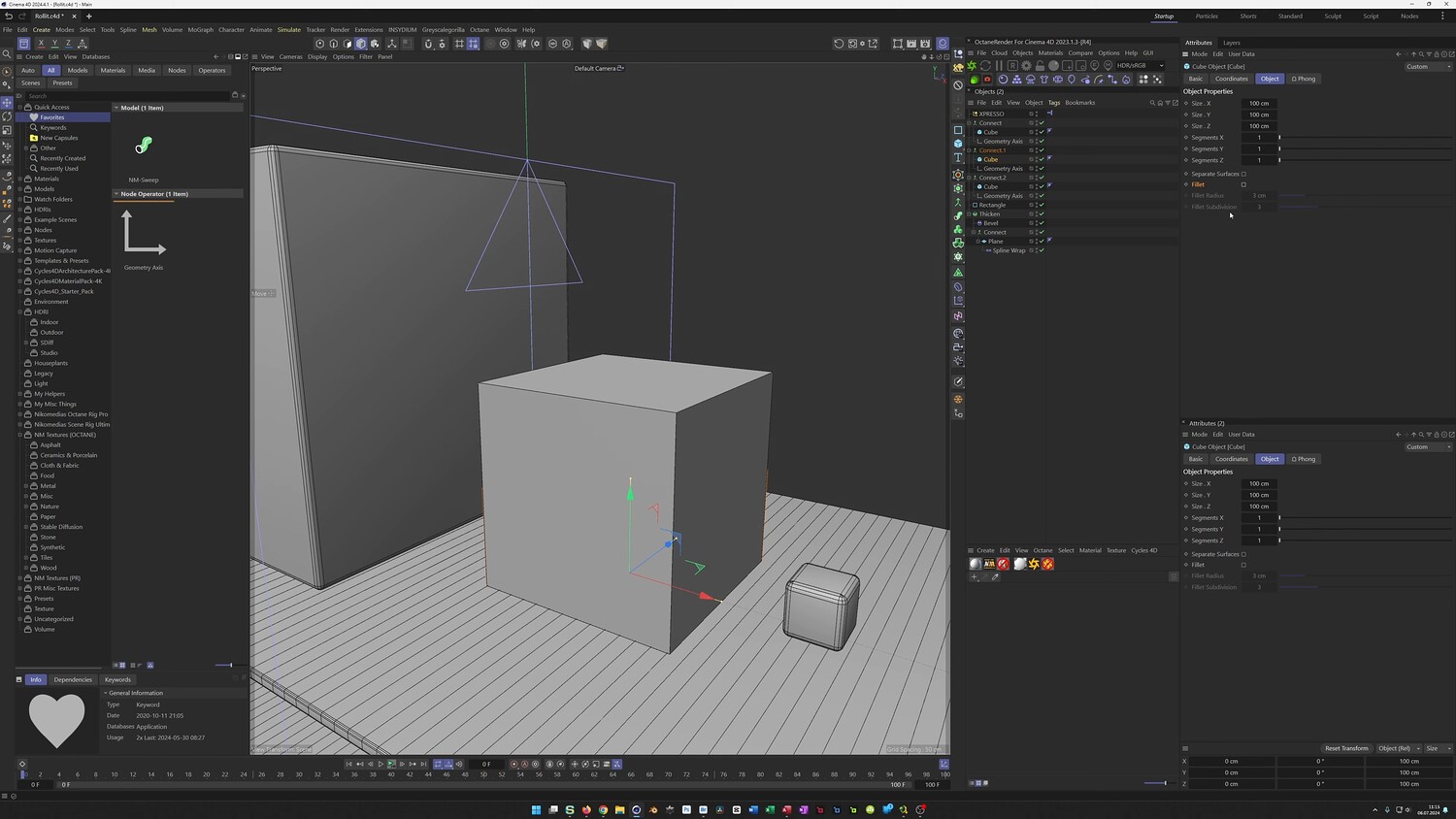
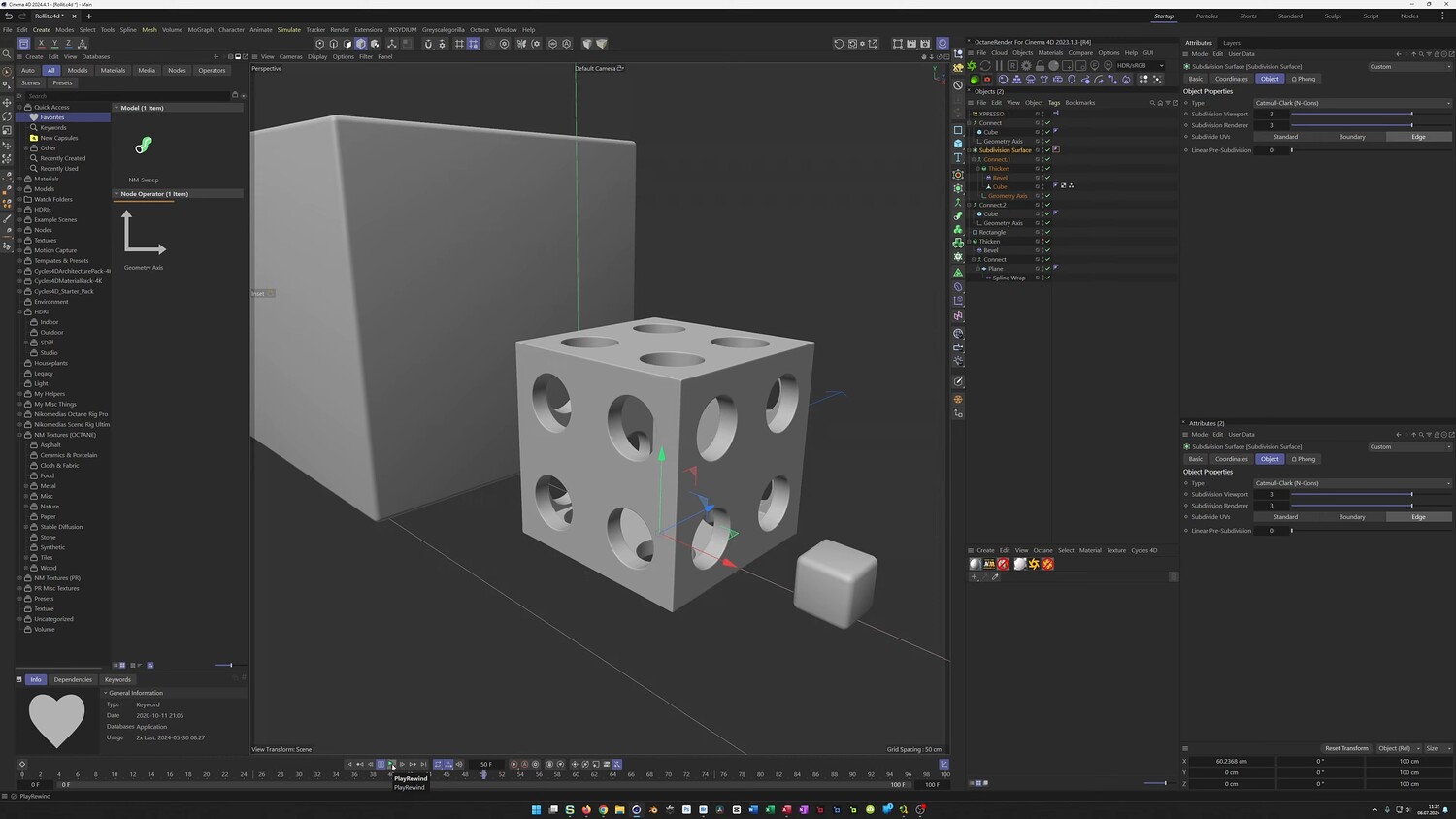
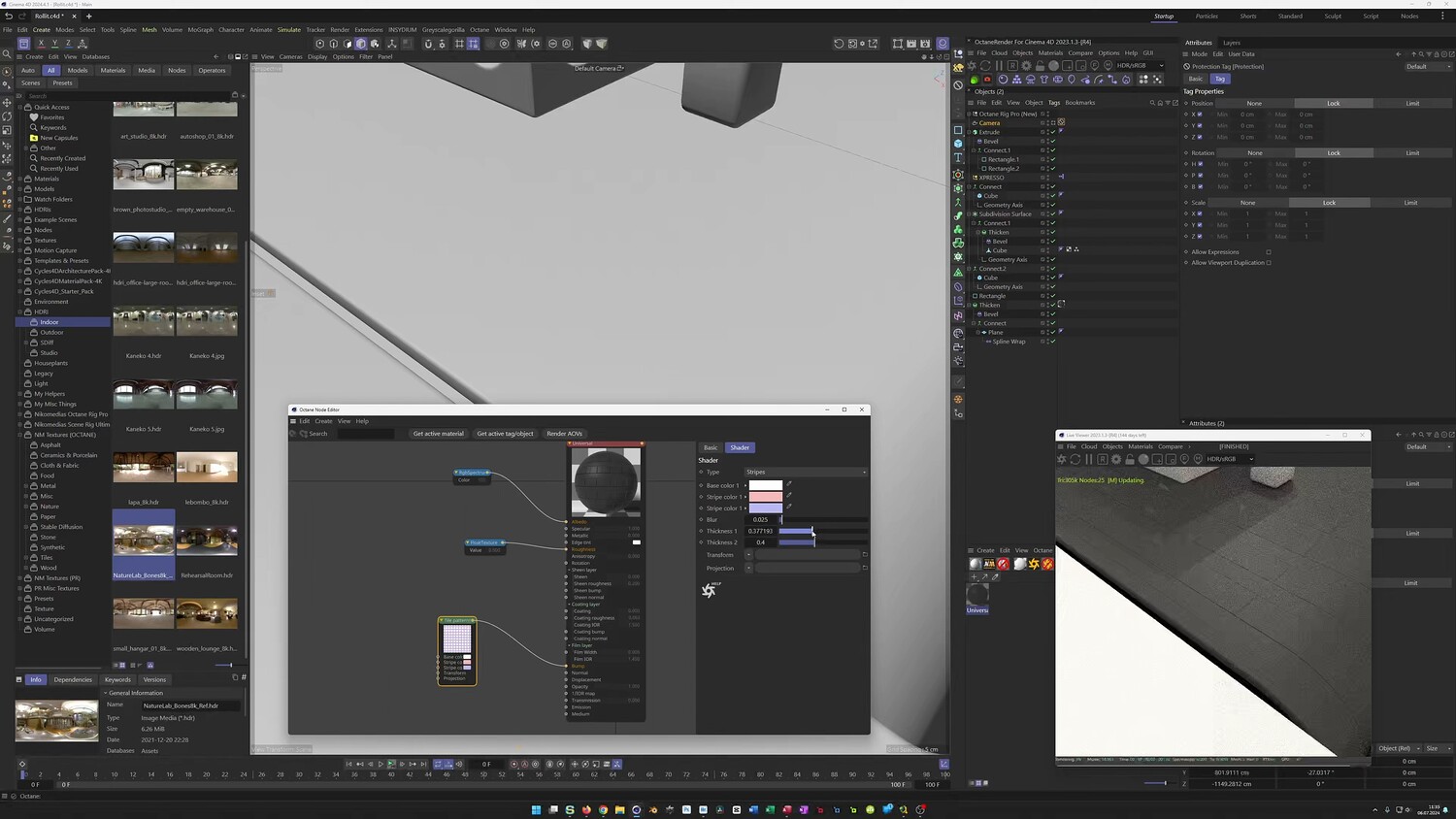
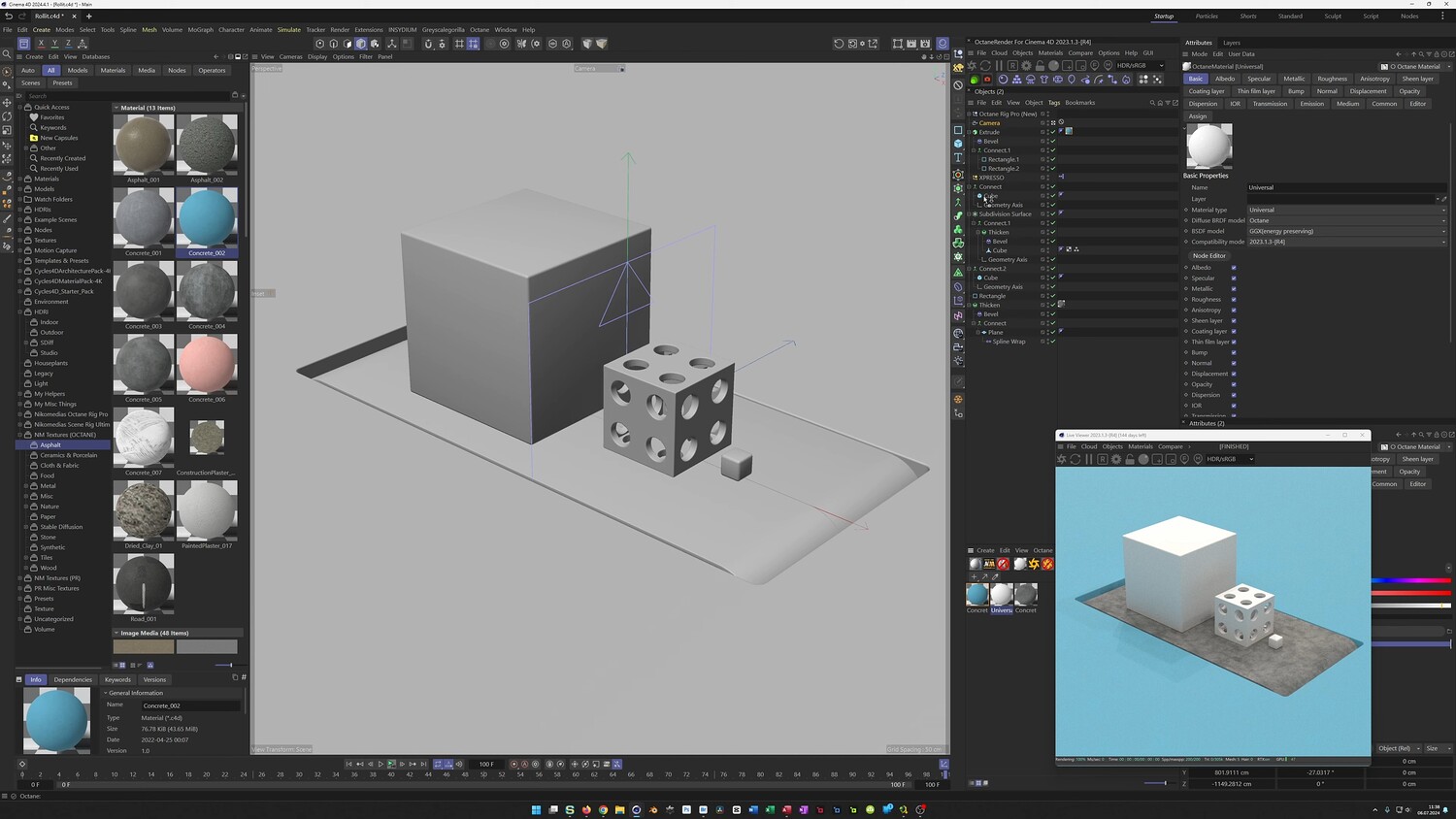
What you will learn: - How to use the Geometry Axis capsule to keep objects aligned with the floor - Utilizing the Connect object to animate rolling motion without physics simulation - Creating a looping conveyor belt using Spline Wraps - Synchronizing rotation speeds for different sized objects using Xpresso and Range Mappers - Modeling a die-like cube with holes using Boolean, Thicken, and Bevel tools - Setting up materials and lighting with Octane Render
Software/Tools: - Cinema 4D - Octane Render - Physical Render
Duration: 57:48
You will get 4 files
All files previously purchased will always be available for download in your Library
![Rigging isn't Scary: From Beginner to Intermediate [Manual Rigging in Blender]](https://d27nqrvkk22y65.cloudfront.net/cover/image/196935/cropped_thumb_504fe9f37e.jpg)