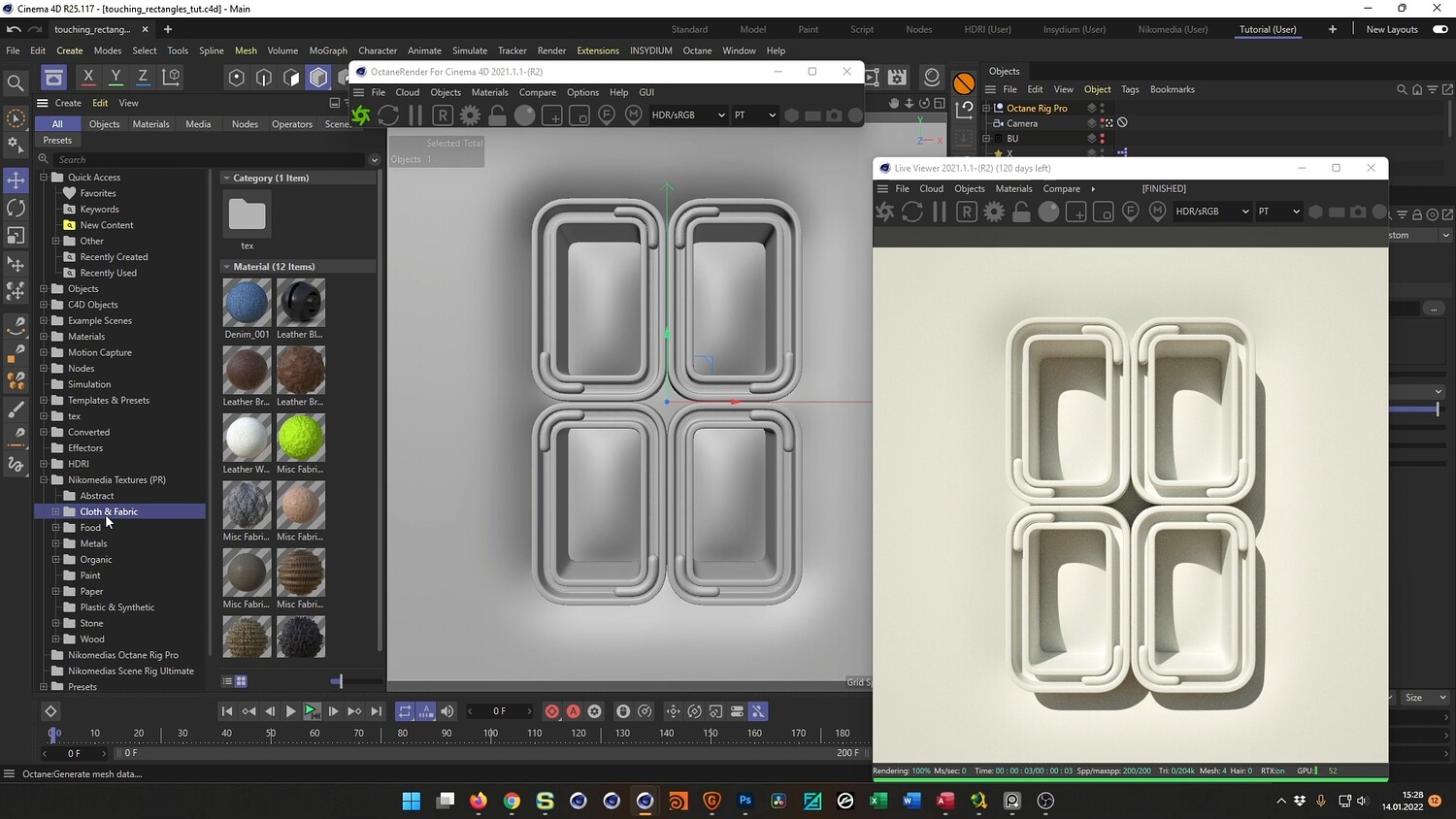
Touching Rectangles Loop Animation
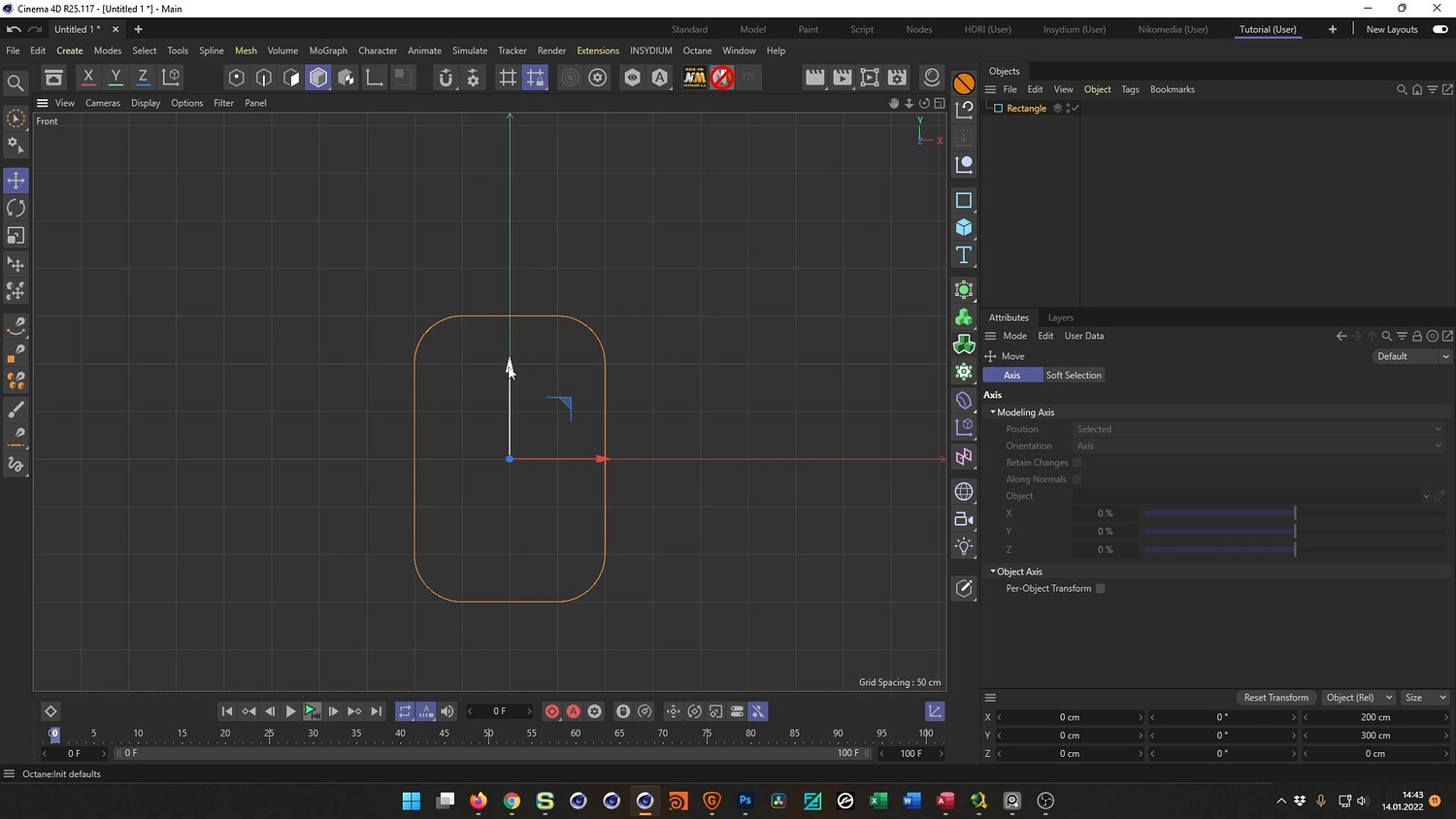
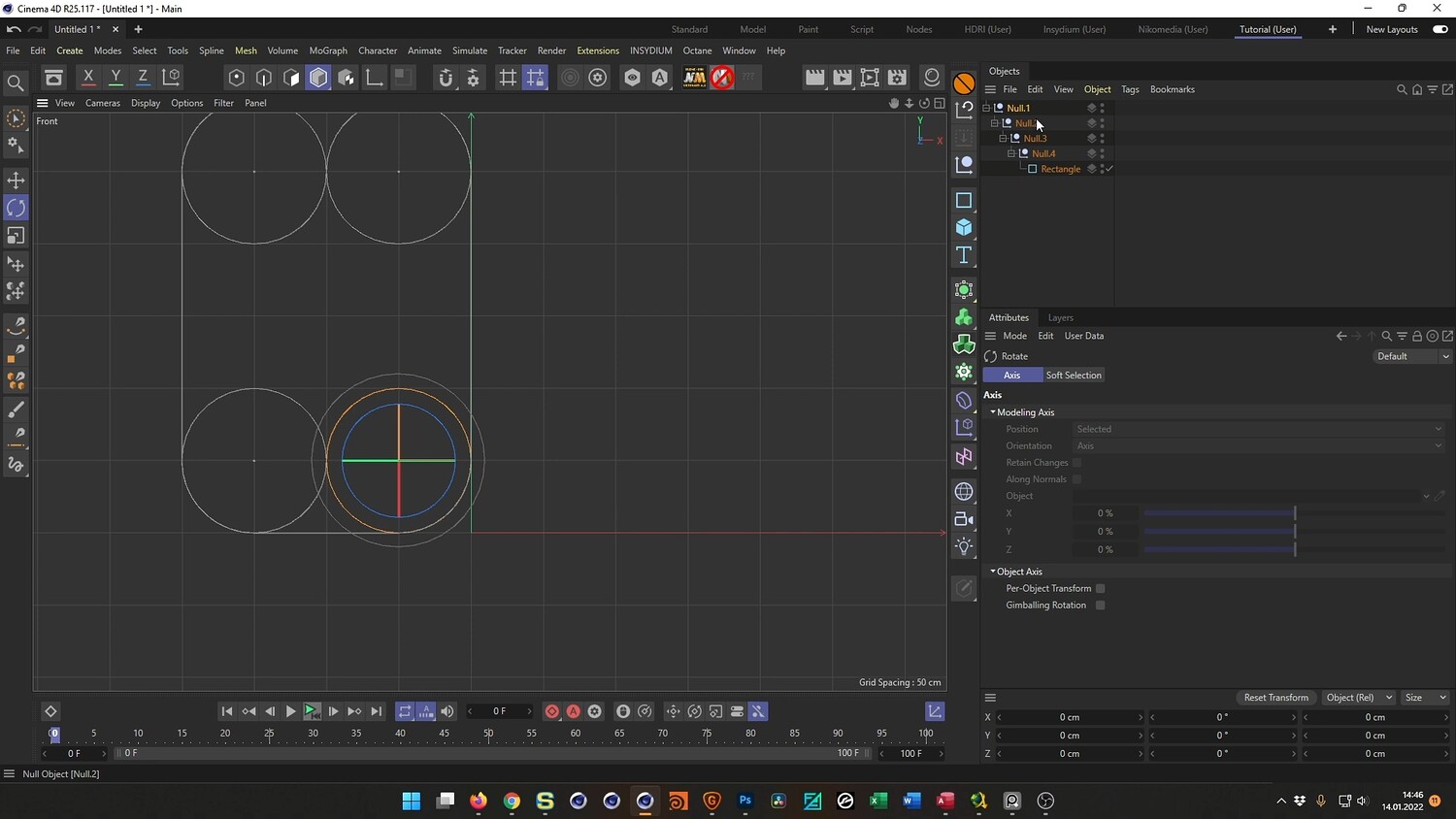
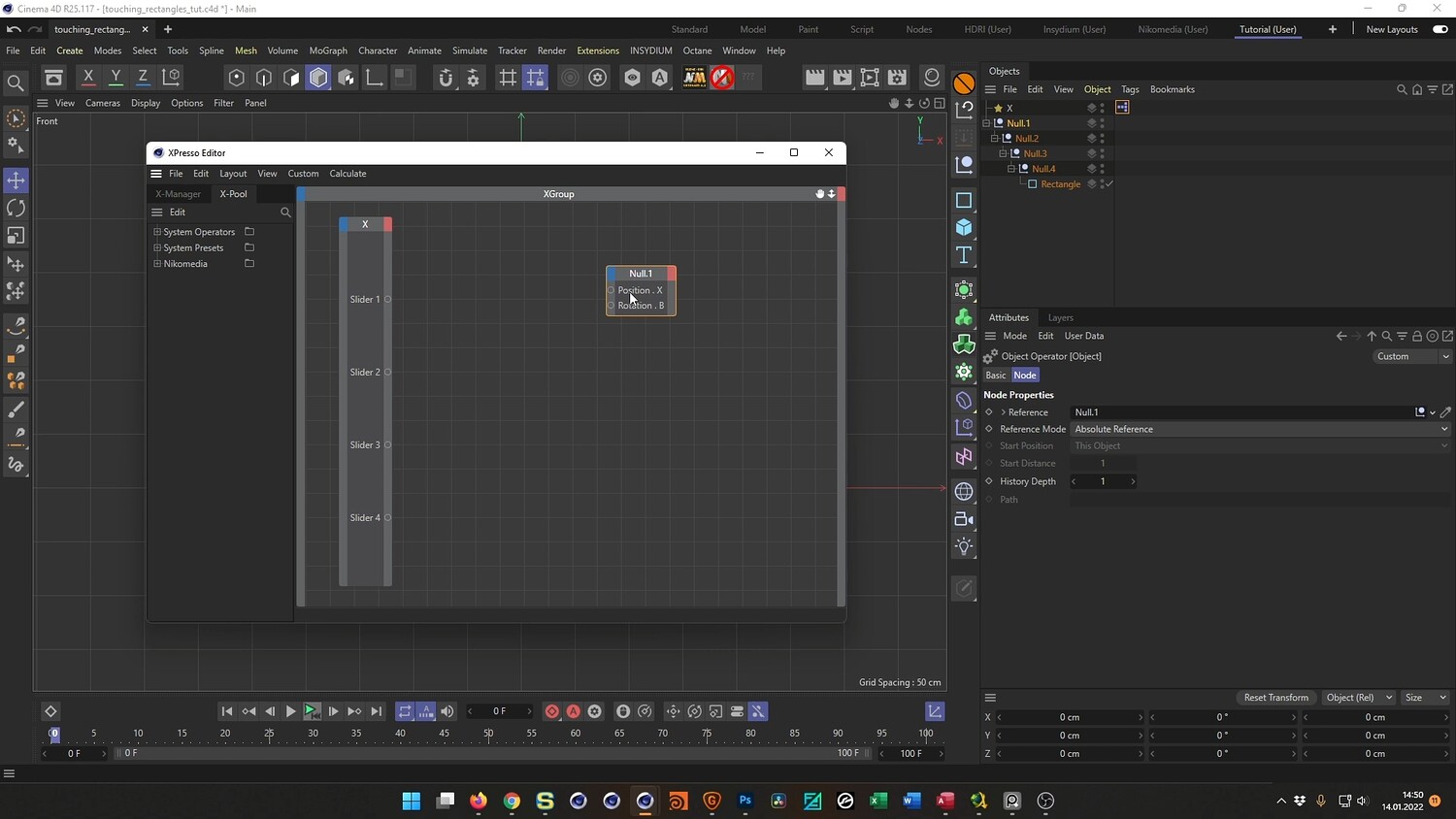
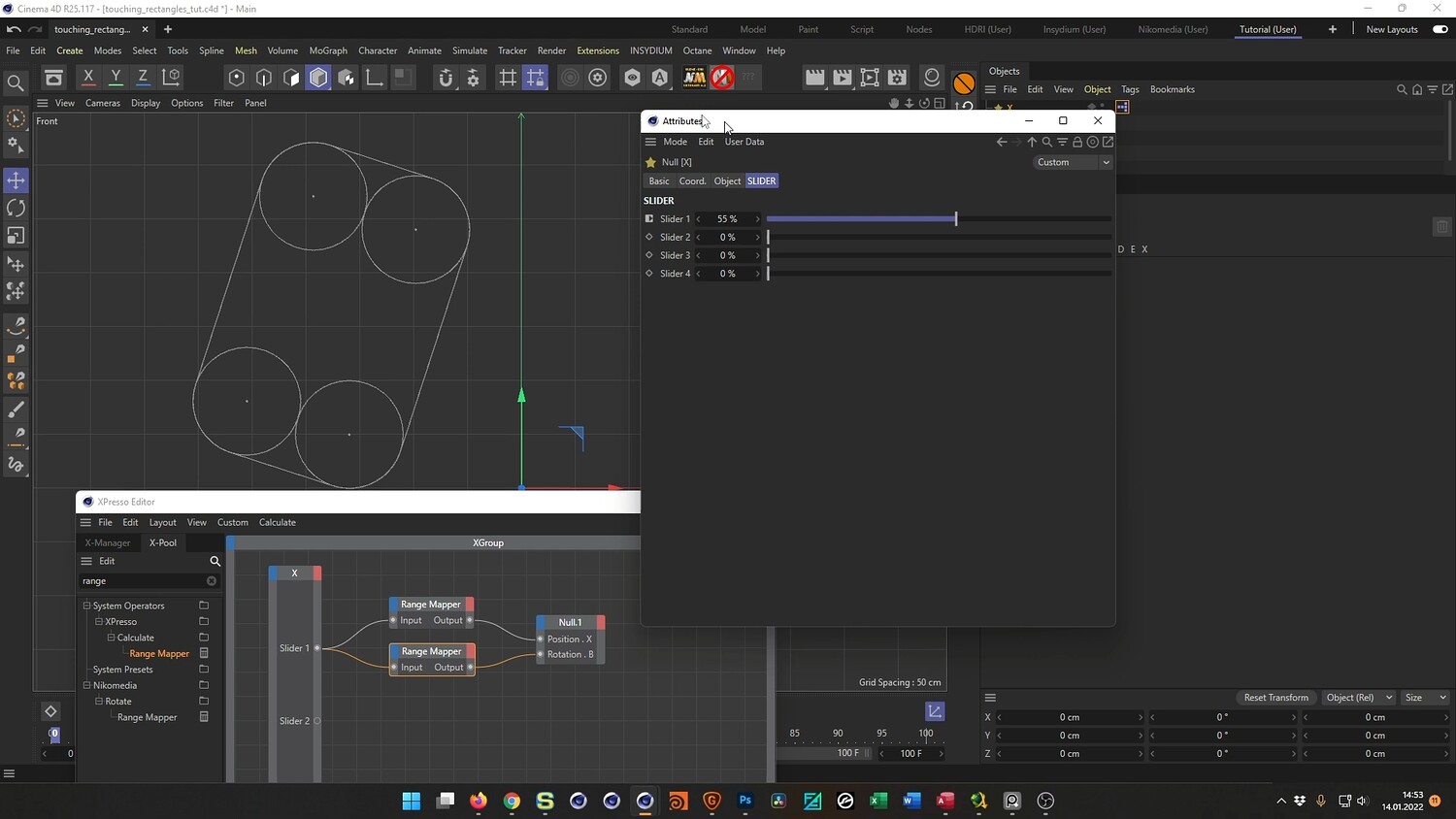
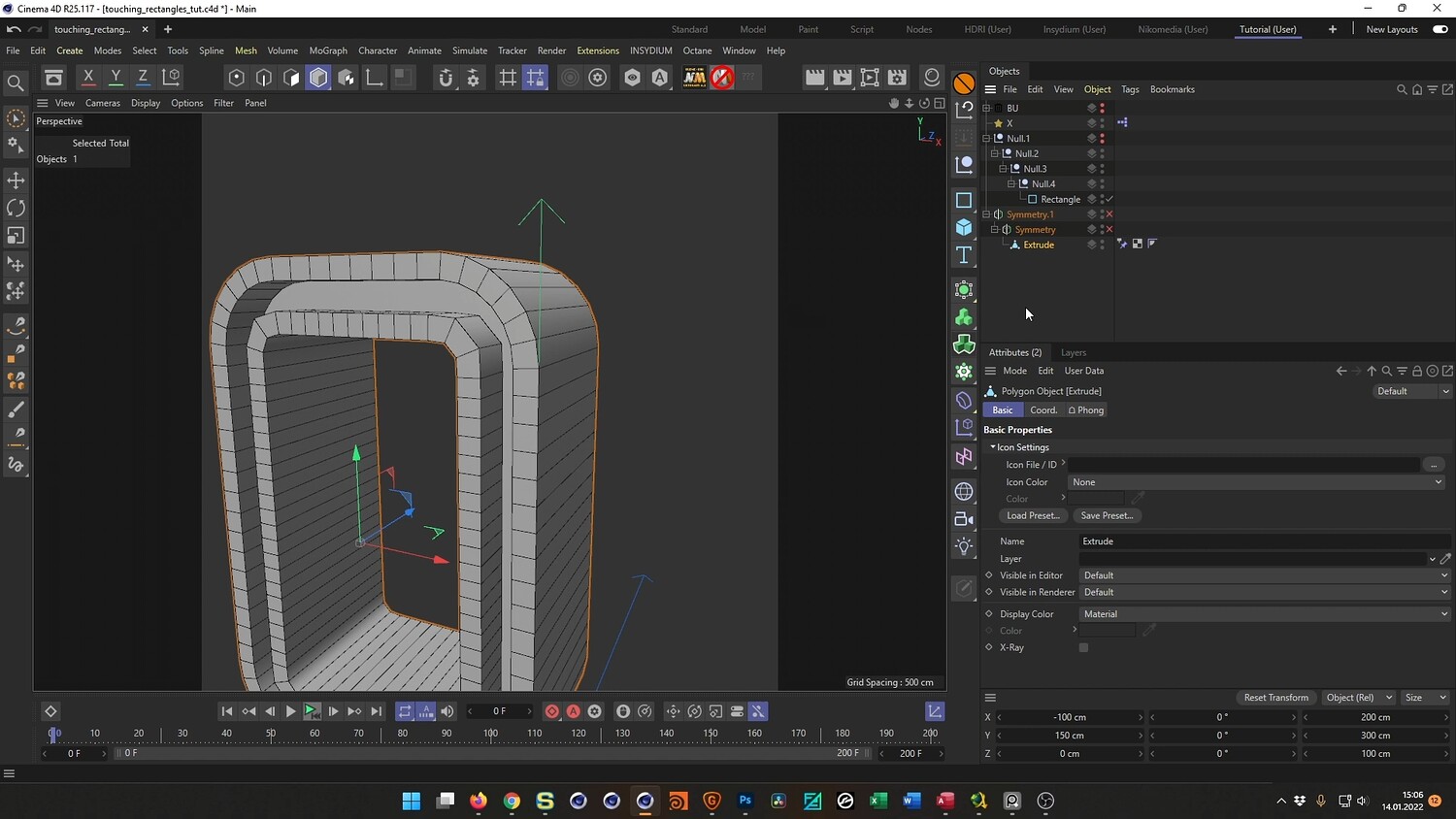
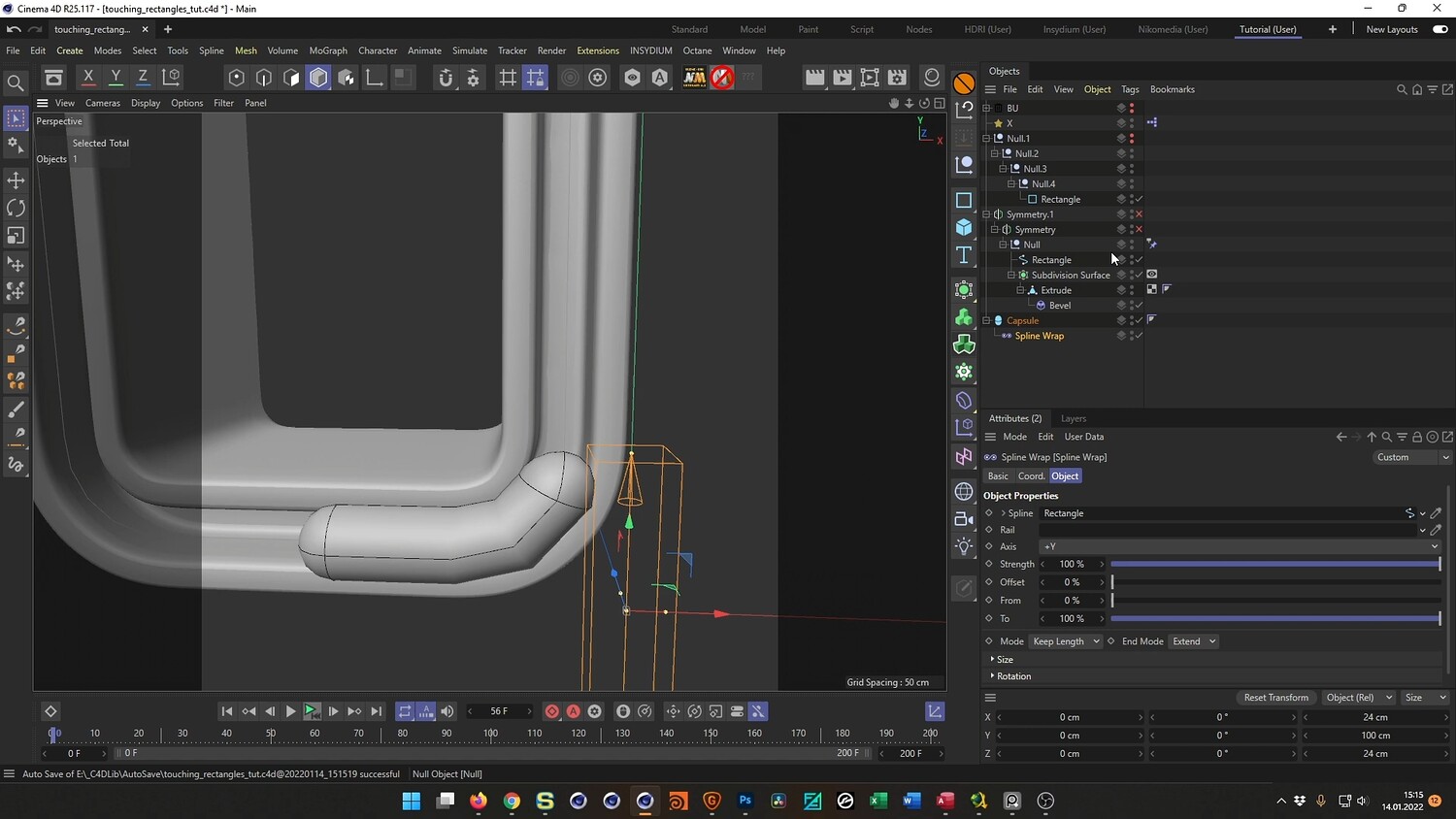
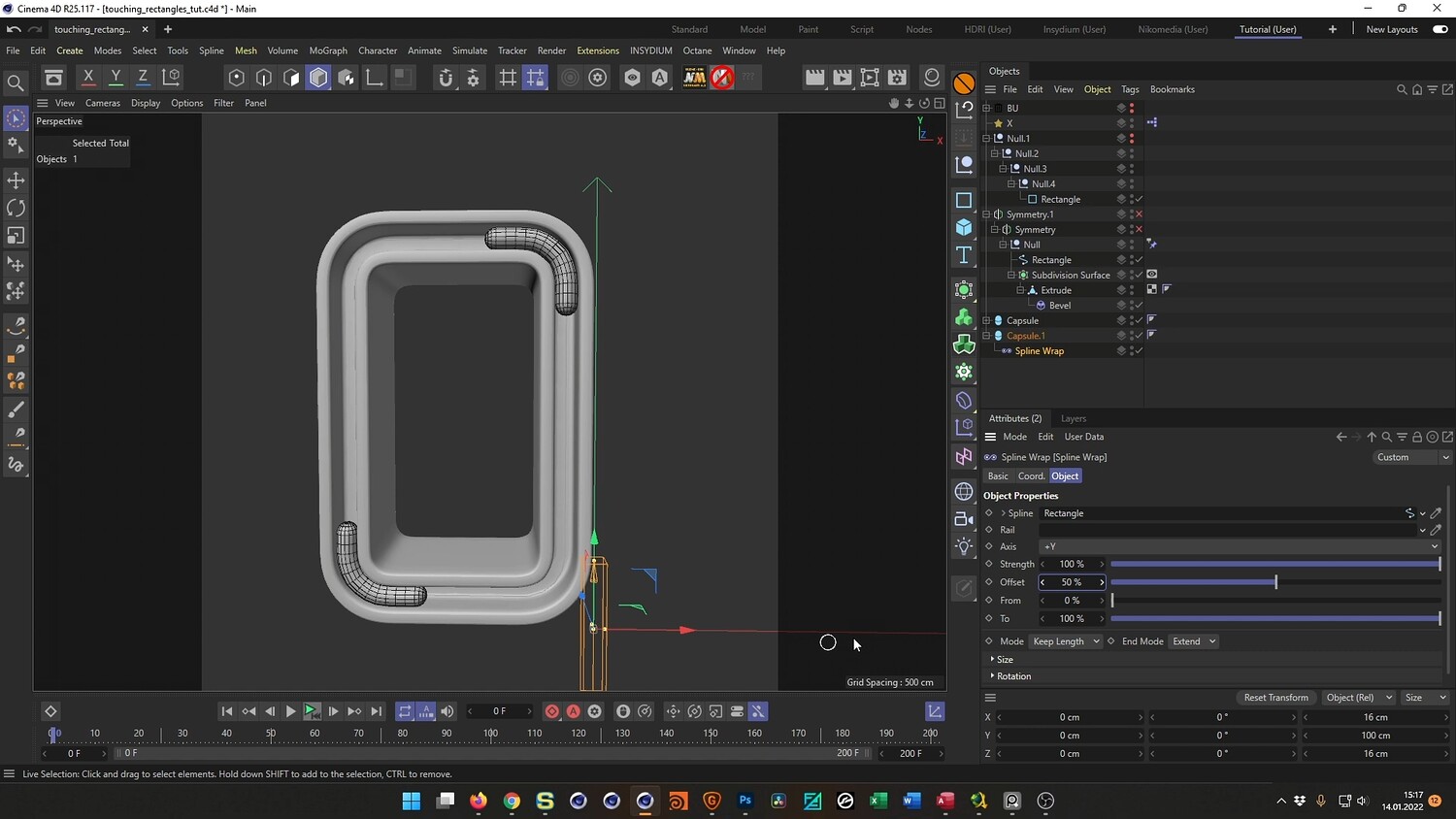
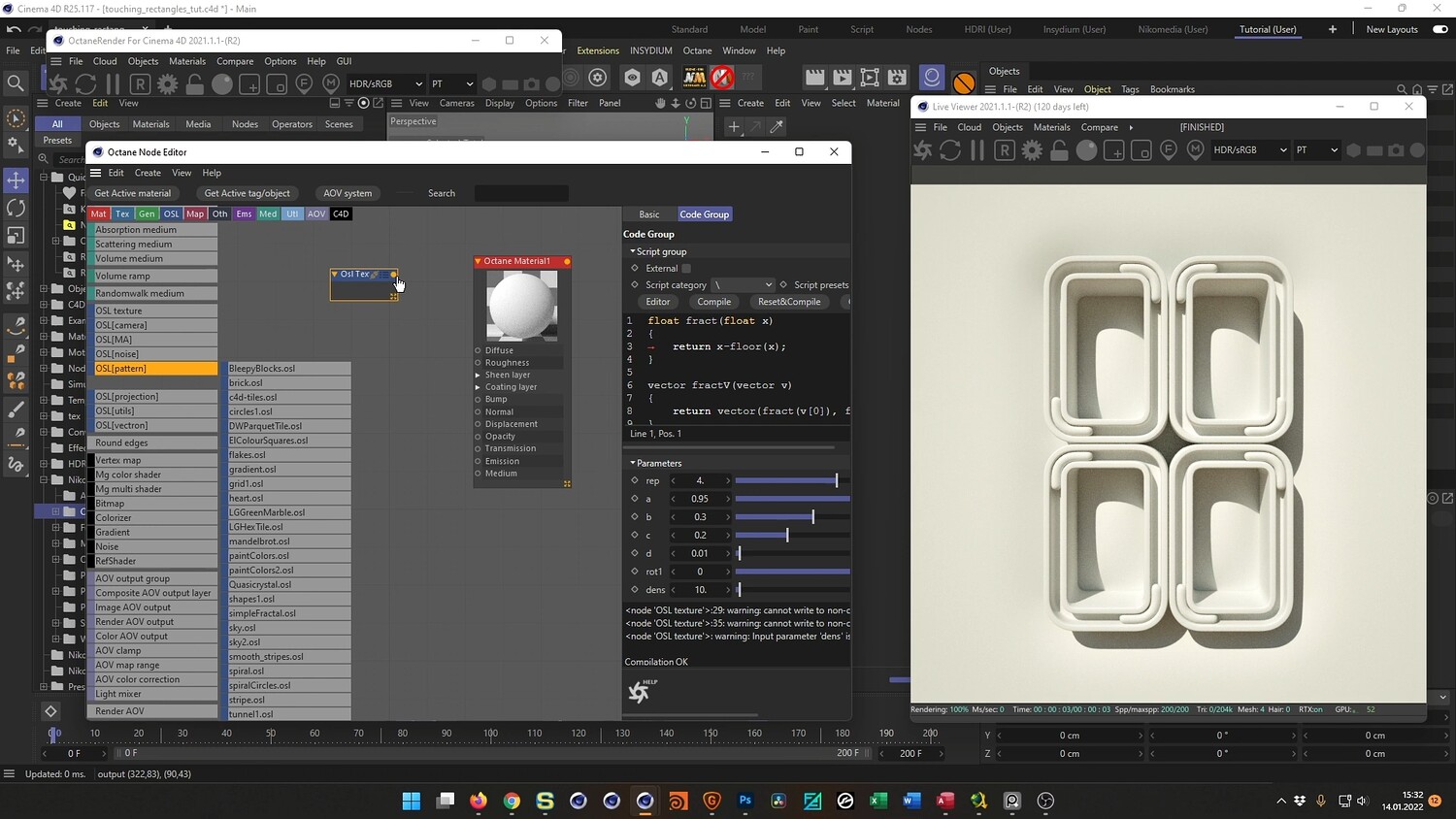
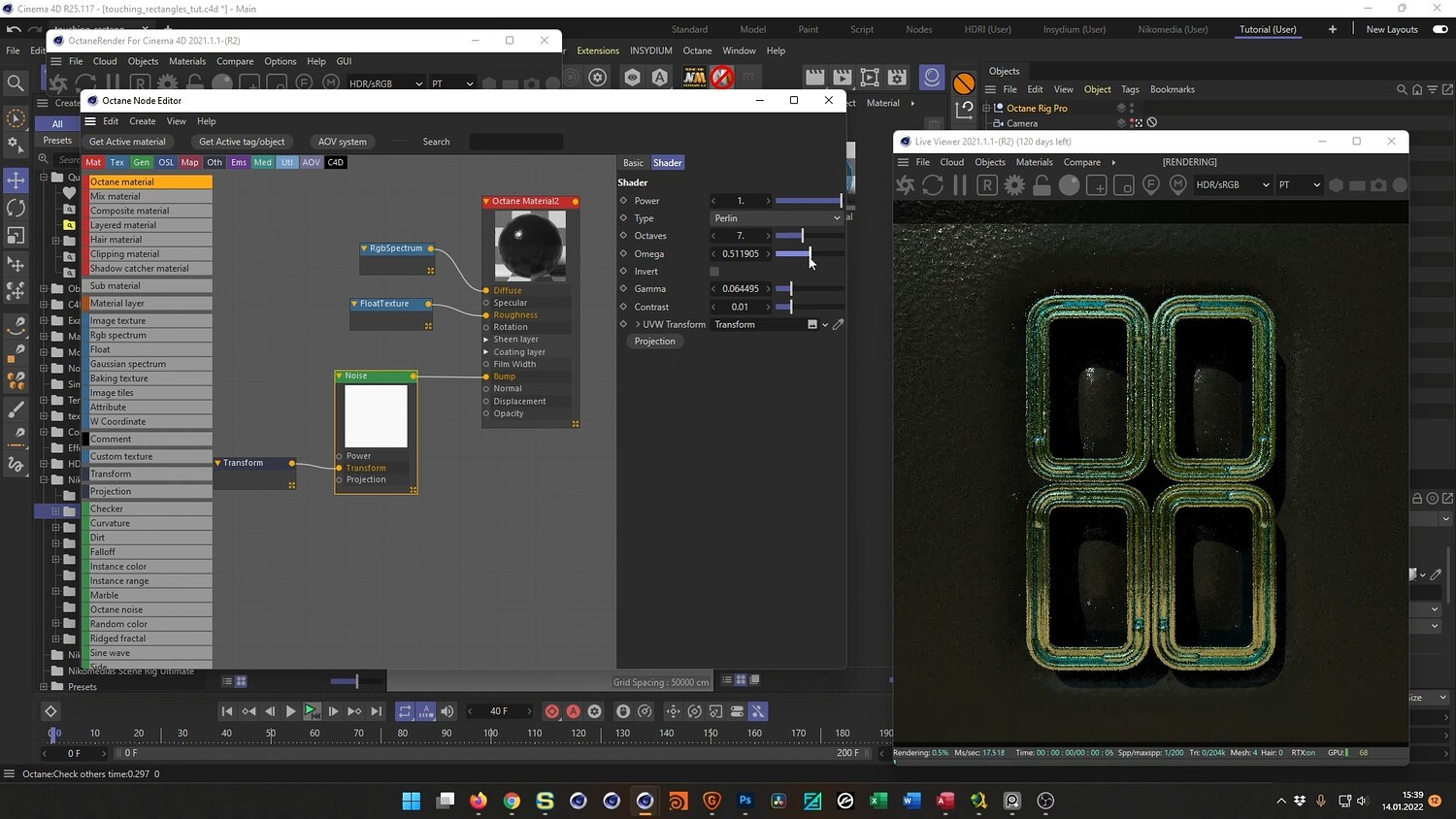
In this video, we dive into creating a satisfying, abstract 3D loop animation featuring four interlocking rectangular shapes. The tutorial guides you through the entire workflow, starting with modeling the base geometry using splines and symmetry to ensure perfect alignment. You will learn how to rig the scene using XPresso to control complex movements with a single slider, ensuring the objects touch but never overlap. Finally, the lesson covers texturing the scene with iridescent metallic materials and setting up realistic lighting to achieve a high-quality, photorealistic result.
What you will learn: - How to model symmetrical geometric shapes using splines and the Symmetry object - Setting up an XPresso rig to synchronize position and rotation parameters - Using User Data sliders to control animation loops effectively - Creating iridescent metallic materials using Thin Film interference settings - Lighting the scene and configuring render settings for a polished look
Software/Tools: - Cinema 4D - Octane Render - XPresso
Duration: 01:06:55
You will get 4 files
All files previously purchased will always be available for download in your Library