Cloner Surface Deformation & Abstract Lens Grid
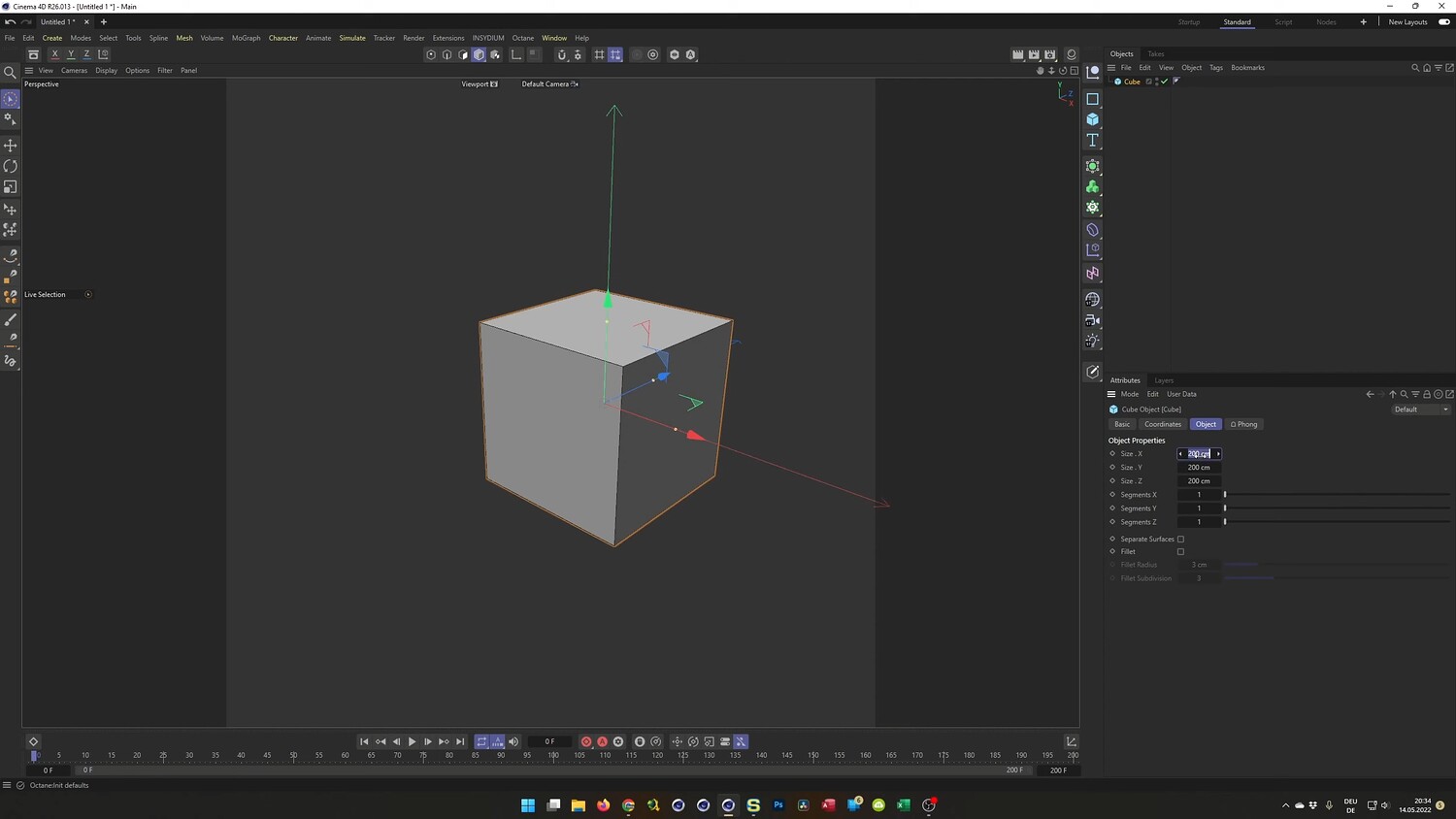
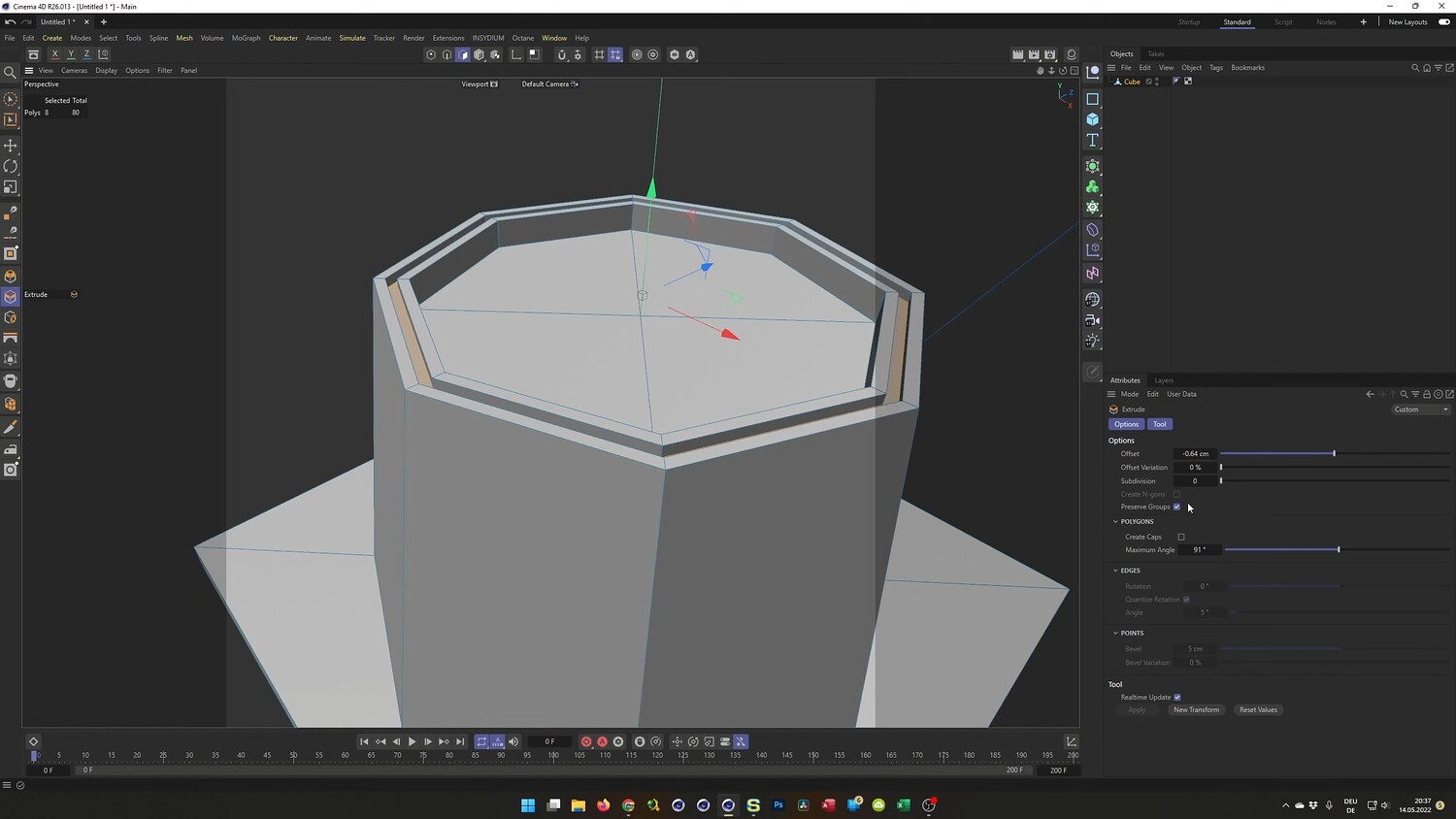
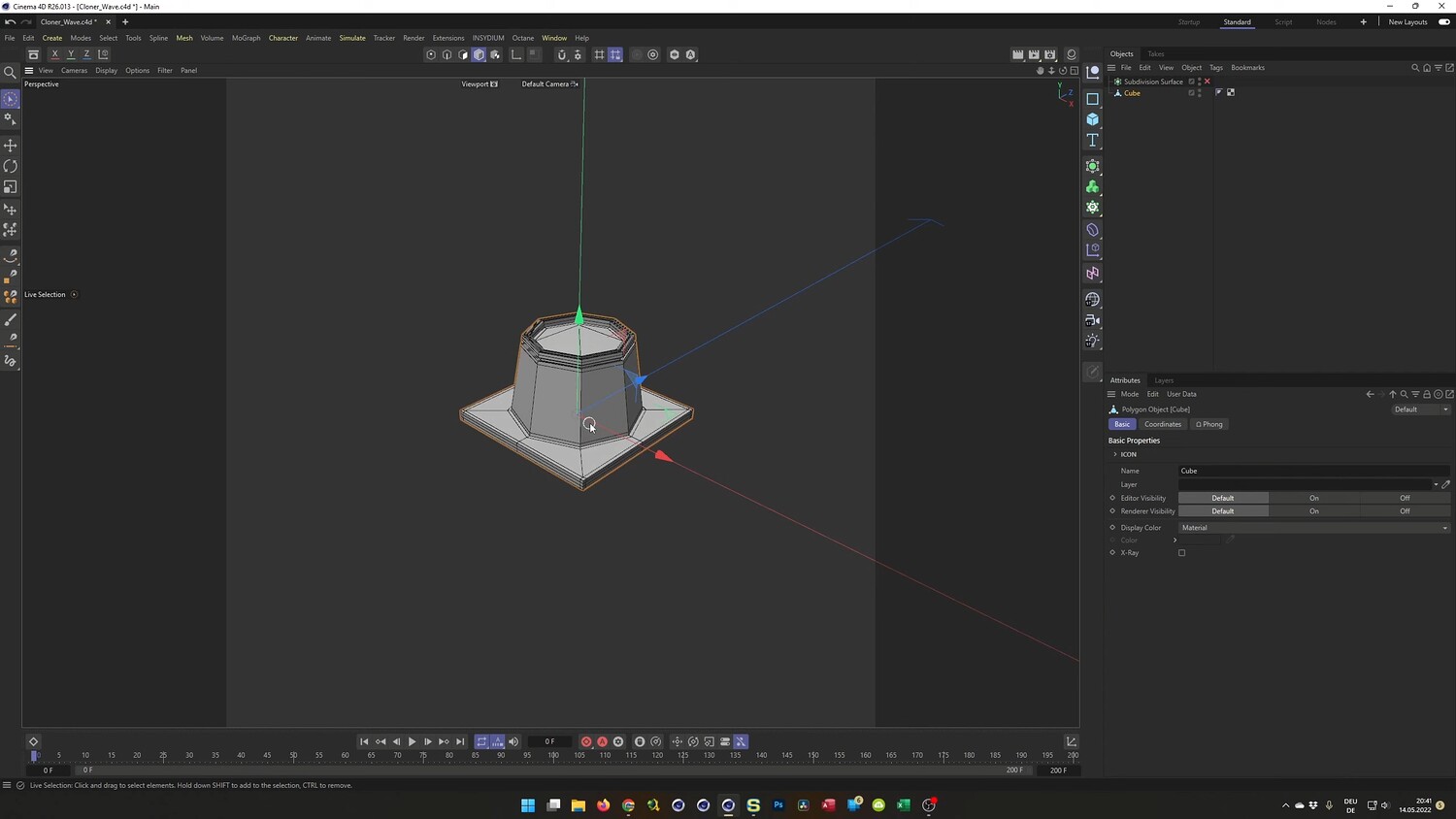
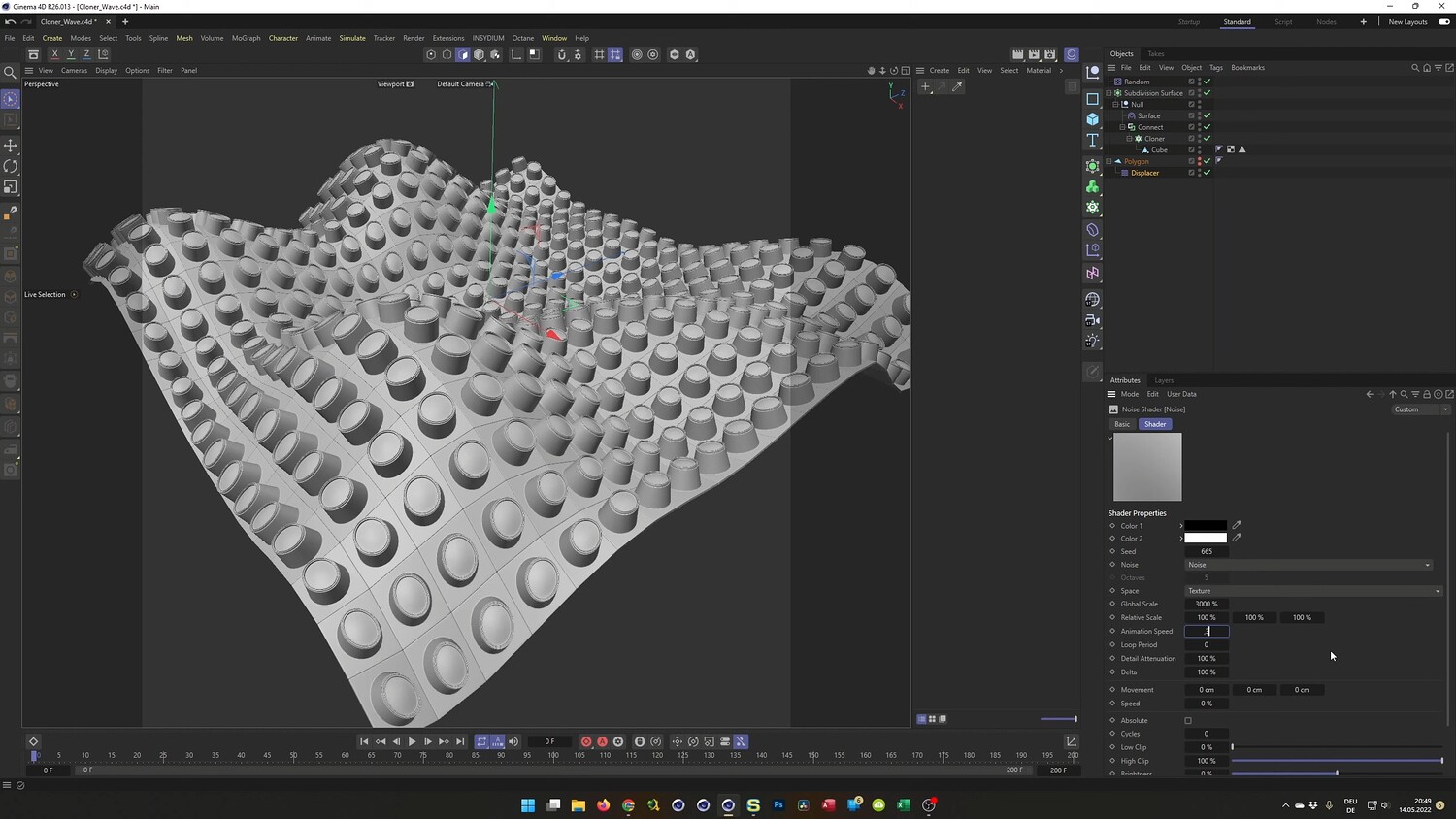
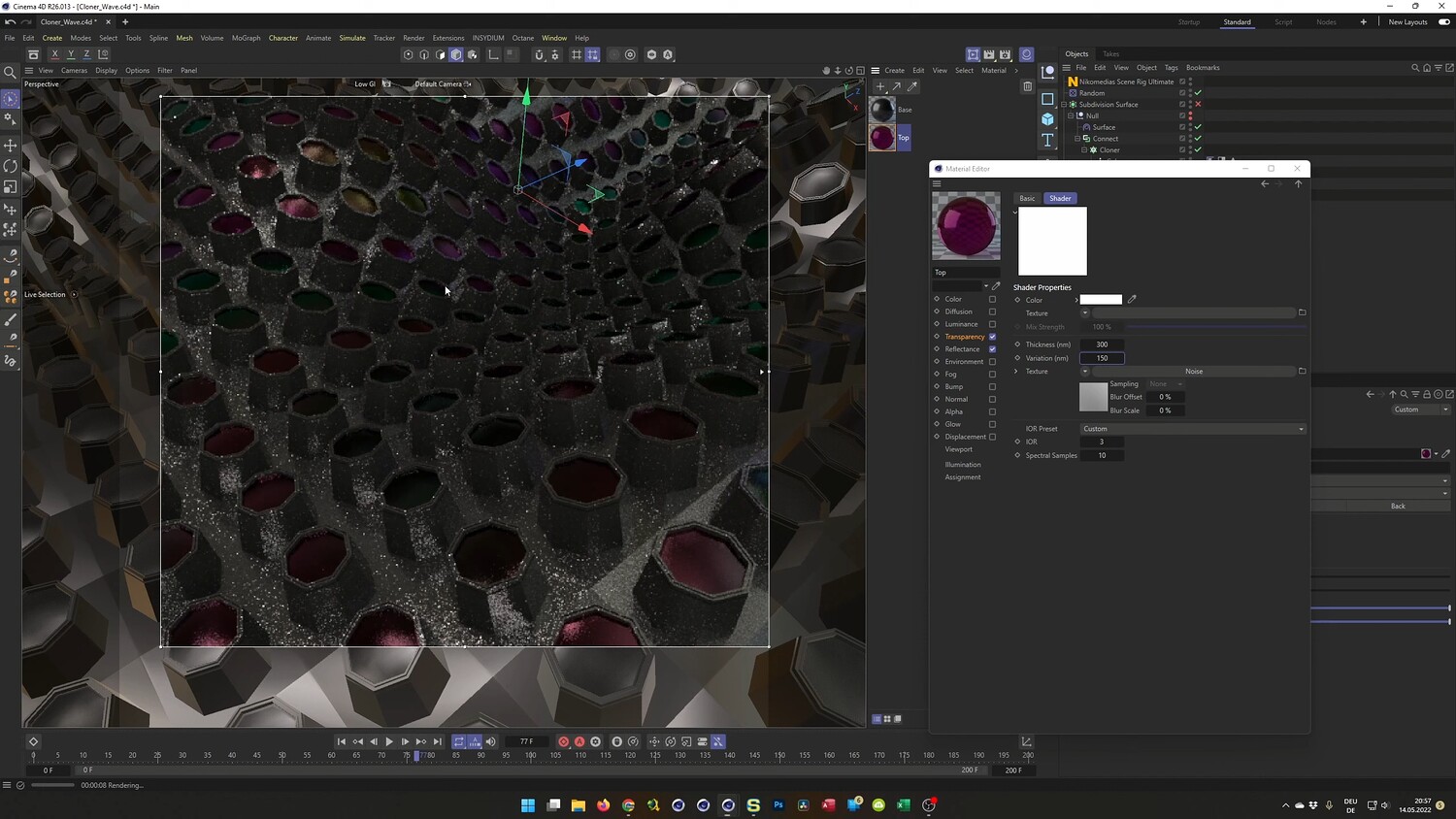
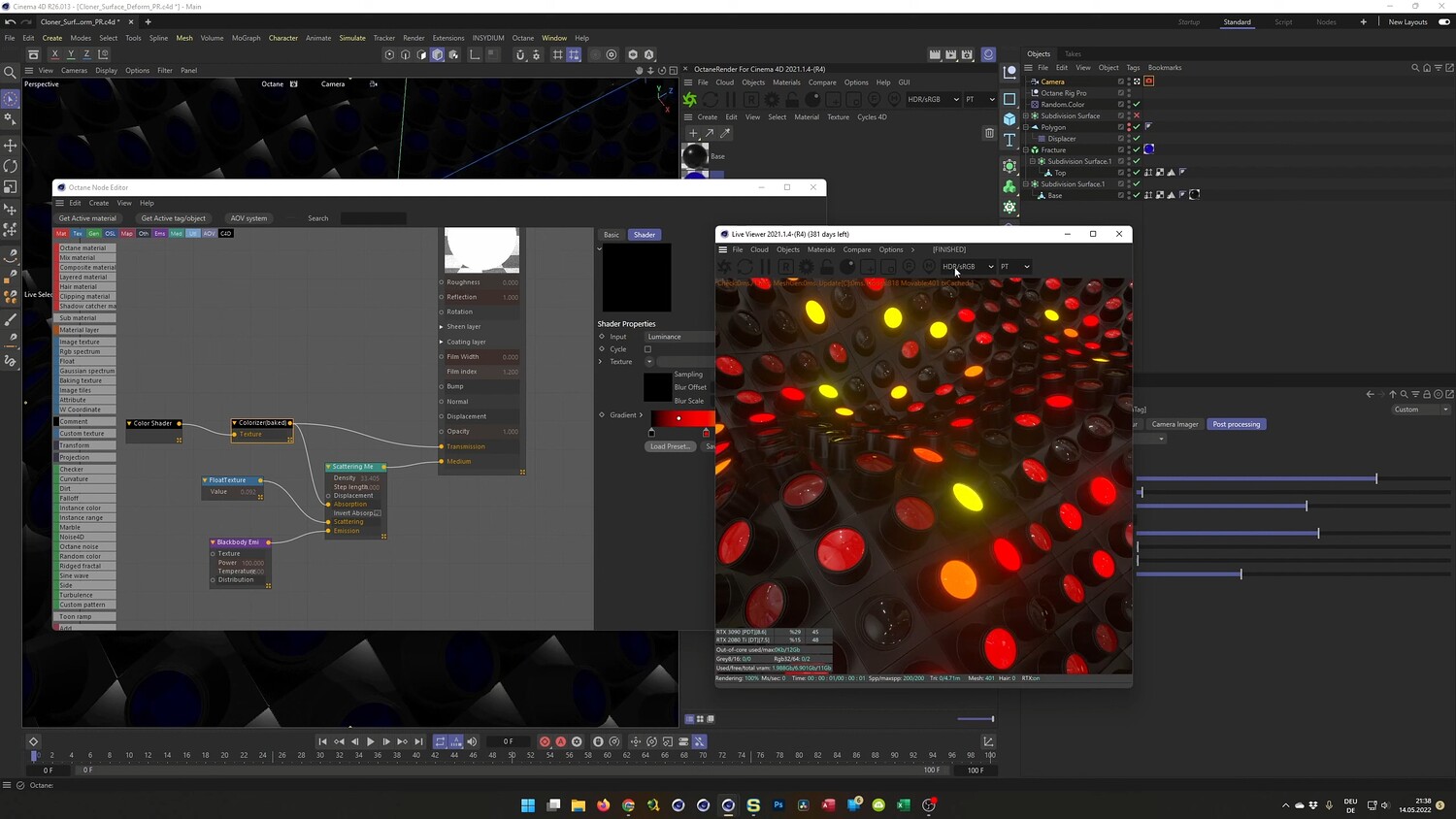
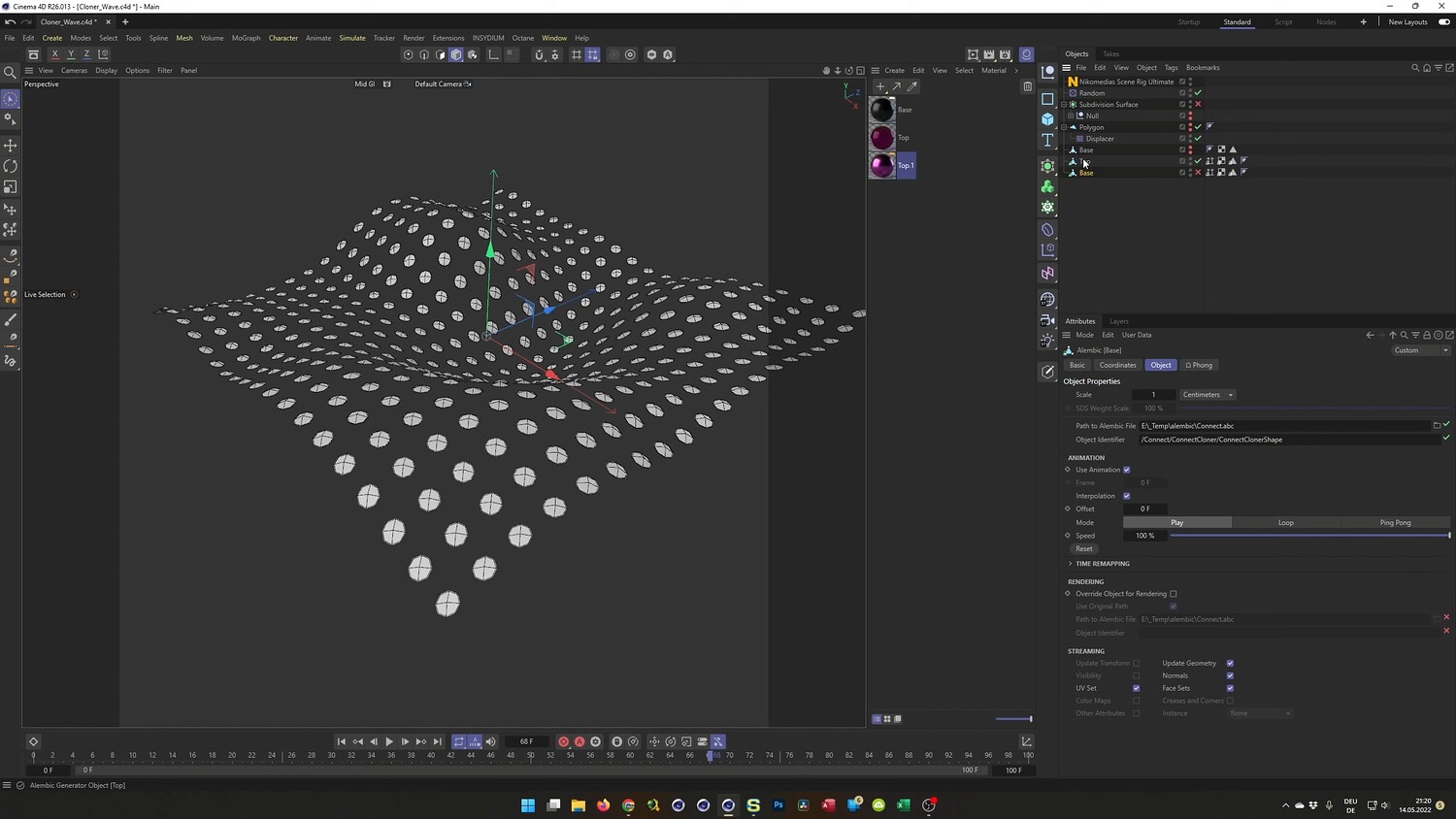
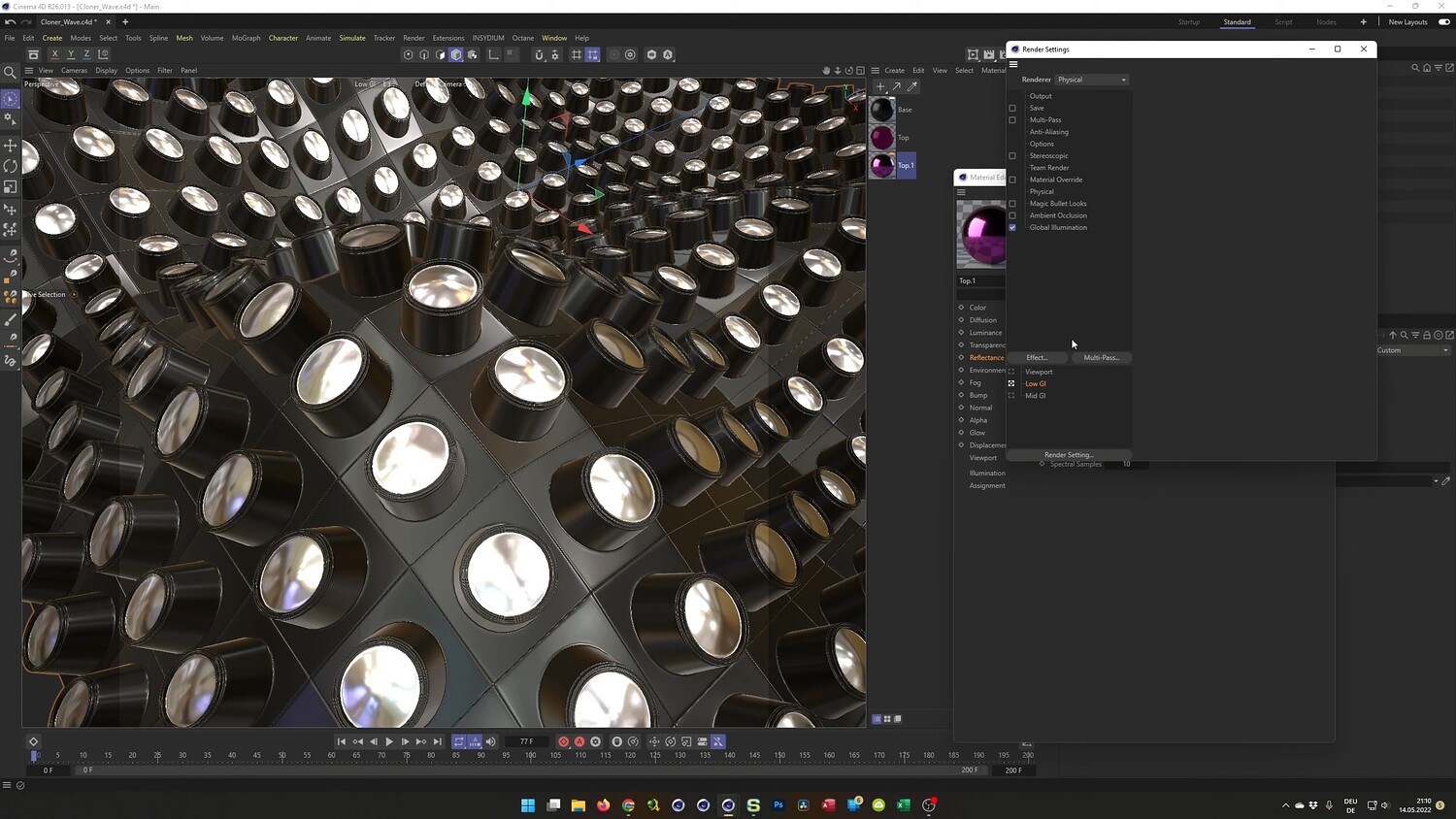
Learn how to recreate a sophisticated, Houdini-inspired motion graphics effect entirely within Cinema 4D. This tutorial guides you through the process of modeling detailed lens objects and arranging them into a grid that undulates organically. A key focus of this lesson is solving the common issue of clones separating during deformation by utilizing the Surface Deformer and Connect Object workflow. You will also explore advanced texturing techniques for both the native Physical Render and Octane Render to achieve a glossy, colorful, and abstract aesthetic.
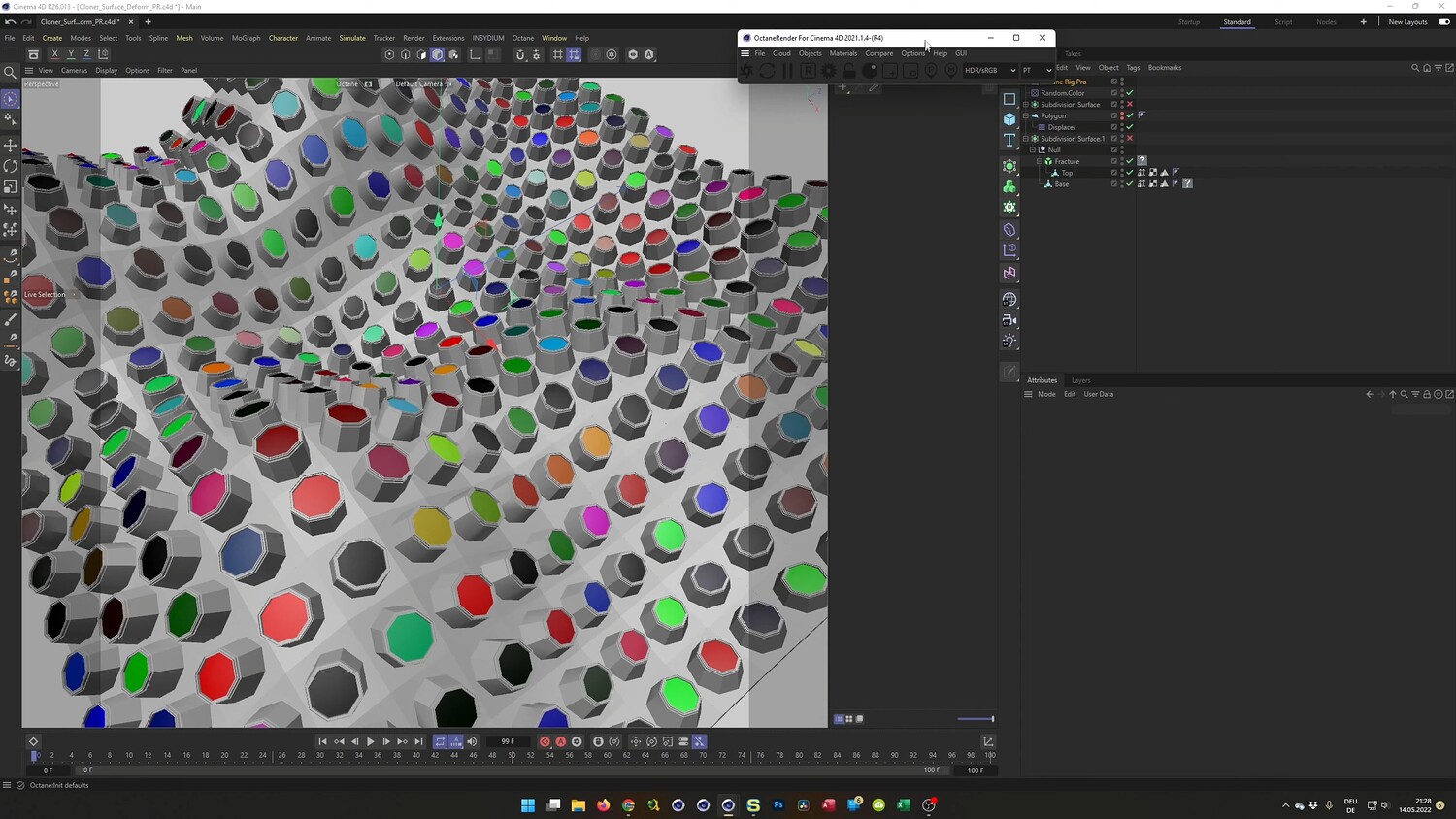
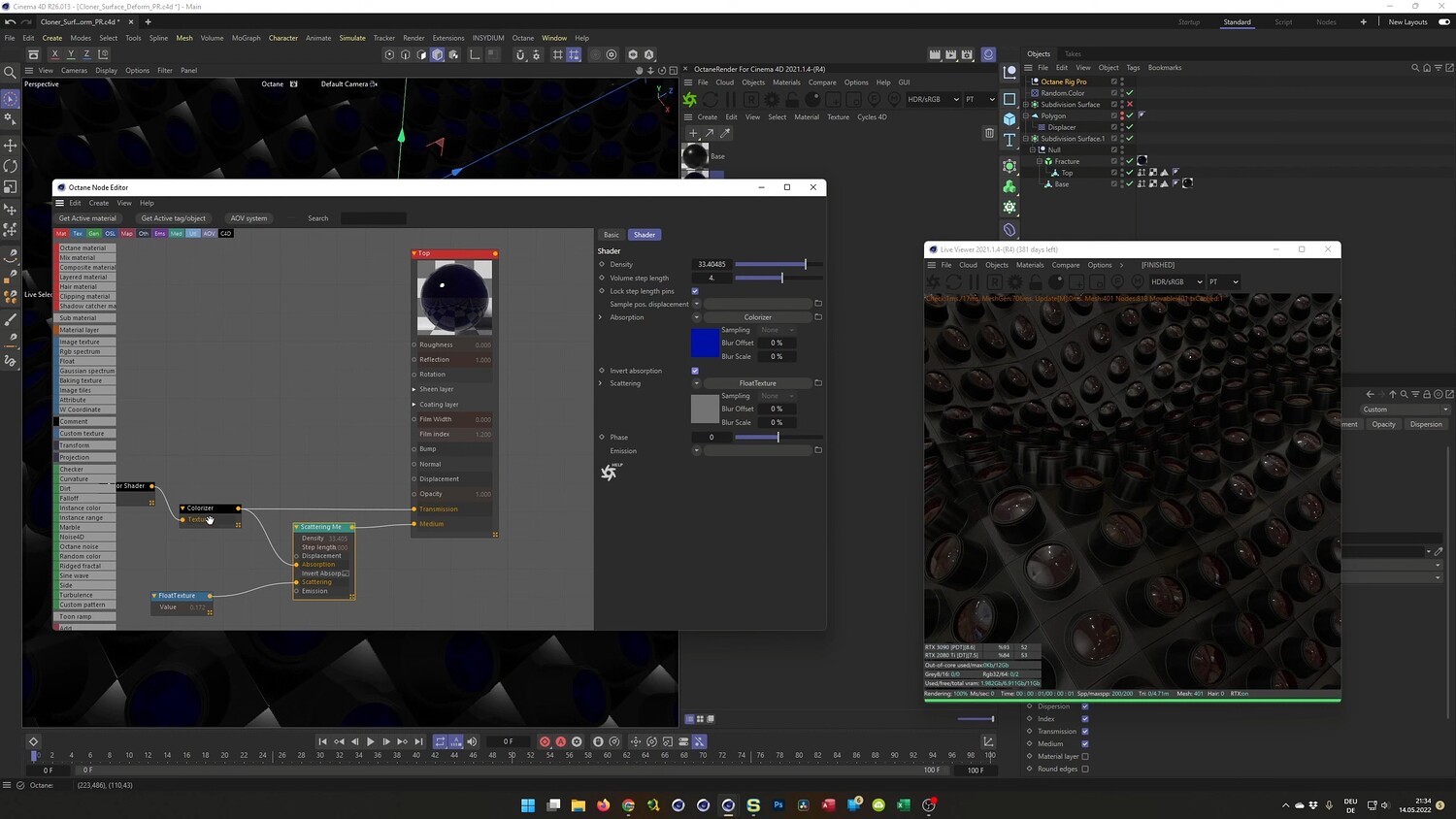
What you will learn: - Modeling a detailed 3D lens object using subdivision surface techniques and bevel deformers. - Using the Surface Deformer properly to deform a grid of clones without them breaking apart. - Creating colorful materials using Thin Film shaders and noise in the Physical Render. - Setting up Octane Render materials with transmission, falloff, and Mograph color shaders. - Baking animations to Alembic files to optimize viewport performance and speed up workflow. - Applying random color variations to specific parts of your geometry using the Fracture object and Random Effector.
Software/Tools: - Cinema 4D - Octane Render - Physical Render (Native)
Duration: 01:01:09
You will get 4 files
All files previously purchased will always be available for download in your Library