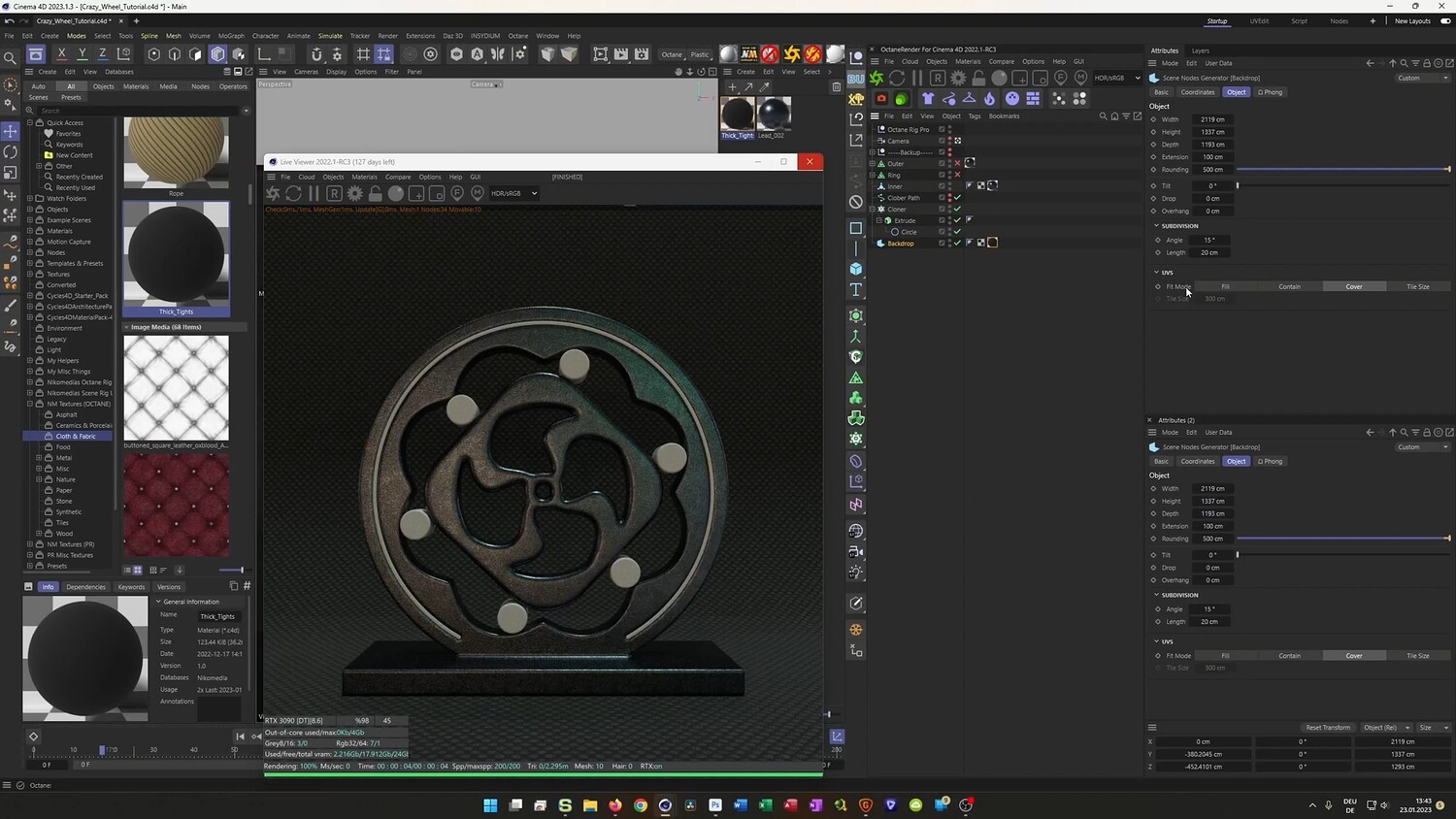
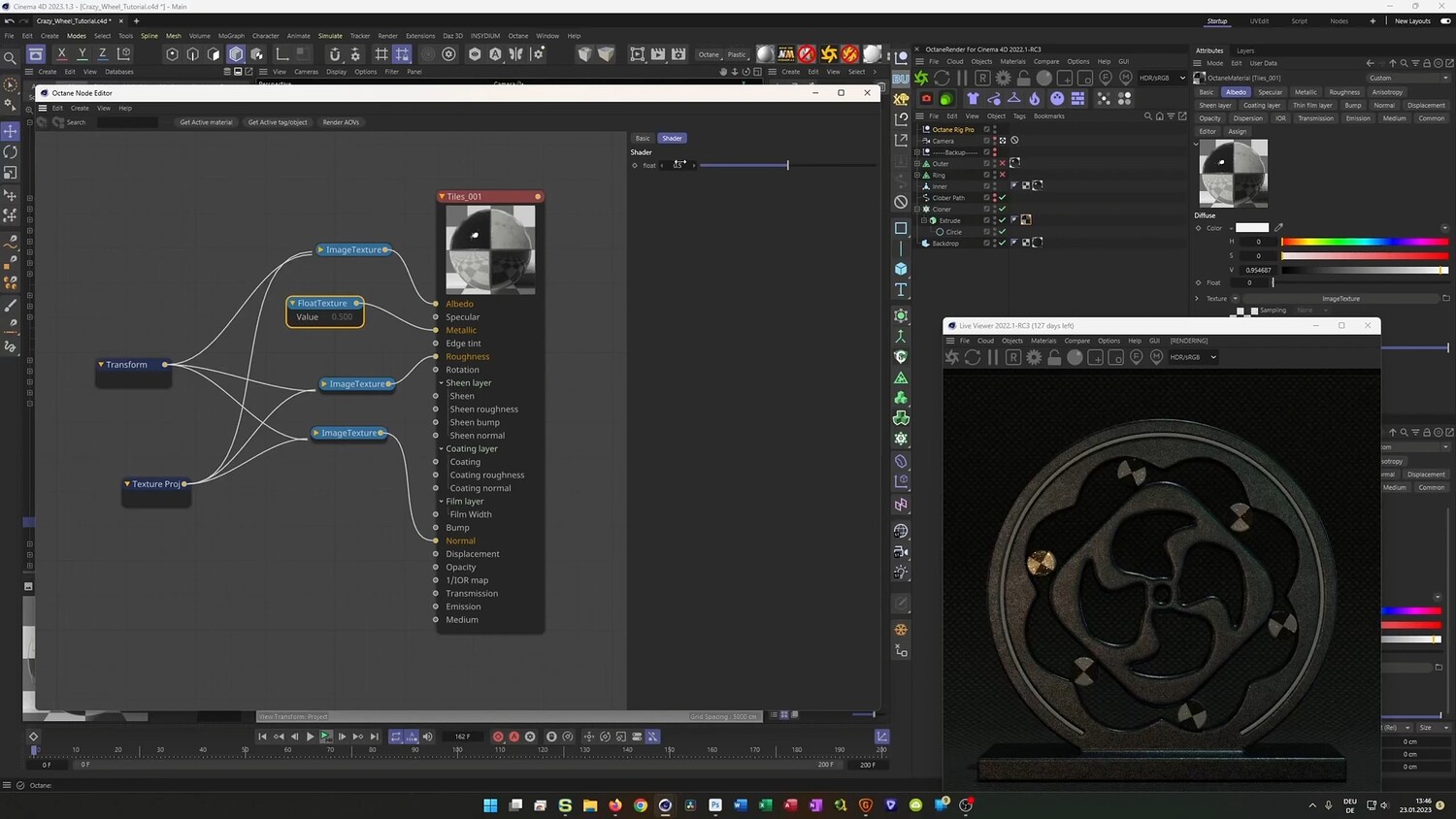
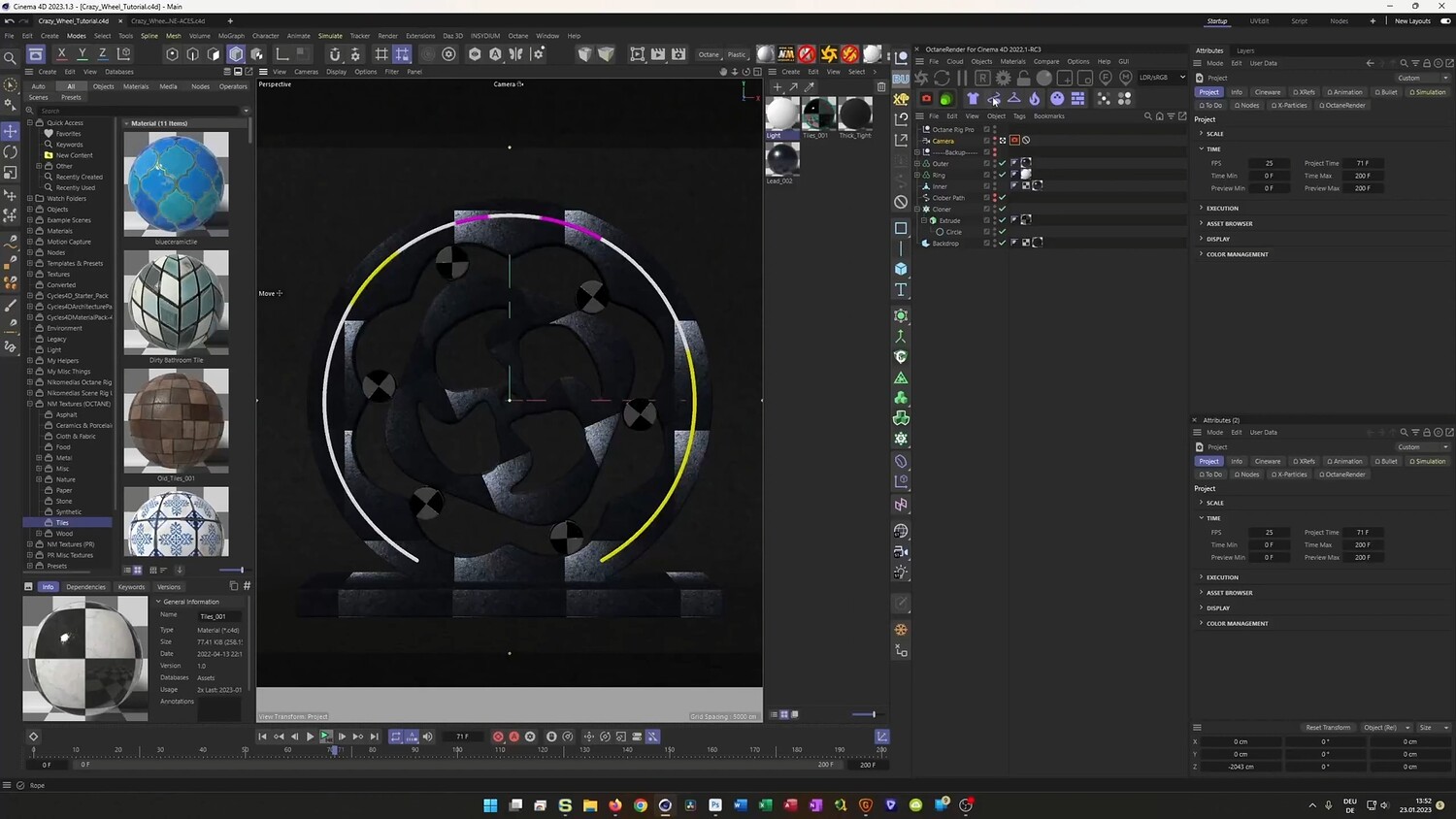
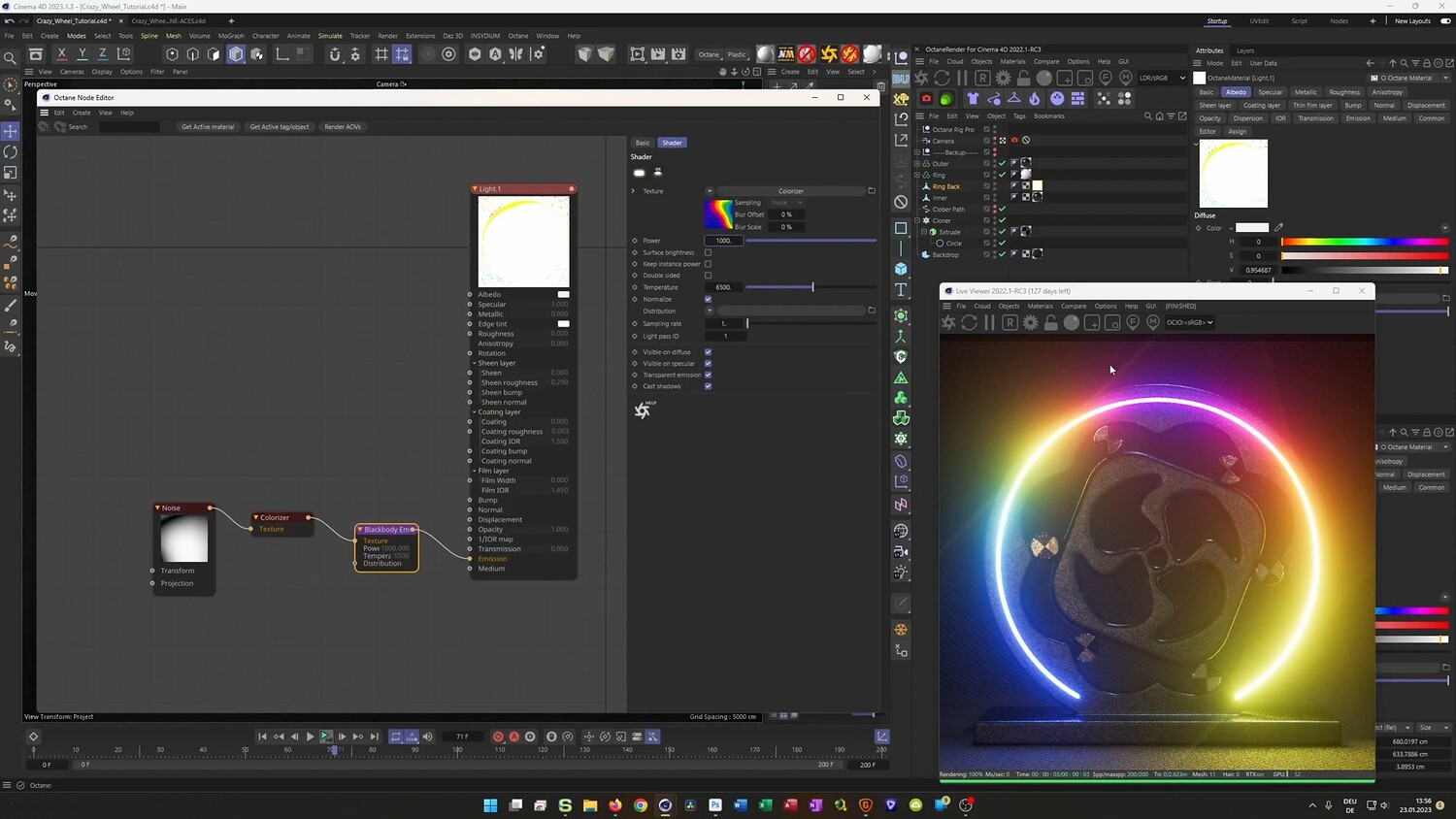
Creating the Crazy Wheel Loop Animation
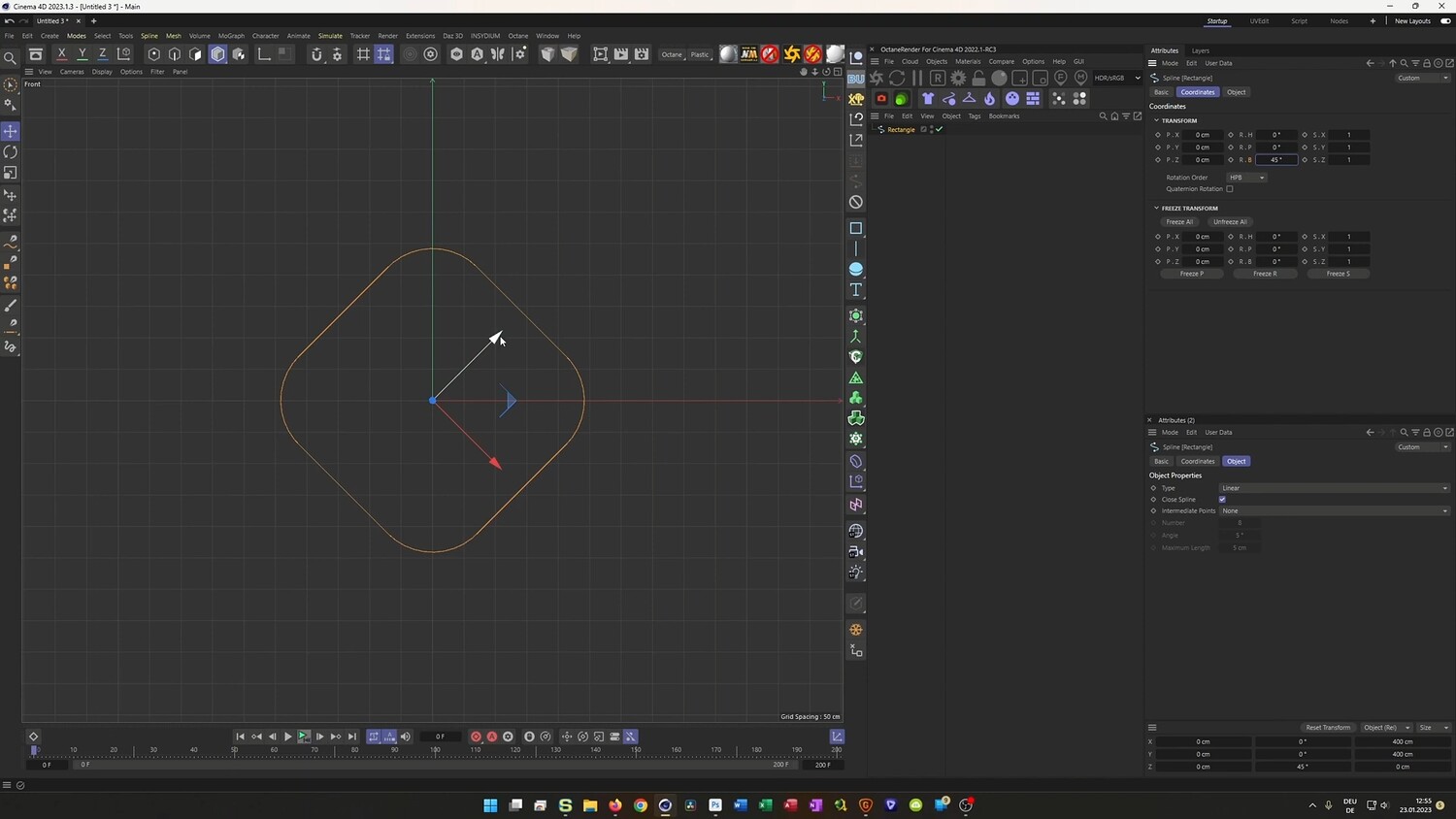
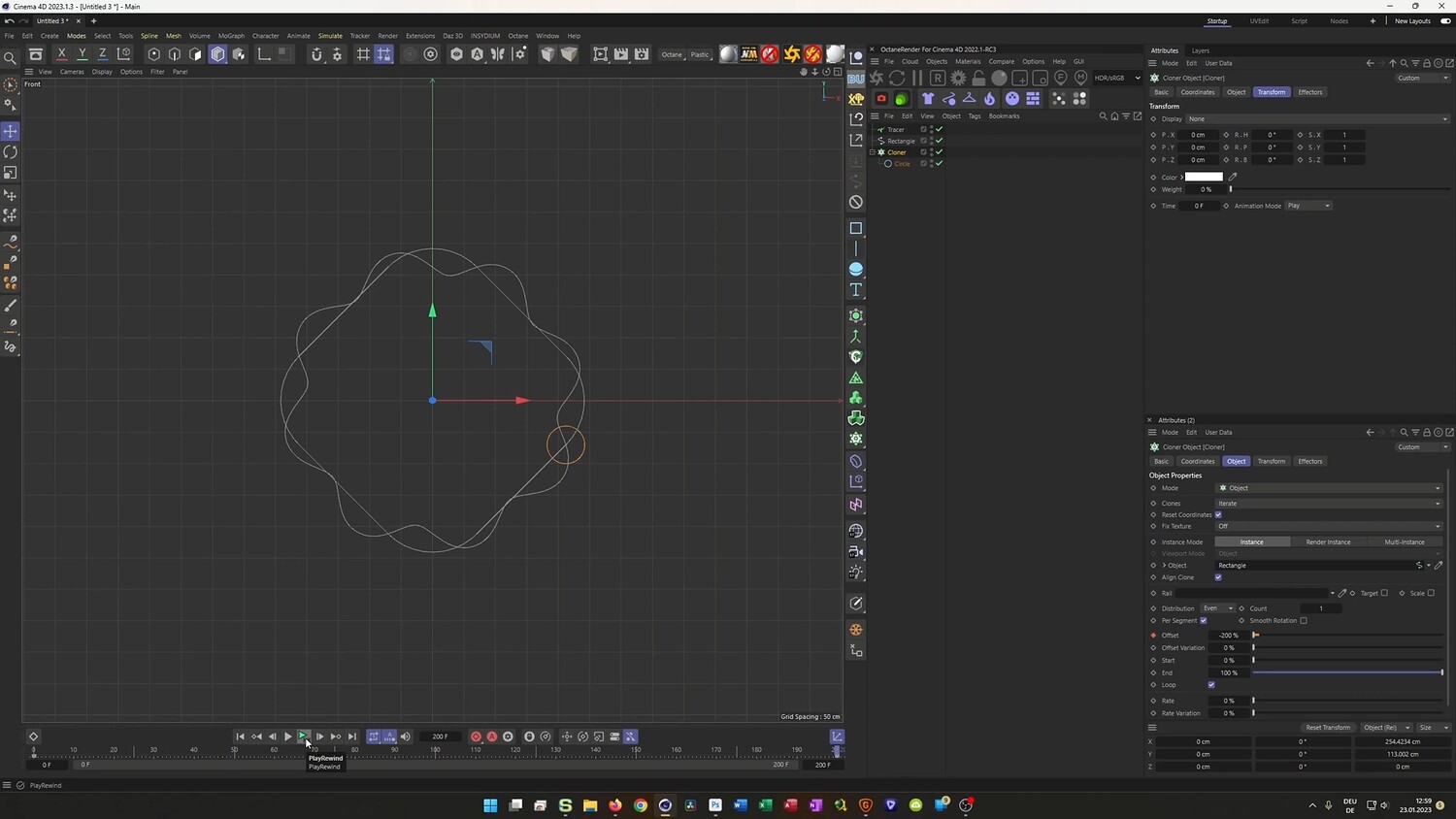
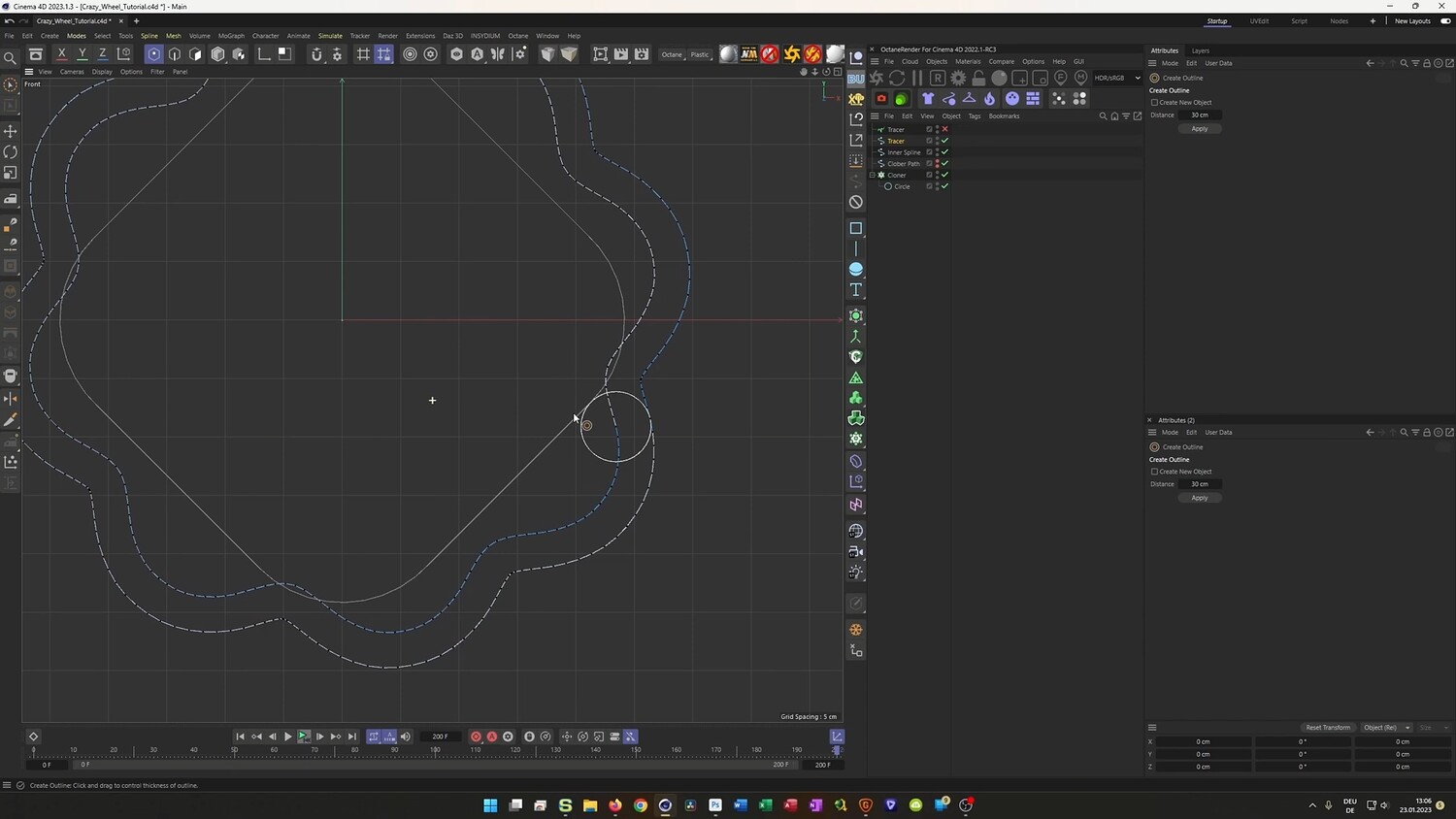
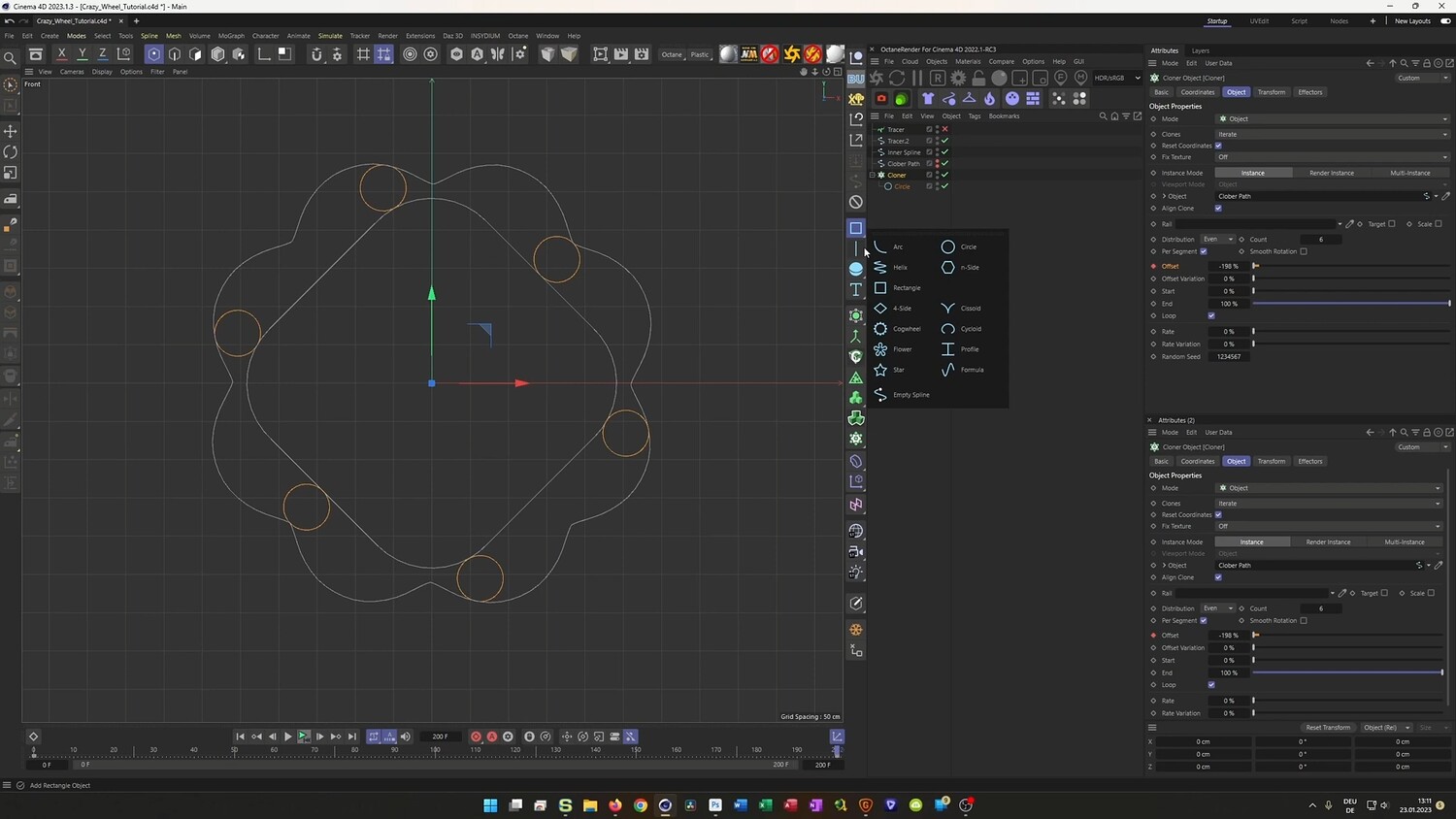
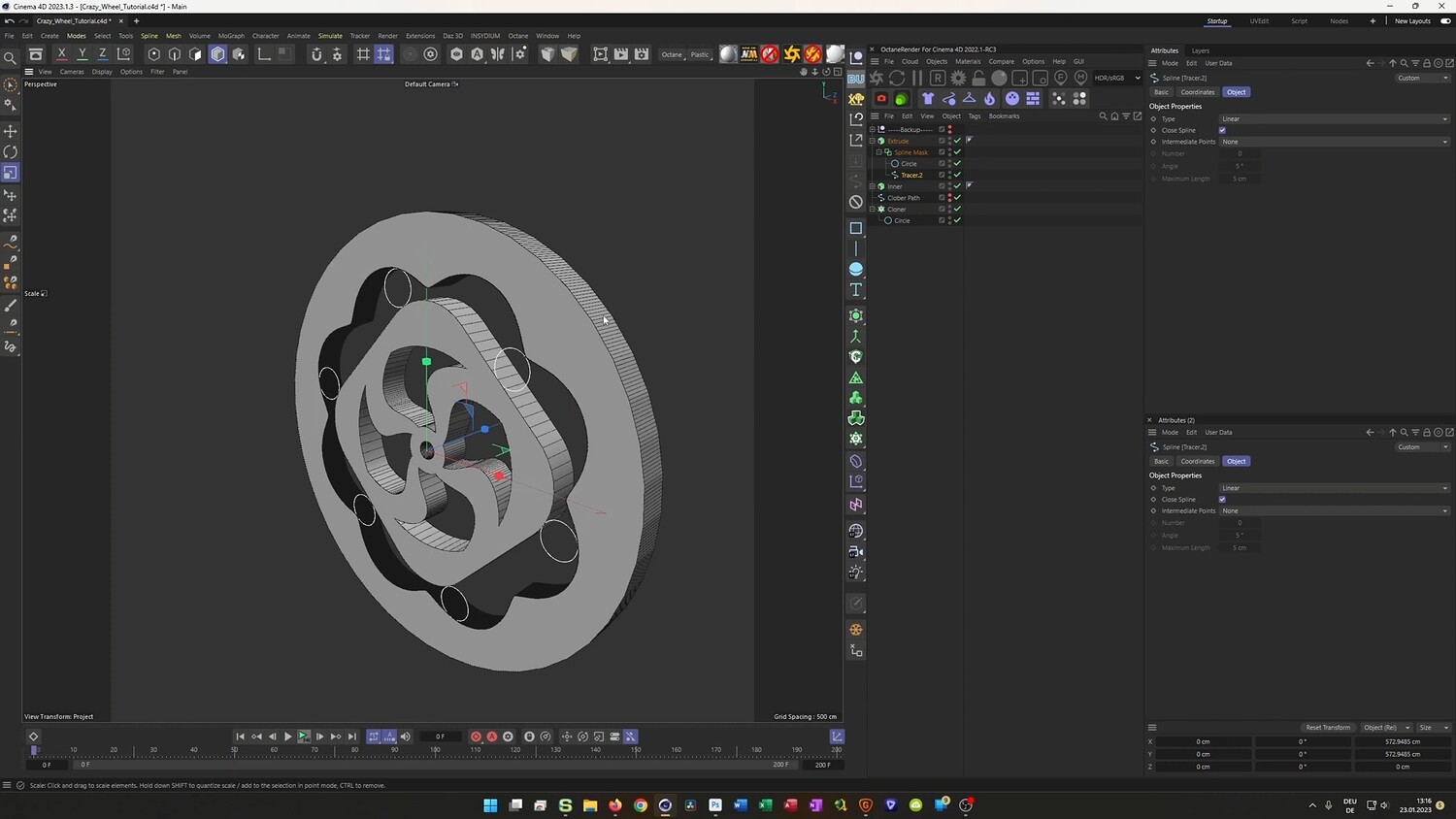
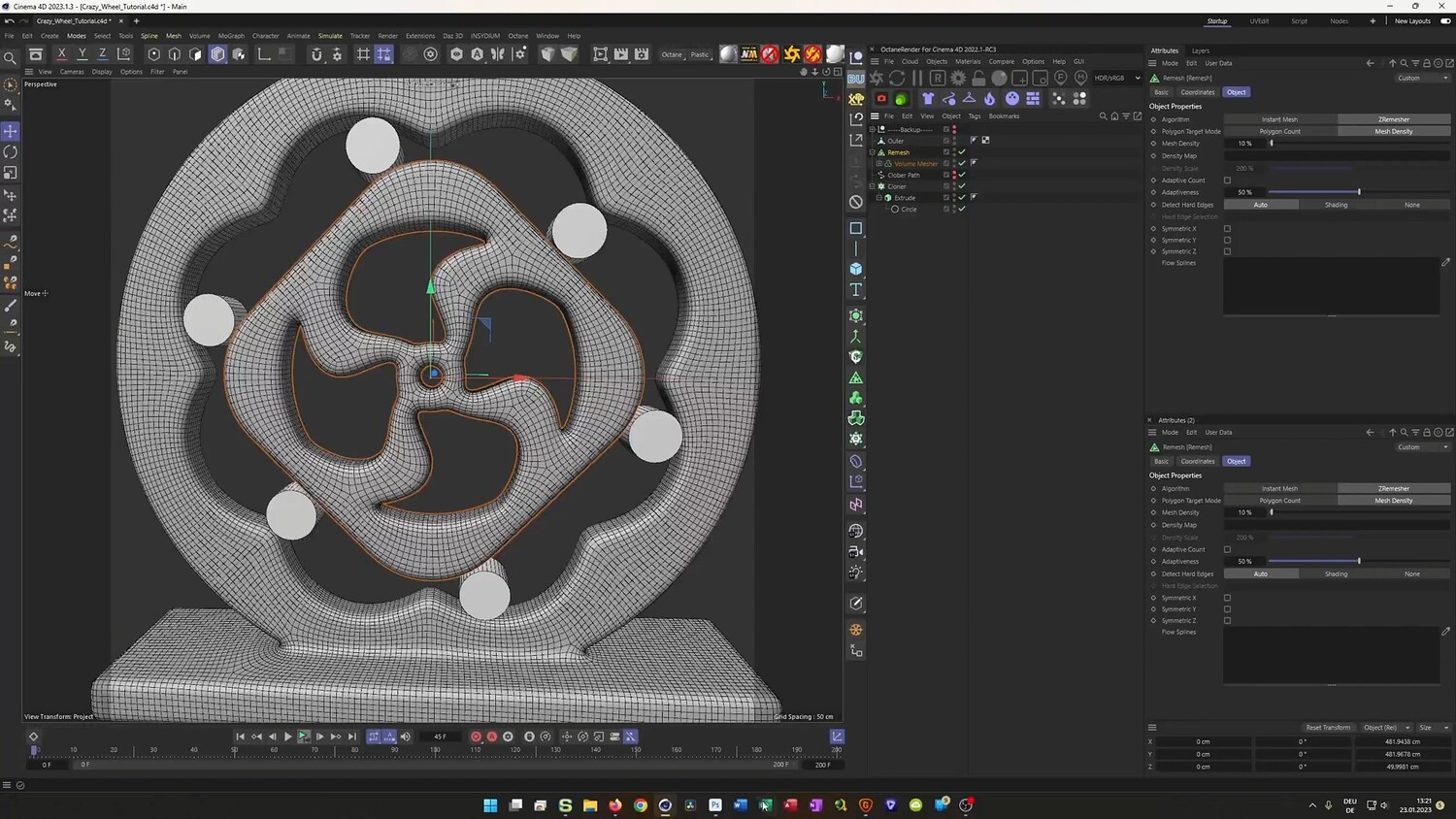
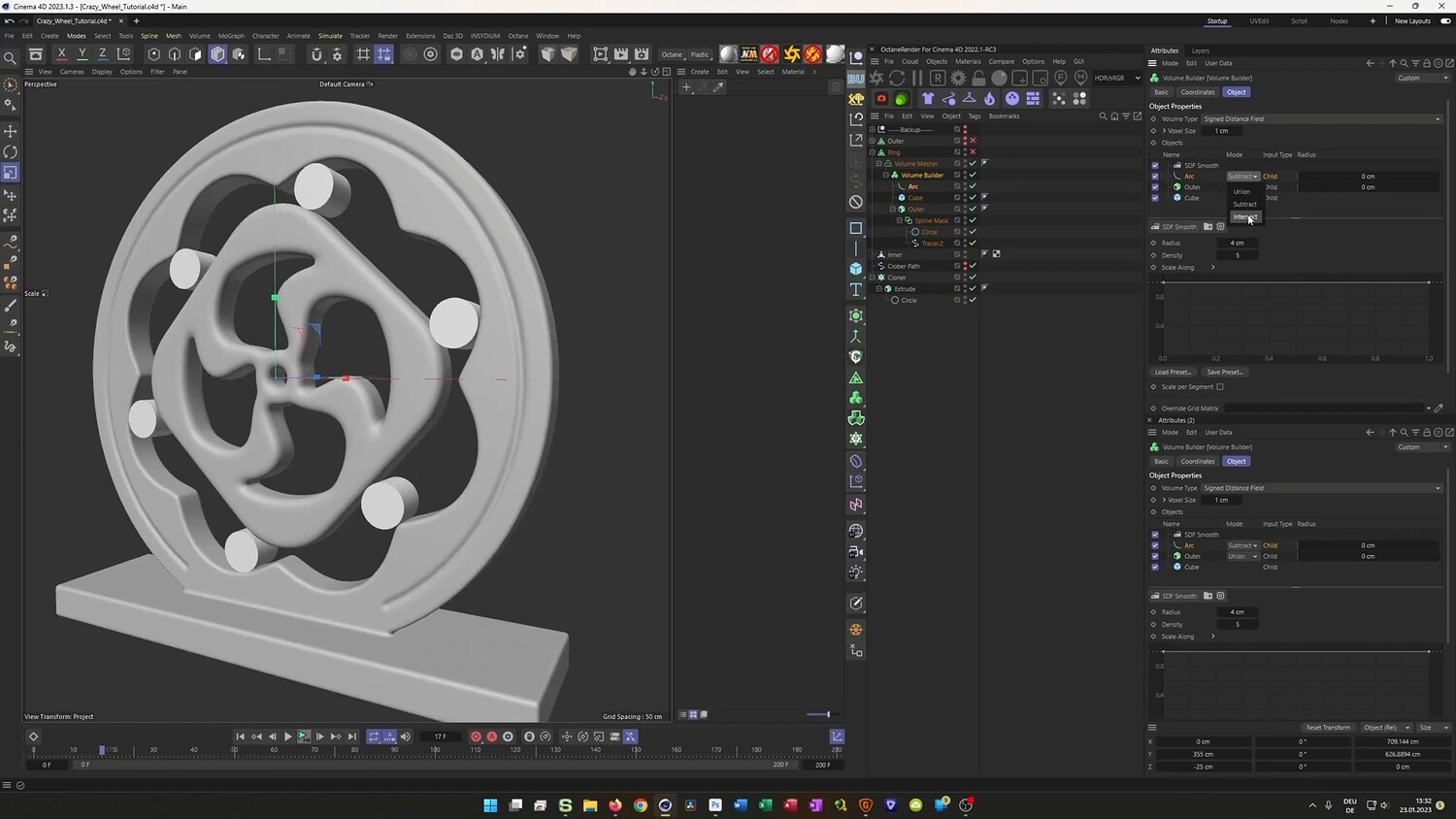
In this tutorial, you will discover how to create a complex 3D mechanical loop animation titled the Crazy Wheel. While the final result looks mathematically complex, the workflow relies on smart usage of standard Cinema 4D tools rather than complicated Xpresso scripts or advanced mathematics. You will learn how to make a gear system trace a rotating geometric shape seamlessly. The lesson covers the entire process from setting up the initial spline mechanics and modeling with Volume Builders to the final lighting and texturing workflow using OctaneRender and ACES color management.
What you will learn: - How to use Cloners and Tracer objects to generate complex animation paths - Techniques for using Outline and Explode Segments to create perfectly fitting mechanical tracks - Modeling intricate hard surface shapes using Spline Masks and Volume Builders - Creating seamless loop animations for rotating mechanical parts - Setting up materials and lighting in OctaneRender using an ACES workflow - How to texture a backdrop and set up neon lighting for a stylized look
Software/Tools: - Cinema 4D - OctaneRender - Volume Builder - Tracer Object - Spline Mask
Duration: 01:13:48
You will get 4 files
All files previously purchased will always be available for download in your Library