At a glance
Description
PLEASE NOTE: THIS TUTORIAL DOES NOT INCLUDE THE STOCK IMAGE PACK.
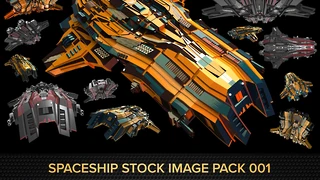
If you've bought my BUNDLE: Spaceship Stock Image Pack 001 + 2hr Tutorial, you already have this tutorial.
WHAT'S IN THIS TUTORIAL
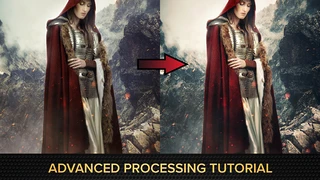
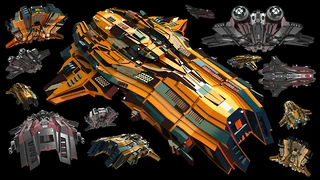
In these tutorial videos, I'll take one of the spaceship images from my image packs and walk you through my process of masking out different areas with the clown pass layer to quickly change color, photobashing textures, adding lighting and effects, and overall end processing to get a cinematic result. This tutorial is aimed at intermediate level photoshop users, though I did my best to drop enough basics that beginning users can follow along, too!
While I use my own spaceship image packs in this tutorial, these techniques can be applied to any photobashing and overpainting of stock spaceships or your own 3D renders.
You will get 5 files
Instant download · 5 files · 1.5 GB total